
9 Best Search Term Report Analysis Tools for Google Ads in 2026
This guide compares nine search term report analysis tools for Google Ads, judged on review speed, how much you can do without leaving the tool, multi-account handling, and cost. It helps in-house marketers, freelancers, and agency owners pick the right option to cut wasted spend and find new keyword ideas faster.


If you manage Google Ads, you already know the Search Terms Report is where money leaks and where good ideas hide. This list is for in-house marketers, freelancers, and agency owners who want to review search terms faster. Each tool was judged on four things: how quickly it speeds up search term review, how much of the action (negatives, new keywords, match types) you can take without leaving the tool, how it handles multiple accounts, and what it costs. Features and prices change, so check each vendor's site before you buy.
Quick Comparison of the Tools
- Keywordme: freelancers and agency PPC managers who want faster cleanup; $12/month per user (as of this writing); acts on search terms inside the native Google Ads report.
- Google Ads Editor: advertisers applying big batches of changes; free; bulk edits across many campaigns and accounts with review before posting.
- Google Ads Scripts: technical PPC teams; free; fully custom logic you write yourself.
- Optmyzr: agencies managing many accounts; see vendor site for pricing; rule-based automation across accounts.
- Adalysis: teams wanting ongoing audits; see vendor site for pricing; automated audits and alerts that flag issues across accounts.
- Google Sheets: spreadsheet-comfortable analysts; free; unlimited custom analysis such as n-gram grouping.
- Looker Studio: agencies reporting to clients; free; client-ready visual dashboards of query trends.
- Google Ads Search Terms Report (native): small accounts and beginners; free; first-party data with nothing to install.
- Negator.io: advertisers focused on negative keyword cleanup; see vendor site for pricing; built around negative keyword discovery.
1. Keywordme
Keywordme is a Chrome extension that adds one-click actions to the Search Terms Report inside Google Ads. It is our own product, so weigh this section with that in mind. It is built for people who review search terms by hand and want to stop exporting to spreadsheets just to act on what they find.
The distinctive part is where it works. You stay in the native report, so you read a search term (the actual query someone typed) and act on it right there, rather than analyzing in one tool and re-entering changes in another. The company says this makes optimization up to 10x faster; treat that as the vendor's claim, not an independent benchmark.
- One-click negative keyword addition from the Search Terms Report, so junk queries get blocked without copy and paste.
- Add search terms as keywords and apply match types in the Google Ads interface, which turns winning queries into positive keywords quickly.
- Keyword clustering, which groups related terms so you can handle patterns instead of single rows.
- Bulk editing for acting on many terms at once.
- Multi-account and team support, useful when several people work across client accounts.
Setup is light: install the extension and open Google Ads in Chrome. Whoever does the search term review day to day runs it, with no dashboard to learn.
The limits are real. It is Chrome-only and built for manual, user-driven review. It is not an automated rules engine, and it is not a reporting dashboard, so you will not get scheduled alerts or client-ready charts from it. Every decision stays with you, which is a strength if you want control and a drawback if you want hands-off automation.
Pricing is a flat $12/month per user, with a 7-day free trial, as of this writing. Cost scales with the number of users, not ad spend or account count. Confirm current terms on the Keywordme site.
Best for: Freelancers and agency PPC managers who want faster search term cleanup inside Google Ads.
2. Google Ads Editor
Google Ads Editor is Google's free desktop app for editing campaigns in bulk, including offline. It is aimed at advertisers who need to push large batches of changes across many campaigns and accounts.

Its edge over everything else here is price-to-power: free, first-party bulk application of changes across accounts. It is not a search term analysis tool, though. You decide what to add or exclude somewhere else, then use the Editor to apply it at scale.
- Bulk edits across campaigns and accounts, so one change can hit dozens of campaigns.
- Offline editing with review before posting, which lets you check a batch before it goes live.
- Import and export via spreadsheet or CSV, which pairs well with analysis done in Sheets.
- Bulk negative keyword management, handy for pasting in a long list of exclusions.
Setup means downloading the app and syncing your accounts. It suits whoever already handles account structure. The learning curve is moderate if you have never used it, and the interface feels more like a spreadsheet than the web UI.
Who should skip it: anyone who wants help finding wasteful queries. It will not surface patterns for you, and the loop of export, analyze, import, and post is slower than acting in the report itself for small daily cleanups.
Pricing: free.
Best for: Advertisers applying large batches of negatives or keyword changes at once.
3. Google Ads Scripts
Google Ads Scripts lets you write JavaScript that runs inside your Google Ads account. For search term work, that means building your own reports and flagging rules instead of adopting someone else's logic.
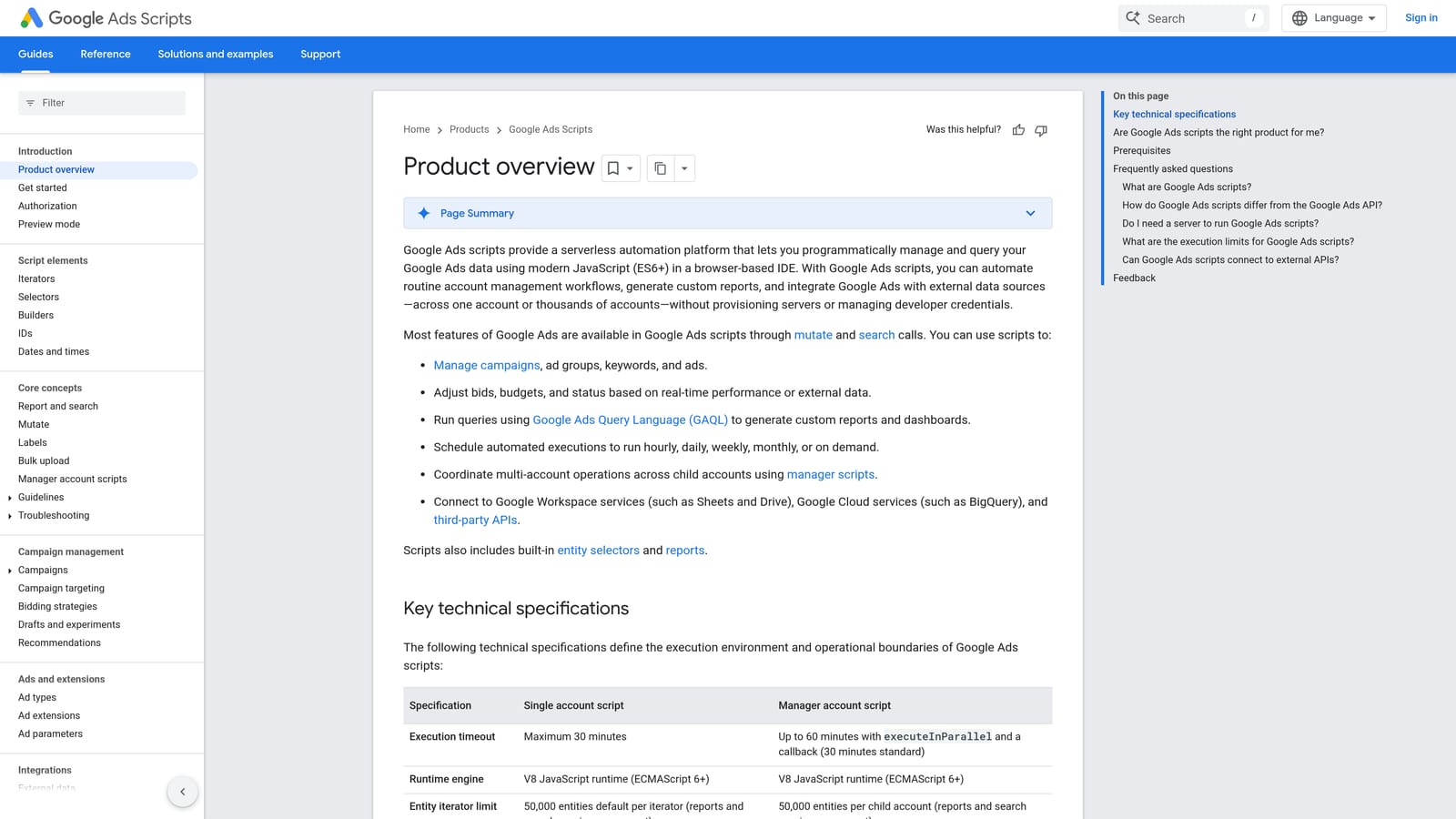
Nothing else on this list is as flexible. If you want to flag any search term with more than a set number of clicks and no conversions, and email yourself the list every Monday, you can build exactly that. The catch is that you are the developer and the maintainer.
- Custom search term reports, shaped to the columns and filters you care about.
- Scheduled runs, so the review happens without you remembering to start it.
- Email alerts that tell you when something crosses a threshold.
- Custom flagging logic, so your own definition of "wasted" drives the output.
It connects to Google Ads, Google Sheets, and Gmail, which covers most reporting and alerting needs. Setup effort is the highest on the list: someone has to write, test, and maintain the code, and scripts can break when requirements change.
Skip it if nobody on your team writes code, or if you only need a fast way to act on terms. Flagging is not the same as fixing, so you will still apply changes by hand or through another tool unless you script that too, and an unattended script that changes your account deserves careful testing.
Pricing: free.
Best for: Technical PPC teams wanting custom automation.
4. Optmyzr
Optmyzr is a PPC management platform with optimization tools and rule-based automation. It is built for agencies and teams that run many accounts and want repeatable processes across all of them.

Where it stands apart is rules at scale. You define conditions once and apply them across accounts, rather than reviewing every account from scratch. Search term analysis is part of a much wider toolset, so confirm on the vendor site exactly which search term features your plan includes.
- Search term analysis tools, to surface queries worth adding or excluding (verify the specifics with the vendor).
- A rule engine that automates checks and actions you would otherwise repeat manually.
- One-click optimizations, so accepted recommendations get applied quickly.
- Multi-account management for agencies juggling a portfolio.
It connects to Google Ads and, according to the vendor, Microsoft Ads (verify). Expect a real onboarding period: connecting accounts, learning the tool set, and building rules. A PPC lead or account manager usually owns it.
It is heavier and costlier than a focused tool, so a solo advertiser who only wants faster search term cleanup will likely be paying for more than they use. Rules also need monitoring: an automated rule built on thin data can exclude good traffic.
Pricing is tiered and listed on the vendor's site; the cost depends on the plan you choose.
Best for: Agencies managing many accounts at scale.
5. Adalysis
Adalysis is a PPC auditing and management platform with alerts and search term analysis. It targets teams that want something watching their accounts continuously, with search term review as one piece.
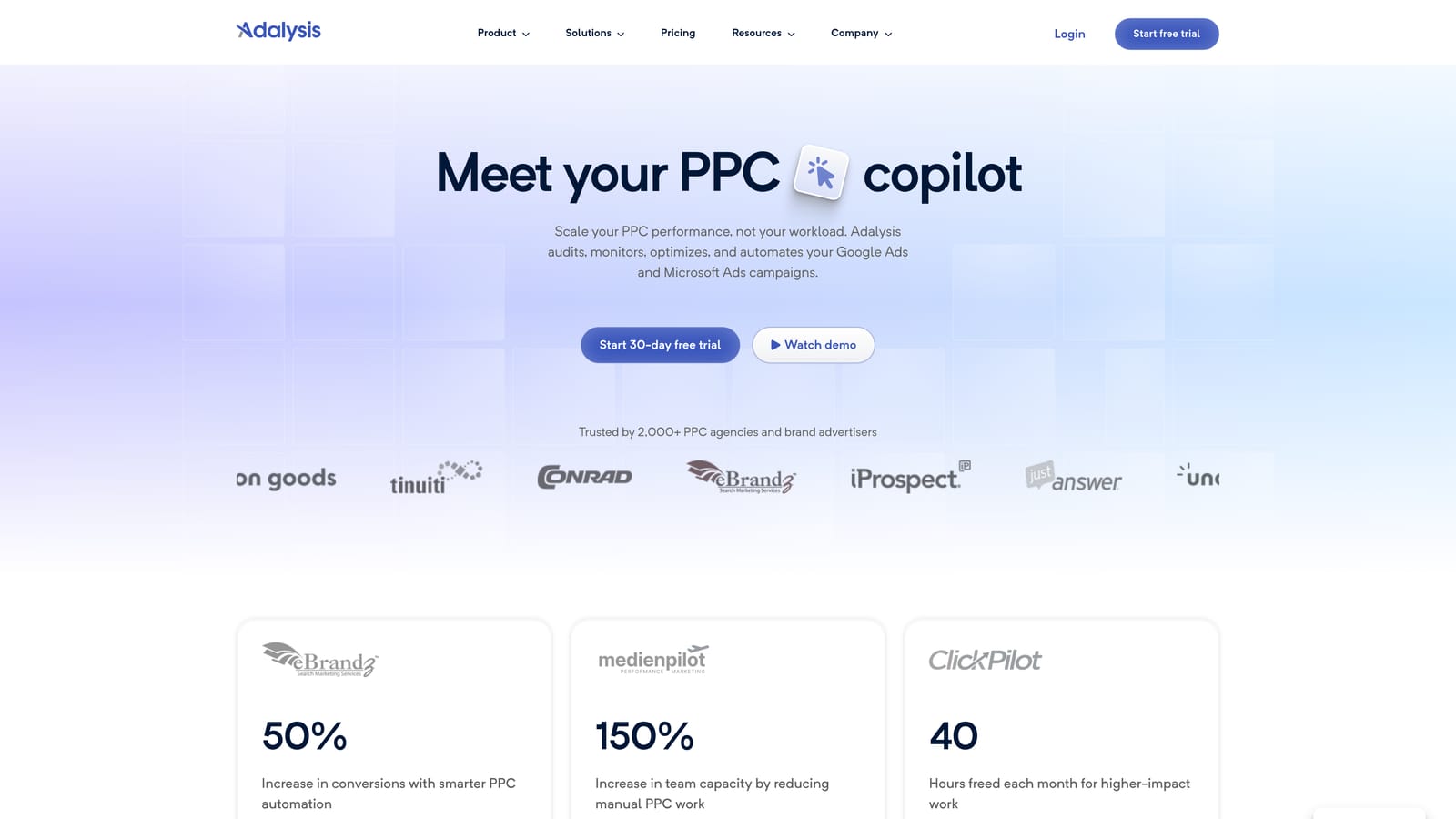
Its distinctive angle is audits. Automated checks and alerts surface problems across accounts, so you are told where to look rather than hunting. That is a different job from clearing a Search Terms Report, and it makes the tool more of an account health monitor than a daily cleanup tool.
- Automated audits that flag account issues without a manual review pass.
- Alerts that notify you when something changes or goes wrong.
- Search term analysis to find wasteful and promising queries (verify the specifics with the vendor).
- Multi-platform support, so you can monitor more than Google Ads.
It integrates with Google Ads and Microsoft Ads. Setup involves connecting accounts and tuning which alerts matter, since an untuned alert stream gets ignored. A PPC manager or small team typically owns it.
The broad suite can exceed what you need if the goal is simply to clean up search terms quickly. You are paying for audit coverage that may sit unused.
Pricing is listed on the vendor's website; check there for current plans and what drives cost.
Best for: Teams wanting ongoing account audits alongside search term review.
6. Google Sheets
Google Sheets is the classic spreadsheet route: export your search term data and analyze it yourself. It suits analysts who are comfortable with formulas and want control over how queries get grouped.
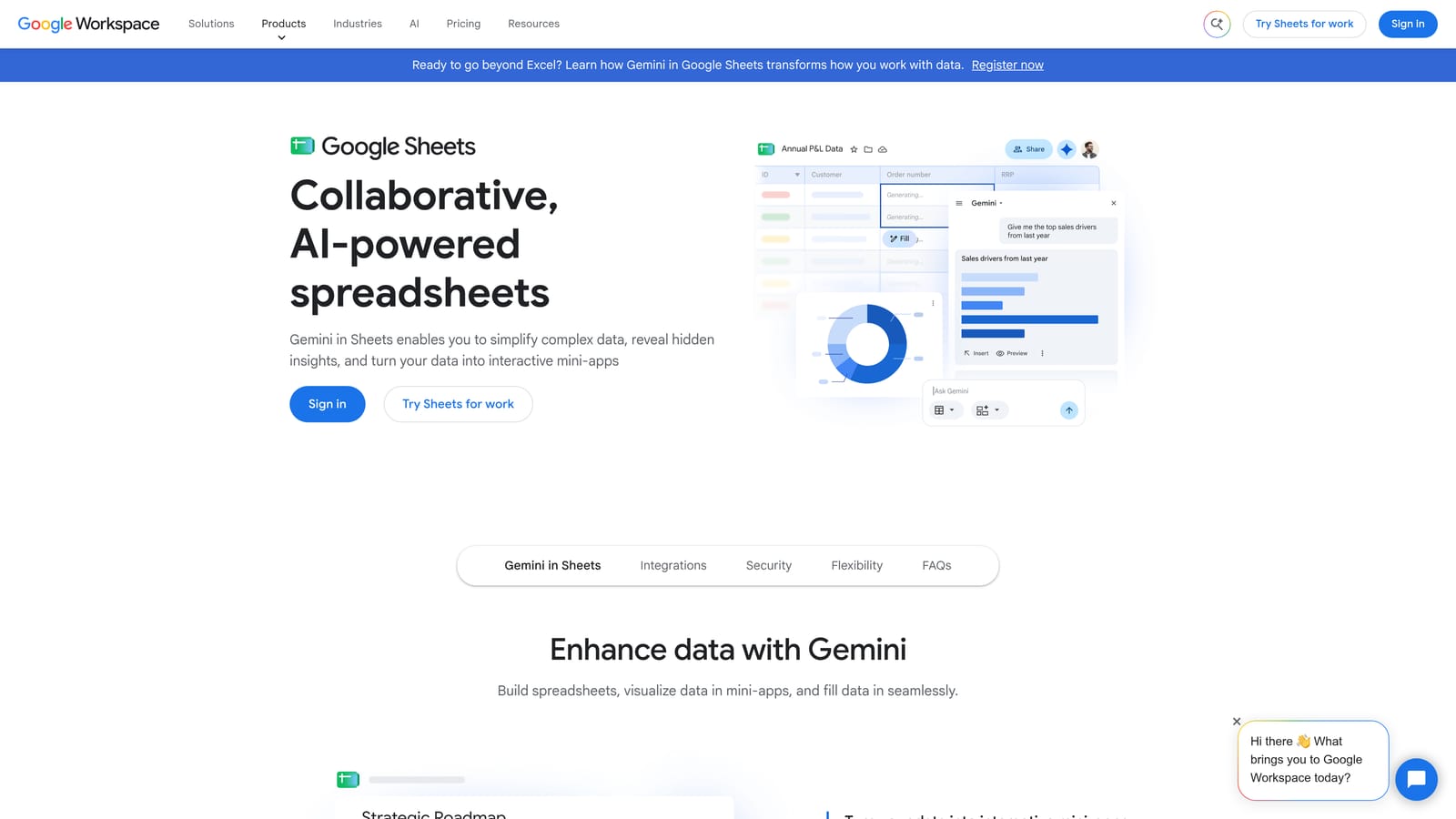
Its strength is unbounded analysis. N-gram analysis, which splits queries into one-, two-, or three-word chunks to see which words drive spend or conversions, is easy to build in a sheet and hard to find elsewhere. Spotting that a single word keeps showing up in non-converting queries is exactly the kind of pattern a spreadsheet exposes.
- Filters and pivot tables, to slice terms by campaign, cost, or conversions.
- Formulas for n-gram analysis, so you find word-level patterns across thousands of queries.
- Shareable sheets that let a client or teammate review your findings.
- Add-ons and connectors that can pull Google Ads data in (verify which suit your setup).
It works with Google Ads through connectors or scripts, and with Looker Studio for visualization. Setup depends on your method: a manual CSV export takes minutes, an automated feed takes more work. The analyst running it is usually the one who built the sheet.
The main drawback is the loop. You export, analyze, then re-enter changes in Google Ads by hand or via the Editor. Sheets do not scale gracefully to very large accounts, and a broken formula can quietly mislead you.
Pricing: free with a Google account; paid Workspace plans exist.
Best for: Spreadsheet-comfortable analysts doing deep pattern analysis.
7. Looker Studio
Looker Studio is Google's free dashboard tool, and it has a Google Ads connector. It answers a different question than most tools here: not "what should I change?" but "how do I show query performance clearly?"
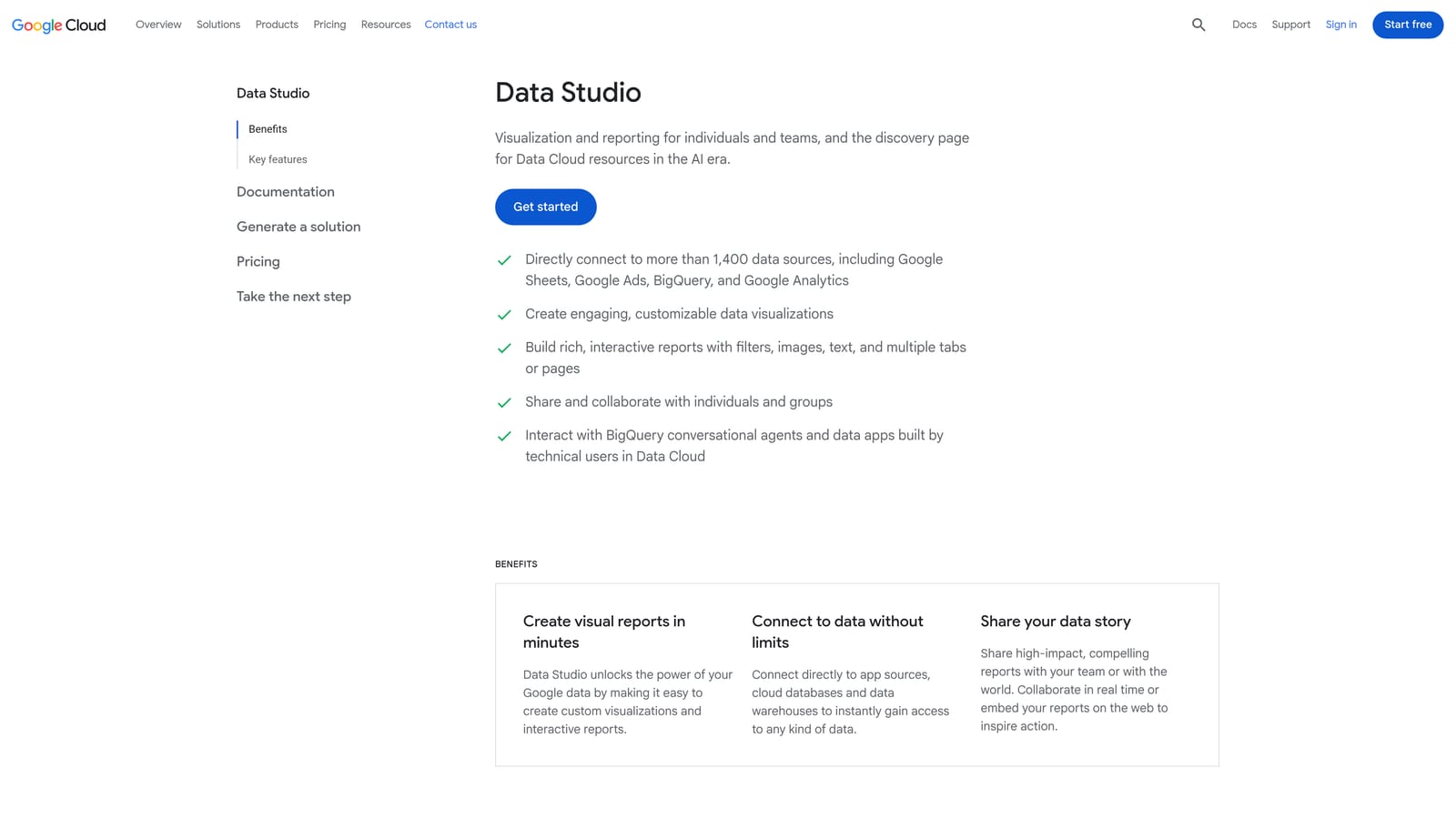
Its best use is client-ready visuals. If you need to show a client which kinds of search terms drive leads and which burn budget, a dashboard communicates it better than a screenshot of rows. It will not touch your account, however.
- A Google Ads connector that pulls performance data into reports.
- Custom dashboards, so you choose the charts and tables that tell the story.
- Shareable reports that clients can open without account access.
- Scheduled delivery, so reports land in inboxes on a set cadence.
It also connects to Google Sheets and BigQuery. Building a good template takes time up front, then it can be reused across clients. Usually the account manager or an analyst builds it.
It is reporting only. You cannot add negatives or keywords from it, so it supports the analyzing step and leaves the acting step to something else. Solo advertisers who just want to clean up terms will get little from it.
Pricing: free; a Pro tier exists (verify current details).
Best for: Agencies reporting query performance to clients.
8. Google Ads Search Terms Report (native)
The native Search Terms Report in Google Ads is where every other tool's data ultimately comes from, and it is more capable than beginners assume. It is built for small accounts and anyone starting out.
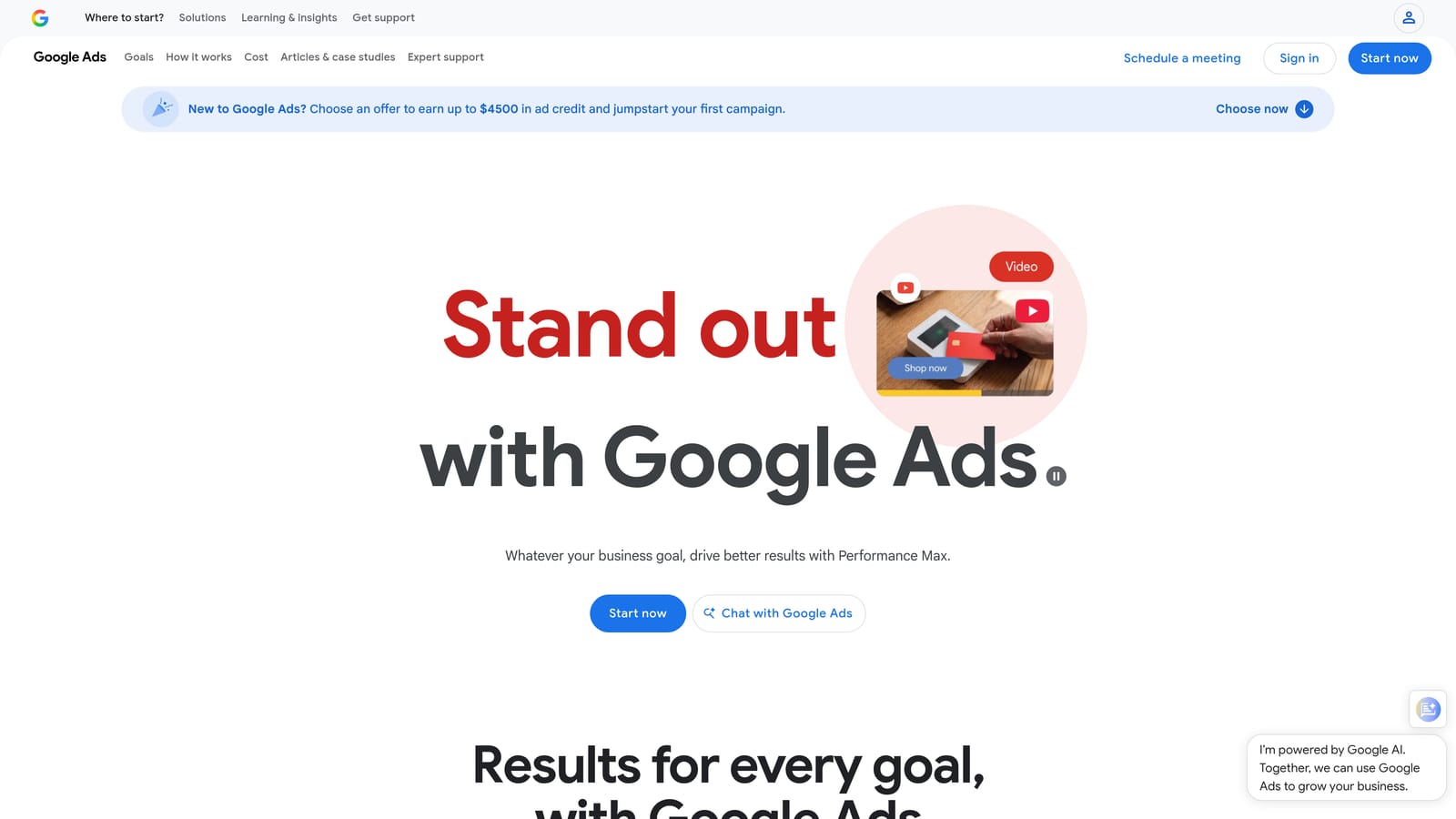
Its advantage is that it is first-party: current data, no third-party access to grant, and nothing to install or pay for. It lists the actual queries that triggered your ads, which is separate from the keywords you bid on, and that distinction is the whole basis of search term review.
- The search terms report itself, showing what people typed before seeing your ads.
- Filters and segments, to narrow by cost, clicks, conversions, or campaign.
- Adding a term as a keyword or negative keyword directly from the report.
- Search terms insights, which group queries into themes (verify availability for your account).
There is no setup beyond having an account, and you run it yourself. The problem is scale. On a large account the process of reading rows, picking match types, and adding negatives one at a time is slow and click-heavy, and it does little for multi-account work.
Pricing: free with a Google Ads account.
Best for: Small accounts and beginners.
9. Negator.io
Negator.io positions itself as a specialist for AI-assisted negative keyword suggestions. Treat the details here cautiously: we could not confirm its feature set, integrations, or pricing, so check the vendor site before you evaluate it.
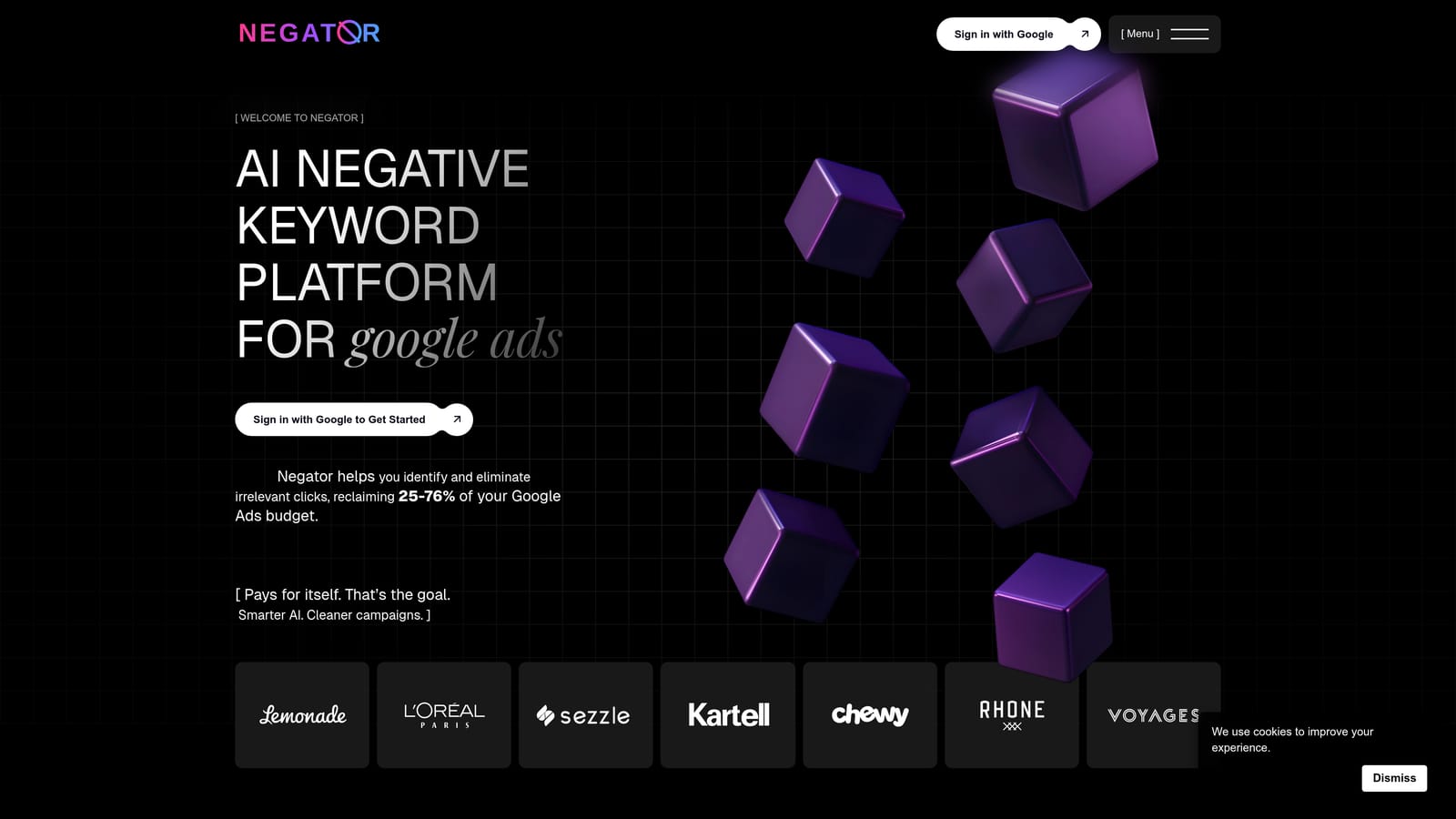
The idea is narrow focus. Rather than a full management suite, it concentrates on finding negative keyword candidates, which can appeal if irrelevant traffic is your main pain point.
- AI-generated negative keyword suggestions, meant to shorten the hunt for irrelevant queries (verify).
- Search term classification, to sort queries by relevance (verify).
Confirm whether it connects to your Google Ads account and how setup works (verify). Whoever handles search term review would normally operate it.
Its limits matter. Suggestions need human review, because an AI tool can flag a term that looks irrelevant but converts, or propose a broad negative that blocks good traffic. Because it focuses on negatives, it will not help you mine new positive keywords from winning queries.
Pricing is listed on the vendor's website; confirm what drives the cost.
Best for: Advertisers focused specifically on negative keyword cleanup.
Matching the Tool to Your Workflow
Most tools here help you analyze. The time sink is acting on what you find, so start by deciding where you lose the most hours.
- Solo advertisers and freelancers who want speed in the native UI: Keywordme, since you review and act in the same Search Terms Report. Pair it with the free native report features for context.
- Agencies needing multi-account rules and audits: Optmyzr or Adalysis, depending on whether you want rule-based automation or continuous audits. Add Looker Studio if clients expect dashboards.
- Technical teams: Google Ads Scripts, with Sheets and the Editor handling analysis and bulk application.
Whatever you pick, review AI or rule suggestions before applying them. Adding negatives from low-volume terms, ignoring conversion data, and using broad negatives that block good traffic are the mistakes automation makes fastest. Check conversions and context first.
Optimize Google Ads Campaigns 10X Faster. Without Leaving Your Account. Keywordme lets you remove junk search terms, build high-intent keyword lists, and apply match types instantly, right inside Google Ads. No spreadsheets, no switching tabs, just quick, seamless optimization. Start your free 7-day trial (then just $12/month) and take your Google Ads game to the next level.
