
9 Best Search Term Optimization Tools for Google Ads in 2026
This roundup of search term optimization tool reviews covers nine platforms evaluated on workflow efficiency, search term analysis depth, and value—ranging from Google Ads-native solutions to full PPC suites—helping advertisers cut wasted spend and surface high-intent keywords without manual spreadsheet work.


TL;DR: If you're still manually combing through your Search Terms Report in a spreadsheet, you're leaving money on the table. The right search term optimization tool can help you cut wasted spend, surface high-intent keywords, and tighten up your match types without the grunt work.
This list covers nine tools built or well-suited for search term optimization in Google Ads. Whether you're a solo freelancer managing a handful of accounts or an agency juggling dozens of clients, there's something here for you. We evaluated each tool on workflow efficiency, ease of use, depth of search term analysis, and value for money. Tools are ranked with the most workflow-native option first, followed by broader PPC platforms and supporting utilities.
1. Keywordme
Best for: Advertisers who want to optimize search terms without leaving Google Ads
Keywordme is a Chrome extension that plugs directly into Google Ads' Search Terms Report, letting you take action on search terms in a single click without exporting a single CSV.

Where This Tool Shines
Most search term optimization tools pull you out of Google Ads and into an external dashboard. Keywordme flips that model entirely. You stay inside the native interface, review your search terms in context, and act on them instantly. That alone eliminates a huge chunk of the friction that makes search term reviews feel like a chore.
In most accounts I audit, the Search Terms Report is either ignored or reviewed once a month in a bloated spreadsheet. Keywordme makes it realistic to do this weekly, because the workflow is just that much faster. The keyword clustering feature is particularly useful for agencies who need to identify patterns across high-volume accounts quickly.
Key Features
One-Click Negative Addition: Flag irrelevant search terms and add them as negatives directly from the report, no export needed.
Instant Keyword Promotion: Promote a high-performing search term to a keyword with your preferred match type in a single action.
Keyword Clustering: Group related search terms into clusters to identify patterns and build tighter ad groups.
Bulk Editing: Apply actions across multiple search terms at once, saving significant time on larger accounts.
Multi-Account and Team Support: Manage multiple client accounts and collaborate with team members, making it a strong fit for agency workflows.
Best For
Freelancers and agency managers who spend real time inside Google Ads and want to compress their search term review process. Also well-suited for teams where multiple people are working across the same accounts. If you value staying in-interface over feature-heavy dashboards, this is the obvious starting point.
Pricing
Flat rate at $12/month per user. A 7-day free trial is available with no commitment required. Genuinely one of the more affordable options on this list relative to the time it saves.
2. Search Atlas
Best for: Agencies and SEO-PPC hybrid teams needing keyword intelligence alongside content tools
Search Atlas is an all-in-one SEO and PPC keyword intelligence platform covering keyword research, competitor gap analysis, and content optimization in a single suite.

Where This Tool Shines
Search Atlas earns its place here because keyword research and search term optimization are deeply connected. Before you can clean up your Search Terms Report effectively, you need a clear picture of what terms should and shouldn't be in your account. Search Atlas provides that competitive and keyword intelligence layer.
The competitor keyword gap analysis is particularly useful for uncovering search terms your competitors are capturing that you're not targeting yet. It's less about live campaign optimization and more about building the right keyword strategy before and alongside your campaigns.
Key Features
PPC and Organic Keyword Database: Access keyword data that covers both paid and organic intent signals in one place.
Competitor Keyword Gap Analysis: Identify terms your competitors rank or bid on that your account is missing.
White-Label Reporting: Agencies can generate branded reports for clients covering both SEO and PPC performance.
Content and SEO Tools: Built-in content optimization tools that complement PPC keyword strategy for teams running integrated campaigns.
Best For
Agencies or in-house teams running both SEO and paid search who want a unified platform. Also useful for advertisers doing pre-campaign keyword research before building out new campaigns or ad groups.
Pricing
Tiered pricing with plans that vary by features and usage volume. Check the Search Atlas site directly for current rates, as pricing has evolved with the platform.
3. Optmyzr
Best for: Agencies managing significant ad spend who need automation and reporting at scale
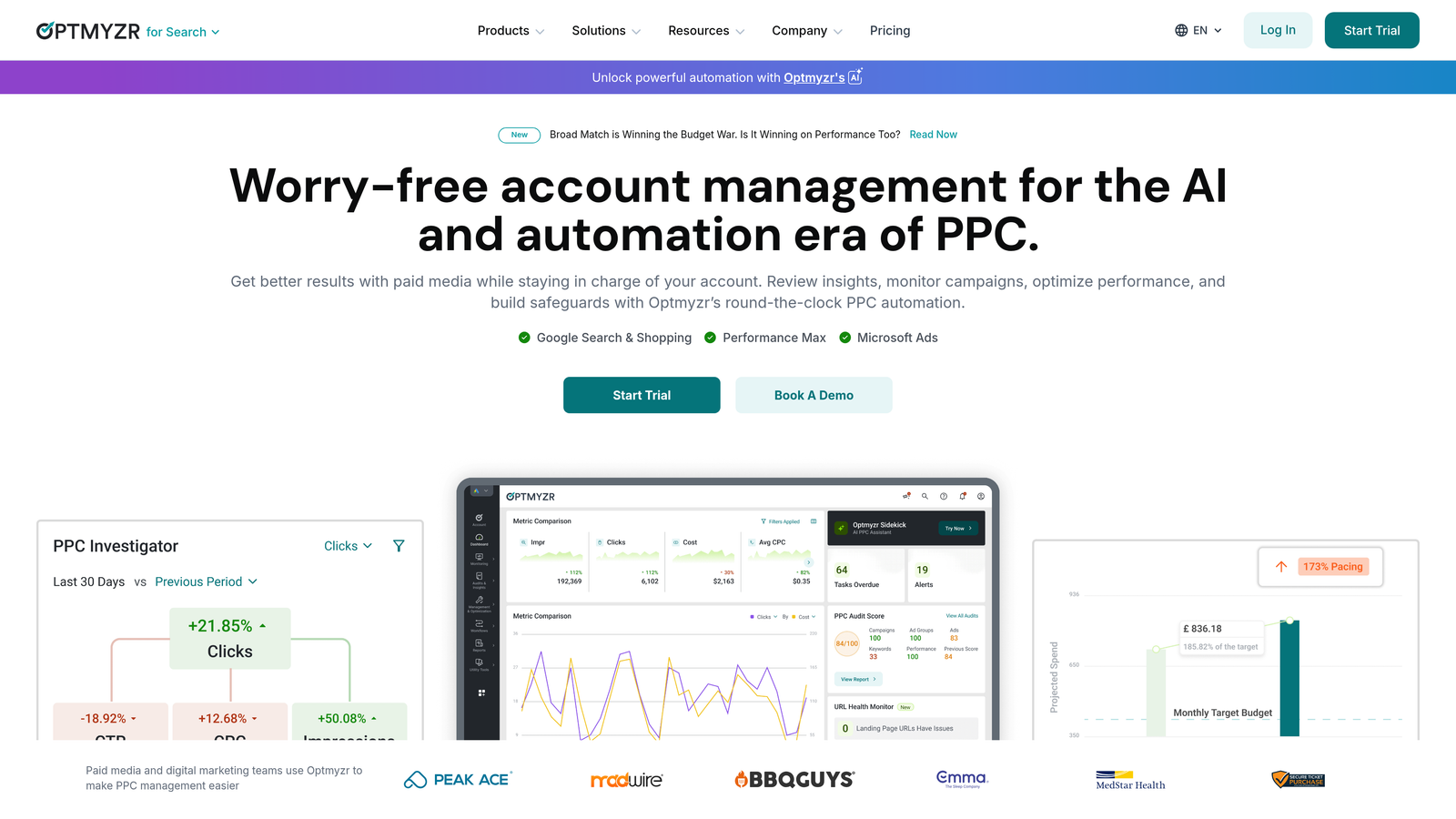
Optmyzr is a well-established PPC management and automation platform designed for teams running high-volume Google Ads accounts across multiple clients.
Where This Tool Shines
Optmyzr's rule-based automation is where it separates itself from lighter tools. You can set up workflows that automatically flag, process, or act on search terms based on performance thresholds, which is genuinely valuable when you're managing accounts at scale and can't manually review every term every week.
The one-click optimization suggestions are a smart middle ground between full automation and manual control. Optmyzr surfaces what it recommends, and you approve or dismiss with a click. This keeps a human in the loop without requiring you to do all the analysis yourself.
Key Features
Rule-Based Search Term Automation: Build custom rules to automatically process search terms based on spend, conversions, or other performance signals.
One-Click Optimization Suggestions: Review and approve recommended changes without building everything from scratch.
Search Term Mining: Identify high-performing search terms to promote as keywords across campaigns.
Negative Keyword Automation: Automate the discovery and application of negative keywords at scale.
Multi-Account Reporting: Consolidated reporting across all managed accounts for agency-level visibility.
Best For
Agencies and in-house teams managing substantial monthly ad spend across multiple accounts. The automation features justify the cost at scale, but may be overkill for freelancers or small accounts.
Pricing
Starts at approximately $208/month and scales with ad spend and number of accounts. A free trial is available on the Optmyzr website.
4. WordStream Advisor
Best for: SMBs and less technical advertisers who want guided PPC optimization
WordStream Advisor is a guided PPC optimization platform built around a weekly alert system that flags underperforming search terms and walks users through recommended actions step by step.

Where This Tool Shines
The "Work Week" feature is WordStream's signature: a weekly prompt that tells you exactly what to review and what to do about it. For advertisers who don't live inside Google Ads daily, this kind of structured guidance prevents the common problem of letting search term issues compound for months without action.
WordStream also supports both Google Ads and Microsoft Ads from a single interface, which is useful for advertisers running cross-platform campaigns who don't want to context-switch between two native dashboards.
Key Features
Weekly Work Week Alerts: Structured weekly prompts that surface the most important optimization actions, including search term issues.
Search Term Performance Flagging: Automatic identification of search terms that are wasting budget or underperforming against targets.
Guided Negative Keyword Recommendations: Step-by-step suggestions for adding negatives, designed for less experienced users.
Cross-Channel Support: Manage Google Ads and Microsoft Ads from the same platform.
Best For
Small business owners, marketing generalists, and newer advertisers who want structure and guidance rather than open-ended tools. Less suited to experienced PPC managers who prefer full control over their workflow.
Pricing
Pricing varies by plan and ad spend level. Contact WordStream directly or visit their site for current rates, as plans are often customized.
5. SEMrush Advertising Toolkit
Best for: Competitive keyword research and pre-campaign search term intelligence
SEMrush's Advertising Toolkit provides competitive keyword intelligence, search term overlap analysis, and ad copy research for Google Ads strategy, all within the broader SEMrush platform.

Where This Tool Shines
SEMrush is not a live campaign optimization tool. It doesn't connect to your Google Ads account and won't help you process search terms in real time. What it does exceptionally well is competitive intelligence: seeing which search terms your competitors are actively buying, what their ad copy looks like, and where keyword gaps exist between your account and theirs.
This is most valuable before a campaign launch or when you're expanding into a new market. Understanding the search term landscape before you're spending money on it is a legitimate optimization strategy, and SEMrush is one of the best tools available for that layer of research.
Key Features
Competitor Paid Keyword Data: See which search terms any domain is bidding on, with estimated CPC and traffic data.
Ad Copy Research: Review historical and current ad copy from competitors to inform your own messaging.
Keyword Gap Analysis: Compare your keyword coverage against competitors side by side.
Search Term Volume and CPC Estimates: Evaluate potential keywords before adding them to campaigns.
Integrated SEO Toolkit: Combine paid and organic keyword research in one platform for teams running integrated strategies.
Best For
Advertisers doing pre-campaign research, agencies conducting competitor audits, and teams running both SEO and PPC who want a single source of keyword intelligence.
Pricing
Starts at $139.95/month for the Pro plan. The Advertising Toolkit is included across all plan tiers.
6. SpyFu
Best for: Budget-conscious advertisers who want historical competitor paid keyword data
SpyFu is a competitive intelligence tool that surfaces years of historical paid keyword data for any domain, making it particularly useful for negative keyword discovery and competitor search term research.

Where This Tool Shines
SpyFu's strength is the depth of its historical data. You can look at what search terms a competitor was bidding on three years ago, which terms they've since dropped, and which ones they've doubled down on. That pattern of behavior tells you a lot about what actually converts in a given market, without having to learn it through your own wasted spend.
The mistake most agencies make is skipping competitive research entirely and jumping straight into campaign setup. SpyFu is a fast, affordable way to shortcut that learning curve by borrowing from what competitors have already figured out.
Key Features
Historical Paid Keyword Data: Years of competitor keyword history for any domain, updated regularly.
Competitor Search Term Visibility: See ad groups, search terms, and estimated spend for competing domains.
Keyword Overlap and Gap Reports: Identify where your keyword coverage diverges from competitors.
Negative Keyword Discovery: Use competitor data to identify search terms that don't convert in your market, before they cost you anything.
Best For
Freelancers, small agencies, and advertisers who want competitive keyword intelligence without paying enterprise-level prices. Ideal as a research layer before campaign launch or during account audits.
Pricing
Starts at $39/month for the Basic plan, making it one of the more affordable competitive intelligence tools available.
7. Google Ads Editor
Best for: Bulk offline editing of campaigns, match types, and negative keyword lists at no cost
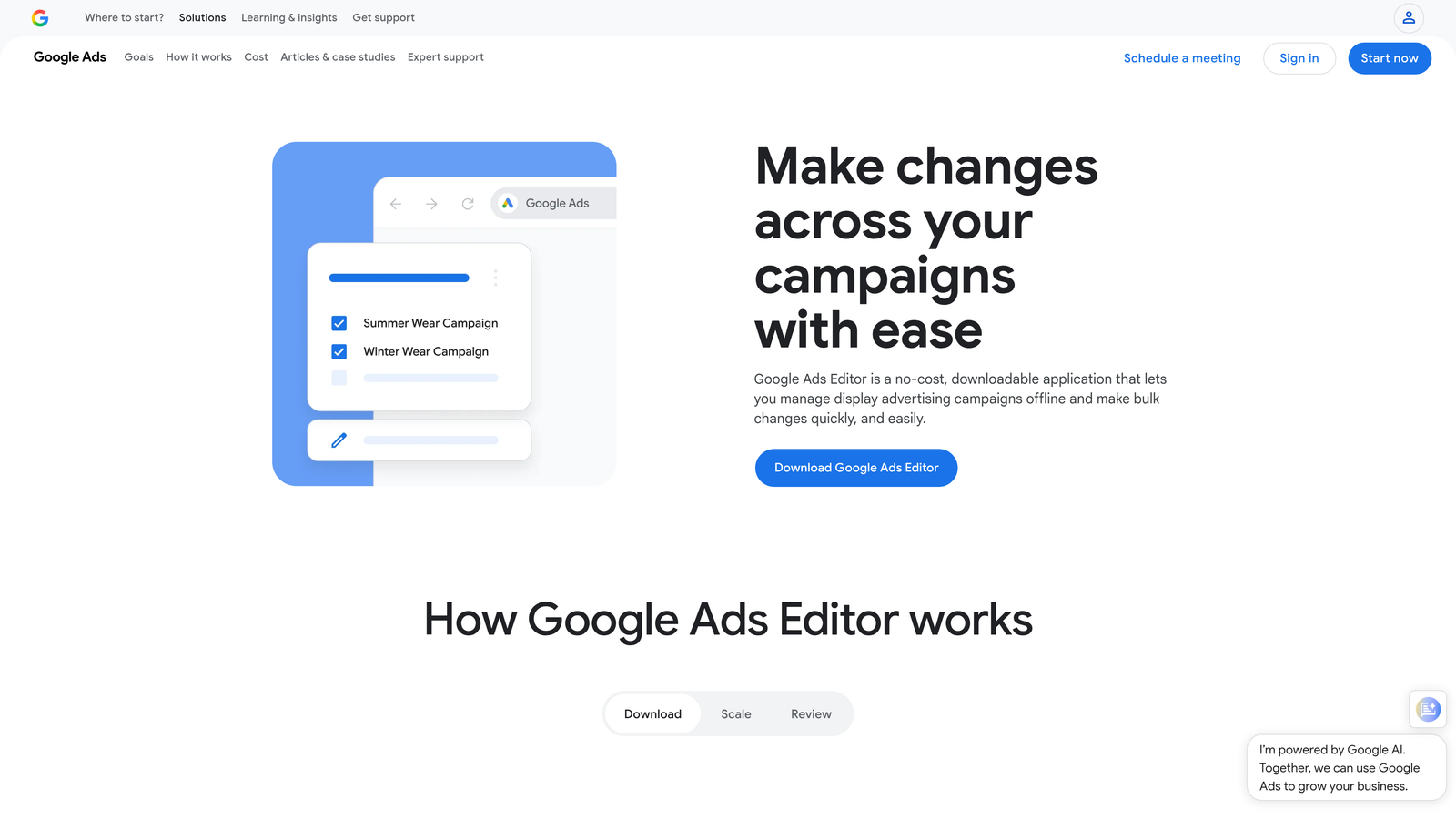
Google Ads Editor is Google's free desktop application for bulk offline editing of Google Ads campaigns, including negative keyword management and match type changes.
Where This Tool Shines
Google Ads Editor doesn't do anything fancy, and that's the point. It's a free, reliable tool for making bulk changes that would take forever inside the native web interface. If you need to apply a large negative keyword list across multiple campaigns, restructure match types in bulk, or copy ad groups between campaigns, Editor handles it without friction.
What usually happens here is that advertisers underestimate how much time Editor saves on large-scale structural changes. It's not glamorous, but pairing it with a dedicated negative keyword tool like NegativeKeywordPro gives you a surprisingly capable free workflow for accounts that don't need full automation.
Key Features
Bulk Offline Editing: Make large-scale changes to campaigns, ad groups, keywords, and negatives without an internet connection.
Free with Any Google Ads Account: No subscription or additional cost required.
Find-and-Replace: Quickly update text across multiple ads, keywords, or URLs at once.
Import and Export: Move data in and out via spreadsheet for large-scale restructuring projects.
Multi-Account Management: Switch between multiple Google Ads accounts within a single application.
Best For
Any Google Ads user who needs to make bulk changes efficiently. Especially useful for freelancers and budget-constrained advertisers who want a no-cost tool for structural edits and negative keyword management.
Pricing
Free. No subscription required. Available to any advertiser with a Google Ads account.
8. Adalysis
Best for: Data-driven PPC managers who want automated auditing and anomaly detection
Adalysis is a PPC audit and monitoring platform with automated alerts for search term issues, Quality Score tracking, ad testing tools, and conflict detection across ad groups.
Where This Tool Shines
Adalysis is less about day-to-day search term processing and more about catching problems before they compound. Its conflict detection feature, which identifies when search terms are triggering the wrong ad groups, is the kind of diagnostic capability that's genuinely hard to replicate manually across a complex account structure.
The automated alerting is also valuable for accounts where performance can shift quickly. Rather than waiting for a monthly review to discover a search term has been draining budget, Adalysis flags it as soon as the data signals a problem.
Key Features
Search Term Conflict Detection: Automatically identifies when search terms are triggering competing ad groups, causing cannibalization or misalignment.
Quality Score Monitoring: Tracks Quality Score changes over time and alerts you to meaningful drops.
Ad Testing Tools: Built-in statistical significance testing for ad copy experiments.
Diagnostic Audit Reports: Structured account audits that surface structural and performance issues across campaigns.
Anomaly Detection: Alerts when account performance deviates significantly from historical patterns.
Best For
Experienced PPC managers and agency teams who want a monitoring and diagnostic layer on top of their existing workflow. Particularly useful for accounts with complex campaign structures where conflicts and anomalies are easy to miss.
Pricing
Starts at $99/month and scales with account spend. A free trial is available on the Adalysis website.
9. NegativeKeywordPro
Best for: Freelancers and small accounts focused specifically on negative keyword management
NegativeKeywordPro is a dedicated negative keyword tool that focuses specifically on identifying, organizing, and applying negative keywords from search term data without the overhead of a full PPC platform.
Where This Tool Shines
There's something to be said for a tool that does one thing well. NegativeKeywordPro doesn't try to be an all-in-one platform. It takes the specific problem of negative keyword management and solves it cleanly: surfacing suggestions from your search term data, organizing lists, removing duplicates, and managing shared and campaign-level negatives without feature bloat getting in the way.
For freelancers managing a small number of accounts who don't need the automation depth of Optmyzr or the diagnostic power of Adalysis, this is a practical, affordable option that keeps the focus exactly where it needs to be.
Key Features
Automated Negative Keyword Suggestions: Analyzes search term data and surfaces negative keyword recommendations automatically.
List Organization and Deduplication: Cleans up redundant negatives and keeps your lists structured and manageable.
Shared and Campaign-Level List Management: Manage negatives at both the shared list and campaign levels from a single interface.
Lightweight and Focused: No unnecessary features competing for attention, just a clean negative keyword workflow.
Best For
Freelancers, small business owners, and budget-conscious advertisers who want a dedicated negative keyword tool without paying for a full PPC management platform they won't fully use.
Pricing
Affordable flat-rate pricing. Visit the NegativeKeywordPro site directly for current rates.
Which Tool Is Right for Your Workflow?
The best search term optimization tool is the one you'll actually use consistently. If your current process involves downloading CSVs and pasting into spreadsheets, that's a workflow problem, and most of the tools above solve it in different ways.
Here's a quick breakdown by use case to help you narrow it down:
Freelancers and solo advertisers: Start with Keywordme for speed and simplicity inside Google Ads. Pair it with Google Ads Editor for bulk structural changes at no extra cost.
Agencies managing 10+ accounts: Keywordme handles the in-interface workflow efficiently. If you need deeper automation and rule-based processing at scale, Optmyzr is worth the investment.
Competitive research before launch: SEMrush Advertising Toolkit or SpyFu, depending on your budget. Both give you a clear picture of the search term landscape before you start spending.
Budget-constrained accounts: Google Ads Editor for bulk edits plus NegativeKeywordPro for focused negative keyword management. Solid combination at minimal cost.
SMBs who want guided optimization: WordStream Advisor's structured weekly workflow removes the guesswork for less technical advertisers.
Data-driven managers who want monitoring: Adalysis sits well alongside whichever primary tool you're using, adding an audit and alerting layer that catches issues before they become expensive.
Most of these tools offer free trials, so there's no reason not to test your top pick against a real account before committing. The Search Terms Report is one of the highest-ROI places to spend your optimization time in Google Ads. The right tool just makes sure you're actually doing it.
If you want to start with the most frictionless option available, Start your free 7-day trial of Keywordme and see what your search term reviews look like when you never have to leave Google Ads to run them.
.svg)