
8 Best Search Term Mining Tools for Google Ads in 2026
This roundup compares eight search term mining tools for Google Ads on workflow speed, volume handling, agency fit, and pricing clarity. It helps managers, freelancers, and agency owners promote converting search terms to keywords and exclude wasteful ones as negatives faster.


If you review search terms every week, you already know the routine: export, filter, squint, paste, repeat. These tools cut that routine down, each in a different way. They're for Google Ads managers, freelancers, and agency owners who want to find new keywords and negatives faster. We compared them on workflow speed, how well they handle volume, fit for agencies, and how clear the pricing is.
One definition up front. Search term mining means reviewing the search terms report (what people actually typed) to promote the converting terms to keywords and exclude the wasteful ones as negative keywords. Details on each tool below reflect what we could confirm as of November 2026, so check official sites for current pricing and features before you buy.
Quick Comparison of the Tools
- Keywordme: freelancers and agency teams who review search terms by hand; $12/month per user; works inside the native Search Terms Report with no export step.
- Google Ads Editor: anyone posting large batches of keyword and negative changes; free; first-party bulk editing across many accounts, offline.
- Google Ads Scripts: technical advertisers; free; fully customizable, scheduled mining logic.
- Optmyzr: agencies wanting a full optimization suite; pricing on its website; a broad library of one-click optimizers beyond search terms.
- Adalysis: agencies wanting ongoing monitoring; pricing on its website; continuous account audits and alerts.
- Google Sheets with Google Ads Connector: analysts wanting control on a budget; Sheets is free, connector cost varies; total flexibility for custom n-gram analysis.
- Negator.io: advertisers whose main problem is irrelevant clicks; pricing on its website; single-purpose focus on negative keywords.
- Semrush: marketers expanding keyword ideas; pricing on its website; external competitor and keyword data.
1. Keywordme
Keywordme is a Chrome extension that adds one-click search term actions directly inside the Google Ads Search Terms Report. It's our own product, so weigh this entry accordingly. It's built for people who review search terms by hand and want that review to take minutes instead of an export-and-spreadsheet session.
Its distinctive trait on this list is that there is no export step. You work in the native report, see the search term next to its performance data, and act on it right there. Most other tools here either live in a separate dashboard, a spreadsheet, or a desktop app.
- One-click negative keywords let you exclude junk search terms without copying them anywhere.
- Adding search terms as keywords with the match type you choose means you decide whether a term goes in as exact, phrase, or broad, rather than accepting a default.
- Keyword clustering groups related terms so you can build tighter keyword lists faster.
- Bulk editing handles many terms at once when a report is long.
- Multi-account and team support lets an agency run several client accounts across several users.
Setup is installing the extension in Chrome and opening Google Ads; the extension works with Google Ads through the browser. Whoever reviews search terms day to day, whether that's you or a junior on your team, is the person who runs it.
The limits are real. It's a manual-assist workflow: you make every decision, and it won't apply changes on its own. It has no automated rules and no reporting dashboards, and because it runs in the browser, it's tied to Chrome and to someone sitting in the account. If you want hands-off automation or client-ready reports, pair it with something else or look further down this list.
Pricing is $12/month per user, with a 7-day free trial. Cost scales with the number of users, not with ad spend or account count.
Best for: Freelancers and agency teams who review search terms by hand.
2. Google Ads Editor
Google Ads Editor is Google's free desktop app for bulk campaign editing. It isn't a mining tool in the analytical sense, but it's where a lot of mining output ends up, since it's an efficient way to post big batches of keywords and negatives once you've decided what they are.

Its edge over everything else here is that it's first-party and handles many accounts, including offline work. You can download accounts, make changes at length, and review before anything goes live.
- Bulk edits across campaigns let you apply the same change to hundreds of rows at once.
- Offline editing means you can prepare changes without being in the web interface.
- Multi-account management lets you move between client accounts in one app.
- Import and export of changes lets you bring in lists prepared elsewhere, such as a spreadsheet.
- Review before posting gives you a checkpoint to catch mistakes before they reach the live account.
Setup is a desktop install and signing in with your Google Ads access, so it's light. The person running it is usually whoever handles account builds and structural changes.
The main limitation: it isn't built to analyze search terms. You need a separate step to figure out which terms to add or exclude, whether that's a spreadsheet, a script, or another tool. If your bottleneck is deciding rather than posting, Editor won't fix it.
It's free. Check Google's page for current system requirements and features.
Best for: Posting large batches of keyword and negative changes.
3. Google Ads Scripts
Google Ads Scripts is free JavaScript automation built into Google Ads. If you can describe your mining logic precisely, a script can run it on a schedule without you opening the account.
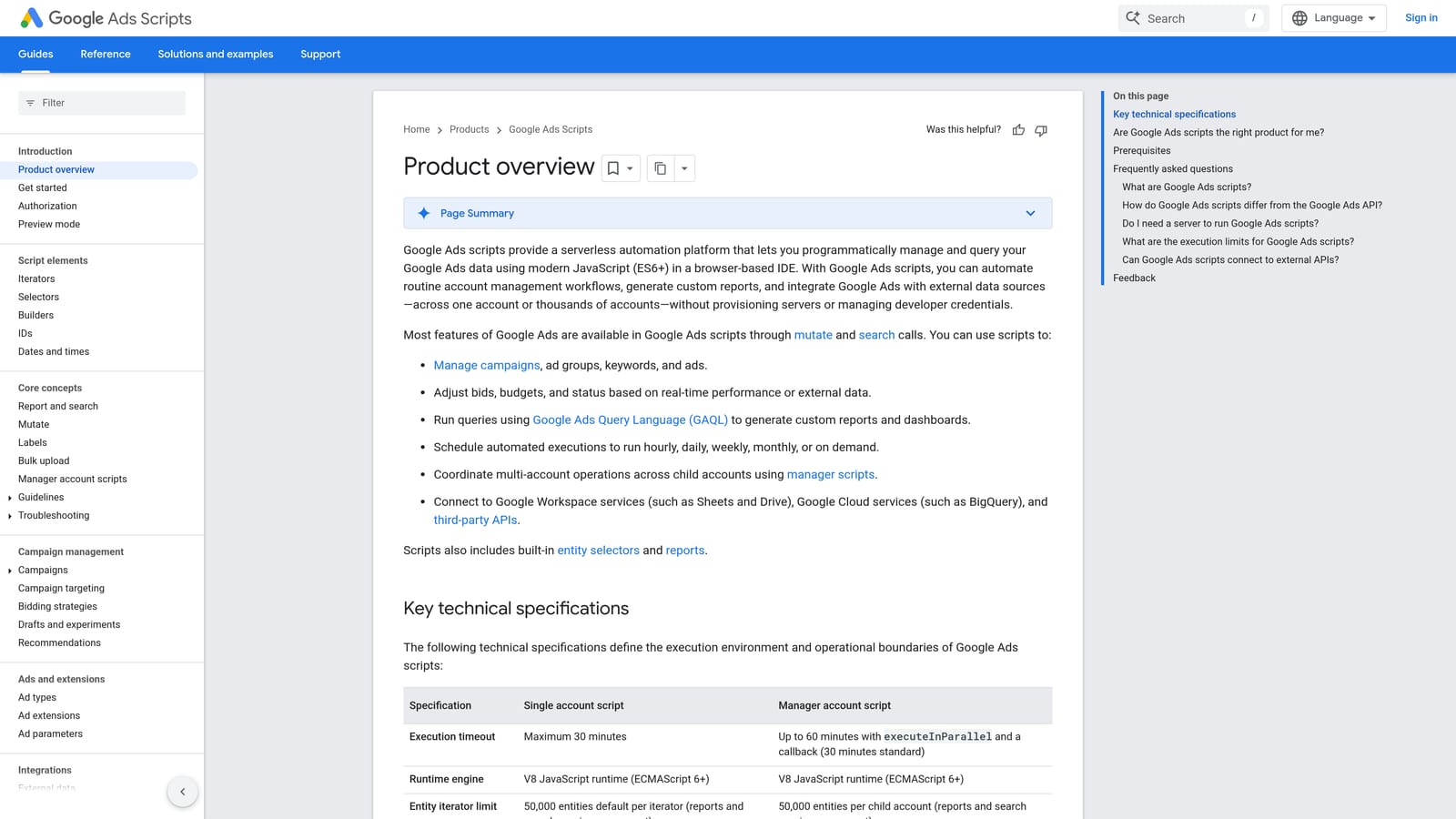
What no other tool here matches is that the logic is yours. A script can flag terms that spent past a threshold with no conversions, or surface terms that converted at a good rate, using whatever rules fit your account.
- Custom rules for flagging terms let you encode your own definition of junk or winner.
- Export to Google Sheets pushes flagged terms into a sheet for review.
- Scheduled runs mean the check happens daily or weekly without you remembering.
- Account-level or manager-level scripts let you run the same logic across one account or many.
It integrates with Google Ads and Google Sheets. Setup effort is the highest on this list for non-developers: someone has to write or adapt the script, authorize it, and test it. That person should be comfortable with JavaScript.
The limitation is exactly that. It requires coding knowledge and careful testing, and a badly written script that changes things automatically can do damage. A safer pattern is to have scripts flag terms for review instead of editing the account directly. It also gives you no interface for reviewing terms; you build that yourself.
It's free, with no per-seat or spend-based cost, though your time to build and maintain scripts is the real expense.
Best for: Technical advertisers wanting custom automation.
4. Optmyzr
Optmyzr is a PPC management suite with rule-based optimizers. Search term mining is one piece of a much larger toolkit, which makes it a different kind of purchase from the single-purpose options.

Its standout is breadth: a library of one-click optimizers that reaches well beyond search terms into other parts of account management. If you want search term review and the rest of your optimization routine under one roof, that's the pitch.
- Search term and negative keyword optimizers surface candidates for you to review and apply.
- A rule engine lets you set conditions and have the platform check for them.
- Reporting helps you show clients or stakeholders what changed.
- Multi-account management lets agencies handle many clients from one place.
It connects to Google Ads and Microsoft Ads. Expect a longer onboarding than a browser extension, since you're connecting accounts and configuring rules. Usually a PPC manager or an agency's optimization lead owns it.
The limitation is scope and cost. It's broader and likely pricier than single-purpose tools, so if all you need is faster search term review, you'd be paying for a lot you don't use. Smaller freelancers may find it more than they need.
Pricing: see the Optmyzr website, as we couldn't confirm current numbers. Check how the price is structured (typically tied to the accounts or ad spend you manage) before committing.
Best for: Agencies wanting a full optimization suite.
5. Adalysis
Adalysis is an audit and alert platform for paid search accounts. Its job is to watch your accounts and tell you when something needs attention, with search term analysis as one of the things it looks at.
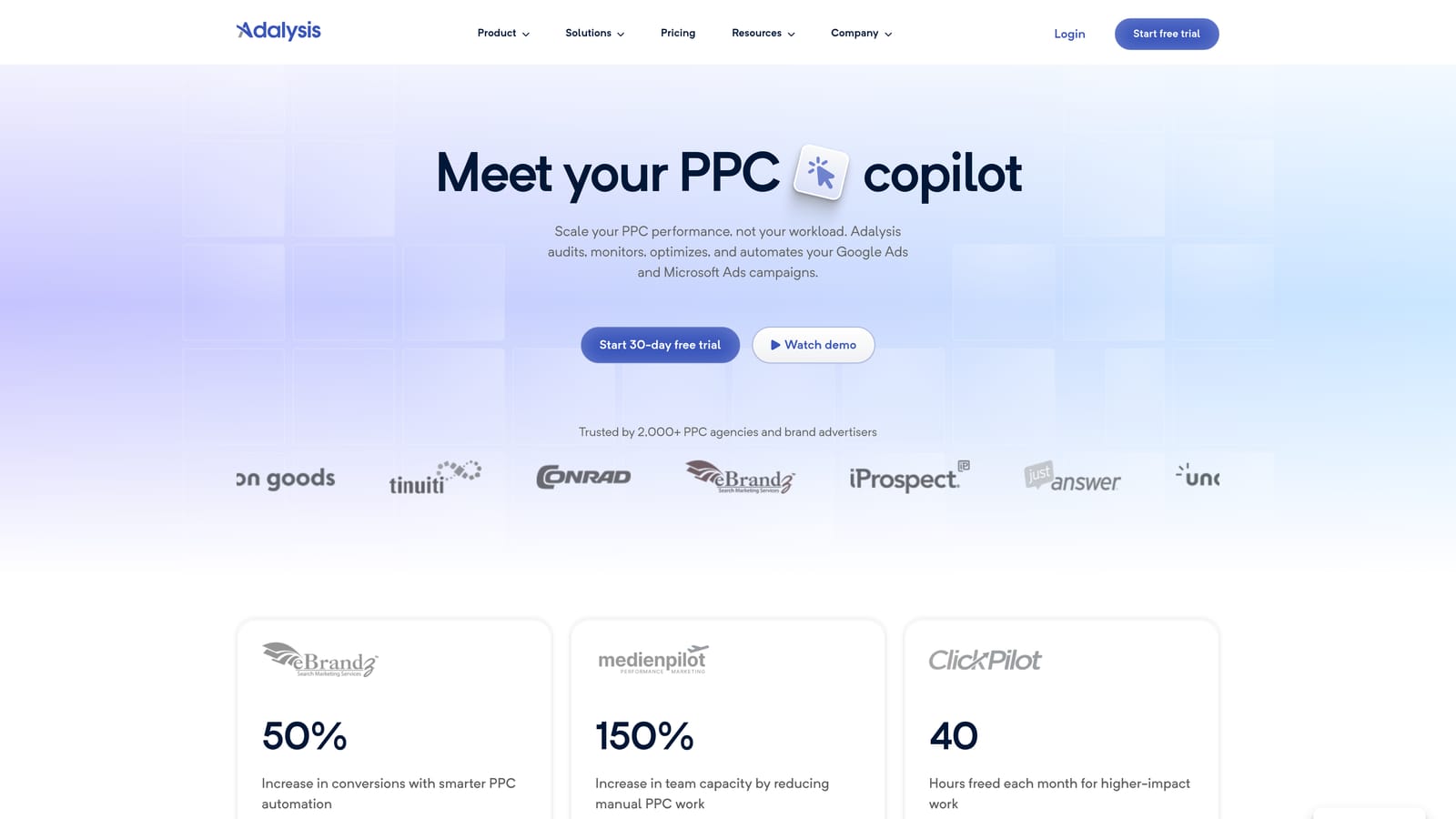
Where it differs from the rest: continuous audits and alerts. Instead of you deciding to go look at the search terms report, the platform nudges you when something looks off.
- Automated audits scan accounts for issues so you don't have to hunt for them.
- Search term analysis highlights terms worth acting on.
- Alerts notify you of changes or problems between your regular reviews.
- Ad testing tools help you run and read copy tests, which is useful beyond mining.
It integrates with Google Ads and Microsoft Ads. Setup means connecting accounts and tuning alerts so you aren't flooded. It tends to be run by the account manager or an agency's QA person.
The limitation is that it's less suited to quick, in-interface search term edits. It's more about telling you where to look than about making the edit in two clicks. If your pain is the clicking and sorting itself, a different tool fits better.
Pricing: see the Adalysis website. We couldn't confirm current figures, so verify what drives the price (account count or spend are common models) with them directly.
Best for: Agencies wanting ongoing monitoring.
6. Google Sheets with Google Ads Connector
Google Sheets is the manual route most of us started with: pull the search terms report in, then slice it by hand. A connector or a plain export gets the data in.
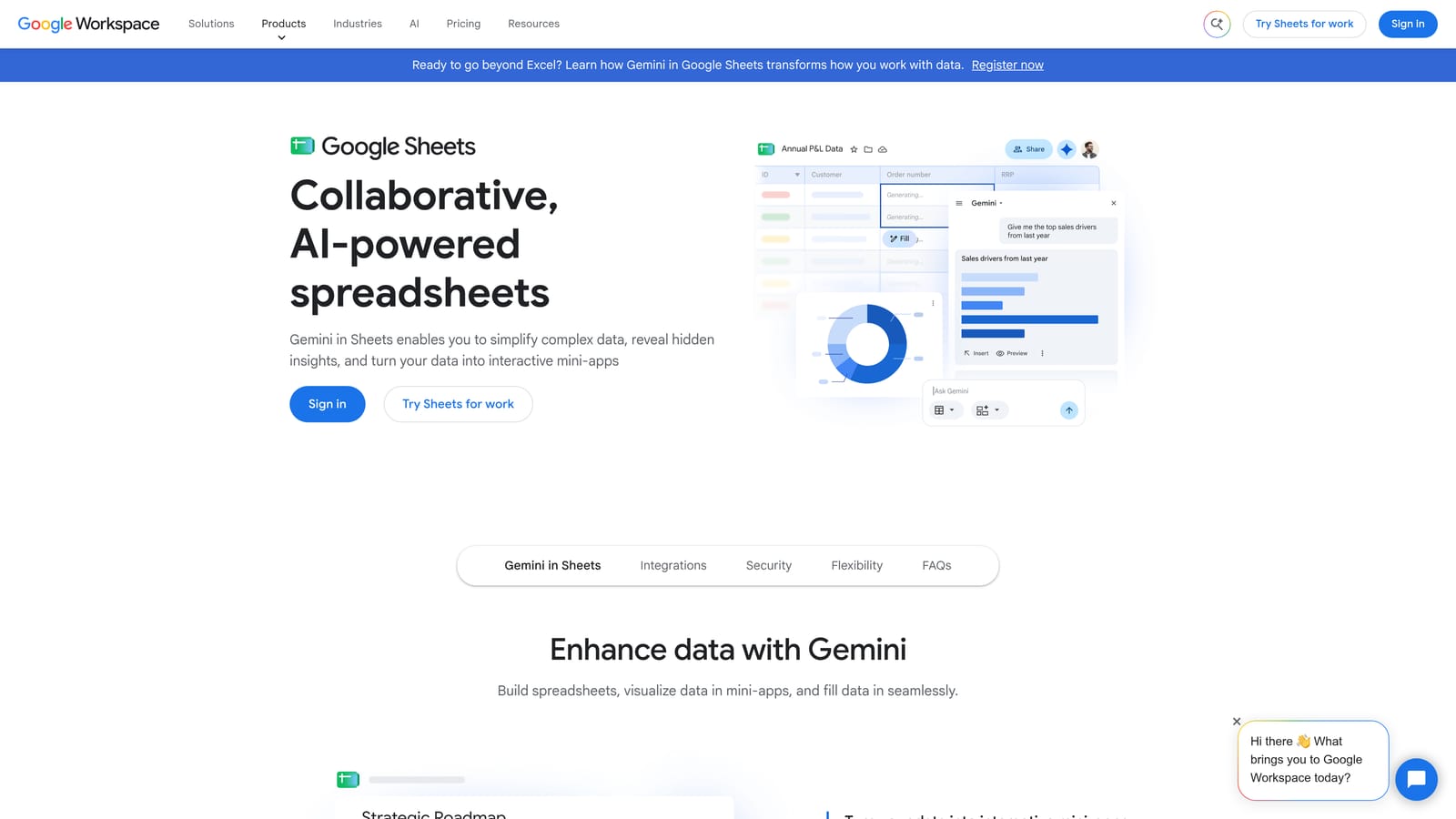
Its advantage is total flexibility. If you want n-gram analysis, which breaks search terms into individual words or word pairs to see which fragments waste spend or drive conversions, you can build it with formulas exactly the way you want.
- Filters and pivot tables let you slice terms by cost, conversions, or campaign.
- N-gram analysis with formulas shows patterns across thousands of terms that you'd miss reading row by row.
- Report import via connector or export gets Google Ads data into the sheet, either live or as a file.
- Custom templates let you reuse your analysis every week or across clients.
It works with Google Ads through a connector or by export. Setup is as light or heavy as your template, and the analyst who built the sheet usually runs it.
The limitation is speed and accuracy. It's slow and error-prone at scale, and you still have to carry the decisions back into Google Ads yourself, which is where copy-paste mistakes creep in. It also adds a step for every review.
Pricing: Sheets is free. Connectors vary, so check the cost and data limits of whichever one you choose.
Best for: Analysts wanting full control on a budget.
7. Negator.io
Negator.io is a tool focused on finding negative keyword candidates. This is the entry we're least certain about: we couldn't verify its current details, so treat what follows as a starting point and confirm everything on its site.
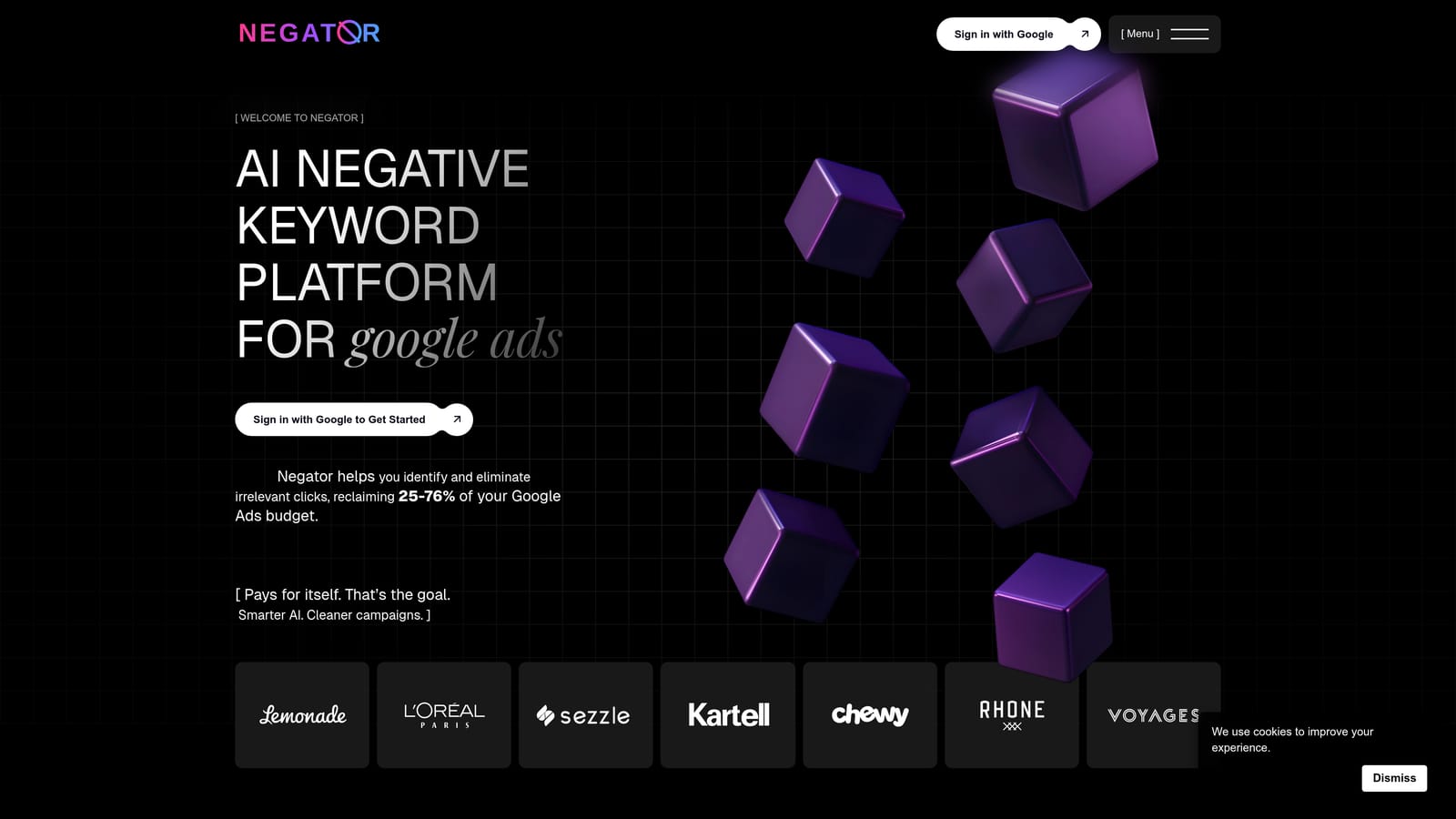
Its angle is single-purpose focus. Where other tools on this list cover many jobs, this one concentrates on negative keywords and wasted spend.
- Negative keyword suggestions give you a shortlist of search terms to consider excluding.
- A wasted spend focus keeps the attention on irrelevant clicks that cost money without paying back.
It connects to Google Ads. We don't have confirmed information on setup time or who typically runs it, so ask the vendor and test it on a single account first.
The limitation is narrow scope. It won't help you find new keywords to add, and since details need verification, you should check how its suggestions are generated and whether you approve each one. Any suggested negative still needs a human check: a negative that blocks good traffic costs you conversions silently.
Pricing: see the Negator.io website, as we couldn't confirm it.
Best for: Advertisers whose main problem is irrelevant clicks.
8. Semrush
Semrush is an SEO and PPC research suite. It sits last because it does something different from the rest: it doesn't mine your own search terms report. It helps you find keyword ideas you haven't seen yet.
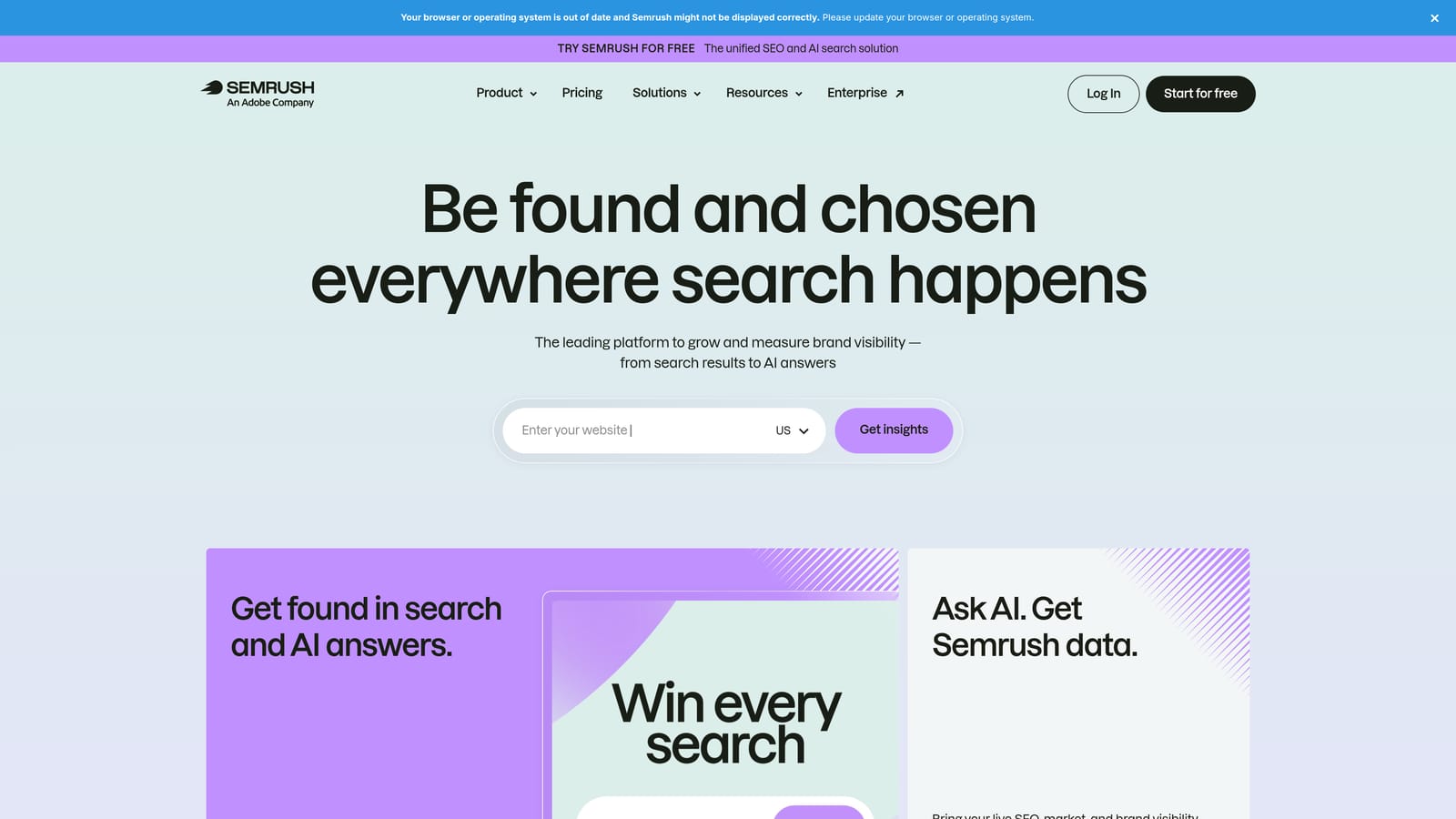
That's its distinction here. Mining only surfaces what people already typed to reach your ads. Semrush brings in external competitor and keyword data, so you can spot themes you aren't capturing at all.
- Keyword research shows related terms and ideas beyond your existing search terms.
- Competitor PPC data gives you a view of what others in your space are targeting.
- Keyword grouping tools help you organize a large idea list into ad-group-sized themes.
It integrates with Google Analytics and Google Search Console, and it's usually run by an SEO or PPC strategist rather than the person doing weekly search term cleanup. Setup is mostly signing up and connecting those data sources, though learning the suite takes time.
The limitation is already stated: it won't pull your search terms report and let you act on it. You'd still need one of the other tools for that. It's also a broad suite, so you may pay for SEO features you don't use.
Pricing: see the Semrush website. Plans differ by feature set and usage limits, so confirm what applies to PPC research.
Best for: Expanding keyword ideas beyond your existing search terms.
Matching the Tool to Your Situation
Solo advertisers and freelancers who review search terms by hand will likely get the most from Keywordme: it keeps the work inside Google Ads and costs $12/month per user. Agencies managing many accounts have two routes. Keywordme works for hands-on review across clients and teammates, while Optmyzr or Adalysis suit teams that want rules, reporting, audits, and alerts. They can be combined, since they do different jobs.
Technical or budget-conscious teams can get far with Google Ads Scripts, Google Sheets, and Google Ads Editor, all free or close to it. The trade-off is your time. If your problem is finding new keyword ideas rather than cleaning up existing terms, Semrush covers that gap, and Negator.io is worth testing only if irrelevant clicks are your main drain and you can confirm how it works.
Whatever you choose, no tool can judge search intent for you. Check that a converting search term fits your offer before adding it as a keyword, don't assume a broad match close variant behaves like exact match, and sanity-check every negative so you don't block good traffic.
Optimize Google Ads Campaigns 10X Faster. Without Leaving Your Account. Keywordme lets you remove junk search terms, build high-intent keyword lists, and apply match types instantly, right inside Google Ads. No spreadsheets, no switching tabs, just quick, seamless optimization. Start your free 7-day trial (then just $12/month) and take your Google Ads game to the next level.
