
9 Best Search Term Management Software Options for Google Ads in 2026
This guide compares nine search term management software options for Google Ads, built for marketers, freelancers, and agency owners who are tired of spreadsheet-based reviews. Each tool is judged on workflow speed, automation depth, multi-account support, pricing transparency, and fit, so you can choose software that speeds up search term review, negative keyword building, and keyword mining.


If you manage Google Ads for a living, you already know the Search Terms Report refills with junk faster than you can clear it. Spreadsheets work for one account, then fall apart at five. This list is for marketers, freelancers, and agency owners who want software that shortens search term review, negative keyword building, and keyword mining. Tools were judged on workflow speed, depth of automation, multi-account support, pricing transparency, and who each one actually suits. Pricing and features were checked against general knowledge of each vendor and can change, so verify on each site before buying (as of October 2026).
Quick Comparison of the Search Term Tools
- Keywordme: freelancers and agency teams cleaning search terms daily; $12/month per user (company-stated); acts directly inside the native Search Terms Report.
- Optmyzr: agencies wanting automation and audits; pricing tiered, see website; rule-based automation across the whole account.
- Adalysis: agencies monitoring many client accounts; see website for pricing; continuous automated auditing and alerts.
- Negator.io: advertisers whose main pain is irrelevant clicks; see website for pricing; single-purpose negative keyword suggestions.
- Google Ads Editor: budget-conscious teams comfortable with bulk edits; free; official bulk editing across accounts.
- Google Ads Scripts: technical advertisers wanting custom automation; free; fully customizable rules.
- Google Sheets search term workflows: analysts wanting full control; free with a Google account; n-gram analysis for pattern discovery.
- WordStream Advisor (LOCALiQ): small business owners wanting guidance; see website for pricing; guided recommendations for non-specialists.
- Looker Studio: agencies reporting to clients; free; shareable client-facing search term dashboards.
1. Keywordme
Keywordme is a Chrome extension that adds one-click actions to the Search Terms Report inside Google Ads. It is built for people who review search terms every day and don't want to export, sort, and re-upload. It's our own product, so weigh this section with that in mind.
Its distinctive trait is where it works. Everything happens in the native Google Ads interface, so there is no separate dashboard, no CSV round trip, and no second login. The company says it can make optimization up to 10x faster; that figure is Keywordme's own claim, and your results will depend on your accounts and habits.
- One-click negative keyword adding, so junk search terms come out of the report without copy and paste.
- Add search terms as keywords with the match type you choose, which keeps positive keyword lists deliberate.
- Keyword clustering, which groups related terms so you can build tighter lists faster.
- Bulk editing for handling many terms in one pass.
- Multi-account and team support, useful when several people touch client accounts.
Setup is light: install the extension in Chrome and open Google Ads. The person doing the search term review runs it day to day, whether that's a freelancer or a junior on an agency team.
The limits are real. It is a manual review tool, not an automated manager, so you still decide what's junk and which match type to apply. It also works only in Chrome and only with Google Ads, so it won't help with Microsoft Advertising or scheduled monitoring.
Pricing is $12/month per user, with a 7-day free trial, per the company (as of writing; verify on the site). The cost scales with the number of users, not ad spend or accounts.
Best for: Freelancers and agency teams who clean search terms daily and want to stay in Google Ads.
2. Optmyzr
Optmyzr is a PPC management suite covering automation, audits, reporting, and optimization, with search term handling as one part of a bigger toolkit. It's aimed at agencies and in-house teams that manage a lot of accounts and want software doing recurring work for them.

What sets it apart on this list is breadth of rule-based automation across the whole account. You can build rules that act on conditions instead of reviewing every row yourself.
- Rule-based automation that runs recurring checks so you don't repeat them by hand.
- One-click optimizations that turn flagged issues into changes quickly.
- Account audits that surface problems beyond search terms.
- Reporting that helps explain performance to clients or stakeholders.
- Negative keyword tools for handling wasted search term spend.
It connects to Google Ads and Microsoft Advertising. Expect more setup than a browser extension: you connect accounts, learn the rule builder, and decide what gets automated. Someone with real PPC experience should own it, since rules that run unattended need judgment.
The main limitation is weight. If search term cleanup is your only problem, a full suite is heavier and costlier than needed. Pricing is tiered by ad spend; check the website for current plans (as of October 2026), because managed spend is what moves the price.
Best for: Agencies wanting automation and audits beyond search terms.
3. Adalysis
Most tools here help you act on search terms. Adalysis mostly tells you where to look. It's an auditing and monitoring platform for Google and Microsoft Ads, with search term analysis as one of its checks.
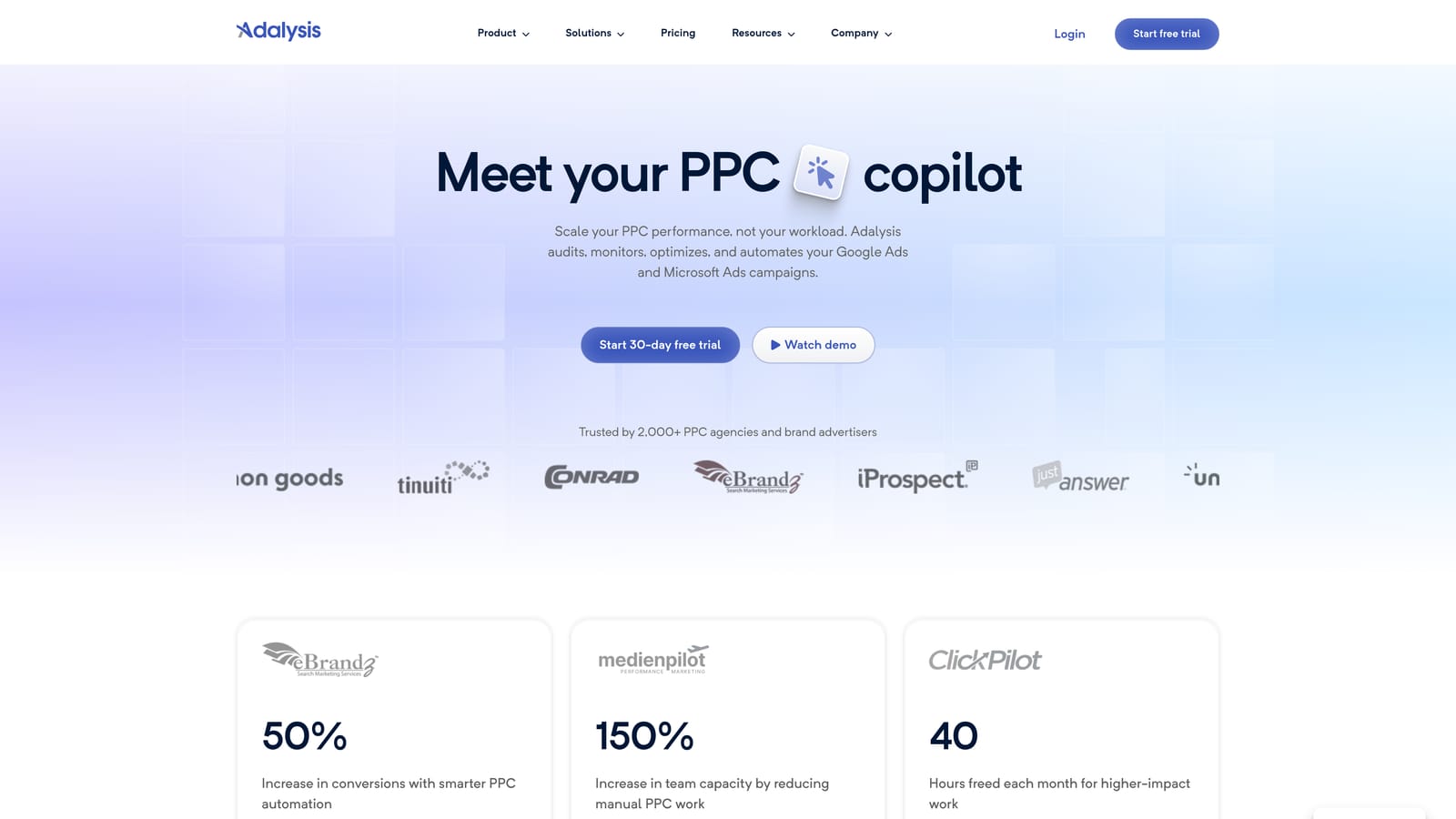
Its strength is continuous, automated auditing across many accounts. For an agency with dozens of clients, that means problems get flagged without anyone opening each account on a schedule.
- Automated account audits that check for issues across campaigns on an ongoing basis.
- Alerts that notify you when something changes or breaks.
- Search term analysis to spot wasteful or promising queries.
- Ad testing tools so creative decisions rest on data.
- Reporting for sharing findings with clients or teammates.
It integrates with Google Ads and Microsoft Advertising. Setup means connecting accounts and tuning what you want monitored, and a PPC lead or account manager typically reviews the findings.
The trade-off is that it's audit-first. Finding a junk search term and fixing it takes more steps than in an in-interface tool, since you often take the finding back into Google Ads to act. It's less appealing for a solo advertiser who just wants to clear terms quickly.
Pricing isn't listed here; see the website for current plans (as of October 2026). Account volume and ad spend are the usual drivers in this category, so confirm how Adalysis scales.
Best for: Agencies monitoring many client accounts for issues.
4. Negator.io
Negator.io does one thing: it looks for irrelevant search terms and recommends negative keywords. If wasted clicks are your headache and nothing else, that narrow focus is the appeal.
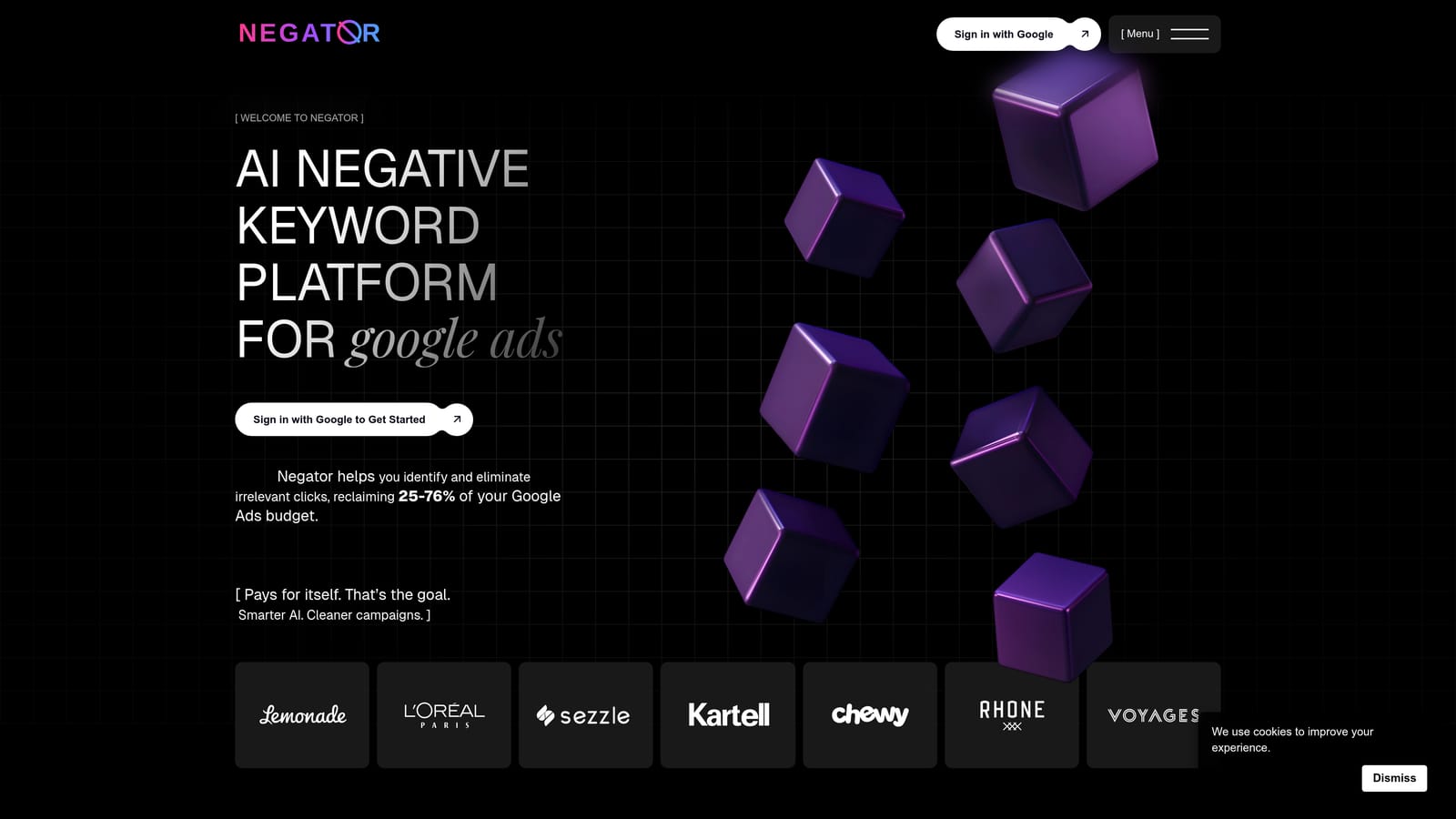
Its distinctive angle is single-purpose, AI-assisted suggestions aimed squarely at wasted spend. You aren't wading through an audit suite to find the one feature you need.
- Irrelevant search term detection that flags queries unlikely to fit your offer.
- Negative keyword suggestions so you start from a recommendation, not a blank list.
- Review before applying, which keeps a human in the loop on what gets blocked.
It works with Google Ads. Setup is straightforward given the small scope, and whoever manages the account's day-to-day hygiene can run it. Treat the suggestions as suggestions: check each one against your goals, because a negative keyword that looks irrelevant may still convert for your business.
The limitation is scope. There's no keyword expansion and no bidding help, so you'll need other tools for finding new positive keywords or managing spend. It also isn't built around multi-account agency workflows in the way larger suites are.
Pricing isn't confirmed here; see the website for current plans (as of October 2026).
Best for: Advertisers whose main pain is irrelevant clicks.
5. Google Ads Editor
Google Ads Editor is Google's free desktop application for making bulk changes to campaigns, including negative keywords. It isn't a search term analyzer. It's the muscle you use after you've decided what to block.

It stands out as free, official bulk editing across accounts. Nothing else on the list gives you that from Google itself at no cost.
- Bulk negative keyword edits, so adding a long list takes minutes rather than hours.
- Offline editing, so you can build changes without being in the web interface.
- Multi-account management from a single app.
- Import and export via CSV, which pairs well with a spreadsheet analysis.
- Change review before posting, so you can check edits before they go live.
Setup is a desktop install and signing in to your accounts. Whoever handles account builds and bulk changes will use it. It combines well with the Sheets workflow further down: analyze there, apply here.
The key limitation is that it offers no search term analysis. You decide what's junk yourself, from the Search Terms Report or elsewhere. If you want help spotting wasted queries, you need another tool alongside it.
It's free.
Best for: Budget-conscious teams comfortable with bulk edits.
6. Google Ads Scripts
Google Ads Scripts lets you write JavaScript that runs inside Google Ads to automate tasks, including search term rules and reports. It's an approach rather than a packaged product, and it rewards people who like to build.

Its edge is fully customizable rules at no cost. If you can describe a condition, such as flagging terms above a spend threshold with no conversions, you can script it.
- Custom search term rules written around your own thresholds and business logic.
- Export to Google Sheets, so flagged terms land where your team can review them.
- Scheduled runs that repeat the check without anyone remembering to do it.
- Preview mode, so you can see what a script would do before it changes anything.
It works with Google Ads and Google Sheets. Setup means writing or adapting scripts, testing them, and maintaining them as accounts and Google's platform change. A technically comfortable advertiser or a developer on the team should own it.
The risks are plain. It requires coding comfort and ongoing maintenance, and a badly written rule can block good traffic. Run in preview, start with reports instead of automatic negatives, and have a person review the output.
It's free.
Best for: Technical advertisers wanting custom free automation.
7. Google Sheets Search Term Workflows
This one is a method, not a product. You export the Search Terms Report, then use Google Sheets to filter, pivot, and analyze it. Many experienced advertisers started here and some never left.
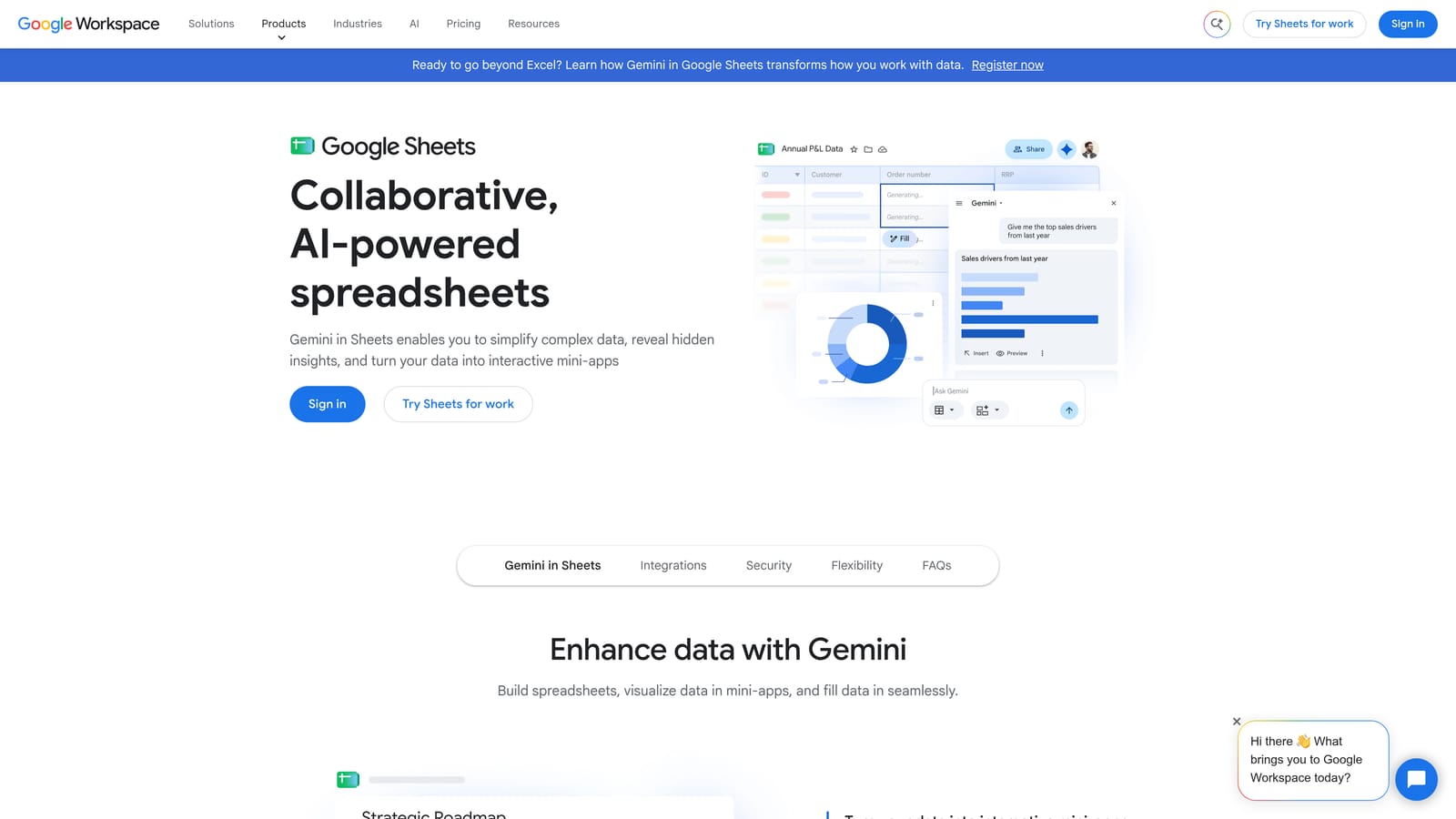
Its best trick is n-gram analysis: splitting search terms into one-, two-, or three-word chunks and totaling spend and conversions by chunk. A single word like "free" or "jobs" may be quietly draining budget across hundreds of different queries, and a term-by-term review won't show you that pattern.
- Pivot tables that total cost, clicks, and conversions by theme or campaign.
- N-gram analysis that surfaces recurring wasteful words across many search terms.
- Filtering to isolate high-spend, zero-conversion queries.
- Shareable analysis, so a colleague or client can see your reasoning.
It uses Google Ads exports, and Sheets add-ons can help with the pulling. Setup cost is your own time building templates. An analyst usually runs it.
The downsides are speed and friction. It's slow and manual, and every decision has to be re-uploaded to Google Ads, which is where Google Ads Editor or an in-interface tool can help. It also becomes unwieldy across many accounts. Beware of acting on terms with very little data, since a few clicks prove little.
It's free with a Google account.
Best for: Analysts wanting full control on a free setup.
8. WordStream Advisor (LOCALiQ)
WordStream has been known for guided optimization aimed at small business advertisers, and its Advisor product is now associated with LOCALiQ. Product status, packaging, and pricing have shifted over time, so confirm what's currently offered before you plan around it (as of October 2026).
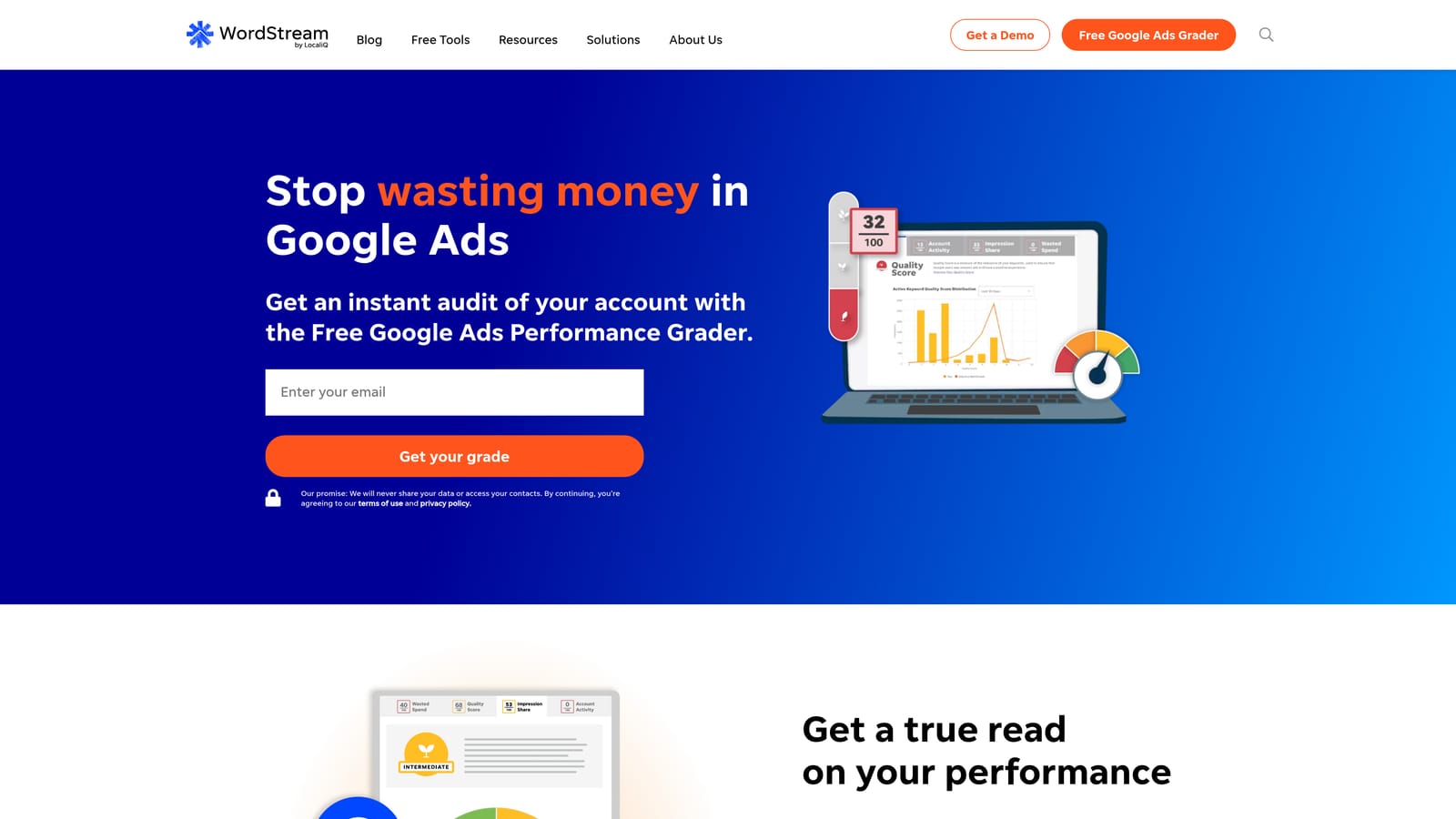
Its differentiator is guidance for non-specialists. Instead of handing you a rule builder, it gives recommendations and grades, which suits someone who runs ads as one of ten jobs.
- Optimization recommendations that point to what to fix next.
- Account grading, giving a quick read on account health.
- A guided workflow that walks you through changes instead of leaving you to design your own process.
It connects to Google Ads and Microsoft Advertising. Setup is meant to be approachable, and the business owner or a generalist marketer is the expected user.
The limitations: current product status and pricing need checking, and it's less suited to agencies that want multi-account depth and granular control over search term review. Recommendations are a starting point, so apply judgment before blocking or adding anything.
Pricing isn't confirmed here; see the website.
Best for: Small business owners wanting guidance.
9. Looker Studio
Looker Studio is Google's free reporting tool. It doesn't clean anything. It shows clients and stakeholders what's happening with search terms, which matters when you need to justify the negatives you're adding.

Its distinctive value is client-facing search term reporting at no cost. A dashboard showing wasted spend by query theme, or the terms you added as keywords, makes your work visible.
- A Google Ads connector that pulls search term data into reports.
- Custom dashboards, so you choose which metrics and breakdowns clients see.
- Shareable reports that update without you rebuilding a deck each month.
It works with Google Ads and Google Sheets. Setup takes some dashboard-building time up front, after which an account manager mostly maintains it. Templates cut the effort across clients.
The limit is that it's reporting only. It cannot change the account, so you still need one of the tools above to act. It's also easy to build a dashboard nobody reads, so keep it short.
It's free.
Best for: Agencies reporting search term performance to clients.
Which Search Term Tool Fits Your Situation
The tools fall into three kinds: in-interface action tools, automation and audit suites, and free do-it-yourself methods. Pick based on where your time actually goes.
- Daily review, solo or agency: Keywordme keeps you inside Google Ads and cuts the export-and-upload loop. Pair it with Looker Studio when clients want to see the results.
- Automation at scale: Optmyzr or Adalysis suit agencies that need rules, audits, and alerts across many accounts.
- Tight budgets: Google Ads Editor, Scripts, and Sheets cost nothing, but you pay in time and setup.
Whatever you choose, trial it on a real account before committing, and keep a human checking negatives and match types so good traffic isn't blocked.
Optimize Google Ads Campaigns 10X Faster. Without Leaving Your Account. Keywordme lets you remove junk search terms, build high-intent keyword lists, and apply match types instantly, right inside Google Ads. No spreadsheets, no switching tabs, just quick, seamless optimization. Start your free 7-day trial (then just $12/month) and take your Google Ads game to the next level.
.svg)