
8 Best Search Term Filtering Tools for Google Ads in 2026
This guide ranks eight options for Google Ads advertisers who want a faster search term filtering tool for removing junk queries and managing negative keywords. Each pick is judged on speed, match type control, multi-account support, price, and whether it suits solo advertisers or agencies.


If you run Google Ads, you already know the routine. You open the Search Terms Report, and between the queries that convert sit dozens that have nothing to do with what you sell. Cleaning them up by hand, or by round-tripping through spreadsheets, can swallow hours every week. This list is for marketers, freelancers, and agency owners who want that work to go faster. Each tool was judged on how quickly it removes junk search terms, how it handles negative keywords, how much control you get over match types, whether it supports multiple accounts, what it costs, and whether it suits a solo advertiser or an agency better.
Quick Comparison of Search Term Filtering Tools
- Keywordme: solo advertisers and agency teams doing manual cleanup; $12/month per user; works inside the native Search Terms Report with no export or separate dashboard.
- Google Ads Search Terms Report and Negative Keyword Lists: small accounts and beginners; free; first-party data with zero setup.
- Google Ads Editor: advertisers applying big negative lists across many campaigns; free; bulk changes with a review-then-post step.
- Optmyzr: agencies and in-house teams wanting a full platform; see website for pricing; rule automation built for managing many accounts.
- Adalysis: agencies monitoring many accounts; see website for pricing; continuous audits that surface problems across accounts.
- Negator.io: advertisers wanting focused negative keyword suggestions; see website for pricing; built narrowly around negative keyword discovery.
- Google Ads Scripts: technical advertisers; free; fully custom logic at no software cost.
- Google Sheets with Google Ads Data: analysts doing deep pattern analysis; free; maximum flexibility for custom analysis.
1. Keywordme
Keywordme is a Chrome extension that adds one-click actions directly inside the Google Ads Search Terms Report. It's our own product, so weigh this section with that in mind. It's designed for advertisers who review search terms by hand and want to stop losing time to exports, tab switching, and clunky menus.
Its main advantage over everything else here is location. You work in the native Search Terms Report, so there's no export, no separate dashboard, and no re-upload. You see a query, decide, and click.
- Add a search term as a negative keyword with a click, so a junk query is excluded without a multi-step dialog.
- Add high-intent search terms as keywords, so good queries move into your keyword list quickly.
- Apply match types in the interface, so you control how broadly a term is added or excluded.
- Keyword clustering and bulk editing, which help you act on groups of related terms instead of one at a time.
- Multi-account and team support, useful when several people manage several clients.
Setup is a browser install, and whoever reviews search terms day to day runs it. It integrates with Google Ads only, as a Chrome extension.
The limits are real. It's a manual, user-driven workflow: you still read the terms and decide what to exclude, and it isn't an automated rules engine. It works only in Chrome and only with Google Ads, so it won't help with Microsoft Advertising or teams that want hands-off automation.
Pricing is $12/month per user with a 7-day free trial, per Keywordme's materials as of this writing. Cost scales with the number of users, and you should verify current terms on the site.
Best for: Solo advertisers and agency teams who want faster manual search term cleanup without leaving Google Ads.
2. Google Ads Search Terms Report and Negative Keyword Lists
The Google Ads Search Terms Report is where every other tool on this list starts. It shows the actual queries people typed (search terms), as opposed to the keywords you bid on, and lets you exclude the irrelevant ones as negative keywords.
Its edge is that it's first-party data with zero setup. Nothing to install, no permissions to grant, and no third party touching your account.
- Filters on the Search Terms Report let you narrow the view by metrics or text, so you can find high-spend, zero-conversion queries.
- Negatives can be added at the ad group, campaign, or account level, depending on how far the exclusion should reach.
- Shared negative keyword lists let you apply one set of exclusions across several campaigns.
- Match type selection for negatives lets you choose broad, phrase, or exact.
Match type matters more for negatives than many people expect. Negatives don't match close variants the way positive keywords do, so a negative for one spelling won't automatically block a plural or misspelling. A broad match negative can also be too blunt and block good traffic, so review before you commit.
The weakness is speed. Excluding a term takes multiple clicks, and there's no clustering, which gets painful on large accounts. Google also limits the query data shown in search terms reports for privacy reasons, so some queries won't appear. Check Google Ads Help for current negative keyword limits and report visibility rules before you plan around them.
It's free with a Google Ads account.
Best for: Small accounts and beginners who want no extra tools.
3. Google Ads Editor
Google Ads Editor is Google's free desktop application for editing accounts in bulk, including offline. It isn't a search term review tool. It's the place to apply a lot of changes at once.

What it does better than the rest of this list is large-scale bulk change with a review step. You stage edits, check them, and then post them to the account, which gives you a safety net that in-browser clicking doesn't.
- Bulk edits across campaigns save you from repeating the same change account by account.
- Import and paste of negative keyword lists lets you drop in a prepared list rather than adding terms individually.
- Reviewing changes before posting helps you catch a bad match type or a wrong campaign before it goes live.
- Offline editing means you can prepare work without being logged into the web interface.
It connects to your Google Ads accounts, and a download and sign-in is all the setup it needs. A PPC manager or analyst usually runs it.
The limitation is that it isn't built for reviewing incoming search queries. You'd typically find your junk terms elsewhere (the report, a spreadsheet, or another tool) and use Editor to apply the negatives at scale. Treat it as a companion, not a primary filtering workflow.
It's free.
Best for: Advertisers applying big negative keyword lists across many campaigns.
4. Optmyzr
Optmyzr is a PPC management platform with rule-based optimization and reporting for Google Ads and other ad platforms. It's aimed at teams managing many accounts who want a system rather than a single-purpose utility.

Its distinguishing strength here is rule automation inside an optimization suite built for scale. Where Keywordme speeds up your manual decisions, Optmyzr leans toward setting rules and letting the platform surface work.
- Rule-based automation lets you define conditions once and apply them across accounts.
- Optimization suggestions point you toward changes worth reviewing instead of making you hunt for them.
- Cross-account reporting gives agencies a single view of performance across clients.
- Negative keyword tooling is part of the offering, but confirm exactly what it covers on the site before buying.
It integrates with Google Ads and Microsoft Advertising. Setup involves connecting accounts and configuring rules, so expect more onboarding than a browser extension, and expect a PPC lead or account manager to own it.
It isn't a fit if your only goal is search term cleanup. A full platform is broader, and likely costlier, than that job needs, and you'll pay for features you may not use.
Pricing: see website. Platforms like this commonly price by factors such as ad spend or number of accounts, but check the current model directly.
Best for: Agencies and in-house teams wanting a full PPC management platform.
5. Adalysis
Adalysis is a PPC auditing and monitoring platform that runs automated checks and sends alerts across Google and Microsoft Ads accounts. It's about spotting problems, not about speed-clicking through queries.
Where it differs from the rest of the list is continuous auditing. It keeps checking accounts and surfaces issues, which matters when you're responsible for many accounts and can't review each one daily.
- Automated account audits flag issues without you running a manual review.
- Alerts tell you when something needs attention, so problems don't sit unnoticed.
- Search-term-related checks may be included, but verify the specifics on the site.
- Multi-account monitoring lets an agency keep watch over a whole client roster.
It integrates with Google Ads and Microsoft Advertising. Setup means connecting accounts, and the day-to-day user is typically an account manager or agency lead who reviews alerts.
The trade-off is that it's audit-first. If you want a fast, one-click workflow for excluding junk queries as you read them, it isn't built for that. Think of it as the smoke detector, not the tool you use to clean up.
Pricing: see website.
Best for: Agencies monitoring many accounts for problems.
6. Negator.io
Negator.io is a tool focused on identifying irrelevant search terms and negative keyword opportunities in Google Ads. It does one job and doesn't pretend to be a platform.
That narrowness is its standout. It's built around negative keyword discovery rather than a full suite, so there's less to learn and less to pay for if cleanup is all you need.
- It flags irrelevant search terms, so you start from a shortlist rather than the full report.
- Negative keyword suggestions may be part of the workflow; confirm the exact behavior on the site.
- Its narrow focus on search term cleanup keeps the interface and learning curve small.
It connects to Google Ads. Plan on a short setup to link your account, with whoever handles search term review using it day to day.
The limits are scope and judgment. It won't cover bidding, audits, or reporting, and suggestions need human review before you apply them. A flagged term can still be relevant to your business, and excluding it blindly can block good traffic.
Pricing: see website.
Best for: Advertisers who want focused negative keyword suggestions without a full platform.
7. Google Ads Scripts
Google Ads Scripts lets you run JavaScript inside Google Ads to build custom reporting and rule-based flagging of search terms. It's free automation for people who can write or adapt code.
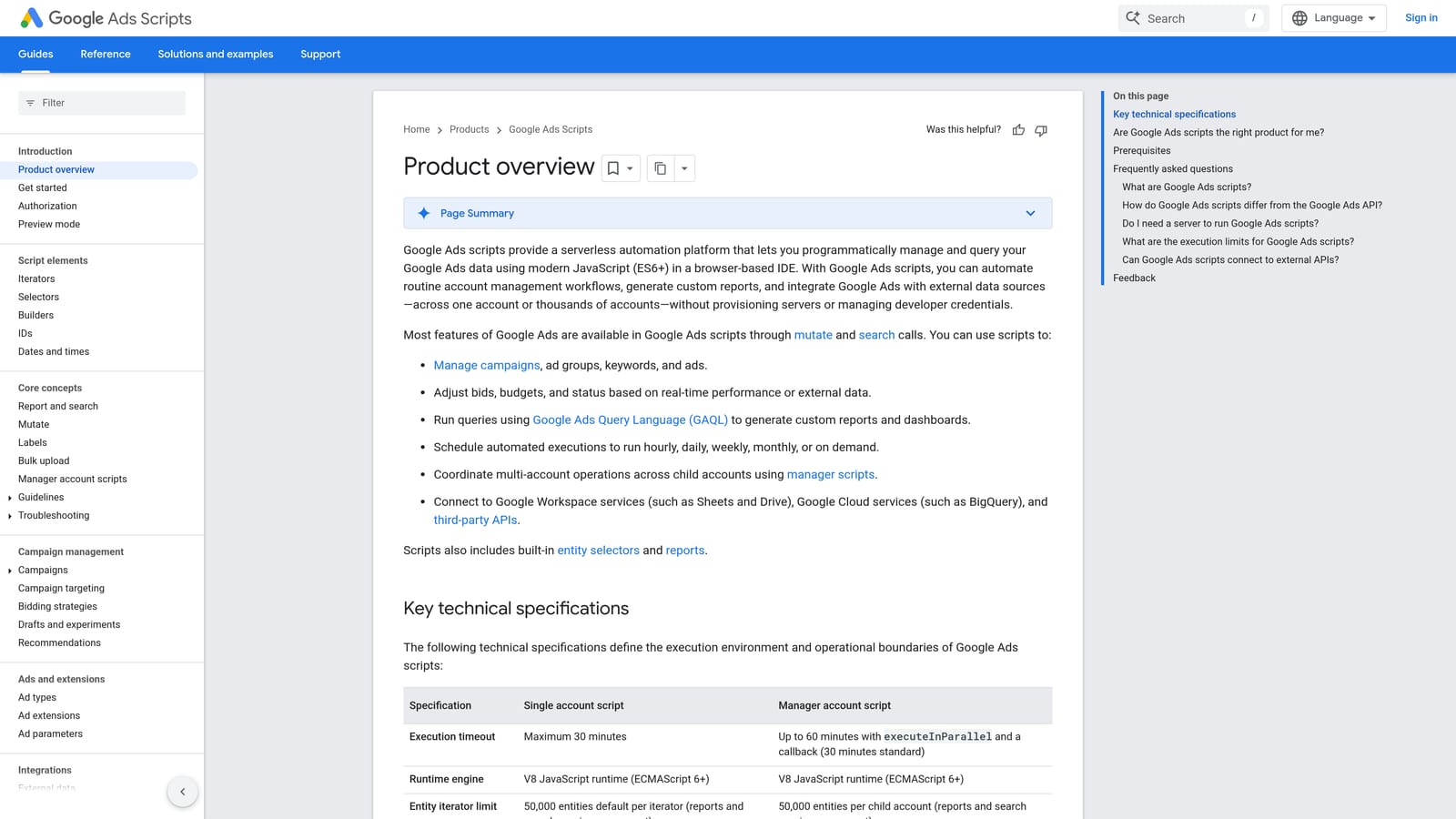
Nothing else here offers fully custom logic at no software cost. You can define exactly what counts as junk for your account, such as spend above a threshold with no conversions, and have the script flag it on a schedule.
- Custom rules on search term data let you encode your own definition of a wasteful query.
- Scheduled runs mean the check happens without you remembering to do it.
- Email or sheet reporting delivers flagged terms where you'll actually see them.
- It's free to use, so the only cost is your time.
It works with Google Ads and commonly pairs with Google Sheets for output. Setup means writing or adapting a script and authorizing it, and someone technical needs to own it long term, since scripts need maintenance when requirements or the platform change.
The risk is that mistakes scale quickly. A flawed rule can flag, or if you've built it to act, exclude, a lot of valuable queries before anyone notices. Keep scripts to flagging and reporting until you trust them, and keep a human in the approval loop.
It's free.
Best for: Technical advertisers who want custom rules.
8. Google Sheets with Google Ads Data
Google Sheets is the old-school approach: export search term data, then filter and analyze it with formulas, pivot tables, and n-gram analysis, which breaks queries into word fragments to reveal recurring patterns.
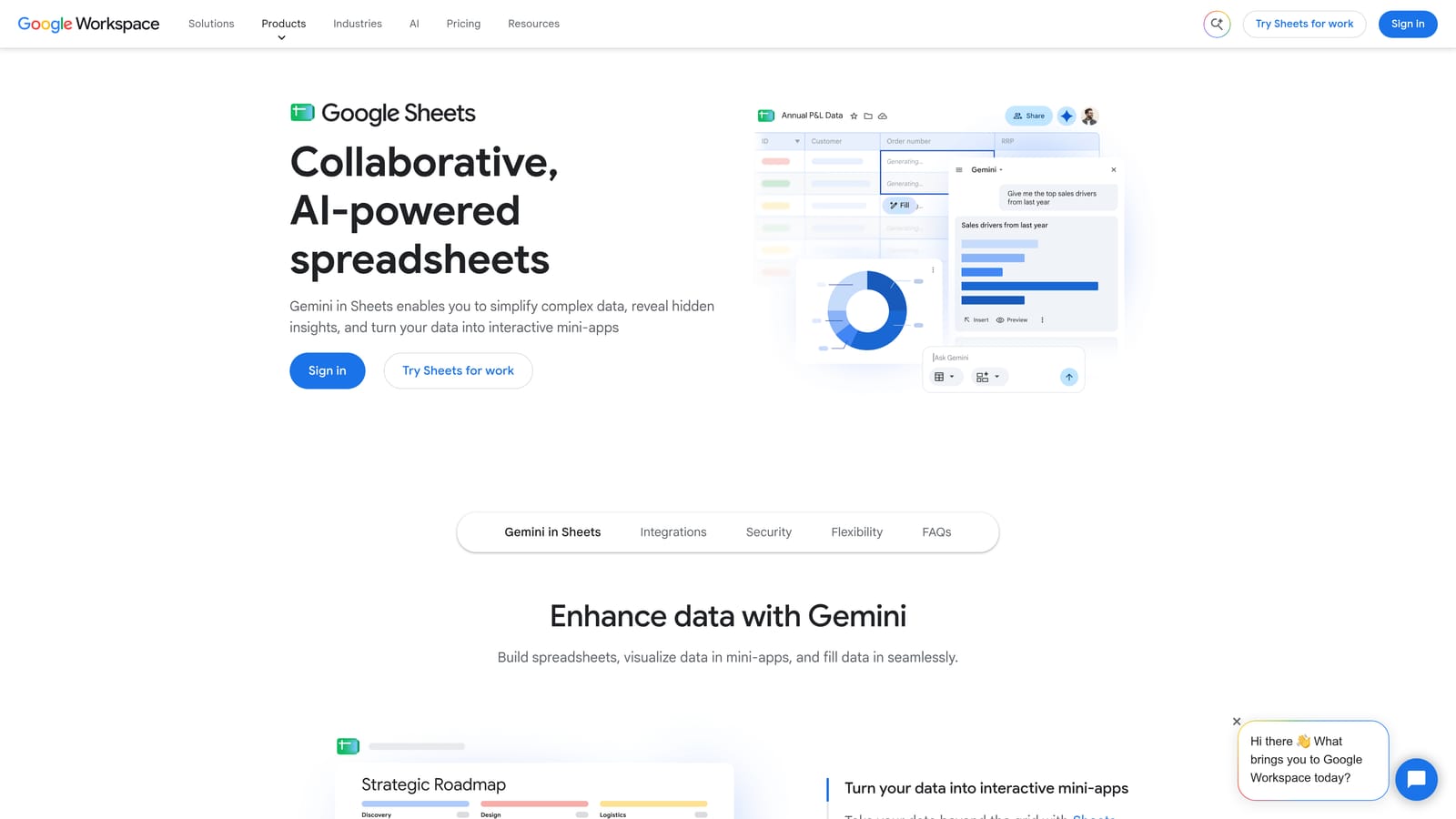
Its strength is flexibility. If you want to slice search terms by any dimension or find a repeated word wasting spend across hundreds of queries, a spreadsheet will let you.
- Filters and pivot tables help you group and sort queries by cost, clicks, or conversions.
- Custom formulas let you build your own flags and scoring.
- N-gram style analysis surfaces word patterns that single-query review misses.
- It's free with a Google account.
Data gets in through export, or possibly a connector; verify which options exist before relying on one. Anyone comfortable with spreadsheets can run it, and setup is light.
The cost is time and accuracy. The process is manual, error-prone, and slow, because you export the data, decide in the sheet, and then re-upload negatives back to the account. Each handoff is a chance to paste a wrong match type or miss a campaign.
It's free with a Google account.
Best for: Analysts who want custom, deep analysis of search term patterns.
Picking the Right Tool for Your Workflow
Three picks stand out depending on how you work. If you're a solo advertiser who needs speed, Keywordme keeps the whole job inside the Search Terms Report. If you're an agency managing many accounts and want rules and audits, Optmyzr and Adalysis cover automation and monitoring respectively, and you can pair either with a manual tool for hands-on cleanup. If you're on a budget or comfortable with code, the native report, Google Ads Editor, Scripts, and Sheets cost nothing but time.
Whatever you choose, review every term for intent before excluding it. A query that looks irrelevant may be a buyer using unusual wording, and a broad match negative can block good traffic you'll never see again. Choose the narrowest match type that does the job.
Optimize Google Ads Campaigns 10X Faster. Without Leaving Your Account. Keywordme lets you remove junk search terms, build high-intent keyword lists, and apply match types instantly, right inside Google Ads. No spreadsheets, no switching tabs, just quick, seamless optimization. Start your free 7-day trial (then just $12/month) and take your Google Ads game to the next level.
