
9 Best Search Query Optimization Software Tools for Google Ads in 2026
A practical guide to search query optimization software.


If you spend part of every week scrolling the Search Terms Report, flagging junk queries and hunting for terms worth promoting, this list is for you. It's written for marketers, freelancers and agency owners running Google Ads. We judged each tool on how well it handles search term review, negative keywords, match types and keyword expansion, then on workflow fit, pricing transparency, and whether it suits a solo operator or a team managing many accounts.
Quick Comparison of the Tools
- Keywordme: freelancers and agency teams; $12/month per user (as of writing); adds one-click actions directly inside the native Search Terms Report.
- Google Ads Editor: advertisers making large structural edits; free; official offline bulk editing with change review before posting.
- Optmyzr: agencies managing many accounts; pricing on the website; rule-based optimization built for scale.
- Adalysis: teams wanting ongoing audits; pricing on the website; continuous automated auditing with alerts.
- Negator.io: advertisers focused on wasted spend; pricing on the website; negative keyword suggestions based on business context.
- WordStream Advisor: small business owners; pricing on the website; guided, beginner-friendly recommendations.
- Google Ads Scripts: technical advertisers; free; fully custom code-based automation.
- Semrush: marketers expanding keyword lists; pricing on the website; competitor and market keyword data beyond your account.
- Google Sheets: beginners and budget-minded advertisers; free; total flexibility to slice exported data your way.
1. Keywordme
Keywordme is our own product, so weigh this section with that in mind. It's a Chrome extension that adds action buttons to the Search Terms Report inside Google Ads. You see the search terms (what people actually typed) and act on them where they sit, instead of exporting to a spreadsheet and re-entering changes later.
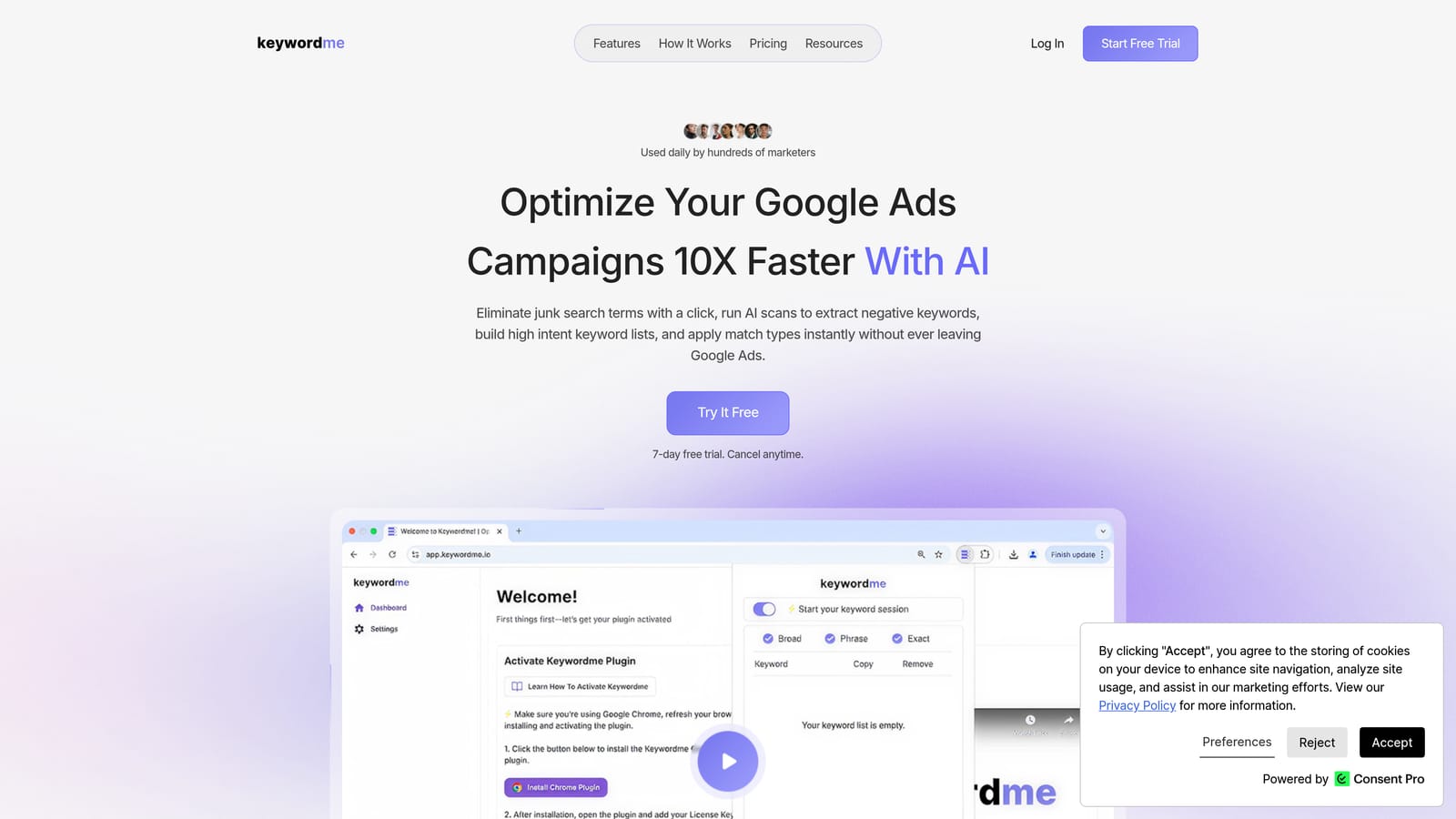
Its distinguishing trait on this list is that there's no separate dashboard. The work happens in the native interface, which suits people who already live in Google Ads all day and just want fewer clicks per decision.
- One-click negative keywords from the Search Terms Report, so junk queries get blocked without leaving the page.
- Add high-intent search terms as positive keywords with the match type you choose, which keeps expansion deliberate.
- Keyword clustering to group related terms and build tighter lists faster.
- Bulk editing for applying the same change across many terms at once.
- Multi-account and team support, so agencies can use it across client accounts.
Setup is light: install the extension in Chrome and open Google Ads. Whoever reviews search terms day to day is the person who uses it, so there's no admin layer to run.
The limits are real. It works with Google Ads only and requires Chrome. It's also a manual, click-driven workflow: you still decide which terms to block or add, and nothing is optimized automatically. If you want unattended monitoring or audits, look at other tools here.
Pricing is a flat $12/month per user with a 7-day free trial, as of writing. Cost scales with the number of users, not ad spend or accounts, but confirm current details on the website.
Best for: Freelancers and agency teams who want faster search term cleanup without leaving Google Ads.
2. Google Ads Editor
Google Ads Editor is Google's free desktop application for managing accounts in bulk. You download account data, edit it offline, review the changes, then post them back to Google Ads. It's built for structural work rather than analysis.
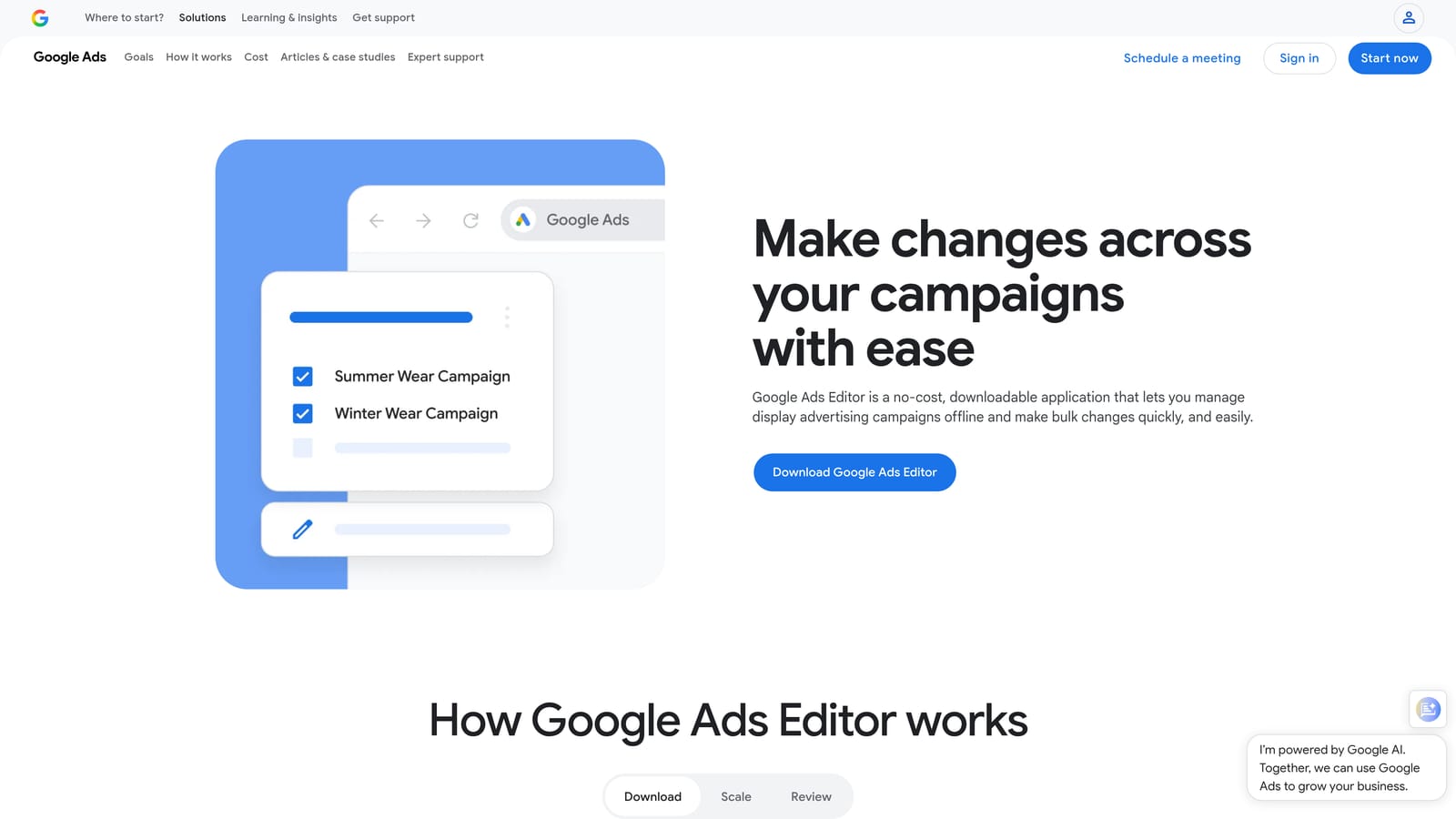
Its edge over everything else here is that it's official, free, and very good at large-scale edits. Adding hundreds of negative keywords to a shared list or restructuring match types across many ad groups is far quicker here than in the browser interface.
- Bulk edit keywords and negative keywords, so a big cleanup becomes one session instead of dozens of screens.
- Work offline and post later, which lets you prepare changes without touching live campaigns.
- Copy and paste across campaigns and accounts to reuse lists and structures.
- Manage multiple accounts from one app.
- Review changes before posting, a useful safety net before anything goes live.
Setup means installing the app and downloading your accounts. It's usually run by whoever owns account structure, often a specialist or agency lead rather than a casual user.
The key limitation: it isn't designed for reviewing search terms. You'll decide what to add or block using the Search Terms Report or another tool, then come here to execute in bulk. That two-step flow is fine for big jobs and clunky for daily cleanup.
It's free.
Best for: Advertisers making large structural edits to keywords and negatives across campaigns.
3. Optmyzr
Optmyzr is a PPC management platform covering optimization tools, audits and automation. It's aimed at people running a lot of accounts who need repeatable processes rather than one-off cleanups.
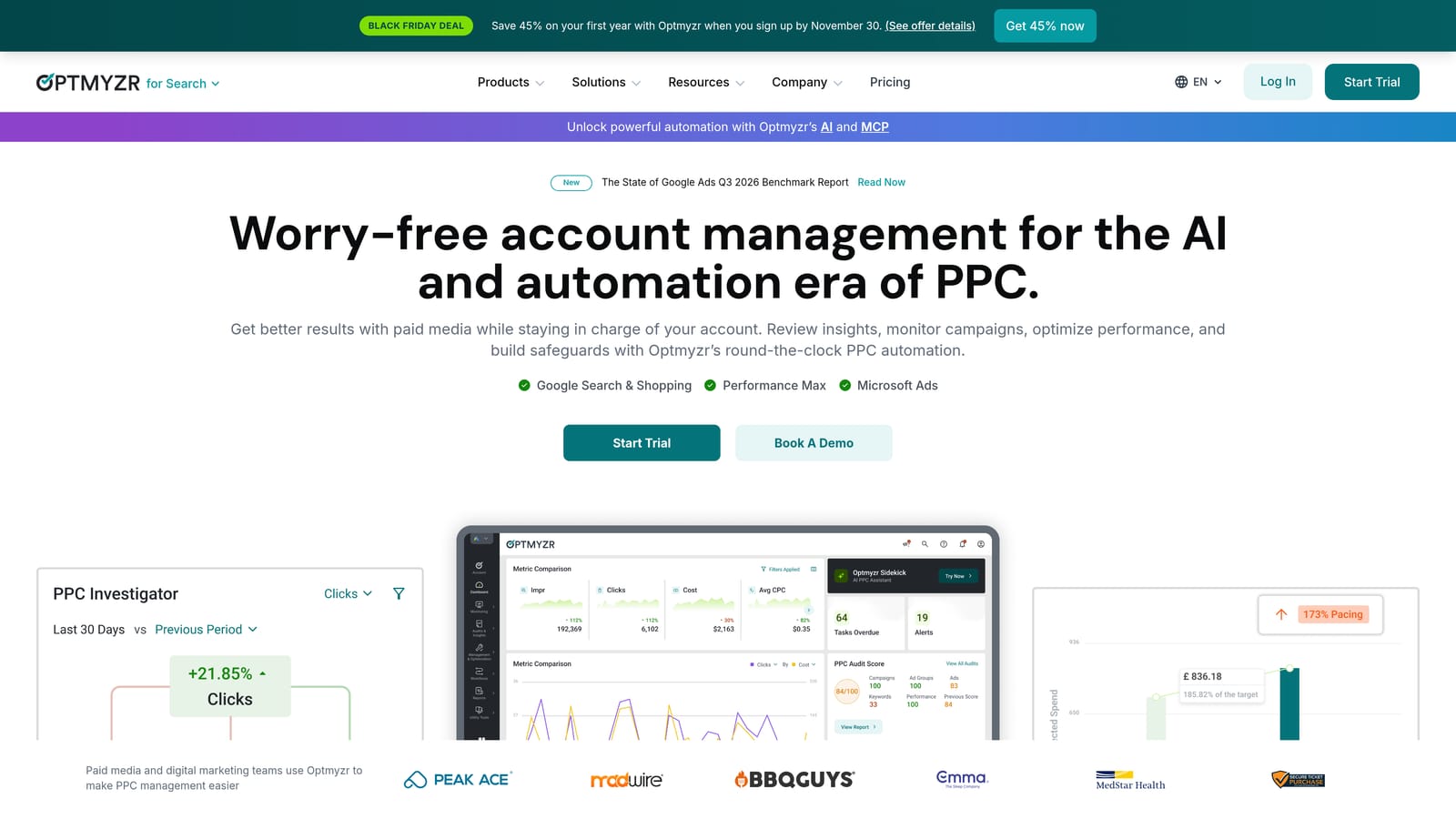
What sets it apart here is the rule-based workflow layer. Instead of reviewing each account by hand, you build or use rules and optimization routines that apply across many accounts, which is where agencies get leverage.
- Rule-based automation to run recurring checks and actions on a schedule you define.
- Account audits that surface issues you'd otherwise find by digging.
- Search term and negative keyword tools for spotting waste and gaps.
- Reporting to package results for clients or stakeholders.
- Multi-account management from a single login.
It connects to Google Ads, Microsoft Advertising and Meta Ads. Expect more setup than a lightweight extension: connecting accounts, learning the tools and configuring rules takes time, and it's usually owned by a senior PPC manager or an agency ops lead. Check each automation's documentation so you know exactly what it changes and whether it needs your approval.
The trade-off is cost and complexity. It's overkill for someone with one or two small accounts who just wants to trim junk queries.
Pricing is a subscription; see the website for current plans, as it varies by plan and usage.
Best for: Agencies wanting automated optimization and audits across many accounts.
4. Adalysis
Adalysis is an auditing and monitoring platform for Google Ads and Microsoft Ads. Its job is to watch your accounts and tell you what's wrong, including where spend is being wasted.
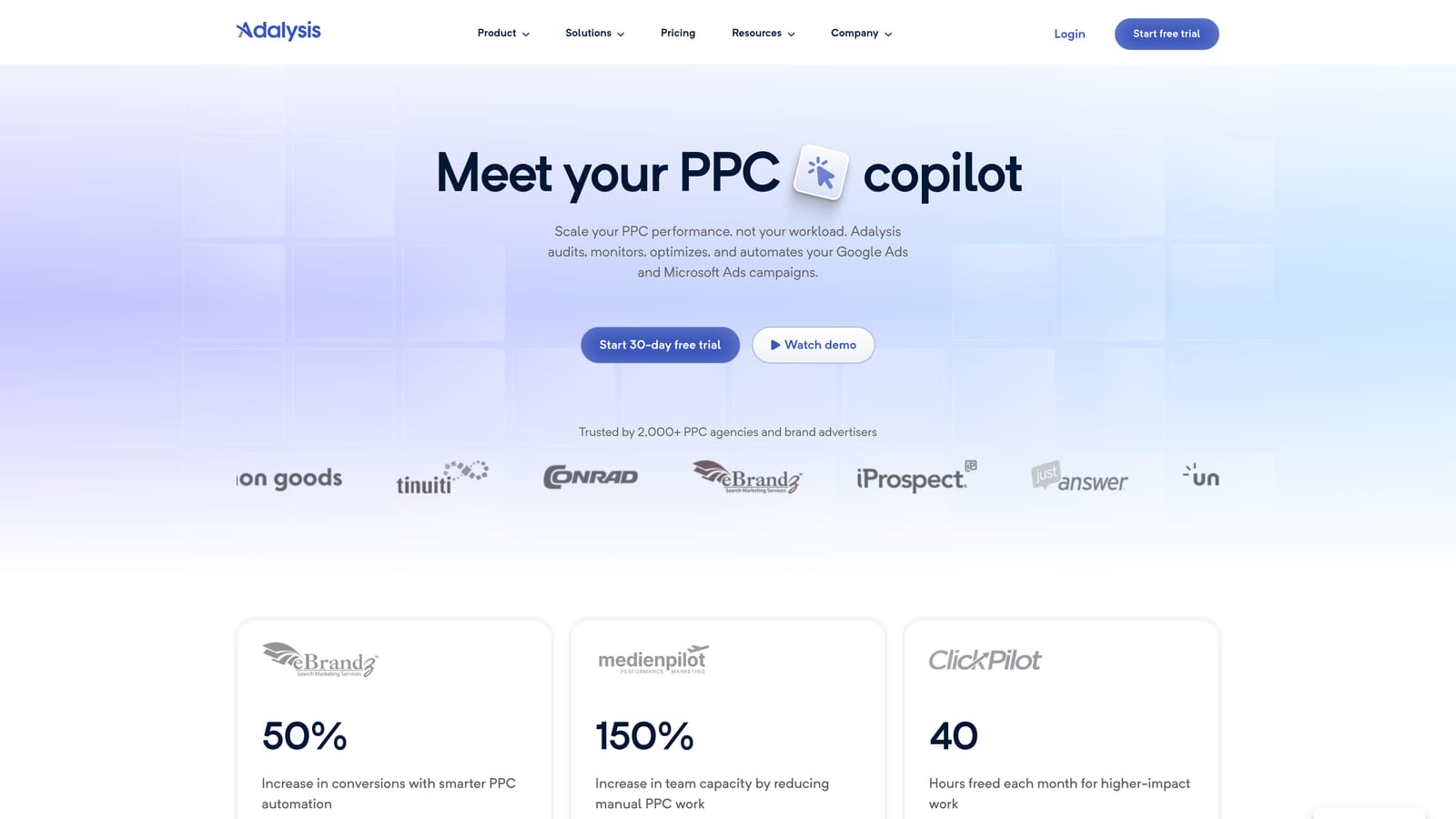
The standout is continuous, automated auditing with alerts across accounts. Rather than you remembering to check, it flags issues as they appear, which suits teams with many campaigns and limited time for manual review.
- Automated account audits that catch structural and settings problems.
- Search term wasted-spend alerts, pointing you to queries that burn budget.
- Ad testing analysis to see which creative is actually winning.
- Scheduled reports delivered without manual pulls.
- Quality and structure checks to keep accounts tidy over time.
It integrates with Google Ads and Microsoft Advertising. Setup involves connecting accounts and tuning alerts so they're useful rather than noisy. It's typically run by a PPC manager or team lead who triages the findings.
The limitation is that it's monitoring-focused. It tells you where to look, but acting on a flagged query still happens elsewhere, so it's less suited to quick in-interface cleanup. Pairing it with an action tool is a common pattern.
Pricing is subscription-based; see the website for current plans.
Best for: Teams that want ongoing audit alerts and ad testing insights.
5. Negator.io
Negator.io does one thing: find irrelevant search terms and suggest negative keywords. Check the official site for the current feature set, since this is a newer, narrower product.
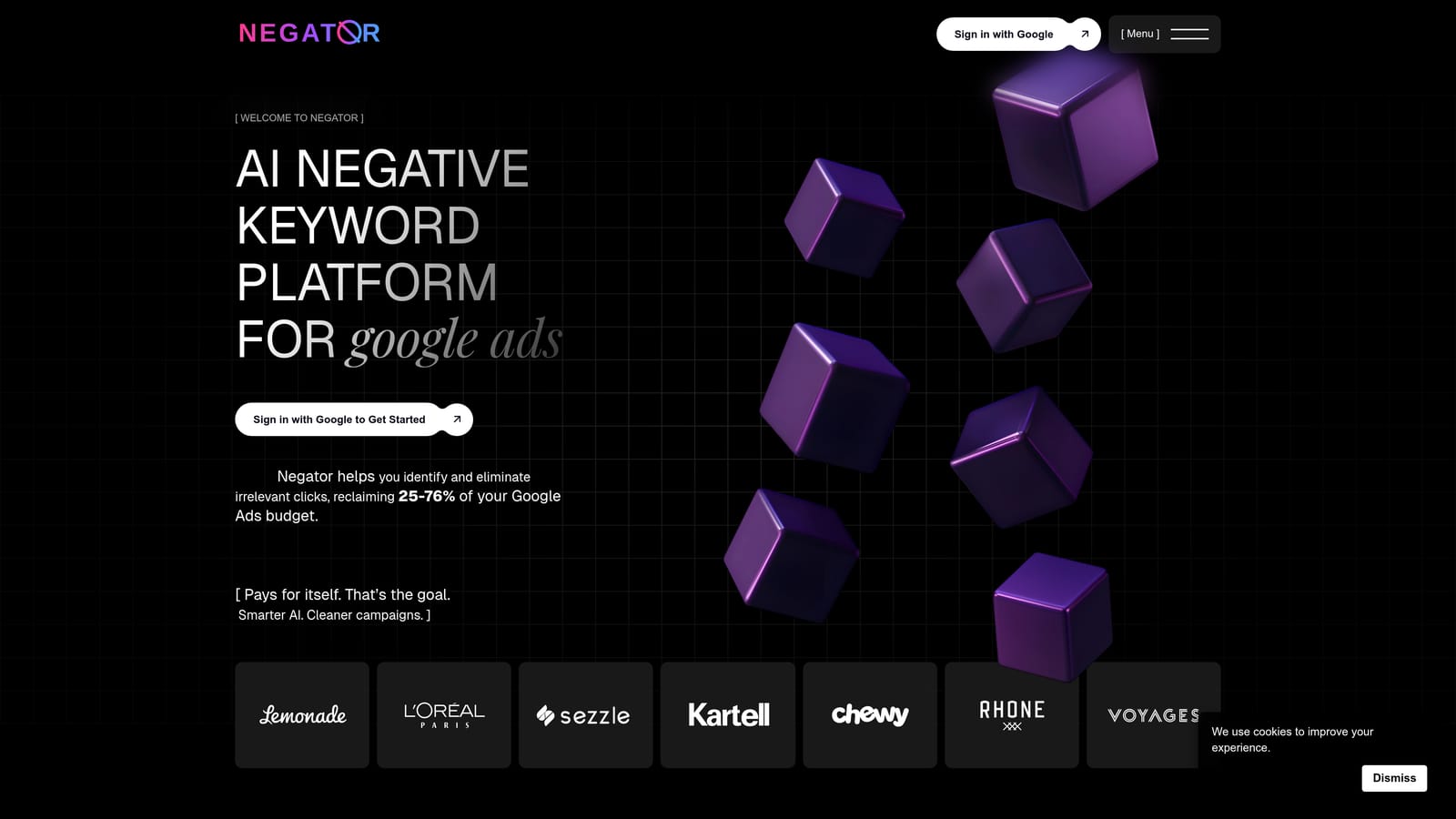
The standout is its focus and its use of business context. Instead of only looking at performance numbers, it analyzes queries against what your business actually does, which helps surface terms that look fine statistically but are plainly off-topic.
- Irrelevant search term detection so you don't have to read every row yourself.
- Negative keyword suggestions you can review rather than invent from scratch.
- Business context-based analysis to judge relevance, not just clicks and cost.
- Google Ads account connection to pull in your data directly.
Setup centers on connecting your account and describing your business. Whoever manages the campaigns can run it day to day.
Treat suggestions as a starting point. Any automated suggestion can flag a term that converts for you, or recommend a negative at the wrong level or match type, so review before applying. It also doesn't build keyword lists or handle bidding, so it covers just one slice of the workflow.
Pricing isn't something to guess at; see the website for current plans.
Best for: Advertisers who mainly want help spotting wasteful search terms.
6. WordStream Advisor
WordStream Advisor is Google Ads management software from LocaliQ, aimed at small businesses. It leans on guided recommendations so owners without a PPC background know what to do next.
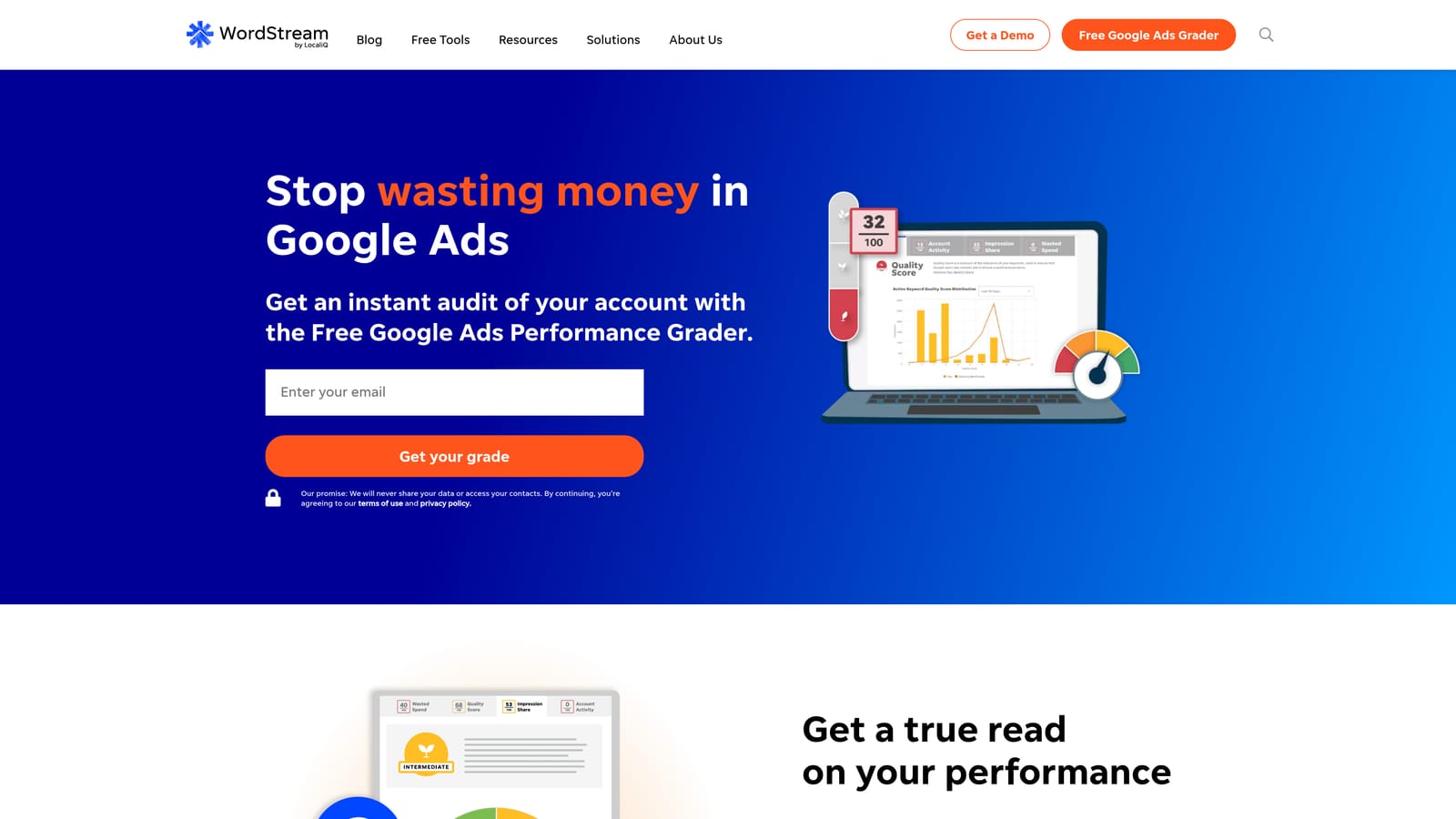
Its distinguishing quality on this list is approachability. Where Optmyzr and Adalysis assume a practitioner, this assumes you're running ads alongside a day job.
- Optimization recommendations that tell you what to change and why.
- Negative keyword suggestions to trim irrelevant queries.
- A performance grader that gives a quick read on account health.
- Reporting that's simple enough to share without a dashboard tour.
It connects to Google Ads, Microsoft Advertising and Meta Ads. Setup is simple, and the business owner or a marketing generalist usually runs it. Confirm current product details on the site, as LocaliQ has evolved the offering.
The limitation is flexibility. It's geared to SMBs, so agencies with custom workflows, many clients or detailed reporting needs will likely outgrow it. And as with any recommendation engine, read each suggestion before accepting it.
Pricing details are on the website.
Best for: Small business owners running their own Google Ads.
7. Google Ads Scripts
Google Ads Scripts lets you run custom JavaScript inside Google Ads to automate reporting and checks. It's a built-in feature, not a separate product.
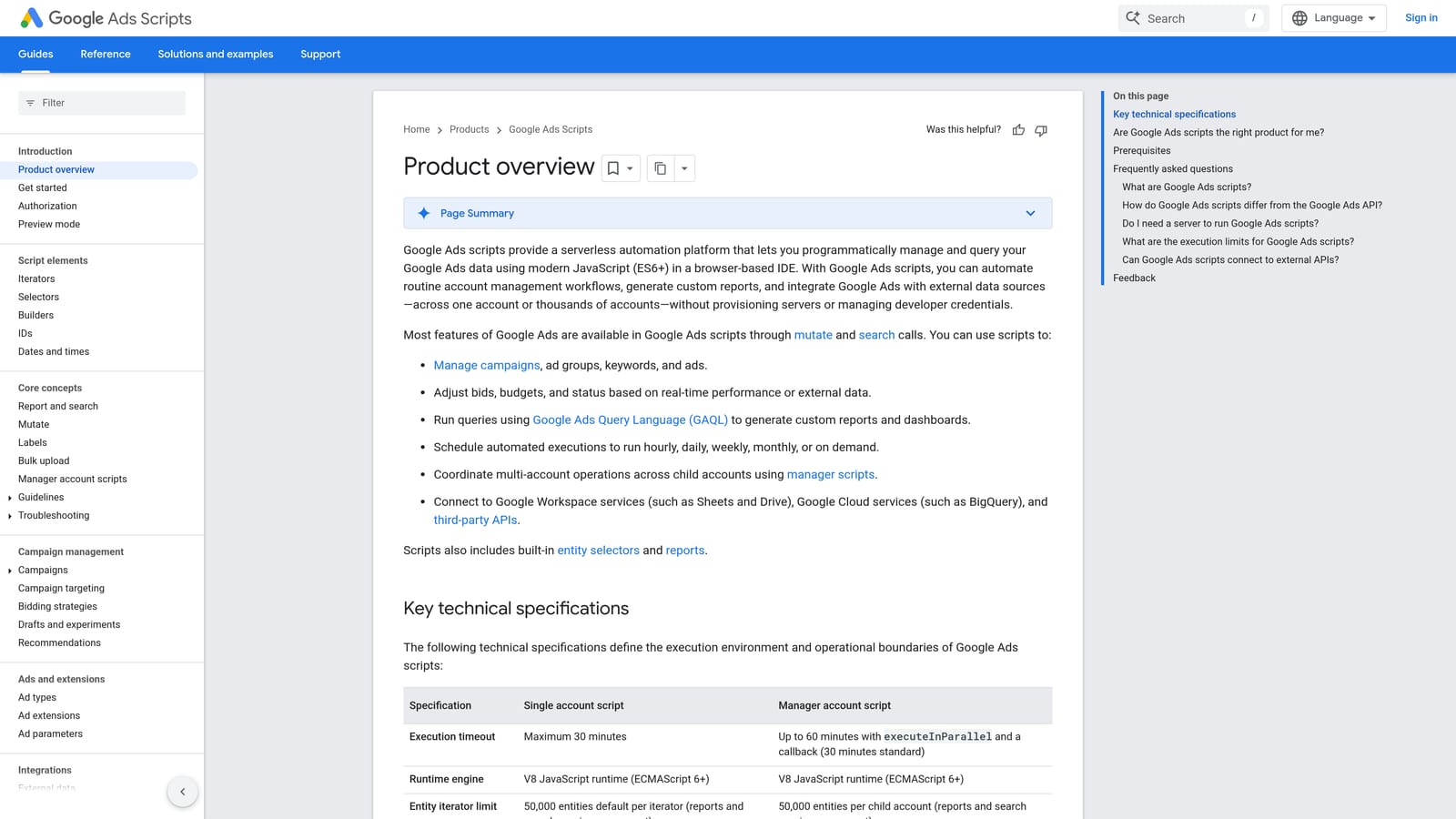
Nothing else on the list is as customizable. If you can describe a rule, such as emailing yourself when a search term crosses a spend threshold with no conversions, a script can probably do it, and at no cost.
- Custom JavaScript automation tailored to your exact rules.
- Search term reporting scripts that pull the queries you care about.
- Scheduled runs so checks happen without you.
- Spreadsheet output to Google Sheets for easy review.
- Email alerts when something needs attention.
Setup means writing or adapting code, then authorizing and scheduling it. A technically inclined PPC specialist or developer typically owns it, and scripts need maintenance when Google changes things or your needs shift.
That's the main drawback: it demands coding skill and ongoing upkeep, and a badly written script can cause problems. Test carefully, and build in a review step instead of letting a script change your account unchecked.
It's free.
Best for: Technical advertisers comfortable adapting scripts.
8. Semrush
Semrush is a broad marketing platform, and its keyword and PPC research tools help you find queries to target. It looks outward at the market rather than inward at your account.
That's its standout: competitor and market keyword data you can't get from your own Search Terms Report. Your report only shows queries that already triggered your ads, so it can't reveal what you're missing entirely.
- Keyword Magic Tool to generate large sets of related queries.
- PPC keyword research with a view of what advertisers target.
- Competitor ad research to see how others position themselves.
- Keyword grouping to organize ideas into usable themes.
It integrates with Google Ads, Google Analytics and Google Search Console. Setup is easy for research use, and it's often run by marketers who also handle SEO or content, not just PPC.
The limitation is plain: it doesn't clean up your account's search terms. You'd use it to expand, then apply the keywords elsewhere. It's also a large platform, so you may pay for far more than you'd use.
Pricing is subscription-based and varies by plan; see the website.
Best for: Marketers expanding keyword lists using competitor and market data.
9. Google Sheets
Google Sheets is the free spreadsheet app many advertisers already use to analyze exported search terms reports. It's the manual baseline every tool above tries to improve on.
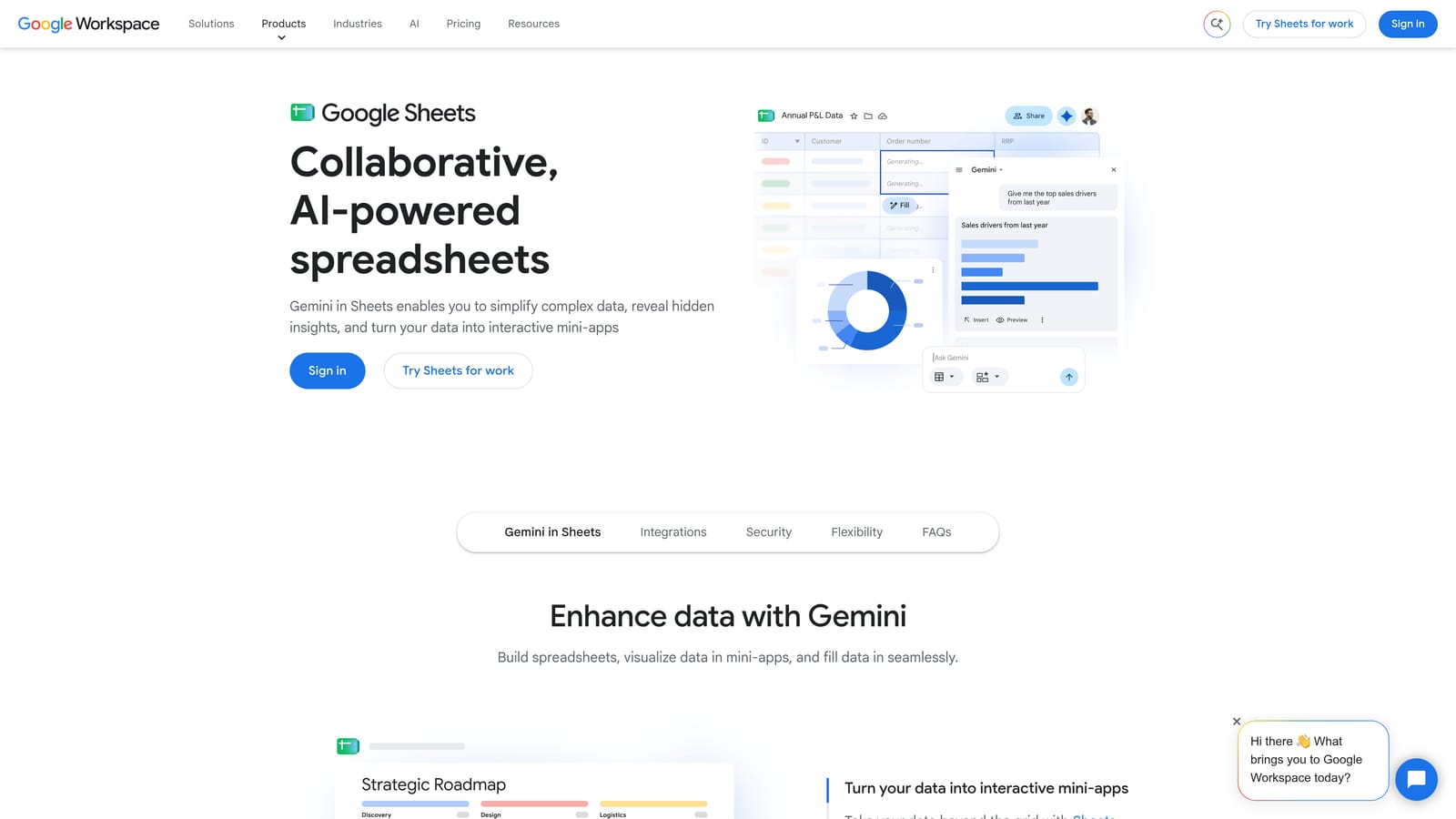
What it does better than anything else here is flexibility. You can slice search term data any way you like, whether by word, by theme, by cost per conversion or by campaign.
- Pivot tables to group queries and spot patterns in spend and conversions.
- Filters and formulas to flag terms that meet your own criteria.
- Shareable files so clients or teammates can review the same data.
- Add-on support to extend what the sheet can do.
You export the report from Google Ads (or pull it in via scripts), analyze it, then go back and make changes in the account. Anyone can run it, which is why it's a good place to learn.
The cost of that flexibility is time. It's manual, gets slow with big accounts, and every decision has to be re-applied in Google Ads by hand, which invites errors and delays.
It's free with a Google account.
Best for: Beginners and budget-conscious advertisers learning search term analysis.
Which Tool Fits Which Workflow
These tools do different jobs, so the right pick depends on where your time actually goes.
Solo advertisers and freelancers who want fast cleanup should look at Keywordme. It keeps review and action in one screen, and the $12/month per user price (as of writing) is easy to justify against a few hours of weekly spreadsheet work. You stay in control of every decision, which is the point.
Agencies juggling many accounts get more from Optmyzr or Adalysis, which add automation, audits and alerts. Many teams pair one of those with an in-interface action tool, since monitoring and acting are separate jobs.
Technical teams can use Google Ads Scripts for custom checks, and add Semrush when they need to find keywords beyond their own data.
Budget-conscious beginners can start with Google Sheets for analysis and Google Ads Editor for bulk changes. Both are free, and they teach you what to look for before you pay for anything.
Optimize Google Ads Campaigns 10X Faster. Without Leaving Your Account. Keywordme lets you remove junk search terms, build high-intent keyword lists, and apply match types instantly, right inside Google Ads. No spreadsheets, no switching tabs, just quick, seamless optimization. Start your free 7-day trial (then just $12/month) and take your Google Ads game to the next level.
