
9 Best Search Query Mining Tools for Google Ads in 2026
This guide compares nine search query mining tools for Google Ads, including Keywordme, Google Ads Editor, Optmyzr, and Adalysis. Each is evaluated on how fast you can act on a search term, negative keyword and match type handling, scalability across accounts, and cost, helping freelancers, in-house marketers, and agencies find wasted spend and new keywords.


Your search terms report is where you find out what people typed before they clicked, and it holds both wasted spend and keywords you haven't added yet. These tools are for freelancers, in-house marketers, and agency owners who want to mine that data faster. We compared them on how quickly you can act on a search term, how they handle negative keywords and match types, how they scale across accounts, and what they cost.
Quick Comparison of Search Query Mining Tools
- Keywordme: freelancers and agencies who act on search terms inside Google Ads; $12/month per user (as of writing); works inside the native Search Terms Report with no exports.
- Google Ads Editor: anyone pushing big prepared keyword and negative lists; free; bulk posting of changes across many accounts.
- Optmyzr: agencies with large client portfolios; see website for pricing; rule-based optimization workflows across many accounts.
- Adalysis: agencies wanting recurring health checks; see website for pricing; automated audits and alerts that surface account issues.
- Google Ads Scripts: technical advertisers; free; fully customizable flagging logic with no license cost.
- Google Sheets: budget-conscious advertisers comfortable with spreadsheets; free; word-level pattern analysis across large exports.
- Google Ads Search Terms Insights: beginners and small accounts; free with Google Ads; Google's own query categorization with no setup.
- WordStream Advisor: small businesses wanting guided advice; see website for pricing; suggestions aimed at small-business advertisers.
- Semrush PPC Keyword Tool: advertisers expanding keyword coverage; see website for pricing; competitor paid keyword data for queries you don't bid on.
One definition before the list. Search query mining means reviewing the actual search terms that triggered your ads, then excluding irrelevant ones as negative keywords and adding high-intent ones as keywords. Search terms are what people typed. Keywords are what you bid on. The tools below differ mostly in where that work happens: inside Google Ads, in a bulk editor, in a suite, or in a DIY setup.
1. Keywordme
Keywordme is a Chrome extension that adds one-click actions to the Google Ads Search Terms Report. It's our own product, so weigh this section with that in mind. It's built for freelancers and agency teams who spend hours a week reviewing search terms and want to act on them without leaving the interface.
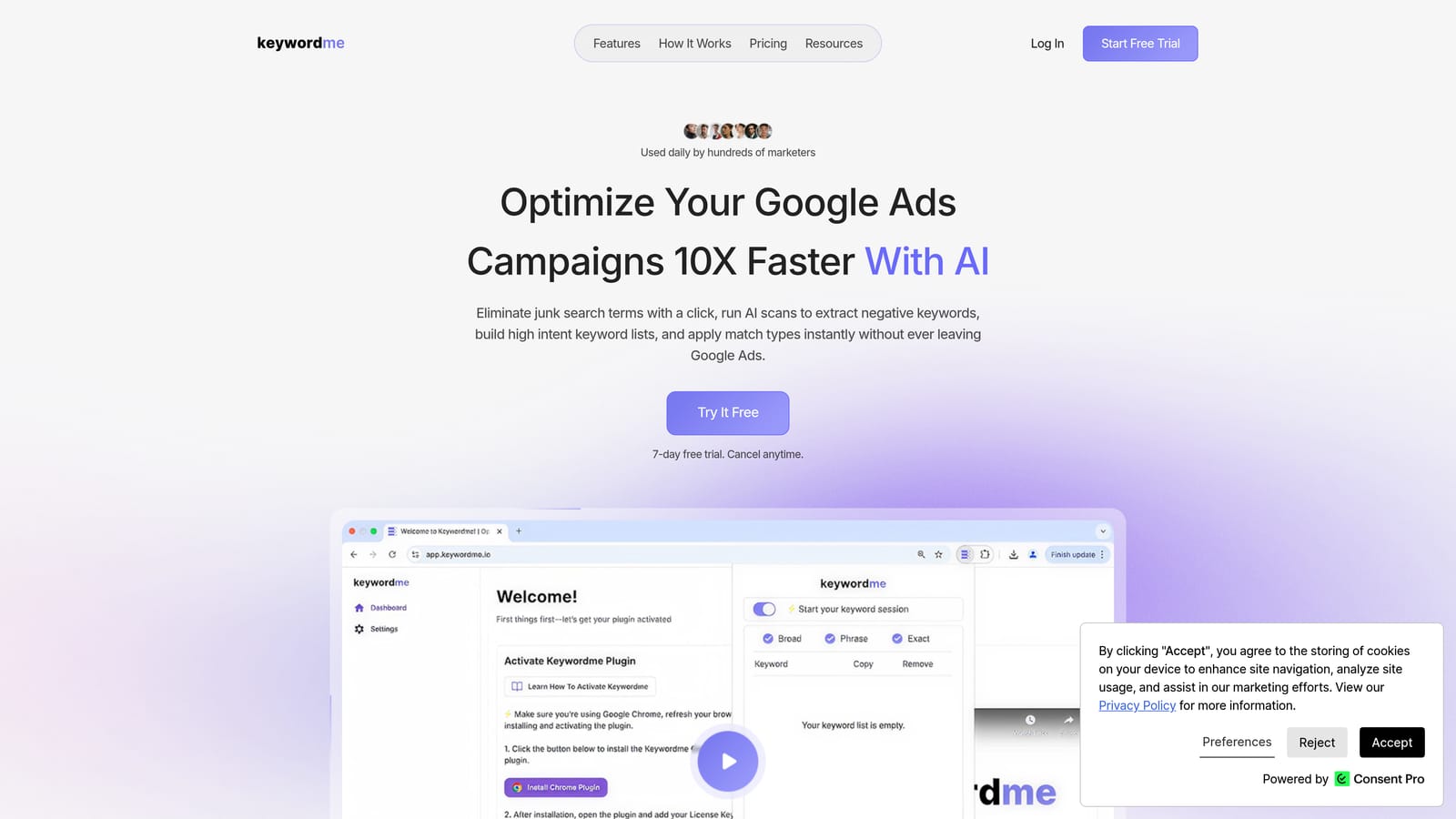
What sets it apart on this list is where it works: directly in the native report, with no export, no spreadsheet, and no second dashboard. You see a search term, you decide, you click. The company's own marketing says it can make optimization up to 10x faster, but treat that as a vendor claim, not an independent result. Your actual speedup depends on how you work today.
- One-click negative keywords straight from the Search Terms Report, so junk queries come out quickly.
- Add search terms as keywords with the match type you choose, so you control how each new keyword behaves.
- Keyword clustering to group related terms and build tighter lists.
- Bulk editing for handling many terms at once.
- Multi-account and team support, so agencies can share the workflow across users.
Setup is installing the extension in Chrome and opening Google Ads. Whoever reviews search terms day to day runs it, and there's no separate platform to administer.
The limits are real. It works with Google Ads only, and it's a Chrome extension, so it won't help if you manage Microsoft Ads or want a cross-platform suite. It also isn't automation: you review and click, which is a feature if you want control and a drawback if you want rules running unattended. You still need to judge terms yourself, including when you have too little data to decide.
Pricing is $12/month per user with a 7-day free trial, as of writing. Cost scales with the number of users, not with ad spend or accounts.
Best for: Freelancers and agencies who want to act on search terms without leaving Google Ads.
2. Google Ads Editor
Google Ads Editor is Google's free desktop app for editing campaigns, keywords, and negatives in bulk, including offline. It isn't a mining tool, and that's the point to understand: it's where you push the decisions once you've made them elsewhere.

Its distinctive strength is free bulk posting across many accounts. If you've built a list of 500 negatives in a spreadsheet or another tool, Editor gets them into the account in one pass instead of one at a time.
- Bulk edits and imports, so large keyword and negative lists go in from a file.
- Offline editing across multiple accounts, so you can prep changes without a live session.
- Negative keyword management at campaign and ad group level, which helps when you need to place negatives deliberately.
- Change review before posting, so you can check everything before it goes live.
Setup means downloading the app and syncing the accounts you manage. It suits people comfortable with a spreadsheet-like interface and the import format.
Don't buy it expecting analysis. It doesn't help you spot which search terms are junk, so you need another method to decide what goes into the list. It also adds a step compared with acting directly in the report: export, decide, import, review, post. For a quick weekly clean-up of a single account, that's heavy.
It's free.
Best for: Pushing large prepared keyword and negative lists in bulk.
3. Optmyzr
Optmyzr is a PPC management platform with optimization tools and rules, built for people running many ad accounts. Search term analysis is one part of a wider toolkit.

Its edge here is rule-based optimization workflows across a large client portfolio. Instead of reviewing each account by hand, you can set up repeatable checks and apply them across clients, which matters once account count climbs.
- Search term analysis tools that help surface queries worth excluding or adding.
- Rule-based optimizations, so recurring tasks follow logic you define.
- Multi-account management in one place, which cuts the login-hopping.
- Reporting you can use for client updates.
It connects to Google Ads and Microsoft Ads. Expect a real onboarding period: you connect accounts, learn the tools, and decide which rules to trust. Usually a specialist or account lead owns it, not a casual user.
It's heavier and likely costlier than lightweight tools, so it can be overkill for a freelancer with a few accounts or anyone who just wants to clear a search terms report quickly. Verify current plans before shortlisting, since I haven't confirmed them.
Pricing: see the Optmyzr website. Check what drives the cost for your setup, such as ad spend or account count.
Best for: Agencies managing a large client portfolio.
4. Adalysis
Adalysis is an audit and optimization platform for Google and Microsoft Ads. Its approach is different from click-through mining tools: it checks accounts continuously and tells you what needs attention.
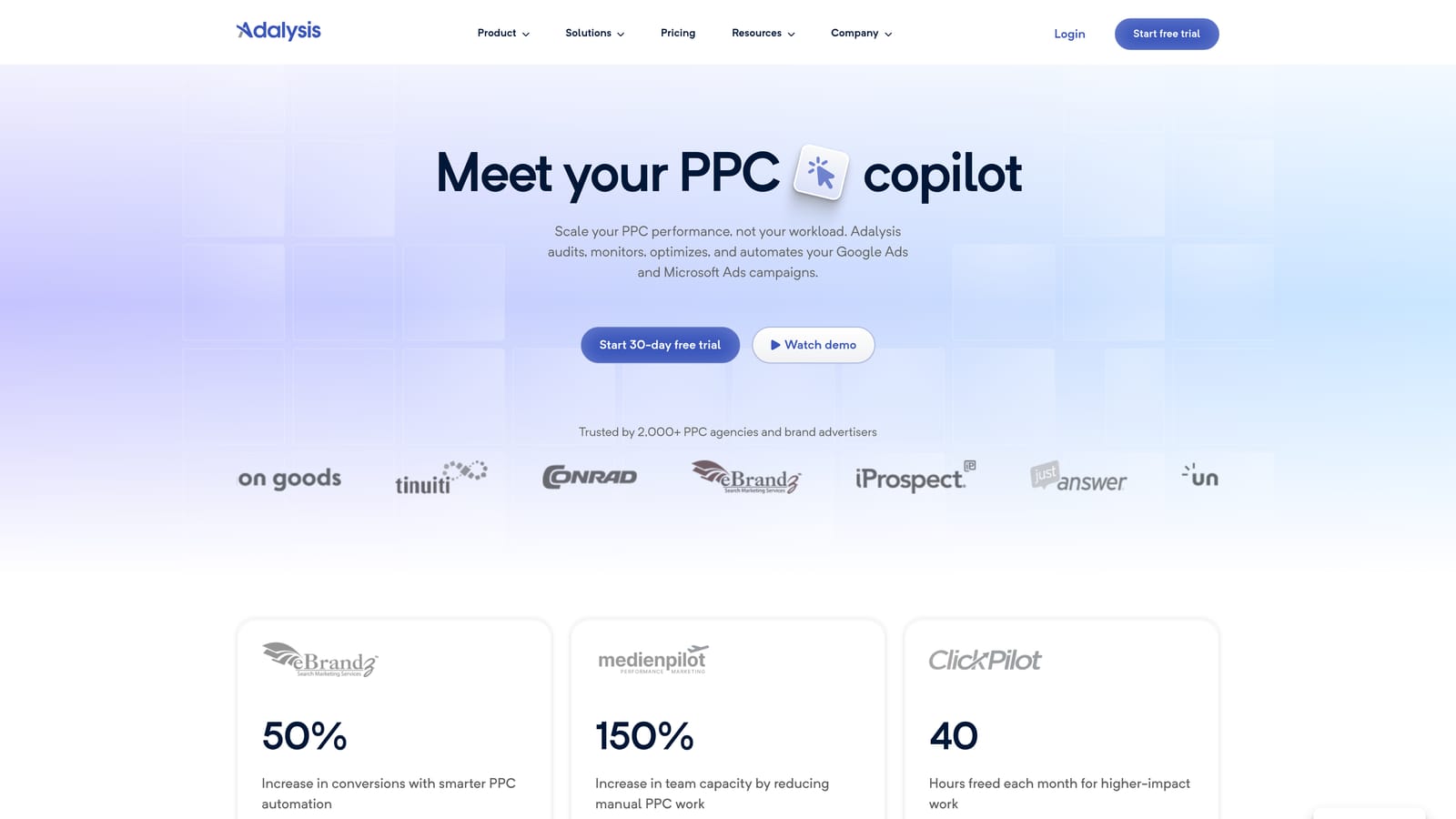
The distinctive piece is automated audits and alerts. Where other tools wait for you to open a report, Adalysis flags issues, including wasted spend, so problems come to you.
- Account audits that scan for common problems across campaigns.
- Search term analysis to find queries to exclude or promote.
- Alerts for wasted spend, so you hear about problems between reviews.
- Ad testing tools, which extend its use beyond search terms.
It integrates with Google Ads and Microsoft Ads. Setup is connecting accounts and tuning what you get alerted on. An account manager or agency lead typically checks it on a schedule.
It's audit-focused, not built for a fast in-interface mining workflow. If your goal is to blitz through a Search Terms Report in twenty minutes, you'd still make most changes elsewhere. It's also more tool than a single small account probably needs.
Pricing: see the Adalysis website. Confirm what changes the price, such as spend or account count, before committing.
Best for: Agencies wanting recurring account health checks.
5. Google Ads Scripts
Google Ads Scripts lets you write JavaScript that runs inside your account. For search query mining, that means you define exactly what counts as a problem term and have the script report on it.
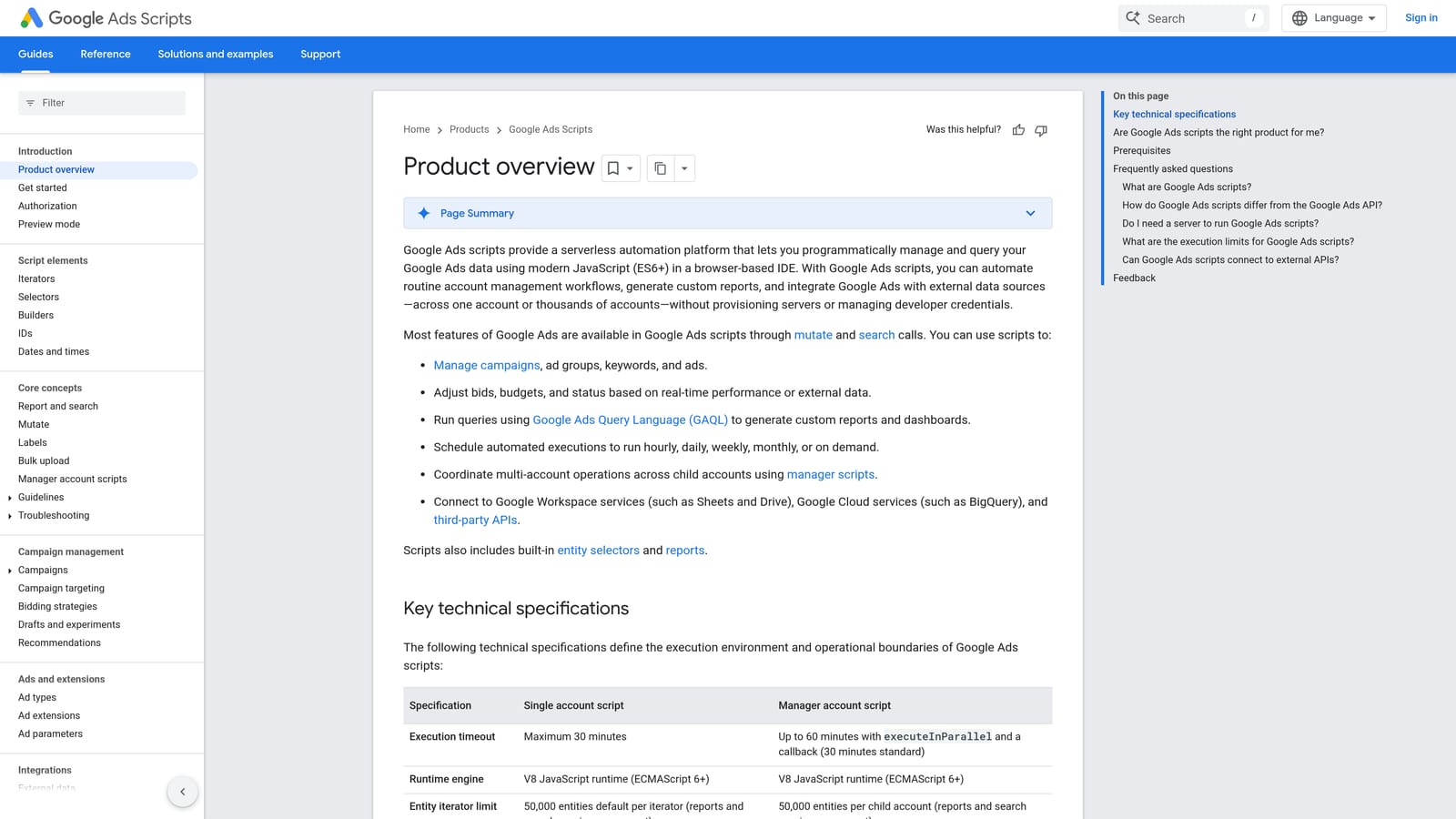
Nothing else here is as customizable at no license cost. You can pull search terms that meet your own thresholds, write them to a Google Sheet, email yourself an alert, and schedule it to run again.
- Custom search term reports built around your own rules, not a vendor's.
- Automated alerts, so you hear when something crosses your threshold.
- Scheduled runs, so the check happens without you remembering.
- Account-level automation, if you choose to go beyond reporting.
It works with Google Ads, Google Sheets, and Gmail. Setup depends on your coding skill, and someone has to own the scripts afterward. If Google changes something or your account structure shifts, scripts can break.
It doesn't suit non-technical advertisers or anyone who doesn't want to maintain code. Be careful with any script that makes changes automatically: a flawed rule can add bad negatives or block good traffic, so many people keep scripts to flagging and review the output themselves.
It's free.
Best for: Technical advertisers who want custom flagging logic.
6. Google Sheets
The spreadsheet route starts with exporting your search terms report and analyzing it in Google Sheets. It's the classic DIY method and still useful.
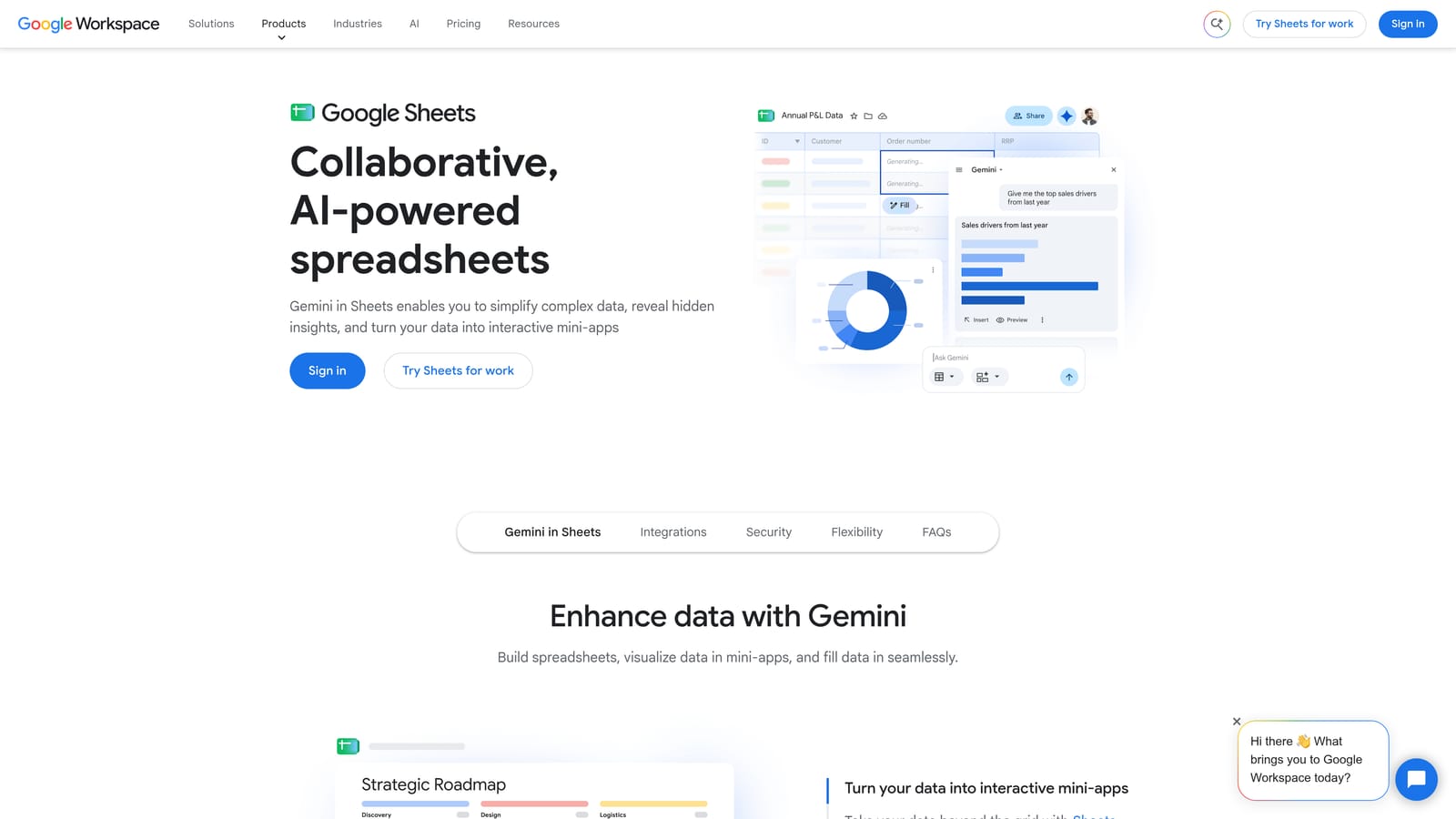
Its strength is word-level pattern analysis across big exports. N-gram analysis splits queries into individual words or short phrases, so you can see that a certain word shows up across hundreds of low-converting terms. That's a pattern you'd miss reading queries one by one.
- Pivot tables to total cost and conversions by word or phrase.
- Filters to isolate terms by spend, clicks, or conversions.
- N-gram analysis with formulas to find recurring problem words.
- Shareable reports, handy for showing a client or teammate your reasoning.
It can connect to Google Ads via export or add-ons, and Apps Script can automate parts of it. Setup is minimal, but the analysis skill is yours to bring.
The drawback is that it's manual and slow. Nothing you decide in the sheet reaches your account until you re-enter it in Google Ads or import it with a tool like Editor. For quick weekly cleanup, that round trip adds up. Be cautious about acting on words with little data behind them.
It's free with a Google account.
Best for: Budget-conscious advertisers comfortable with spreadsheets.
7. Google Ads Search Terms Insights
The built-in reporting in Google Ads already does more than many people use. The search terms report shows the queries that triggered your ads, and the search category insights group those queries into themes so you can see patterns at a higher level.
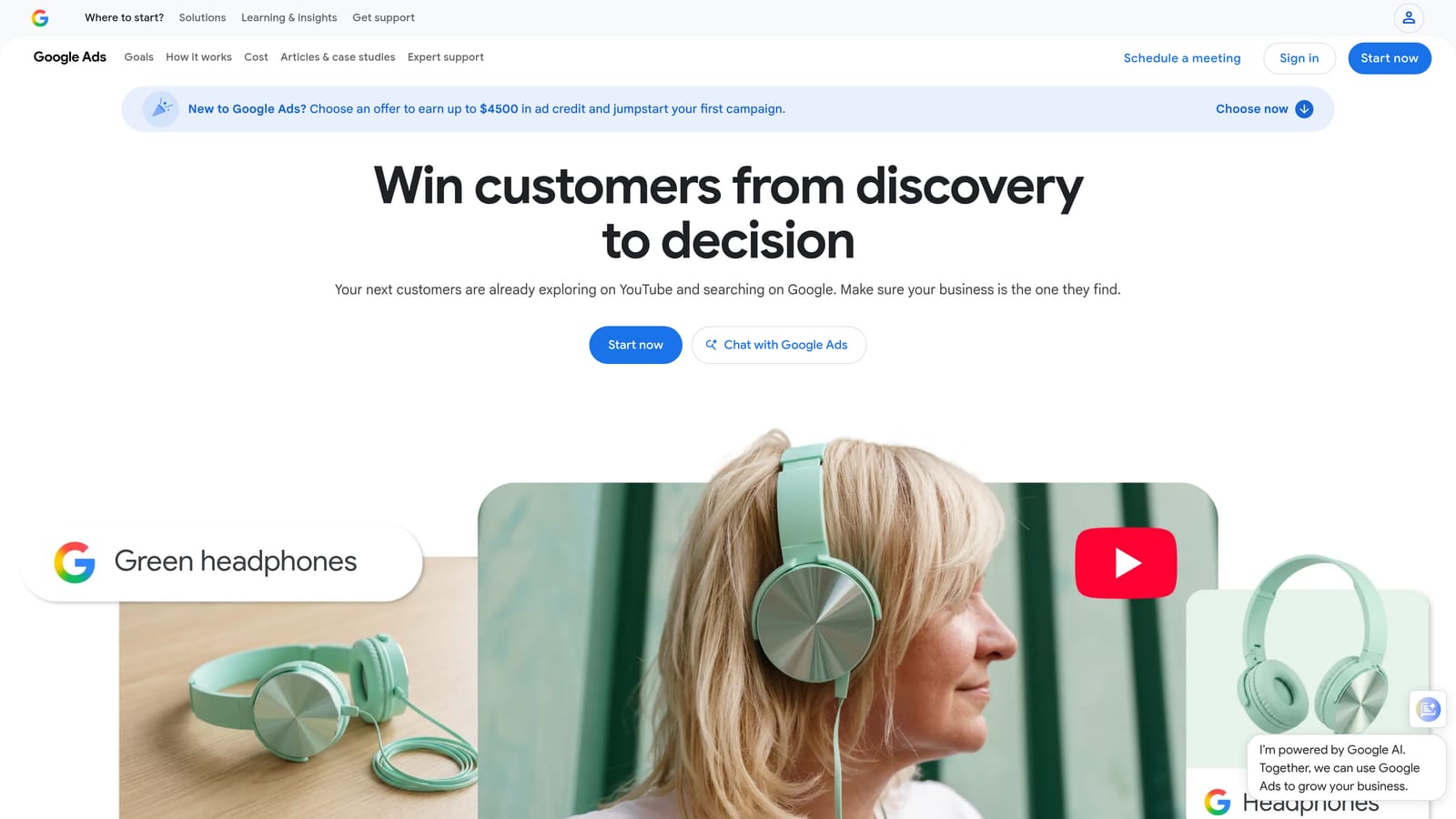
What it does best is need no setup. The categorization is Google's own, it's right in the account, and you can add a term as a keyword or a negative from where you're looking.
- Search terms report showing the actual queries behind your clicks.
- Search category insights that group queries so you can spot themes quickly.
- Filters and segments to focus on spend, conversions, or specific campaigns.
- Add as keyword or negative, so you can act on a term from the report.
No integrations are needed, and whoever manages the account uses it. Interface paths and labels change over time, so check where things live in your current account.
The limits show up with scale. Bulk and cross-account workflows are limited, so working through lots of terms across many clients means a lot of repeated clicking. Google also doesn't show every query, since some are grouped or hidden, so the report isn't a complete record of everything people typed.
It's included with Google Ads at no extra cost.
Best for: Beginners and small accounts.
8. WordStream Advisor
WordStream Advisor is an optimization tool aimed at small advertisers, now offered under LOCALiQ. Confirm it's still sold and what it's called before you plan around it.
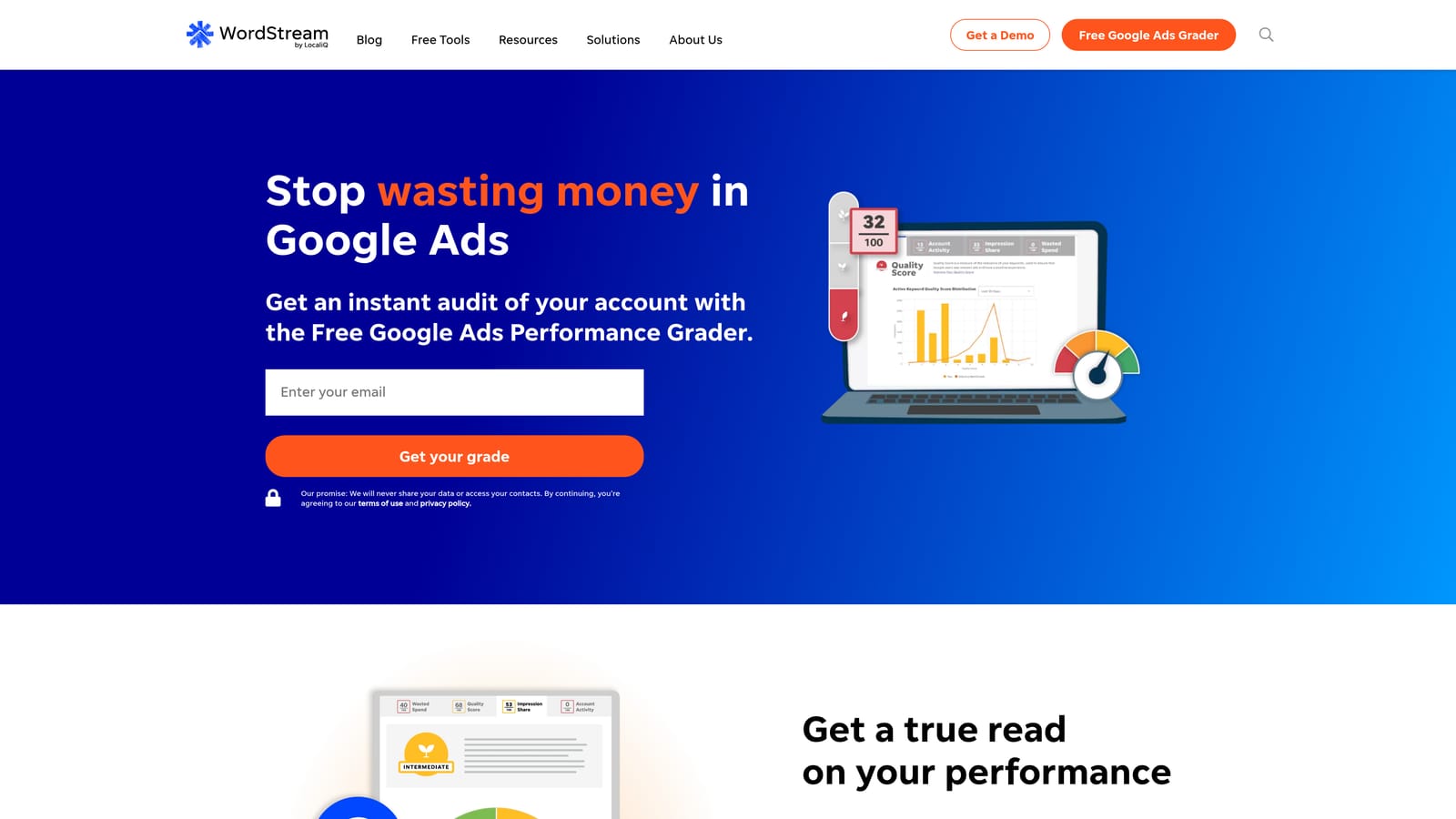
It stands out for guided suggestions written for small-business owners who don't live in Google Ads. It grades performance and recommends changes, so you get direction without needing to interpret raw reports.
- Performance grading that gives a quick read on account health.
- Optimization suggestions that point you to what to change next.
- Reporting that helps you keep track of results.
It works with Google Ads and Microsoft Ads. Setup is connecting your accounts, and the business owner or a marketing generalist is the likely user.
The trade-off is that recommendations can be generic. They won't know your margins, your lead quality, or which odd-looking queries are actually good for your business, so review each suggestion before applying. It's also not a fast in-report mining workflow, and experienced practitioners may find it too basic.
Pricing: see the website, and confirm current availability and plans directly.
Best for: Small businesses wanting guided advice.
9. Semrush PPC Keyword Tool
Semrush and its PPC keyword research tools do a different job from the rest. They don't mine your search terms report. They show you what else is out there, so they work best alongside in-account mining.
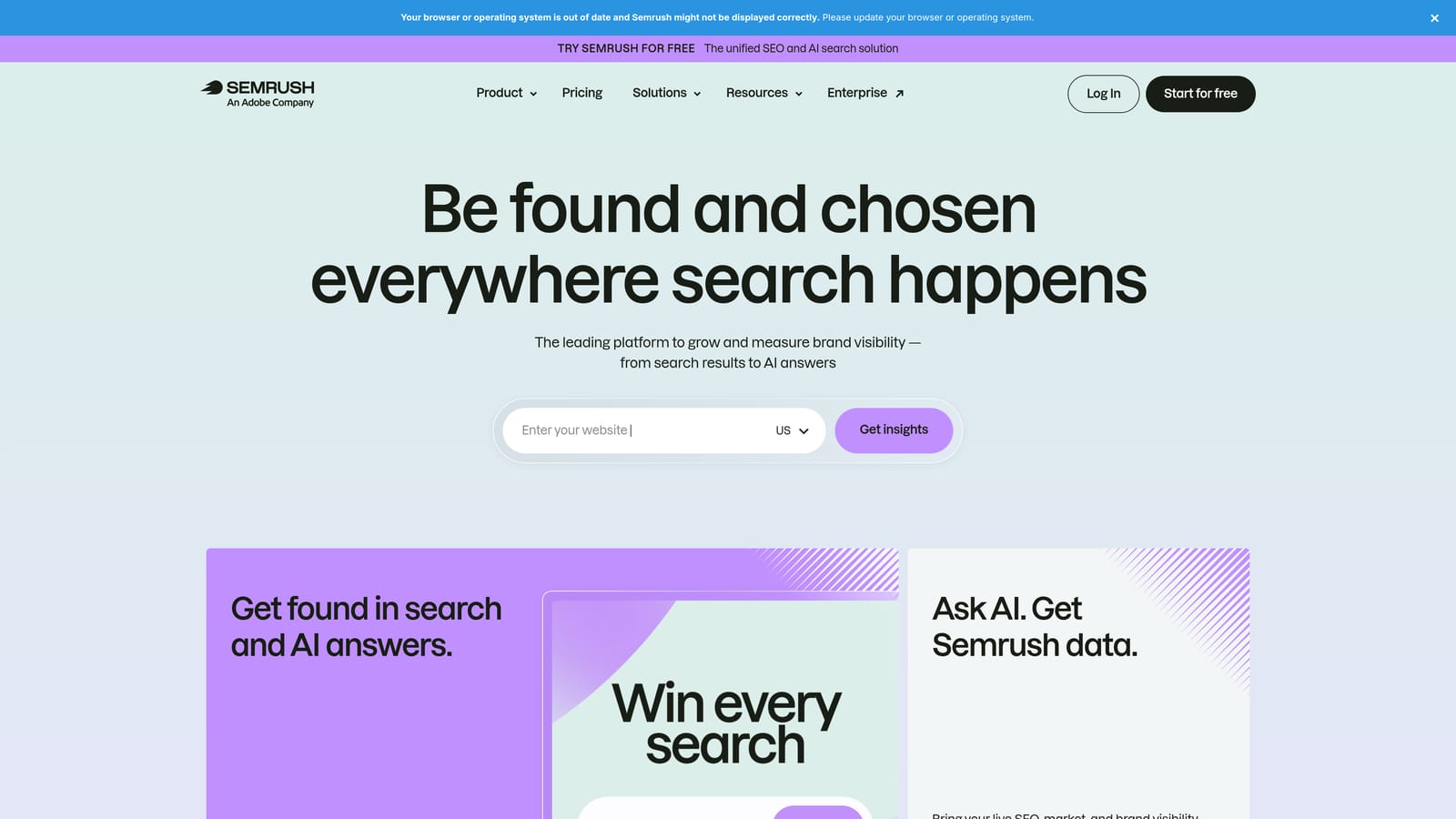
Its distinctive feature is competitor paid keyword data. You can see what keywords rivals bid on and find queries you aren't covering, which your own search terms report can never reveal, because it only shows queries that already triggered your ads.
- Keyword research for PPC to size up demand before you bid.
- Competitor paid keywords to spot gaps in your coverage.
- Keyword grouping to organize ideas into themes.
- Ad history to see how competitors' ads have changed over time.
Check current integration support for Google Ads and Google Sheets, since I haven't verified them. Setup is an account and some learning time. An SEO or paid search specialist usually runs it.
It won't tell you which of your own search terms are junk, so you still need one of the other tools for that. Data is also estimated, so treat volumes and competitor information as directional rather than exact.
Pricing: see the Semrush website. Plans and limits change, so check current tiers.
Best for: Expanding keyword coverage beyond your own account data.
Which Search Query Mining Tool Fits Your Situation
If you're a solo advertiser or freelancer who wants speed inside the interface, Keywordme is the tool built for that: you act on terms in the Search Terms Report itself. Agencies with many client accounts should look at Optmyzr or Adalysis for rules and alerts, and could pair either with a lightweight in-report tool for day-to-day clean-up. Technical teams that like control can build their own flagging logic with Google Ads Scripts. If budget is zero, Google's native report, Google Ads Editor, and Sheets cover a lot of ground. Add Semrush when you want to find queries you don't bid on yet.
Whichever you pick, start with one tool and put search term reviews on the calendar. Weekly for active accounts and monthly for quiet ones is a reasonable rhythm. Wait for enough data before excluding a term, add negatives at the right level, and be careful with broad match negatives that can block good traffic.
Optimize Google Ads Campaigns 10X Faster. Without Leaving Your Account. Keywordme lets you remove junk search terms, build high-intent keyword lists, and apply match types instantly, right inside Google Ads. No spreadsheets, no switching tabs, just quick, seamless optimization. Start your free 7-day trial (then just $12/month) and take your Google Ads game to the next level.
