
8 Best Search Query Filtering Tools for Google Ads in 2026
This guide compares eight options for Google Ads, from the free Search Terms Report and Google Ads Editor to paid tools like Keywordme, Optmyzr, and Adalysis. Each search query filtering tool is judged on how quickly it moves you from spotting a junk query to excluding it, how well it handles multiple accounts, and what it costs.


If you live in the Google Ads Search Terms Report, you already know how fast it fills up with queries that have nothing to do with what you sell. This list is for marketers, freelancers, and agency owners who want a faster path from spotting a bad query to excluding it. The tools were chosen on three things: how quickly they take you from "that's junk" to "that's excluded," how well they cope with multiple accounts, and what they cost.
Quick Comparison of the Tools
- Keywordme: solo advertisers and agencies doing manual search term cleanup; $12/month per user; acts inside the native Search Terms Report with no exports.
- Google Ads Search Terms Report: small accounts and beginners; free; first-party data with zero setup.
- Google Ads Editor: anyone applying large negative keyword changes in bulk; free; stages bulk changes across many campaigns and accounts before posting.
- Optmyzr: agencies and teams wanting a full optimization suite; see the vendor's site for pricing; rule-based optimization well beyond queries.
- Adalysis: teams that want ongoing account audits; see the vendor's site for pricing; automated audits that flag account issues.
- Google Ads Scripts: technical advertisers who want custom rules; free; fully customizable logic.
- Google Sheets: analysts who want flexible, free analysis; free with a Google account; n-gram analysis to find recurring wasteful words.
- Negator.io: advertisers wanting suggestion-driven negative keyword help; see the vendor's site for pricing; focused specifically on negative keyword suggestions.
1. Keywordme
Keywordme is a Chrome extension that adds filtering and one-click actions directly inside the Google Ads Search Terms Report. It's built for people who clean search terms by hand, whether that's a solo advertiser or an agency team, and who are tired of exporting data just to act on it. It's our own product, so weigh this section with that in mind.
Its main advantage over the rest of this list is where it works: the native report itself. You review a search term (the actual query someone typed) and act on it right there, without exports or a separate dashboard.
- Removes junk search terms by adding them as negative keywords in one click, so a cleanup pass is a series of clicks rather than copy and paste.
- Adds high-intent search terms as keywords and applies the match type you want as you go.
- Builds negative keyword lists so exclusions can be organized rather than scattered across campaigns.
- Offers keyword clustering and bulk editing, which helps when similar queries pile up.
- Supports multiple accounts and teams, so an agency can use it across client work.
Setup is a Chrome extension install, and the person doing the search term review runs it day to day. It works with Google Ads through the browser, so there's no separate platform to connect.
The limits are straightforward. It works only with Google Ads and only in Chrome. It isn't a full automation or reporting platform, and it doesn't replace suites like Optmyzr. You still make every judgment call yourself, which is the point for some people and a drawback for others who want rules running unattended.
Pricing is $12 per month per user, with a 7-day free trial, as of this writing. Check keywordme.com for current terms, since seats drive the cost.
Best for: Solo advertisers and agencies who want faster manual search term cleanup inside the Google Ads interface.
2. Google Ads Search Terms Report
The Google Ads Search Terms Report is the native report that shows the queries that triggered your ads, and it's where every other tool here starts. It suits small accounts and anyone just learning to clean up queries.
Its edge is that the data is first-party and needs no setup. Nothing to install, nothing to connect, nothing to pay for.
- Filters by clicks, cost, conversions, and text, so you can surface expensive queries that never convert.
- Shows a match type column, so you can see how each search term was matched to your keywords.
- Lets you add a search term as a keyword or as a negative keyword straight from the report.
- Includes search terms insights that group queries into themes.
The weakness is scale. Each action is manual, bulk workflows are limited, and a large account turns cleanup into repetitive clicking through dialogs. Also keep in mind that Google limits search term visibility for privacy reasons, so the report doesn't list every query that triggered your ads. Confirm the current wording in Google Ads Help.
One habit matters here more than the tool: check intent and match type before adding a negative. Negative keywords don't behave like positive match types, so a careless exclusion can block good traffic. Google Ads Help explains how each negative match type works.
It's free with a Google Ads account.
Best for: Small accounts and anyone starting out.
3. Google Ads Editor
Google Ads Editor is Google's free desktop app for making changes in bulk, and it's aimed at advertisers managing many campaigns or accounts. It doesn't help you find bad queries. It helps you apply the decision once you've made it.
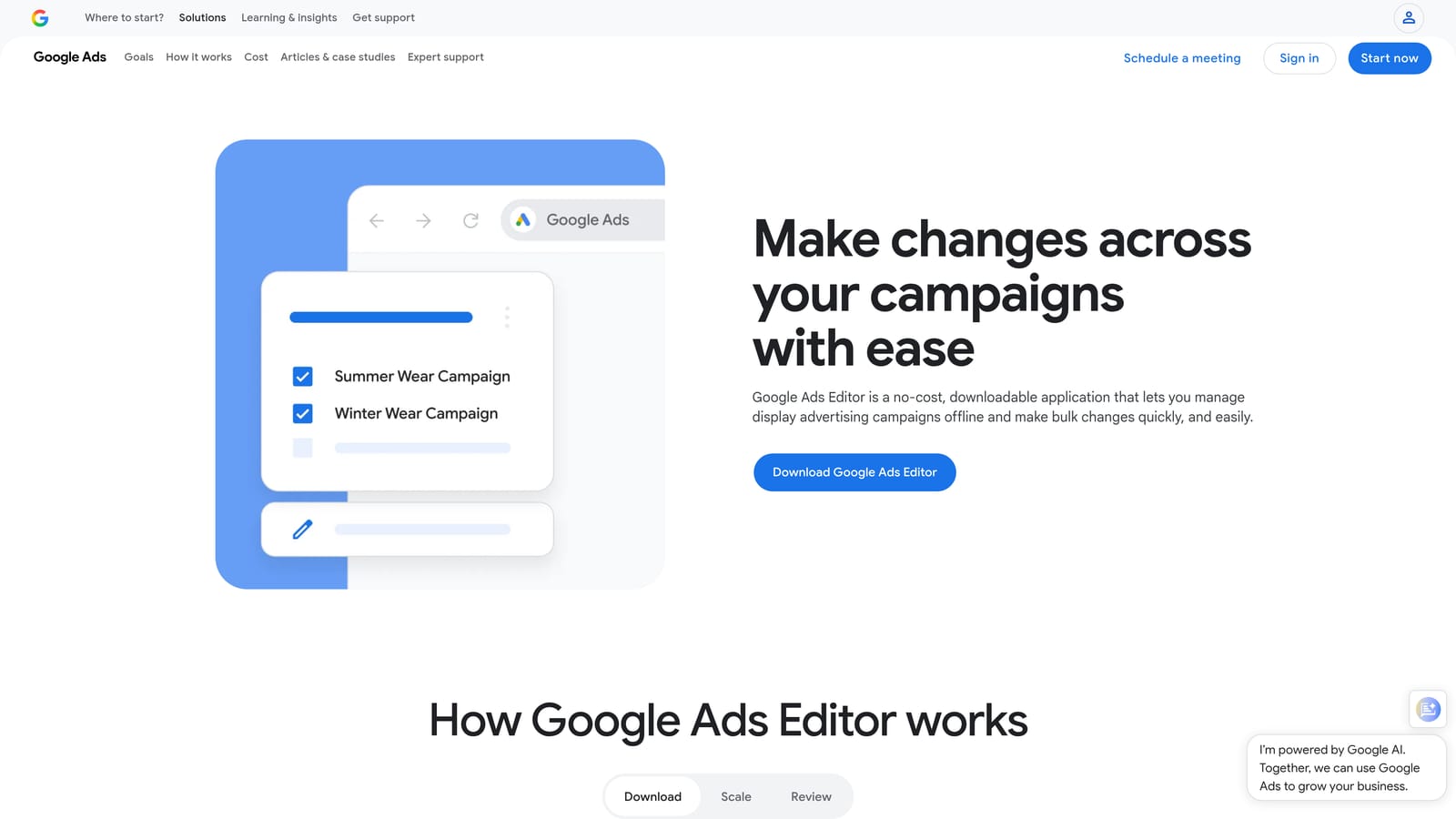
What sets it apart on this list is staging. You make a large batch of changes offline, review them, and only then post them to the account.
- Handles bulk edits and imports, so a long negative keyword list can go in at once instead of one entry at a time.
- Manages multiple accounts from a single app, which saves repeated logins.
- Works with negative keyword lists, useful for applying the same exclusions across campaigns.
- Lets you edit offline and review changes before posting, which is a safety net for sweeping negatives.
It's a desktop install that you download and sync accounts into, and whoever owns account changes usually runs it. Because it's not built for search term analysis, you'll pair it with another source: the report, a spreadsheet, or a tool like Keywordme to decide what to exclude. Teams who never do large batch changes will find it more than they need.
Google Ads Editor is free.
Best for: Applying large negative keyword changes in bulk.
4. Optmyzr
Optmyzr is a PPC management platform with rule-based optimization and search term analysis built in. It's designed for agencies and in-house teams that want a whole optimization suite, with query cleanup as one piece.
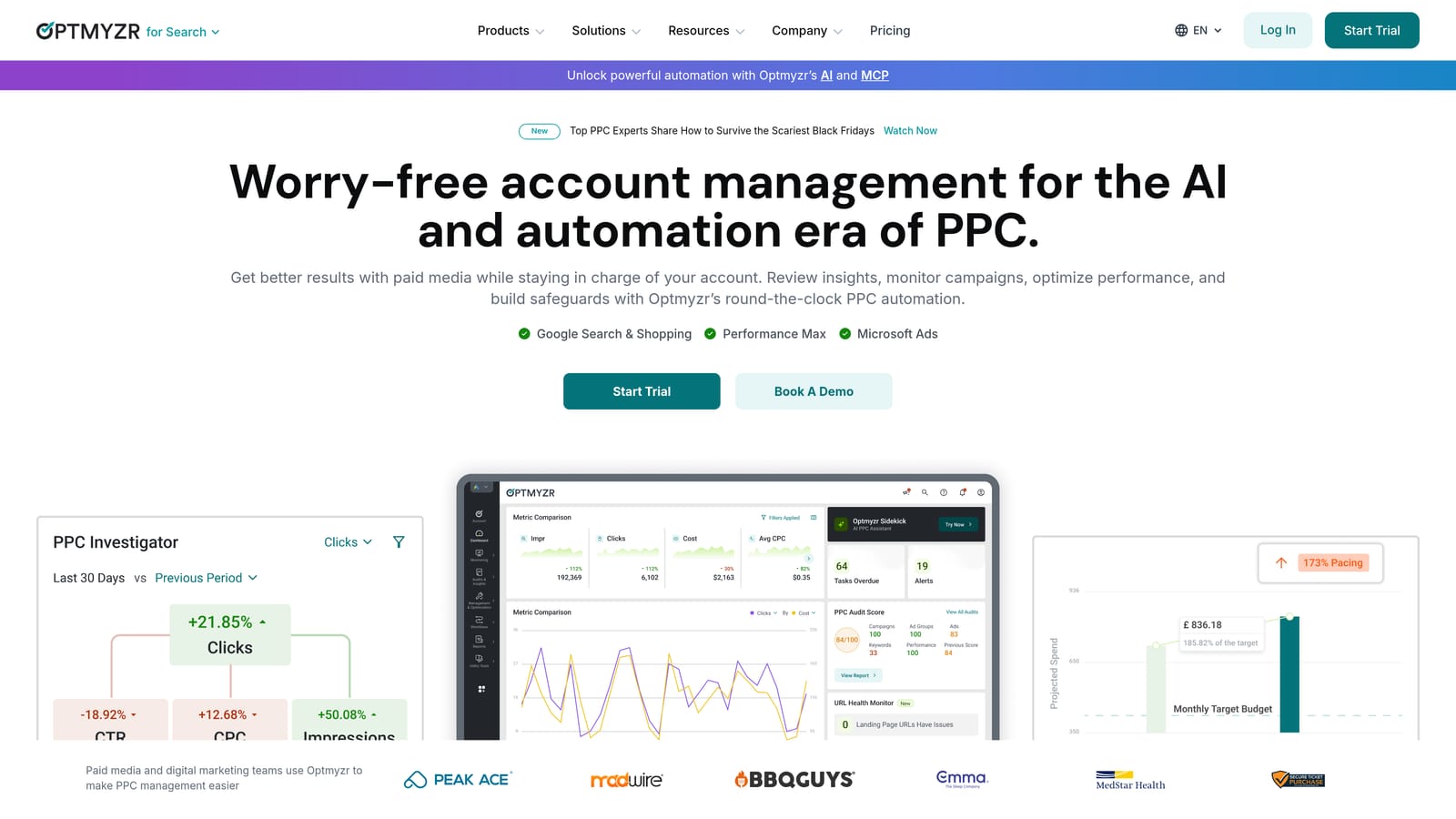
Its distinguishing trait is breadth. Where most tools here focus on queries, Optmyzr applies rules and recommendations across the account.
- Search term analysis tools help you review queries and spot patterns without building your own reports.
- Negative keyword suggestions point to candidates for exclusion, which you can then review.
- Rule-based optimization lets you set conditions that govern how the account is managed.
- Reporting covers client or stakeholder updates from the same platform.
It connects to Google Ads and Microsoft Advertising. Expect more onboarding than a browser extension, and it works best when a team member owns the platform and learns its rules.
It's a poor fit if all you need is faster query filtering; you'd be paying for a lot you won't use. Pricing is spend-tiered, so cost moves with your ad spend. Check the vendor's website for current plans.
Best for: Agencies and teams wanting a full optimization suite.
5. Adalysis
Adalysis is a PPC audit and monitoring platform that covers search terms, ads, and keywords. It's built for teams that want a system watching accounts continuously rather than a tool they open for one task.
Its standout is the automated audit. It scans accounts for issues and flags them, so problems surface without you hunting through reports.
- Runs automated account audits, which catch issues you might otherwise miss between manual reviews.
- Analyzes search terms and negative keywords, so wasteful queries come up as part of the broader check.
- Supports ad testing, helping you compare ad variations in the same place.
- Sends alerts, so changes in the account don't go unnoticed.
It integrates with Google Ads and Microsoft Advertising. Setup means connecting your accounts and learning what the audits report, and it tends to suit a person or team responsible for ongoing account health.
The tradeoff is weight. It's heavier than a single-purpose filtering tool, so if your bottleneck is simply clicking through the Search Terms Report, it's more than you need. See the vendor's website for current pricing and what drives it.
Best for: Teams that want ongoing account audits.
6. Google Ads Scripts
Google Ads Scripts lets you write JavaScript that runs inside your Google Ads account. It's for technical advertisers who'd rather build the exact rule they want than adapt to someone else's tool.
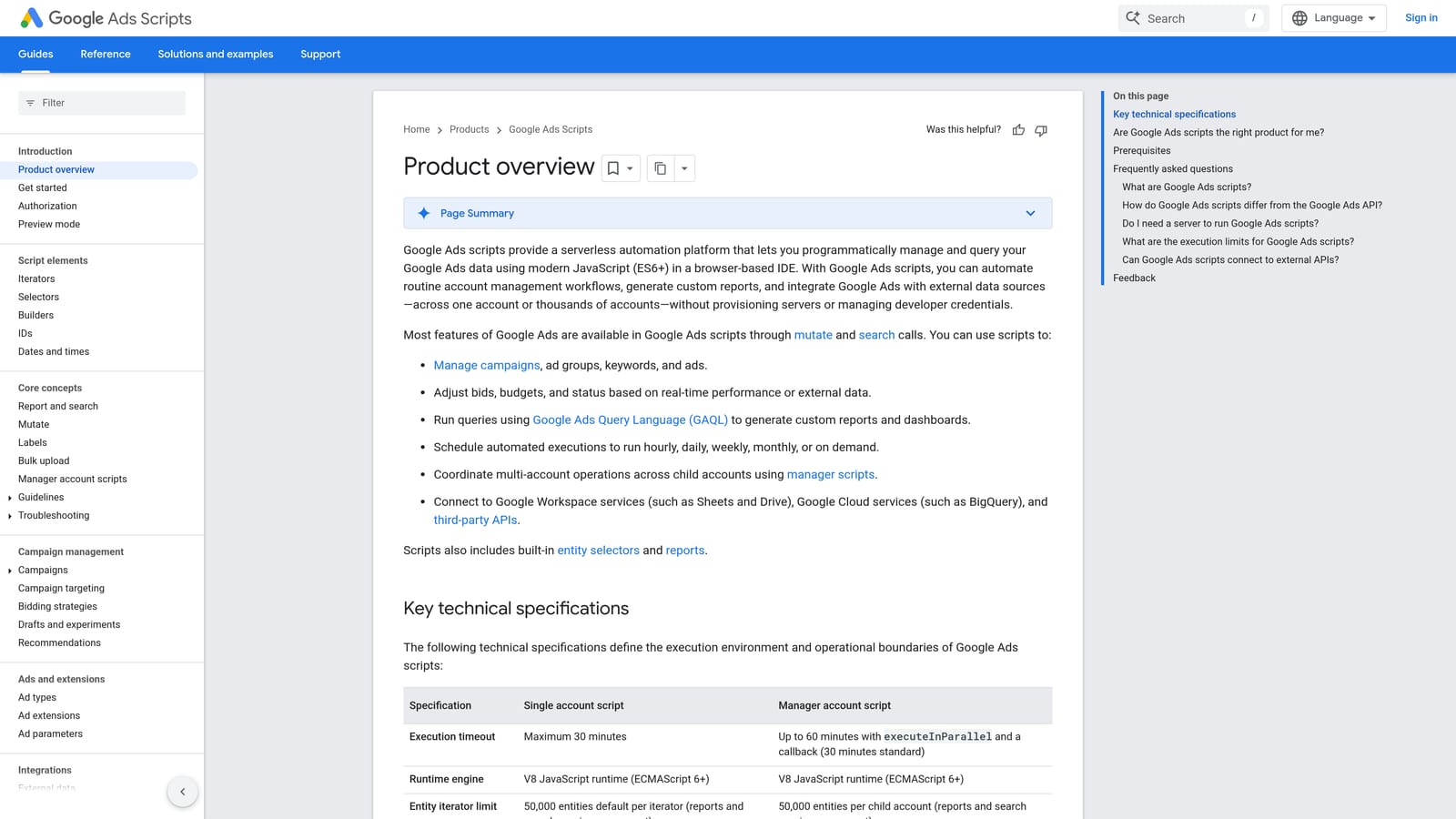
The strength is total control over the logic. You decide what counts as a problem query and what happens when one appears.
- Builds custom query reports, so you see the slices of data you care about.
- Flags search terms by thresholds you set, such as spend with no conversions.
- Sends email alerts when something crosses a line.
- Runs on a schedule, so checks happen without you remembering to do them.
Scripts can work with Google Sheets, which is a common way to output results for review. Setup is the catch: you need to write or adapt code, test it, and maintain it when things change. If nobody on your team codes, this isn't for you.
It's free to use.
Best for: Technical advertisers wanting custom rules.
7. Google Sheets (Search Terms Export)
Google Sheets is the classic spreadsheet route: export your search terms, then sort and analyze them yourself. It's for analysts who want flexibility without paying for anything.
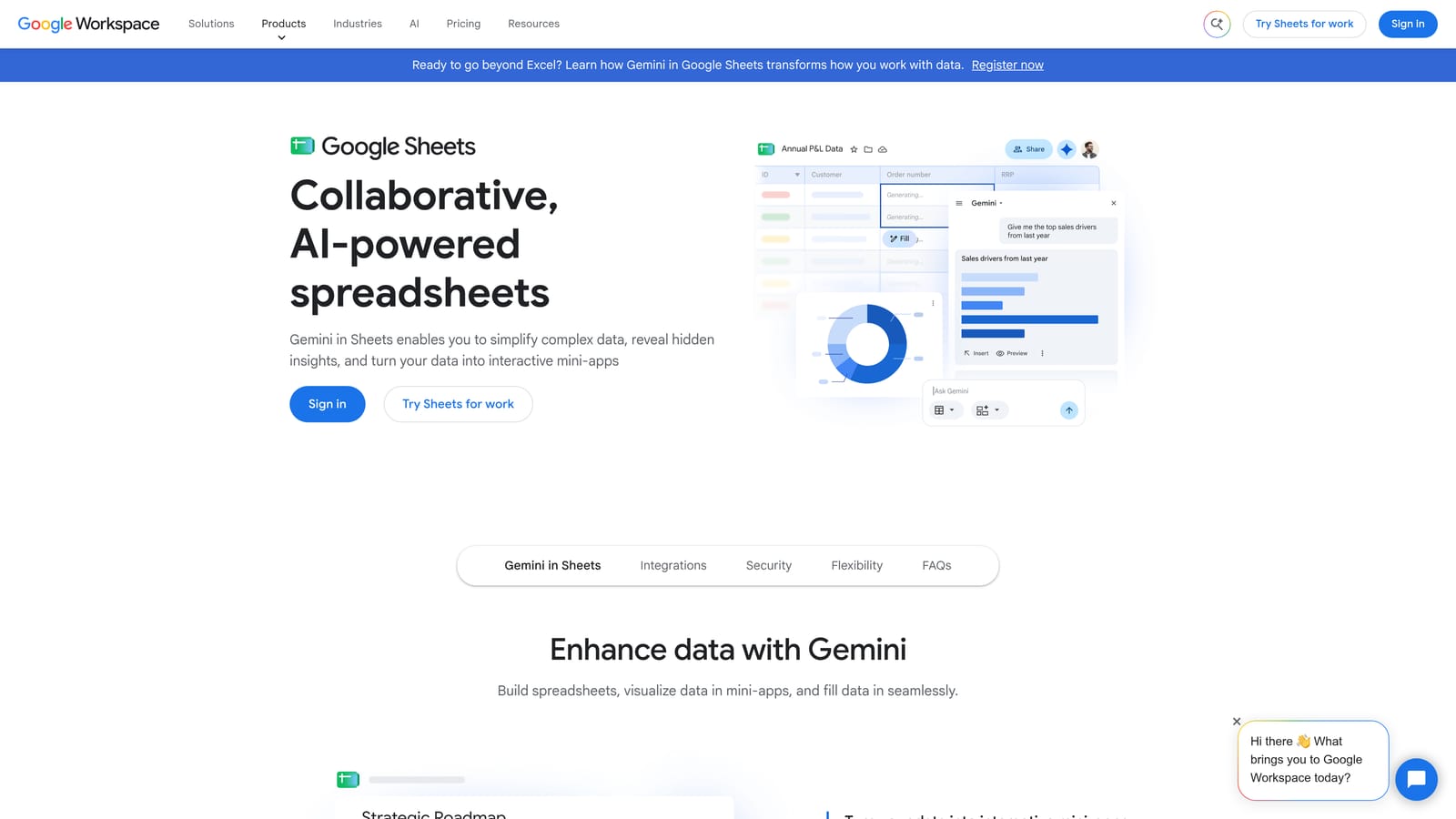
What it does better than most tools here is n-gram analysis. Splitting queries into individual words or phrases lets you see which recurring terms, such as "free" or "jobs," are quietly eating budget across many different queries.
- Filters and pivot tables let you slice exported terms by cost, clicks, or any column you like.
- Formulas can break queries into n-grams to expose repeated wasteful words.
- Shared sheets make it easy to show a client or colleague your reasoning.
- Custom formulas let you build your own scoring or flagging logic.
It connects to Google Ads through exports, and Google Apps Script can automate parts of the work. The cost is time. The process is manual, slows down at scale, and every negative you decide on has to be re-applied in Google Ads separately. Many people pair it with Google Ads Editor or an in-interface tool for that last step.
It's free with a Google account.
Best for: Analysts who want flexible, free analysis.
8. Negator.io
Negator.io is positioned as a tool focused on negative keyword discovery for Google Ads, offering suggestions of queries you might exclude. Treat the details below with caution: we couldn't confirm its feature set, integrations, or pricing for this article, so check everything on the vendor's site before committing.
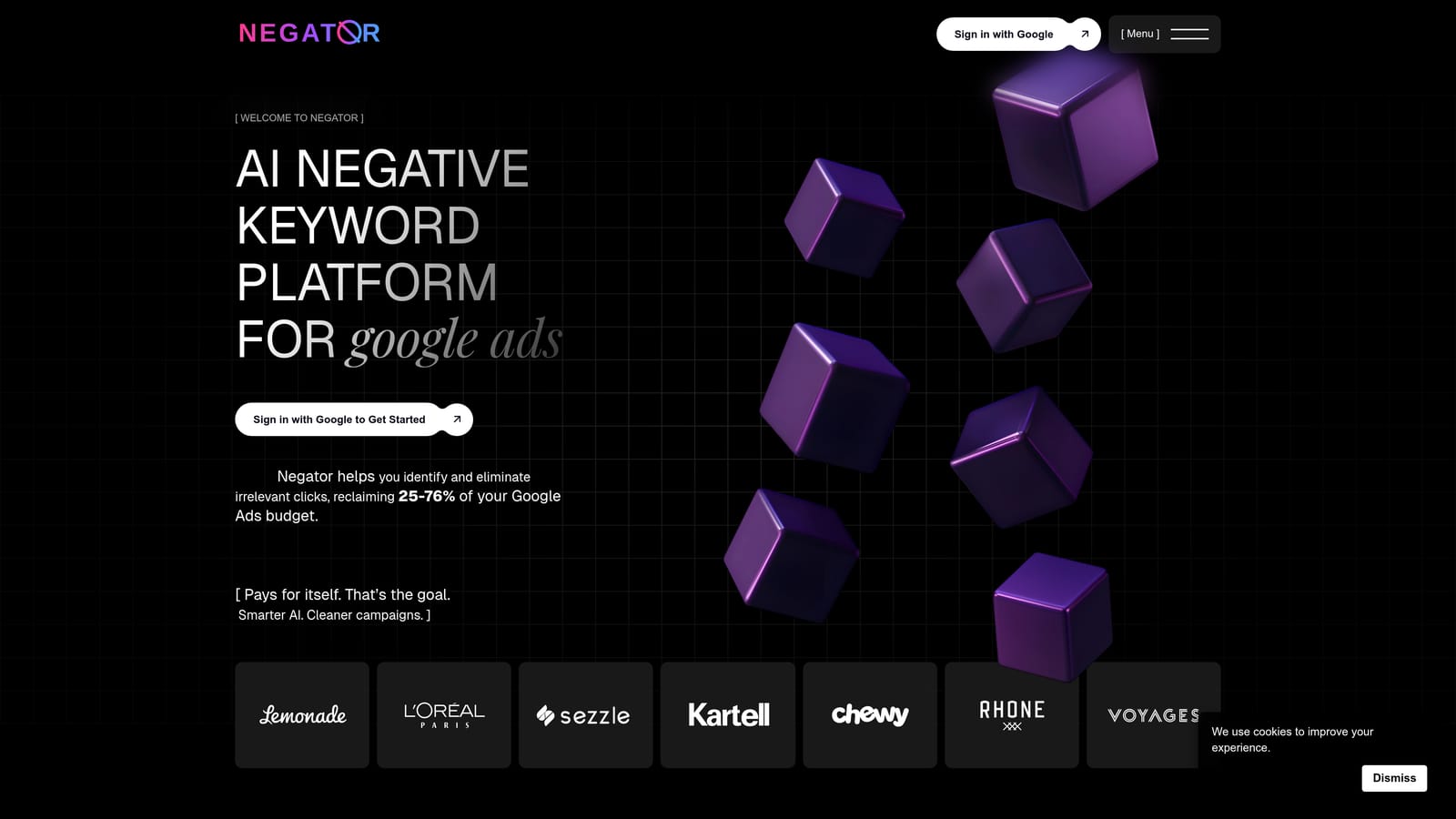
- Negative keyword suggestions, intended to point you to queries worth excluding so you spend less time hunting.
Its draw, if it works as described, is the narrow focus on negatives rather than a full platform. That could appeal to advertisers who want a nudge about what to exclude instead of reading every row themselves.
The limitation is the unknowns. Without confirmed details, it's hard to compare against the others here on integrations, setup, or how it decides what to suggest. Whatever any suggestion tool recommends, review each one for intent and match type yourself, since an automated suggestion can still block traffic you want. Pricing is not confirmed here, so see the website for current plans.
Best for: Advertisers wanting suggestion-driven negative keyword help, once the details are verified.
Which Search Query Filtering Tool Fits Your Situation
If you're a solo advertiser who wants speed without leaving the interface, Keywordme is the most direct fit: you review search terms where they already appear and act in a click. Agencies managing many accounts can combine it with Google Ads Editor, using Keywordme to decide and clean up, and Editor to push large negative keyword changes in bulk.
Teams that want broader automation and ongoing monitoring should look at Optmyzr or Adalysis, accepting the extra setup and spend-based pricing. Budget-minded or technical users can get far with Google Sheets for n-gram analysis or Google Ads Scripts for custom flagging, as long as they're comfortable with manual work or code. And everyone starts with the native Search Terms Report, which stays useful whatever else you add.
Whichever route you pick, check intent and match type before adding any negative keyword.
Optimize Google Ads Campaigns 10X Faster. Without Leaving Your Account. Keywordme lets you remove junk search terms, build high-intent keyword lists, and apply match types instantly, right inside Google Ads. No spreadsheets, no switching tabs, just quick, seamless optimization. Start your free 7-day trial (then just $12/month) and take your Google Ads game to the next level.
