
9 Best Search Query Analysis Tools for Google Ads Advertisers in 2026
A practical guide to search query analysis tool.


If your Google Ads account is spending on search terms nobody chose, you already know the problem: the Search Terms Report is too big to review by hand, and the good and bad queries are mixed together. This list is for marketers, freelancers, and agency owners who need to find wasted and high-intent queries fast, then act on them. Tools were judged on four things: how quickly they surface wasted or high-intent queries, how directly they turn findings into negative keywords and new keywords, how well they handle multiple accounts, and what they cost.
Quick Comparison of Search Query Analysis Tools
- Keywordme: freelancers and agencies cleaning up search terms; $12/month per user; adds one-click actions inside the native Google Ads Search Terms Report.
- Google Ads Search Terms Report and Insights: beginners and small accounts; free; first-party query data with category insights.
- Google Ads Editor: advertisers applying large negative lists; free; reviewable bulk changes before you post them.
- Google Sheets or Excel: analysts who want custom analysis; free (Sheets); analysis logic you fully control.
- Optmyzr: agencies wanting an all-in-one platform; see website; broad optimization suite beyond query analysis.
- Adalysis: agencies monitoring many accounts; see website; automated audits and alerts at scale.
- Google Ads Scripts: technical PPC managers; free; custom automated query monitoring.
- Semrush: marketers validating query themes; see website; competitive view of queries outside your account.
- Looker Studio: agencies reporting to clients; free; shareable search term dashboards.
1. Keywordme
Keywordme is a Chrome extension that adds one-click actions to the Search Terms Report in Google Ads. It is built for people who review search terms often and want the review and the action to happen in the same screen. It is also our product, so weigh what follows with that in mind.
What sets it apart on this list is where it works. There are no exports, no separate dashboard, and no re-entering findings later. You see a search term, decide it is junk, and add it as a negative right there. You do the same for a good term you want as a keyword.
- One-click negative keywords from the Search Terms Report, so clean-up stops being a copy-and-paste chore.
- Add search terms as keywords with the match type you choose, so you decide how tightly each one is targeted.
- Keyword clustering, which helps you group related terms when building new keyword lists.
- Bulk editing, for handling many terms at once instead of row by row.
- Multi-account and team support, useful when several people manage several clients.
Setup is light: install the extension in Chrome, open Google Ads, and the actions appear in the report. Whoever already reviews search terms runs it day to day, whether that is a solo advertiser or an account manager.
The limits are real. Keywordme is not a reporting or analytics platform, so it will not give you dashboards, audits, or competitive research. It needs Chrome and Google Ads. And it speeds up decisions without making them for you: you still have to judge whether a term deserves a negative, check conversion data first, and think about match type. A fast negative added without that check can block good traffic just as quickly.
Pricing is $12/month per user, with a 7-day free trial. Cost scales with the number of users, not accounts or ad spend. Confirm current terms on the website.
Best for: Freelancers and agencies who want faster search term clean-up without leaving Google Ads.
2. Google Ads Search Terms Report and Insights
The Google Ads Search Terms Report is the built-in list of queries that triggered your ads, and every other tool here depends on its data one way or another. It is the free baseline, and a good one.
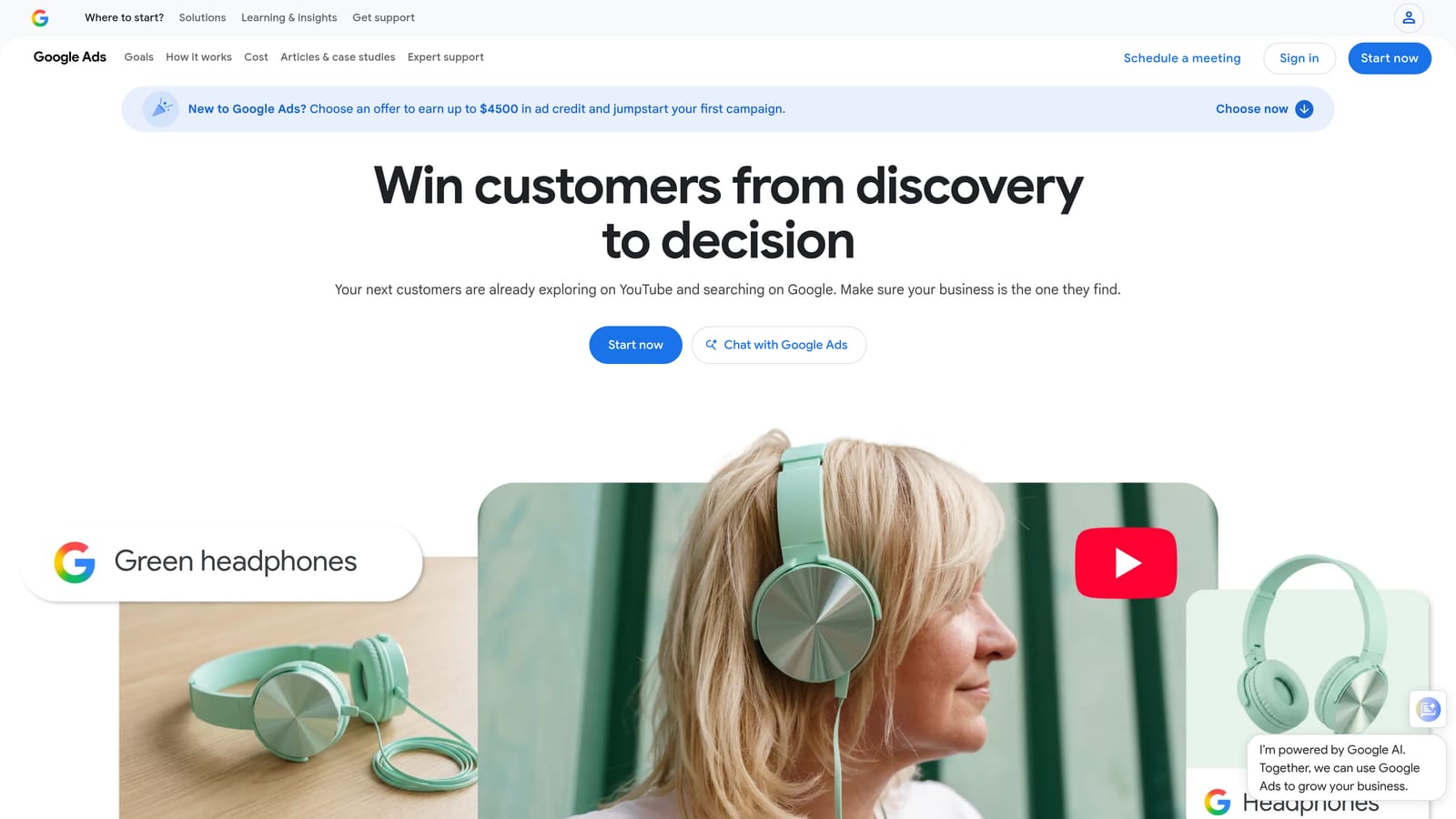
Its main strength is that it is authoritative. The cost, click, and conversion numbers come straight from Google, with no sync delay or third-party interpretation. Search term insights add a layer on top by grouping queries into categories, which helps when the raw list is too long to read.
- Search terms with cost and conversion metrics, so you can spot spend with no return.
- Search term insights categories, which roll up many queries into themes you can scan quickly.
- Add a term as a keyword or negative directly from the report, with no extra tool needed.
- Filters and segments, for narrowing to high-cost, zero-conversion queries or particular campaigns.
It connects to Google Ads Editor and Looker Studio, and there is nothing to set up. The person running the account uses it directly.
The limits show up at scale. Actions are manual and mostly row by row, bulk workflows are limited, and Google does not show every query. Per Google Ads Help, some low-volume queries are left out, partly for privacy reasons, so the report is never a complete list. As of 2026, it also offers no multi-account view of your wasted queries.
It is free with a Google Ads account.
Best for: Beginners and small accounts needing a free baseline.
3. Google Ads Editor
Start with the limitation: Google Ads Editor does not analyze query performance. It is a free desktop application for editing campaigns in bulk, and it earns its spot because it is where analysis turns into changes at volume.

Its distinctive strength is review before publishing. You can stage hundreds of negative keywords across many campaigns offline, check them, and post them in one go. Nothing else on this list gives you that safety net for large changes, which matters when a broad negative could do damage.
- Bulk negative keyword uploads, so a long list built elsewhere lands in many campaigns at once.
- Offline editing and review before posting, which lets you catch mistakes before they go live.
- Multi-account management, so agencies can move between clients in one app.
- Copy and paste across campaigns, for reusing the same negatives or keyword sets.
You install it on a desktop and sign in to your accounts. It works with Google Ads only. The person doing the work is typically a hands-on account manager comfortable with a spreadsheet-like interface.
It is a poor fit if you want help deciding what to block. You bring the list, usually from the search terms report or a spreadsheet, and the Editor applies it. It pairs well with a spreadsheet workflow or an analysis tool.
It is free.
Best for: Advertisers applying large negative lists across many campaigns.
4. Google Sheets or Excel
Google Sheets (or Excel) is the classic manual approach: export the search terms report, then slice it yourself. The appeal is total control over the logic, because you decide what counts as waste.
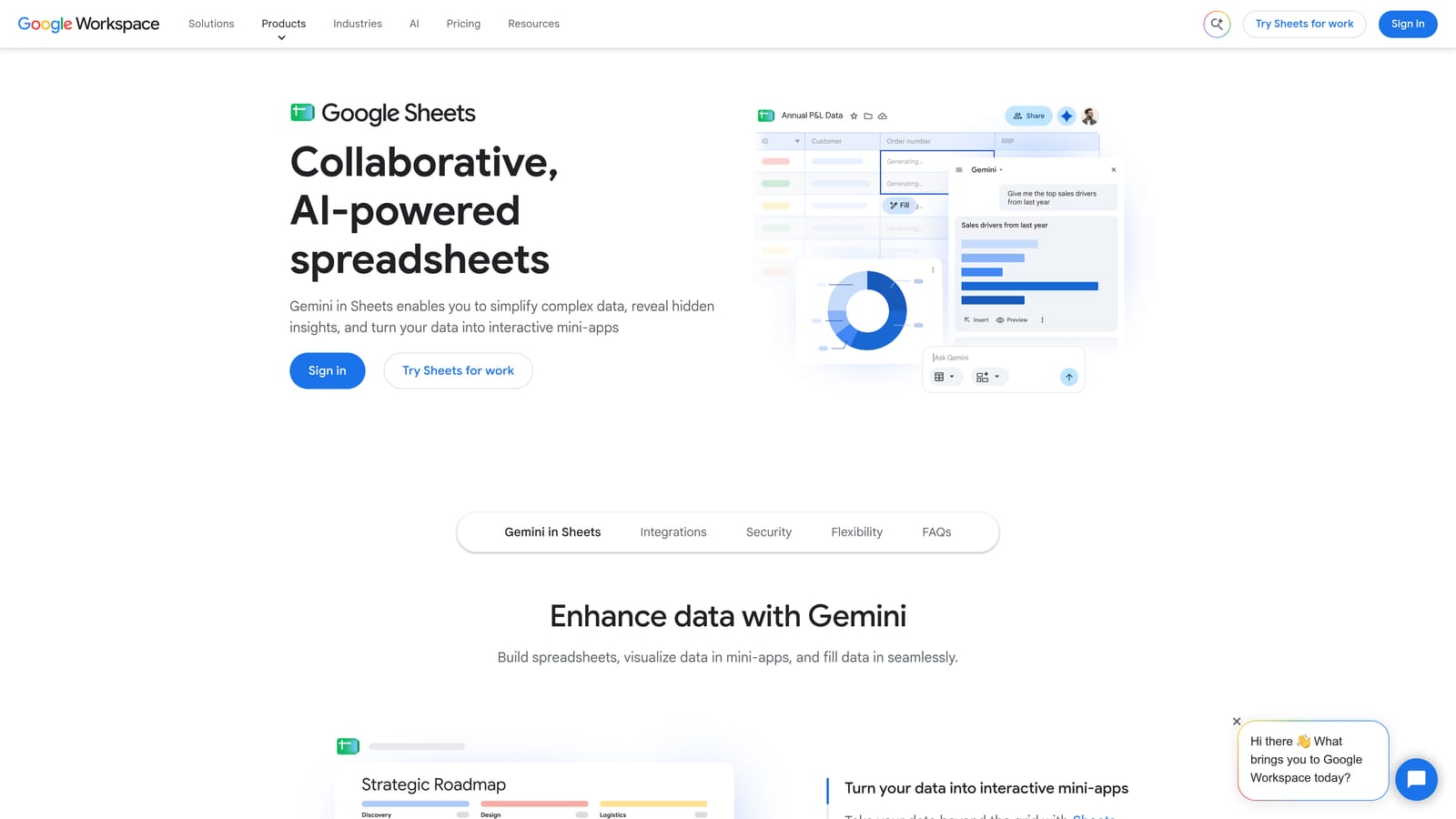
What you can build
- Pivot tables that break queries into single words or word pairs (n-gram analysis), exposing a costly word hiding across hundreds of different queries.
- Custom formulas and conditional formatting that flag terms above a cost threshold with no conversions.
- Shareable analysis files that a client or teammate can open and review.
- Compatibility with any export, including data from other platforms.
What it costs you in time
Nothing in a spreadsheet touches your account. Every finding must be re-entered in Google Ads, by hand or through Google Ads Editor, and the export goes stale as soon as you download it. Building and maintaining the templates takes skill, and the process is slow across many accounts.
It connects to Google Ads exports, Looker Studio, and add-ons. The analyst on the team usually owns it.
Google Sheets is free; Excel comes through Microsoft 365, so check the website for plans.
Best for: Analysts who want custom n-gram and pivot analysis.
5. Optmyzr
Optmyzr is a PPC management platform where search term analysis is one feature among many. It is aimed at agencies and in-house teams that want a single system for optimization, not just query clean-up.

Its distinguishing trait is breadth. Beyond search term and negative keyword analysis, it offers rule-based automation and reporting, and it supports more than Google. That makes it a different kind of purchase from a lightweight tool that does one job.
- Search term and negative keyword analysis tools that surface candidates for review.
- Rule-based automation, so recurring checks run on a schedule instead of by memory.
- Reporting, which helps when clients expect regular updates.
- Multi-platform support, so Google, Microsoft, and Meta accounts live in one place.
It integrates with Google Ads, Microsoft Ads, and Meta Ads. Expect a real onboarding period, since connecting accounts and configuring rules takes planning. A dedicated PPC manager or team typically runs it.
The trade-off is cost and complexity. If your main need is clearing junk queries from the search terms report, a suite like this is more than you need. The learning curve is also steeper than a browser extension.
Pricing is not stated here; as of 2026 check the Optmyzr website, since plans usually depend on the scale of ad spend or accounts managed.
Best for: Agencies wanting an all-in-one PPC management platform.
6. Adalysis
Adalysis is an auditing platform for Google Ads and Microsoft Ads. Search query reporting is part of it, alongside account audits, alerts, and ad testing.
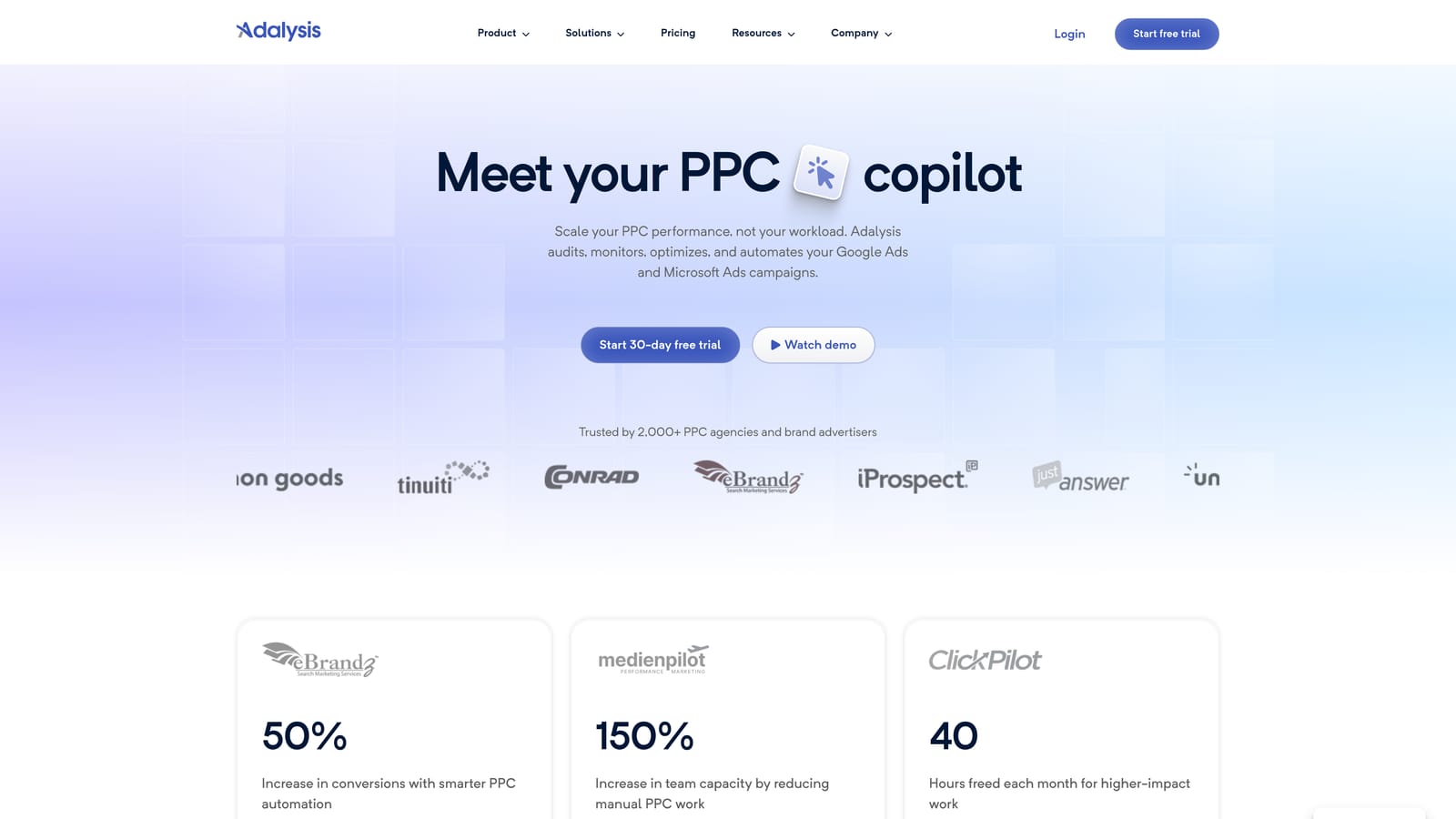
The standout is automation of monitoring. Instead of opening each account to look for problems, you let the platform audit them and alert you. For an agency with dozens of accounts, that is the difference between checking on a schedule and being told when something looks off.
- Account audits that flag issues across campaigns without manual digging.
- Search query reporting with negative suggestions, giving you candidates to review.
- Automated alerts, so unusual changes reach you without daily checks.
- Ad testing, which extends its value beyond keywords and queries.
It connects to Google Ads and Microsoft Ads. Setup means linking accounts and tuning alerts so they are useful instead of noisy. Agency account managers and PPC leads are the usual users.
It is built around auditing, so it can feel heavy for a solo advertiser with one or two accounts, and the learning curve is real. It also works from outside the Google Ads interface, so you will still be moving between tools to act on suggestions.
Pricing is listed on the website; as of 2026 confirm current plans there, and expect cost to track account volume or ad spend.
Best for: Agencies monitoring many accounts for issues.
7. Google Ads Scripts
Google Ads Scripts lets you write JavaScript that runs inside your account. For search queries, that means programmatic access to search term data, plus automation around it.
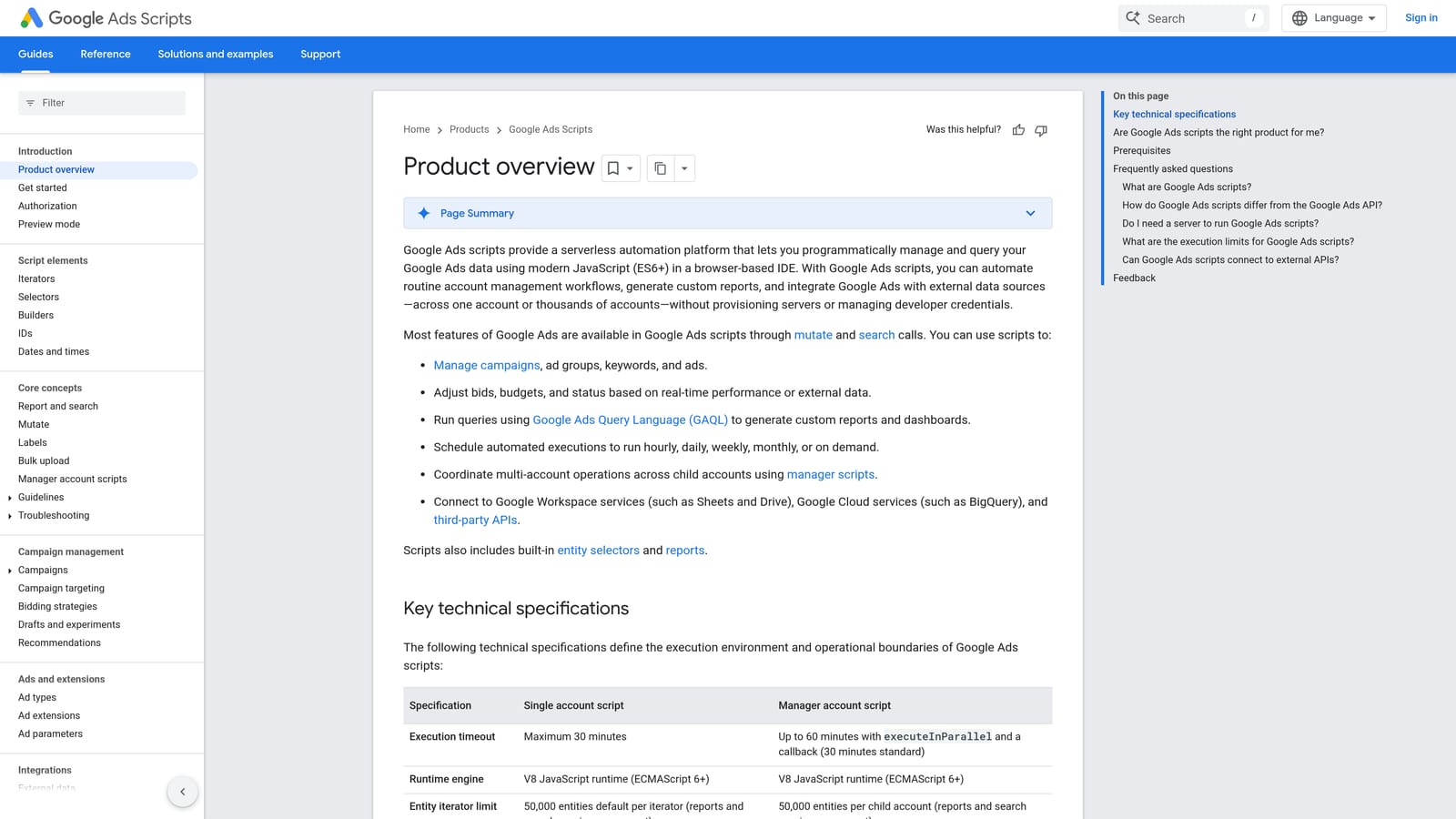
Its edge is customization at zero software cost. You can have a script check search terms daily, flag any that spent over a threshold with no conversions, and email the list or write it to a sheet. Community scripts exist for common jobs, so you may not start from scratch.
- Custom automation of reports, built around the exact definition of waste you care about.
- Scheduled runs, so checks happen without anyone remembering.
- Email alerts that deliver flagged queries to your inbox.
- Programmatic access to search term data for anything the interface does not offer.
It works with Google Ads, Google Sheets, and email. The catch is skill and upkeep. Someone has to write or adapt the code, test it, and fix it when something breaks or Google changes an API. Scripts that flag terms are not the same as someone deciding whether to block them, so a human review step still matters.
It is a poor match for non-technical marketers. For teams with a technically inclined PPC manager, it is a flexible, free layer.
It is free.
Best for: Technical PPC managers who want custom automation.
8. Semrush
Semrush approaches queries from the outside in. It is an SEO and PPC research suite, so it shows demand and competitor activity, not what your own account matched.
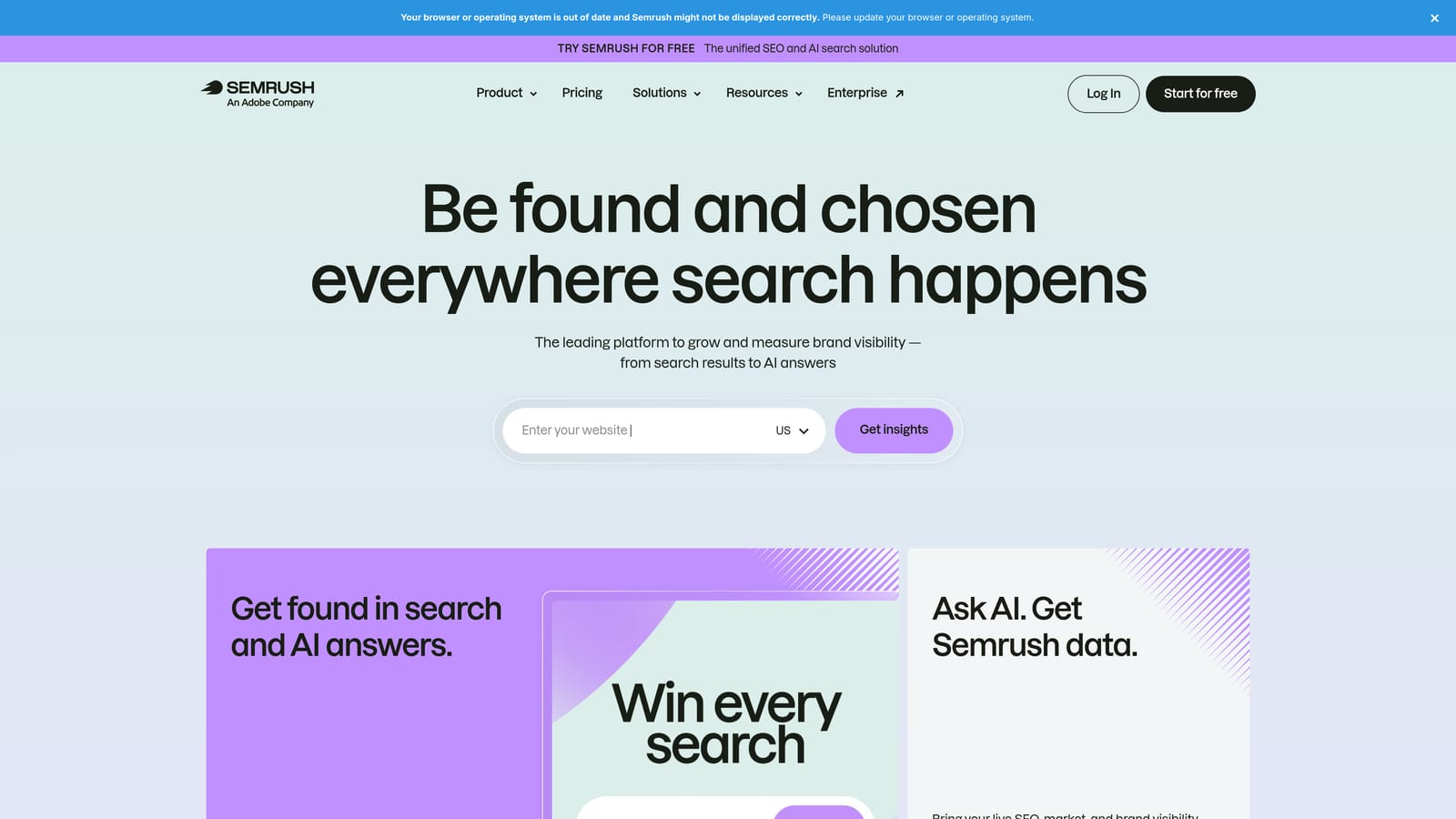
That is its distinct value here. If you are planning a campaign or expanding into a new theme, you can see which queries are worth targeting and what competitors bid on before you spend anything. None of the other tools on this list offers that demand-side view.
- Keyword research to size up query themes before you build campaigns.
- Competitor ad and keyword research, showing what others in your market pursue.
- Keyword grouping, which helps organize large lists into ad group ideas.
- Position tracking, for monitoring where you stand over time.
It integrates with Google Analytics, Google Search Console, and Looker Studio. Setup is simple for research, but the suite is large and takes time to learn. Marketers and SEO teams commonly use it.
The key limitation: by default it does not analyze your account's own search term spend and conversions. It will not tell you which queries wasted your budget last month. Treat it as a planning and validation tool, and pair it with something that reads your actual search terms.
Pricing is on the website; as of 2026 verify current plans, which are typically tiered by features and usage limits.
Best for: Marketers validating query themes before they launch or expand.
9. Looker Studio
Looker Studio is Google's free dashboarding tool. With its Google Ads connector, you can build search term reports that look good and refresh on their own.
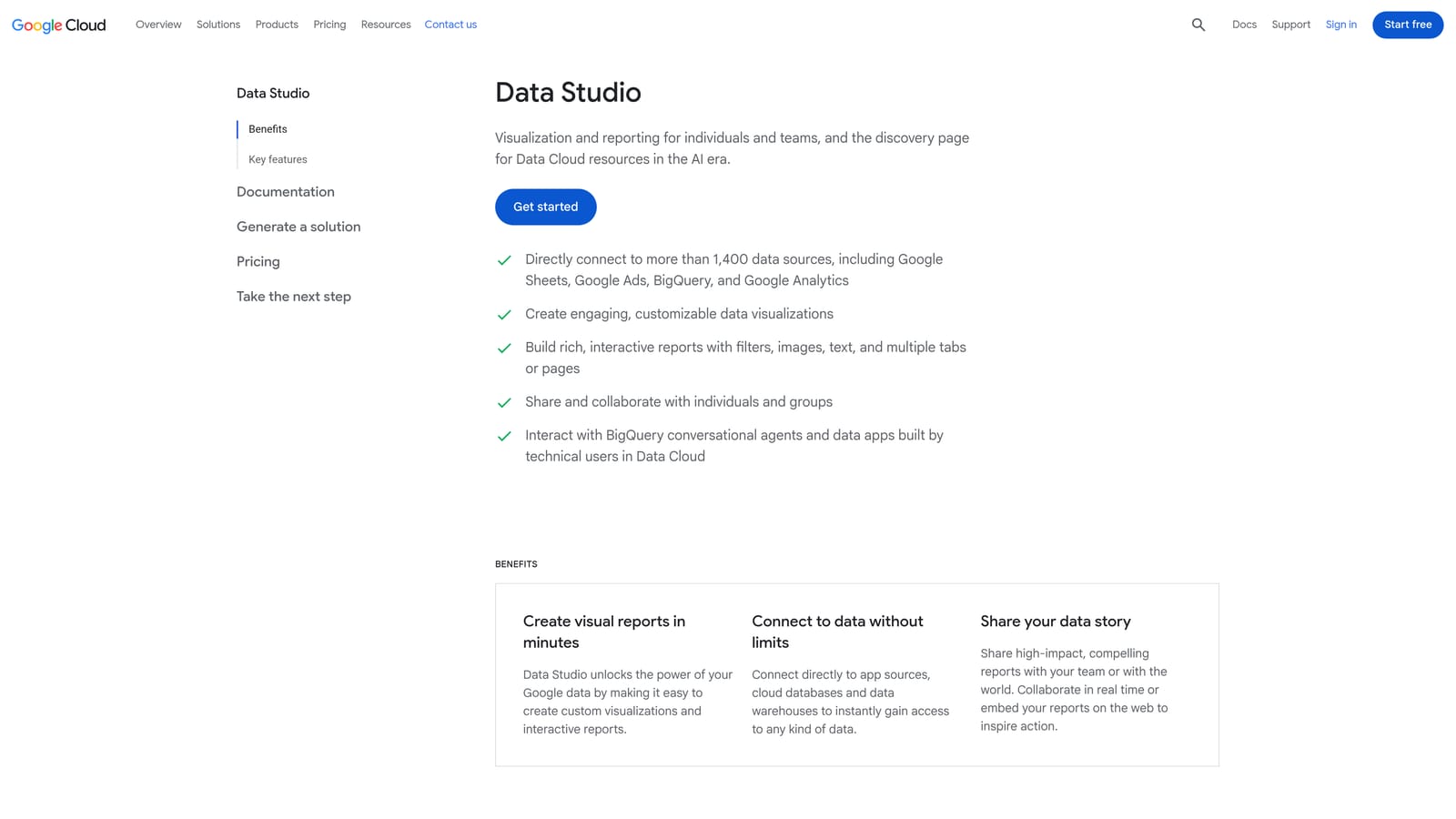
Its strength is presentation. Agencies can show clients which queries drove conversions and which ate budget, in a format a non-specialist can read, and schedule it to arrive on its own.
- Google Ads connector that pulls search term data into a report without manual exports.
- Custom dashboards, so you choose which metrics and filters clients see.
- Scheduled report sharing, which keeps stakeholders updated automatically.
- Templates, for starting from an existing layout instead of a blank page.
It works with Google Ads, Google Sheets, and Google Analytics. Building a good dashboard takes some effort up front, and someone has to maintain it as needs change.
It only visualizes. You cannot add a negative keyword or a keyword from a dashboard, so it finds nothing on its own and fixes nothing. Use it to communicate findings, and use another tool to act on them.
The core product is free. A paid Pro tier exists, so check the website for current details.
Best for: Agencies reporting search term performance to clients.
Matching the Right Tool to Your Situation
The tools above split into two groups: those that analyze queries and those that act on them. The best setups pair one from each.
- Solo advertiser on a budget: Start with the native Search Terms Report for analysis. Add Keywordme if the manual clicking is eating your time, since it keeps the action step inside the same screen for $12/month per user.
- Agency managing many accounts: Keywordme for fast clean-up in each account, Google Ads Editor for large negative lists, and Looker Studio for client reporting.
- Team needing audits and automation: Optmyzr or Adalysis for monitoring and rules, with Google Ads Scripts if you have someone who can code. Check pricing on their sites first.
- Reporting-focused work: Looker Studio for the dashboard, backed by a spreadsheet if you want custom analysis.
Whatever you choose, check conversion data before adding a negative, and think about match type so a broad negative does not block good traffic. For most freelancers and agencies, the biggest daily time sink is the click-by-click work after the analysis, and that is the part Keywordme is built to shorten.
Optimize Google Ads Campaigns 10X Faster. Without Leaving Your Account. Keywordme lets you remove junk search terms, build high-intent keyword lists, and apply match types instantly, right inside Google Ads. No spreadsheets, no switching tabs, just quick, seamless optimization. Start your free 7-day trial (then just $12/month) and take your Google Ads game to the next level.
