
8 Best Google Ads Chrome Extensions to Buy in 2026 (Ranked for PPC Pros)
Discover the 8 best Google Ads Chrome extensions to purchase in 2026, ranked by real value for PPC professionals managing keywords, search terms, and campaign optimization. This guide covers paid and freemium tools across four distinct extension types—helping marketers, freelancers, and agency owners choose the right fit whether they're running one account or fifty.


TL;DR: If you're searching for a Google Ads Chrome extension to purchase, you want something that saves time, reduces wasted spend, and works directly inside Google Ads—not another dashboard to juggle. This list covers the best paid and freemium Google Ads Chrome extensions available in 2026, ranked by the genuine value they deliver to marketers, freelancers, and agency owners. We've focused on tools that help with keyword management, search term analysis, negative keywords, and campaign optimization. Whether you're managing one account or fifty, there's something here for you.
One thing worth knowing upfront: not all Google Ads extensions are the same type of tool. Some work inside Google Ads itself. Others overlay data on search results. Some pull data into spreadsheets. Understanding which category you need is half the battle—so we've noted that for each tool below.
The Four Types of Google Ads Chrome Extensions (Before You Buy)
Most listicles skip this part, but it's genuinely useful. Google Ads Chrome extensions fall into four broad categories, and buying the wrong type is a common mistake.
In-interface optimization tools work directly inside Google Ads. No tab switching, no exporting. These are the most workflow-efficient for active campaign managers.
Keyword research overlays add volume, CPC, and difficulty data to SERPs or Keyword Planner. Great for research-heavy workflows.
Reporting and data extraction tools pull Google Ads data into Sheets or Looker Studio for client dashboards and automated reporting.
Competitive intelligence tools surface traffic estimates, channel mix, and competitor keyword data while you browse. Useful for strategy and audits.
Now, to the list.
1. Keywordme
Best for: PPC managers and agencies who want to optimize Google Ads campaigns without leaving the interface.
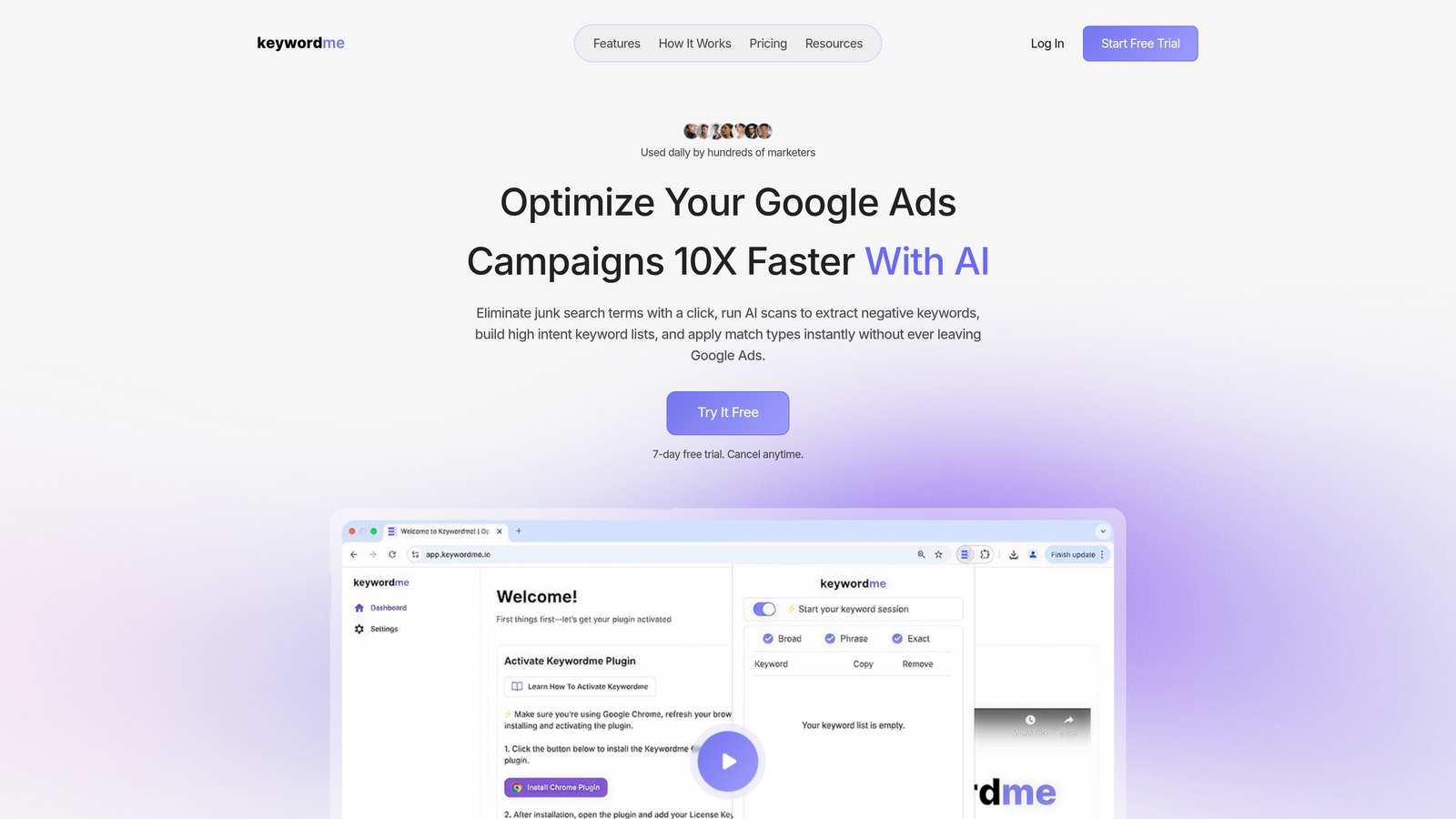
Keywordme is a Chrome extension built specifically for Google Ads optimization, working directly inside the Search Terms Report to eliminate the spreadsheet-and-export workflow most PPC managers are stuck with.
Where This Tool Shines
In most accounts I audit, the Search Terms Report is where the real money is—and it's also where the most time gets wasted. Reviewing terms, copy-pasting negatives into a spreadsheet, uploading them back, applying match types... it adds up fast. Keywordme collapses all of that into one-click actions without ever leaving Google Ads.
What makes it genuinely different from other tools on this list is the context. You're not looking at keyword data in a separate tool and then going back to Google Ads to act on it. You're acting on it right where you found it. For agencies running multiple accounts, the multi-account and team support makes this especially practical at scale.
Key Features
One-click negative keyword additions: Add junk terms as negatives directly from the Search Terms Report—no exporting required.
Match type application: Apply exact, phrase, or broad match to any keyword without touching a spreadsheet.
Keyword clustering: Group related search terms into themes to build better ad groups faster.
Bulk editing: Handle multiple terms at once instead of clicking through them one by one.
Multi-account and team support: Designed for agencies managing multiple clients, with collaboration built in.
Best For
Freelancers and agency account managers who spend significant time in the Search Terms Report each week. If you're managing five or more accounts and still using spreadsheets to process negative keywords, this is the most direct fix available.
Pricing
$12/month per user. 7-day free trial available with no credit card required to start.
2. Keywords Everywhere
Best for: Quick keyword volume and CPC data overlaid on Google Search and other platforms.
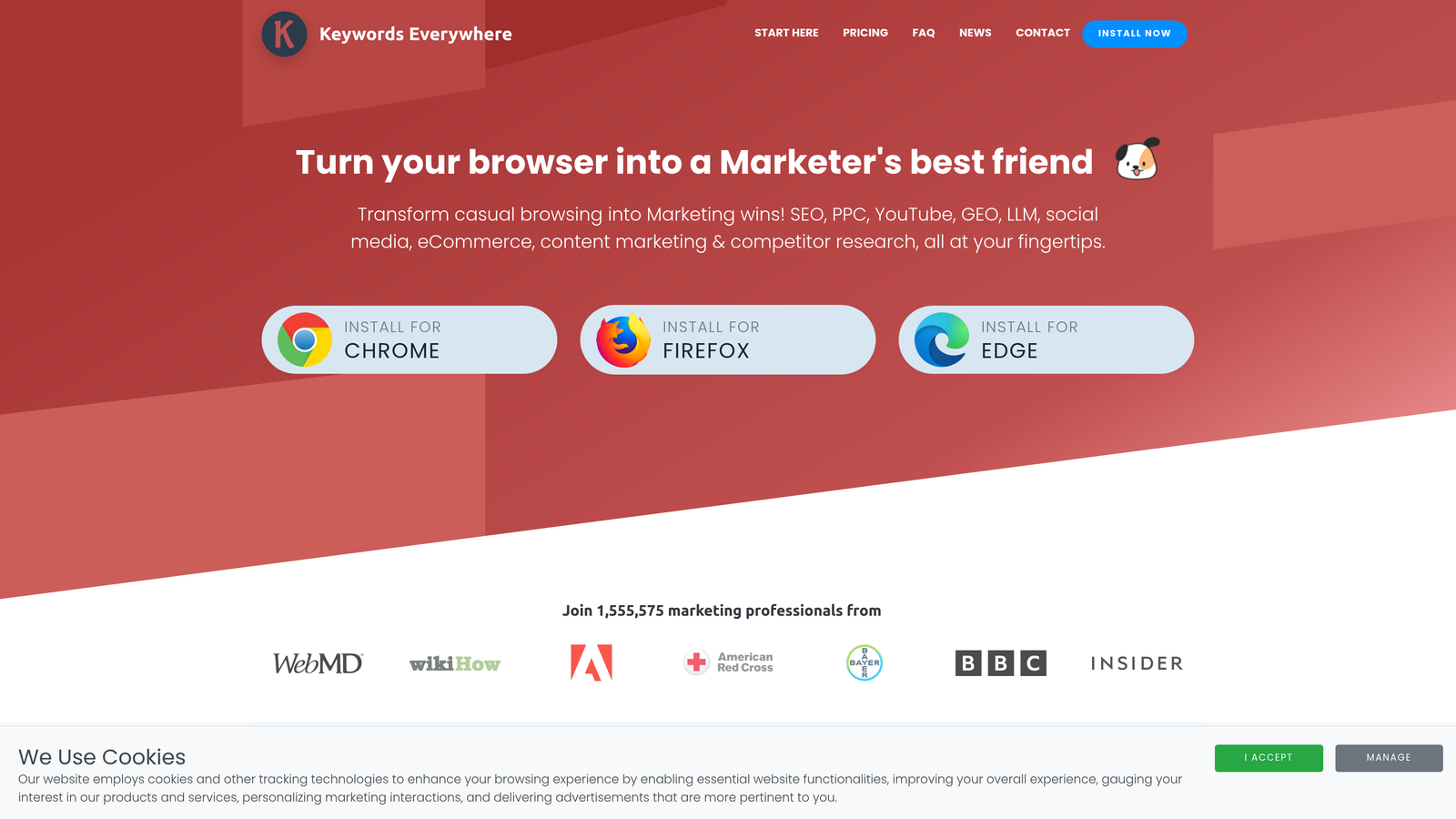
Keywords Everywhere is a freemium Chrome extension that shows keyword metrics directly on SERPs, Google Keyword Planner, YouTube, and more—without opening a separate research tool.
Where This Tool Shines
The biggest value here is speed. You're searching for something in Google and you immediately see volume, CPC, and competition data alongside the results. For freelancers doing keyword research on the fly, it removes a lot of back-and-forth between tools.
The credit-based model is genuinely useful if you're not doing keyword research every single day. You buy what you need and the credits don't expire quickly. It's not a replacement for a full keyword research platform, but it's a solid complement to one.
Key Features
SERP keyword overlay: Volume, CPC, and competition data shown directly on Google Search results pages.
Related keywords panel: Surfaces related terms and "People Also Search For" data alongside your results.
Multi-platform support: Works on Google, YouTube, Amazon, Bing, and several other platforms.
Credit-based pricing: Pay for data as you use it—no monthly commitment required at entry level.
Trend data: Shows search volume trends over time for any keyword you're reviewing.
Best For
Freelancers and small agency teams who need fast keyword data without committing to a full SEO or PPC research platform subscription. Also useful as a complement to Google Keyword Planner for quick sanity checks.
Pricing
Free tier available with limited data. Paid plans start at $15 for 100,000 credits.
3. Supermetrics (Chrome Extension)
Best for: Agencies and analysts who need automated Google Ads data extraction into Sheets or Looker Studio.
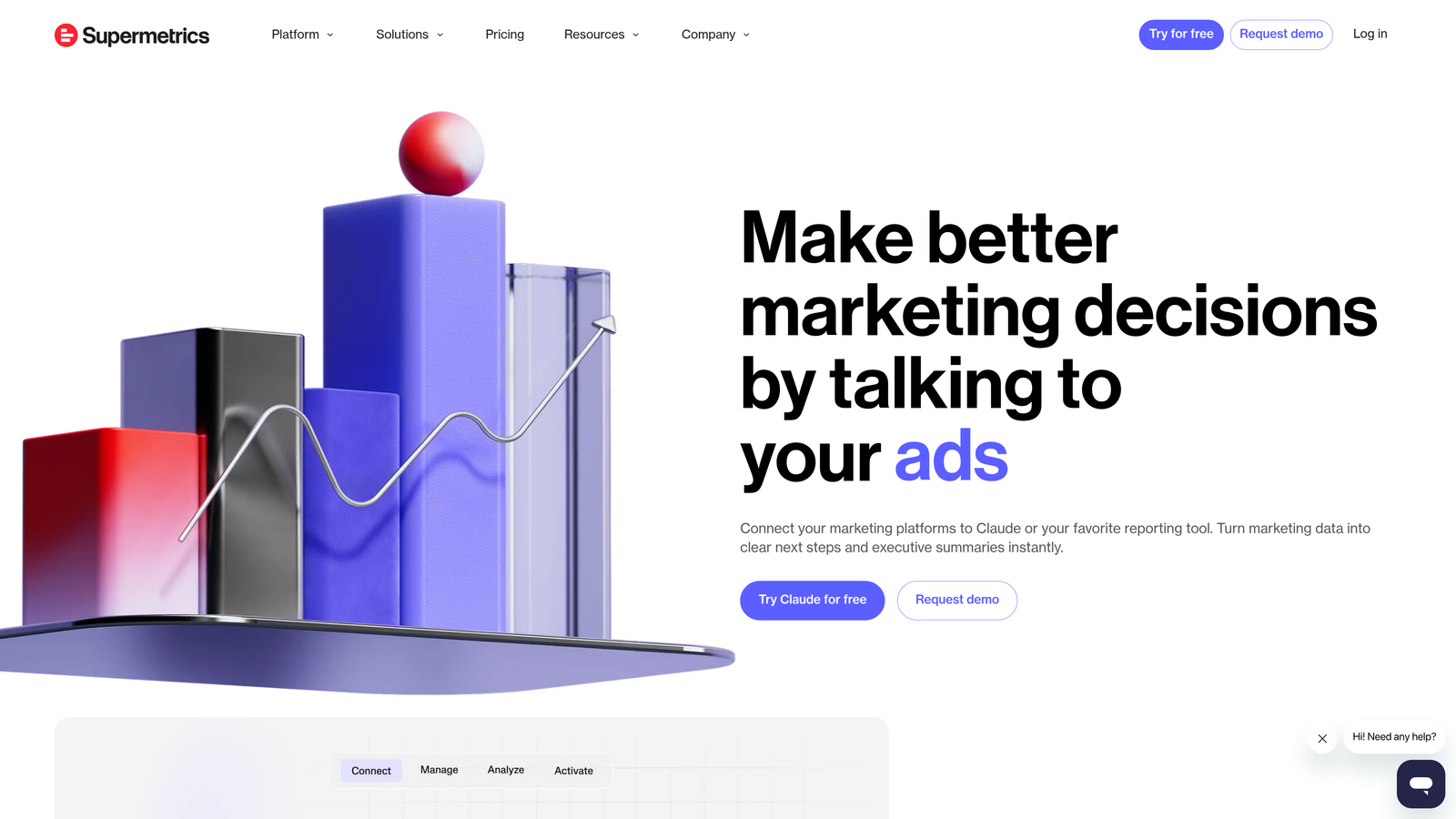
Supermetrics is a well-established data pipeline platform, and its Chrome extension component helps marketers pull Google Ads data directly into reporting environments without manual CSV exports.
Where This Tool Shines
The mistake most agencies make is building client reports manually every month. Supermetrics automates the data flow so your Sheets or Looker Studio dashboards stay current without someone manually exporting and pasting data. The Chrome extension is part of a broader workflow, not a standalone tool.
If you're already using Google Sheets for client reporting and you're tired of the export-import loop, Supermetrics removes that entirely. It supports multiple ad platforms in one workflow, which is useful when clients run campaigns across Google, Meta, and LinkedIn simultaneously.
Key Features
Automated data extraction: Pulls Google Ads performance data directly into Google Sheets or Looker Studio on a schedule.
Multi-platform connectors: Supports Google Ads alongside Meta, LinkedIn, and other major ad platforms.
Scheduled refreshes: Dashboards update automatically so reports are always current.
Reduced manual work: Eliminates the CSV export and copy-paste cycle that wastes hours each month.
Best For
Agencies with multiple clients who need scalable, automated reporting. Not the right fit for solo advertisers or anyone primarily focused on in-account optimization rather than reporting.
Pricing
Paid plans only. Pricing varies by connector and data volume; agency-level plans typically start at several hundred dollars per month.
4. Tag Assistant (by Google)
Best for: Verifying and debugging Google Ads conversion tracking, GA4, and GTM implementations.
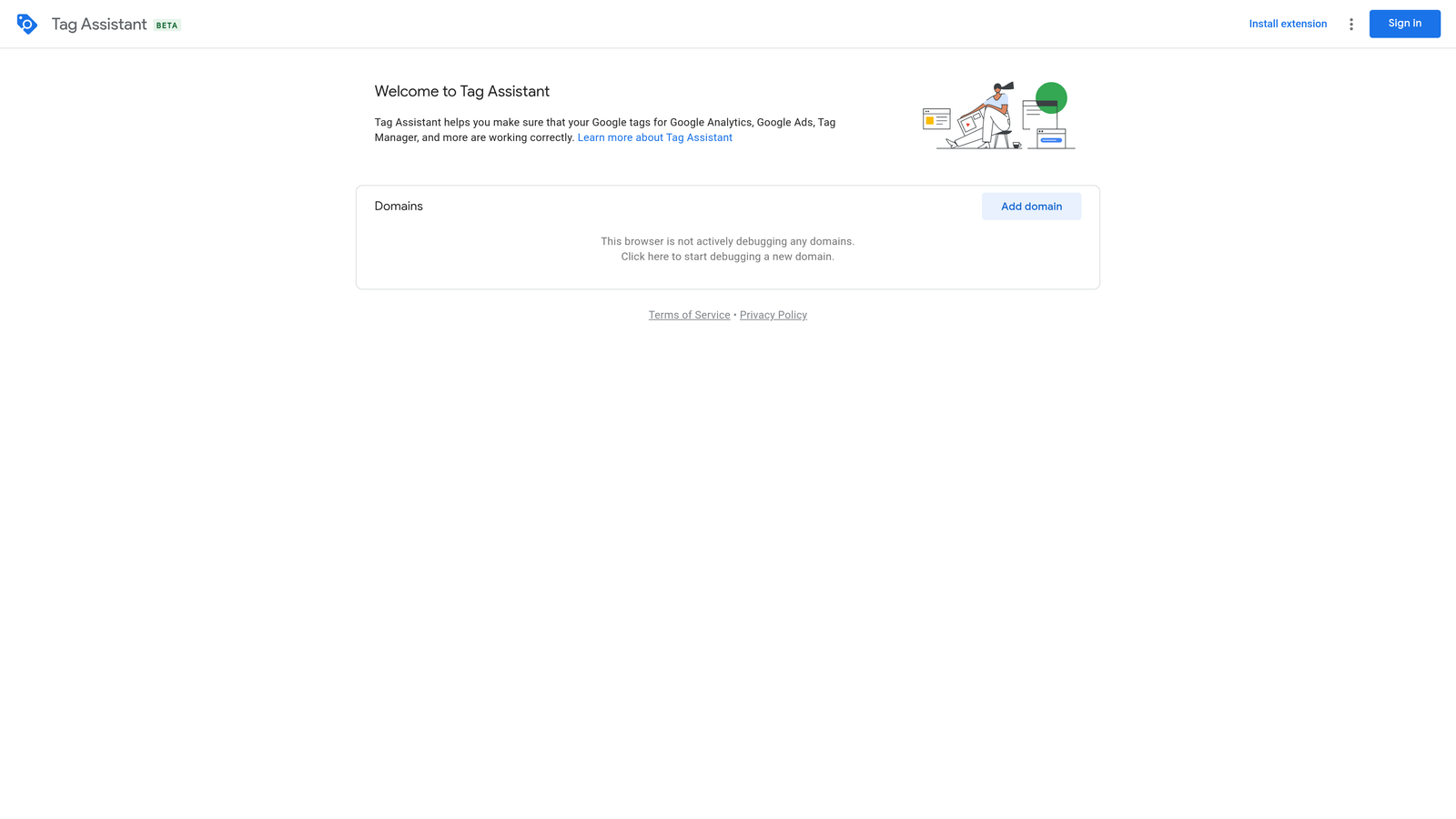
Tag Assistant is Google's official Chrome extension for real-time tag debugging—essential for any advertiser running conversion-optimized campaigns.
Where This Tool Shines
Conversion tracking issues are silent killers in Google Ads accounts. Campaigns optimizing toward zero conversions, smart bidding flying blind, budget burning with no signal. Tag Assistant lets you verify that your tags are firing correctly before any of that happens.
It's not glamorous, but it's one of the most practically important tools on this list. The fact that it's free and maintained by Google means it's always up to date with the latest tag specifications and GA4 requirements.
Key Features
Real-time tag verification: See exactly which tags fire on any page load and whether they're sending correct data.
Error identification: Flags misconfigured triggers, missing tags, and duplicate firing issues.
Multi-tag support: Works with Google Ads conversion tags, GA4, Google Tag Manager, and other Google tags.
Preview mode integration: Works alongside GTM's preview mode for full debugging visibility.
Best For
Any Google Ads manager who sets up or audits conversion tracking. This should be in every PPC professional's browser regardless of what else they use. Particularly critical before launching new campaigns or after site migrations.
Pricing
Free. Maintained by Google.
5. Similarweb (Chrome Extension)
Best for: Competitive PPC research and understanding traffic sources for any domain you visit.
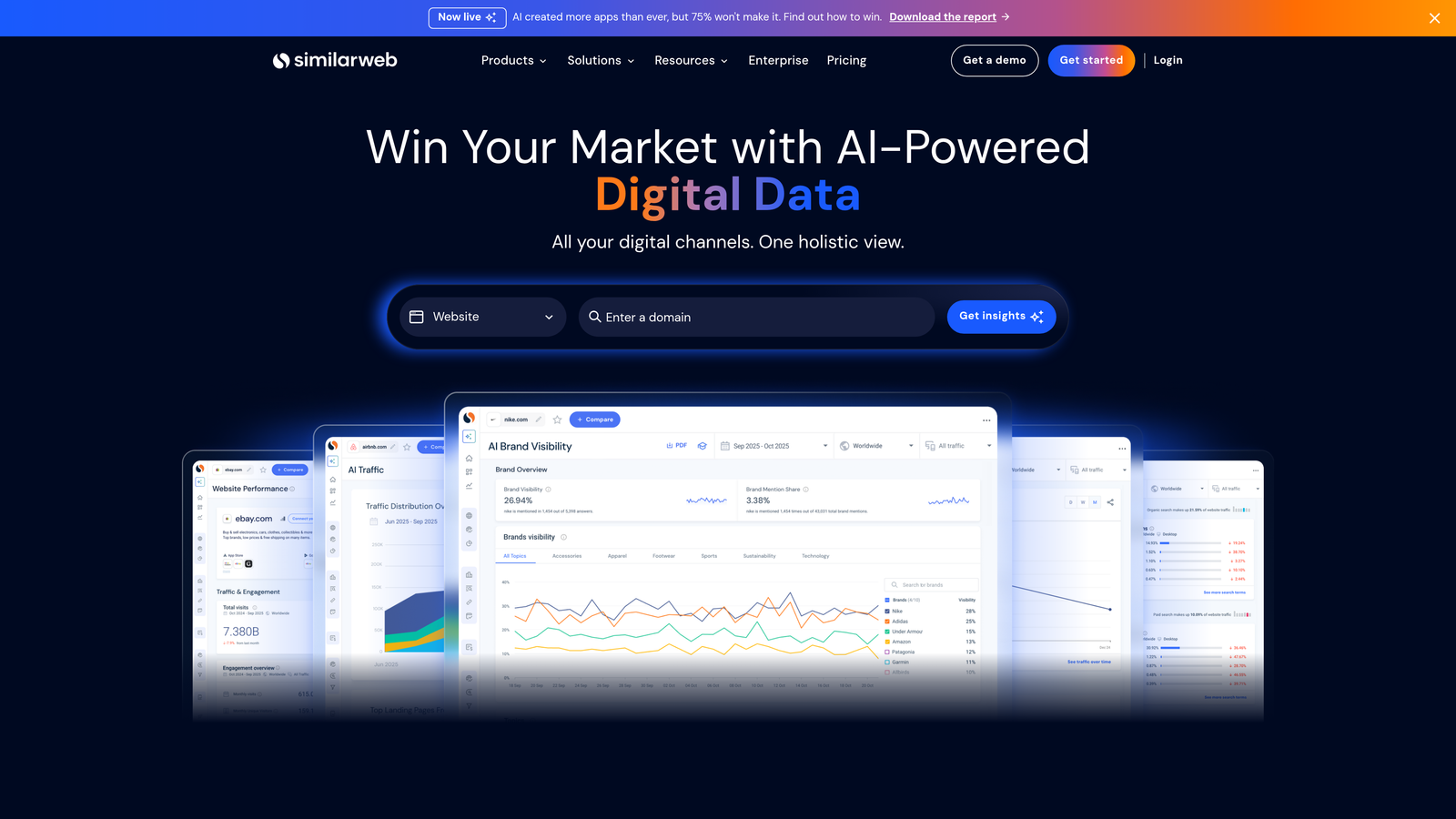
Similarweb's Chrome extension overlays traffic estimates, engagement data, and channel mix information on any website you visit—useful for sizing up competitors or evaluating landing page opportunities.
Where This Tool Shines
When you're analyzing a competitor's ad strategy, knowing how much of their traffic comes from paid search versus organic gives you useful context. Similarweb surfaces that channel breakdown without you needing to log into a separate platform. It's quick competitive intelligence while you're already browsing.
The free tier is limited but often enough for a quick sanity check. If you're doing serious competitive research across many domains, the paid plan unlocks significantly more data depth.
Key Features
Traffic estimates: Monthly visit estimates and engagement metrics for any domain.
Channel breakdown: See the split between paid search, organic, direct, social, and referral traffic.
Top keywords: Surface the keywords driving traffic to any competitor domain.
Referring sites: Identify where a competitor's traffic is coming from beyond search.
Best For
PPC managers and strategists who regularly benchmark competitors or evaluate new markets. Most useful during account audits, pitch preparation, or when building out a competitive keyword strategy.
Pricing
Free extension with limited data. Paid plans start at several hundred dollars per month for full access.
6. SEOquake
Best for: Understanding the competitive SERP landscape for any keyword you're targeting with paid search.
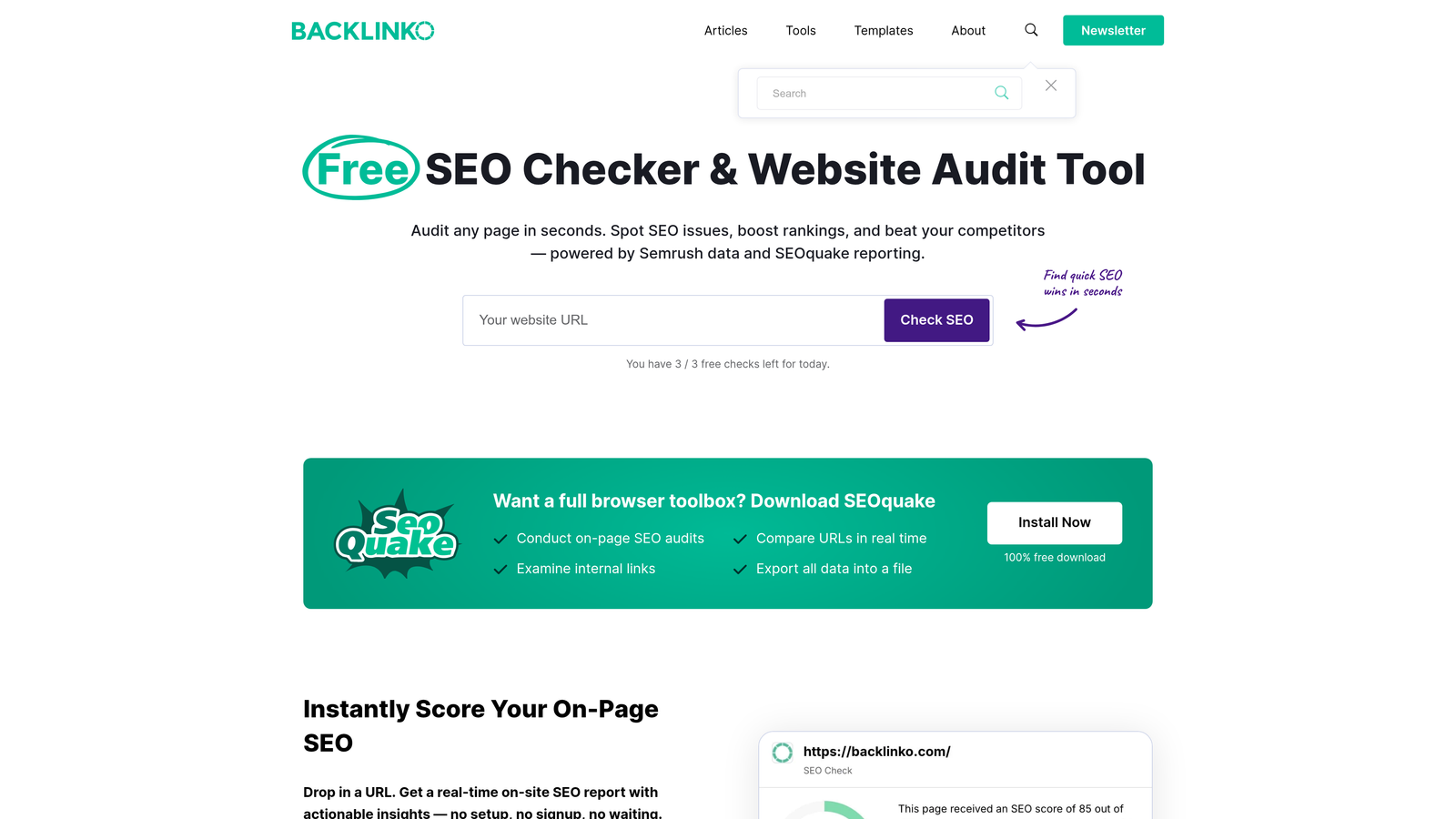
SEOquake is a free Chrome extension by Semrush that overlays domain authority, backlink counts, and ad indicators directly on Google SERPs.
Where This Tool Shines
For PPC managers who also need to understand organic competition, SEOquake gives you a fast read on how strong the organic results are for any keyword. This matters when you're evaluating whether to bid on a term or when explaining to a client why certain keywords are more competitive than others.
The ad indicator feature is particularly handy: you can see at a glance which results are paid and which are organic, and get a rough sense of how crowded the paid landscape is for any given query.
Key Features
SERP overlay: Domain authority, backlinks, and ad indicators shown directly on search results.
Paid vs. organic identification: Quickly distinguish paid results from organic at the SERP level.
Keyword density analysis: Review on-page keyword usage for any webpage you visit.
No account required: Works out of the box without signing up for anything.
Best For
PPC managers who work alongside SEO teams or who need competitive SERP context during keyword research. Great for anyone who wants a free, no-friction competitive overlay tool.
Pricing
Free. No subscription required.
7. Mangools KWFinder Extension
Best for: Quick keyword difficulty, volume, and CPC lookups directly from your browser.
Mangools KWFinder extension is a lightweight tool that surfaces keyword metrics for any term you encounter while browsing, connecting directly to the full Mangools research suite.

Where This Tool Shines
The extension is genuinely fast to use. You highlight a keyword on any webpage, click the extension, and get volume, CPC, and difficulty data without opening a new tab or logging into a platform. For PPC managers who encounter potential keywords while doing research or reading industry content, it removes friction from the capture process.
It's most powerful as part of the broader Mangools ecosystem. If you're already using KWFinder for keyword research, the extension makes it accessible everywhere rather than only when you're inside the tool.
Key Features
One-click keyword metrics: Volume, CPC, and difficulty data for any keyword from any page.
SERP integration: Pull keyword data directly from search results without switching tools.
Mangools suite connection: Links directly to deeper research in KWFinder, SERPChecker, and other Mangools tools.
Clean interface: Minimal UI that loads quickly and doesn't clutter your browser.
Best For
Freelancers and PPC managers who are already Mangools subscribers and want to extend that data access into their regular browsing workflow. Less useful as a standalone purchase if you're not already in the Mangools ecosystem.
Pricing
Requires a Mangools subscription. Plans start at approximately $29/month.
8. Ahrefs SEO Toolbar
Best for: PPC managers who need competitive domain and keyword context while browsing SERPs and competitor sites.
Ahrefs SEO Toolbar overlays domain rating, backlink counts, and keyword metrics on any webpage or SERP—useful for PPC managers who also handle SEO or need competitive context during research.
Where This Tool Shines
If you're auditing a competitor's landing page or evaluating how authoritative a domain is before deciding to bid against them, the Ahrefs toolbar gives you that data instantly. The SERP-level metrics are particularly useful for understanding why certain pages consistently rank and what you're up against in the organic landscape adjacent to your paid campaigns.
The free version has enough data for occasional use. If you're an Ahrefs subscriber already, the toolbar becomes a natural extension of your existing workflow at no additional cost.
Key Features
Domain rating overlay: See domain authority and backlink counts on any webpage you visit.
SERP-level metrics: Keyword data and organic metrics displayed directly on search results pages.
On-page SEO report: Quick audit of any URL's title, meta description, and on-page elements.
Free version available: Limited data accessible without an Ahrefs subscription.
Best For
PPC managers who also run SEO or work in integrated search teams. Also useful for anyone who regularly evaluates competitor landing pages and wants quick domain authority context. Full value requires an existing Ahrefs subscription.
Pricing
Free version available with limited data. Full access requires an Ahrefs subscription starting at approximately $129/month.
Which Extension Should You Actually Buy?
Here's the honest breakdown by use case, because the right answer genuinely depends on what problem you're trying to solve.
If your biggest time drain is the Search Terms Report: Start with Keywordme. It's the only tool on this list built specifically for in-interface Google Ads optimization. At $12/month, it's also the most accessible paid option here.
If you need fast keyword data without a full platform: Keywords Everywhere is the most flexible entry point. The credit-based model means you only pay when you're actively researching.
If you manage client reporting at scale: Supermetrics is the right investment, though it's a significantly larger commitment. Make sure you're using it across enough accounts to justify the cost.
If you're not sure your conversion tracking is working: Download Tag Assistant immediately. It's free, it's from Google, and it will tell you exactly what's broken.
If you need competitive research context: Similarweb or SEOquake depending on budget. SEOquake is free and zero friction. Similarweb's free tier is enough for quick checks.
The tools that deliver the most direct ROI for active PPC managers are the ones that reduce time spent on repetitive in-account tasks. That's why Keywordme sits at the top of this list. Removing junk search terms, adding negatives, and applying match types are tasks that happen in every account, every week. Doing them faster without leaving Google Ads compounds quickly.
Start your free 7-day trial and see how much time you reclaim in the first week alone. No spreadsheets, no tab switching, just faster Google Ads optimization right inside your account.
.svg)