
9 Best PPC Workflow Tools for Marketers in 2026
Discover the 9 best PPC workflow tools for marketers in 2026, covering everything from search term cleanup and negative keyword management to bulk editing, ad testing, and automated reporting. This guide breaks down top tools by specific workflow category so you can identify exactly where to save time and reduce the manual work that slows down campaign management.


TL;DR: Managing PPC campaigns involves a ton of repetitive, detail-heavy work. The right tools can cut hours off your week and help you spend smarter. This list covers the best PPC workflow tools for marketers, freelancers, and agency owners in 2026, organized by what they're actually best at: search term cleanup, full-stack automation, bulk editing, ad testing, reporting, feed management, and auditing.
If you've ever spent an entire afternoon reviewing search terms, manually building negative keyword lists in a spreadsheet, or toggling between five different dashboards just to pull together a client report, you already know the problem. PPC management is genuinely time-consuming, and the tools you use either compound that pain or eliminate it.
The tools below cover the distinct workflow categories where most marketers lose time. Some overlap, but each earns its spot by solving a specific pain point better than the alternatives. Here are the top PPC workflow tools worth using in 2026.
1. Keywordme
Best for: In-interface Google Ads search term optimization and negative keyword management
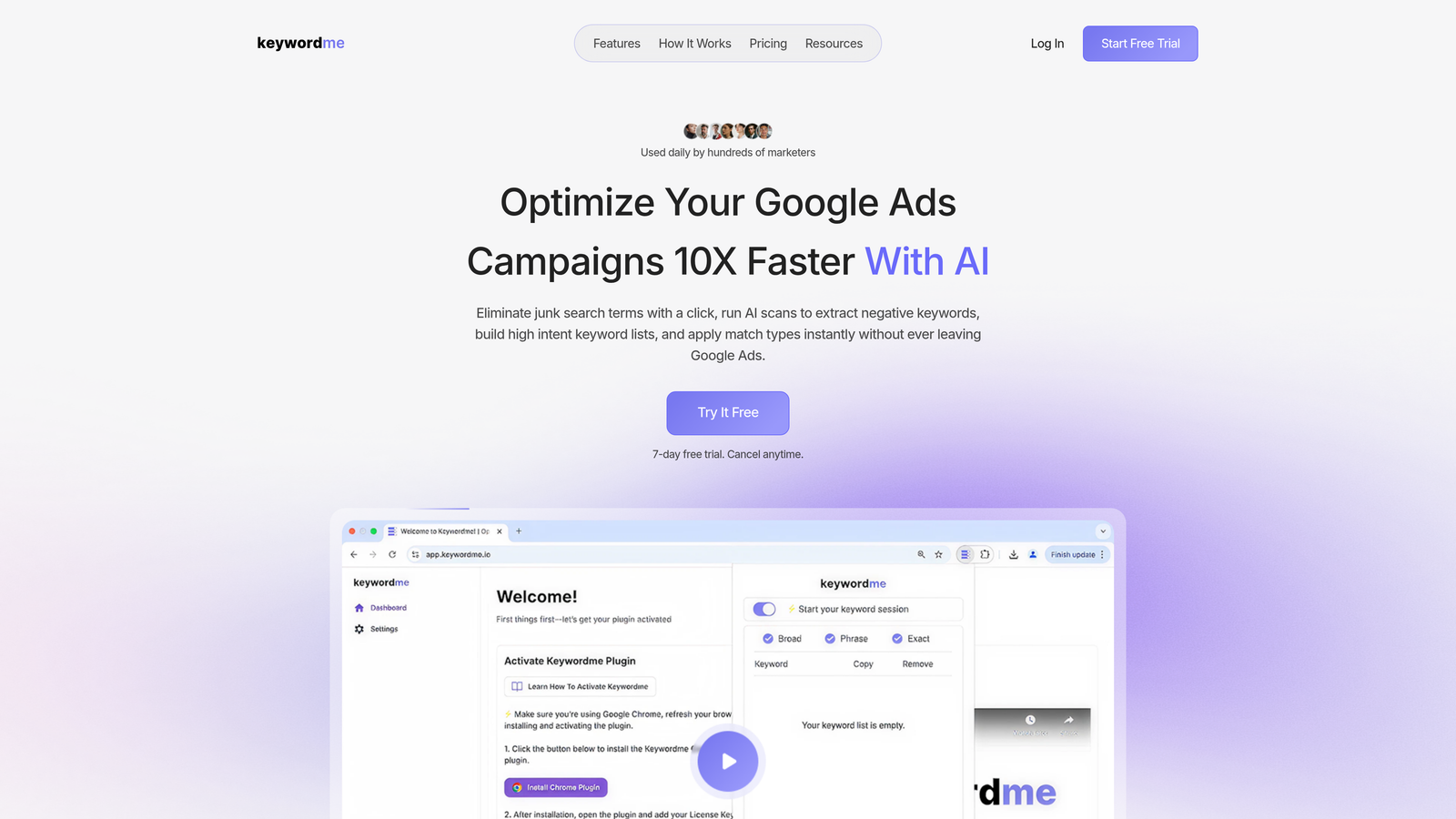
Keywordme is a Chrome extension that lets you optimize Google Ads campaigns directly inside the Search Terms Report, without opening a single spreadsheet or external tool.
Where This Tool Shines
Most PPC tools pull you out of Google Ads and into a separate dashboard. Keywordme flips that model. You stay inside the native Google Ads interface and handle your search term review, negative keyword additions, match type applications, and keyword list building with one-click actions right where the data lives.
In most accounts I audit, search term cleanup is one of the biggest time sinks. Keywordme turns a 45-minute weekly task into something you can knock out in under 10 minutes. For agencies managing multiple accounts, that adds up fast.
Key Features
One-Click Search Term Removal: Flag and remove junk search terms directly in the Search Terms Report without exporting to a spreadsheet.
Instant Negative Keyword Lists: Build and apply negative keyword lists with match types applied on the spot.
Keyword Clustering: Group related search terms into themed keyword clusters to speed up keyword list building.
Bulk Editing: Apply actions across multiple search terms simultaneously, not one at a time.
Multi-Account and Team Support: Designed for agencies managing multiple clients, with team access built in.
Best For
Freelancers and agency owners who spend significant time on weekly search term reviews inside Google Ads. Also a strong pick for in-house marketers who want to optimize faster without adding another external platform to their stack.
Pricing
$12/month per user with a 7-day free trial. Flat-rate pricing with no ad spend tiers, which is genuinely rare in this category.
2. Optmyzr
Best for: Full-stack PPC automation and repeatable optimization workflows across multiple platforms
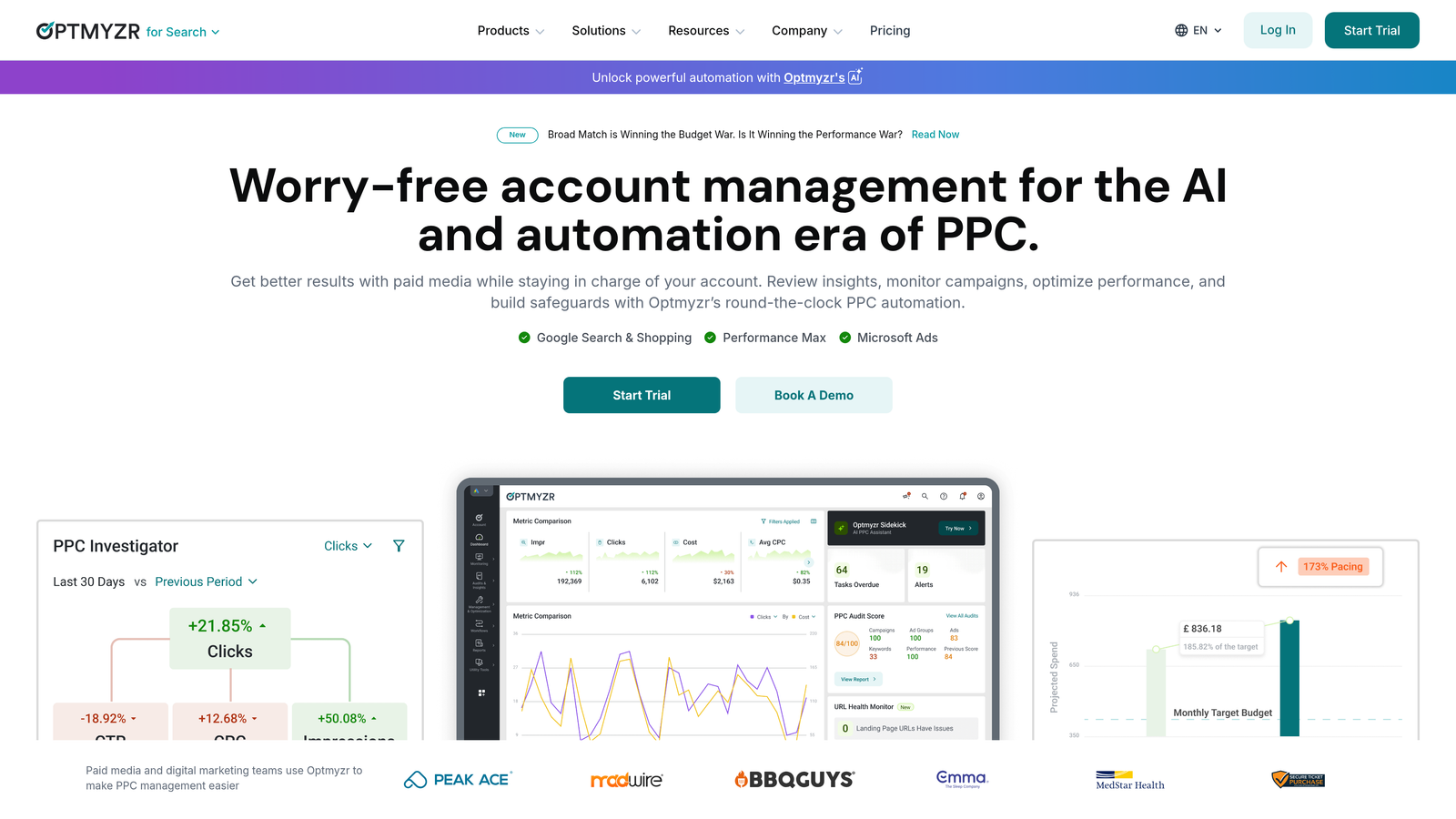
Optmyzr is a comprehensive PPC management platform built around rule-based automations, one-click optimizations, and customizable playbooks for Google, Microsoft, and Amazon Ads.
Where This Tool Shines
Optmyzr is what you reach for when you want to systematize your entire PPC operation. The PPC Playbooks feature lets you build repeatable optimization workflows that your team can follow consistently across every account, which is a big deal for agencies trying to maintain quality at scale.
The one-click optimizations are genuinely useful: the platform surfaces recommendations based on account data, and you can approve or reject them individually. It's not fully autonomous, but it's faster than building every rule from scratch in Google Ads scripts.
Key Features
One-Click Optimizations: Data-driven recommendations you can implement with a single click, with full visibility into what changes will be made.
PPC Playbooks: Build and share repeatable workflow templates across your team or agency.
Cross-Platform Support: Manage Google Ads, Microsoft Ads, Amazon Ads, and Meta from one place.
Budget Pacing and Bid Management: Automated tools to keep spend on track and bids aligned with performance goals.
Custom Reporting and Dashboards: Build client-facing reports without leaving the platform.
Best For
Mid-size to large agencies running multi-platform campaigns who need a systematic, repeatable approach to optimization. Less suited for solo freelancers managing one or two accounts on a tight budget.
Pricing
Starts around $249/month; pricing scales with the amount of ad spend managed across accounts.
3. Google Ads Editor
Best for: Bulk offline editing of Google Ads campaigns before pushing changes live
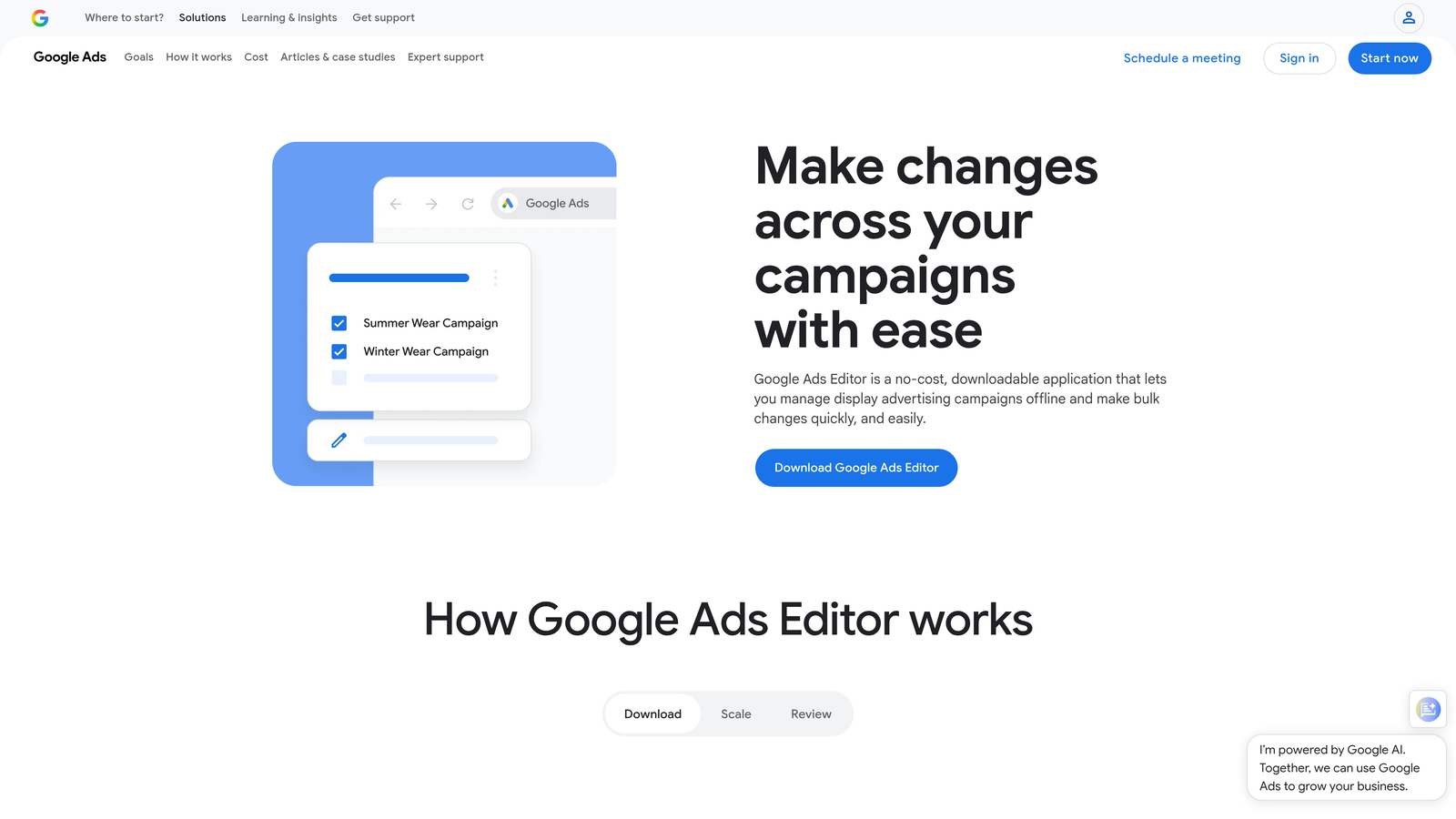
Google Ads Editor is a free desktop application from Google that lets you download your campaigns, make bulk edits offline, and review everything before publishing.
Where This Tool Shines
If you're restructuring campaigns, doing a keyword overhaul, or making large-scale changes across multiple ad groups, the Editor is still the fastest way to do it. The find-and-replace function alone saves hours when you're updating ad copy or URLs across dozens of campaigns.
What usually happens here is that marketers underestimate how powerful the offline workflow is. You can copy entire campaigns, paste them into new accounts, and make bulk edits without any risk of accidentally going live mid-edit.
Key Features
Bulk Editing: Edit campaigns, ad groups, keywords, ads, and extensions in bulk using a spreadsheet-like interface.
Offline Editing: Make all changes offline and review them before publishing anything live.
Copy/Paste Across Accounts: Duplicate campaigns or ad groups into different accounts without rebuilding from scratch.
Find and Replace: Update text across multiple elements simultaneously across your entire account.
Import/Export: Works well with spreadsheet-based workflows for teams that prefer CSV-based editing.
Best For
Any Google Ads advertiser doing large-scale campaign changes, restructures, or keyword updates. It's free, so there's no reason not to have it in your toolkit.
Pricing
Free. No limitations, no tiers, no ad spend requirements.
4. Adalysis
Best for: Automated ad testing with statistical significance tracking and quality score monitoring
Adalysis is a PPC optimization platform that specializes in ad testing automation, quality score tracking, and search term management for Google Ads accounts.

Where This Tool Shines
The mistake most agencies make with ad testing is running tests without any statistical rigor. Adalysis handles this by automatically tracking when tests reach statistical significance and flagging winners, so you're not making decisions based on noise.
The quality score monitoring is also more detailed than what Google Ads shows natively. You get historical tracking so you can see how quality scores trend over time, which is genuinely useful for diagnosing landing page or relevance issues.
Key Features
Automated Ad Testing: Set up structured ad tests with automatic winner detection based on statistical significance.
Quality Score Tracking: Monitor and track quality score history at the keyword level over time.
Search Term Analysis: Surface negative keyword suggestions and identify wasted spend from irrelevant queries.
Automated Alerts: Get notified about account issues like disapproved ads, budget exhaustion, or sudden performance drops.
Multi-Account Management: Manage and monitor multiple Google Ads accounts from a single dashboard.
Best For
Agencies and in-house teams that run frequent ad copy tests and want a systematic, data-driven approach to creative optimization. Also strong for accounts where quality score issues are a recurring problem.
Pricing
Starts around $149/month; pricing is based on the amount of ad spend managed.
5. Opteo
Best for: Lightweight, continuous optimization suggestions for Google Ads accounts
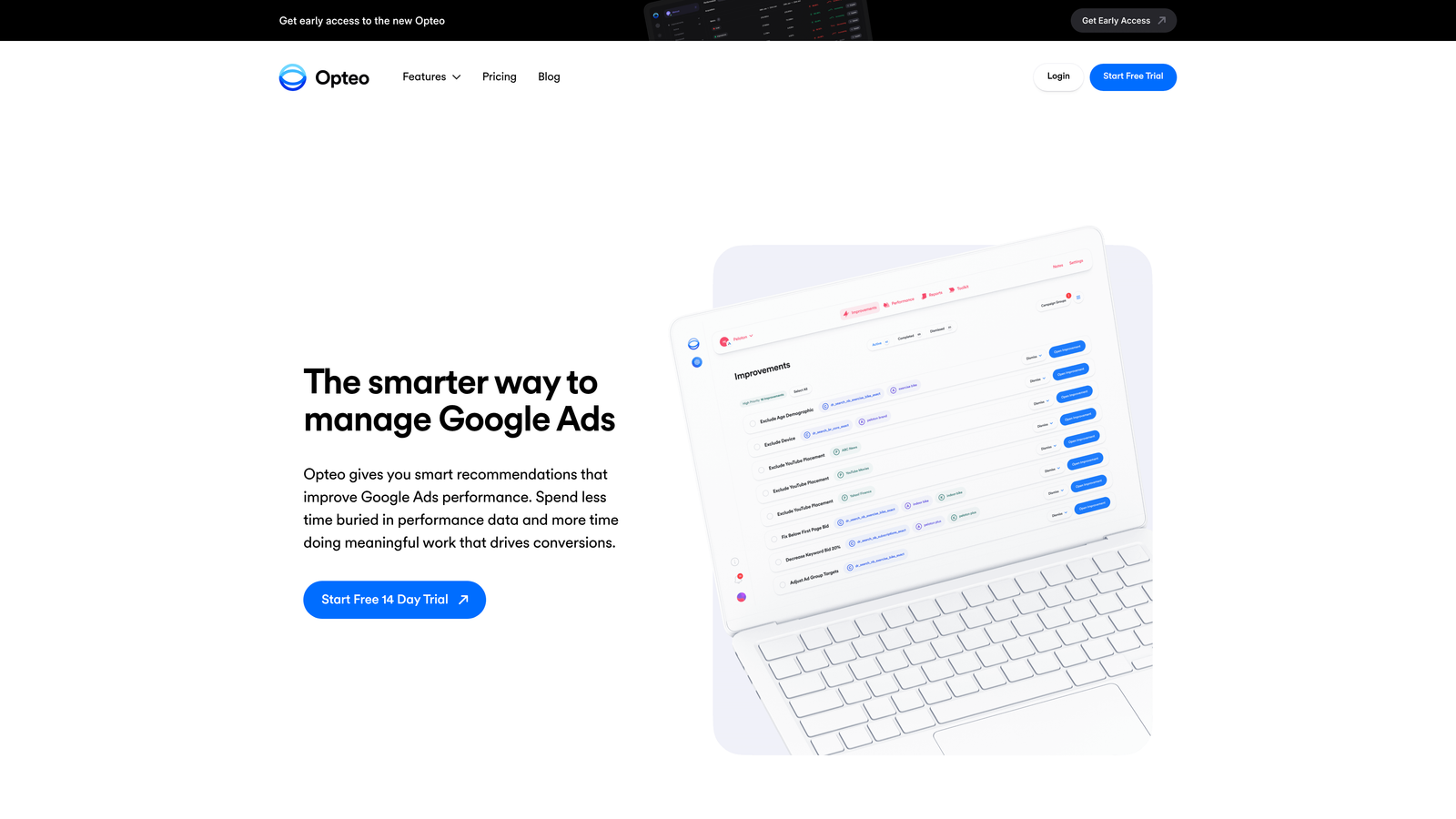
Opteo is a streamlined Google Ads optimization tool that surfaces prioritized improvement suggestions as simple, one-click-approvable tasks.
Where This Tool Shines
Opteo is designed for speed. Instead of giving you a complex dashboard to navigate, it pushes a prioritized queue of improvement suggestions based on your account data. You review each one, approve or skip, and move on. It's the closest thing to a "daily optimization checklist" that actually adapts to your account.
For freelancers managing several accounts simultaneously, the clean interface and task-based workflow reduce decision fatigue. You're not hunting for what to fix; the tool tells you.
Key Features
Prioritized Suggestions: Continuous stream of improvement recommendations ranked by potential impact.
One-Click Approval: Implement changes directly from the suggestion card without navigating to Google Ads.
Budget Monitoring: Track budget pacing and get alerts when accounts are over or under-spending.
Search Term Management: Negative keyword suggestions surfaced as actionable tasks.
Minimal Interface: Clean, distraction-free design built specifically for fast optimization workflows.
Best For
Freelancers and small agencies who want a fast, low-friction daily optimization routine without the complexity of a full-stack platform like Optmyzr.
Pricing
Starts at $129/month; pricing scales with the amount of ad spend under management.
6. WordStream by LocaliQ
Best for: Guided PPC optimization for small businesses and less experienced advertisers
WordStream is a PPC management platform built around guided workflows and beginner-friendly recommendations for Google, Meta, and Microsoft Ads.

Where This Tool Shines
WordStream's signature feature is the 20-Minute Work Week, a guided optimization flow that walks you through the most impactful actions for your account. For small business owners or junior marketers who aren't yet comfortable making judgment calls on bid adjustments or keyword pruning, this structure removes a lot of guesswork.
The Performance Grader is also a useful quick-audit tool. You can run it on any Google Ads account and get an instant breakdown of where the account stands on key metrics, which is handy for agency new business conversations.
Key Features
20-Minute Work Week: Guided weekly optimization workflow that prioritizes the highest-impact actions for your account.
Cross-Platform Management: Manage Google Ads, Meta, and Microsoft Ads campaigns from one interface.
Performance Grader: Free audit tool that benchmarks your account against key performance indicators.
Landing Page Tools: Basic landing page and conversion tracking support built into the platform.
Beginner-Friendly Recommendations: Suggestions are explained in plain language, not just raw data.
Best For
Small business owners managing their own PPC, or agencies with clients who need a simplified tool to stay involved in their campaigns without deep PPC expertise.
Pricing
Custom pricing; contact WordStream for current quotes. Previously offered entry-level plans starting around $49/month, but pricing has evolved with the LocaliQ integration.
7. Channable
Best for: E-commerce advertisers managing product feed-based PPC campaigns
Channable is a feed management and PPC automation platform that dynamically generates and optimizes ad campaigns from product data feeds.

Where This Tool Shines
If you're running Google Shopping campaigns for an e-commerce client with thousands of SKUs, manually managing ad copy and bids per product is impossible. Channable automates campaign generation directly from your product feed, so campaigns update dynamically when prices, inventory, or product details change.
The automatic pausing of out-of-stock product ads is particularly valuable. Sending paid traffic to unavailable products is a common source of wasted spend, and Channable handles this without any manual intervention.
Key Features
Automated Campaign Generation: Build PPC campaigns dynamically from product feed data, no manual setup per SKU.
Dynamic Ad Creation: Ad copy and targeting update automatically based on live inventory and pricing data.
Rule-Based Feed Optimization: Apply rules to clean, filter, and enrich your product feed before it goes live.
Multi-Channel Support: Publish to Google Shopping, Microsoft Ads, Meta, and other channels from one feed.
Out-of-Stock Pausing: Automatically pause ads for unavailable products to prevent wasted spend.
Best For
E-commerce advertisers and agencies managing Shopping campaigns with large product catalogs where manual campaign management isn't scalable.
Pricing
Starts around €59/month; pricing scales with feed size and the number of channels used.
8. Supermetrics
Best for: Pulling PPC data from all major ad platforms into consolidated reports and dashboards
Supermetrics is a data pipeline tool that connects your ad platforms to the reporting destinations your team already uses, including Google Sheets, Looker Studio, Excel, and BigQuery.

Where This Tool Shines
The biggest reporting headache in agency PPC work is pulling data from five different platforms and manually combining it into a single client report. Supermetrics eliminates that entirely. You set up automated data pulls once, and the reports refresh on whatever schedule you need.
The cross-platform blended reporting is where this tool really earns its place. You can combine Google Ads, Meta, Microsoft, LinkedIn, and TikTok data in a single Looker Studio dashboard, which is something no individual ad platform lets you do natively.
Key Features
Platform Connectors: Pre-built connectors for Google Ads, Meta, Microsoft Ads, LinkedIn, TikTok, and many more.
Multiple Destinations: Push data to Google Sheets, Looker Studio, Excel, BigQuery, or data warehouses.
Scheduled Reporting: Set automated data refresh schedules so reports stay current without manual pulls.
Custom Metrics: Build calculated fields and custom metrics that go beyond what native platform reports offer.
Blended Reporting: Combine data from multiple platforms in a single report or dashboard view.
Best For
Agencies and in-house teams that need consolidated cross-platform PPC reporting. Especially valuable if you're already using Looker Studio or Google Sheets for client dashboards.
Pricing
Starts around $29/month for basic connectors; pricing scales with the number of reporting destinations and data sources you need.
9. TrueClicks
Best for: Continuous automated auditing and wasted spend detection in Google Ads accounts
TrueClicks is an automated Google Ads auditing platform that continuously monitors account health and flags structural issues, wasted spend, and optimization opportunities.
Where This Tool Shines
Most PPC audits happen once at onboarding and then never again. TrueClicks runs continuously, which means it catches issues as they develop rather than weeks after the damage is done. Think of it as a persistent health monitor running in the background across all your accounts.
For agencies, the multi-account monitoring is the real draw. Instead of manually auditing each client account on a schedule, TrueClicks surfaces the accounts that need attention and tells you why, so you can prioritize where to spend your time.
Key Features
Continuous Automated Audits: Account health checks run automatically on an ongoing basis, not just on demand.
Wasted Spend Detection: Flags specific areas where budget is being spent without contributing to performance.
Settings and Structure Checks: Identifies configuration issues, missing extensions, tracking problems, and structural gaps.
Opportunity Scoring: Ranks optimization opportunities by potential impact so you know where to focus.
Multi-Account Monitoring: Agency-friendly dashboard for monitoring account health across all clients simultaneously.
Best For
Agencies managing multiple Google Ads accounts who need a systematic way to stay on top of account health without manually auditing every account every week.
Pricing
Starts around €49/month; pricing scales with the number of accounts under management.
Which Tool Is Right for Your Workflow?
No single tool covers every PPC workflow need, and the best stack depends on where you're losing the most time right now. Here's a quick breakdown by use case to help you decide where to start.
If search term reviews and negative keyword management are eating your week, Keywordme is the most direct fix. It's the only tool on this list that works natively inside Google Ads without pulling you into a separate dashboard, and at $12/month it's the lowest barrier to entry here.
If you need full-stack automation across multiple platforms with repeatable playbooks, Optmyzr is the right move. It's a more significant investment, but it's built for agencies running serious volume across Google, Microsoft, and Amazon.
If client reporting is your biggest time sink, Supermetrics solves it cleanly. Set up your data pulls once and let automated refreshes handle the rest.
If you want ongoing account health monitoring without manual audits, TrueClicks runs continuously in the background and surfaces issues before they compound into real problems.
For most freelancers and small agencies, a combination of Keywordme for in-interface optimization, Google Ads Editor for bulk changes, and Supermetrics for reporting covers the core workflow gaps without overcomplicating your stack.
If you haven't tried Keywordme yet, it's worth starting there. The in-interface workflow is genuinely different from anything else in this category, and the 7-day trial costs nothing. Start your free 7-day trial and see how much faster your search term reviews get when you don't have to leave Google Ads to do them.
.svg)