
9 Best PPC Workflow Tools for Agencies in 2026
Managing PPC for multiple clients demands specialized tools that go beyond single-account solutions. This guide reviews the 9 best PPC workflow tools for agencies in 2026, focusing on platforms that automate reporting, streamline multi-account management, and meaningfully reduce manual work so agency teams can scale efficiently.


TL;DR: The best PPC workflow tools for agencies in 2026 combine in-interface optimization, reporting automation, and multi-account management. If you're managing Google Ads for multiple clients, the right stack can cut your manual work dramatically and help you scale without burning out your team.
Running PPC for an agency is a different beast than managing a single account. You're juggling multiple clients, reporting deadlines, keyword reviews, negative list maintenance, and budget pacing—often all at once. The tools that work for solo advertisers often fall apart at agency scale.
This list covers the best PPC workflow tools specifically built (or well-suited) for agencies in 2026. We've focused on tools that reduce manual work, integrate cleanly with Google Ads, and actually fit into a real agency workflow—not just feature-rich platforms that look great in demos. Each tool is evaluated on workflow impact, ease of use, and pricing transparency.
1. Keywordme
Best for: In-platform search term review and keyword optimization for agency teams
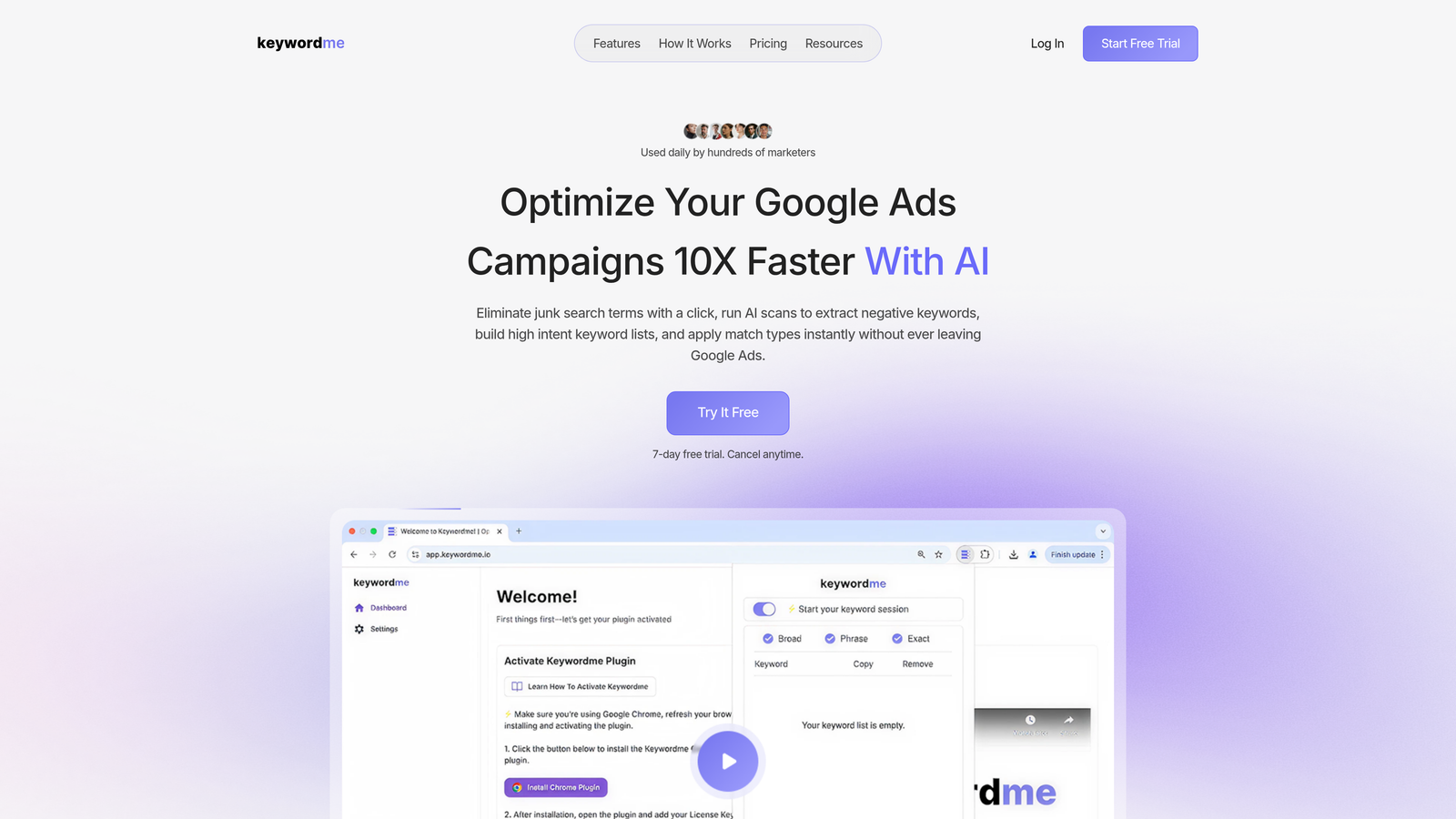
Keywordme is a Chrome extension that plugs directly into Google Ads' Search Terms Report, letting agency teams optimize keywords without ever leaving the native interface.
Where This Tool Shines
The biggest time sink in most agency PPC workflows is search term review. You open the report, export to a spreadsheet, filter, categorize, add negatives, re-import—and then do it all again next week for every client. Keywordme collapses that entire process into clicks you make directly inside Google Ads.
In most accounts I audit, search term review is being done inconsistently across team members, often because the process is tedious enough that people cut corners. Keywordme standardizes that workflow. Everyone on the team works the same way, inside the same interface, without needing to touch a spreadsheet.
Key Features
One-click negative keyword addition: Add negatives directly from the Search Terms Report without exporting or switching tabs.
Keyword clustering in-interface: Group and organize search terms into intent-based clusters without leaving Google Ads.
Bulk match type application: Apply broad, phrase, or exact match to multiple keywords at once—no exports required.
Multi-account and team support: Built for agency workflows where multiple users manage multiple client accounts.
Flat-rate pricing: Simple per-user pricing at $12/month keeps costs predictable as your team grows.
Best For
Agency PPC managers and freelancers who spend significant time each week on search term review. Especially useful for teams managing five or more accounts where manual keyword workflows become a real bottleneck. If you're doing this work in spreadsheets right now, the shift to in-interface editing is immediately noticeable.
Pricing
$12/month per user. 7-day free trial available, no credit card required. One of the more transparent pricing models on this list.
2. Google Ads Editor
Best for: Bulk offline editing and large structural changes across campaigns and accounts
Google Ads Editor is Google's free desktop application for managing campaigns offline with a draft-before-publish workflow.

Where This Tool Shines
Every agency should have Google Ads Editor in their stack. Full stop. When you need to restructure a campaign, copy ad groups across accounts, or make find-and-replace edits across hundreds of ads, this is the tool for it. The draft workflow means you can stage large changes and review them before anything goes live—which matters a lot when you're working across client accounts.
What it doesn't do is automate or optimize. It's a power tool for manual bulk work, not a smart assistant. Think of it as the heavy machinery you pull out for structural jobs, not the tool you use for weekly optimization tasks.
Key Features
Offline bulk editing: Download accounts, make changes locally, and upload when ready—no live connection required.
Copy/paste across accounts: Duplicate campaigns, ad groups, and keywords between client accounts in seconds.
Find-and-replace for ads: Update ad copy at scale without editing each ad individually.
Draft-before-publish workflow: Review all staged changes before anything goes live in client accounts.
Best For
Any agency handling large-scale campaign builds, restructures, or migrations. Also useful for onboarding new clients where you're importing existing campaign structures. The free price point makes it a no-brainer inclusion in any agency stack.
Pricing
Free with any Google Ads account. No setup required beyond downloading the desktop application.
3. Optmyzr
Best for: Rule-based automation and optimization across multiple Google Ads and Microsoft Ads accounts
Optmyzr is a PPC automation platform designed for agencies that need to scale optimization tasks across a large client portfolio.

Where This Tool Shines
The mistake most agencies make is trying to manually replicate the same optimization actions across every account. Optmyzr's rule-based engine lets you define those actions once and apply them at scale. Bid adjustments, budget pacing rules, keyword expansion triggers—you set the logic, the platform executes it.
The one-click optimization suggestions are genuinely useful for account managers who need to move fast across a large book of business. It surfaces what needs attention without requiring you to dig through every account manually.
Key Features
Rule-based automation engine: Build custom rules for bids, budgets, and keyword management that run automatically across accounts.
One-click optimization suggestions: Prioritized recommendations surfaced across all client accounts in a single view.
Agency dashboards and reporting: Multi-account performance views and client-facing report generation.
Multi-platform support: Works across Google Ads, Microsoft Ads, and Amazon Ads.
Best For
Mid-to-large agencies managing significant ad spend across many accounts. The platform's depth is overkill for smaller teams, but for agencies with 15+ active accounts, the automation capabilities can meaningfully reduce per-account management time.
Pricing
Paid plans with pricing available on their website. Typically positioned for mid-to-large agencies. A free trial is available to evaluate fit before committing.
4. Looker Studio
Best for: Free, customizable client-facing PPC dashboards and automated reporting
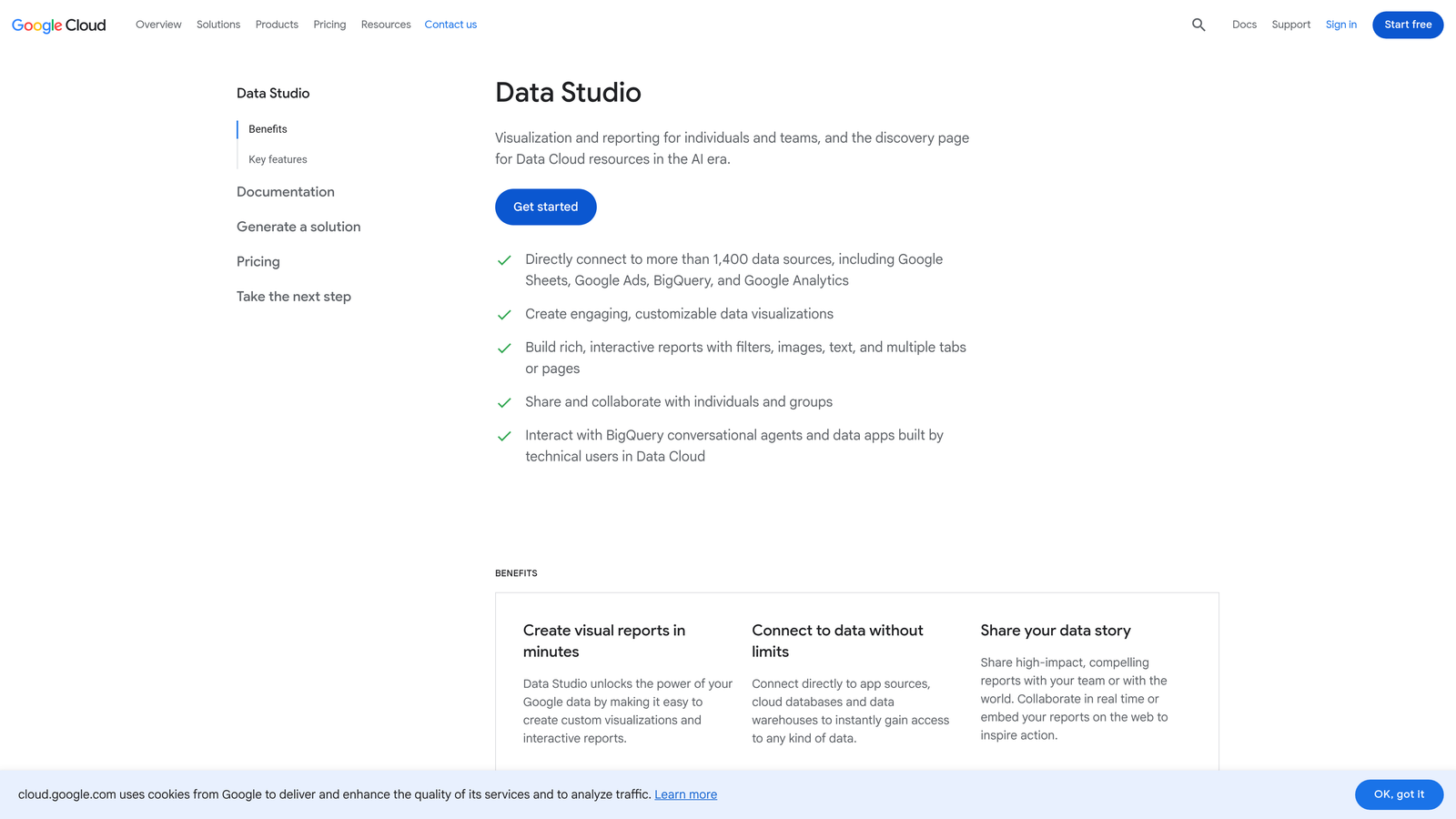
Looker Studio is Google's free data visualization platform, widely used by agencies to build live client dashboards connected directly to Google Ads and GA4.
Where This Tool Shines
Looker Studio's native Google Ads connector is genuinely good. You can build a client dashboard that pulls live data, updates automatically, and looks professional—without paying for a dedicated reporting tool. For agencies that are comfortable with a bit of initial setup work, it's hard to beat the value.
The tradeoff is time investment upfront. Building a solid template takes effort, but once it's done, you can duplicate it across clients quickly. Many agencies build one master template and clone it for every new account onboarding.
Key Features
Native Google Ads and GA4 connectors: Pull live campaign data directly without third-party connectors or additional cost.
Fully customizable dashboards: Build client-specific views, branded with your agency's look and feel.
Shareable live reports: Send clients a link to a live dashboard rather than a static PDF.
No account or user limits: Create unlimited reports and share with unlimited clients at no cost.
Best For
Agencies that want full control over their reporting without paying for a dedicated platform. Works best for teams with someone comfortable building and maintaining templates. Less suited to agencies that need automated report delivery or white-label client portals out of the box.
Pricing
Free. No paid tiers. Some third-party data connectors (like Supermetrics) carry their own costs, but the core Looker Studio platform is completely free.
5. Semrush
Best for: Competitive PPC research, keyword intelligence, and new client onboarding audits
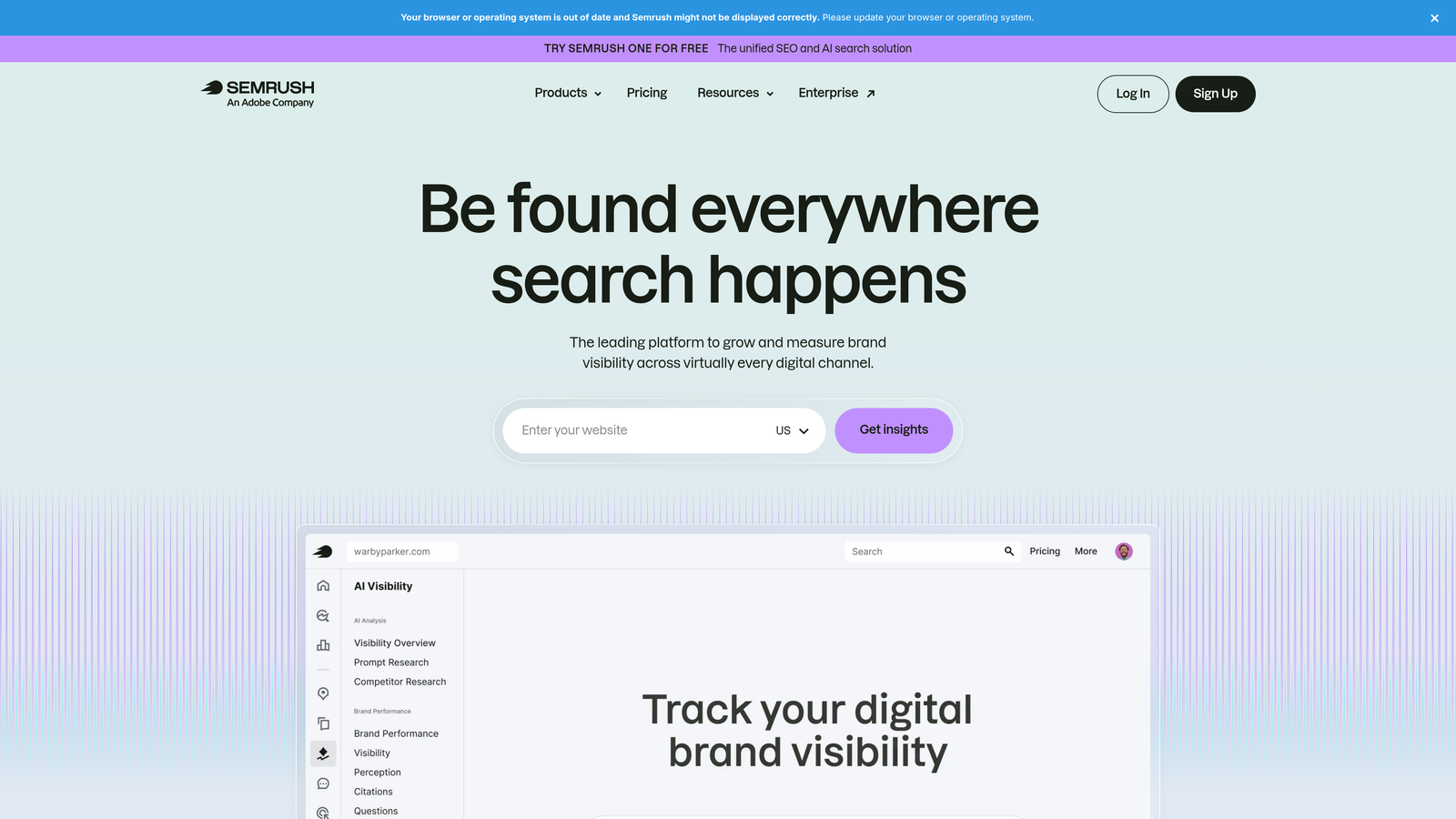
Semrush is an all-in-one digital marketing platform with strong competitive intelligence features for PPC research and keyword strategy.
Where This Tool Shines
When you're onboarding a new client, Semrush is one of the fastest ways to understand the competitive landscape. You can pull a competitor's ad copy history, identify keyword gaps between your client and their top competitors, and get CPC estimates by market—all before you've touched the actual account.
For full-service agencies that handle both SEO and PPC, Semrush earns its cost by covering both channels. The display advertising research and creative library are also underrated for clients running display or Performance Max campaigns.
Key Features
Competitor ad copy analysis: Review historical ad copy from any domain to understand messaging strategies and test angles.
Keyword gap tool: Identify keywords competitors are bidding on that your client isn't targeting yet.
CPC and traffic volume estimates: Get market-level data on keyword competitiveness and estimated costs.
Display advertising research: Analyze competitor display creatives and publisher placements.
Best For
Agencies that regularly pitch new clients or run competitive audits as part of their onboarding process. Also well-suited for full-service agencies where one subscription covers both PPC and SEO research needs.
Pricing
Paid plans starting at $139.95/month. Limited free access is available. Pricing scales with features and user seats.
6. Supermetrics
Best for: Pulling multi-platform PPC data into custom reporting workflows and BI tools
Supermetrics is a data connector that automates the flow of marketing data from platforms like Google Ads, Meta, and LinkedIn into spreadsheets, BigQuery, or Looker Studio.
Where This Tool Shines
What usually happens at agencies without a tool like this is that someone spends hours each week manually exporting data from multiple platforms and pasting it into a master spreadsheet. Supermetrics automates that entire data pipeline. You set up the connections once, schedule refreshes, and the data flows automatically.
It's particularly useful for agencies with analysts or operations teams who prefer working in Google Sheets or Excel rather than a dedicated reporting dashboard. It also pairs well with Looker Studio if you need to pull in data from platforms that don't have native connectors.
Key Features
100+ platform connectors: Pull data from Google Ads, Meta, LinkedIn, TikTok, and many more into a single destination.
Multiple export destinations: Send data to Google Sheets, Excel, BigQuery, or Looker Studio depending on your workflow.
Scheduled automated refreshes: Set data to update on a schedule so reports stay current without manual intervention.
Custom query builder: Define exactly which metrics, dimensions, and date ranges you want to pull.
Best For
Agencies with custom reporting workflows, in-house analysts, or clients who require data in specific formats. Also useful for agencies building cross-channel performance dashboards that need to combine data from multiple ad platforms.
Pricing
Paid plans with pricing that varies by connector and destination. Full pricing is available on their website. Costs can add up for agencies connecting many platforms.
7. WordStream Advisor (LocaliQ)
Best for: Smaller agencies and SMB-focused teams that need a guided, structured optimization workflow
WordStream Advisor, now part of the LocaliQ platform, is a guided PPC management tool known for its structured weekly workflow and free Google Ads Performance Grader.

Where This Tool Shines
The 20-minute work week concept is genuinely useful for agencies managing smaller budgets where deep manual optimization isn't cost-effective. The platform surfaces prioritized recommendations and walks account managers through them in a structured sequence—which works well for less experienced team members or agencies with a high volume of small accounts.
The free Google Ads Performance Grader is also worth knowing about as a standalone tool. It's a fast way to audit a prospect's account during a sales conversation and identify quick wins before you've even been hired.
Key Features
Guided 20-minute work week workflow: Structured optimization tasks surfaced weekly so nothing gets missed across accounts.
Free Google Ads Performance Grader: Instant account audit tool useful for client prospecting and onboarding conversations.
Automated recommendations: Keyword, bid, and ad suggestions generated automatically based on account performance data.
Multi-platform support: Covers both Google Ads and Meta Ads within the same workflow.
Best For
Agencies managing smaller client budgets where a guided, lower-touch workflow is more practical than deep manual optimization. Also useful for teams onboarding junior account managers who benefit from a structured process.
Pricing
Paid, with pricing available on request via the LocaliQ website. The Google Ads Performance Grader is free and available without an account.
8. Adalysis
Best for: Automated ad testing, quality score monitoring, and account-wide diagnostics
Adalysis is a PPC management platform focused specifically on ad testing automation and account health monitoring across Google Ads and Microsoft Ads.
Where This Tool Shines
Ad testing is one of the most neglected parts of agency PPC work—not because people don't care, but because setting up statistically valid tests and tracking them consistently across multiple accounts is genuinely hard to do manually. Adalysis automates the testing framework: it sets up tests, monitors them, and flags winners when results reach statistical significance.
The quality score monitoring is also more granular than what you get natively in Google Ads. Adalysis tracks quality score trends over time and alerts you when scores drop, which is useful for catching issues before they start affecting CPC and ad rank.
Key Features
Automated A/B ad testing: Set up and monitor ad tests with automatic significance tracking—no manual calculations required.
Quality score monitoring and alerts: Track quality score trends at the keyword level and get notified when scores change.
Account health diagnostics: Automated issue flagging across the account for common problems like missing ad extensions or low impression share.
Google Ads and Microsoft Ads support: Works across both major PPC platforms.
Best For
Agencies that take ad testing seriously and want a systematic, data-driven approach rather than relying on manual tracking. Also useful for agencies that include account health audits as part of their client deliverables.
Pricing
Paid, with plans that scale based on ad spend. Full pricing is available on their website. A free trial is available to test the platform before committing.
9. AgencyAnalytics
Best for: White-label client reporting across PPC, SEO, and social in a single branded dashboard
AgencyAnalytics is a reporting platform built specifically for digital agencies, offering white-label dashboards, automated report scheduling, and client portal access.
Where This Tool Shines
If client reporting is a significant time drain for your team, AgencyAnalytics is worth evaluating seriously. The white-label client portal means clients can log in and check their own performance data any time—which reduces the "how did my campaigns do last month?" emails and builds transparency into the relationship.
The automated monthly report scheduling is also a real workflow win. Instead of manually generating and sending reports for every client, you set up the template once and the platform handles delivery. For agencies with 20+ clients, that's a meaningful time saving each month.
Key Features
White-label client dashboards: Fully branded dashboards with your agency's logo and color scheme, not AgencyAnalytics branding.
Automated report scheduling: Set reports to generate and deliver automatically on a weekly or monthly cadence.
Client portal with login access: Give clients their own login to view live performance data without needing to contact your team.
80+ platform integrations: Connects with Google Ads, Meta, Semrush, and many other platforms in a single dashboard.
Best For
Agencies where client reporting is a significant operational cost. Particularly useful for agencies that want to offer a polished, branded client experience without building everything in Looker Studio from scratch. Pricing scales per campaign, making it manageable as your client base grows.
Pricing
Plans start around $12/month per campaign. Pricing scales with the number of active client campaigns. Full details available on their website.
Which Tool Is Right for Your Agency?
Most agencies end up running a stack of three to four tools rather than one platform that does everything. That's actually the right approach—different tools solve different parts of the workflow, and trying to find one solution that covers everything usually means compromising somewhere.
Here's a quick breakdown by use case to help you decide where to start:
For faster in-platform keyword work: Keywordme. If your team is still reviewing search terms in spreadsheets, this is the highest-leverage change you can make to your daily workflow.
For bulk offline edits and campaign restructures: Google Ads Editor. It's free and essential—there's no reason not to have it.
For automation and optimization rules at scale: Optmyzr. Best for agencies managing 15+ accounts where manual optimization becomes unsustainable.
For client reporting: AgencyAnalytics if you want a polished, white-label client portal out of the box. Looker Studio if you want full customization and don't mind the setup investment.
For competitive research and new client onboarding: Semrush. Especially valuable for full-service agencies covering both PPC and SEO.
For custom data pipelines and cross-channel reporting: Supermetrics. Most useful for agencies with analysts or non-standard reporting workflows.
For ad testing and account diagnostics: Adalysis. Underrated and well-suited to agencies that want a systematic testing process.
A common agency stack that covers the core workflow without overlapping features: Keywordme for daily keyword optimization inside Google Ads, Looker Studio for reporting, and Semrush for research. That combination handles the three biggest recurring workflow areas—optimization, reporting, and competitive intelligence—at a reasonable cost.
If you're spending more than a few hours a week on manual search term review and keyword tasks inside Google Ads, that's the first problem worth solving. It's the most repetitive task in PPC, and it's one where the right tool makes an immediate, visible difference. Start your free 7-day trial of Keywordme and see how much faster your keyword workflow gets—right inside Google Ads, no spreadsheets required.
.svg)