
9 Best PPC Workflow Optimization Software Tools
PPC workflow optimization software helps marketers and agency owners eliminate manual grunt work in Google Ads management, and this roundup covers the 9 best tools of 2026 evaluated on real time savings, integration depth, and ease of use. From Chrome extensions like Keywordme to full-scale platforms, there's a solution for every workflow—whether you're managing one account or fifty.


TL;DR: PPC workflow optimization software helps marketers, freelancers, and agency owners cut the manual grunt work out of Google Ads management. Think faster negative keyword additions, smarter search term analysis, and bulk edits that don't require a spreadsheet PhD. In this list, we've rounded up tools that genuinely move the needle on PPC efficiency. Whether you're managing one account or fifty, there's something here for every workflow.
Tools were evaluated on workflow speed, Google Ads integration depth, ease of use, pricing transparency, and suitability for freelancers and agencies. We're not ranking by popularity. We're ranking by how much time they actually save.
1. Keywordme
Best for: Freelancers and agency managers who live inside Google Ads and want zero context-switching
Keywordme is a Chrome extension that plugs directly into Google Ads' Search Terms Report, letting you manage keywords, negatives, and match types without ever leaving the native interface.

Where This Tool Shines
The biggest time drain in most Google Ads accounts is the search terms workflow. You open the report, export to a spreadsheet, sort through hundreds of queries, manually add negatives, and then upload everything back. Keywordme eliminates that entire loop. You review search terms right inside Google Ads, click to add negatives, promote high-intent queries to keyword lists, and apply match types in a single action.
In most accounts I audit, search term management alone takes 30-60 minutes per week per account. With Keywordme, that same task becomes a quick scan-and-click session. The keyword clustering feature is also worth calling out: it helps you build tightly themed ad groups directly from your search term data, which is the kind of structural work that usually requires a separate tool or a lot of copy-pasting.
Key Features
One-Click Negative Additions: Add negative keywords directly from the Search Terms Report without exporting or switching tabs.
Keyword Promotion with Match Type Selection: Instantly promote high-intent search terms to your keyword list and choose the match type on the spot.
Keyword Clustering: Group related search terms into tightly themed clusters for building structured ad groups.
Bulk Editing: Apply actions across multiple search terms simultaneously to speed up large-scale reviews.
Multi-Account and Team Support: Manage multiple client accounts and collaborate with team members, making it practical for agencies.
Best For
Solo advertisers and agency teams who spend significant time on search term reviews each week. Particularly useful if your current workflow involves exporting to spreadsheets, because Keywordme removes that step entirely. Works best for Google Ads-focused workflows rather than multi-channel PPC management.
Pricing
$12/month per user. A 7-day free trial is available with no commitment required. One of the most accessible price points on this list for the workflow value it delivers.
2. Optmyzr
Best for: Agencies and professional advertisers who need rule-based automation across multiple ad platforms
Optmyzr is a full-featured PPC management platform offering automation recipes, bid management, and multi-channel campaign optimization built for high-volume accounts.

Where This Tool Shines
Optmyzr is the go-to choice when you need to automate repetitive optimization tasks at scale. Its "One-Click Optimizations" surface recommended changes for bids, budgets, and keywords, letting you review and apply them quickly rather than digging through data manually. The customizable rule engine is genuinely powerful: you can build logic that mirrors how you'd manually optimize, then let it run on a schedule.
The mistake most agencies make is trying to manually replicate optimization logic across dozens of accounts. Optmyzr is built for exactly that scenario. It also supports Google Ads, Microsoft Ads, and Amazon Ads, which matters if your clients run campaigns across multiple platforms.
Key Features
One-Click Optimizations: Surfaced recommendations for bids, budgets, and keywords that you can apply with a single click.
Customizable Automation Rules: Build rule-based workflows that execute optimization logic on a schedule without manual intervention.
Multi-Channel Support: Manage Google Ads, Microsoft Ads, and Amazon Ads from a single platform.
Campaign Experiments and A/B Testing: Built-in workflows for running and evaluating campaign-level tests.
Client Reporting Dashboards: Automated reporting tools designed for agency-client communication.
Best For
Agencies managing multiple client accounts across platforms, or in-house teams running complex Google Ads setups where manual optimization doesn't scale. The learning curve is real, but the payoff for high-volume accounts is significant.
Pricing
Starts at $208/month billed annually. A free trial is available. Positioned at the higher end of the market, which reflects its depth and agency-oriented feature set.
3. WordStream Advisor
Best for: SMBs and smaller agencies that want a guided, structured weekly optimization workflow
WordStream Advisor is a guided PPC optimization platform built around a structured weekly workflow that surfaces the most impactful actions first, designed to make Google Ads management approachable for non-specialists.

Where This Tool Shines
WordStream's "20-Minute Work Week" concept is the core value proposition here. Instead of staring at a blank dashboard wondering where to start, the platform serves up a prioritized list of recommended actions based on your account performance. For SMB owners or marketers who manage PPC alongside other responsibilities, this kind of guided workflow removes a lot of decision fatigue.
What usually happens in smaller accounts is that optimization gets skipped entirely because it feels overwhelming. WordStream reduces that barrier by telling you exactly what to do and in what order. It's not the deepest tool on this list, but for its target audience, that's actually the point.
Key Features
20-Minute Work Week Workflow: A prioritized alert-based system that surfaces the highest-impact optimization actions each week.
Google Ads and Microsoft Ads Support: Manage campaigns across both major search platforms from one interface.
Keyword Research and Negative Keyword Tools: Built-in tools for expanding and refining your keyword strategy.
Performance Reporting and Benchmarking: Compare your account performance against industry benchmarks to contextualize results.
Smart Alerts: Automatic notifications for budget pacing issues, Quality Score drops, and other account health signals.
Best For
Small business owners managing their own ads, or small agency teams handling accounts where clients want simple, clear reporting. Less suited for advanced advertisers who want granular control over automation logic.
Pricing
Pricing is available on request. Contact WordStream directly for current plan details, as pricing varies based on ad spend and account needs.
4. Adalysis
Best for: Data-driven campaign managers focused on ad testing, search term analysis, and account auditing
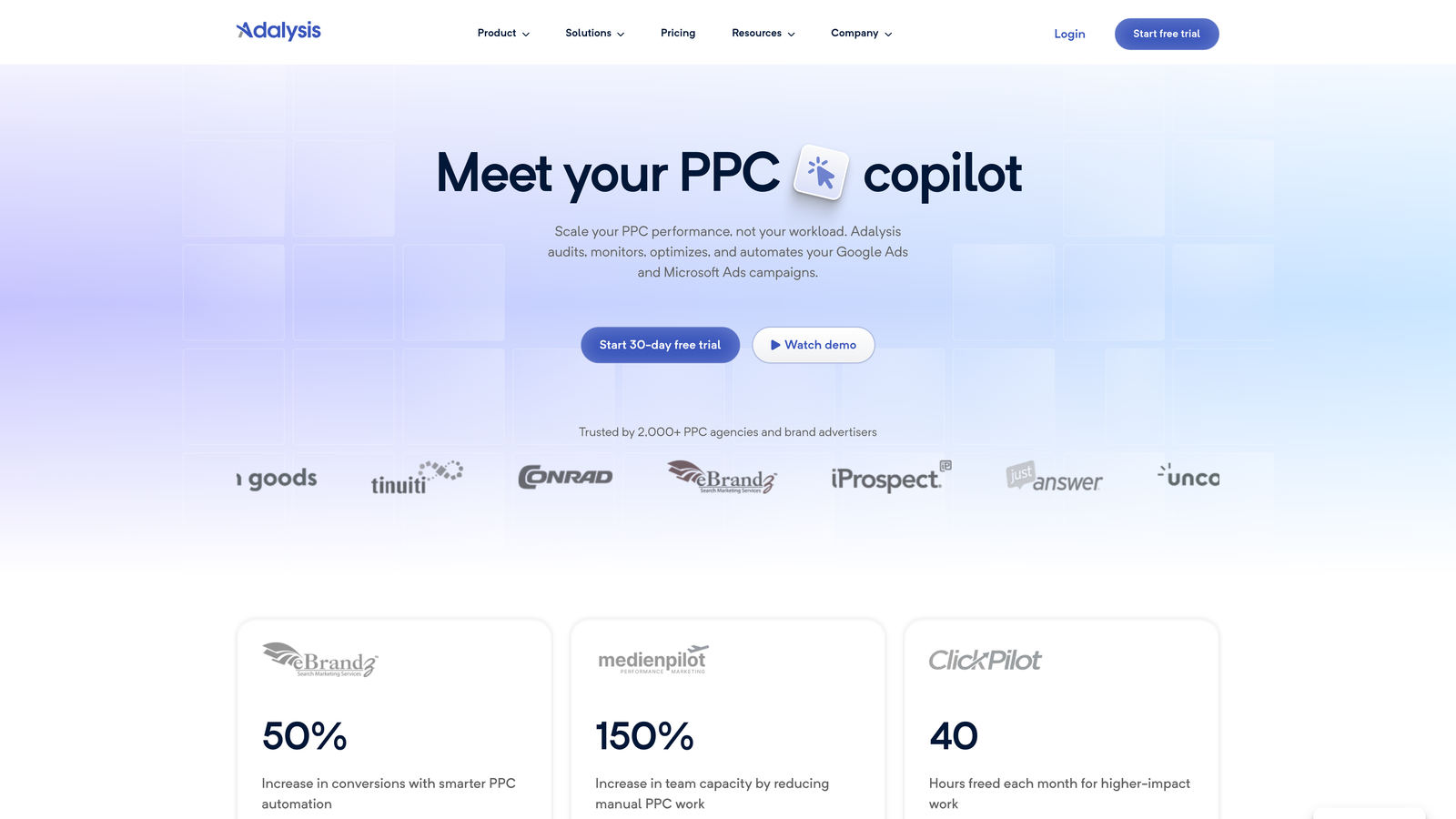
Adalysis is a PPC optimization platform with deep capabilities in automated A/B ad testing, search term management, and account-wide auditing, built for advertisers who want to make decisions based on statistical evidence rather than gut feel.
Where This Tool Shines
Adalysis stands out for its ad testing infrastructure. Most PPC managers run ad tests informally, checking performance manually and making calls without statistical confidence. Adalysis automates the testing cycle and flags when a test has reached statistical significance, so you're not pausing a winner too early or running a loser too long.
The account audit tools are also genuinely useful. Rather than running a manual audit checklist, Adalysis surfaces a prioritized issue list that tells you what's actually hurting performance. Paired with its search term analysis and negative keyword recommendations, it covers a lot of the recurring optimization work in one place.
Key Features
Automated A/B Ad Testing: Runs ad tests and alerts you when results reach statistical significance, removing guesswork from the evaluation process.
Search Term Analysis and Negative Keyword Recommendations: Surfaces negative keyword opportunities from your search term data with actionable recommendations.
Account-Wide Audit Tools: Generates a prioritized list of account issues ranked by potential impact.
Responsive Search Ad Analysis: Evaluates RSA asset combinations to identify which are driving performance.
Bulk Ad Management: Make changes to ads across multiple campaigns simultaneously.
Best For
Campaign managers and agency teams that run a high volume of ad tests and want statistical rigor built into the process. Also strong for anyone who does regular account audits and wants a structured, data-backed approach.
Pricing
Starts at $99/month based on ad spend tiers. A free trial is available. Good value for accounts where ad testing and auditing are regular activities.
5. SEMrush PPC Toolkit
Best for: Agencies running combined SEO and PPC strategies who need competitive keyword intelligence
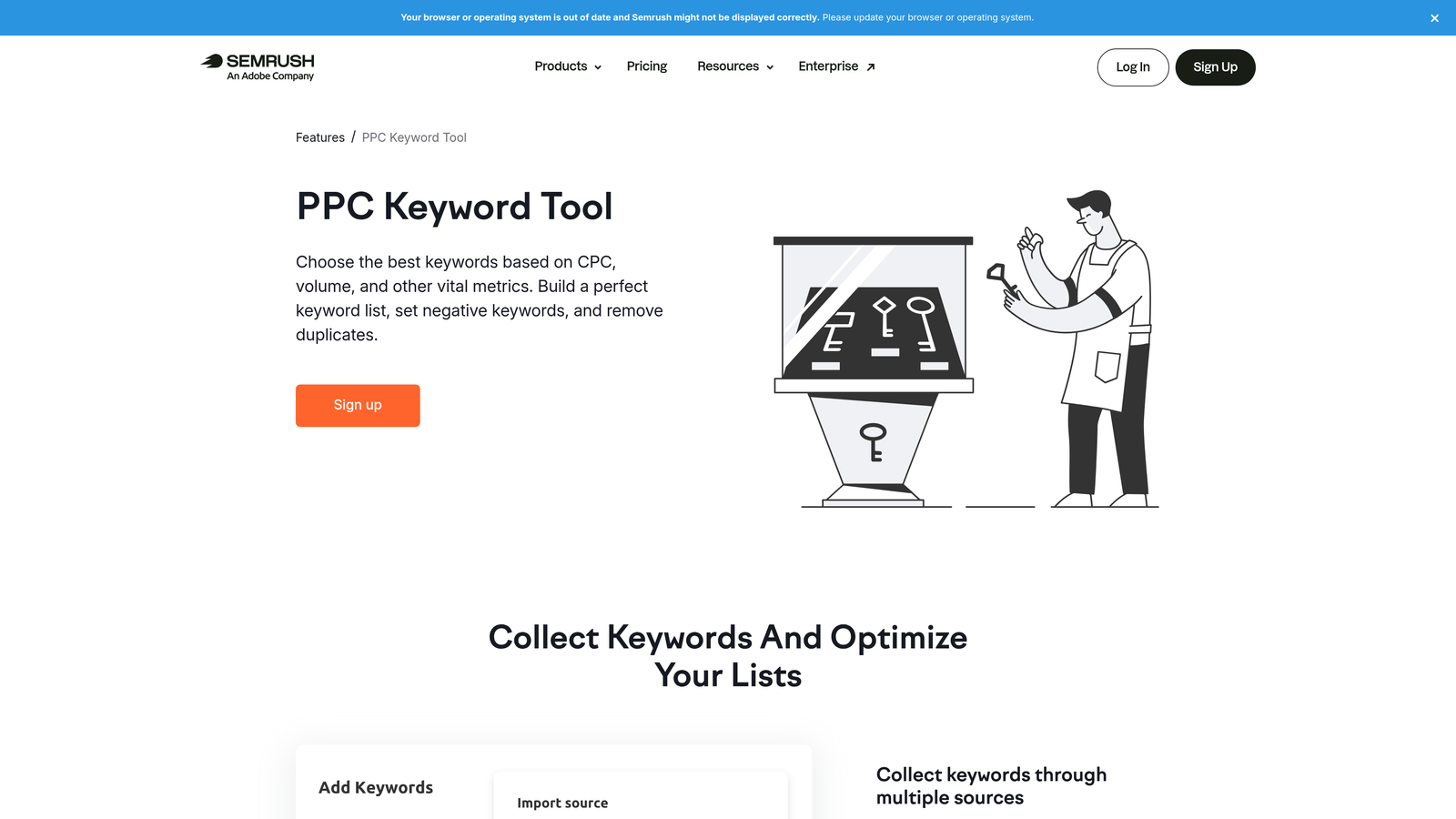
SEMrush PPC Toolkit is part of the broader SEMrush platform and combines keyword research, competitive ad analysis, and campaign planning tools for advertisers who want to understand the competitive landscape before building their keyword strategy.
Where This Tool Shines
The competitive research capabilities are where SEMrush earns its place on this list. You can see what keywords competitors are bidding on, review their historical ad copy, and identify gaps between your keyword list and theirs. For agencies onboarding a new client, this kind of competitive audit can shape an entire campaign strategy in a fraction of the time it would take to build from scratch.
The PPC Keyword Tool also helps with the organizational side of keyword management: grouping keywords, assigning match types, and flagging negatives before you even upload to Google Ads. It's more of a planning and research tool than an in-account optimization tool, but it fills a real gap in the pre-launch workflow.
Key Features
PPC Keyword Tool: Build, organize, and group keyword lists with match types and negatives before launching campaigns.
Advertising Research: Analyze competitor ad copy, keywords, and estimated spend data.
Keyword Gap Analysis: Identify keywords your competitors are bidding on that you're missing.
CPC Data and Traffic Estimates: Forecast costs and traffic volume for keyword planning.
Ad Builder: Draft ad copy informed by competitor research and keyword data.
Best For
Agencies and in-house teams that run both SEO and PPC and want a single platform for competitive research. If you're already paying for SEMrush for SEO, the PPC Toolkit is a natural extension of your existing workflow.
Pricing
Included in SEMrush plans starting at $139.95/month. A free trial is available. The PPC Toolkit is not available as a standalone product.
<strong>6. Google Ads Editor</strong>
6. Google Ads Editor
Best for: Any Google Ads user who needs to make bulk changes quickly and wants a free, reliable tool
Google Ads Editor is Google's own free desktop application for managing campaigns offline, with bulk editing capabilities that remain the industry standard for large-scale account changes.

Where This Tool Shines
Google Ads Editor is the tool that almost every experienced PPC manager has open in the background. It's not flashy, but it handles bulk operations that would take hours in the native Google Ads interface in a fraction of the time. Find-and-replace across thousands of ad copies, campaign duplication, mass keyword uploads: these are the kinds of tasks where Ads Editor is genuinely irreplaceable.
The offline editing capability is also underrated. You can make all your changes, review them locally, and then push everything live at once. For large account restructures or seasonal campaign builds, this workflow reduces errors significantly compared to making live edits one by one.
That said, Editor has clear limits. It's a structural editing tool—it won't surface wasted spend, suggest negatives, or analyze search terms. For a full breakdown of how it stacks up against dedicated optimization tools, see our PPC optimization tools vs Google Ads Editor comparison.
Key Features
Bulk Offline Editing: Make changes across campaigns, ad groups, keywords, and ads without touching the live account until you're ready.
Find-and-Replace: Update ad copy, URLs, or keyword text at scale across the entire account in seconds.
CSV Import/Export: Work with spreadsheets for bulk uploads and maintain records of changes outside the platform.
Campaign Copying and Duplication: Duplicate entire campaign structures for seasonal variants or new market expansions.
Multi-Account Management: Manage multiple Google Ads accounts from a single desktop application.
Best For
Every Google Ads manager, full stop. This is a foundational tool regardless of what else you use. Especially valuable for large account restructures, bulk ad copy updates, and any workflow that involves making the same change across many campaigns simultaneously.
Pricing
Free. Available to all Google Ads users. No subscription required.
7. Supermetrics
Best for: Agencies and analysts who need automated PPC reporting pipelines without manual data exports
Supermetrics is a data pipeline tool that automates the flow of PPC performance data from Google Ads, Meta, Microsoft Ads, and other platforms into reporting destinations like Google Sheets, Looker Studio, BigQuery, and Excel.

Where This Tool Shines
Reporting is one of the most time-consuming recurring tasks in agency PPC work. Pulling data manually from multiple platforms, formatting it, and dropping it into client decks is the kind of work that eats hours without adding strategic value. Supermetrics automates the data pipeline so that your reports refresh automatically on a schedule, with no manual exports required.
What makes Supermetrics particularly useful for multi-channel agencies is its breadth of connectors. You can blend Google Ads data with Meta, LinkedIn, and Microsoft Ads data in the same Looker Studio dashboard, giving clients a unified view of their paid media performance without building custom integrations.
Key Features
Automated Data Pulls: Schedule data refreshes from Google Ads, Meta, Microsoft Ads, and other sources without manual intervention.
Native Destination Connectors: Push data directly into Google Sheets, Looker Studio, BigQuery, Excel, and other reporting tools.
Scheduled Report Refreshes: Set reports to update automatically on daily, weekly, or monthly schedules.
Custom Metrics and Dimension Blending: Combine data from multiple channels into unified metrics for cross-platform reporting.
Team Sharing and Multi-Client Support: Share data connections and report templates across team members and client accounts.
Best For
Agencies managing multiple clients who spend significant time on reporting each month. Also useful for in-house teams that need automated dashboards for internal stakeholders. Not a campaign management tool: it's purely a data and reporting automation layer.
Pricing
Starts at approximately $29/month for basic connectors. Pricing scales based on the number of data destinations and sources. Enterprise plans available for larger teams.
8. SpyFu
Best for: PPC managers who want deep competitive intelligence on competitor keywords and ad copy at an accessible price point
SpyFu is a competitive intelligence tool that gives PPC managers visibility into competitor keyword strategies, historical ad copy, and bidding behavior, with a focus on making that data actionable for keyword planning.
Where This Tool Shines
SpyFu's historical data is genuinely useful in a way that a lot of competitive tools aren't. You can see not just what a competitor is bidding on today, but what they've tested and abandoned over months or years. That kind of signal tells you a lot about what doesn't work in a given market, which can save you from running expensive tests on keywords that competitors have already written off.
For freelancers and smaller agencies that need competitive PPC research but can't justify a full SEMrush subscription, SpyFu hits a practical price point while still delivering meaningful data on keyword overlap, ad copy patterns, and estimated spend.
Key Features
Historical Competitor PPC Data: Access years of competitor keyword and ad copy history to understand long-term strategy patterns.
Competitor Keyword Overlap and Gap Analysis: Identify which competitor keywords you're missing and where your strategies diverge.
SERP Ranking History: Track paid and organic ranking history for any domain or keyword over time.
Backlink and Domain Analysis: Combined SEO and PPC research in one tool for agencies handling both channels.
Keyword Grouping and Export Tools: Organize research findings into keyword groups and export for use in Google Ads.
Best For
Freelancers and agency teams doing competitive research on a budget. Also strong for anyone taking over a new account and wanting to quickly understand the competitive landscape before making strategic changes.
Pricing
Starts at $39/month. Annual plans are available at a discount. One of the more affordable options for dedicated competitive PPC intelligence.
9. Tenscores
Best for: Google Ads managers focused on reducing CPC by diagnosing and improving Quality Score across their accounts
Tenscores is a niche Google Ads tool built entirely around Quality Score optimization, providing account-level diagnostics and prioritized recommendations for improving ad relevance, expected CTR, and landing page experience.
Where This Tool Shines
Quality Score isn't something Google makes easy to track historically. The native interface shows you a current score but doesn't give you trend data or tell you which specific keywords are dragging down your account's overall efficiency. Tenscores fills that gap by tracking Quality Score over time and surfacing a prioritized fix list based on which improvements would have the highest impact on your actual CPC and ad rank.
In most accounts I look at, there's a cluster of low Quality Score keywords quietly inflating CPCs across the whole campaign. Tenscores makes those visible in a way that's hard to replicate manually, especially across large accounts with thousands of keywords.
Key Features
Account-Level Quality Score Tracking: Monitor Quality Score trends across your entire account over time, not just point-in-time snapshots.
Actionable Diagnostics: Identifies which specific keywords are dragging down scores and explains why.
Ad Relevance and Landing Page Recommendations: Surfaces specific recommendations for improving the two most actionable Quality Score components.
Historical Quality Score Data: Access Quality Score history that isn't available natively in the Google Ads interface.
Prioritized Fix List: Focuses your optimization effort on the changes that will have the most impact on CPC and ad rank.
Best For
Google Ads managers running accounts where CPC efficiency is a priority and Quality Score is a known issue. Particularly useful for accounts that have grown organically over time and accumulated a long tail of underperforming keywords that haven't been reviewed systematically.
Pricing
Starts at $29/month. A free trial is available. Highly focused scope means it works best as a complement to a broader PPC workflow, not a standalone solution.
Which PPC Workflow Tool Is Right for You?
The honest answer is that the best PPC workflow optimization software is the one that removes friction from the tasks you do most often. There's no single tool that does everything well, and trying to use all of them at once is its own kind of workflow problem.
Here's how to think about it by use case:
If search term management is your biggest time drain: Start with Keywordme. At $12/month, it's the lowest-friction way to speed up the task that most Google Ads managers repeat every single week. The fact that it works inside the native Google Ads interface means there's almost no adoption barrier.
If you need full-stack automation across multiple accounts: Optmyzr is worth the investment. The rule-based automation and One-Click Optimizations are genuinely powerful for agencies managing high-volume accounts where manual optimization doesn't scale.
If reporting is eating your team's time: Supermetrics is hard to beat. Set up your data pipelines once and let them run automatically. Your team gets hours back every month that were previously spent on manual exports and spreadsheet formatting.
If you need competitive keyword intelligence: SEMrush if you're already using it for SEO, SpyFu if you want a more budget-friendly option focused specifically on PPC research.
If Quality Score is hurting your CPCs: Tenscores is the most focused tool on this list for that specific problem. Pair it with Keywordme for search term management and you've covered two of the highest-impact recurring optimization tasks in most accounts.
If you're just getting started and want guidance: WordStream gives you a structured weekly workflow that tells you what to do and in what order. Lower ceiling than the other tools, but a much lower barrier to entry.
The tools that consistently save the most time are the ones that reduce context-switching and eliminate manual steps from workflows you run every week. Start there. Build from the tool that targets your biggest current bottleneck, and add layers as your workflow matures.
If search term management is where you lose the most time right now, Start your free 7-day trial of Keywordme and see how much faster your weekly Google Ads optimization can actually be. No spreadsheets, no tab-switching, just faster decisions made right where you're already working.
.svg)