
9 Best PPC Workflow Inefficiency Solutions
This guide evaluates nine tools built to tackle the most costly PPC workflow inefficiency solutions, from eliminating junk search terms and slow keyword management to clunky reporting and poor cross-account visibility. Whether you're a solo freelancer or a large agency, each tool is assessed on how effectively it removes real day-to-day friction from Google Ads management.


If you manage Google Ads campaigns, you already know the drill: hours lost combing through search term reports, copy-pasting into spreadsheets, manually flagging irrelevant queries, and switching between tabs just to make basic optimizations. That context-switching and manual grunt work is the definition of PPC workflow inefficiency, and it quietly eats into both your time and your clients' budgets.
This list covers nine tools that directly address the most common PPC workflow bottlenecks: wasted spend from junk search terms, slow keyword management, clunky reporting, and poor visibility across accounts. Each tool is evaluated on how well it actually removes friction from your day-to-day workflow, not just how many features it has. Whether you're a solo freelancer or running an agency with dozens of client accounts, at least one of these will make your PPC life noticeably easier.
1. Keywordme
Best for: Faster search term triage and keyword management directly inside Google Ads
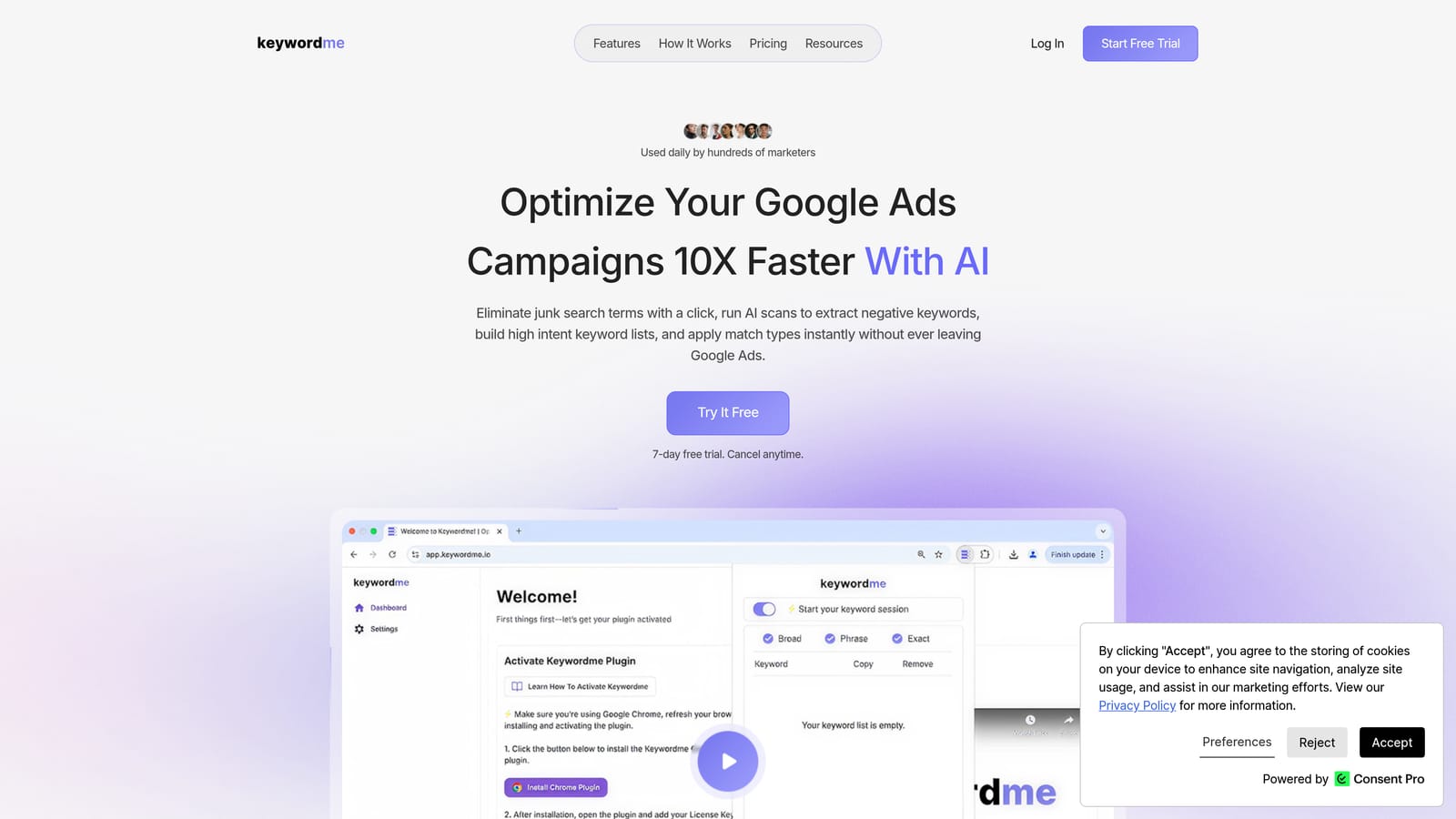
Keywordme is a Chrome extension that plugs directly into Google Ads' Search Terms Report, letting you add negatives, apply match types, and build keyword groups without ever leaving the native interface.
Where This Tool Shines
The core problem Keywordme solves is context-switching. Most advertisers review search terms inside Google Ads, export a CSV, filter it in a spreadsheet, decide what to exclude, and then re-upload a negative keyword list. That process is slow, error-prone, and completely unnecessary with the right tooling.
Keywordme collapses that entire loop into single clicks. You stay inside Google Ads the whole time, which means less room for mistakes and more time for decisions that actually require your judgment. For agencies managing multiple client accounts, the multi-account and team support makes it practical to standardize this workflow across the whole team.
Key Features
One-click search term triage: Add negative keywords, remove junk terms, or promote search terms to positive keywords without exporting anything.
Match type application: Apply broad, phrase, or exact match types directly from the Search Terms Report in a single action.
Keyword clustering: Group related search terms into ad groups quickly, which is especially useful when building out new campaign structures.
Bulk editing: Act on multiple search terms simultaneously rather than handling them one by one.
Multi-account and team support: Designed to work across agency workflows where multiple users need consistent access and processes.
Best For
Google Ads managers who spend significant time on manual search term review, particularly freelancers and agency teams handling multiple accounts. If your biggest time drain is keyword management and negative list building, this is the most direct fix on this list.
Pricing
$12/month per user, flat rate. A 7-day free trial is available with no commitment required.
2. Google Ads Editor
Best for: Bulk structural changes across large campaigns, offline editing
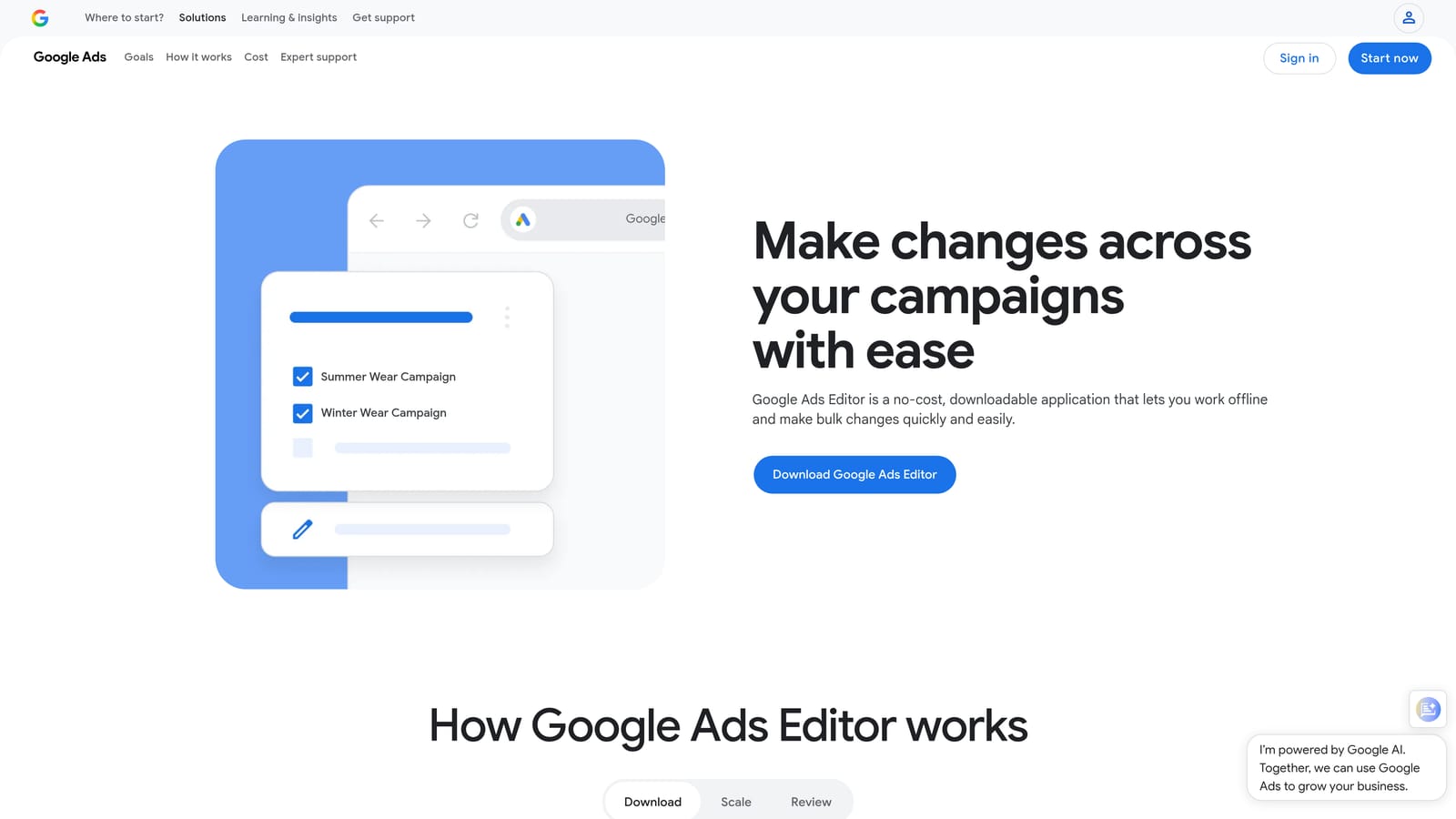
Google Ads Editor is a free desktop application from Google that lets you download your account, make bulk changes offline, and upload them when ready.
Where This Tool Shines
When you need to make sweeping changes across a large account, the browser-based Google Ads UI becomes a bottleneck fast. Editor lets you work locally, which means no lag, no accidental live edits, and the ability to review everything before it goes live.
It's particularly valuable for restructuring campaigns, copying ad groups between accounts, or doing find-and-replace across hundreds of keywords. Since it's free and built by Google, it's a baseline tool that every serious Google Ads practitioner should have installed.
Key Features
Bulk editing in a desktop interface: Edit keywords, ads, campaigns, and ad groups in a spreadsheet-like environment that's far faster than the browser UI for large-scale changes.
Offline editing with batch upload: Make all your changes locally, review them, and push them live when you're confident they're correct.
Find-and-replace: Update text across campaigns and ad groups in seconds, useful for URL changes, offer updates, or brand refreshes.
Copy and paste between accounts: Duplicate campaigns or ad groups from one account to another without rebuilding from scratch.
Free with any Google Ads account: No subscription, no add-on cost.
Best For
Any Google Ads manager handling large accounts or needing to make structural changes at scale. It's especially useful during account migrations, campaign launches, or bulk keyword uploads where the browser UI would be impractical.
Pricing
Free. Available to anyone with a Google Ads account.
3. Optmyzr
Best for: Rule-based automation and one-click optimizations across multiple accounts
Optmyzr is a PPC management platform that automates repetitive optimization tasks using rule-based workflows and one-click recommendations based on account performance data.

Where This Tool Shines
The appeal of Optmyzr is that it surfaces what needs attention and lets you act on it without digging through reports manually. Rather than building your own scripts or checking every account daily, you configure rules that trigger alerts or automated actions when conditions are met.
For agencies managing many accounts, the multi-account dashboard reduces the time spent just figuring out where to look. The built-in PPC scripts library is also a practical shortcut for teams that want automation without hiring a developer to write custom code.
Key Features
One-click optimizations: Act on bid, budget, and keyword recommendations generated from account performance data in a single click.
Rule-based automation engine: Set custom triggers and actions so routine tasks happen automatically when your defined conditions are met.
PPC scripts library: Access pre-built scripts for common automation use cases without writing code from scratch.
Multi-account management dashboard: Monitor and manage multiple client accounts from a single view.
Automated reporting: Generate client-ready summaries without manually assembling data from individual accounts.
Best For
Agencies and in-house teams managing multiple Google Ads accounts who want to automate repetitive optimization tasks. Particularly useful for teams that have outgrown manual workflows but aren't ready to build custom scripts.
Pricing
Paid plans; verify current pricing at optmyzr.com. A free trial is available.
4. Adalysis
Best for: Systematic ad testing and account-wide diagnostics
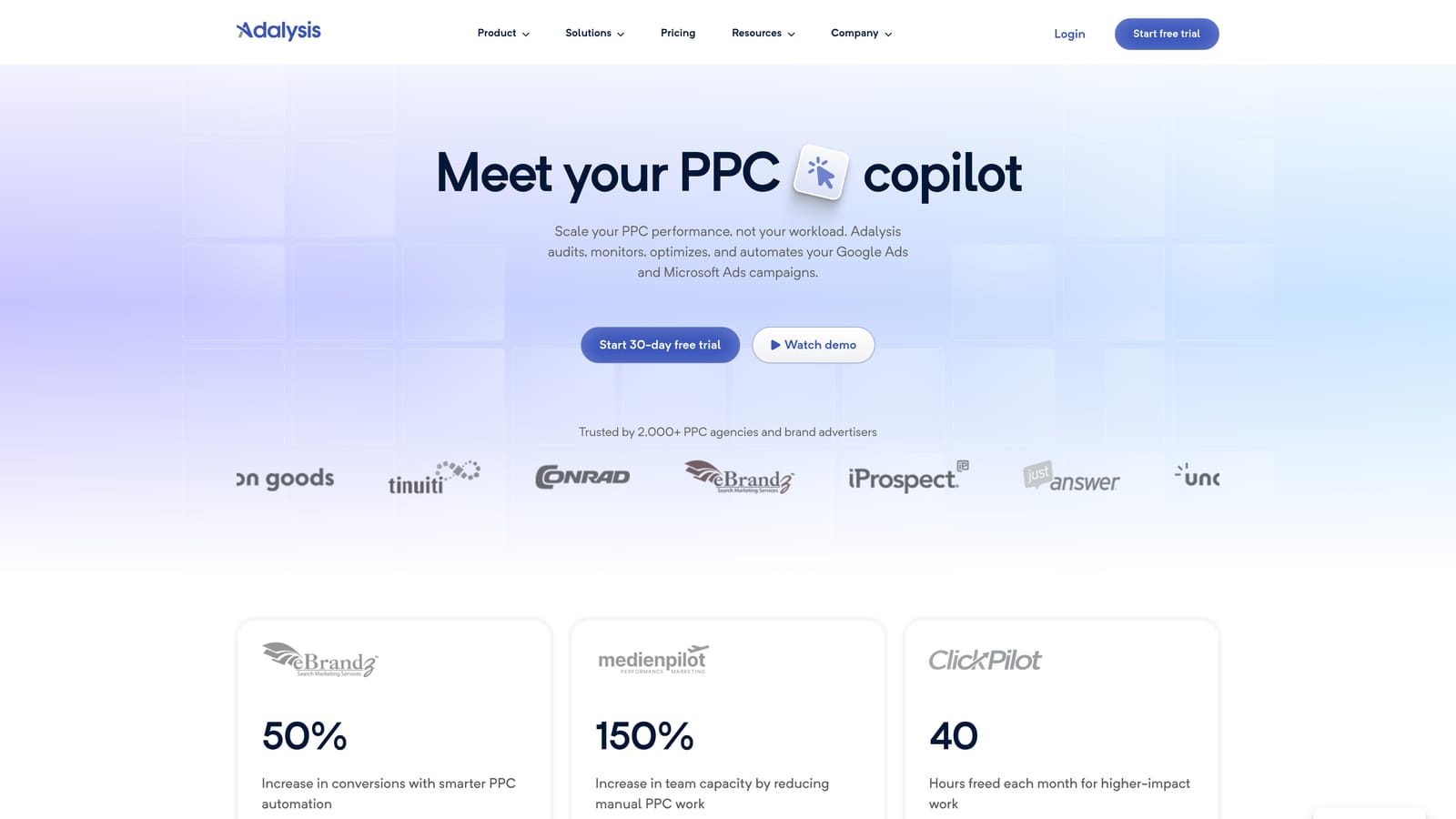
Adalysis is a PPC management platform built around structured ad testing and proactive account health monitoring, with automated A/B testing and search term analysis built in.
Where This Tool Shines
Where Optmyzr leans toward automation, Adalysis leans toward visibility and testing discipline. It tracks statistical significance in your ad tests so you're not making creative decisions based on noise, and it flags quality score drops or policy issues before they become bigger problems.
The search term analysis and negative keyword recommendation features are also worth noting. If you're running large accounts with lots of broad or phrase match keywords, Adalysis can surface negative keyword opportunities you might otherwise miss in a manual review.
Key Features
Automated ad testing: Run A/B tests across ad variations with statistical significance tracking so you know when results are actually meaningful.
Account health alerts: Get notified about quality score drops, disapproved ads, or policy issues before they affect performance.
Search term analysis: Identify negative keyword opportunities and irrelevant traffic patterns across your campaigns.
Campaign structure diagnostics: Spot structural issues in ad groups and campaigns that might be limiting performance or causing inefficiency.
Tiered pricing by ad spend: Cost scales with the size of your account rather than a flat fee.
Best For
Google Ads managers who run systematic ad copy tests and need reliable tracking of statistical significance. Also well-suited for large accounts where manual quality score monitoring and search term review would take too long without automation.
Pricing
Tiered by monthly ad spend; verify current pricing at adalysis.com. A free trial is available.
5. SEMrush Advertising Toolkit
Best for: Competitive keyword research and ad copy analysis before campaigns launch
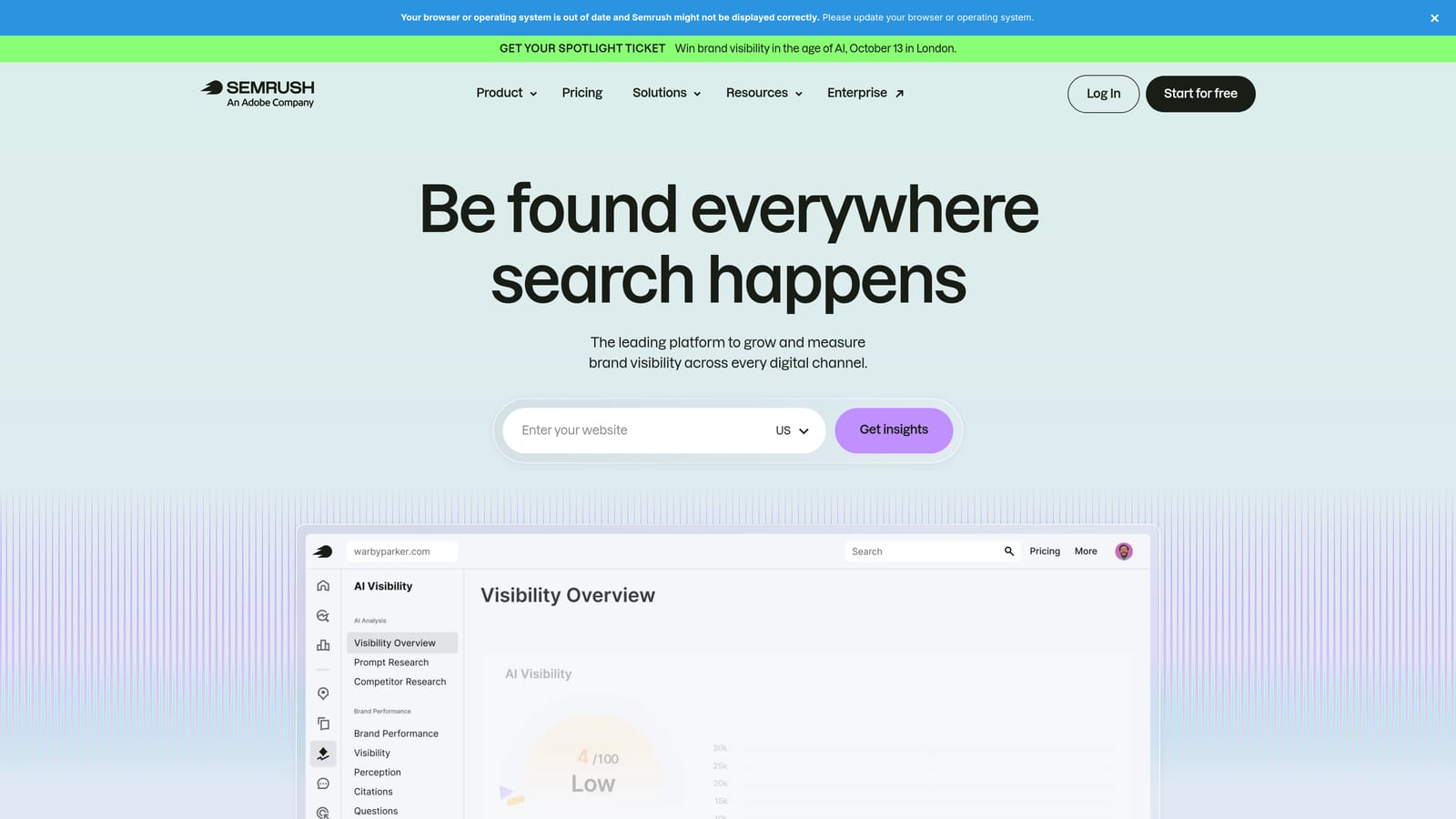
SEMrush is a broad digital marketing platform with a dedicated advertising toolkit for competitive intelligence, keyword gap analysis, and CPC research.
Where This Tool Shines
SEMrush addresses a different kind of workflow inefficiency: the time spent building keyword lists from scratch or guessing at competitor strategy. The advertising toolkit lets you look up any competitor's domain and see which keywords they're bidding on, what their ad copy looks like, and how that messaging has changed over time.
That intelligence speeds up the planning phase considerably. Instead of starting a new campaign from a blank keyword list, you can use competitor data as a foundation and then refine from there. The keyword gap tool is particularly useful for identifying terms your competitors target that you don't.
Key Features
Competitor ad and keyword research: Look up any domain to see the keywords they're bidding on and the ad copy they're running.
Keyword gap analysis: Identify terms your competitors target that aren't in your current campaigns.
CPC data and search volume estimates: Get cost and volume context for keyword planning decisions.
Ad copy history: See how competitor messaging has evolved over time, which can inform your own creative strategy.
Integration with SEO and content workflows: Useful if your team manages both paid and organic search, since the same platform covers both.
Best For
Advertisers and agencies for whom competitive research is a regular part of campaign strategy. Also a good fit for teams that manage both PPC and SEO, since one subscription covers both use cases.
Pricing
Plans start at $139.95/month; verify current pricing at semrush.com.
6. Supermetrics
Best for: Automating data pulls from Google Ads into reporting destinations
Supermetrics is a data connector that automates pulling Google Ads data, along with data from other ad platforms, into reporting destinations like Google Sheets, Looker Studio, Excel, or BigQuery.
Where This Tool Shines
Manual reporting is one of the most consistent time drains in agency PPC work. If you're exporting CSVs from Google Ads every week and pasting them into a client-facing spreadsheet or dashboard, Supermetrics removes that entire step by connecting your ad data directly to wherever you're reporting.
Scheduled data refreshes mean your reports update automatically without anyone touching them. For agencies delivering recurring weekly or monthly reports to multiple clients, that adds up to a significant reduction in manual effort.
Key Features
Direct connectors to major ad platforms: Pull data from Google Ads, Meta Ads, Microsoft Ads, and many other sources into a single destination.
Automated scheduled refreshes: Reports update on your defined schedule without manual exports or copy-pasting.
Multiple reporting destinations: Works with Google Sheets, Looker Studio, Excel, BigQuery, and more depending on your plan.
Custom field mapping and data transformation: Adjust how data is structured before it lands in your reporting destination.
Reduces recurring reporting time: Particularly valuable for agencies delivering the same report format to multiple clients on a regular cadence.
Best For
Agencies and in-house teams that spend significant time on recurring client or stakeholder reports. If your reporting workflow still involves manual data exports, Supermetrics is a direct fix for that specific bottleneck.
Pricing
Varies by destination and data source; verify current pricing at supermetrics.com.
7. Zapier
Best for: Connecting PPC tools to other apps without writing code
Zapier is a no-code automation platform that connects Google Ads and related tools to thousands of other apps, triggering actions across platforms based on events you define.
Where This Tool Shines
Zapier isn't a PPC tool in the traditional sense, but it fills a real gap: the cross-platform workflow gaps that no single PPC tool addresses. Think about the time spent manually notifying a client that their budget is nearly exhausted, or copying lead data from Google Ads into your CRM, or creating a task in your project management tool when a campaign underperforms. Zapier automates those handoffs.
It's particularly useful for smaller teams or freelancers who can't justify a full PPC automation platform but still need their tools to communicate with each other. The free tier covers basic use cases, and the setup is genuinely no-code.
Key Features
No-code workflow automation: Connect Google Ads to over 6,000 apps without writing a line of code.
Budget alert automations: Trigger a Slack message or email when a campaign's budget reaches a threshold you define.
CRM sync: Automatically send Google Ads lead data to your CRM when a conversion is recorded.
Project management integration: Create tasks in tools like Asana or Trello when specific ad performance events occur.
Free tier for basic use: Covers simple, low-volume automations without a paid subscription.
Best For
Freelancers and small agency teams who need tools to talk to each other but don't have the budget or complexity to justify a full automation platform. Also useful as a complement to other tools on this list when you need custom cross-platform triggers.
Pricing
Free tier available. Paid plans from approximately $19.99/month; verify current pricing at zapier.com.
8. AgencyAnalytics
Best for: White-label client reporting with automated delivery
AgencyAnalytics is a reporting and dashboard platform built specifically for marketing agencies, with white-label branding, automated report delivery, and native Google Ads integration.
Where This Tool Shines
Client reporting is where many agencies lose hours every month. AgencyAnalytics is designed to solve exactly that: you connect your client's Google Ads account, build a dashboard once, and then let automated scheduled delivery handle the rest. Reports go out with your agency's branding, not a generic template.
The multi-channel support is a practical bonus for agencies that manage PPC alongside SEO and social. Rather than pulling data from multiple platforms into a single report manually, AgencyAnalytics consolidates it in one place.
Key Features
White-label dashboards: Apply your agency's branding so reports look like a native deliverable rather than a third-party tool export.
Automated scheduled report delivery: Send reports to clients by email on a defined schedule without manual assembly.
Native Google Ads connector: Pull live campaign data directly without CSV exports or manual data entry.
Multi-channel reporting: Combine PPC, SEO, social, and other channel data in a single client-facing dashboard.
Tiered pricing by client campaigns: Cost scales with the number of clients you're managing rather than a flat enterprise fee.
Best For
Marketing agencies that deliver recurring reports to multiple clients and want to reduce the time spent on report assembly. Particularly useful when clients expect branded, professional-looking deliverables on a consistent schedule.
Pricing
Tiered by number of client campaigns; verify current pricing at agencyanalytics.com. A free trial is available.
9. Google Looker Studio
Best for: Free, customizable Google Ads dashboards with no export required
Google Looker Studio is Google's native, free reporting and data visualization tool with a direct Google Ads connector, enabling custom dashboards and automated data refreshes at no cost.
Where This Tool Shines
If budget is a constraint or you want to keep your reporting stack as lean as possible, Looker Studio is the obvious starting point. It connects directly to Google Ads without any export step, and you can build fully customized dashboards that refresh automatically. The learning curve is real, but the output can look just as polished as paid alternatives once you've invested the setup time.
It also supports blended data, so you can combine Google Ads metrics with Google Analytics, Google Sheets, or other connected sources in a single view. For teams already living in the Google ecosystem, it's a natural fit.
Key Features
Free with any Google account: No subscription, no per-seat cost, no data volume limits for core functionality.
Native Google Ads connector: Pull live campaign data directly without any manual export or third-party connector.
Fully customizable layouts: Build dashboards exactly how you want them rather than working within a fixed template.
Shareable reports: Share with clients or stakeholders using view-only or edit access links.
Blended data sources: Combine Google Ads with Google Analytics, Sheets, and other supported sources in a single report.
Best For
Freelancers, in-house teams, and budget-conscious agencies who want automated Google Ads reporting without paying for a dedicated tool. Best suited for teams willing to invest setup time in exchange for long-term cost savings.
Pricing
Free.
Which Tool Fits Your Situation
The right fix for PPC workflow inefficiency depends entirely on where your time is actually going. Here's a quick way to think through it.
If search term triage and in-account keyword management is your biggest time sink, start with Keywordme. It solves that problem without adding another dashboard to your workflow, and at $12/month it's a low-cost test. Start your free 7-day trial and see how much time you're spending on tasks that could take a single click.
.svg)