
9 Best PPC Workflow Improvement Software Tools
This guide ranks 9 of the best PPC workflow improvement software tools for 2026, comparing options built to speed up search term cleanup, bid automation, and client reporting for marketers, freelancers, and agencies. Each tool is evaluated on how it removes manual steps from daily Google Ads management rather than just adding another reporting dashboard.


If your idea of PPC optimization still involves exporting the Search Terms Report to a spreadsheet, sorting by cost, and manually adding negative keywords one at a time, you're not alone, but you're also not working as fast as you could be. This list is built for marketers, freelancers, and agency owners who want software that actually removes steps from daily Google Ads management, not just another dashboard that tells you what already happened. Each tool below was chosen for how it changes the day-to-day workflow of running campaigns, whether that's cleaning up search terms, automating bid rules, or building client reports, rather than for keyword research alone.
Quick Comparison
- Keywordme: best for advertisers who want one-click search term cleanup inside Google Ads; starts at $12/month per user; only tool on this list that works entirely inside the native Search Terms Report with no export step.
- Optmyzr: best for agencies wanting rule-based bid and budget automation; quote-based pricing; custom automation rules run scheduled changes without scripting.
- Adalysis: best for agencies running ongoing ad copy tests; quote-based pricing; statistical significance tracking tells you when a test result is real.
- Google Ads Editor: best for free, large-scale bulk edits; free; the only first-party, no-subscription tool on this list.
- WordStream Advisor: best for time-strapped in-house marketers; quote-based pricing; guided weekly task checklist replaces a self-built optimization routine.
- Supermetrics: best for marketers needing custom cross-channel reporting; pricing varies by data source; pulls PPC data automatically into Sheets, Looker Studio, or BI tools.
- NinjaCat: best for agencies reporting to many clients; quote-based pricing; white-label client portals built specifically for agency reporting.
- Search Ads 360: best for large enterprises running cross-engine campaigns; quote-based, requires a Google sales relationship; algorithmic bidding built for complex, high-volume account structures.
- SEMrush PPC Toolkit: best for marketers who want competitor research alongside SEO tools; pricing varies by plan; competitive ad copy and PLA research for pre-launch planning.
1. Keywordme
Keywordme is a Chrome extension that plugs directly into the Google Ads Search Terms Report, letting you clean up search terms, build keyword lists, and apply match types without exporting a single row of data. It's built for solo advertisers and agency teams who are tired of toggling between Google Ads and a spreadsheet just to decide which search terms deserve to become keywords and which need to be blocked with a negative keyword.
What sets it apart on this list is that it never leaves the native Google Ads interface. Tools like Optmyzr or NinjaCat pull you into a separate dashboard; Keywordme instead adds one-click controls right where you're already reviewing search term data, so there's no context switching and no re-uploading of edits. If you're comparing the full landscape of browser-based options, the roundup of Google Ads plugins and Chrome extensions covers nine tools side-by-side, including Keywordme, Google Ads Editor, Keywords Everywhere, and more.
- Removes junk search terms as negative keywords with a single click instead of a multi-step spreadsheet process
- Builds negative keyword lists quickly so you can group and apply exclusions across campaigns faster
- Applies match types instantly to new keywords without leaving the Search Terms Report
- Clusters related keywords and supports bulk editing so you're not repeating the same action row by row
- Supports multi-account and team access, which matters for agencies juggling several client accounts
Setup is just installing the Chrome extension and connecting it to your Google Ads account, so a single PPC manager or a small agency team can be running it within minutes, no IT ticket required. It integrates natively with the Google Ads Search Terms Report and nothing else, which is by design.
That narrow focus is also its main limitation. Keywordme isn't built for cross-channel reporting, algorithmic bid automation, or account audits the way Optmyzr or Search Ads 360 are. If you need a tool that reallocates budget across engines or builds client-facing dashboards, you'll want to pair it with something else on this list.
Pricing is a flat $12 per month per user, with a 7-day free trial, as of 2026. There are no spend-based tiers to worry about, which makes budgeting simple for freelancers and agencies alike.
Best for: Advertisers who want to clean up search terms and build keyword lists without ever leaving Google Ads.
2. Optmyzr
Optmyzr is a PPC management platform built around rule-based automation for bids, budgets, and account audits, and it's designed for agencies and in-house teams managing accounts across Google Ads and Microsoft Ads.
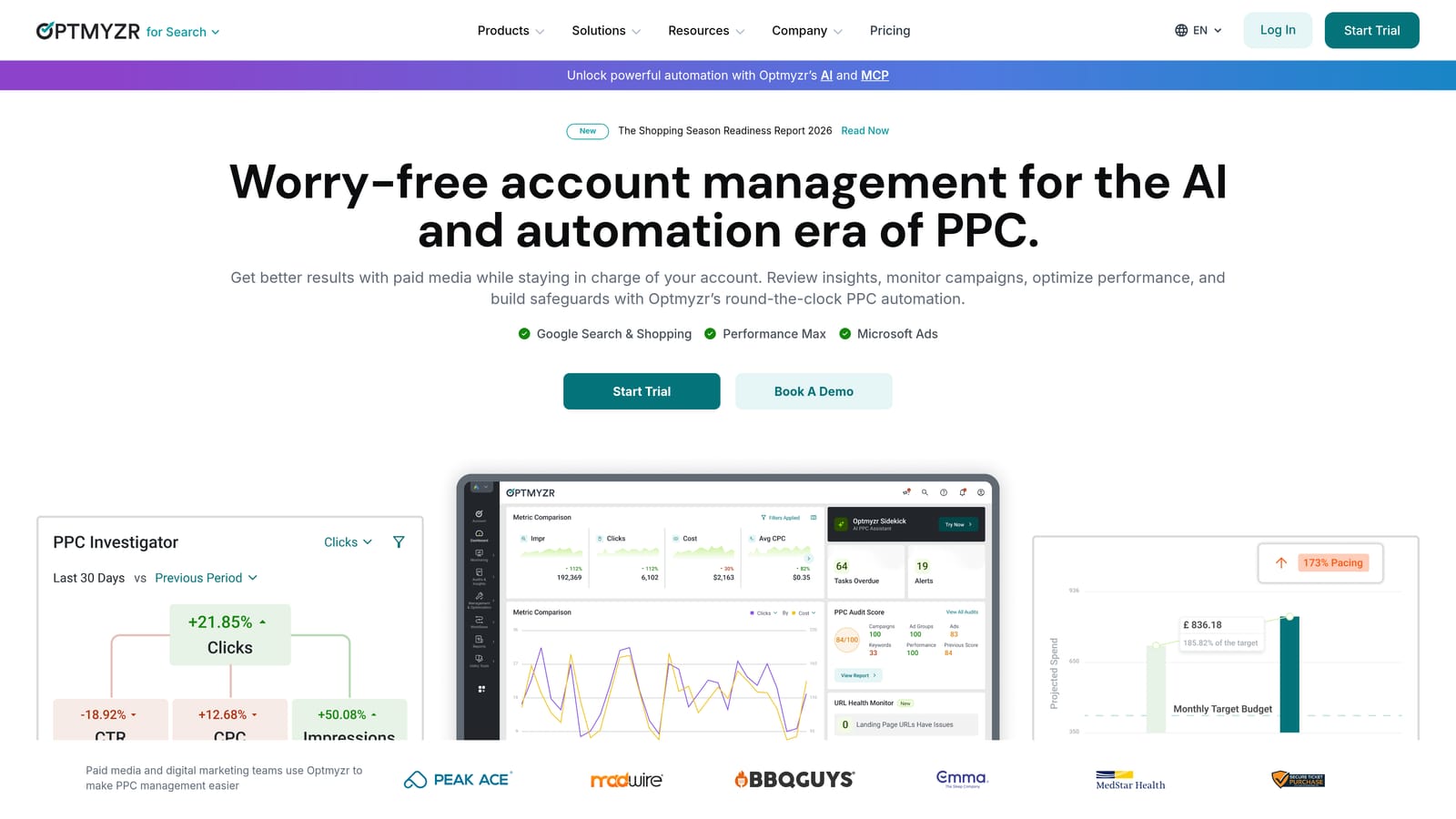
Its strength is letting you define custom automation rules that run on a schedule, so bid or budget changes happen without a human clicking through campaigns every morning. That's a step beyond in-platform cleanup tools like Keywordme or Google Ads Editor, which speed up manual work rather than removing the need for it.
- Rule-based bid and budget automation runs scheduled changes without manual scripting
- PPC Investigator audits flag account-level issues before they waste spend
- Quality Score tracking surfaces trends that are easy to miss inside the native Google Ads UI
- Cross-engine management lets you handle Google Ads and Microsoft Ads campaigns from one place
Setup involves connecting your ad accounts and configuring automation rules, which typically takes more upfront time than a Chrome extension but pays off for accounts with repetitive, rule-friendly optimization tasks. It's usually run by a dedicated PPC manager or agency account lead rather than someone dipping in occasionally.
The tradeoff is cost. Optmyzr's pricing scales with the amount of ad spend under management, which can make it expensive for advertisers running smaller accounts. It's also more setup-intensive than tools built purely for search term cleanup.
Pricing is quote-based as of 2026 and tied to managed ad spend; check the current tiers on the Optmyzr website before committing.
Best for: Agencies that want automated, rule-driven bid management across multiple ad platforms.
3. Adalysis
The main limitation to know upfront about Adalysis is that it's built for larger accounts and agencies running frequent ad tests, so a solo advertiser managing one or two small campaigns will likely find it more tool than they need.
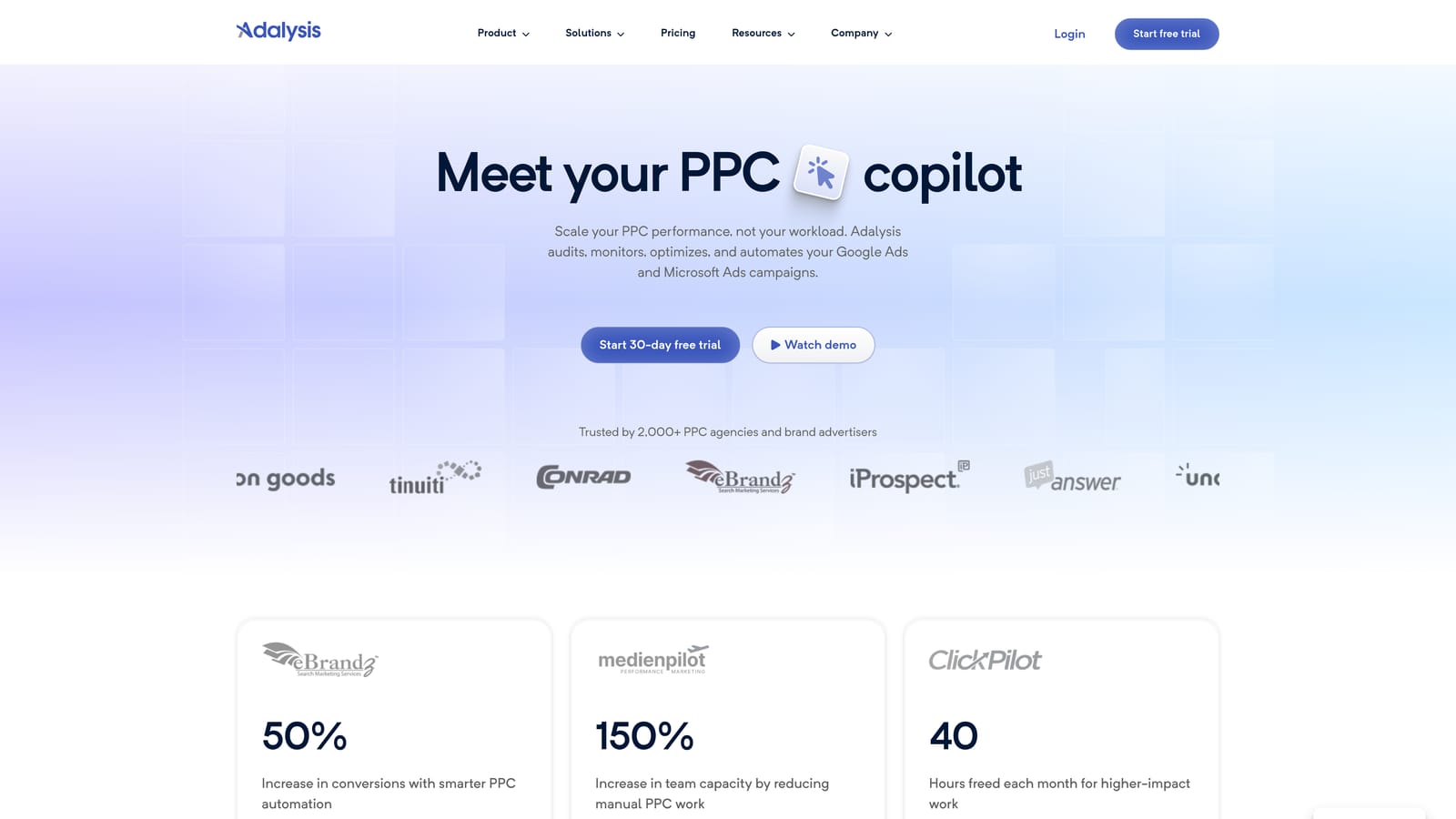
For the right user, though, Adalysis is an account auditing and ad testing platform that flags policy issues, wasted spend, and search term problems automatically. It's aimed at agencies and larger in-house teams that need ongoing visibility across accounts without manually checking each one.
Where it stands out compared to the rest of this list is statistical rigor: it tells you when an ad copy test result is actually significant rather than letting you call a winner based on a few days of data. That's a different job than what Keywordme or Google Ads Editor do; Adalysis is about validating decisions, not speeding up keyword-level edits.
- Automated ad testing tracks statistical significance so you're not guessing which ad variant actually won
- Account-wide alerts flag errors and policy violations before they hurt performance
- N-gram and search term isolation analysis breaks down which words in search terms are driving cost or conversions
- Ad copy compliance checks catch policy issues before they trigger disapprovals
It integrates with Google Ads and Microsoft Ads, and setup generally involves connecting accounts and letting the audit engine run before you get a full picture. Day-to-day, it's typically managed by a dedicated PPC analyst or account manager reviewing flagged issues.
Pricing is quote-based as of 2026 and scales with account size; check Adalysis's website for current rates.
Best for: Agencies running ongoing ad copy tests who need automated significance checks.
4. Google Ads Editor
Google Ads Editor is Google's own free desktop application for making bulk, offline edits and copying changes across multiple accounts before uploading them live. It's aimed at anyone who needs to make large-scale changes without paying for a subscription tool.

Because it's first-party and free, it carries none of the third-party data access questions that come with other platforms on this list. That makes it a safe default for advertisers who just need raw bulk-editing power.
What it handles well
- Bulk find-and-replace lets you update text, URLs, or bids across many campaigns at once
- Offline editing means you can stage changes and review them before anything goes live
- Multi-account campaign copying speeds up building similar campaigns for different clients or regions
Where it falls short
Google Ads Editor has no automation, no alerts, and no search term cleanup logic. It's a manual bulk-editing tool, full stop. You still have to decide what to change; it just makes applying that decision across many campaigns faster than clicking through the web UI one by one.
Setup is a straightforward download and account sign-in, and it's typically run directly by the PPC manager making the edits, no separate admin needed.
Pricing: free, with no tiers or trial limitations, as confirmed on Google's own Ads Editor page.
Best for: Advertisers who need free, large-scale bulk edits without any subscription cost.
5. WordStream Advisor
WordStream Advisor is a PPC management platform structured around a guided, prioritized task list, best known for its "20-Minute Work Week" approach to optimization. It's built for in-house marketers, often at small or mid-sized businesses, who don't have the bandwidth to build their own optimization checklist from scratch.

Its distinct value on this list is the guided workflow itself. Where Optmyzr and Adalysis assume you know which rules or tests to set up, WordStream Advisor tells you what to look at next, ranked by likely impact.
- The 20-Minute Work Week task list turns optimization into a short, prioritized routine instead of open-ended account review
- Automated budget and Quality Score alerts flag issues before they quietly drain spend
- Cross-platform management covers Google Ads, Microsoft Ads, and Facebook Ads from one place
- Performance grading tools give a quick account health snapshot for less experienced users
Day-to-day, it's designed to be run by a marketer who isn't a full-time PPC specialist, which is part of its appeal. Setup involves connecting your ad accounts, after which the guided task list starts populating automatically.
One thing to flag: WordStream Advisor is often bundled with LocaliQ's broader marketing services, which can mean paying for features some self-serve advertisers don't actually need. It's worth clarifying exactly what's included before signing up.
Pricing is quote-based as of 2026; check current plans directly on the WordStream website.
Best for: Time-strapped in-house marketers who want a guided, checklist-style optimization routine.
6. Supermetrics
Supermetrics takes a different approach than most tools on this list: instead of helping you edit campaigns faster, it's a data pipeline that automatically pulls PPC metrics from Google Ads and other ad platforms into spreadsheets or BI tools. It's built for marketers and analysts who need reliable, automated reporting rather than in-platform optimization.
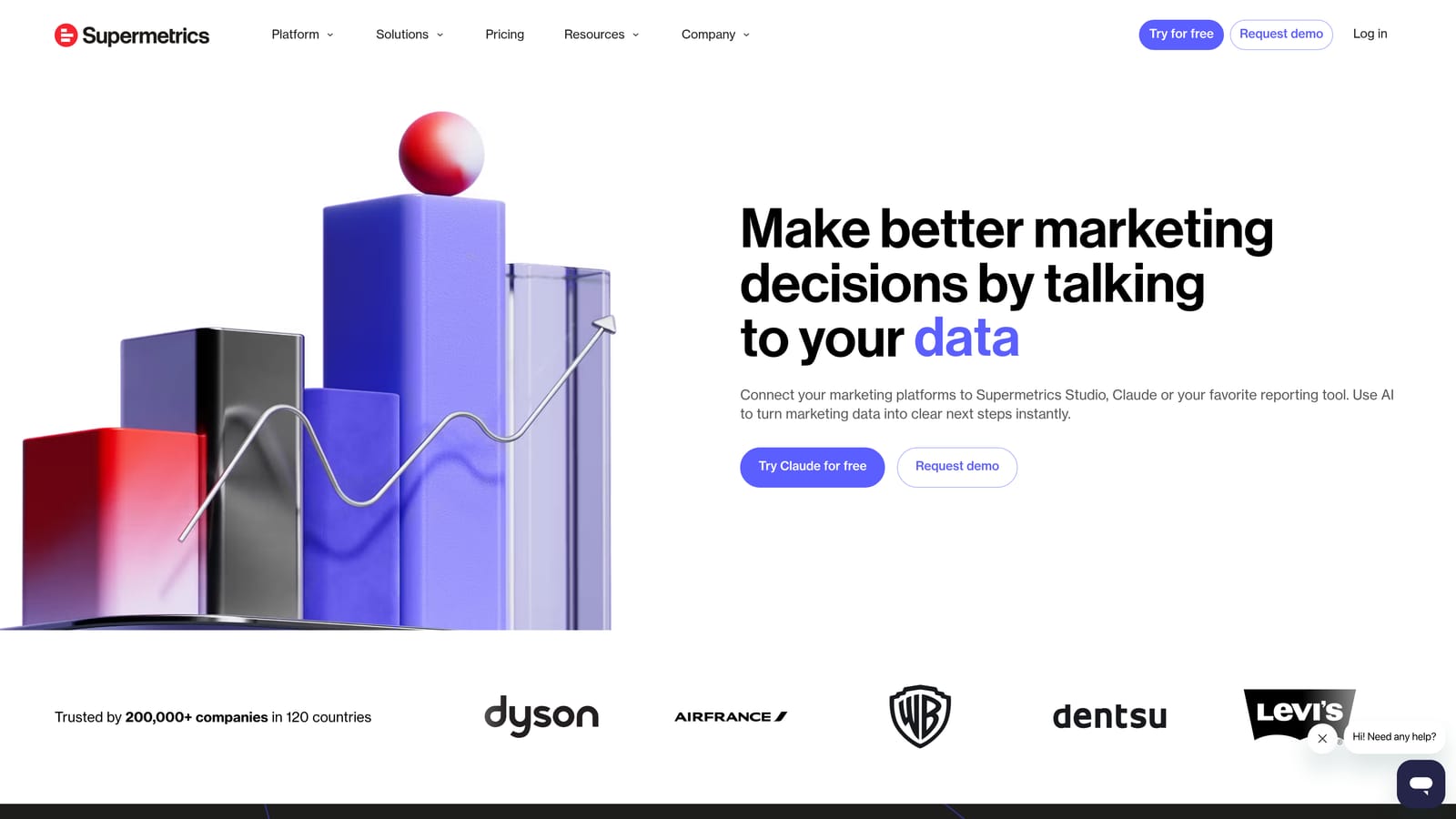
The standout feature is its range of connectors and automation for building custom, cross-channel reporting pipelines, something none of the workflow or automation tools on this list are designed to do.
- Automated data pulls feed Google Sheets, Looker Studio, or other BI tools without manual exports
- Cross-channel blending combines data from multiple ad platforms into one report
- Scheduled refreshes keep dashboards current without anyone remembering to re-run a query
- A wide range of ad platform connectors covers most of the channels agencies report on
Setup typically falls to whoever owns reporting, an analyst, marketing ops person, or agency account manager, and involves connecting data sources and destinations, then configuring the fields you want pulled.
The clear limitation: Supermetrics doesn't touch campaign settings or search terms at all. It's a reporting layer, not an optimization tool, so it won't help you remove junk search terms or adjust bids. Pair it with something like Keywordme or Optmyzr if you need both reporting and execution speed.
Pricing is subscription-based, varying by the combination of data sources and destinations you use; check the Supermetrics website for current rates as of 2026.
Best for: Marketers who need automated, custom reporting across many ad platforms.
7. NinjaCat
NinjaCat is a reporting and workflow automation platform aimed squarely at agencies that need to consolidate PPC, SEO, and social performance into client-facing dashboards.
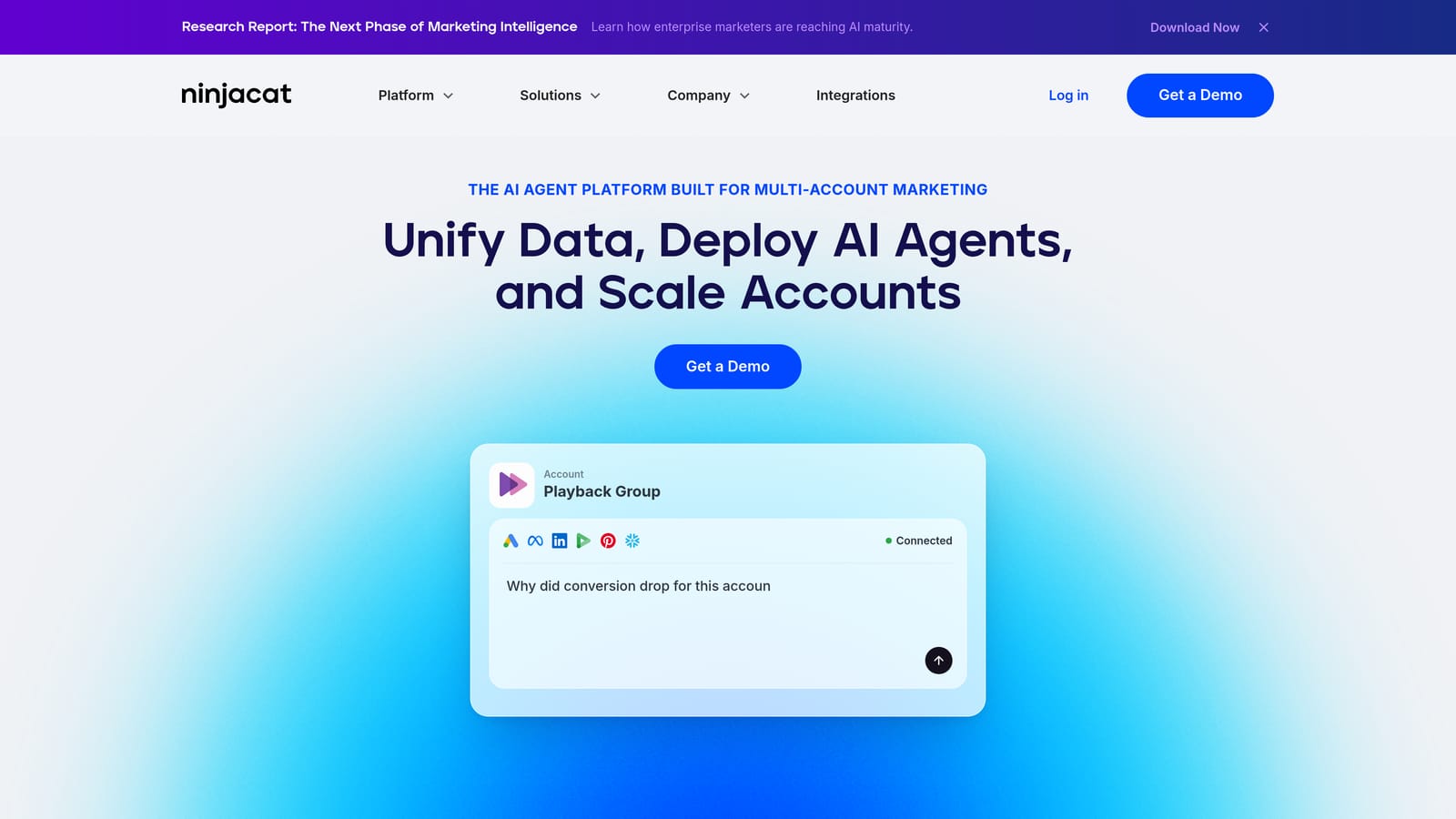
Its differentiator is the white-label client portal, built specifically for agencies that report to multiple clients on a recurring basis. That's a different job than Supermetrics' raw data pipeline; NinjaCat is more finished, more client-ready, out of the box.
- Automated, white-label client reports remove hours of manual deck-building each month
- Cross-channel data consolidation pulls PPC, SEO, and social metrics into one view
- Scheduled report delivery sends updates to clients without a manual export step
- Custom dashboard building lets each client see the metrics relevant to their account
NinjaCat integrates with Google Ads, Microsoft Ads, Facebook Ads, and Google Analytics, and it's typically set up and maintained by an agency's reporting or account management team rather than an individual freelancer.
It's overkill for solo freelancers or advertisers running a single account, both in complexity and in price. If you're not reporting to multiple clients regularly, the white-label features go unused.
Pricing is quote-based as of 2026, priced for agency use; check NinjaCat's website for current tiers.
Best for: Agencies that need automated, branded client reporting across many accounts.
8. Search Ads 360
Search Ads 360 is Google's enterprise bid management platform, built for running cross-engine PPC campaigns at scale within the Google Marketing Platform.
It's the most enterprise-oriented tool on this list. Its algorithmic bidding and Floodlight-based conversion tracking are designed for account structures far more complex than what a small agency or freelancer typically manages, closer to what a large retailer or holding-company agency needs to run thousands of campaigns consistently.
- Algorithmic bidding runs across Google Ads and Microsoft Ads from a single system
- Floodlight-based conversion tracking supports enterprise-level attribution needs
- Enterprise-scale campaign structure management handles account complexity that would overwhelm smaller tools
- Cross-engine budget allocation shifts spend between platforms based on performance
Getting access requires a Google Marketing Platform sales relationship rather than a simple sign-up, and pricing isn't publicly listed. This alone rules it out for most freelancers and small agencies. Setup and day-to-day management usually fall to a specialized enterprise PPC team, not a solo practitioner.
If your accounts don't already involve complex, multi-engine bidding at real scale, this is likely more platform than you need, and the sales process alone will make that clear quickly.
Pricing is quote-based as of 2026 and requires direct contact with Google's sales team.
Best for: Large enterprises or agencies running complex, cross-engine campaigns at scale.
9. SEMrush PPC Toolkit
The SEMrush PPC Toolkit is a set of competitive research tools bundled inside the broader SEMrush suite, aimed at marketers who want to plan ad copy, keywords, and Shopping campaigns before launch rather than optimize live accounts.
This is a planning tool first. Where the rest of this list focuses on speeding up work inside an active account, SEMrush's PPC features are strongest before you spend a dollar, helping you see what competitors are bidding on and how their ad copy is structured.
- Competitor ad copy and keyword gap analysis shows what rivals are targeting that you aren't
- PLA research reveals how competitors structure their Shopping campaigns
- Ad position tracking monitors where your ads and competitors' ads land over time
- Keyword and market research tools support campaign planning beyond just PPC
Setup is as simple as logging into your SEMrush subscription; it's typically used by a marketer or strategist doing pre-launch research rather than someone managing daily account operations.
The limitation is bundling. The PPC features live inside a suite built primarily for SEO, so if you only care about paid search, you're paying for a lot of tools you won't touch. It's also not built to touch live campaign settings or search terms at all.
Pricing depends on which SEMrush plan you choose, since the PPC Toolkit is part of a broader subscription; check the website for current plan details as of 2026.
Best for: Marketers who want competitor research and campaign planning alongside SEO tools.
Matching the Tool to Your Actual Workflow
If your daily bottleneck is reviewing the Search Terms Report and deciding what to cut or promote, Keywordme is built for exactly that and nothing else, which is its strength, not a weakness. If you need scheduled, rule-based bid or budget changes across accounts, Optmyzr or Adalysis fit that job better. Need free bulk edits with zero subscription cost? Google Ads Editor still does that job well, it's just manual. Agencies juggling client reporting or task management should look at WordStream Advisor or NinjaCat depending on whether the priority is guided optimization or branded dashboards, while Supermetrics fits teams that just need clean, automated cross-channel data. Search Ads 360 and SEMrush sit at the edges: one for enterprise-scale bidding, one for pre-launch competitive research.
None of these tools do everything, and most PPC teams end up running two or three together. If daily search term cleanup and keyword building are eating your time right now, that's the fastest place to get hours back. Optimize Google Ads campaigns up to 10x faster without leaving your account: Start your free 7-day trial and then just $12/month, no spreadsheets, no tab-switching, just quicker optimization inside Google Ads itself.
.svg)