
9 Best PPC Workflow Efficiency Tools for Google Ads Teams in 2026
This guide compares nine PPC workflow efficiency tools for Google Ads freelancers, in-house marketers, and agencies. Each tool is judged on the repetitive task it removes, daily workflow fit, pricing transparency, and suitability for solo advertisers versus teams, so you can pick the right mix to reclaim hours spent on search term reviews, bulk edits, and reporting.


If you run Google Ads for a living, you already know where the hours go: combing through search terms, adding negative keywords one at a time, rebuilding the same weekly report, and keeping five client accounts straight in your head. This list is for freelancers, in-house marketers, and agency owners who want that time back. The tools were chosen by which repetitive PPC task they remove, how well they fit a daily workflow, how transparent the pricing is, and whether they suit a solo advertiser or a team. No single tool covers everything, and a few of these only make sense at agency scale.
Quick Comparison of the Tools
- Keywordme: freelancers and agencies who spend hours on search term reviews; $12/month per user; one-click search term actions inside the native Google Ads interface.
- Google Ads Editor: anyone doing large structural changes; free; offline bulk editing with a review-then-post step.
- Google Ads Scripts: technical advertisers; free; fully custom automation logic written in JavaScript.
- Optmyzr: agencies managing many accounts; tiered pricing, see website; a large library of one-click optimization checks.
- Adalysis: agencies running systematic ad tests; see website for pricing; automated ad test analysis that flags winners and losers.
- Looker Studio: freelancers and agencies on a budget; free; reusable report templates with a native Google Ads connector.
- Supermetrics: agencies reporting across several ad channels; subscription, see website; a broad connector library feeding one reporting view.
- Zapier: teams automating lead handoffs around campaigns; free tier, paid plans on the website; no-code links between PPC-adjacent apps.
- Asana: agency teams coordinating several people per account; free tier, paid plans on the website; recurring checklist templates that standardize audit routines.
1. Keywordme
Keywordme is our own product, so weigh this section with that in mind. It's a Chrome extension that adds one-click actions to the Search Terms Report inside Google Ads. Search terms are the queries people actually typed; keywords are what you bid on. Keywordme sits in the gap between them, where most of the manual cleanup happens.
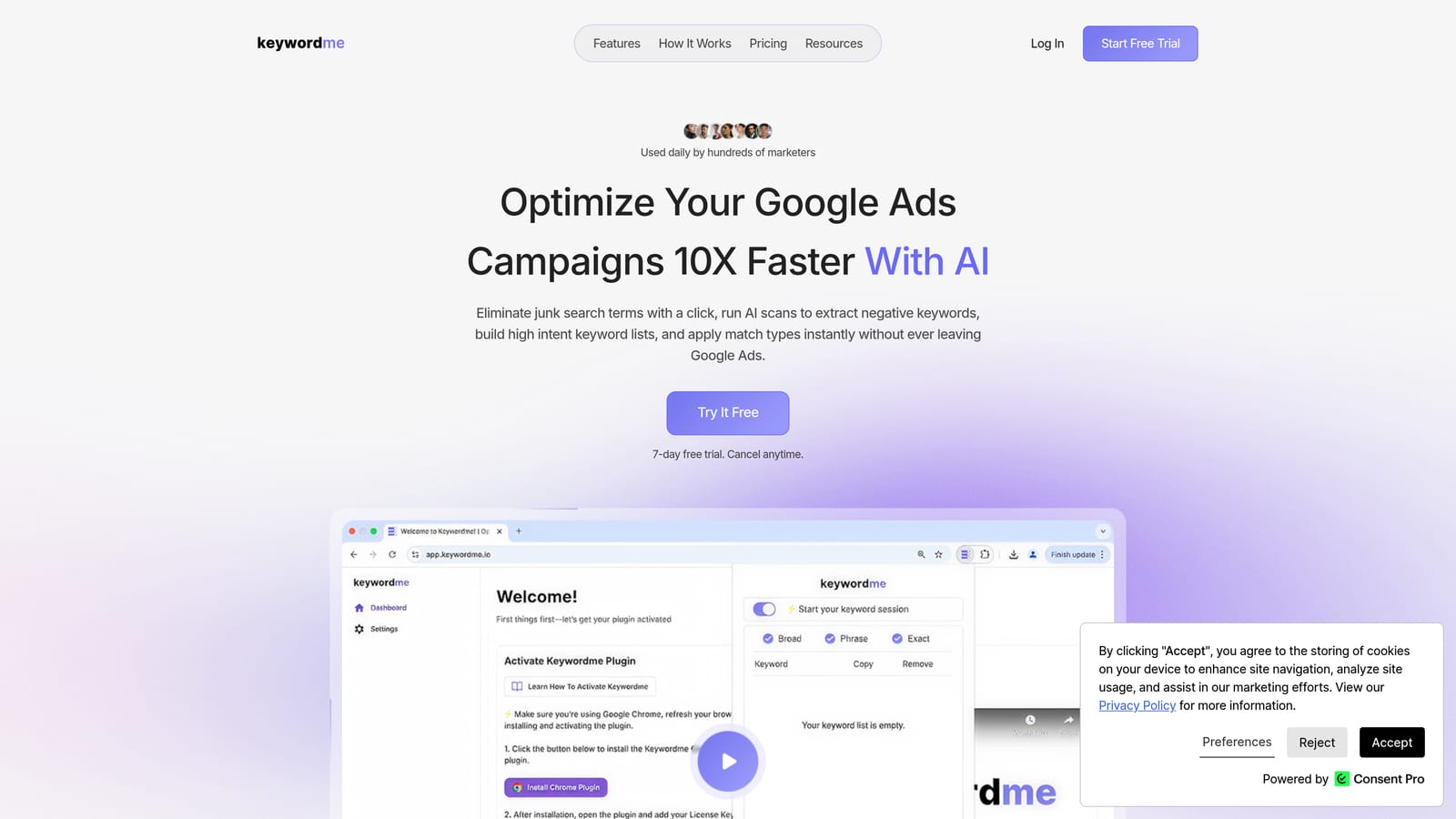
Its standout is that it works in the native Google Ads interface. You review search terms where you already review them, and you skip the export, spreadsheet, and re-upload loop. Keywordme says it can speed optimization up to 10x, though your own gain will depend on how much of your time currently goes to search term work.
- One-click negative keywords straight from the Search Terms Report, so junk queries stop costing you money without a trip to another screen.
- Add keywords with match types applied instantly, so a good search term becomes a positive keyword in a click.
- Keyword clustering to group related terms into tighter lists.
- Bulk editing for applying the same change across many items at once.
- Multi-account and team support, which matters if several people share client work.
Setup is light: install the extension in Chrome and use it within Google Ads. The person doing search term reviews runs it day to day, whether that's you or a junior on your team. The tool still leaves each decision to you, so you review the terms and choose what gets added or excluded.
The limits are clear. Keywordme focuses on search term and keyword management. It isn't a bidding, reporting, or cross-platform tool, and it requires Chrome. If your pain is dashboards or multi-channel data, look further down this list.
Pricing is $12/month per user with a 7-day free trial, so cost scales with seats, not with ad spend or account count (as of November 2026; confirm on the website).
Best for: Freelancers and agencies who spend hours on search term reviews.
2. Google Ads Editor
Google Ads Editor is Google's free desktop application for editing campaigns in bulk, across accounts. You download account data, make changes offline, and post them when you're ready.
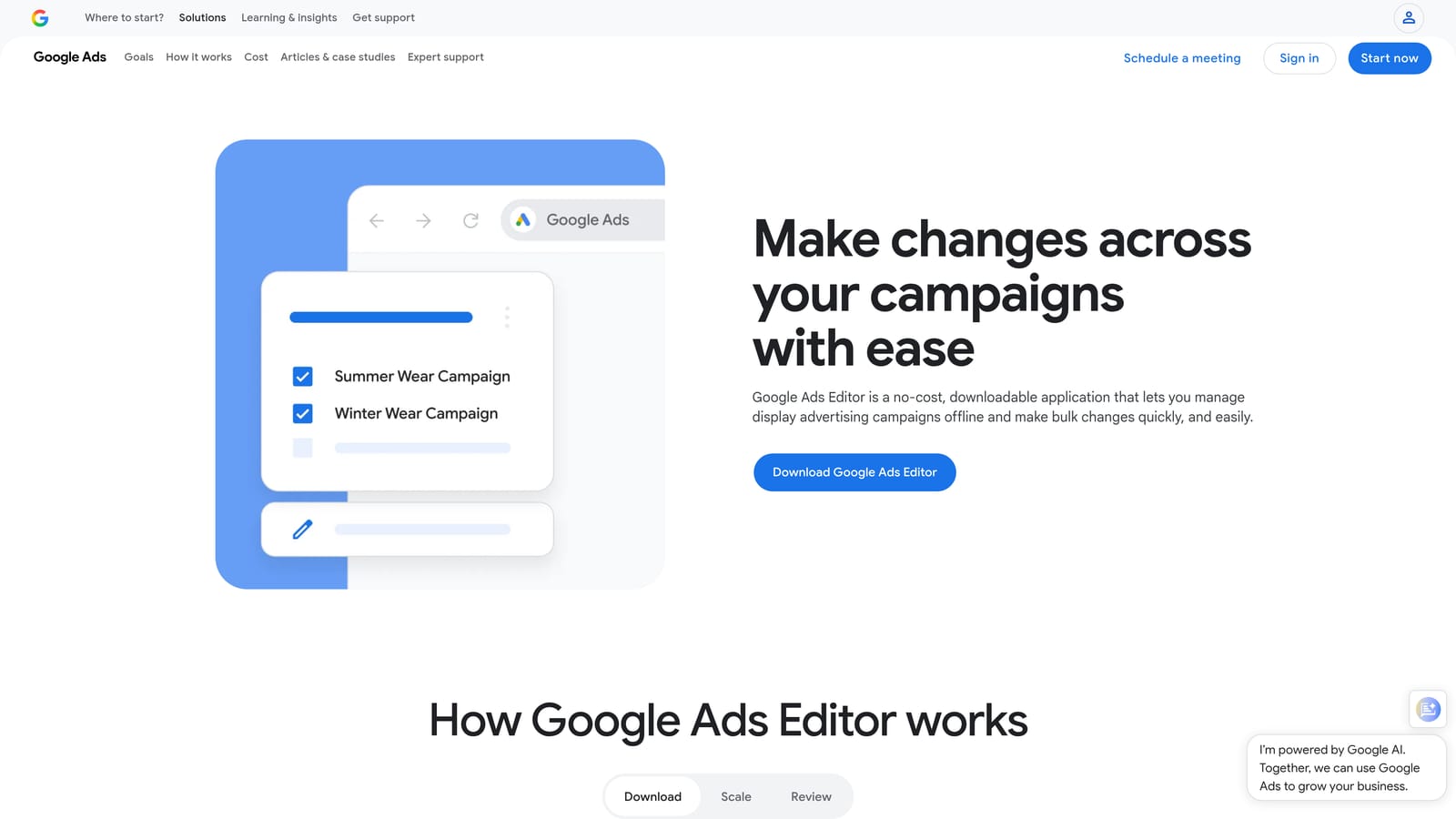
What it does better than anything else here is large structural work at no cost. The review-then-post step lets you check every pending change before it goes live, which is a real safety net when you're touching hundreds of ads or keywords.
- Bulk edits offline, so you can restructure campaigns without waiting on the web interface.
- Multi-account management from a single window, handy if you handle several clients.
- Copy and paste across campaigns and accounts, which speeds up building similar structures.
- Change review before posting, catching mistakes before they reach live campaigns.
- Import and export through spreadsheet files for edits that are easier in a sheet.
It integrates with Google Ads only. Setup means installing the app and downloading account data, and whoever builds or restructures campaigns will run it.
The trade-offs: you need to refresh your data manually, there's a learning curve, and it has no automation or search term shortcuts. Reviewing search terms in Editor is not the quick path. It's a builder's tool more than a daily optimization tool.
Pricing: free.
Best for: Large structural changes such as rebuilding campaigns or ad copy at scale.
3. Google Ads Scripts
Google Ads Scripts is a free JavaScript environment inside Google Ads. A script is a small program that runs on a schedule and can read or change your account. If you can describe a rule precisely, a script can probably enforce it.
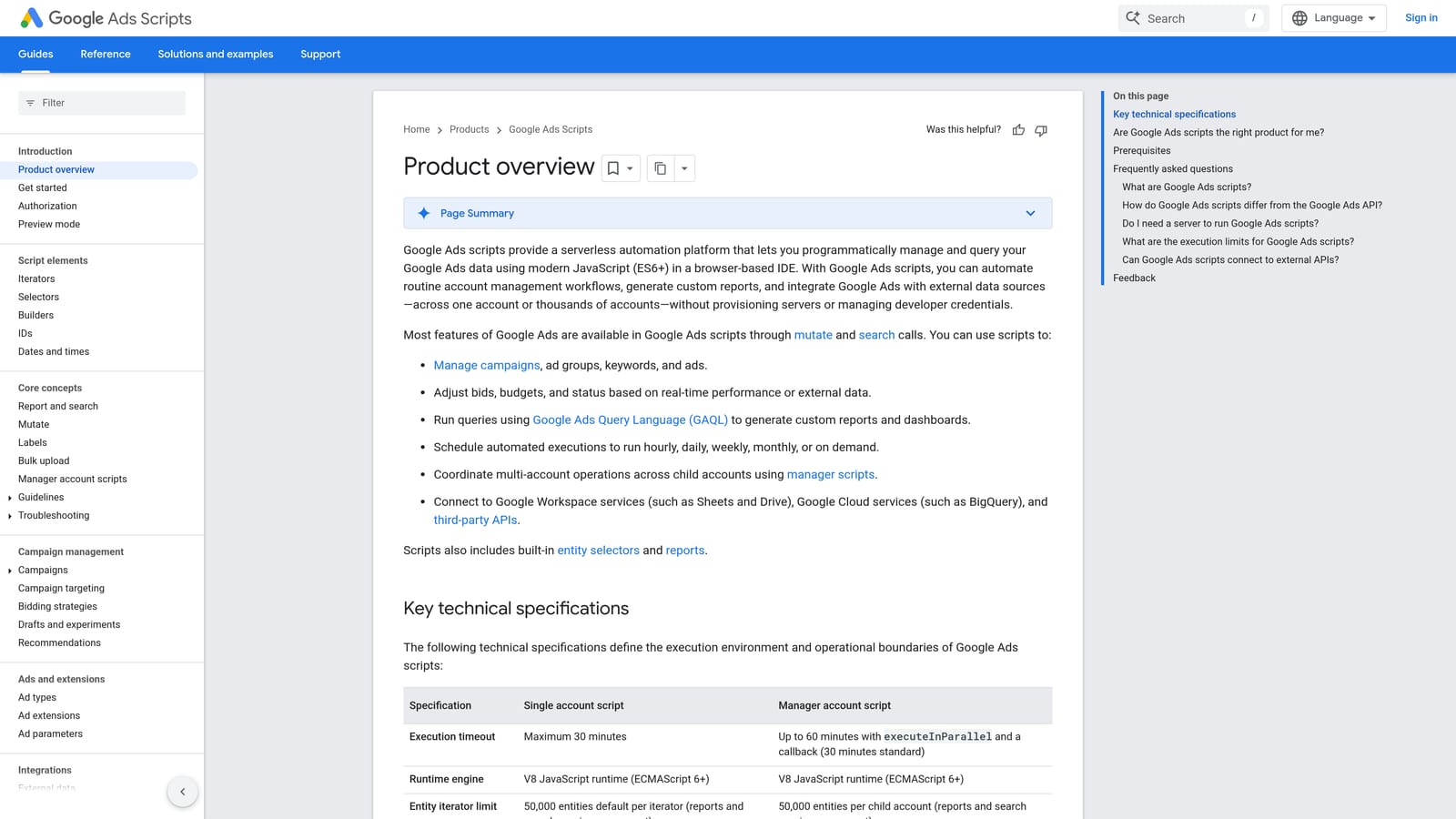
Its edge is complete flexibility. You aren't limited to the checks a vendor decided to build, so you can write exactly the alert or automation your accounts need, with no software fee.
- Scheduled script runs, so routine checks happen without you remembering them.
- Custom alerts and anomaly checks, such as flagging a sudden spend spike.
- Custom reporting to Sheets, which can replace a manual data pull.
- Bulk account operations for repetitive changes.
- Reusable code snippets you can copy from one account to the next.
It connects with Google Ads, Google Sheets, and Gmail. Setup is as heavy as your ambition: a simple alert script is quick, while a complex one takes real development time. Someone comfortable with JavaScript has to write it and own it.
That ownership is the catch. Scripts need JavaScript skills and ongoing maintenance, and an unreviewed script that changes campaigns can do damage at speed. If nobody on your team codes, skip this one.
Pricing: free.
Best for: Technical advertisers who want tailored alerts and automations.
4. Optmyzr
Optmyzr is a PPC management platform built around automation rules and optimization checks. It's the heaviest tool on this list for day-to-day account management, and it's designed for people running many accounts.
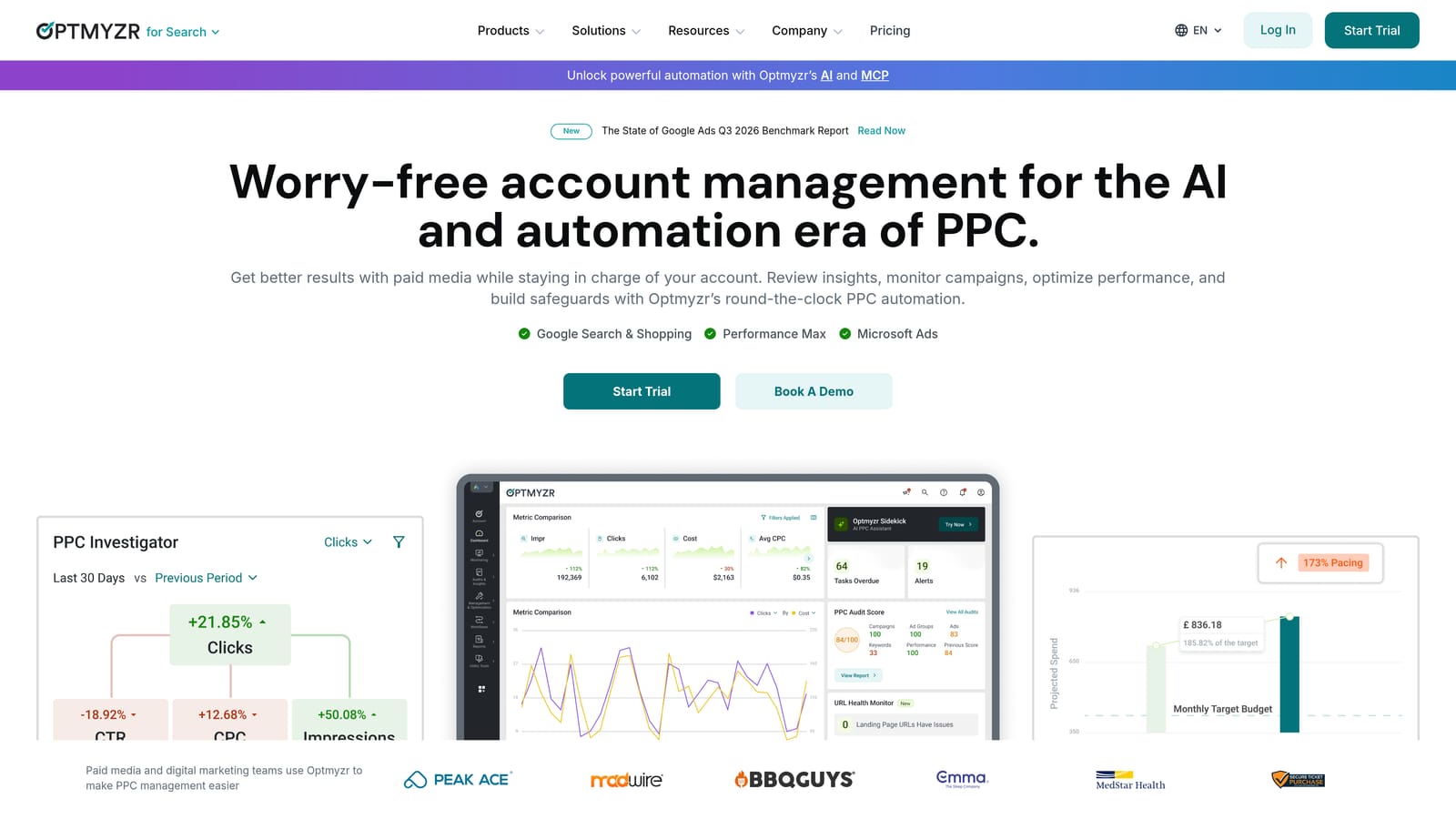
Its distinctive strength is breadth: a big library of one-click optimization checks you can apply across accounts, so the same routine doesn't get rebuilt for every client.
- Rule-based automation to handle recurring adjustments on your terms.
- One-click optimization suggestions that surface what to fix without manual hunting.
- Account audits for a fast read on a new or inherited account.
- Bulk editing tools for changes at scale.
- Client reporting so the same platform can produce what you send out.
It supports Google Ads and Microsoft Advertising; check the vendor site for other platforms. Onboarding takes more effort than a browser extension, because you connect accounts and configure rules. A PPC lead or account manager usually owns it.
The limitation is weight. Cost and breadth are a lot for a solo advertiser who just needs one problem solved, which is the classic mistake of buying a full platform for a single task. Automated suggestions also deserve human review before you apply them.
Pricing is tiered; see the website for current plans.
Best for: Agencies managing many accounts that want an all-in-one management layer.
5. Adalysis
Adalysis focuses on PPC auditing, alerting, and ad testing. It watches accounts for you and tells you where to look, which is useful when you manage more campaigns than you can eyeball weekly.
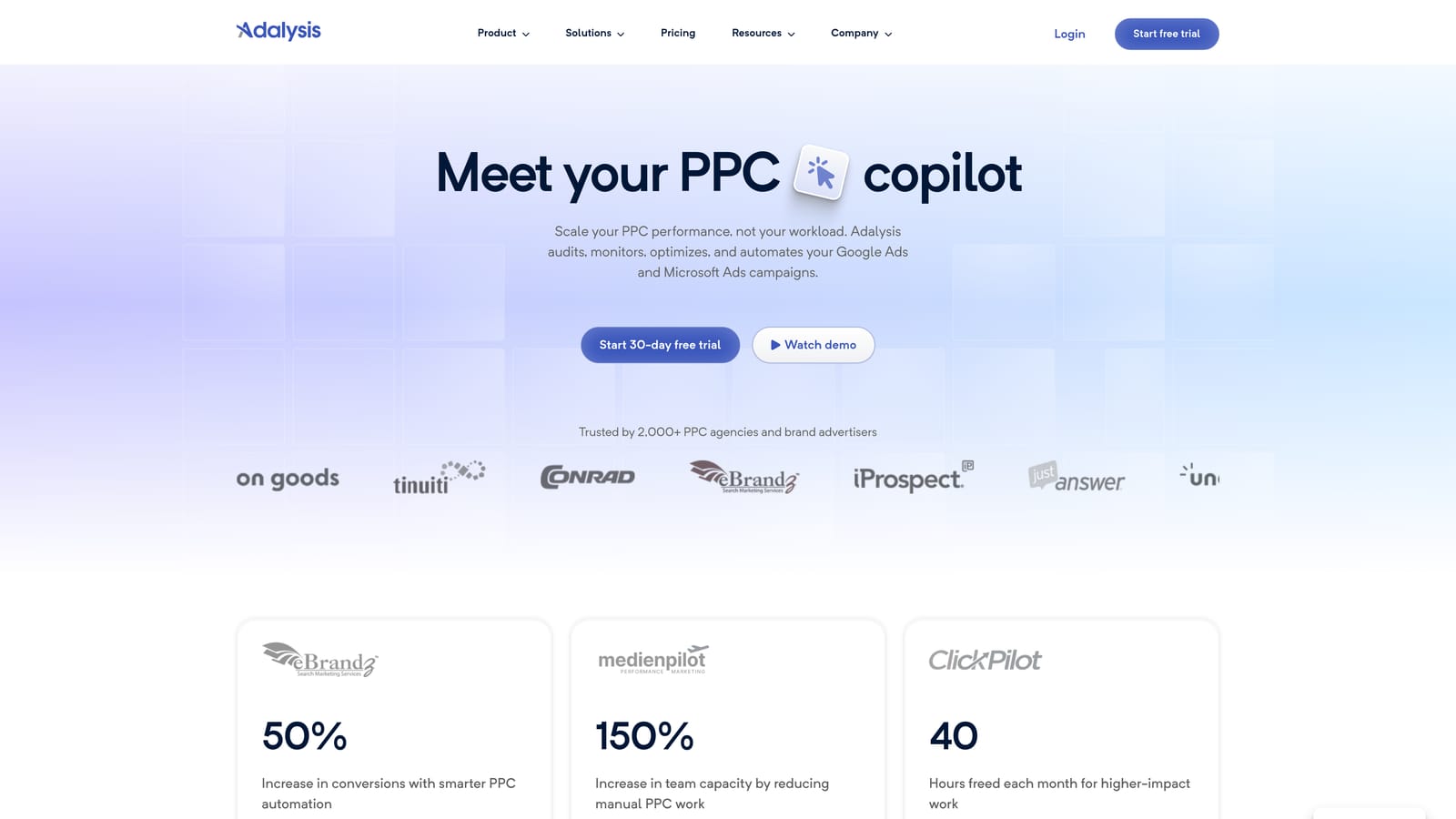
The standout is automated ad testing analysis. Instead of comparing ad variations by hand, you get flags on which ads are winning and which are losing.
- Automated ad test tracking, so experiments don't get forgotten or misread.
- Account audits that point to problems across campaigns.
- Alerts that notify you when something moves.
- Quality checks that catch issues in ads and settings.
- Reporting to share findings with clients or stakeholders.
It works with Google Ads and Microsoft Advertising (verify current coverage on the vendor site). Setup involves connecting accounts and letting it analyze them. The person responsible for ad copy and testing will use it most.
It leans toward monitoring and recommendations rather than doing the edits for you, so you still carry out the changes. Pricing tiers are tied to account size, so confirm what your spend level costs.
Pricing: see the website.
Best for: Agencies that run systematic ad copy testing.
6. Looker Studio
Looker Studio is Google's free dashboarding and reporting tool. It turns reporting from a weekly chore into something that refreshes itself.
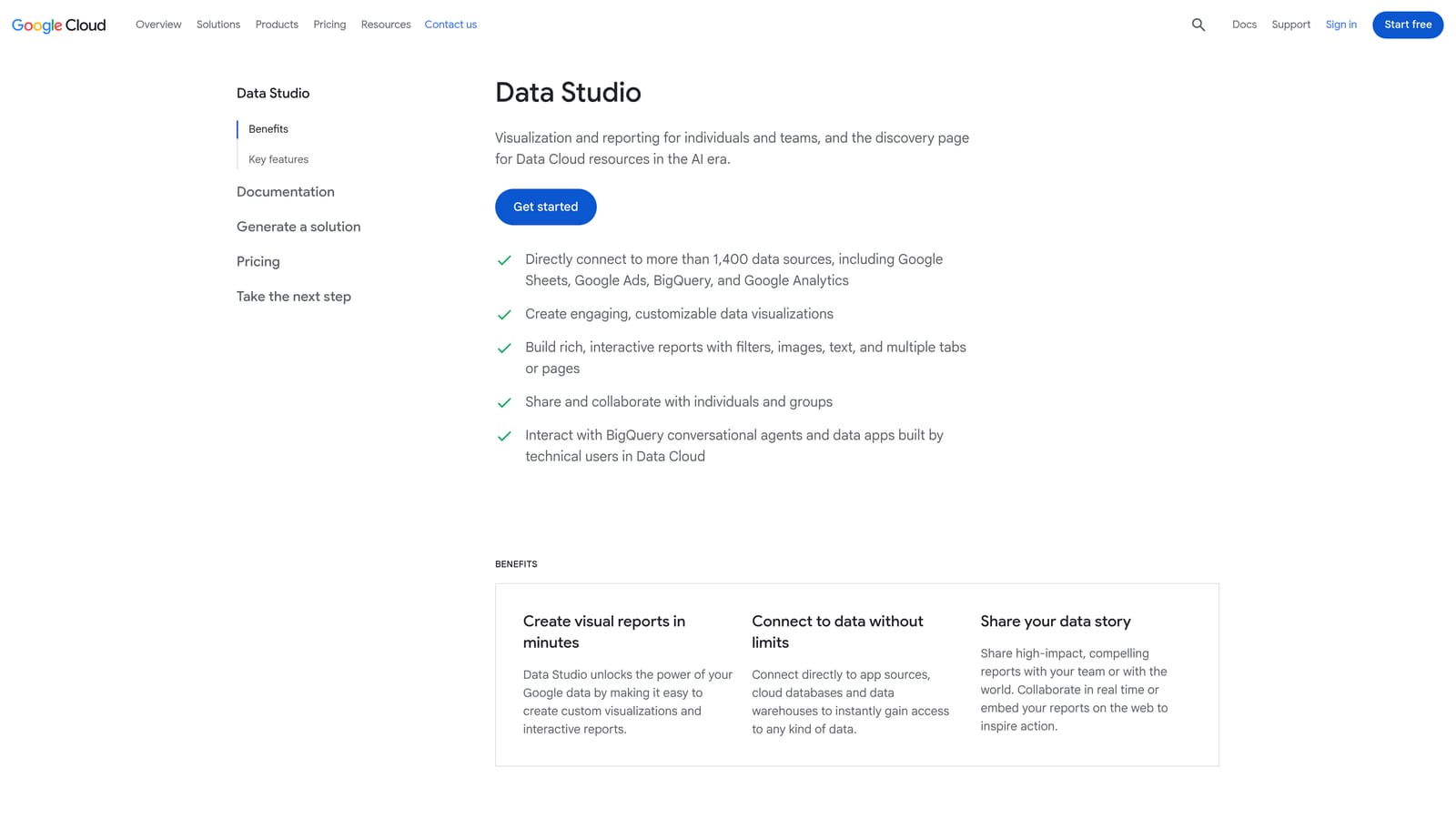
Its main advantage is templates. Build one report with a client-friendly layout, duplicate it for the next account, and you've replaced a manual weekly report at no cost.
- Native Google Ads connector, so campaign data flows in without exports.
- Drag-and-drop dashboards you can build without technical skills.
- Shareable live reports, so clients see current numbers instead of a stale PDF.
- Report templates you can reuse across accounts.
- Scheduled email delivery to send reports automatically.
It also connects to Google Analytics, Google Sheets, and third-party connectors. Setup is quick for a basic report; polished multi-source dashboards take longer. Whoever owns client communication usually maintains them.
Know what it can't do: it reports only and doesn't change campaigns. Non-Google connectors can cost extra, and a dashboard nobody reads is wasted effort, so build only what people will use.
Pricing: free, with a paid Pro tier that exists (verify current details on the website).
Best for: Freelancers and agencies automating client reporting on a budget.
7. Supermetrics
Supermetrics is a marketing data connector. It pulls numbers from ad platforms into dashboards, spreadsheets, and data warehouses so you aren't copying figures between tabs.
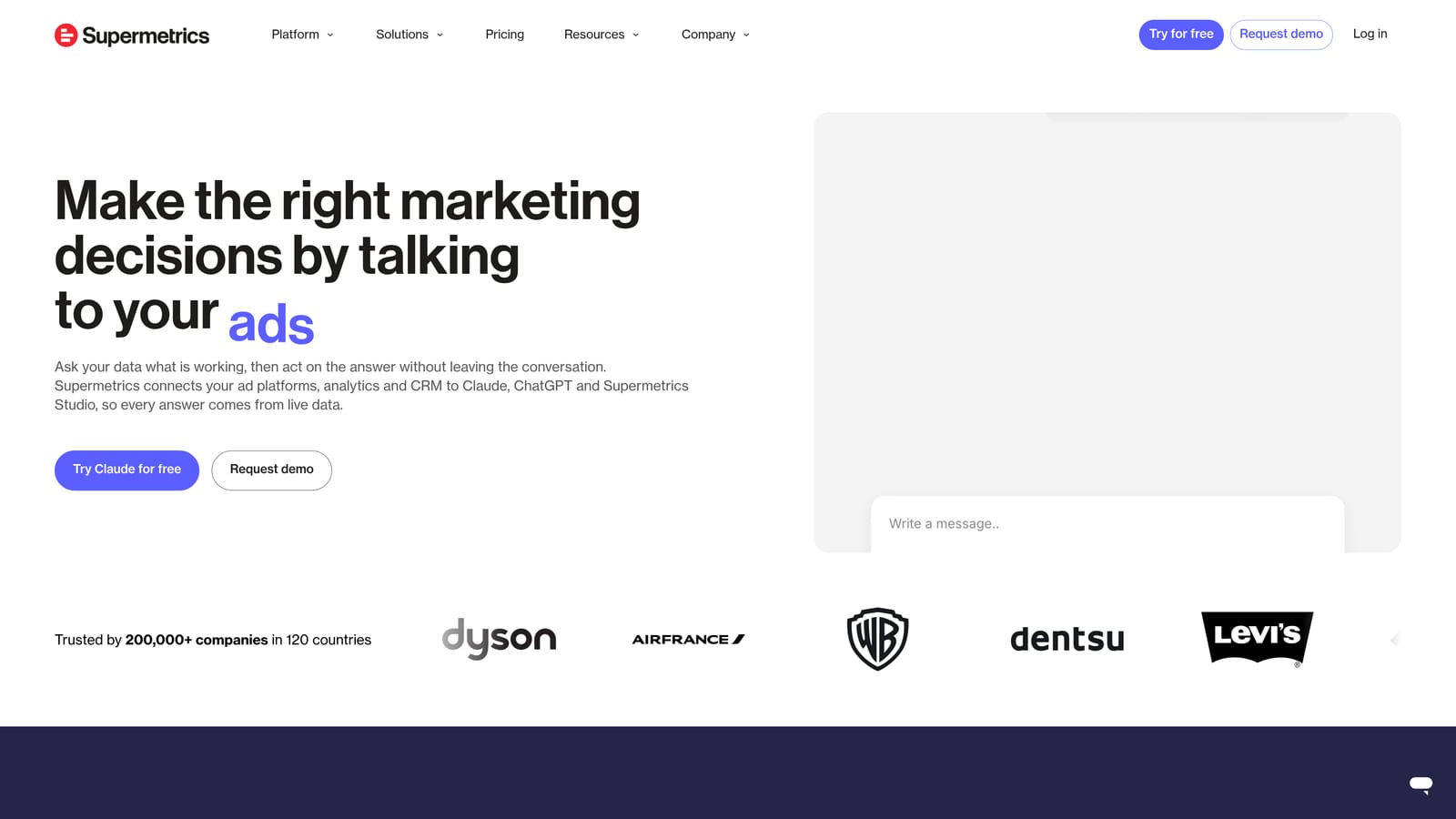
Where it beats Looker Studio's free setup is range: a broad library of connectors feeding one reporting view, which matters once clients advertise on more than Google.
- Many ad platform connectors, so Google, Meta, and others land in one place.
- Sheets and Looker Studio destinations, letting you keep the tools your team already uses.
- Scheduled data refreshes, so reports stay current without manual pulls.
- Data warehouse transfers for teams with larger reporting needs.
It works with Google Ads, Meta Ads, Google Sheets, and Looker Studio, among others. Setup means authorizing each source and choosing a destination. Typically an analyst or account lead manages it.
It has no optimization features, so it won't help you clean up search terms or adjust bids. Costs scale with connectors and destinations, which can add up quickly. If you only advertise on Google, the free Looker Studio connector may be enough.
Pricing: subscription; see the website for current plans.
Best for: Agencies reporting across several ad channels.
8. Zapier
Zapier is a no-code automation platform that links thousands of apps. It isn't a PPC tool, but it handles the work around campaigns: what happens when a lead arrives, who gets pinged, and where the data goes.
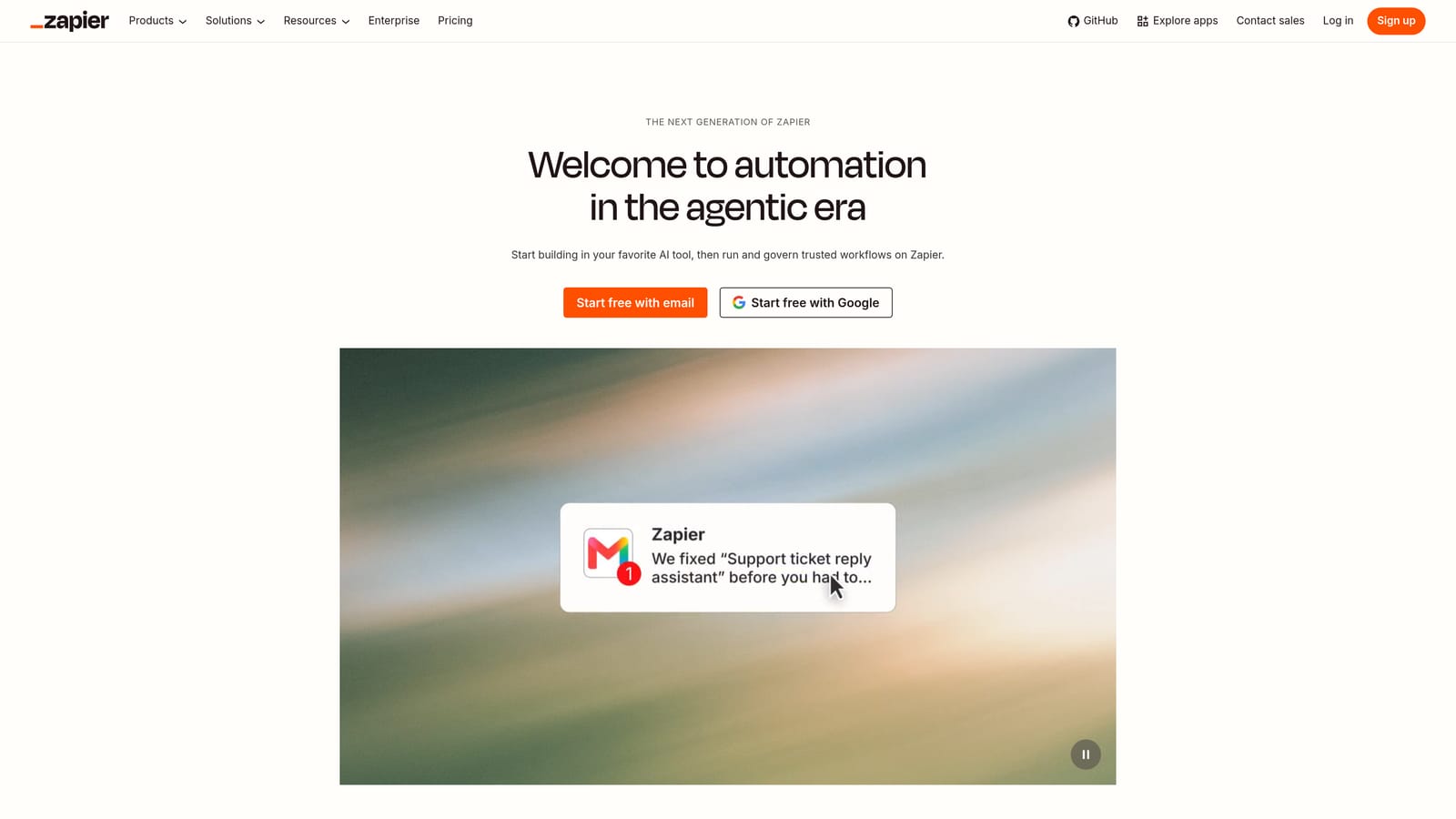
Its distinctive value is connecting those PPC-adjacent steps without code, such as routing a new lead to the right person or sending an alert to a team channel.
- Trigger-action workflows that start a task when an event happens.
- Multi-step automations that chain several actions together.
- App integrations covering the tools your team already uses.
- Built-in filters and formatting to clean data on the way through.
Common connections include Google Sheets, Slack, CRMs, and Gmail, plus Google Ads lead forms (verify availability). Setup is generally quick for simple workflows. A marketer or operations person can usually run it.
It holds no campaign optimization features. Pricing is task-based, so it grows with volume, and over-automating without checking the output can quietly send bad data downstream.
Pricing: a free tier exists alongside paid plans; see the website.
Best for: Teams automating lead handoffs and notifications around campaigns.
9. Asana
Asana is a work management tool for tasks, templates, and approvals. It solves a different problem from the others: making sure the right person does the right check on the right account.
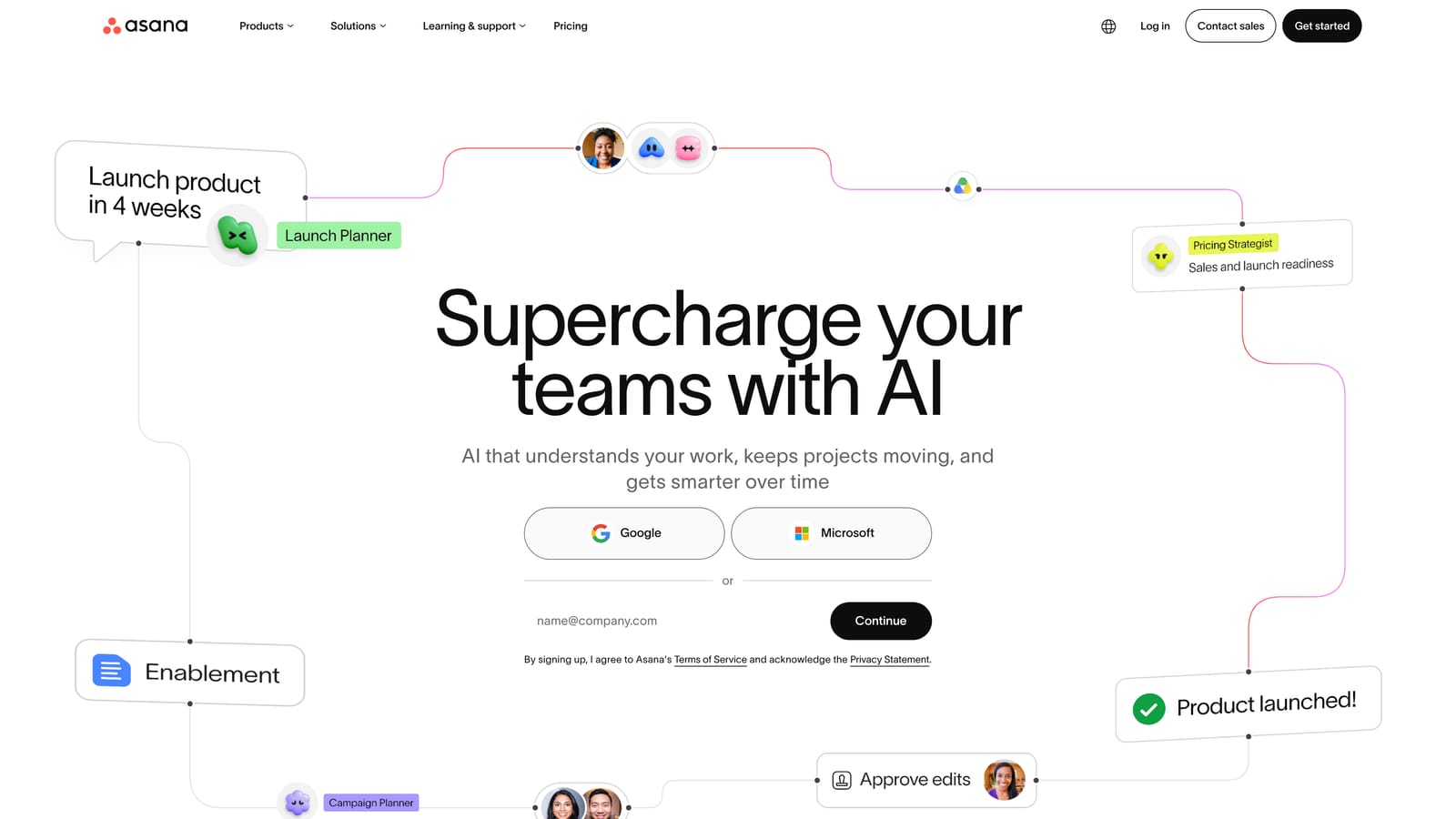
The standout for PPC teams is recurring checklist templates. Build an audit routine once, and it repeats for every client on schedule, keeping the process consistent no matter who runs it.
- Recurring tasks, so weekly and monthly checks never depend on memory.
- Project templates that standardize onboarding and audits.
- Approvals for sign-off on budget changes or new ad copy.
- Task assignments that make ownership clear.
- Timeline views to see what's coming across accounts.
It integrates with Slack, Google Workspace, and many third-party apps. Setup is mostly about designing your process, which takes more thought than clicks. An account manager or ops lead typically runs it.
Asana holds no ad data and can't optimize anything. It only helps if the team follows the process, so a solo advertiser with a short checklist probably doesn't need it.
Pricing: a free tier exists with paid plans above it; see the website.
Best for: Agency teams coordinating several people on each account.
Matching the Tool to Your Bottleneck
If you're a solo advertiser, start with Keywordme for search term work and Looker Studio for reporting. Together they cover two of the biggest time sinks for little money. Agencies managing many accounts should look at Optmyzr or Adalysis for audits and testing, then add Asana to keep routines consistent across the team.
Reporting-heavy teams can start free with Looker Studio and move to Supermetrics once clients span multiple channels. Teams comfortable with code get a lot from Google Ads Scripts, and Google Ads Editor remains the right call when you're rebuilding structure in bulk.
Don't buy five tools at once. Pick the single most repetitive task in your week, fix that, and only then move on. For most Google Ads users, that task is the search terms review.
Optimize Google Ads Campaigns 10X Faster. Without Leaving Your Account. Keywordme lets you remove junk search terms, build high-intent keyword lists, and apply match types instantly, right inside Google Ads. No spreadsheets, no switching tabs, just quick, seamless optimization. Start your free 7-day trial (then just $12/month) and take your Google Ads game to the next level.
