
9 Best PPC Workflow Automation Software Tools for Google Ads Teams in 2026
A practical guide to ppc workflow automation software.


If your week disappears into search term reviews, negative keyword cleanup, budget checks, and client reports, this list is for you. It's written for marketers, freelancers, and agency owners running Google Ads. The tools are sorted by which part of the workflow they automate, how much setup they need, how they price, and whether they suit a solo operator or a multi-client team.
Quick Comparison of the Tools
- Keywordme: freelancers and agencies who review search terms constantly; $12/month per user; works inside the native Search Terms Report with no exports.
- Google Ads Scripts: technical advertisers who want custom monitoring; free; fully custom logic written in JavaScript.
- Google Ads Automated Rules: beginners who want simple scheduled or threshold-based actions; free; no-code rules built into the platform.
- Optmyzr: agencies managing many accounts; pricing on its website; a broad library of prebuilt optimization checks.
- Adalysis: teams that need ongoing audits and ad testing; pricing on its website; automated ad test analysis that says which ads to pause or replace.
- Google Ads Editor: large structural changes and bulk uploads; free; offline bulk building and restructuring.
- Swydo: agencies automating monthly client reports; pricing on its website; white-label reporting built for agencies.
- Zapier: teams routing leads and alerts between apps; free tier, then paid plans; connects PPC data to the rest of your business stack.
- Looker Studio: marketers wanting free custom dashboards; free (some connectors paid); highly customizable visual reporting.
1. Keywordme
Keywordme is our own product, so weigh this entry accordingly. It's a Chrome extension that adds one-click actions to the Search Terms Report inside Google Ads. A quick distinction helps here: search terms are what people actually typed, while keywords are what you bid on. Keywordme sits between the two, letting you act on search terms where you already see them.
Its distinctive trait is that it works in the native Google Ads interface. You don't export a CSV, sort it in a spreadsheet, and upload negatives back. You review the report and click. Keywordme claims this makes optimization up to 10x faster, which is the company's own figure and will vary with how messy your accounts are.
- One-click negative keywords straight from the Search Terms Report, so junk queries stop costing you money without a manual upload.
- Add search terms as keywords with match types applied, which turns good queries into targeted keywords in seconds.
- Keyword clustering, which groups related terms so you can build tighter lists.
- Bulk editing, for handling many terms at once instead of one by one.
- Multi-account and team support, so an agency can run reviews across clients.
Setup is light: install the extension and use it in Google Ads. The person doing search term reviews runs it day to day, and you stay in control of every click, since it doesn't make changes on its own.
The limits are real. It covers search term and keyword workflows only. There's no bid automation, no reporting, and no support for other ad platforms. If you want alerts or scheduled changes, pair it with something else on this list.
Pricing is $12/month per user, flat, with a 7-day free trial (as of November 2026). Cost scales with the number of users, not accounts or spend.
Best for: Freelancers and agencies who spend hours on search term reviews.
2. Google Ads Scripts
Google Ads Scripts lets you write JavaScript that runs inside your Google Ads account on a schedule. It's built for advertisers who want monitoring or reporting logic that no off-the-shelf tool offers, such as a daily check for campaigns that stopped serving or spend that spiked.
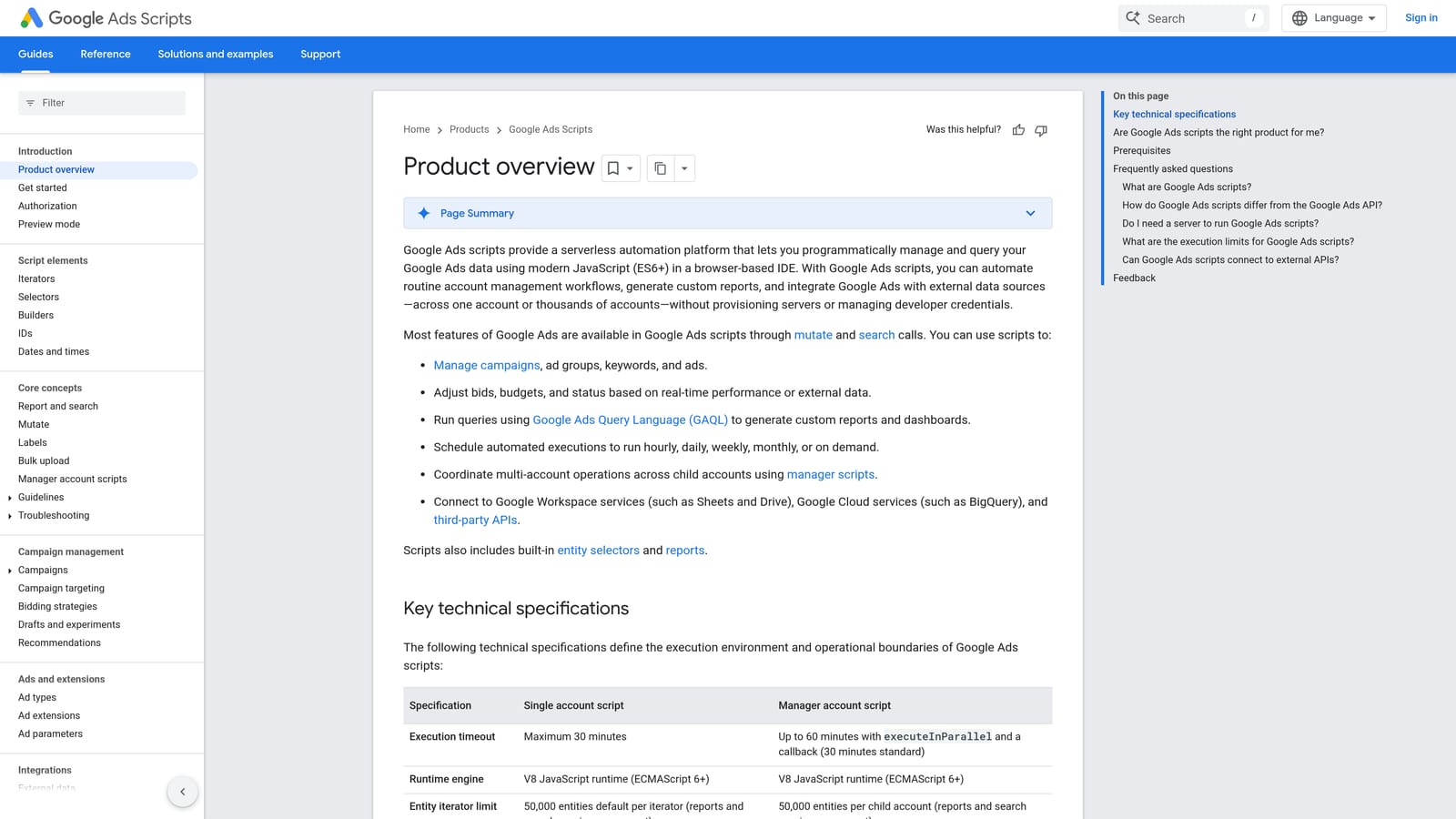
What sets it apart on this list is flexibility at no cost. If you can describe the logic, you can probably script it. Nothing else here gives you that much freedom.
- Scheduled runs, so checks happen hourly, daily, or weekly without you remembering.
- Custom alerts and email reports that fire on conditions you define.
- Account-level automation, letting one script handle logic across campaigns.
- A library of Google sample scripts, which gives you a starting point instead of a blank file.
It connects to Google Sheets and Gmail, which makes output easy to share. Setup effort is the catch: someone needs to read and write JavaScript, test scripts, and fix them when something in the account or the API changes. That person is usually a technical PPC lead or a developer friend.
It isn't for non-coders, and it only works with Google Ads. A script that nobody maintains can quietly fail, so assign an owner and check logs.
Pricing: free (as of November 2026). Your cost is the time spent writing and maintaining scripts.
Best for: Technical advertisers who want custom monitoring.
3. Google Ads Automated Rules
Google Ads Automated Rules are the no-code option inside the platform. You set a condition and an action, and Google Ads applies it on a schedule, or just emails you when the condition is met. Nothing to install and no coding.
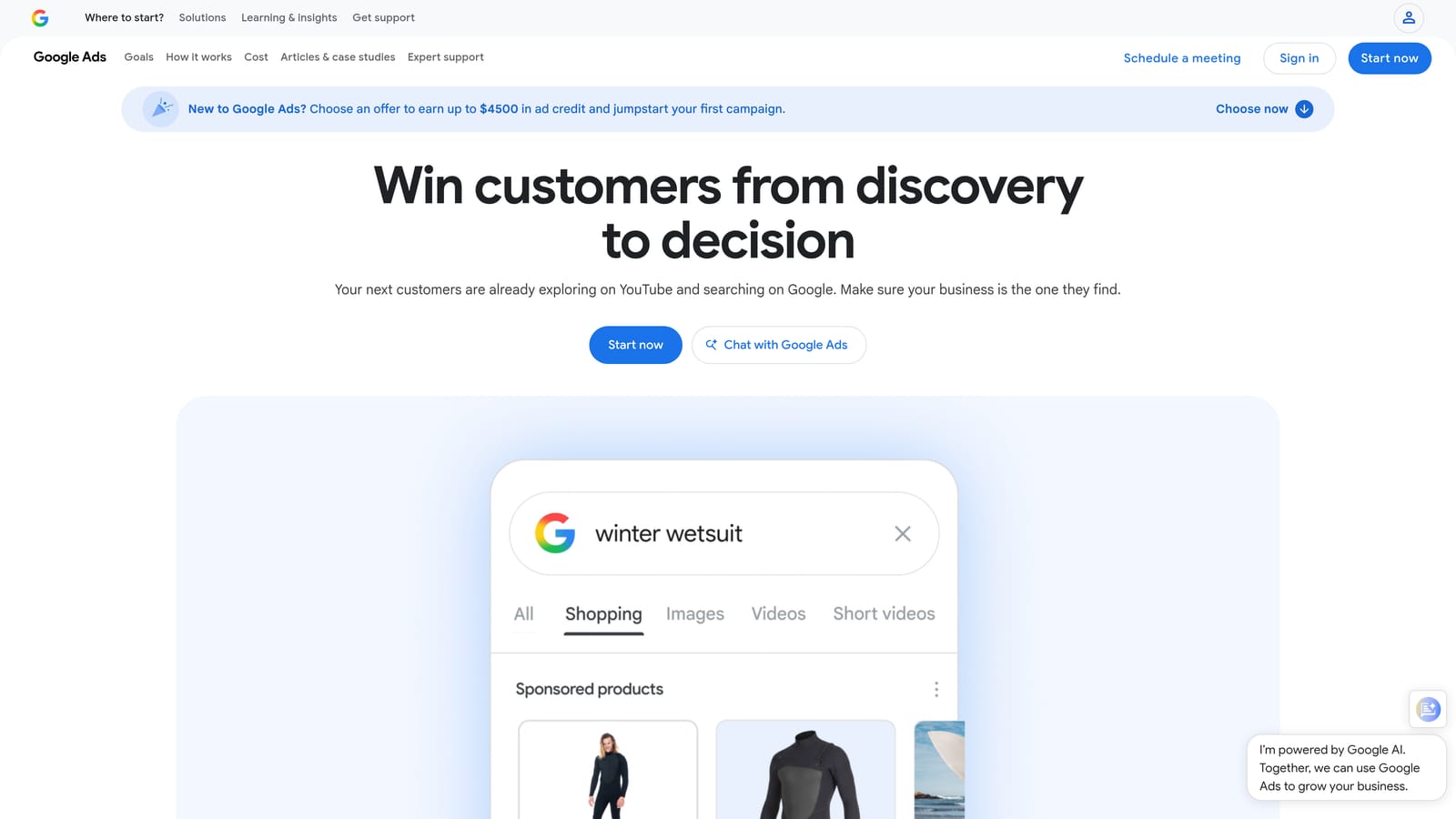
The advantage is simplicity. A beginner can set one up in minutes, and it lives where the campaigns already are.
- Scheduled pausing or enabling, handy for promotions with fixed dates.
- Bid and budget adjustments based on thresholds you choose.
- Email notifications, so you can be alerted instead of changing things automatically.
- Condition-based triggers, such as acting when cost passes a set level.
Setup is minimal, and the account manager runs it. The limitation is shallow logic. Rules react to numbers like cost, clicks, or conversions, and they can't judge whether a search term shows real buying intent. They only do what you configure, so a badly chosen threshold will happily pause the wrong campaign. Review rules periodically.
It suits simple jobs and not complex, multi-condition workflows. Also, it only covers Google Ads.
Pricing: free (as of November 2026).
Best for: Beginners wanting simple scheduled and threshold-based actions.
4. Optmyzr
Optmyzr is a PPC management suite aimed at agencies. Instead of one function, it bundles optimization tools, a rule engine, and reporting, and applies them across many accounts.

Its edge over the free native options is the breadth of prebuilt optimization checks. You get suggested actions across accounts without writing the logic yourself, which matters when you're juggling dozens of clients.
- One-click optimizations that apply suggested changes after you review them.
- A rule engine for building your own conditions and alerts.
- Reporting, so one platform can cover both work and client updates.
- Multi-account management, which keeps agency oversight in one place.
It lists support for Google Ads, Microsoft Advertising, and Amazon Ads, though you should verify current platform support before buying. Setup means connecting accounts and learning a fairly deep product, so expect an onboarding period. A PPC manager or account lead typically runs it.
The trade-off is weight. Pricing and depth can be heavy for freelancers or small accounts, and a suite this broad takes time to learn.
Pricing is tiered; check the website for current plans, since they change.
Best for: Agencies managing many accounts that want a full suite.
5. Adalysis
Adalysis focuses on auditing and ad testing. It scans accounts for problems and tells you what to fix, which is useful when nobody has time to comb through every campaign weekly.
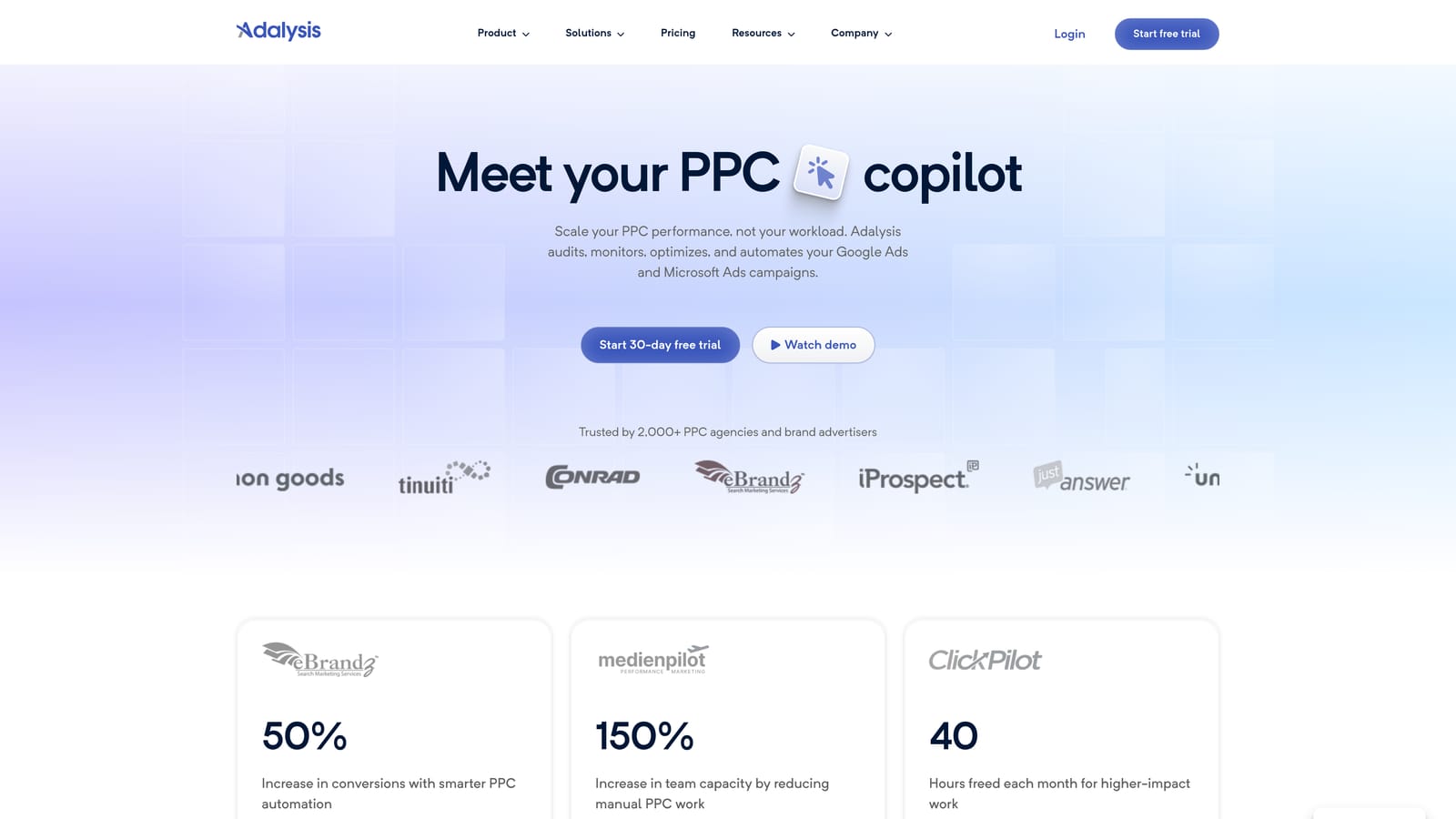
Its distinctive strength is automated ad test analysis. Rather than eyeballing click-through rates and guessing at significance, you get guidance on which ads to pause or replace.
- Automated account audits that surface issues you might not spot manually.
- Ad copy testing, so creative decisions rest on results rather than hunches.
- Alerts that flag changes or problems as they happen.
- Reporting to share findings with clients or stakeholders.
It supports Google Ads and Microsoft Advertising. Setup is mostly connecting accounts, and an account manager or analyst reviews its recommendations on an ongoing basis.
It diagnoses and recommends; it isn't a hands-on search term cleanup tool. You'd still need another way to act on junk queries. Teams that want one-click execution may find it more advisory than they'd like.
Pricing is tiered; see the website for current plans.
Best for: Teams that need ongoing account audits and ad testing.
6. Google Ads Editor
Google Ads Editor is Google's free desktop app for editing accounts in bulk. It's less "automation" than "speed": you download an account, make many changes offline, and post them back.

Its standout trait is offline bulk building and restructuring. Creating hundreds of ad groups or rewriting ad copy across campaigns is far quicker here than in the browser.
- Bulk edits across campaigns, ad groups, keywords, and ads.
- Offline drafting, so you can prepare changes and review them before posting.
- Multi-account editing, which helps when similar changes apply to several clients.
- Copy and paste between campaigns, for reusing structures quickly.
Setup is a download and sign-in. A hands-on account manager runs it. It's entirely manual, though: there's no scheduling or monitoring, and nothing happens unless you open the app and push changes. It also only covers Google Ads.
Review changes before posting, because bulk edits can spread mistakes quickly.
Pricing: free (as of November 2026).
Best for: Large structural changes and bulk uploads.
7. Swydo
Swydo automates PPC reporting for agencies. It pulls data from your ad platforms into scheduled reports so you aren't rebuilding the same monthly deck by hand.
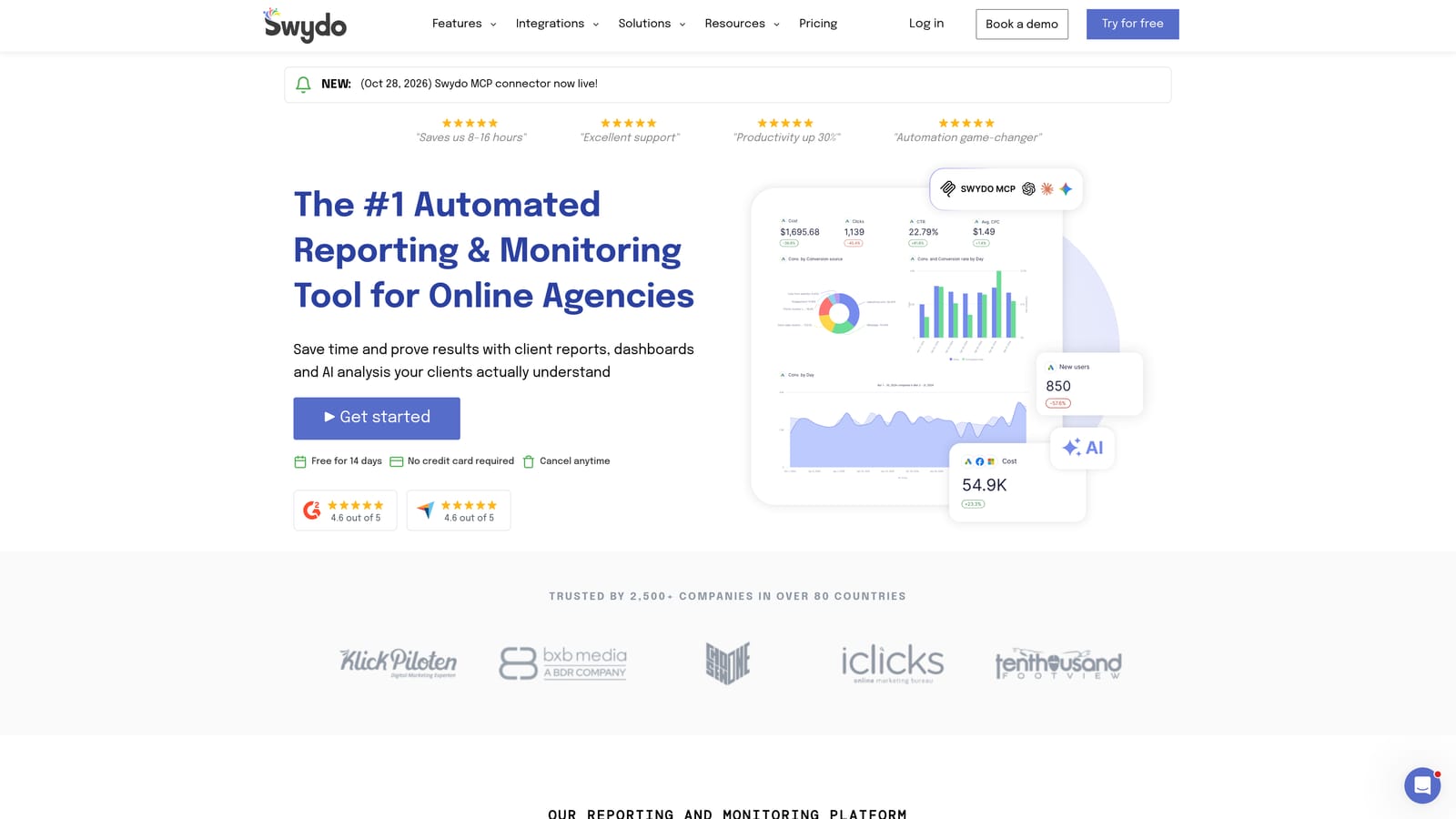
What it does best here is white-label client reporting. Reports carry your agency's branding, which matters when the report is part of what the client is paying for.
- Scheduled client reports that send themselves on your calendar.
- White-label dashboards, so clients see your brand, not the tool's.
- Multi-platform data sources, which put Google Ads and other channels in one report.
- Report templates that make new client setups quick.
It integrates with Google Ads, Meta Ads, and Google Analytics. Setup involves connecting data sources and building or adapting templates; account managers or an ops person usually own it after that.
It reports only. It doesn't change campaigns, so it saves reporting hours but doesn't touch optimization work. For a single in-house advertiser with no client reporting, it's probably more than you need.
Best for: Agencies automating monthly client reports.
8. Zapier
Zapier is a no-code automation platform that links apps. For PPC, it's less about optimizing campaigns and more about moving data: what happens after a click, a lead, or an alert.
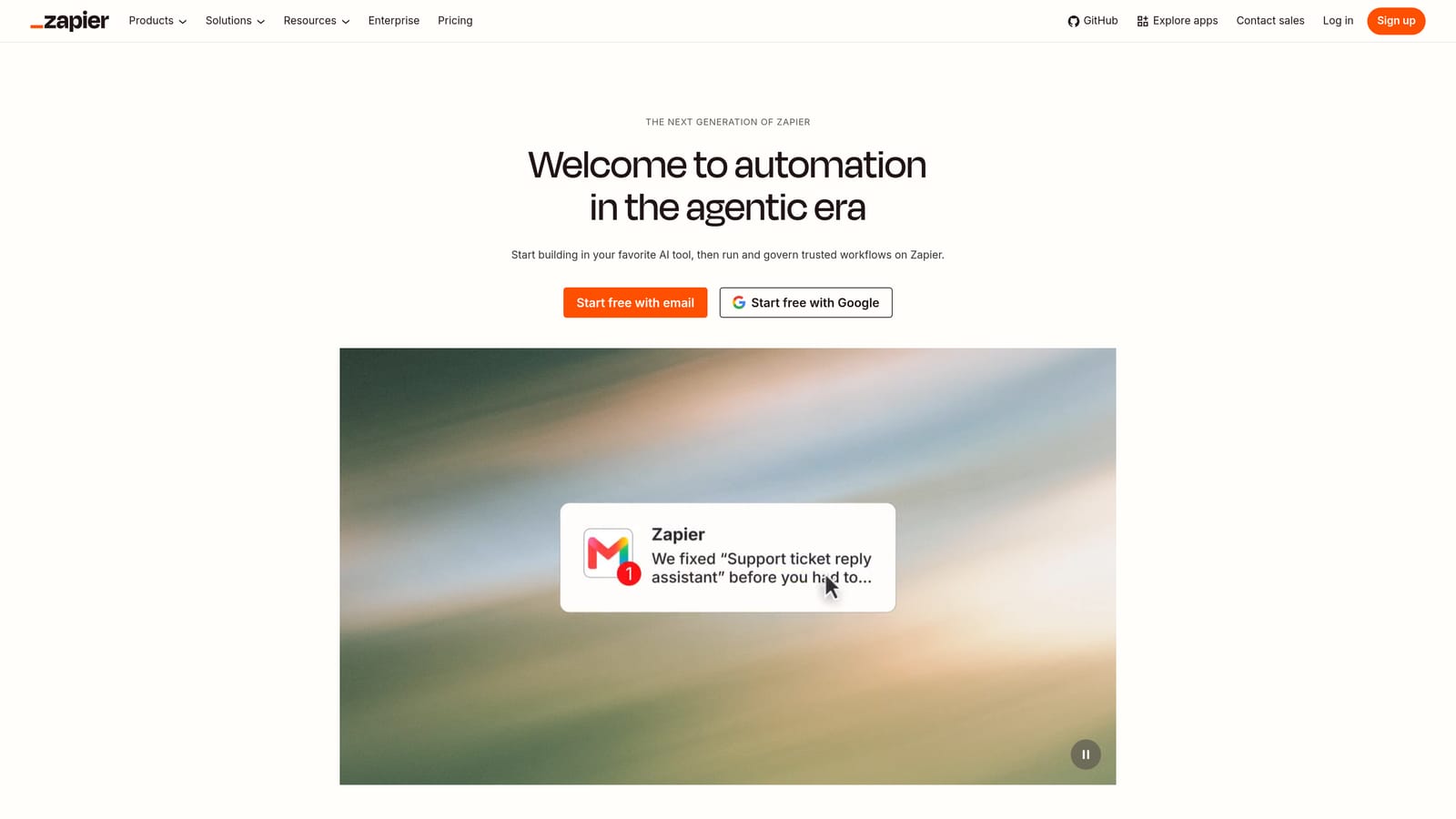
It's the only tool here whose job is connecting PPC data to the rest of your business stack, such as CRMs, chat, and spreadsheets.
- App-to-app workflows that trigger actions in one tool from events in another.
- Lead routing, so new leads reach the right person or CRM quickly.
- Slack and email alerts, which keep a team informed without logging in.
- Spreadsheet logging, for keeping a running record of leads or events.
It works with Google Ads, Slack, Google Sheets, and many CRM tools. Setup is generally quick for simple workflows and gets fiddly when you chain steps. A marketer or ops person typically builds and maintains the automations.
It won't optimize your campaigns, and task-based pricing can add up as volume grows, so check how many tasks your workflows would consume.
Pricing: a free tier and paid plans exist; see the website for current limits and prices.
Best for: Teams routing leads and alerts between apps.
9. Looker Studio
Looker Studio is Google's free dashboarding tool. Connect your ad data, build a dashboard, and schedule it to land in inboxes.
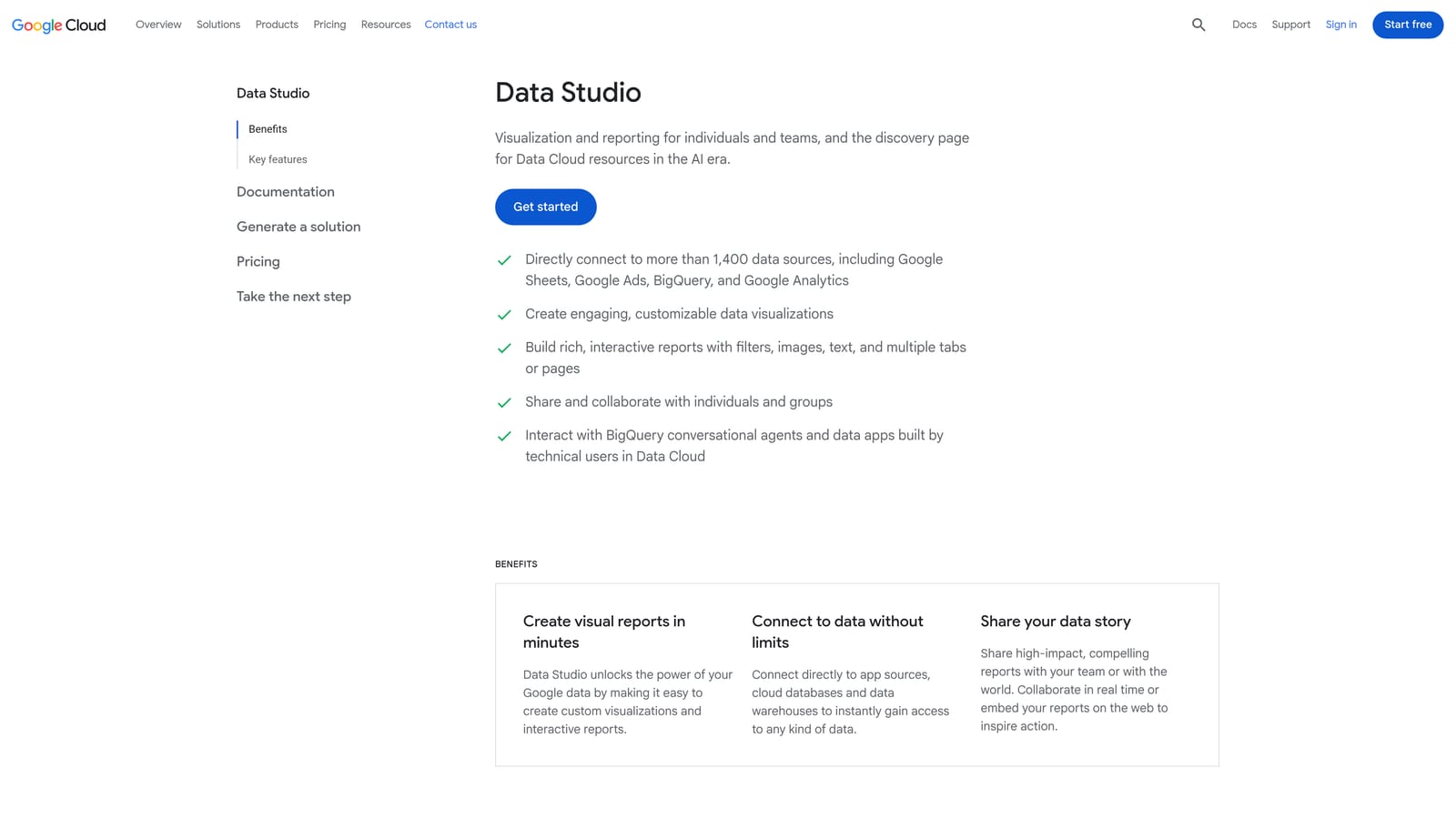
It stands out for free, highly customizable visual reporting. You control the layout and metrics instead of accepting a fixed report format.
- A Google Ads connector, so campaign data flows into your dashboards.
- Custom dashboards that show exactly the metrics your stakeholders care about.
- Scheduled email delivery, so reports arrive without manual sends.
- Report templates to speed up new builds.
It also works with Google Analytics, Google Sheets, and BigQuery. Expect real setup time: designing a clear dashboard takes effort, and someone has to maintain it as needs change. A marketer or analyst usually owns it.
It shows data but can't act on it, so it won't pause a campaign or add a negative keyword. Some connectors for other data sources are paid.
Pricing: free, with some paid connectors (as of November 2026).
Best for: Marketers wanting free custom dashboards.
Matching Tools to the Workflow Stage
These tools aren't interchangeable, and automation doesn't mean hands-off. Scripts and rules only do what you configure, so you still decide what counts as waste. Most teams end up combining two or three tools.
- Search term cleanup: Keywordme, since it works inside the Search Terms Report and handles negatives, new keywords, and match types.
- Rules and alerts: Automated Rules for simple thresholds, Google Ads Scripts if you can code and want custom logic.
- Agency auditing: Optmyzr for a broad suite across many accounts, Adalysis for audits and ad testing.
- Reporting: Swydo for white-label client reports, Looker Studio for free custom dashboards.
- Cross-app automation: Zapier for routing leads and alerts into your other systems.
Google Ads Editor fits in alongside any of these whenever you need large structural changes. A practical freelancer stack might be Keywordme, Automated Rules, and Looker Studio. An agency might add Optmyzr or Swydo on top.
Search term review is usually the most repetitive chore, so it's a sensible place to start. Optimize Google Ads Campaigns 10X Faster. Without Leaving Your Account. Keywordme lets you remove junk search terms, build high-intent keyword lists, and apply match types instantly, right inside Google Ads. No spreadsheets, no switching tabs, just quick, seamless optimization. Start your free 7-day trial (then just $12/month) and take your Google Ads game to the next level.
