
8 Best PPC Tools with Team Collaboration
This guide reviews 8 PPC tools with team collaboration features, comparing shared logins, permissions, task routing, and agency dashboards so teams can pick the right fit for their size and workflow.


When PPC work gets split across several people, whether that's an in-house team or an agency roster of client accounts, the collaboration problems show up fast: one person's negative keyword list lives in a spreadsheet nobody else opens, another person is logged into a shared Google Ads password nobody rotates, and reporting means copying numbers into a deck every Friday. The tools below were picked because they solve real collaboration problems, whether that's shared logins with proper permissions, task routing across a team, or agency dashboards that make managing many accounts less chaotic. They range from a free built-in option to enterprise platforms, so match the pick to your team's actual size and workflow rather than its feature count.
Quick Comparison
- Keywordme: best for agencies and freelancers who want in-Google-Ads search term cleanup; starts at $12/month per user; the only tool here that works entirely inside the native Search Terms Report.
- Optmyzr: best for agencies wanting automated optimization rules across many accounts; quote-based pricing; its rule engine standardizes decisions so no team member has to remember every optimization step.
- Adalysis: best for teams splitting account audits and ad testing across people; quote-based pricing; routes automated alerts to specific team members instead of one person checking everything.
- WordStream by LocalIQ: best for small agencies managing many smaller-budget clients; quote-based pricing; built-in client reporting templates simplify the account-to-client handoff.
- Semrush PPC Toolkit: best for teams blending SEO and PPC research; quote-based, seat-based team plans; shares keyword and competitor research across both disciplines in one workspace.
- Marin Software: best for enterprise teams with multi-channel budgets; quote-based, enterprise contracts; formal role-based approval workflows before bid or budget changes go live.
- Skai: best for large enterprise or holding-company agencies; quote-based, enterprise contracts; governance controls that keep standards consistent across many brands and accounts.
- Google Ads Native Account Access: best for small teams needing basic shared access; free; the only zero-cost option since it's built into Google Ads itself.
1. Keywordme
Keywordme is a Chrome extension that adds one-click optimization actions directly into the Google Ads Search Terms Report. It's built for solo advertisers and PPC teams who are tired of exporting search term data to spreadsheets just to decide what to add as a negative keyword or promote into its own ad group. It's worth remembering that search terms are the actual queries that triggered your ads, while keywords are the terms you bid on, and Keywordme's whole workflow is designed around cleaning up that gap between the two.
What sets it apart on this list is that nothing gets exported anywhere. Every action, from flagging junk search terms to applying match types, happens inside the report you're already looking at in Google Ads. For a team, that means less risk of someone working from an outdated spreadsheet copy and more consistency in how search terms get handled account to account.
- Clears out junk search terms with a single click, instead of manually adding each one as a negative
- Builds negative keyword lists quickly from patterns in the search terms report
- Applies match types instantly to new keywords without a separate edit screen
- Groups related search terms through keyword clustering, useful for spotting new ad group opportunities
- Supports bulk editing so a team member can process large accounts in fewer passes
- Includes multi-account and team support for agencies juggling several client accounts
Setup is just installing the Chrome extension and connecting it to your Google Ads account, so there's no onboarding project or admin console to configure. It's meant to be run by whoever is already doing the day-to-day search term review, not a dedicated account admin.
It's not a full account management or reporting platform. There's no budget approval chain, no cross-channel dashboard, and no client-facing report builder, so if your bottleneck is stakeholder sign-off rather than search term cleanup, this isn't the tool for that job on its own.
Pricing is a flat $12/month per user, with a 7-day free trial (confirm current terms on the Keywordme site, since SaaS pricing shifts over time). That per-seat model keeps costs predictable for agencies adding team members incrementally.
Best for: Agencies and freelancers who want fast, in-interface search term cleanup with affordable per-seat team access.
2. Optmyzr
Optmyzr is a PPC management platform built around rule-based automation and agency dashboards for managing optimization across many accounts at once. It's aimed squarely at agencies and in-house teams managing enough accounts that manual, person-by-person optimization stops scaling.
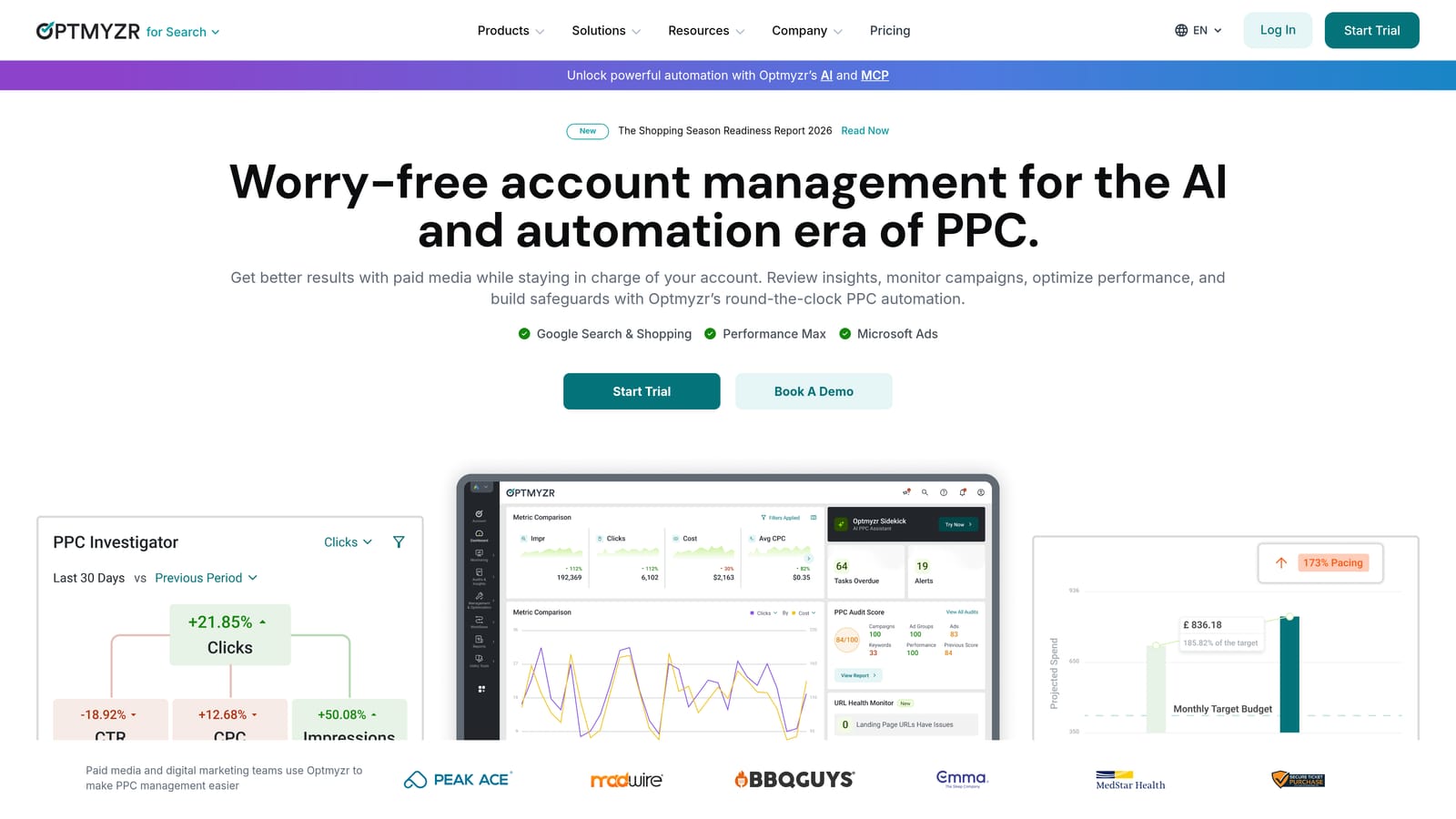
The standout here is the custom rule engine. Instead of each team member deciding independently when to pause a keyword or adjust a bid, an agency can build a rule once and apply it across every account it manages, which keeps optimization consistent even as team members change.
- Lets you build custom rules that automatically trigger bid and budget actions based on performance conditions you set
- Gives agencies white-label dashboards so client-facing views can carry the agency's own branding
- Rolls up cross-account reporting so managers can review performance without opening each account individually
- Includes budget pacing tools that flag accounts at risk of overspending or underspending mid-month
It connects with Google Ads and Microsoft Advertising, and setup generally involves an onboarding period to configure rules and dashboards correctly, which is typically handled by a senior PPC manager rather than a junior team member. Once rules are in place, day-to-day monitoring can be spread across the team.
The platform's depth and pricing structure are built for agencies managing a meaningful number of accounts, so a solo advertiser running one or two campaigns will likely find it more tool than they need, both in complexity and cost.
Pricing is quote-based and tiered by the number of accounts managed, so check current tiers directly on the Optmyzr site.
Best for: Agencies wanting consistent, automated optimization rules applied across a large roster of client accounts.
3. Adalysis
Account auditing tends to fall on whoever has time that week, which is exactly the gap Adalysis is built to close. It automatically audits accounts for common PPC issues and runs ad testing with statistical significance tracking, then distributes what it finds as alerts across a team.
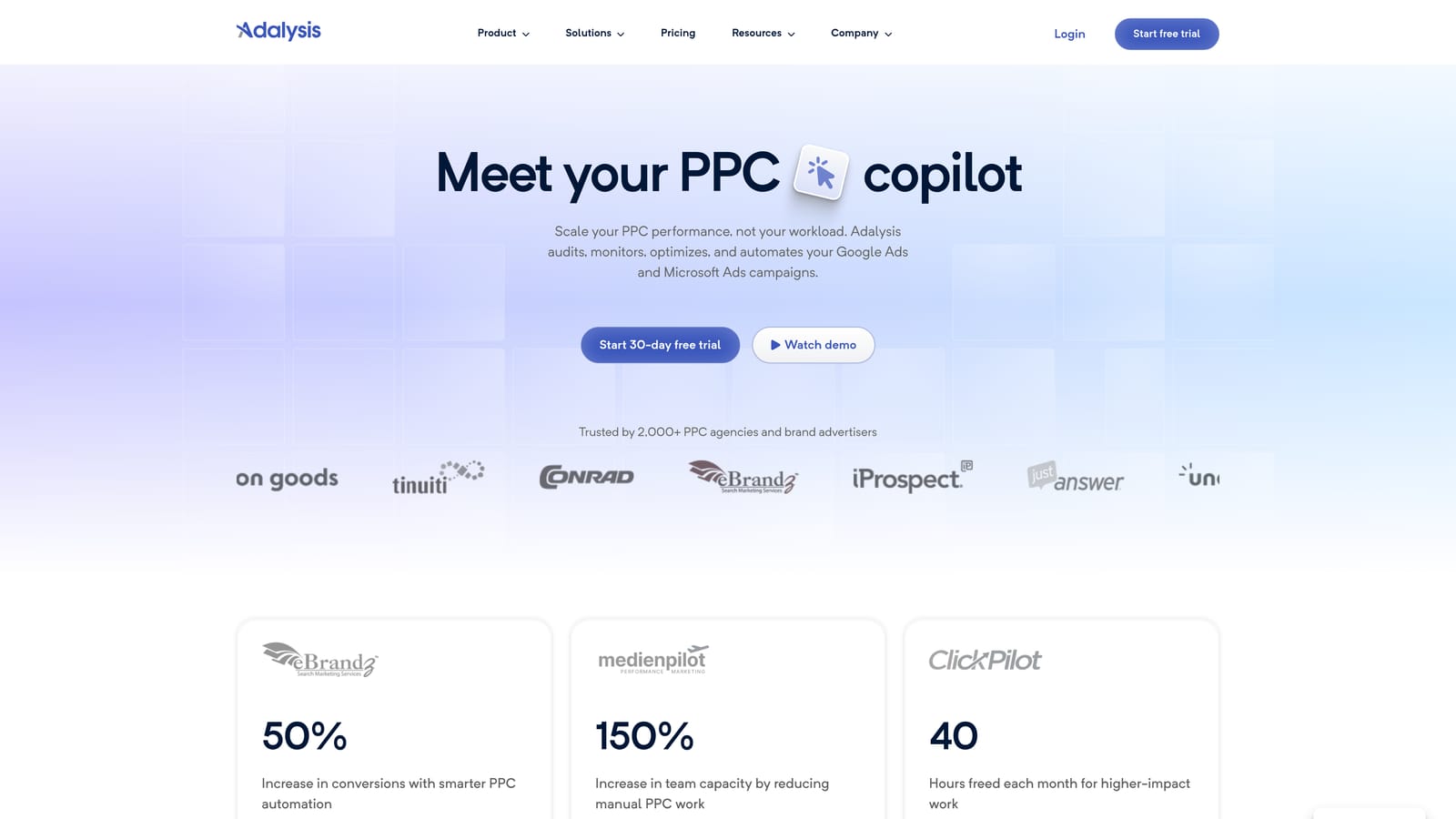
Compared with the other tools here, Adalysis leans hardest into ongoing account health monitoring rather than campaign building or keyword discovery. That focus makes it useful specifically for teams that want audits and QA work spread out instead of concentrated in one person's inbox.
- Runs automated account audits that flag issues like disapproved ads, low Quality Scores, or wasted spend patterns
- Tracks ad testing results with statistical significance, so decisions aren't based on gut feel about which ad variant is winning
- Monitors Quality Score trends over time to catch declines before they hurt cost per click
- Distributes tasks and alerts to specific team members, so monitoring responsibility doesn't sit with one person
Setup and day-to-day use
Adalysis connects to Google Ads and Microsoft Advertising accounts, and most teams get it running within a short setup window since it's largely audit-driven rather than requiring extensive rule configuration. Day-to-day, it tends to be used by whoever owns account QA, whether that's a dedicated analyst or a rotating team member.
It's not built as a keyword research or campaign-building tool, so teams looking for that kind of workflow support will need something else alongside it.
Pricing is quote-based, typically scaled to the ad spend under management, so get a current quote from Adalysis directly.
Best for: Teams that want ongoing account health checks and ad testing assigned across multiple people.
4. WordStream by LocalIQ
WordStream by LocalIQ is built for agencies, particularly smaller shops managing a roster of SMB clients, who need one dashboard for handling multiple accounts without a heavy enterprise setup.

Where it stands out on this list is client reporting. Its templates are built specifically to simplify the handoff between the person managing an account day-to-day and the person presenting results to the client, which matters a lot at agencies where those aren't the same person.
- Consolidates multiple client accounts into a single agency dashboard for easier day-to-day management
- Provides client-facing reporting templates that reduce time spent building decks manually
- Suggests keywords to help account managers find new opportunities without separate research tools
- Sends alerts on account performance issues so problems get caught before a client notices
It integrates with Google Ads, Microsoft Advertising, and Facebook Ads, covering the main channels most SMB-focused agencies run. Setup is generally straightforward, and it's typically run by account managers rather than a dedicated platform administrator.
The tradeoff is depth. It's designed around SMB-scale agency workflows, so larger teams juggling complex, multi-channel budgets may find it thinner than platforms built for enterprise scale, like Marin or Skai further down this list.
Pricing is quote-based, so contact WordStream directly for current plans.
Best for: Small agencies managing many smaller-budget clients who need simple reporting handoffs.
5. Semrush PPC Toolkit
Semrush is best known as an SEO platform, but its PPC Toolkit is built to let advertising and SEO staff share the same competitive and keyword data, rather than each team researching from scratch in separate tools.
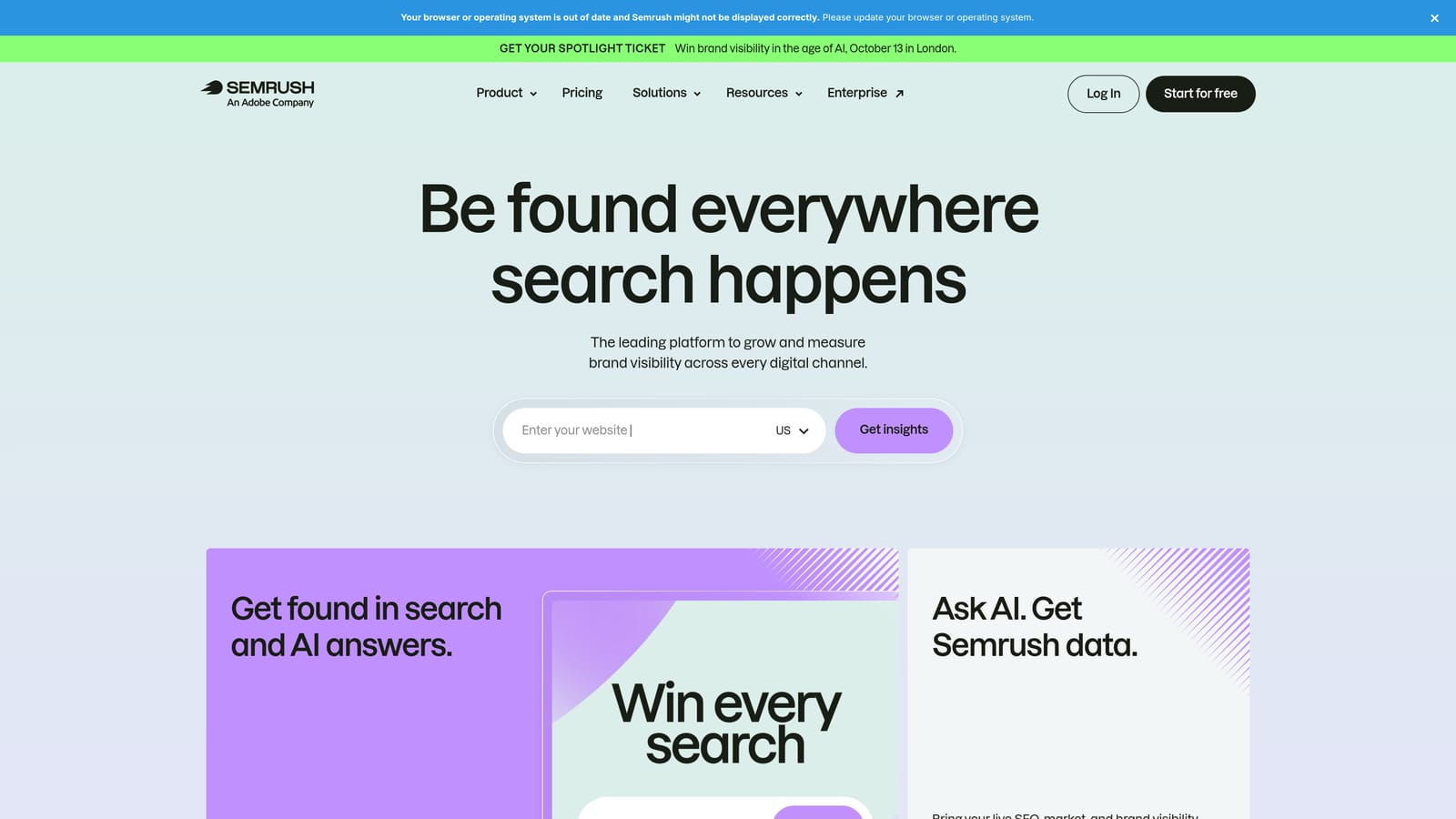
That shared workspace is the real differentiator here. If your PPC and SEO functions sit close together, or the same person handles both, Semrush avoids the duplicated effort of researching the same competitors and keywords twice in two different platforms.
- Gives teams shared projects for keyword and competitor research that both PPC and SEO staff can draw from
- Analyzes competitor ad copy and landing pages to inform your own creative and testing decisions
- Manages team users and seats so multiple people can work within the same account structure
- Lets PPC and SEO teams reuse the same underlying data instead of maintaining separate keyword lists
It connects with Google Ads and Google Analytics for pulling in performance and traffic context. Setup is mostly account and seat configuration, and it's typically used day-to-day by whoever owns keyword or competitive research, which in many teams spans both the PPC and SEO functions.
It's important to be clear about what it isn't: Semrush's PPC Toolkit is a research and reporting tool, not a live account optimization or automation platform, so it won't replace something managing actual bids or budgets in your account.
Pricing is subscription-based, with team and agency plans priced by seats. Check current tiers on the Semrush site, since plans and included features change periodically.
Best for: Teams that want PPC research and SEO collaboration living in the same platform.
6. Marin Software
Marin Software is built for large organizations that need more than shared access, they need formal approval chains before anyone's bid or budget change actually goes live. It's an enterprise advertising management platform covering search, social, and other channels under one roof.
Where it fits organizationally
The differentiator is role-based permissions paired with approval workflows. In organizations where finance, marketing leadership, and account managers all need to sign off before a budget shift happens, Marin builds that chain of custody directly into the platform rather than relying on email approvals outside the tool.
- Manages budgets across multiple channels, including search and social, from a single view
- Enforces role-based permissions so only authorized users can push certain changes live
- Routes changes through approval workflows before they take effect in the account
- Produces enterprise-level reporting suited to leadership and cross-department stakeholders
- Automates bid management according to configured strategies
It integrates with Google Ads, Microsoft Advertising, and various social ad platforms, reflecting its cross-channel design. Setup involves real onboarding, since permissions, workflows, and channel connections all need configuration before the platform reflects how your organization actually operates. It's generally administered by a platform owner or senior operations person, with day-to-day use spread across the broader team under the permission structure they've been assigned.
All of that makes it impractical for freelancers or small agencies. The pricing and setup complexity only make sense once you have multiple stakeholders and channels that genuinely need this level of governance.
Pricing is quote-based through enterprise contracts, so reach out to Marin directly for terms.
Best for: Enterprise teams managing complex, multi-channel budgets across several approval layers.
7. Skai
Skai serves large brands and holding-company agencies that need governance across many accounts and brands at once, not just one team collaborating on one account. It's a cross-channel enterprise platform spanning search, social, and retail media.
What distinguishes Skai from Marin, the other enterprise option on this list, is its emphasis on multi-brand structuring alongside governance. Large agencies running several distinct brands under one holding structure can keep standards consistent across all of them without treating each as a totally separate operation.
- Manages campaigns across search, social, and retail media from one platform
- Applies role-based access controls to keep governance consistent as teams and accounts scale
- Delivers enterprise reporting and forecasting for leadership-level visibility
- Structures multiple brands and accounts under a unified framework rather than siloed setups
Integrations extend across Google Ads, Microsoft Advertising, Amazon Ads, and social platforms, which reflects its retail media and cross-channel focus. As with Marin, implementation is a real project, typically owned by a platform administrator or agency operations lead, with broader teams working within the access levels that administrator sets up.
Cost and complexity rule this out for freelancers or agencies managing only a handful of accounts. It's built for scale that most smaller shops simply don't have yet.
Pricing is quote-based, structured as enterprise contracts, so speak with Skai's sales team for current terms.
Best for: Large enterprise or holding-company agencies needing governance across multiple brands and accounts.
8. Google Ads Native Account Access
Before paying for any collaboration tool, it's worth remembering what's already included: Google Ads has built-in user roles and permissions that let a team share access to the same account without a third-party platform or a shared password.
Its advantage over everything else on this list is simple: it costs nothing. It's a free, native feature rather than a separate subscription, which makes it the logical starting point for any team before evaluating whether they need more.
- Offers multiple access levels, including Admin, Standard, Read-only, and Email-only, so permissions can match a person's actual role
- Shows account-level activity so managers have some visibility into what changed and roughly when
- Lets an admin invite new users by email rather than sharing login credentials
Setup takes minutes: an existing account admin invites new users and assigns their access level from within Google Ads itself. There's no software to install and no admin to onboard beyond that.
The limitations are real, though. There's no task assignment, no meaningful audit trail beyond basic activity visibility, no cross-account reporting, and no automation. It's shared access, not a collaboration workflow, so as soon as a team needs to route tasks, standardize optimization, or report across multiple accounts, it will need one of the dedicated tools above alongside it. Permission structures are also subject to change, so it's worth checking Google Ads Help for the current setup before assuming exact naming or access levels.
It's free, included with any Google Ads account.
Best for: Small teams that need basic shared account access before investing in a dedicated collaboration or optimization tool.
Matching the Tool to Your Team
If your team's main pain point is search term cleanup eating up hours every week, Keywordme is the practical starting point: it's cheap per seat, works inside the Google Ads interface your team already lives in, and doesn't require a separate onboarding project. If the real bottleneck is process consistency across accounts, Optmyzr's rule engine or Adalysis's automated audits and task routing solve that more directly than a shared login ever could. Teams where SEO and PPC overlap will get more mileage from Semrush's shared research workspace, and organizations that genuinely need multi-level sign-off before budget changes go live should look at Marin or Skai, understanding those come with enterprise pricing and setup to match.
Whatever else you add, Google Ads' native account access costs nothing and covers basic shared logins, so there's little reason not to have that set up correctly regardless of what other tools you layer on top.
Optimize Google Ads campaigns 10x faster without leaving your account. Keywordme lets you remove junk search terms, build high-intent keyword lists, and apply match types instantly, right inside Google Ads. No spreadsheets, no switching tabs, just quick, seamless optimization. Start your free 7-day trial (then just $12/month) and take your Google Ads game to the next level.
.svg)