
9 Best PPC Tools with Free Trial You Can Actually Test Before Buying (2026)
This guide reviews 9 of the best PPC tools with free trial access in 2026, helping Google Ads managers test real features, from search term cleanup to bid automation, before committing to a paid plan. Each entry covers what the trial actually unlocks, who it suits best, and honest pricing so you can choose with confidence.


TL;DR: If you're managing Google Ads campaigns and want to try before you buy, there are solid PPC tools that offer free trials without the credit card gymnastics. This list covers 9 of the best PPC tools with free trials available in 2026, focused on tools that let you experience core features during the trial period, not watered-down demos. Whether you need search term cleanup, competitive intelligence, bid automation, or bulk editing, there's something here for every workflow. Each entry covers what the free trial actually gives you, who it's best for, and honest pricing.
Quick note: Keywordme is listed first because it's the tool behind this article. Every other tool earned its spot based on genuine usefulness.
1. Keywordme
Best for: Google Ads managers who want faster search term cleanup without leaving the native UI
Keywordme is a Chrome extension that plugs directly into Google Ads' Search Terms Report, letting you optimize campaigns without touching a spreadsheet or opening a third-party dashboard.

Where This Tool Shines
In most accounts I audit, the Search Terms Report is where the biggest wins hide. Junk traffic, irrelevant queries, mismatched intent—it's all sitting there, costing money. Keywordme turns what's normally a tedious export-edit-upload workflow into one-click actions you can run directly inside Google Ads.
What makes it genuinely different is the zero-friction setup. Install the extension, open your Search Terms Report, and you're already working. No API connections, no data migration, no learning curve. For agencies managing multiple accounts, the multi-account and team support means you can roll this out across your entire client roster without breaking your existing workflow.
Key Features
One-Click Negative Keyword Addition: Flag junk search terms and push them to your negative keyword lists without leaving the report.
Instant Match Type Application: Apply exact, phrase, or broad match types to new keywords directly from the Search Terms view.
Keyword Clustering: Group related search terms into logical clusters to speed up new keyword list building.
Bulk Editing: Handle multiple search terms at once instead of processing them one by one.
Multi-Account and Team Support: Designed for agencies managing several clients, with shared access and team-level controls.
Best For
Freelancers and agency owners who spend significant time inside the Search Terms Report every week. Also a strong fit for solo advertisers who want to cut wasted spend faster without investing in a full PPC platform. If your current process involves exporting CSVs and editing them offline, this tool will immediately change your workflow.
Pricing
Flat rate of $12/month per user. 7-day free trial available. Verify current trial terms (including whether a credit card is required) on the Keywordme website before signing up.
2. WordStream Advisor
Best for: Small to mid-size advertisers who want guided weekly optimization across Google Ads and Microsoft Ads
WordStream Advisor is a guided PPC management platform that walks you through weekly optimization tasks with automated alerts and structured recommendations.

Where This Tool Shines
WordStream built its reputation on the "20-minute work week" concept: a curated queue of optimization tasks you work through in a single focused session. For advertisers who don't have time to dig deep into their accounts every day, this guided approach keeps campaigns moving without requiring constant attention.
The performance alerts are genuinely useful. Instead of manually checking for budget pacing issues or quality score drops, WordStream flags them proactively. It covers both Google Ads and Microsoft Ads, which makes it practical for advertisers running campaigns on both networks from one interface.
Key Features
20-Minute Work Week Workflow: A prioritized task queue that surfaces the most impactful optimizations for your account each week.
Automated Performance Alerts: Proactive notifications when something in your account needs attention.
Google Ads and Microsoft Ads Support: Manage both networks without switching between platforms.
Keyword Research and Negative Keyword Tools: Built-in research features to expand and refine your keyword strategy.
Industry Benchmarking: Reporting that compares your account performance against industry averages.
Best For
Small business owners and in-house marketers who manage their own paid search without a dedicated PPC team. Also useful for agencies looking for a structured optimization framework to standardize across client accounts. If you want a step-by-step system rather than a blank canvas, WordStream's guided approach suits that need well.
Pricing
Quote-based pricing. Verify current rates and trial length directly on wordstream.com before committing. If you're evaluating WordStream as an alternative to your current tool, this WordStream alternative comparison is worth a read.
3. SEMrush Advertising Toolkit
Best for: Competitive research and keyword intelligence before launching or scaling campaigns
SEMrush's Advertising Toolkit is a research-focused suite within the broader SEMrush platform, giving you deep visibility into competitor ad strategies, keyword gaps, and CPC data by geography.

Where This Tool Shines
SEMrush is not a campaign management tool. What it does exceptionally well is competitive intelligence. You can pull a competitor's domain and see which keywords they're bidding on, what their ad copy looks like, how their spend has trended over time, and where their strategy has gaps you can exploit. For new client onboarding at agencies, this kind of research can shortcut weeks of trial-and-error.
The combined SEO and PPC data in one platform is a real advantage. If you're running integrated search strategies, having organic and paid keyword data side by side makes it easier to find opportunities and avoid cannibalization.
Key Features
Competitor Ad Copy and Keyword Research: See exactly what keywords competitors are targeting and what creative they're running.
Keyword Gap Analysis: Identify keywords your competitors rank for that you're missing entirely.
CPC and Traffic Volume Estimates: Geo-specific cost and volume data to inform budget planning.
Ad History and Spend Trend Data: Track how competitor strategies have evolved over time.
Combined SEO and PPC Data: Cross-channel keyword insights in a single interface.
Best For
Agencies doing competitive research for new clients, and in-house marketers who want to benchmark their PPC strategy against industry competitors. Less useful if you need hands-on campaign management or bid automation.
Pricing
Pro plan starts around $139.95/month (verify current pricing on semrush.com). A free account with limited daily searches is available. A 7-day free trial on paid plans has been offered historically; verify current trial availability before signing up.
4. SpyFu
Best for: Reverse-engineering competitor Google Ads strategies with historical keyword data
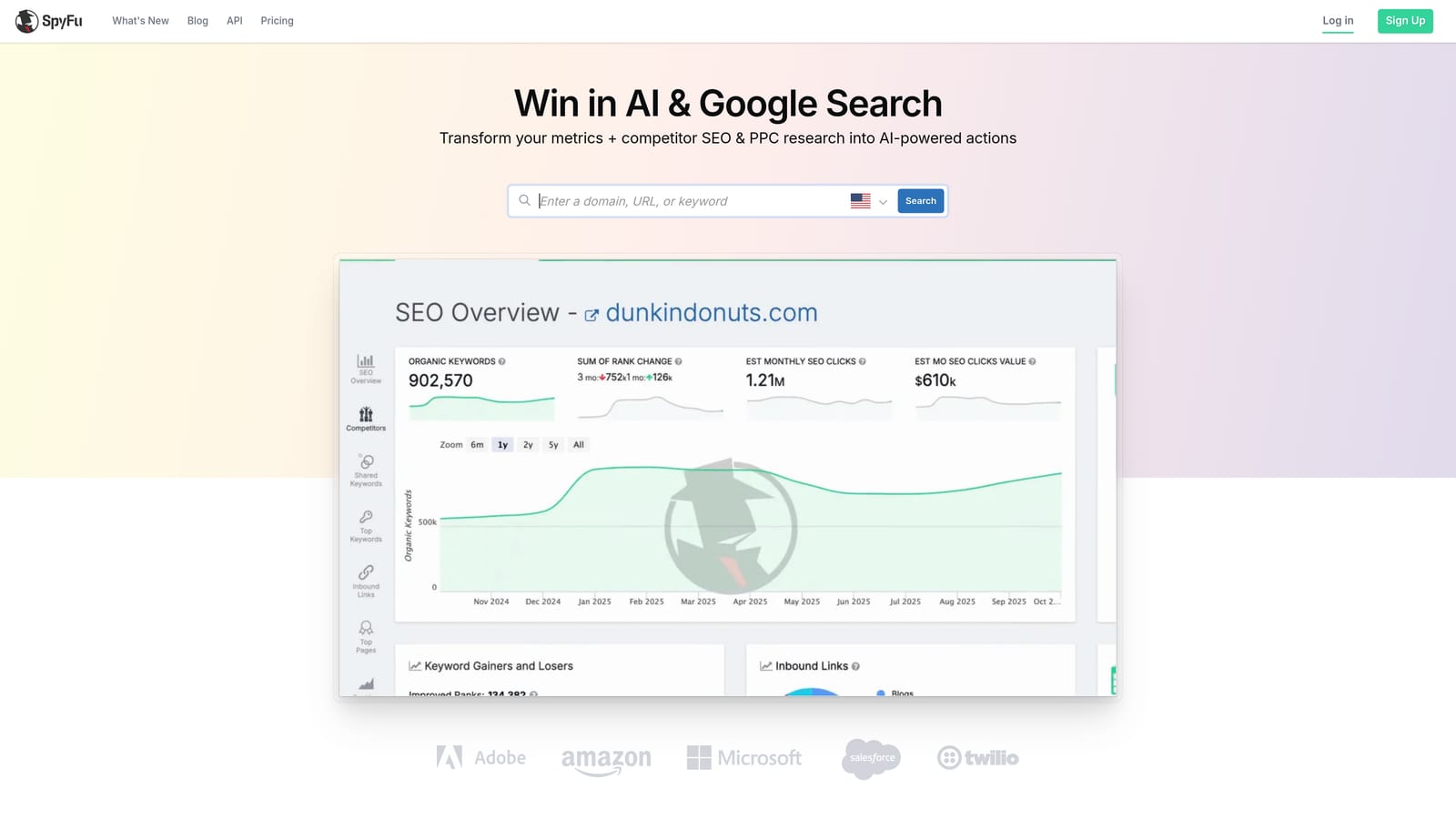
SpyFu is a competitive intelligence tool built specifically for uncovering what your competitors are doing in paid and organic search, including years of historical ad data.
Where This Tool Shines
SpyFu's historical data depth is what separates it from similar tools. You can look at a competitor's keyword history going back multiple years, which tells you not just what they're bidding on today but which keywords they've consistently invested in over time. That kind of persistence is a signal of profitability.
The mistake most agencies make when onboarding a new client is starting keyword research from scratch. SpyFu lets you skip that phase by showing you what's already working in the market. Pull the top three competitors, look at their keyword overlap, identify the gaps, and you've got a starting framework in under an hour.
Key Features
Multi-Year Competitor Keyword History: See which keywords competitors have consistently targeted over time.
Estimated Ad Spend and Top Keywords: Domain-level estimates of competitor PPC investment and keyword prioritization.
Ad Copy History and Variation Tracking: View how competitor ad creative has evolved across campaigns.
Keyword Overlap and Gap Reports: Identify shared keywords and opportunities your competitors are capturing that you're not.
Domain-Level PPC Performance Estimates: High-level view of any domain's paid search footprint.
Best For
Agencies doing new client research and competitive analysis. Also useful for advertisers entering a new market who want to understand what's already working before spending budget. SpyFu does not manage campaigns directly; it's purely a research and intelligence tool.
Pricing
Free version available with limited data access. Paid plans available; verify current pricing on spyfu.com. The free version gives you enough to evaluate whether the data quality meets your needs before upgrading.
5. Optmyzr
Best for: Agencies and power users managing large accounts who need automation without losing control
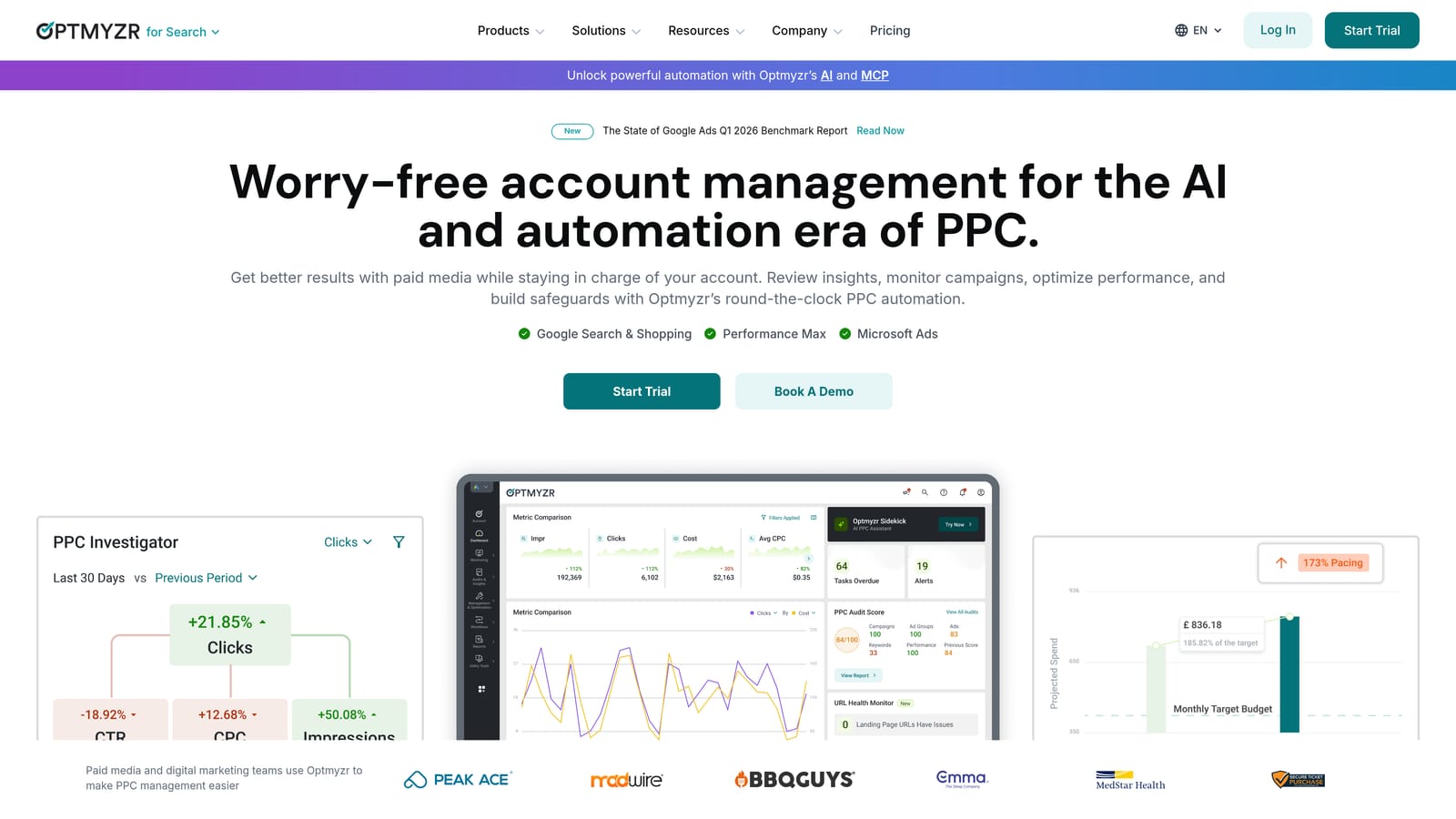
Optmyzr is an advanced PPC management platform built for teams that have outgrown manual optimization and need structured automation with full visibility into what the system is doing.
Where This Tool Shines
What usually happens with automation tools is that advertisers either trust them too much or not at all. Optmyzr sits in a smart middle ground. Its one-click optimizations come with a full audit trail, so you can see exactly what changed, why, and what the outcome was. That transparency is critical when you're managing client money.
The custom rule-based scripts are a standout feature for agencies that have specific optimization logic they want to automate without hiring a developer. You define the rules, Optmyzr executes them at scale across multiple accounts. Combined with multi-channel support across Google, Microsoft, Amazon, and Meta, it's a genuinely powerful platform for high-volume operations.
Key Features
One-Click Optimizations with Audit Trail: Apply recommendations with full visibility into every change made.
Automated Bid Adjustments and Budget Pacing: Rule-based bidding that responds to performance signals without constant manual intervention.
Custom Rule-Based Scripts: Build automation logic without writing code.
Multi-Channel Support: Google Ads, Microsoft Ads, Amazon Ads, and Meta Ads in one platform.
Agency-Grade Reporting and Client Dashboards: White-label reporting tools built for client-facing workflows.
Best For
Agencies managing multiple large accounts who need automation at scale. Also strong for in-house PPC managers running complex campaigns across multiple channels. Less suited for small advertisers with limited budgets who don't need this level of sophistication.
Pricing
Pricing scales with managed ad spend; verify current tiers on optmyzr.com. Free trial has historically been 14 days. Confirm current trial terms before signing up.
6. Google Ads Editor
Best for: Bulk offline campaign editing without any subscription cost
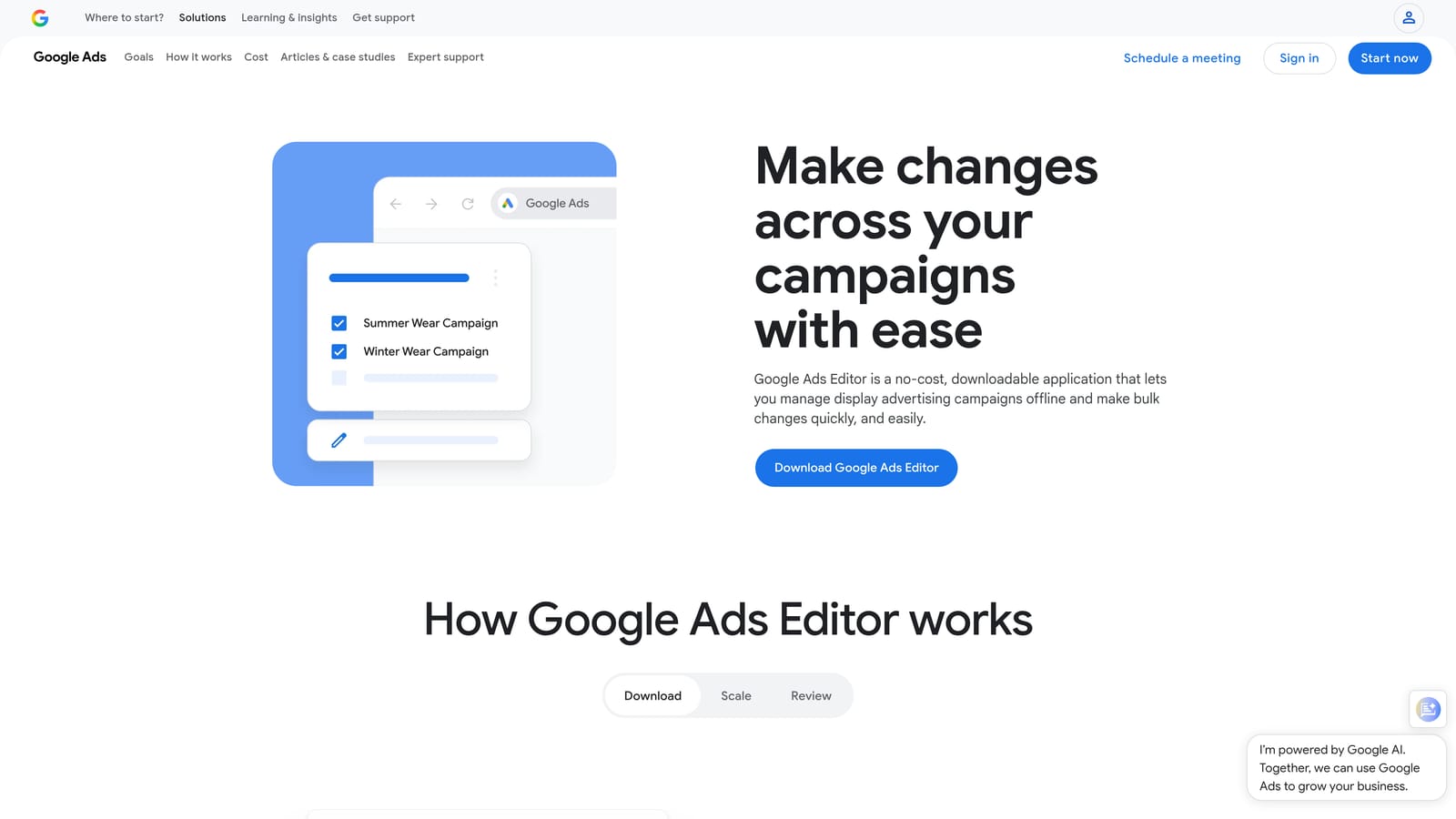
Google Ads Editor is Google's free desktop application for bulk campaign management. It's permanently free with no paid tier or trial period needed.
Where This Tool Shines
Google Ads Editor is not technically a "free trial" tool because it's just free, full stop. It earns its place on this list because it's a legitimate PPC tool that a surprising number of advertisers either don't know about or underutilize. If you're managing campaigns at any meaningful scale and you're not using it, you're doing more work than necessary.
The offline editing capability is where it really delivers. You can make bulk changes to campaigns, ad groups, keywords, and ad copy without an internet connection, then sync everything when you're ready. The find-and-replace function across ad copy is particularly useful when you need to update messaging across hundreds of ads simultaneously.
Key Features
Bulk Offline Editing: Make large-scale changes without an active internet connection.
Copy/Paste Between Campaigns: Duplicate campaign structures, ad groups, and keyword lists instantly.
Find-and-Replace Across Ad Copy: Update messaging at scale without editing ads individually.
CSV Import/Export: Move large data sets in and out of your account efficiently.
Multi-Account Support: Manage multiple Google Ads accounts from one desktop interface.
Best For
Any Google Ads manager handling bulk campaign changes, restructuring accounts, or duplicating campaign structures across clients. Not a replacement for automation or analytics tools; purely a bulk editing interface with no AI or bidding features.
Pricing
Completely free. No subscription, no trial period, no paid upgrade path. Just download and use.
7. Adalysis
Best for: PPC managers who run structured ad copy testing and want automated quality score monitoring
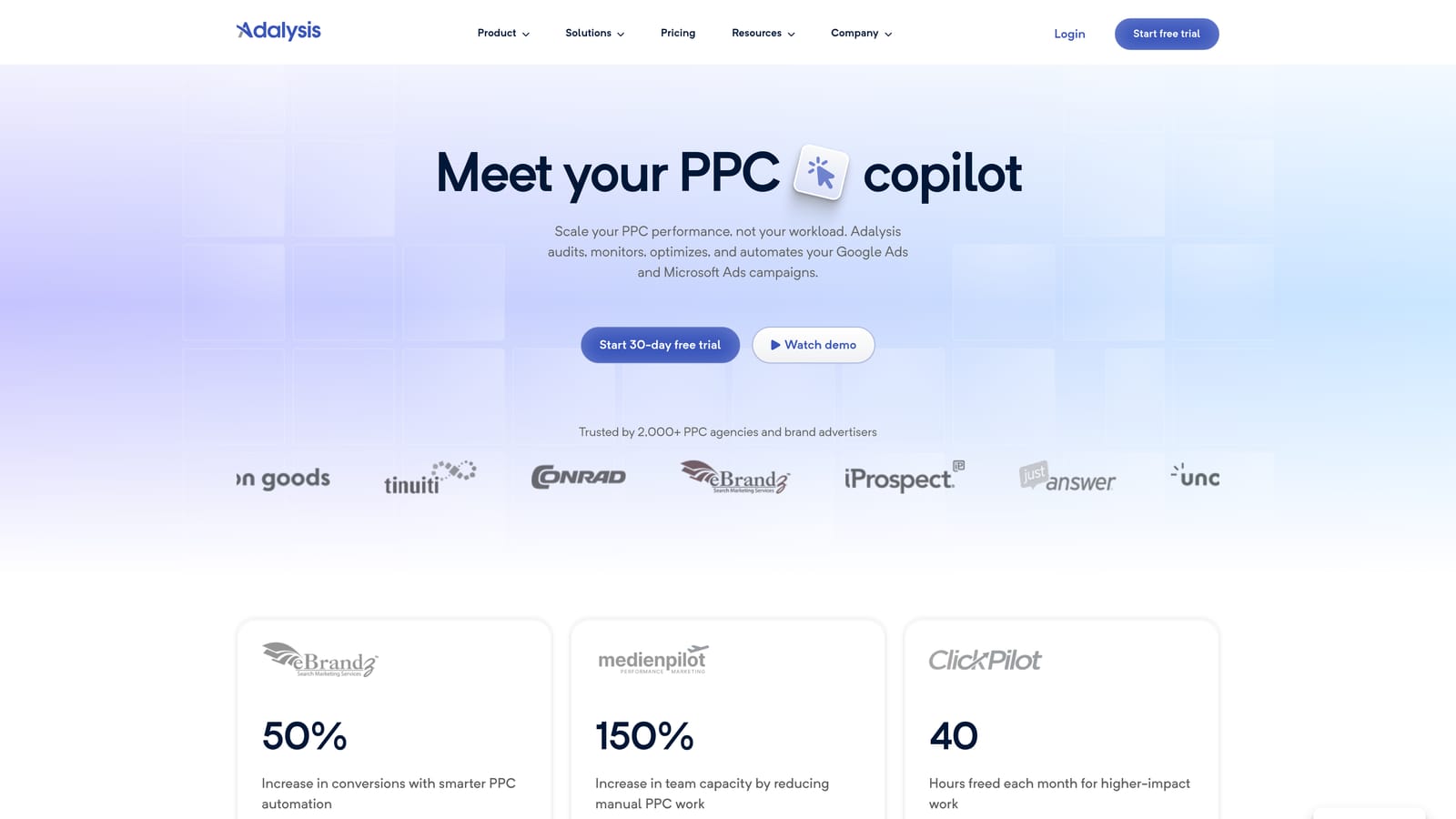
Adalysis is a PPC testing and diagnostics platform focused on ad copy experimentation, quality score tracking, and account health monitoring for Google Ads.
Where This Tool Shines
Most PPC managers know they should be testing ad copy systematically. In practice, most aren't, because setting up proper A/B tests with statistical significance tracking is tedious to do manually. Adalysis automates that entire process: it runs the tests, monitors the results, and alerts you when a winner has reached statistical significance so you're not making decisions on insufficient data.
The quality score monitoring is another feature that's more valuable than it sounds. Quality score issues compound over time and quietly drain your budget. Adalysis tracks trends and flags deterioration early, which gives you a chance to address root causes before they affect your CPCs at scale.
Key Features
Automated A/B Ad Testing: Runs structured tests and alerts you when results reach statistical significance.
Quality Score Monitoring and Trend Alerts: Tracks quality score changes over time and flags issues before they escalate.
Account Health Diagnostics: Surfaces structural issues and optimization opportunities across your account.
Ad Rotation Analysis: Identifies underperforming ads and recommends rotation adjustments.
Bulk Ad Creation and Management: Build and manage large volumes of ads without repetitive manual work.
Best For
PPC managers who run structured creative testing programs and want data-driven decisions on ad copy. Also a strong fit for agencies that need to monitor quality score health across multiple client accounts simultaneously.
Pricing
Pricing based on number of ads or accounts managed; verify current pricing on adalysis.com. Free trial available; confirm current trial length and terms before signing up.
8. Helium 10 Ads
Best for: Amazon sellers managing Sponsored Products campaigns who need keyword research and bid automation in one place
Helium 10 Ads is the PPC management module within the broader Helium 10 platform, covering Amazon keyword research, bid automation, and ACOS optimization for Amazon advertisers.
Where This Tool Shines
This one's specifically for Amazon PPC, not Google Ads. It earns its place here because many freelancers and agency owners manage both Google and Amazon campaigns, and the tool landscape for Amazon PPC is meaningfully different. Helium 10 is one of the most established platforms in that space.
The keyword research data is pulled directly from Amazon's network, which gives you search volume and competition signals that are native to the platform rather than estimated from third-party sources. Combined with bid automation for Sponsored Products and built-in ACOS tracking, it covers the core workflow for Amazon PPC management without needing multiple tools.
Key Features
Amazon Keyword Research: Search volume and competition data sourced from Amazon's own network.
Automated Bid Management: Rule-based bid adjustments for Sponsored Products campaigns.
ACOS and TACOS Tracking: Monitor advertising cost of sale metrics at the campaign and account level.
Search Term Reports and Negative Keyword Management: Identify and suppress irrelevant traffic on Amazon campaigns.
Campaign Structure Recommendations: Guidance on organizing campaigns for better performance and visibility.
Best For
Amazon sellers and agencies with Amazon PPC clients who need a dedicated platform for Sponsored Products optimization. Not relevant for Google Ads management; this is Amazon-only.
Pricing
Free plan available with limited features. Paid plans vary; verify current pricing on helium10.com. The free plan gives you enough access to evaluate the keyword research quality before committing to a paid tier.
9. Microsoft Advertising Intelligence
Best for: Microsoft Ads users who want keyword volume and bid estimate data directly in Excel
Microsoft Advertising Intelligence is a free Excel add-in that pulls keyword data, competition metrics, and bid estimates directly from the Microsoft Ads network.
Where This Tool Shines
Think of it as Google Ads Keyword Planner but for the Microsoft/Bing network, and it lives inside Excel. If you're already running Microsoft Ads campaigns, this tool gives you native keyword data without any additional subscription or platform to manage.
The Excel integration is genuinely practical for advertisers who build keyword lists in spreadsheets. You can pull volume and bid estimates, filter and sort within Excel, and build your keyword strategy without exporting data from a separate dashboard. It's not flashy, but it's free and it does the job cleanly for Microsoft Ads keyword planning.
Key Features
Keyword Volume and Competition Data: Native Microsoft Ads data pulled directly into Excel.
Bid Estimate Forecasting: Projected bid ranges by geography and device type.
Keyword Suggestion and Expansion Tools: Surface related keyword ideas from the Microsoft Ads network.
Direct Excel Integration: No separate dashboard; everything works inside your existing spreadsheet workflow.
Free Access for Microsoft Ads Account Holders: No subscription required if you already have a Microsoft Ads account.
Best For
Advertisers actively running Microsoft Ads campaigns who want to do keyword research and planning without leaving Excel. Also useful for agencies that want to supplement Google Ads keyword data with Microsoft Ads volume benchmarks.
Pricing
Completely free. Requires an active Microsoft Ads account. No paid tier or upgrade path.
Which Tool Is Right for Your Workflow?
Here's a quick breakdown by use case to help you cut through the options.
For Google Ads search term cleanup and negative keyword management: Start with Keywordme. It's the fastest way to reduce wasted spend directly inside your Search Terms Report, and the 7-day trial gives you enough time to see real results on live campaigns.
For competitive research and keyword intelligence: SEMrush or SpyFu, depending on your budget. SpyFu's free tier gives you a meaningful taste of the data. SEMrush is the better choice if you're running integrated SEO and PPC strategies.
For guided optimization with minimal setup: WordStream Advisor is worth trialing if you want a structured workflow and don't have time to build your own optimization system from scratch.
For agency-scale automation across multiple channels: Optmyzr is the most capable option on this list for teams managing large accounts across Google, Microsoft, Amazon, and Meta.
For ad copy testing and quality score monitoring: Adalysis fills a specific gap that most general PPC platforms don't address well.
For bulk editing without any cost: Google Ads Editor and Microsoft Advertising Intelligence are both permanently free and worth having in your toolkit regardless of what else you're using.
If you're managing Google Ads and want to see immediate impact during a free trial, Keywordme is the most frictionless place to start. There's no setup, no data migration, and no learning curve. You install the extension, open your Search Terms Report, and start cleaning up your account in minutes.
Start your free 7-day trial and see how much faster your Google Ads optimization gets when you stop fighting with spreadsheets and start working directly inside the platform you're already using.
.svg)