
9 Best PPC Tools vs Manual Optimization: What to Automate in Google Ads in 2026
A practical guide to ppc tools vs manual optimization.


Most Google Ads accounts run on a mix of hand work and automation, and the real question is which jobs belong in which bucket. This list is for freelancers, in-house marketers, and agency owners who want to stop doing repetitive tasks by hand without handing over decisions that need a human. Each tool is judged by the manual task it replaces, how much control you keep, and what it costs.
Quick Comparison of the Tools
- Keywordme: freelancers and agencies reviewing search terms often; $12/month per user; works inside the native Search Terms Report, so no spreadsheet is needed.
- Google Ads Scripts: technical advertisers; free; unlimited custom logic if you can write JavaScript.
- Google Ads Automated Rules: simple scheduled changes on one account; free; no-code rules with zero setup.
- Optmyzr: agencies with many accounts; see website for pricing; a broad cross-account optimization toolkit.
- Google Ads Editor: large structural edits and account builds; free; offline bulk editing with review before upload.
- Adalysis: teams wanting systematic audits; see website for pricing; prioritized audit alerts in place of manual checkups.
- Google Ads Smart Bidding and Performance Max: accounts with solid conversion data; no tool fee, you pay ad spend; platform-level bidding automation using Google's signals.
- Looker Studio: recurring client reporting; free; live dashboards instead of manual exports.
- Google Sheets: low-volume accounts and one-off analysis; free; fully customizable manual analysis.
1. Keywordme
Keywordme is our own product, so here is the honest version. It's a Chrome extension that adds one-click actions to the Search Terms Report inside Google Ads. It's built for advertisers who review search terms (what people actually typed) and need to turn them into keywords (what you bid on) or negative keywords (what you block) without exporting anything.
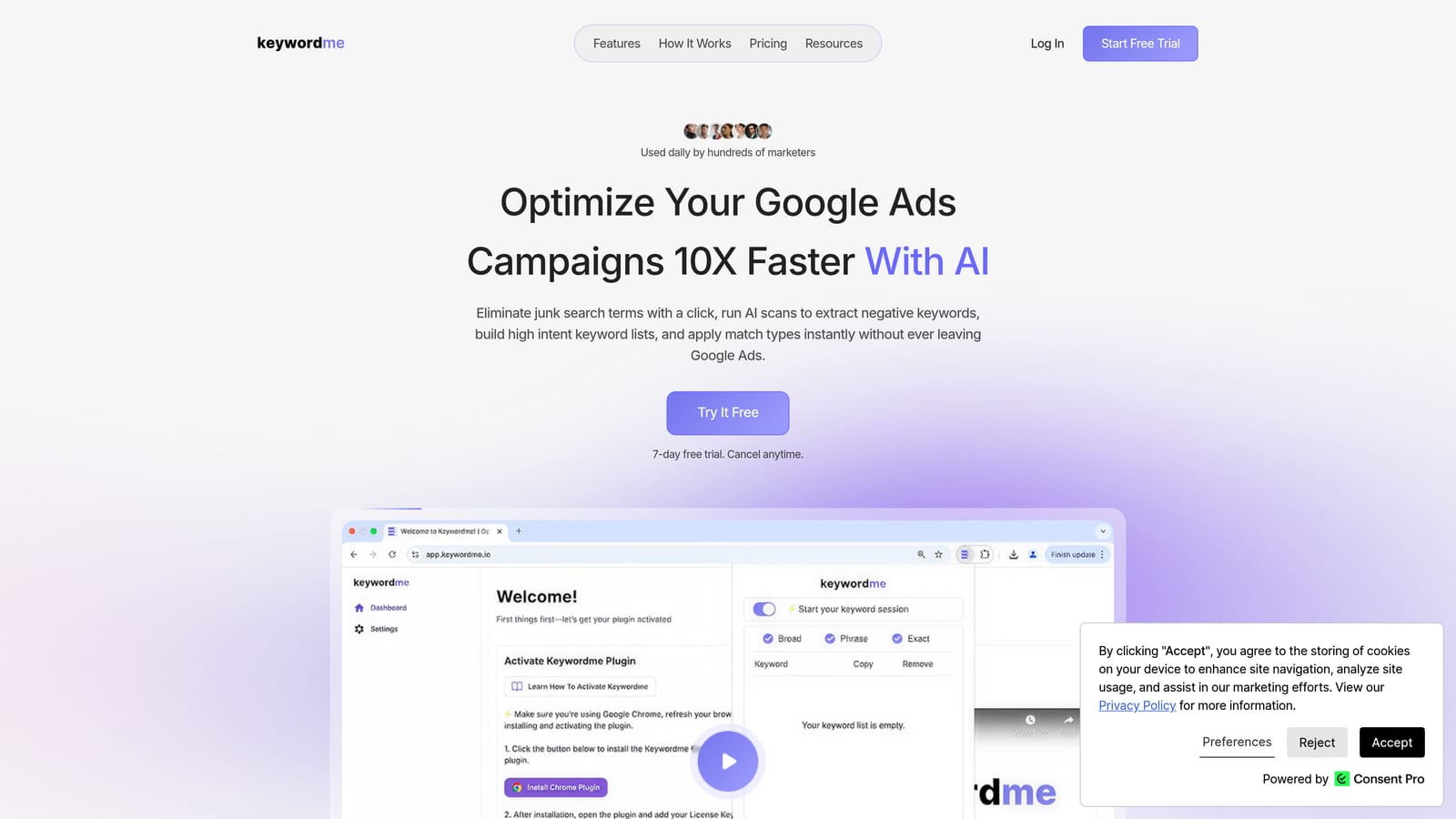
Its edge over everything else on this list is location. You stay in the native Google Ads interface, so cleanup needs no spreadsheet and no separate dashboard. The company says it can make optimization up to 10x faster; that's Keywordme's own claim, and your results will depend on how much search term work you do.
- Add keywords and negative keywords straight from the Search Terms Report, so a review pass becomes a series of clicks.
- Apply match types instantly, so you aren't typing brackets and quotation marks by hand.
- Cluster related keywords to group them into tighter lists.
- Edit in bulk when the same change applies to many rows.
- Use multi-account and team support to run the same workflow across clients.
Setup is installing the extension in Chrome and opening Google Ads. Whoever reviews search terms runs it day to day, whether that's a solo advertiser or an agency account manager.
The limits are clear. It's focused on search terms and keywords. It doesn't do bid automation, ad copy, or reporting, so you'll pair it with other tools for those. It also doesn't decide for you: you still judge which terms are junk and which are worth bidding on.
Pricing is $12/month per user with a 7-day free trial, so cost scales with seats. Verify current terms on the website.
Best for: Freelancers and agencies doing frequent search term reviews.
2. Google Ads Scripts
Google Ads Scripts lets you write JavaScript that runs inside your account on a schedule. It replaces the manual checks nobody wants to do every morning: is a budget about to run out, did spend spike, are final URLs broken. It's built for technical advertisers and agencies with someone who can code.
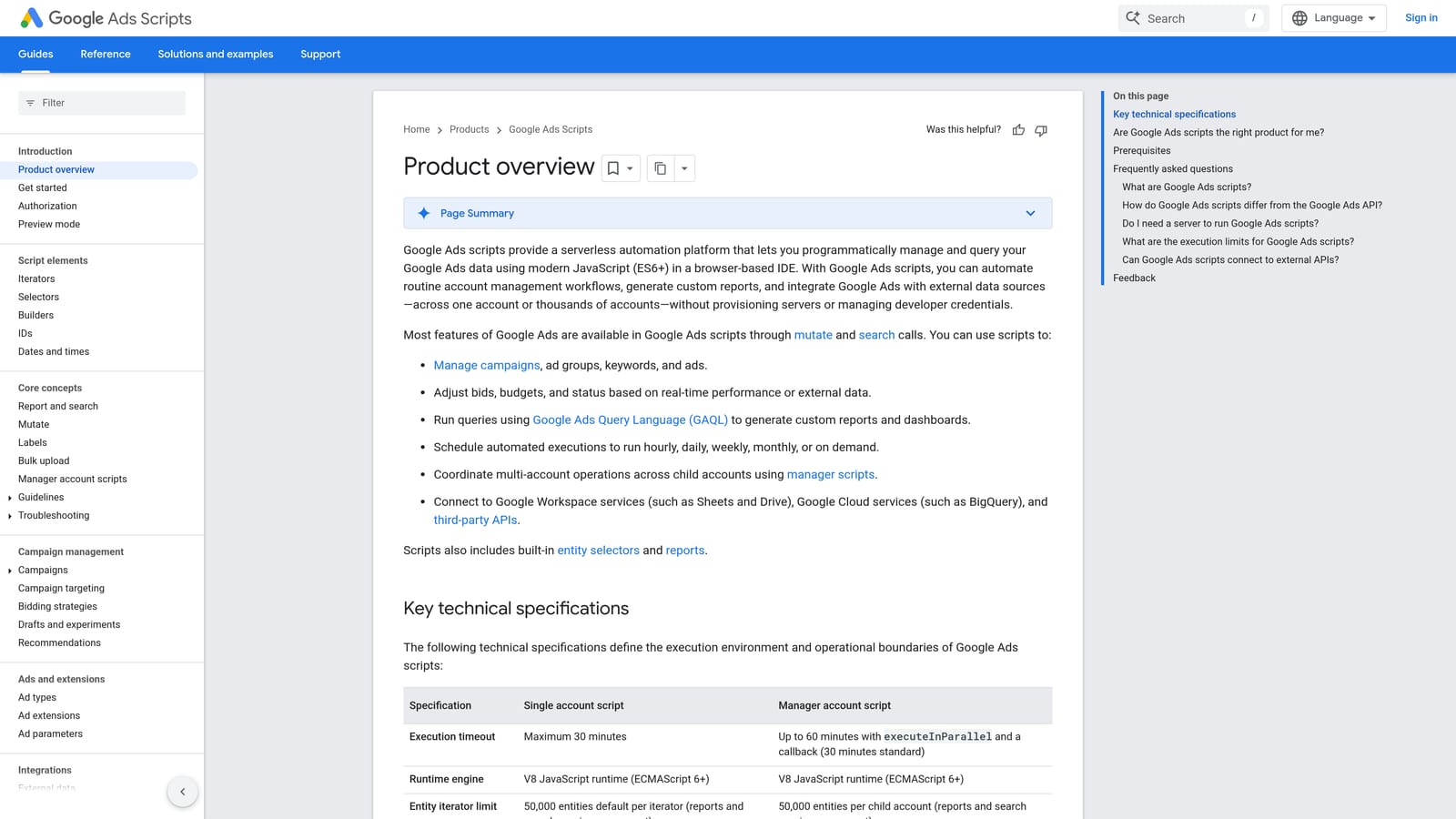
What sets it apart is freedom. Other tools on this list give you a fixed menu of actions. Scripts lets you define your own logic, and nothing else here goes that far.
- Custom JavaScript automation means you can build the exact check or change your account needs.
- Scheduled runs handle recurring tasks without anyone remembering to do them.
- Anomaly and budget alerts flag unusual spend before it eats the month.
- Link checking catches dead landing pages.
- Account-level and MCC-level scripts let you apply one script across many accounts.
It connects to Google Sheets and Gmail, so scripts can write results to a sheet or email an alert. Setup effort depends entirely on the script. Someone has to write it, test it, and fix it when Google changes something.
That maintenance burden is the real cost. A script that makes changes can also make mistakes at scale, so test carefully and keep a human reviewing the output. If nobody on your team codes, skip it.
It's free; your only cost is the time to build and maintain scripts.
Best for: Technical advertisers wanting bespoke automation.
3. Google Ads Automated Rules
Start with the limitation: Google Ads automated rules are simple. They're built into the platform and let you change campaign settings on a schedule when conditions are met, such as pausing an ad group or adjusting a budget. They suit anyone who wants basic hands-off housekeeping on a single account.
Against this list, their advantage is zero setup. There's nothing to install, no code, and no extra subscription. If a task is a plain "when X happens, do Y," a rule may be all you need.
- Pause or enable campaigns, ad groups, and ads so schedules and cutoffs run themselves.
- Adjust budgets and bids when a threshold is hit.
- Run on a schedule you choose, so the check happens without you.
- Send email notifications so you know when a rule fired.
- Use condition-based triggers to limit changes to the situations you define.
It works only within Google Ads, and whoever manages the account sets it up in the interface.
The conditions available are limited, and there's no cross-account logic, so agencies running many accounts will outgrow it quickly. Rules also act on numbers without context. A rule that pauses an ad group after a bad week doesn't know that it's seasonal. Review what your rules have done on a regular basis.
It's free.
Best for: Simple scheduled adjustments on a single account.
4. Optmyzr
Optmyzr is a PPC management platform that combines optimization suggestions, rules, and reporting in one place. It targets agencies and teams that manage many accounts and want a consistent process across all of them.
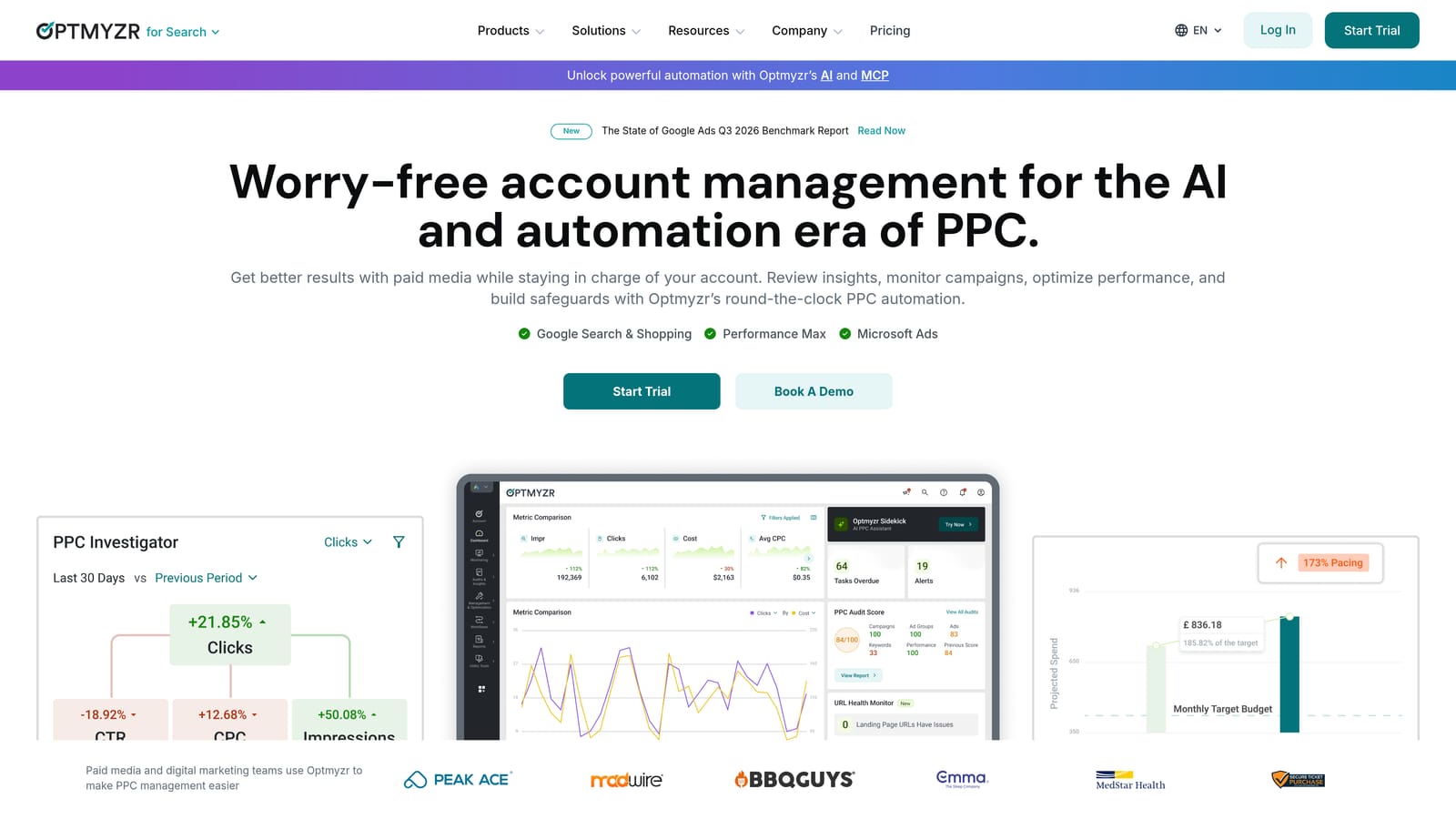
What it does that the rest of the list doesn't is bring a broad, cross-account optimization toolkit together under one login. Scripts gives you flexibility if you build it yourself, and Optmyzr packages much of that ground into a product.
What you get
- Rule-based optimization lets you define conditions and have the platform flag or act on them.
- One-click optimizations turn suggestions into changes without manual edits.
- Bulk management speeds up changes across campaigns.
- Reporting reduces time spent assembling client updates.
- Multi-account management keeps many clients in one view.
Fit and trade-offs
It connects to Google Ads and Microsoft Advertising. Setup takes real effort, since you'll connect accounts, configure rules, and learn the platform, and it's usually run by an account manager or PPC lead.
The trade-off is cost and complexity. For a solo advertiser with a couple of accounts, the price and learning curve are likely more than the job needs. Check current pricing on the website, since it wasn't verified for this article. Pricing typically depends on the size of your managed spend or account count, so confirm how it's calculated before you commit.
As with any one-click suggestion, review before you apply.
Best for: Agencies managing many accounts.
5. Google Ads Editor
Google Ads Editor is a free desktop application for making bulk changes and working offline. It replaces the tedium of editing structure through the web interface: building campaigns, copying ad groups, rewriting many ads at once.
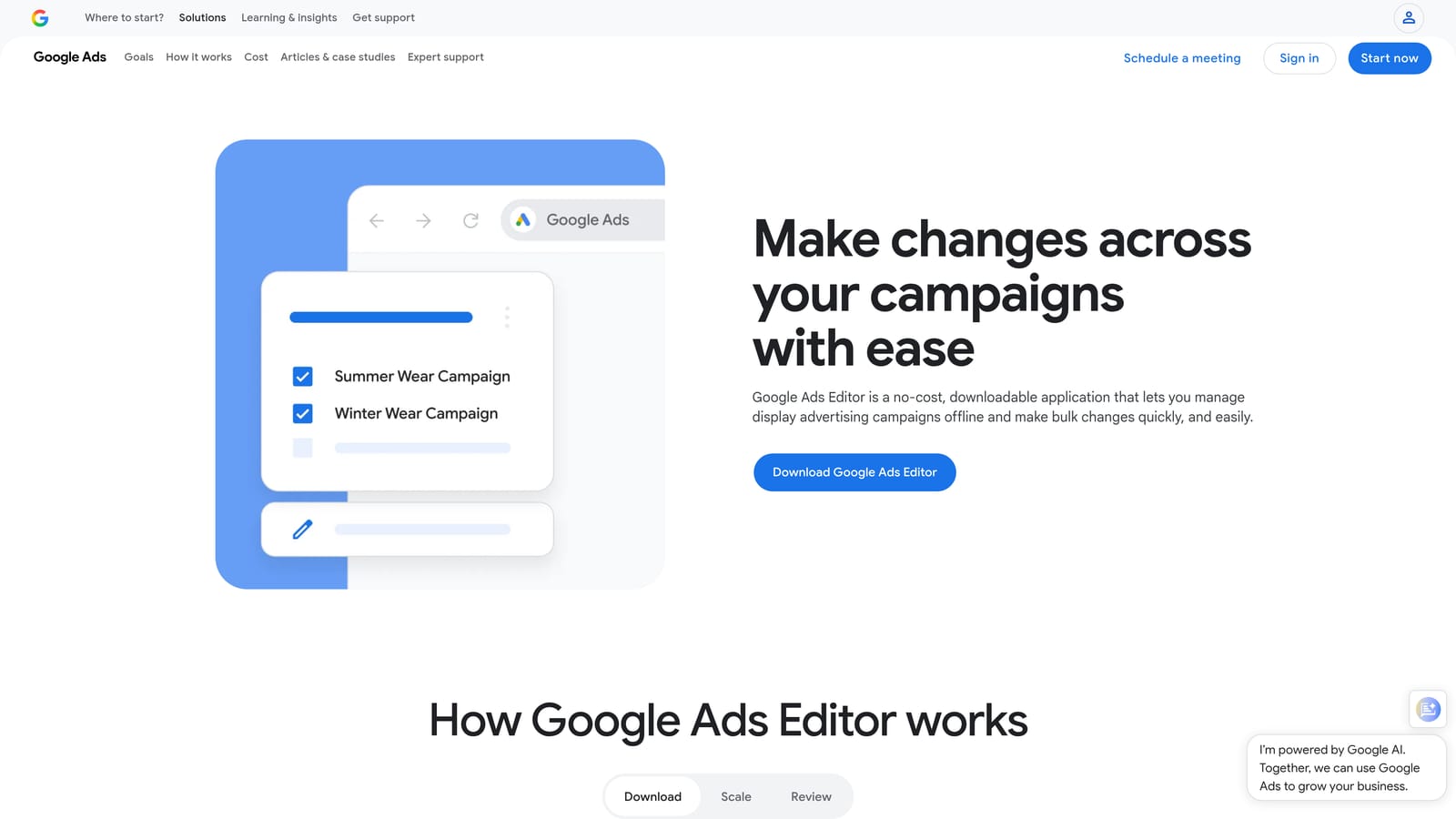
Its distinct strength is review before upload. You make a pile of edits locally, check them, and only then post them to the account. Nothing else here gives you that safety net for structural work.
- Bulk edits let you change many items in one pass.
- Offline editing means you can prepare changes without a live connection.
- Copy and paste across campaigns and accounts speeds up account builds and restructures.
- Change review before posting lets you catch mistakes before they go live.
- Multi-account support lets you work across clients in one app.
It's a download, and whoever builds or restructures accounts uses it. Setup is signing in with your Google Ads credentials.
It doesn't analyze performance or make decisions. It's a faster way to carry out changes you've already decided on, so you still need data from elsewhere to know what to change. If your work is mostly ongoing search term review, it won't help much.
It's free.
Best for: Large structural edits and account builds.
6. Adalysis
Adalysis is an audit and monitoring tool that scans accounts for problems and testing opportunities. It replaces the periodic manual checkup where someone clicks through campaigns looking for broken ads, missing extensions, or stalled tests.
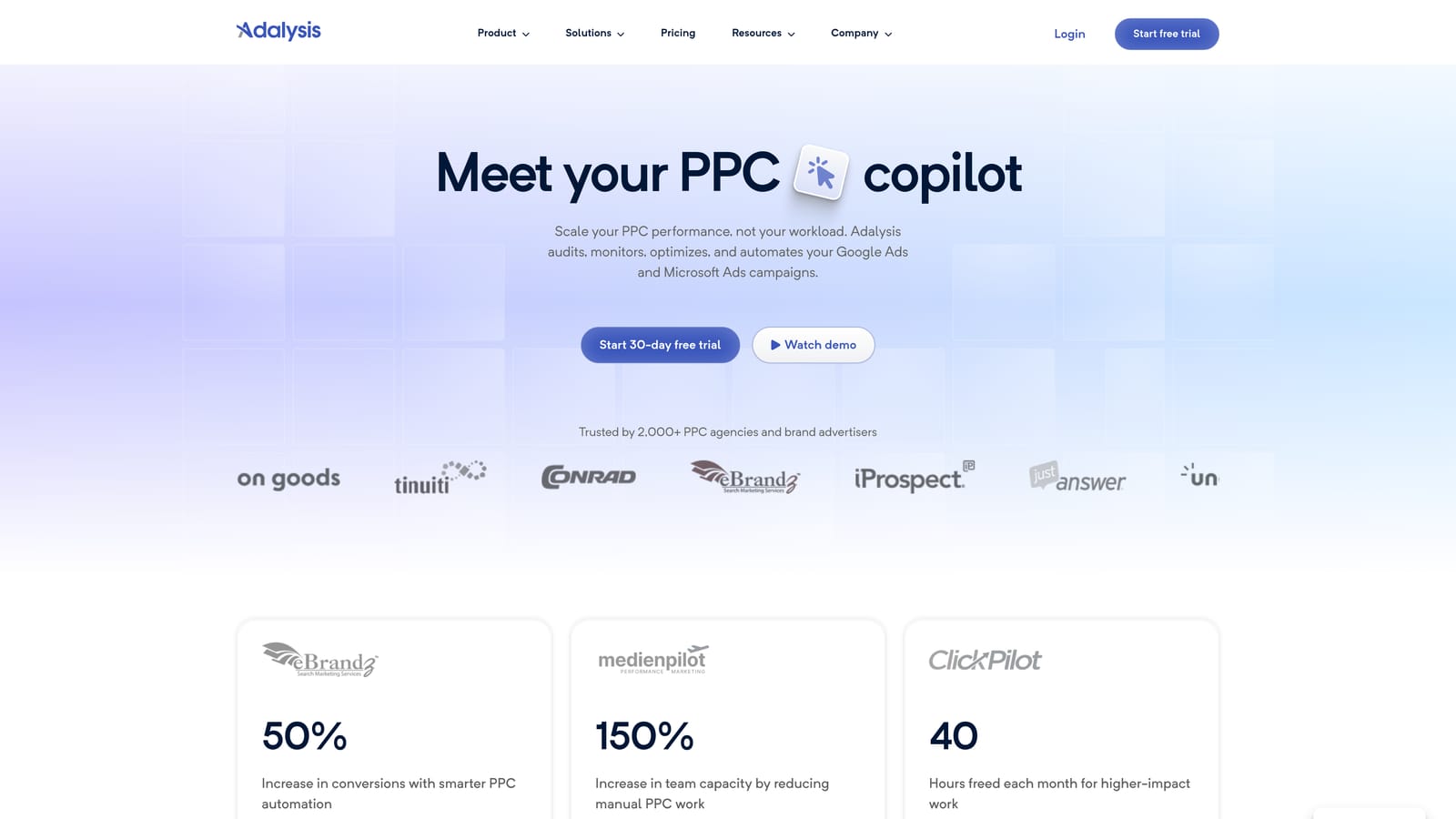
Its distinguishing feature is prioritized alerts. Rather than handing you a flat list of everything wrong, it surfaces what deserves attention, which matters when you're covering a lot of accounts.
- Automated account audits check for common issues so you don't have to hunt for them.
- Ad testing insights show which ad variations are worth acting on.
- Alerts tell you when something changes or breaks.
- Reporting helps with regular client or stakeholder updates.
- Multi-account support suits teams with several clients.
It connects to Google Ads and Microsoft Advertising. Setup is mostly linking accounts, and it's typically used by the PPC specialist or team lead responsible for account quality.
The limitation is that it highlights issues more than it fixes them. You still carry out the fixes, using the platform, Editor, or another tool. If you want something that acts, look elsewhere. Pricing wasn't verified for this article, so check the website; cost may vary with the number of accounts or spend you connect.
Best for: Teams that want systematic account audits.
7. Google Ads Smart Bidding and Performance Max
Google's own automation is the largest automation decision on this list. Smart Bidding is Google's set of automated bid strategies that set bids using conversion signals, and Performance Max is an AI-driven campaign type that assembles ads from your assets across Google's inventory. They replace manual bid tweaking and a lot of placement and creative-combination decisions.
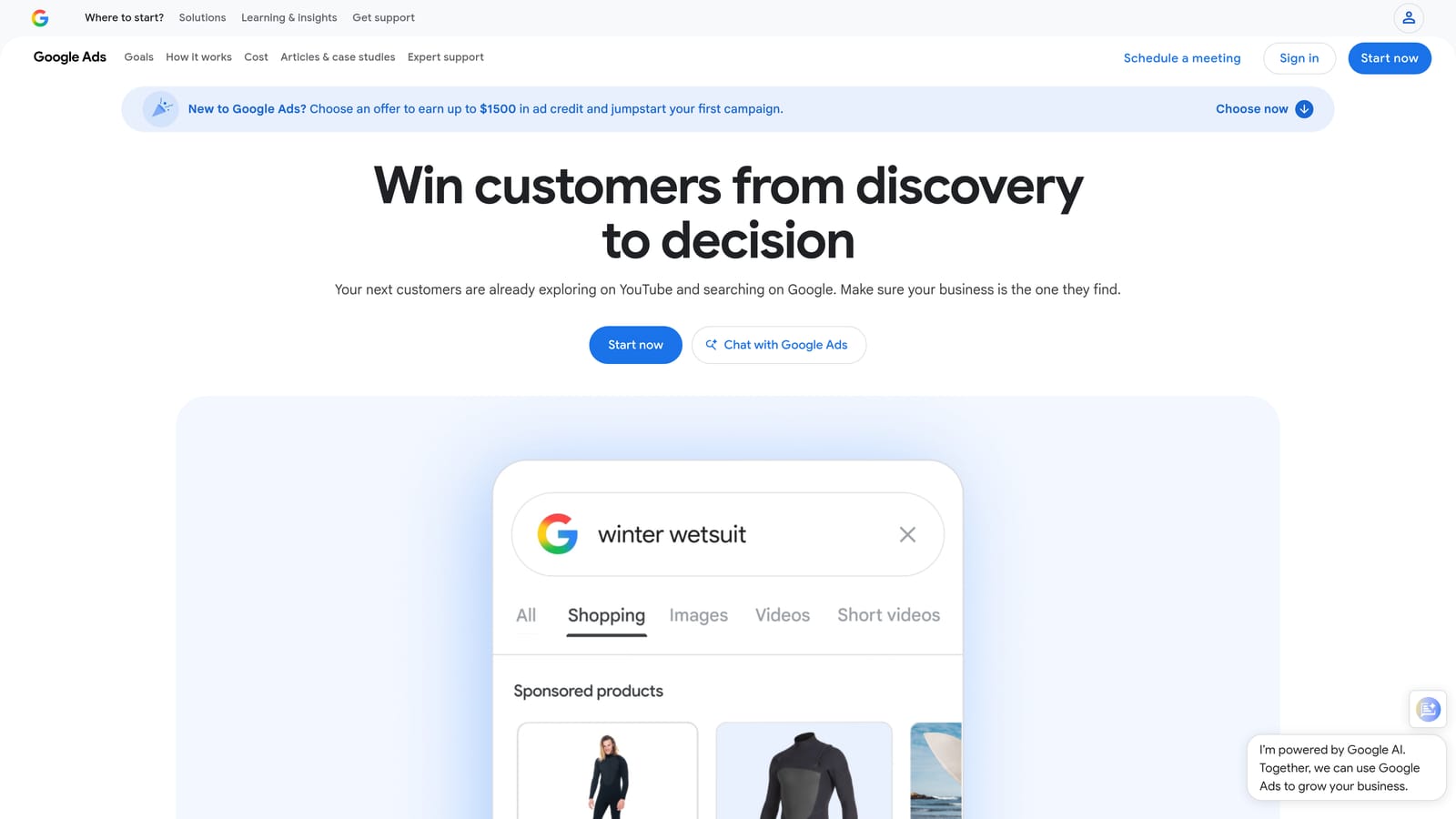
No other entry works at this level. Google uses its own signals to make bidding calls at auction time, which a person or a rules-based tool can't replicate.
- Automated bid strategies set bids toward your goal instead of by hand.
- Conversion-based optimization learns from the actions you track.
- AI-driven campaign types extend reach beyond what you'd build manually.
- Asset-based creative assembly combines the headlines, images, and other assets you supply.
It integrates with Google Analytics and Merchant Center. Setup is configuring a strategy or campaign, but the hidden work is conversion tracking, which someone has to get right first.
The trade-off is visibility and control. You see less of what's happening, and results depend on good conversion data. Poor tracking means the system optimizes toward the wrong things. Don't treat Performance Max as hands-off: keep reviewing search terms and results. Check Google's documentation for current Performance Max features, since they change.
There's no tool fee, only ad spend.
Best for: Accounts with solid conversion tracking and enough data.
8. Looker Studio
Looker Studio is a free dashboarding tool. Its job is narrow: replace the weekly routine of exporting data, pasting it into a document, and reformatting it for a client.
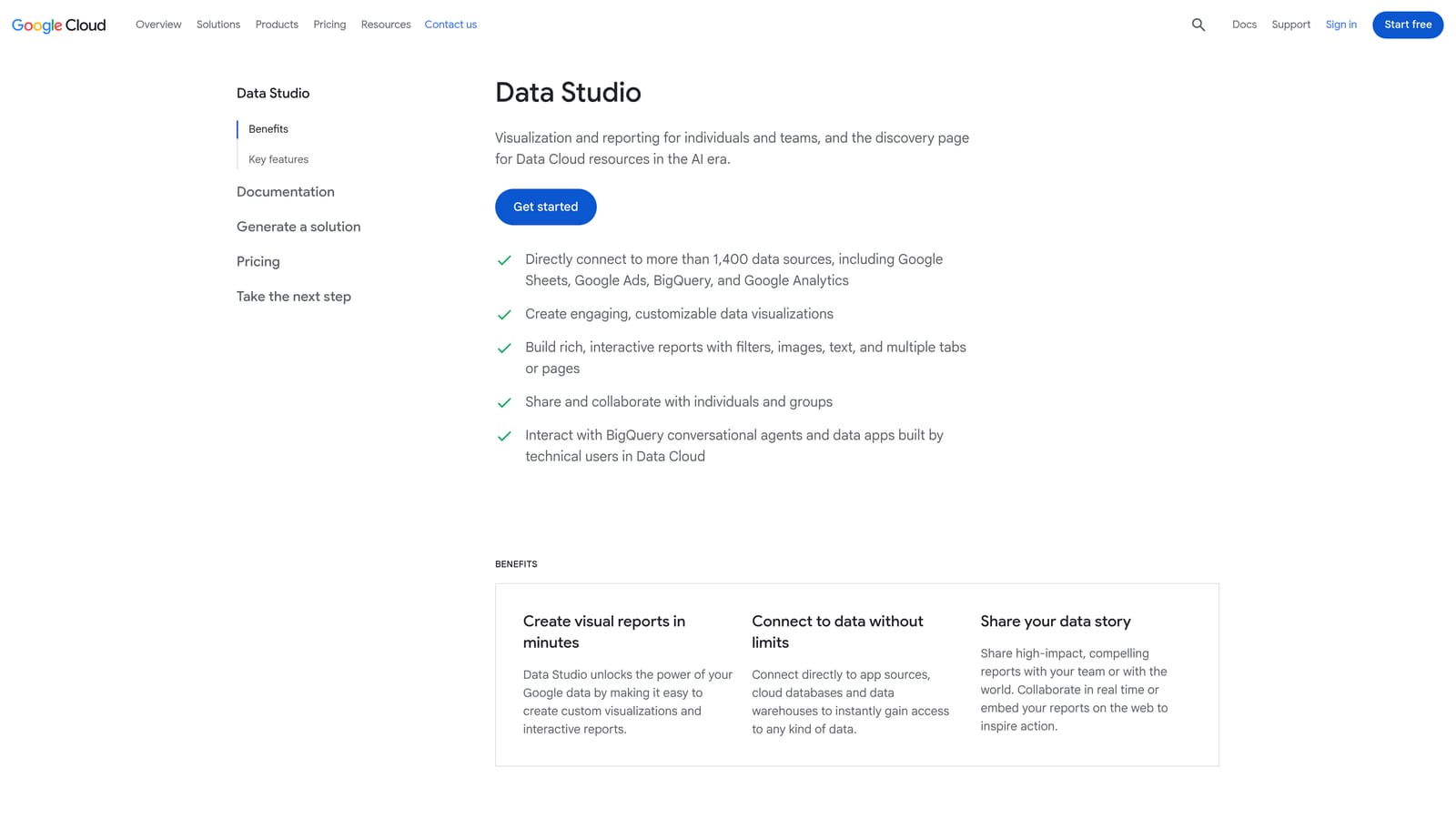
Its edge is that reports stay live. You build a dashboard once, and it updates from your Google Ads data, so there's no rebuilding each month.
- The Google Ads connector pulls account data in without exports.
- Custom dashboards let you show the metrics each client cares about.
- Scheduled report delivery sends reports on a cadence.
- Shareable client reports give stakeholders a link instead of a file.
It connects to Google Ads, Google Analytics, and Google Sheets. Setup is mostly design time: choosing metrics and building a template. After that, whoever owns client communication maintains it.
It reports and nothing more. It won't tell you which search terms to add as negatives or change anything in the account. A dashboard is also only as useful as the questions you design it to answer, and a badly built one can hide problems as easily as show them.
It's free.
Best for: Freelancers and agencies sending recurring reports.
9. Google Sheets
Google Sheets is the baseline the other tools compete with. It's where many advertisers do manual PPC analysis: export search terms, filter, sort, and decide. It also offers add-ons and connectors that can pull in Google Ads data.
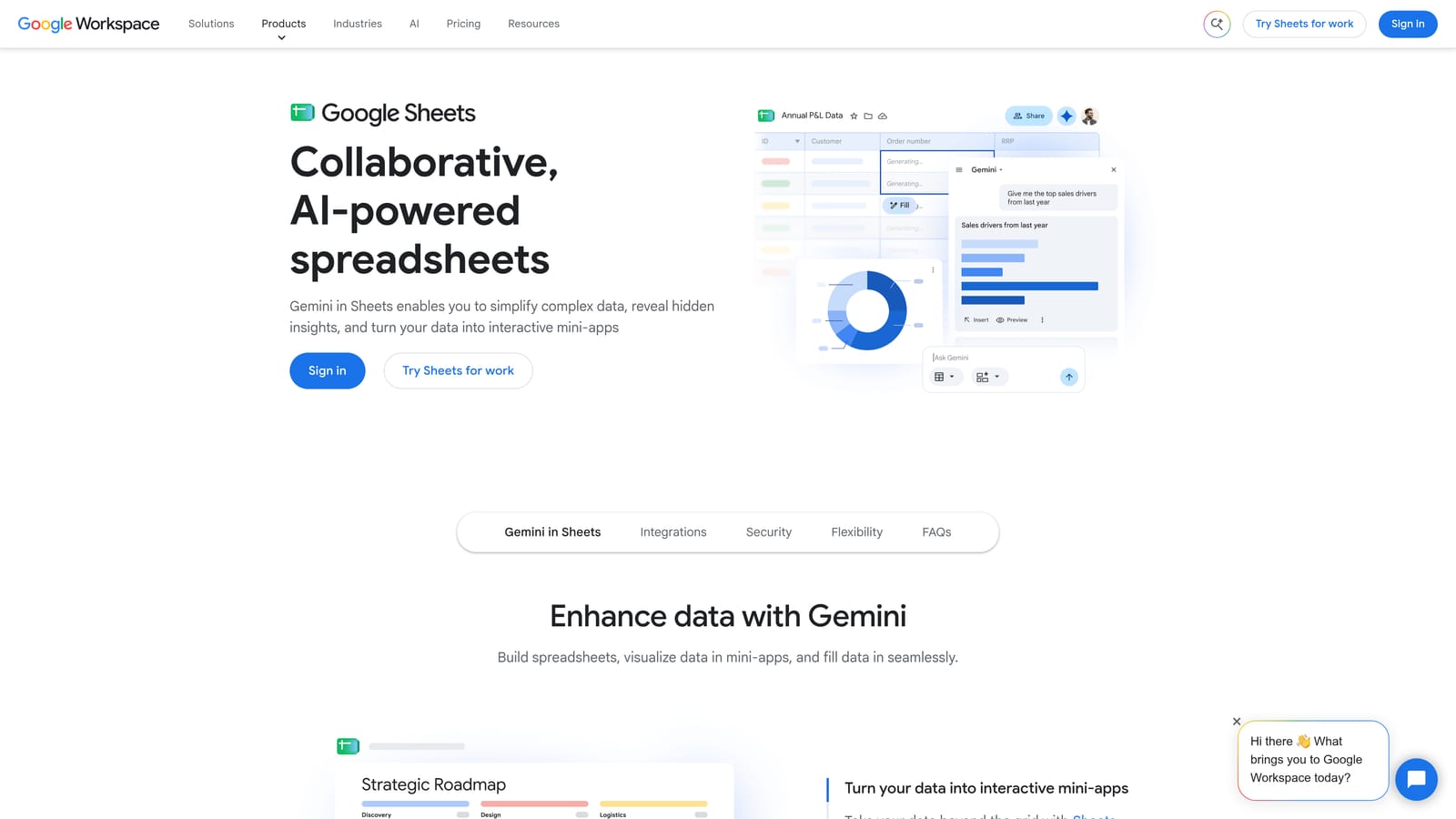
What it does best is flexibility. You can build any analysis you can imagine, with formulas, filters, and pivot tables, and nothing is locked behind a product's assumptions.
- Custom formulas and filtering let you slice data your own way.
- Pivot tables summarize large exports quickly.
- Shared editing lets a team or client work in the same file.
- Add-ons and connectors bring Google Ads data in and cut some of the copy-paste.
It works with Google Ads, Looker Studio, and Google Apps Script. Setup is trivial, and anyone can use it.
The weakness is scale. Handling large volumes of search terms by hand is slow, and formulas and copy-paste steps invite errors, such as a mismatched row or a negative keyword added at the wrong level. Past a certain account size, the time cost beats the price tag.
It's free with a Google account.
Best for: Low-volume accounts and custom one-off analysis.
Which Tool Fits Which Account, and When to Stay Manual
Three picks stand out depending on your situation. Keywordme is the pick if search term review is your most frequent job, since it keeps you in the interface and costs $12/month per user. Optmyzr suits agencies that need one toolkit across many accounts. Google Ads Editor is worth having for anyone who builds or restructures accounts, and it costs nothing.
- Solo advertisers: Pair a search term tool with Automated Rules for basic housekeeping, and use Looker Studio if you send reports.
- Agencies: Combine Optmyzr or Adalysis for cross-account work, Keywordme for fast search term passes, and Looker Studio for client reporting.
- Budget-constrained accounts: The free tools cover a lot: Automated Rules, Editor, Looker Studio, Sheets, and Scripts if someone can code.
Manual review still beats automation in a few places. Judging whether a search term fits your offer takes context a rule doesn't have. So does checking Performance Max placements and results, and diagnosing a drop after a tracking change. Automation can't fix bad conversion tracking either, so sort that out before handing over bidding.
Optimize Google Ads Campaigns 10X Faster. Without Leaving Your Account. Keywordme lets you remove junk search terms, build high-intent keyword lists, and apply match types instantly, right inside Google Ads. No spreadsheets, no switching tabs, just quick, seamless optimization. Start your free 7-day trial (then just $12/month) and take your Google Ads game to the next level.
