
9 Best PPC Tools Reviewed for 2026: Honest Picks for Marketers and Agencies
This PPC tools review evaluates nine leading platforms across keyword management, campaign optimization, reporting, and workflow efficiency — with honest assessments of who each tool is built for and what it costs. Whether you're a solo freelancer or an agency managing dozens of accounts, these picks help you cut through a crowded market and find the right fit for 2026.


If you've ever managed a Google Ads account with nothing but spreadsheets and the native interface, you know the drill. Search terms pile up, match types get messy, and before long you're spending more time on admin than on actual strategy. The right PPC tool changes that.
The market is crowded, though. Some tools are built for enterprise teams with six-figure budgets. Others are lightweight add-ons that barely scratch the surface. This list cuts through the noise.
We've reviewed nine PPC tools across keyword management, campaign optimization, reporting, and workflow efficiency. Each pick is evaluated on what it actually does well, who it's built for, and what it costs. Whether you're a solo freelancer managing a handful of accounts or an agency juggling dozens of clients, there's something here for you.
1. Keywordme
Best for: In-interface search term cleanup and negative keyword management for Google Ads
Keywordme is a Chrome extension that lives directly inside Google Ads' Search Terms Report, letting you remove junk search terms, add negative keywords, apply match types, and build keyword lists without ever leaving the native interface.

Where This Tool Shines
Most PPC tools pull you out of Google Ads and into a separate dashboard. Keywordme does the opposite. It layers optimization controls directly onto the Search Terms Report you're already using, so you can act on what you see immediately. There's no export-to-spreadsheet step, no copy-pasting back into Google Ads, and no context switching.
For anyone whose biggest time sink is reviewing search terms and cleaning up irrelevant traffic, this is a meaningful workflow improvement. The bulk editing and keyword clustering features make it especially useful when you're working through a large account or managing multiple clients at once.
Key Features
One-click negative keyword addition: Flag and add negative keywords directly from the Search Terms Report without leaving the Google Ads interface.
Instant match type application: Apply broad, phrase, or exact match types to keywords in a few clicks, with no spreadsheet export required.
Keyword clustering: Group related search terms into logical clusters to inform new ad groups or keyword lists faster.
Bulk editing: Process multiple search terms at once rather than handling them one by one.
Multi-account and team support: Manage multiple Google Ads accounts and collaborate with team members, which is useful for agencies handling several clients.
Best For
Keywordme works well for freelancers, in-house marketers, and agency teams who spend meaningful time each week reviewing search terms and managing negative keywords. It's particularly useful if you find yourself exporting data to spreadsheets just to do basic cleanup work that should happen inside Google Ads anyway.
Pricing
Flat rate of $12/month per user. A 7-day free trial is available with no commitment required.
2. Google Ads Editor
Best for: Bulk editing and offline campaign management across large Google Ads accounts
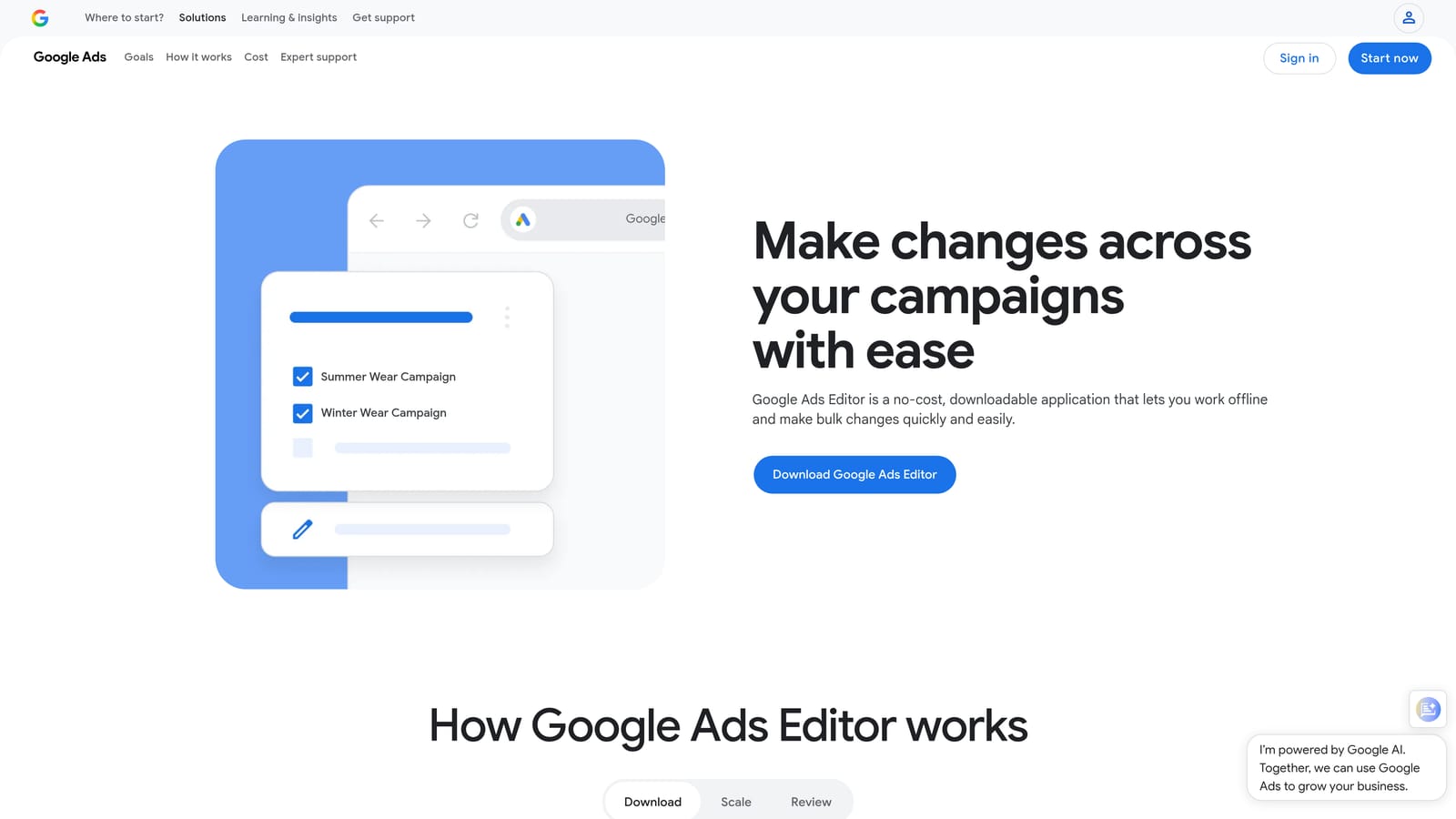
Google Ads Editor is Google's free desktop application for making bulk changes to campaigns offline, then syncing everything back to your account when you're ready.
Where This Tool Shines
When you need to make sweeping changes across a large account, the native Google Ads interface can be slow and tedious. Editor lets you work offline, make hundreds of edits at once, and push them live as a batch. It's especially useful for restructuring campaigns, updating ad copy across multiple ad groups, or migrating settings between accounts.
The find-and-replace function alone saves significant time when you need to update URLs, swap out a product name in ad copy, or change bid strategies across campaigns. It's not flashy, but it's reliable and it's free.
Key Features
Bulk edits across campaigns: Edit keywords, ads, ad groups, and campaign settings in bulk without touching each item individually.
Offline editing with batch upload: Make all your changes locally, review them, and sync when you're confident everything is correct.
Find-and-replace: Update text strings across thousands of ads or keywords in seconds.
Copy and paste campaigns: Duplicate entire campaigns or ad groups to build out account structure faster.
Free with any Google Ads account: No subscription, no add-on cost.
Best For
Google Ads Editor is a practical tool for any advertiser managing a medium to large account. It's particularly valuable when you need to make structural changes at scale, onboard a new client account, or handle bulk updates that would take hours in the native interface.
Pricing
Free. Available to any advertiser with a Google Ads account.
3. SEMrush (PPC Toolkit)
Best for: Competitive keyword research and ad intelligence before and during campaign build
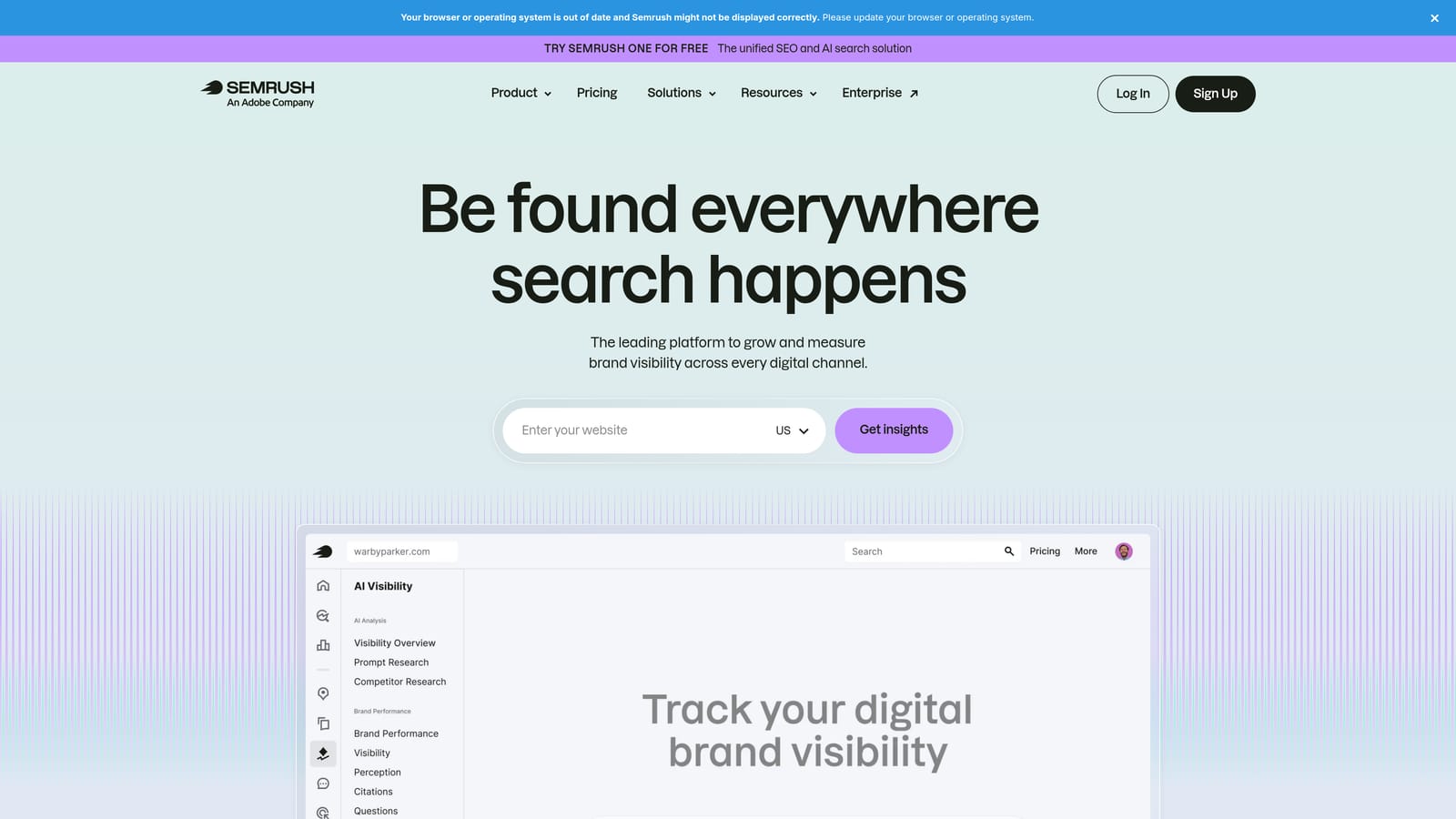
SEMrush is an all-in-one digital marketing platform with a dedicated PPC toolkit covering competitor keyword research, ad copy analysis, and keyword gap identification.
Where This Tool Shines
SEMrush is most valuable in the research and planning phase. Before you build a campaign, you can see what keywords your competitors are bidding on, what their ad copy looks like, and where the gaps are in your own keyword strategy. That kind of intelligence is hard to replicate with Google Ads data alone.
Because SEMrush covers SEO and PPC in the same platform, it's also useful for teams that want to align paid and organic strategies. The tradeoff is that it's a broad platform rather than a PPC specialist tool, so you're paying for a lot of features you may not use if PPC research is your only need.
Key Features
Competitor ad copy and keyword history: See what keywords competitors have been bidding on and what ad variations they've tested over time.
Keyword gap analysis: Identify keywords your competitors are targeting that you're not, and vice versa.
CPC data and keyword difficulty scores: Estimate cost and competitiveness before adding keywords to your campaigns.
Ad position tracking: Monitor where your ads and competitors' ads appear over time.
Combined SEO and PPC research: Run both channels from a single platform if your team handles both.
Best For
SEMrush suits agencies, in-house teams, and consultants who need competitive intelligence as a regular part of their workflow. It's a strong fit if you manage both SEO and PPC, or if you regularly pitch new clients and need market data to support your strategy.
Pricing
Paid plans with multiple tiers. Verify current pricing at semrush.com, as plans change regularly.
4. SpyFu
Best for: Historical competitor PPC research at a lower price point
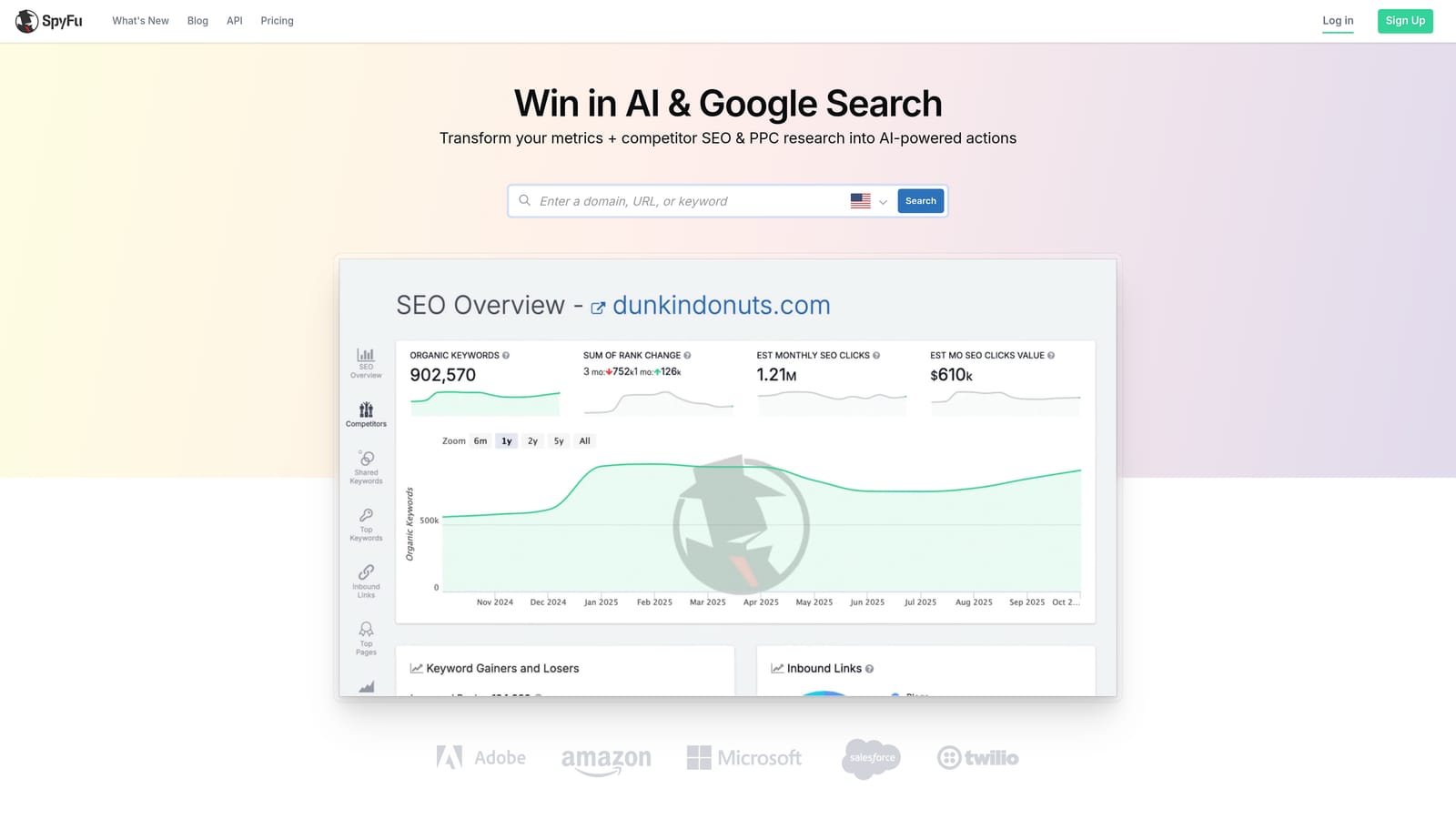
SpyFu is a competitor research tool focused on PPC and SEO, with strong historical data on competitor keywords, ad spend estimates, and ad copy variations over time.
Where This Tool Shines
SpyFu's historical data depth is its standout feature. You can look back years to see how a competitor's keyword strategy has evolved, which ad copy variations they've tested, and roughly how much they've spent. That kind of longitudinal view is genuinely useful for understanding a market or auditing a competitive landscape before entering it.
Compared to SEMrush, SpyFu is more narrowly focused on competitive intelligence and typically comes in at a lower price point. For freelancers or smaller agencies that primarily need competitor research rather than a full marketing suite, that's a reasonable trade.
Key Features
Years of competitor keyword and ad history: Access historical data on which keywords competitors have bid on and for how long.
Estimated competitor ad spend: Get a rough sense of how aggressively competitors are investing in paid search.
Ad copy variation tracking: See how competitor ad copy has changed over time and identify patterns in their messaging.
Keyword overlap and gap reports: Compare your keyword coverage against competitors to find opportunities.
Lower price point than enterprise tools: More accessible for smaller teams or individual practitioners.
Best For
SpyFu is a good fit for freelancers, small agencies, and in-house marketers who need solid competitive PPC research without the cost of a full-platform subscription. It's particularly useful during the account planning phase or when entering a new vertical.
Pricing
Paid plans available. Verify current pricing at spyfu.com.
5. Optmyzr
Best for: Automation and multi-account optimization for agencies managing Google Ads at scale
Optmyzr is a rule-based PPC optimization and automation platform built for Google Ads and Microsoft Ads, designed specifically for agencies managing multiple accounts simultaneously.

Where This Tool Shines
Optmyzr is built around the idea that many PPC optimization tasks are repetitive and can be systematized. Its optimization recipes give you pre-built workflows for common tasks like bid adjustments, budget pacing, and Quality Score improvements. You can run these recipes across multiple accounts, which is where the time savings really add up for agencies.
The custom scripts and rule-based alerts also give more technical PPC managers a way to automate account monitoring without writing everything from scratch. It's a tool that rewards users who invest time in setting it up properly.
Key Features
Pre-built optimization recipes: Run structured workflows for common optimization tasks across one or many accounts.
Budget pacing and bid management: Automate budget monitoring and bid adjustments based on rules you define.
Quality Score tracking: Monitor Quality Score trends and surface improvement suggestions.
Custom scripts and rule-based alerts: Build automated checks and notifications without writing scripts from scratch.
Multi-account management dashboard: View and act on multiple client accounts from a single interface.
Best For
Optmyzr is best suited for PPC agencies and in-house teams managing multiple accounts who want to reduce the time spent on repetitive optimization tasks. It's a premium tool that makes the most sense when the time savings justify the subscription cost across a client portfolio.
Pricing
Paid plans available. Verify current pricing at optmyzr.com.
6. WordStream Advisor
Best for: Small businesses and less experienced advertisers who need guided PPC management
WordStream Advisor is a guided PPC management platform designed to help small businesses and newer advertisers optimize their accounts through a simplified interface and prioritized weekly action items.

Where This Tool Shines
WordStream's approach has always been to reduce the complexity of Google Ads for advertisers who don't have a dedicated PPC team. Its weekly action item model surfaces the most impactful things you could do to improve your account and presents them in a digestible format. For someone who finds the native Google Ads interface overwhelming, that structure can be genuinely helpful.
It's worth noting that WordStream was acquired by LOCALiQ (part of Gannett), and its product positioning has evolved since then. If you're evaluating it today, check their current offering directly, as the feature set and packaging may differ from earlier versions you've read about.
Key Features
Weekly prioritized action items: Get a guided list of optimization tasks ranked by potential impact on your account.
Simplified keyword and ad management: Manage your campaigns through a more accessible interface than native Google Ads.
Performance grader and account health scoring: Audit your account against best practices and see where you stand.
Google Ads and Microsoft Ads support: Manage both platforms from one place.
Designed for SMBs: The workflow and interface are built with less experienced advertisers in mind.
Best For
WordStream Advisor suits small business owners, marketing generalists, and newer advertisers who want structured guidance rather than an open-ended optimization tool. Experienced PPC managers may find it too simplified for their needs.
Pricing
Paid plans available. Verify current pricing and product details at wordstream.com.
7. Adalysis
Best for: Automated ad testing and account health monitoring for Google Ads
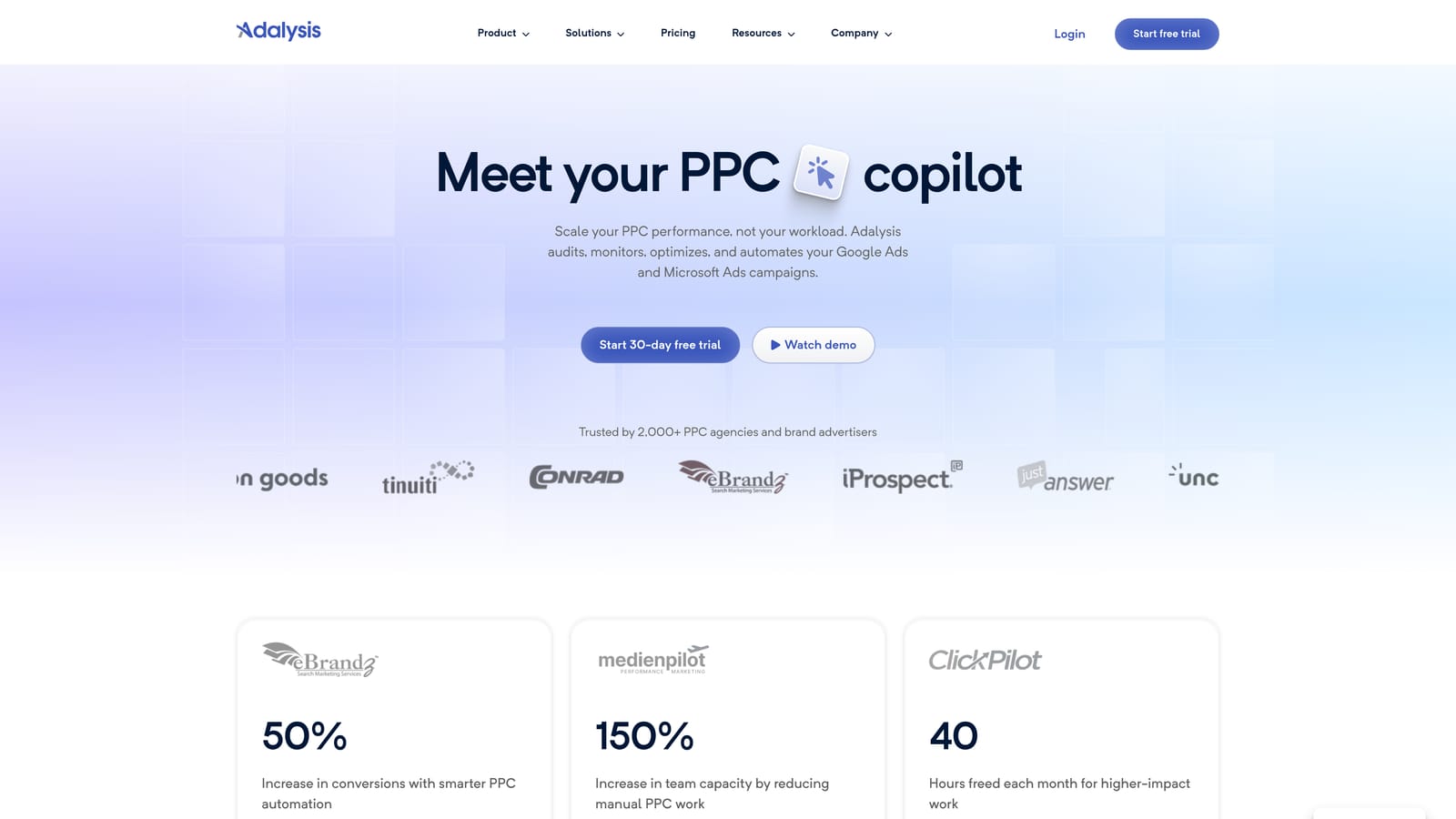
Adalysis is an ad testing and account auditing tool for Google Ads that automates A/B testing for responsive search ads and surfaces performance anomalies through automated alerts.
Where This Tool Shines
Ad testing is one of those tasks that most PPC managers know they should be doing systematically but rarely do because it's time-consuming to set up and track manually. Adalysis automates the framework: it monitors your ad variations, tracks statistical significance, and flags when a test has enough data to draw a conclusion. That removes the guesswork and the manual tracking.
The account health audit feature is also useful for agencies taking on new clients. It surfaces structural issues, policy problems, and performance anomalies that might otherwise take hours to find through manual review.
Key Features
Automated A/B testing for RSAs and text ads: Set up structured ad tests and let the platform track performance and significance automatically.
Account health audit: Scan for structural issues, policy flags, and best practice gaps across your account.
Performance anomaly detection: Get alerted when metrics move outside expected ranges so you can investigate quickly.
Ad rotation and statistical significance tracking: Know when your tests have reached a reliable conclusion rather than guessing.
Scheduled reporting and monitoring: Automate routine checks so you're notified of issues without having to log in and look manually.
Best For
Adalysis works well for PPC managers and agencies who run active ad testing programs and want to systematize that process. It's also a useful onboarding tool for agencies that need to quickly audit a new client's account for issues.
Pricing
Paid plans available. Verify current pricing at adalysis.com.
8. DataFeedWatch
Best for: E-commerce advertisers managing product feeds for Google Shopping and Performance Max
DataFeedWatch is a product feed management and optimization tool that helps e-commerce advertisers clean, transform, and improve product data for Google Shopping and Performance Max campaigns.
Where This Tool Shines
Shopping and Performance Max campaigns live or die on feed quality. If your product titles are weak, your attributes are missing, or your data has errors, your ads won't show for the right queries, regardless of how well the rest of your campaign is structured. DataFeedWatch addresses that problem directly by giving you mapping rules, transformation tools, and diagnostics to get your feed into the best possible shape.
For advertisers managing large product catalogs across multiple channels, the multi-channel distribution capability is a significant time saver. You can maintain one clean feed and push it to Google, Meta, and other platforms without manually reformatting data for each one.
Key Features
Feed mapping and transformation rules: Restructure and clean your product data without touching your source system.
Product title and description optimization: Improve the quality of your Shopping listings to better match search queries.
Multi-channel feed distribution: Send optimized feeds to Google, Meta, and other advertising channels from one place.
Feed health diagnostics and error alerts: Identify and fix feed errors before they affect campaign performance.
Support for large product catalogs: Handles scale without requiring manual item-by-item management.
Best For
DataFeedWatch is built for e-commerce advertisers and agencies managing Shopping or Performance Max campaigns. If your campaigns are primarily text-based search, this tool won't apply. But if product feed quality is a bottleneck in your account, it's one of the more direct solutions available.
Pricing
Paid plans available. Verify current pricing at datafeedwatch.com.
9. Looker Studio
Best for: Building free, shareable client-ready reports connected to Google Ads and GA4
Looker Studio is Google's free reporting and dashboard tool that connects directly to Google Ads, GA4, and other data sources to build shareable, client-ready performance reports.
Where This Tool Shines
If you're still pulling Google Ads data into spreadsheets and manually building client reports every week or month, Looker Studio is worth setting up once and never looking back. You connect your data sources, build your dashboard layout, and share a live link with clients. The data updates automatically, so there's no manual refresh required.
The native Google Ads and GA4 connectors make it easy to combine campaign performance data with on-site behavior in a single report. Custom calculated fields and date range controls give clients the ability to explore the data themselves without needing to log into Google Ads directly.
Key Features
Native Google Ads and GA4 connectors: Pull live data directly from your Google properties without any third-party integration setup.
Drag-and-drop dashboard builder: Build custom report layouts without any coding or design experience.
Shareable links and scheduled email reports: Give clients access to live dashboards or send automated report emails on a schedule.
Custom metrics and calculated fields: Build the specific metrics your clients care about, not just the defaults Google Ads shows.
Free with a Google account: No subscription cost for the core platform.
Best For
Looker Studio is useful for any PPC manager or agency that produces regular performance reports. It's not an optimization tool and won't help you improve campaigns directly, but it removes a significant amount of manual reporting work and produces cleaner, more professional outputs than spreadsheets.
Pricing
Free. Available to anyone with a Google account.
Which Tool Is Right for Your Situation
Most experienced PPC managers use two or three of these tools in combination: typically a research tool, an optimization tool, and a reporting tool. The question is which combination fits your current workflow and biggest pain points.
If your most pressing problem is search term cleanup and negative keyword management, Keywordme is the most direct fix. It works inside Google Ads, removes the spreadsheet back-and-forth, and addresses the problem exactly where it happens. For bulk editing at scale, Google Ads Editor is still the gold standard and it costs nothing.
If you need competitive intelligence before you build a campaign, SEMrush and SpyFu both deliver strong data. SEMrush covers more ground across SEO and PPC. SpyFu is more focused and typically more affordable, which makes it a reasonable starting point for freelancers and smaller agencies.
Agencies managing multiple accounts and looking to automate repetitive tasks should evaluate Optmyzr or Adalysis depending on their focus. Optmyzr is broader in scope, covering budget pacing, bid management, and optimization recipes. Adalysis is more specifically focused on ad testing and account auditing. Shopping advertisers with messy or incomplete product feeds will get more mileage from DataFeedWatch than almost any other tool on this list. And if client reporting is consuming several hours each week, Looker Studio is a free fix worth the one-time setup investment.
If wasted spend and keyword bloat are your most expensive current problems, Start your free 7-day trial of Keywordme and see how much time you get back working directly inside Google Ads, without spreadsheets, without switching tabs, and without the usual friction that makes search term reviews feel like a chore.
.svg)