
9 Best PPC Tools for Solo Advertisers in 2026
This guide rounds up nine PPC tools for solo advertisers who run Google Ads alone and need every tool to save more time than it costs. Each pick is chosen for fair single-user pricing, short setup, and a clear job in the workflow, from search term cleanup and keyword research to bulk editing, reporting, and landing pages.


If you run Google Ads alone, you are the strategist, the analyst, and the person cleaning up search terms at 9pm. Every tool in your stack has to save more time than it costs to learn and pay for. These tools were picked with one seat in mind: fair pricing for a single user, a short setup, and a clear job in the Google Ads workflow, whether that is search term cleanup, research, bulk editing, reporting, or landing pages. Think of it as a menu for building a small stack, not a contest with one winner.
Quick Comparison of the Tools
- Keywordme: solo advertisers who spend the most time triaging search terms; $12/month per user; adds one-click search term actions inside the Google Ads interface.
- Google Ads Editor: solo advertisers rebuilding or scaling account structure; free; handles large structural edits and offline campaign builds in one pass.
- Google Keyword Planner: pre-launch research on a tight budget; free with a Google Ads account; first-party keyword and forecast data straight from Google.
- Semrush: solo advertisers in competitive niches; subscription, see website; competitor ad and keyword intelligence.
- Optmyzr: freelancers growing from one account to several; subscription, see website; a rule engine for repeatable optimizations across accounts.
- Looker Studio: solo advertisers who report to clients or stakeholders; free; custom dashboards that combine multiple Google data sources.
- Google Analytics 4: advertisers who need to see what visitors do after the click; free; post-click behavior analysis.
- Unbounce: solo advertisers with decent traffic and a weak landing page; subscription, see website; no-developer landing page testing built around ad conversions.
- Microsoft Advertising Editor: solo advertisers expanding a working campaign to Bing; free; fast import of Google Ads campaigns into Microsoft Advertising.
1. Keywordme
Keywordme is a Chrome extension that adds one-click actions directly inside the Google Ads Search Terms Report. It is built for the advertiser who opens that report every week and wants to get through it faster, without exporting to a spreadsheet.
A quick definition, since the whole tool hangs on it: search terms are the actual queries people typed before seeing your ad. Keywords are what you bid on. Negative keywords are the ones you add to stop your ads showing for certain queries. Keywordme sits at the point where you turn search terms into either of those, and you approve each action yourself.
What it does well compared with the rest of this list is keep you in the native interface. You do not switch tabs, paste into a sheet, or upload a file back. Cleanup and keyword building happen on the same screen where you spot the problem.
- One-click negative keywords from the Search Terms Report, so junk queries stop costing you money sooner.
- Add keywords with your chosen match type from the same screen, instead of retyping them in another part of the account.
- Keyword clustering to group related terms, which helps when you are building tighter ad groups.
- Bulk editing for working through many terms at once.
- Multi-account and team support, useful if your solo setup turns into a few clients.
Setup is installing the extension in Chrome and opening Google Ads. The only integration is Google Ads itself, and you run it yourself day to day, no admin required.
The limits are real. It covers search term and keyword management only: no reporting, no bidding, no other ad platforms. It also requires Chrome, so if you work in another browser it is not for you. If your biggest time sink is something other than search terms, other tools here will help more.
Pricing is $12/month per user, with a 7-day free trial (as of 2026; check the site for current terms). Cost scales with the number of users, not ad spend.
Best for: Solo advertisers who spend the most time triaging search terms.
2. Google Ads Editor
Google Ads Editor is Google's free desktop app for bulk editing and offline campaign management. You download your account, make changes, review them, and then post them back. It is aimed at anyone whose edits are too big or too repetitive for the web interface.
Its strength is structure. Building a new campaign set, restructuring ad groups, or updating ad copy across dozens of ad groups is far quicker here than clicking through the browser UI. That is the job it does better than anything else on this list.
- Bulk edits across campaigns, so one change can apply to hundreds of items.
- Offline drafting and review, which lets you build and check work before it goes live.
- Copy and paste between accounts, handy for reusing a structure that worked.
- Multi-account management from a single app.
- Change review before posting, so you can catch mistakes before they hit the account.
It connects only to Google Ads and needs a download and sign-in. Setup is quick, but getting comfortable takes longer than most tools here.
The main limitation is that it has no search term triage workflow. It is built for editing what already exists, not for deciding which queries to block or promote, so it pairs better with a search term tool than it replaces one. Expect a learning curve too, especially around how it syncs and posts changes.
It is free.
Best for: Solo advertisers rebuilding or scaling account structure.
3. Google Keyword Planner
Google Keyword Planner is the free keyword research and forecasting tool inside Google Ads. It is the natural starting point if you are about to launch and want ideas, rough demand, and a feel for costs before you spend anything.
What sets it apart is the source. The data comes straight from Google, so you are not relying on a third party's estimates of what people search for on Google.
- Keyword idea generation from a seed term or a website, so you can map out a first campaign.
- Search volume ranges that show relative demand for each idea.
- Forecasts that estimate how a keyword set could perform at a given budget.
- Bid range estimates to sanity-check whether a keyword fits your budget.
There is nothing to install: you open it from inside your Google Ads account. It takes minutes to start using, though the suggestions rewards some pruning.
The limitations are worth knowing. Suggestions are broad, so expect to filter out irrelevant ideas. Volume is often shown as ranges rather than exact figures, particularly for accounts with little or no spend. And it gives you no competitor data, so you cannot see what rivals are bidding on or how their ads read. For that you need something like Semrush.
It is free with a Google Ads account.
Best for: Pre-launch keyword research on a tight budget.
4. Semrush
Semrush is a broad marketing suite, and for PPC its value is competitor research. You can look at the ad copy rivals run, compare keyword sets, and study a domain's paid presence.
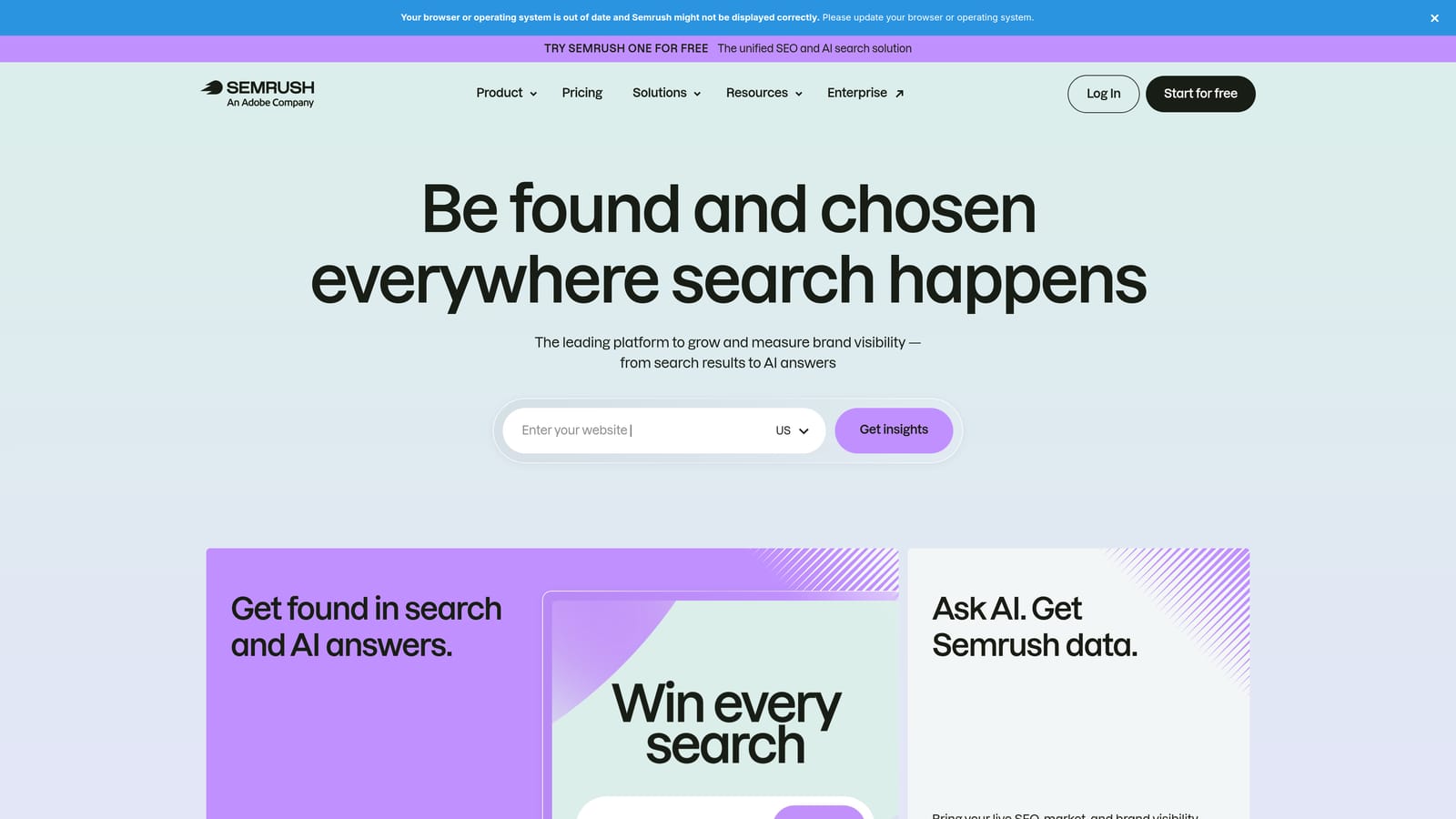
That competitor view is what separates it from everything else here. The Google tools show you your own data and Google's forecasts, but they will not show what the business next door is doing.
- Competitor ad copy research, so you can see the angles and offers others test.
- Keyword gap analysis to find terms competitors target that you do not.
- Domain analytics for a quick read on a rival's search presence.
- Keyword research tools for expanding your lists beyond Keyword Planner.
It integrates with Google Analytics and Google Looker Studio. Setup is light, since much of the value comes from entering a domain and reading the results. You run it as a research tool, not a daily workflow tool.
The honest downside is cost and focus. For a PPC-only solo advertiser it can be expensive, and much of the suite leans toward SEO, so you may pay for features you never open. If you are in a quiet niche, free tools will probably cover you.
Pricing is by subscription plan; check the website for current plans and limits, as they change.
Best for: Solo advertisers in competitive niches who need competitor insight.
5. Optmyzr
Optmyzr is a PPC optimization platform built around audits, rules, and reporting. It is designed for people managing several accounts who want repeatable checks instead of doing the same review by hand each time.

What it does best
The rule engine is the standout. You set up conditions and actions once, then apply them consistently across accounts. If you find yourself running the same weekly checklist for every client, this is the tool that targets that pain.
- Optimization suggestions that point out where an account may need attention.
- Rule-based automation for routine tasks you would otherwise repeat.
- Account audits to spot gaps quickly, useful when taking over a new client.
- Reporting to share results without building everything from scratch.
- Multi-account management in one place.
Setup, limits, and cost
It connects to Google Ads and Microsoft Advertising (confirm current platform support on the site before buying). Plan for more setup time than a browser extension, since rules need thought to be useful.
It is more platform than a one-account advertiser usually needs, and it costs more than the free tools. If you manage a single small account, the money is better spent elsewhere. Pricing is subscription based; see the website for current plans and what drives the price.
Best for: Freelancers growing from one account to several.
6. Looker Studio
Looker Studio is Google's free dashboard and reporting tool. You connect data sources, build a report, and share it, so the numbers stop living in screenshots and exported sheets.

Its edge is that it is free and combines several Google data sources in one view. You can put Google Ads spend next to GA4 behavior and a Google Sheet of lead outcomes without paying for a reporting product.
- A Google Ads connector that pulls campaign data into your reports.
- Custom dashboards, so you show clients or stakeholders only the metrics they care about.
- Scheduled report emails that remove the monthly "can you send the numbers" task.
- Data blending to join sources, such as ad data and CRM data in a sheet.
- Shareable reports through a link rather than a file.
It works with Google Ads, GA4, Google Sheets, and BigQuery. Setup is simple for a basic report, but you do the building yourself.
That is the catch: you must build and maintain the reports yourself. Templates help, but any change in what stakeholders want becomes your job. Some partner connectors for non-Google sources can carry a fee, so check before relying on one.
The tool itself is free.
Best for: Solo advertisers who report to clients or stakeholders.
7. Google Analytics 4
Google Analytics 4 (GA4) is Google's free web analytics platform and it links directly to Google Ads. Where Google Ads tells you what happened up to the click, GA4 shows what visitors did next.
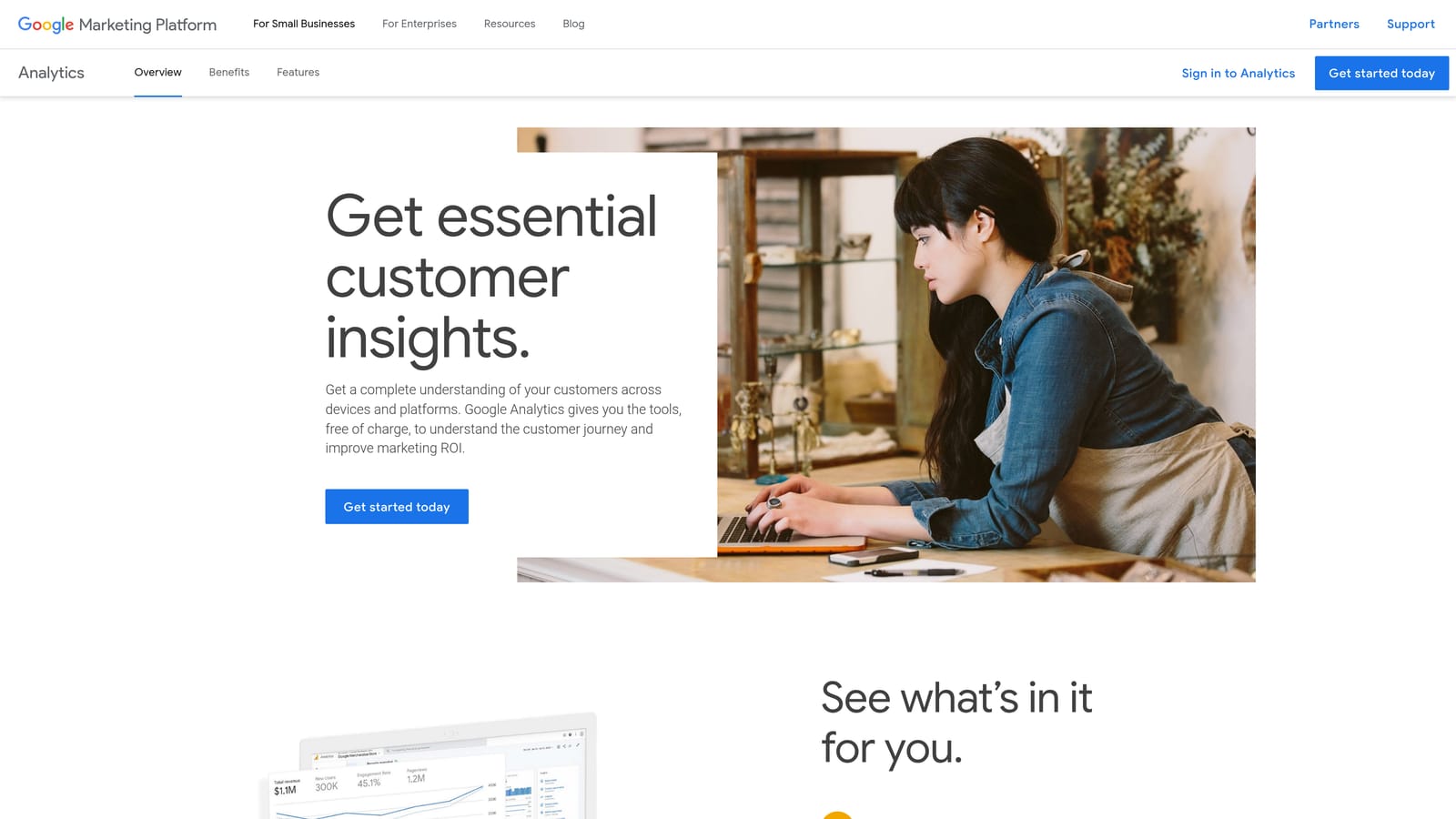
That post-click view is its distinct contribution on this list. If a campaign gets plenty of clicks but little engagement, GA4 is where you see which pages people leave and which paths lead to conversion.
- Event-based tracking that records actions like form starts, scrolls, and purchases.
- Google Ads linking so you can see ad performance next to on-site behavior.
- Conversion import to use GA4 events as conversions in Google Ads.
- Audience building for segments you can use in your campaigns.
- Exploration reports for digging into paths and funnels beyond the standard views.
It integrates with Google Ads, Looker Studio, and BigQuery. Setup is the sticking point. Configuring events and conversions correctly takes care, and it is easy to end up with data you cannot trust.
One common mistake: assuming GA4 and Google Ads conversion numbers will match. They often differ because the two systems count and attribute differently, so pick one as your source of truth for each decision and stay consistent.
Standard GA4 is free; GA4 360 is the paid enterprise tier.
Best for: Advertisers who need to see what visitors do after the click.
8. Unbounce
Unbounce is a landing page builder with A/B testing, aimed at paid traffic. It lets you build and test pages without a developer.
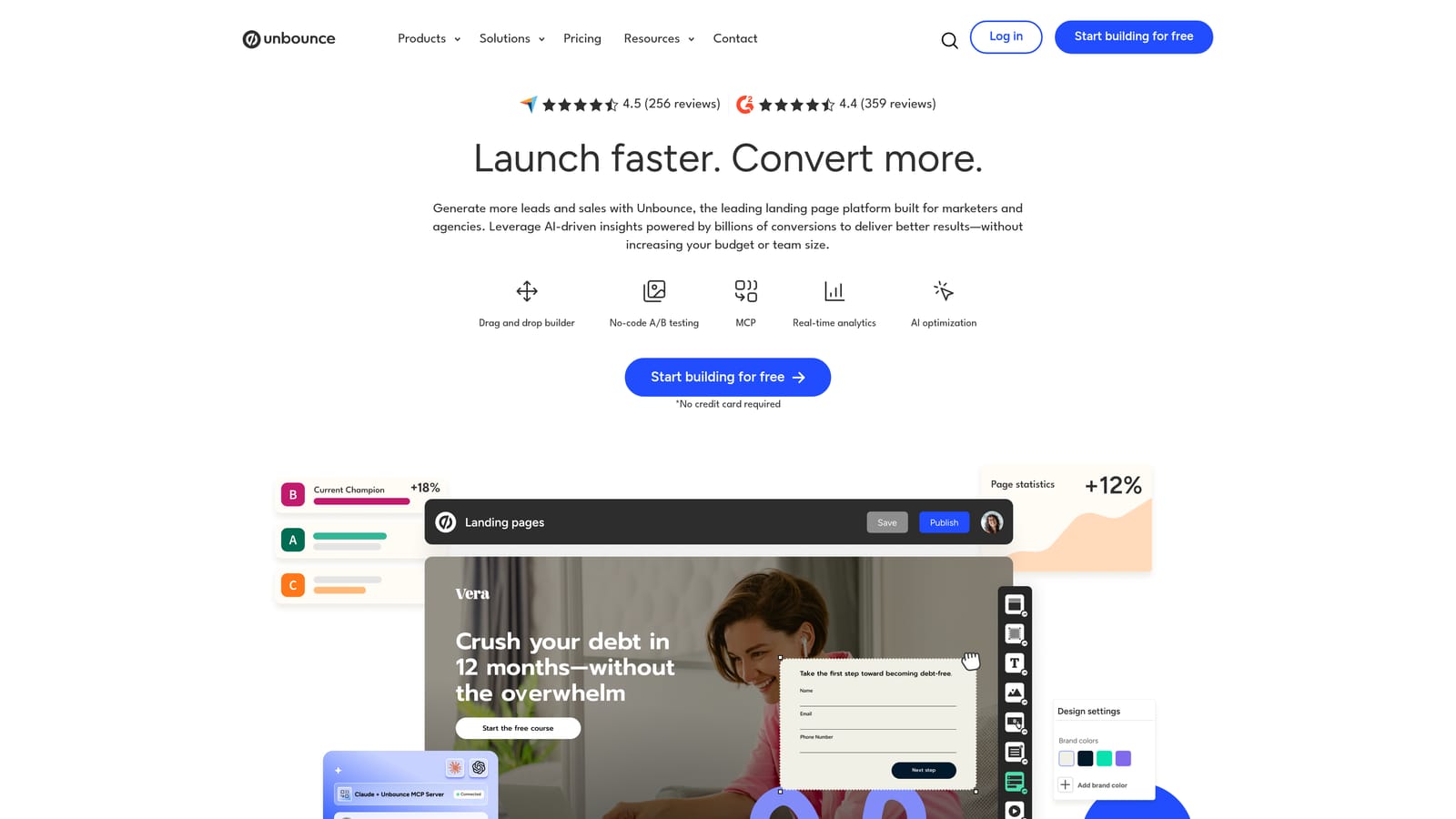
The distinctive part is the focus on ad conversions. Everything else on this list helps you get or analyze clicks, while Unbounce works on what happens once those clicks land.
- A drag-and-drop page builder, so you can launch pages without touching code.
- A/B testing to compare versions and learn what lifts conversion.
- Templates that give you a starting point instead of a blank page.
- AI-assisted tools to speed up copy and layout work.
- Form and popup options for capturing leads.
It integrates with Google Ads, HubSpot, and Zapier, which covers most lead handoff needs. A first page can go live quickly, and you will run it yourself from there.
The limitation is economic. It is a recurring cost, and testing only pays off with enough traffic to reach a meaningful result. If you get a few clicks a day, a simple well-built page on your existing site is usually the better use of money.
Pricing is by subscription; check the website for current plans and what changes the price, such as traffic or page limits.
Best for: Solo advertisers with decent traffic and a weak landing page.
9. Microsoft Advertising Editor
Microsoft Advertising Editor is a free desktop tool for managing Microsoft Advertising campaigns in bulk. It is the Bing-side counterpart to Google Ads Editor.
Its best trick for a solo advertiser is the import. If you already have a working Google Ads campaign, you can bring it into Microsoft Advertising instead of rebuilding from scratch, which makes testing a second search platform far cheaper in time.
- Bulk editing to change many campaign elements at once.
- Offline management so you can prepare changes and review them before posting.
- Import from Google Ads to copy over proven campaigns.
- Multi-account support if you handle more than one.
It works with Microsoft Advertising and imports from Google Ads. Setup means a download and account connection, then a review pass on whatever you import, since not everything will translate perfectly.
The limitation is fit. It is only worth the effort if a second search platform suits your audience and budget. If your customers are not on Bing, or your Google budget is already stretched, skip it for now.
It is free.
Best for: Solo advertisers expanding a working campaign to Bing.
Which Stack Fits Your Situation
You do not need all nine. Pick by the job that is eating your time, and remember that free Google tools cover more than most people expect, so do not pay for a suite until one of them runs out of road.
- Brand-new solo advertiser: Keyword Planner for research, GA4 for post-click data, and Keywordme for cleaning up search terms once traffic starts. Only one of the three costs anything.
- Reporting: Looker Studio, since it is free and handles scheduled reports.
- Competitive research: Semrush, if your niche is crowded enough to justify the subscription.
- Scaling toward multiple clients: Optmyzr for repeatable rules and audits, plus Google Ads Editor for bulk builds and edits.
- Landing page testing: Unbounce, once you have the traffic to make tests meaningful.
If search term cleanup is your weekly grind, that is the quickest win. Keywordme lets you remove junk search terms, build high-intent keyword lists, and apply match types right inside Google Ads, with no spreadsheets and no switching tabs. Start your free 7-day trial (then just $12/month) and take your Google Ads game to the next level.
.svg)