
9 Best PPC Tools for Marketing Consultants in 2026
This guide ranks nine of the best PPC tools for marketing consultants who manage paid search for several clients on a tight schedule. Each pick is judged on workflow speed, multi-account handling, client reporting, pricing for a one-person shop, and coverage, so you can assemble a lean stack that earns its cost.


Running Google Ads for several clients on a consultant's schedule means every hour counts, and every extra dashboard is one more thing to log into. This list is for solo consultants and small practices who manage paid search (and sometimes other channels) and need tools that earn their cost. We picked them for workflow speed, multi-account handling, how easy they make client reporting, pricing that works for a one-person shop, and how much ground each one covers. No single tool does everything, so think of this as a menu for building a stack.
Quick Comparison of the Tools
- Keywordme: consultants who triage search terms across client accounts; $12/month per user; adds one-click search term actions inside the Google Ads Search Terms Report itself.
- Google Ads Editor: consultants making large structural changes; free; first-party offline drafting and bulk edits across many accounts.
- Optmyzr: consultants with a growing book of accounts; pricing on its website; reviewable, repeatable audits and optimization suggestions.
- Semrush: consultants who need competitive research for pitches; pricing on its website; PPC competitor data alongside SEO data in one suite.
- SpyFu: consultants sizing up a prospect's competitors; pricing on its website; historical view of keywords and ad copy competitors have tested.
- Google Looker Studio: consultants wanting low-cost client reporting; free; reusable templates that refresh from Google data automatically.
- Supermetrics: consultants reporting across several ad platforms; pricing on its website; pulls multi-platform data into one report.
- Adalysis: consultants who want ad testing and monitoring handled systematically; pricing on its website; automated ad copy test analysis.
- Google Keyword Planner: consultants scoping keywords and budgets for new campaigns; free with a Google Ads account; forecast data straight from Google.
1. Keywordme
Keywordme is our own product, so weigh this section with that in mind. It's a Chrome extension that adds one-click actions to the Search Terms Report inside Google Ads. The report lists the actual queries people typed that triggered your ads, which is different from your keywords, the terms you chose to bid on. Keywordme lets you act on those queries where you see them: add a good one as a positive keyword, or exclude a junk one as a negative keyword, without exporting anything to a spreadsheet.
What sets it apart on this list is where it lives. Every other optimization option here sits in a separate app or dashboard, while Keywordme works natively in the Google Ads interface you already have open. For a consultant who reviews search terms for a dozen clients every week, that removes a lot of export, sort, and re-upload busywork. The company claims it can speed up optimization by up to 10x; that's its own figure, and your results will depend on how you work today.
- One-click negative keyword and keyword additions straight from the Search Terms Report, so triage happens in one pass.
- Match type application, so you choose broad, phrase, or exact as you add a term instead of editing afterward.
- Keyword clustering, which groups related terms so you can build keyword lists faster.
- Bulk editing for handling many terms at once.
- Multi-account and team support, useful when you cover several clients or bring in a subcontractor.
Setup is light: it's a browser extension that works with Google Ads, and the person doing the search term review runs it day to day. You stay in control, since you decide which terms to add or exclude.
The limitation is scope. Keywordme covers Google Ads search term and keyword optimization and nothing else: no reporting, no bid management, no competitor research, no other ad platforms. It also requires Chrome. You'll need other tools from this list for those jobs.
Pricing is $12 per month per user with a 7-day free trial, per company materials. Cost scales with the number of users, not accounts or ad spend. Verify current pricing on the site before you buy.
Best for: Consultants who spend hours triaging search terms across client accounts.
2. Google Ads Editor
Google Ads Editor is Google's free desktop application for making bulk changes to campaigns and posting them to one or more accounts. You download your account data, edit offline, review what changed, and then push the updates live. It's the sensible choice when a task would take hundreds of clicks in the web interface.

Its distinct value is that it's free, first-party, and built for volume. Nothing else here lets you draft a whole campaign structure offline and review it before anything touches a live account.
- Bulk editing across campaigns, ad groups, keywords, and ads, so sweeping changes take minutes instead of an afternoon.
- Offline editing with review before posting, which lets you catch mistakes before the client's budget is exposed to them.
- Multi-account management, so you can switch between client accounts in one app.
- Copy and paste of campaigns between accounts, handy when you reuse a proven structure for a new client.
- Change history review, so you can see what was altered.
Setup means installing the app and signing in with the access you already have to each account. The person building or restructuring campaigns uses it, usually in bursts rather than daily.
It has real limits. It's purely an editing tool: no optimization guidance, no reporting, and nothing telling you what to change. The interface also has a learning curve, and it's less convenient for quick, in-the-moment decisions like handling a single junk search term. It costs nothing, and pricing does not change with accounts or spend.
Best for: Consultants making large structural changes or building campaigns across accounts.
3. Optmyzr
Optmyzr is a PPC management platform that combines account audits, rule-based optimizations, and bulk tools for paid search. It's aimed at people who manage many accounts and want a consistent process for finding what needs attention.

Where it stands out is repeatability. Its optimization suggestions and audits are reviewable, so you can apply the same checks across every client account rather than relying on memory or a personal checklist. That consistency is what lets a growing practice take on more accounts without a matching rise in hours.
- Account audits that surface issues across campaigns, so you start each review with a list of things to look at.
- Rule-based optimizations that let you codify your own routines and run them repeatedly.
- Bulk change tools for applying edits across many items or accounts.
- Reporting, which helps with client updates.
- Multi-account management in one platform.
It connects to Google Ads and Microsoft Advertising, with support for other ad platforms too (check the vendor's site for the current list). Expect a longer setup than a browser extension: you connect accounts, then configure rules and audits to suit your clients. The consultant or an account manager usually owns it.
The main drawback is fit. If you have a handful of small accounts, Optmyzr can be more platform than you need, and you may not use enough of it to justify the cost. Pricing is tiered and based on ad spend managed; see the vendor's website for current plans, as the starting price isn't something we can confirm here.
Best for: Consultants running a growing book of accounts who want repeatable audits.
4. Semrush
Semrush is a broad SEO and marketing suite, and its advertising research tools are the part that matters here. They help you see what keywords competitors target and how their ads look, which is useful before you've touched a client account.
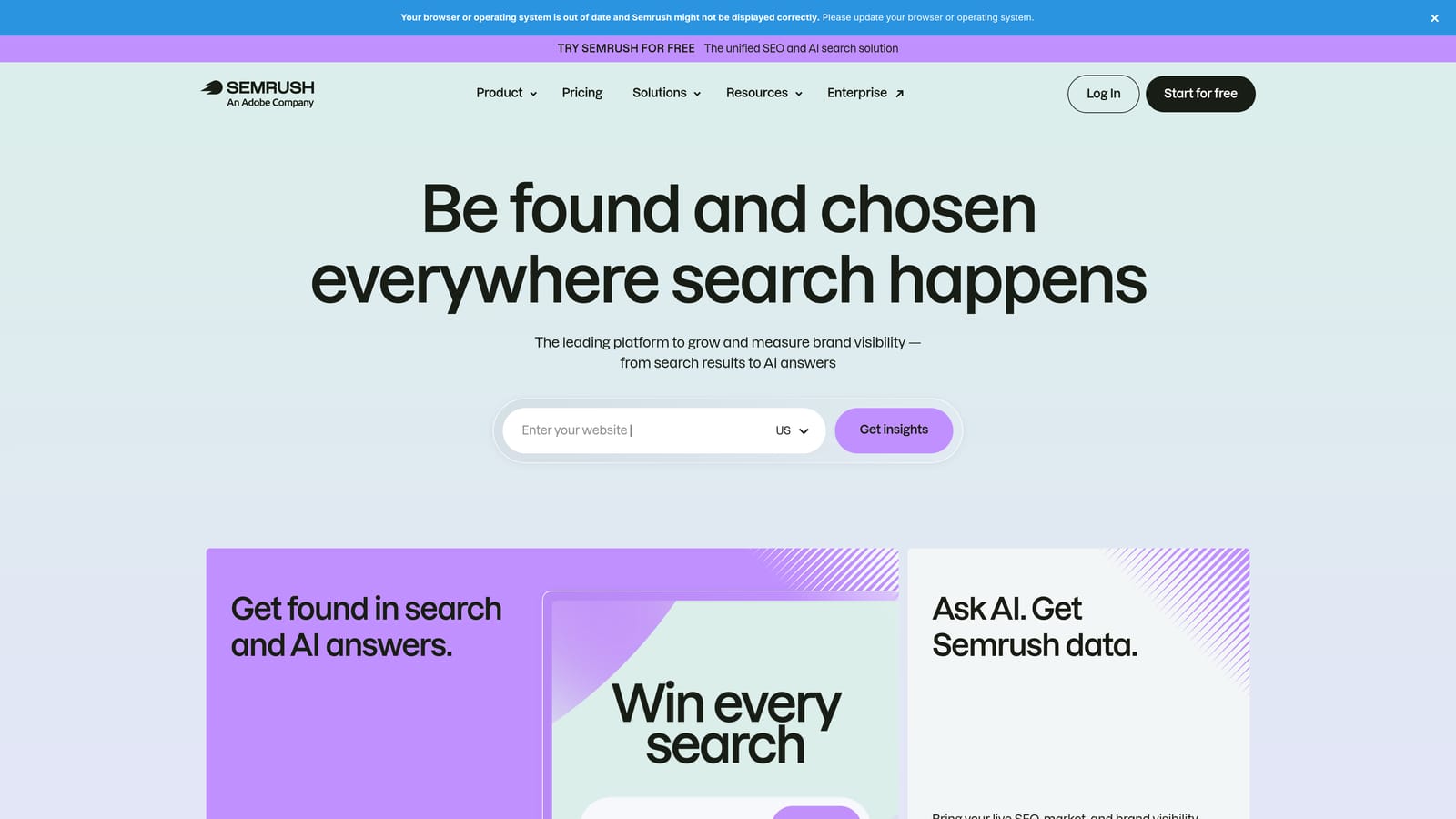
Its edge over the other research option on this list is breadth. You get PPC competitor data alongside SEO data in one place, so you can compare where a client wins organically against where competitors pay for traffic. That's a strong story for a pitch or onboarding deck.
- Competitor advertising research, to see which keywords and ads rivals use.
- Keyword research for building initial lists and spotting opportunities.
- Keyword gap analysis, which shows terms competitors rank or bid for that your client doesn't.
- Position tracking to monitor visibility over time.
- Reporting tools for packaging findings for clients.
It connects with tools such as Google Analytics, Google Search Console, and Looker Studio (confirm the current list on its site). Setup is mostly about creating projects for each client, and it's typically run by the consultant during planning and review cycles.
It plans and researches only. It doesn't manage or optimize live ad accounts, so it won't replace anything that touches campaigns. Also keep in mind that it's a full suite, so you may pay for far more than the ad research you need. Pricing is subscription tiers with add-ons; see the website for current plans.
Best for: Consultants who need competitive research for pitches and onboarding.
5. SpyFu
SpyFu is a competitor research tool that shows keywords competitors have bought and ranked for, along with historical ad data. It's narrower than a full suite, which keeps it approachable.
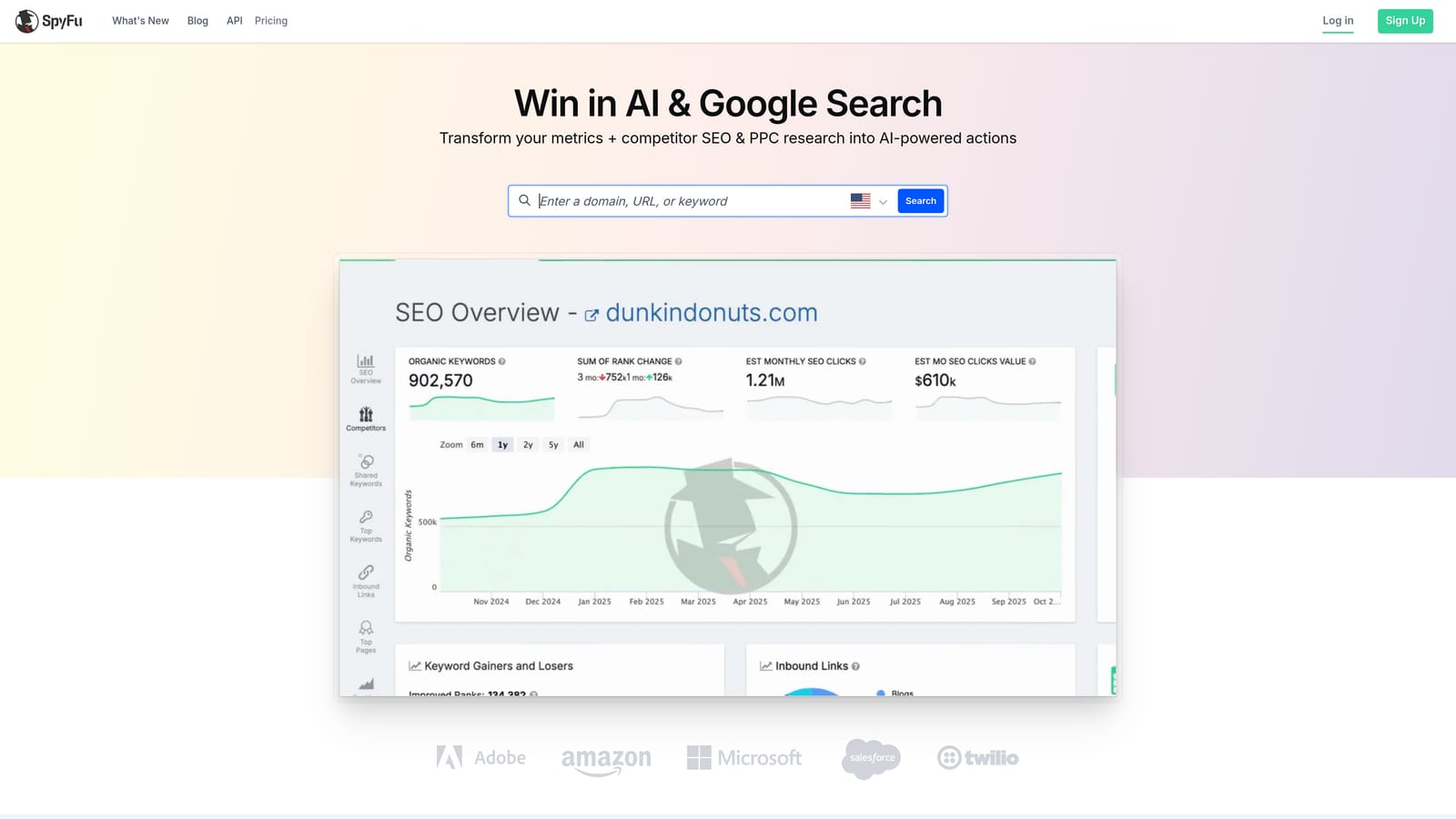
Its distinct strength is history. Rather than a snapshot, you can see the keywords and ad copy competitors have tested over time. That helps you spot what they've kept running (a hint that it may be working) versus what they dropped.
- Competitor paid keyword history, showing which terms rivals have bid on.
- Ad copy history, so you can study messaging that's been tested.
- Organic keyword data for a view of competitors beyond paid search.
- Keyword research to build starting lists.
- Competitor comparison to see overlaps and gaps between domains.
It runs in the browser, needs no connection to ad accounts for its core research, and is usually handled by the consultant when preparing a proposal. Check the vendor's site for its integrations.
Treat the numbers carefully. The data is estimated rather than account-level truth, and coverage is strongest in the US market, so it's a weaker fit for consultants whose clients mostly target other regions. Don't present competitor spend estimates to a client as fact. Pricing is subscription-based with tiers; see the website for current plans.
Best for: Consultants sizing up a prospect's competitive landscape before a proposal.
6. Google Looker Studio
Google Looker Studio is Google's free dashboard and reporting tool, with native connectors for Google Ads and other Google products. Many consultants use it as the backbone of client reporting because it costs nothing to start.

What makes it stand out is the reusable template. Build one good report, duplicate it for each client, point it at their data, and it updates on its own. That turns a monthly reporting chore into a quick check-and-comment job before the call.
- A native Google Ads connector, so campaign data flows in without exports.
- Reusable report templates that you copy across clients.
- Scheduled report delivery, so clients get updates without you sending them by hand.
- Shareable dashboards that clients can open any time.
- Custom charts and calculated fields to show the metrics a particular client cares about.
It connects to Google Ads, Google Analytics, and Google Sheets, with third-party connectors for other sources. Setup is the real cost: expect to invest time building templates that look good and answer the questions clients ask. The consultant builds it once and then maintains it.
Data from non-Google platforms often requires paid third-party connectors, which can erode the "free" advantage. The tool itself is free; check current options if you consider a paid Pro tier.
Best for: Consultants who want a polished, low-cost client reporting setup.
7. Supermetrics
Supermetrics is a data connector that pulls marketing data from many ad platforms into reporting tools and spreadsheets. It doesn't build reports itself; it feeds the places where you do.
Its differentiator is multichannel reach. If a client runs Google Ads, Meta Ads, and LinkedIn Ads, Supermetrics can bring all of it into one report, which is hard to do with native connectors alone. It's the natural partner for the Looker Studio setup above when clients spend beyond Google.
- Connectors for many ad platforms, so you aren't copying numbers between dashboards.
- Destinations including Looker Studio and Google Sheets, plus Excel, so you keep your preferred reporting tool.
- Scheduled data refreshes that keep reports current without manual pulls.
- Multi-account data pulls, helpful when you report on several client accounts.
Setup involves authorizing each platform and mapping the data into your destination, so budget time for configuration. The consultant or a reporting-minded assistant typically manages it.
It moves data but doesn't analyze or optimize it, so you still need to interpret the numbers. Costs also stack: you pay for Supermetrics on top of whatever reporting tool you use. Pricing varies by destination and the sources you connect; see the website for current plans.
Best for: Consultants reporting across several ad platforms in one view.
8. Adalysis
Adalysis is a PPC audit and monitoring tool focused on ad testing, quality checks, and alerts. It's built for ongoing account management rather than one-off tasks.
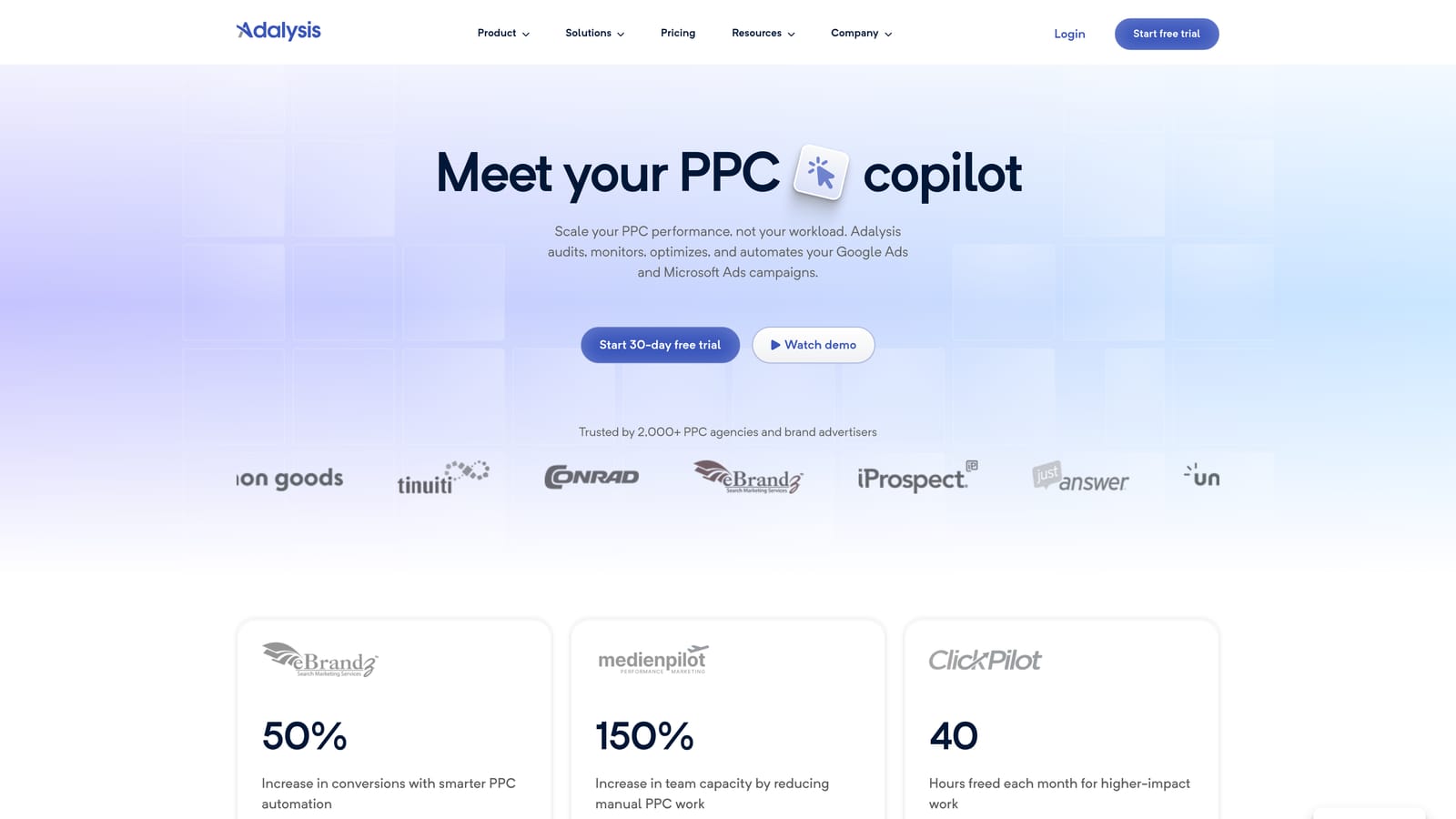
Its signature feature is automated ad copy test analysis. Instead of comparing ad variations by hand, it flags winning and losing versions so you know what to pause and what to write next. For consultants who test ad copy but struggle to find time to evaluate it, that's the draw.
- Automated ad testing analysis that points out which variations are performing better.
- Account audits to catch common problems across campaigns.
- Alerts and monitoring, so you hear about issues between reviews instead of discovering them on a client call.
- Quality checks that help keep ads and accounts tidy.
- Reporting to share findings.
It works with Google Ads and Microsoft Advertising (verify the current list on the vendor's site). You connect your accounts and let it analyze, and the consultant reviews the alerts and test results regularly.
It's designed for managing larger accounts over time, so on small budgets there may not be enough data for ad tests to reach clear conclusions, and the cost may be hard to justify. Pricing is tiered by account or ad spend; see the website for current plans.
Best for: Consultants who want ad testing and monitoring handled systematically.
9. Google Keyword Planner
Google Keyword Planner is a free tool inside Google Ads for discovering keyword ideas and estimating search volume and cost ranges. It's usually where scoping for a new campaign starts.
Its advantage is the source: the data comes straight from Google, including forecasts, so your starting keyword lists and budget conversations rest on first-party numbers rather than a third party's model.
- Keyword idea discovery from seed terms or a website, so you can build a starting list quickly.
- Search volume estimates to prioritize which themes deserve budget.
- Forecasts that give a rough view of what a budget might deliver.
- Bid range estimates, useful for setting expectations on cost with a client.
There's nothing to install. You need a Google Ads account to use it, and the consultant uses it mostly at the planning stage of a campaign.
Remember these are estimates, not promises. It also offers no competitor ad data and no live optimization, so it's a planning aid, not a management tool. It's free with a Google Ads account, and there's no pricing tied to seats or spend.
Best for: Consultants scoping keyword lists and budgets for new client campaigns.
Matching Tools to the Job: A Lean Stack for Consultants
Pick by the job you need done, not by the longest feature list.
- Search term cleanup: Keywordme, if you do this weekly across several accounts and want to stay in the Google Ads interface.
- Bulk account management: Google Ads Editor for structural changes and campaign builds.
- Auditing: Optmyzr for repeatable audits across a growing book, or Adalysis if ad testing and monitoring are the priority.
- Competitor research: Semrush for broader SEO plus PPC context, SpyFu for historical keyword and ad copy views. Treat estimates as directional.
- Client reporting: Looker Studio for Google-centric clients, with Supermetrics added when clients spend across several platforms.
A lean setup might be three tools: Keywordme for search term triage, Google Ads Editor for bulk work, and Looker Studio for reporting. Add Keyword Planner at the start of each new campaign, and bring in a research or audit platform only when your client load justifies it. Pricing across these tools can change, so check each vendor's site before committing.
Optimize Google Ads Campaigns 10X Faster. Without Leaving Your Account. Keywordme lets you remove junk search terms, build high-intent keyword lists, and apply match types instantly, right inside Google Ads. No spreadsheets, no switching tabs, just quick, seamless optimization. Start your free 7-day trial (then just $12/month) and take your Google Ads game to the next level.
.svg)