
9 Best PPC Tools for Digital Marketers in 2026
This guide compares nine PPC tools for digital marketers, each chosen for the specific paid search job it does best, from search term cleanup and keyword research to bulk edits, competitor analysis, and reporting. It covers pricing and fit for freelancers, in-house marketers, and agencies so you can build a toolkit that matches your workflow.


Paid search work splits into distinct jobs: cleaning up search terms, researching keywords, managing campaigns in bulk, spying on competitors, and reporting. No single tool does all of it well. These nine were picked by the specific job each does best, what it costs, and how well it fits freelancers, in-house marketers, and agencies.
Quick Comparison of the PPC Tools
- Keywordme: marketers and agencies who clean search terms weekly; $12/month per user; does one-click search term actions inside the native Google Ads Search Terms Report.
- Google Ads Editor: account managers making large structural changes; free; lets you draft and review bulk edits offline before posting.
- Google Keyword Planner: planning keyword sets before launch; free with a Google Ads account; first-party Google keyword and forecast data.
- Semrush: marketers who want competitor and SEO research next to paid search; subscription tiers, see website; competitive PPC intelligence combined with SEO data.
- SpyFu: agencies and marketers benchmarking rivals; subscription plans, see website; long history of competitor keywords and ad variations.
- Optmyzr: agencies managing many paid search accounts; tiered plans, see website; rule-based automation across accounts.
- Looker Studio: freelancers and agencies building client reports; free; custom dashboards that blend several data sources.
- Google Analytics 4: connecting paid traffic to on-site outcomes; free; shows what visitors do after the click.
- Microsoft Advertising Editor: marketers adding Bing as a second channel; free; imports a Google Ads setup to launch on Microsoft Advertising.
1. Keywordme
Keywordme is our own product, so weigh this section accordingly. It's a Chrome extension that adds one-click actions directly inside the Google Ads Search Terms Report. A quick definition for anyone new: search terms are the exact queries people typed, while keywords are what you bid on. Negative keywords are the ones you add to stop your ads showing for certain searches.
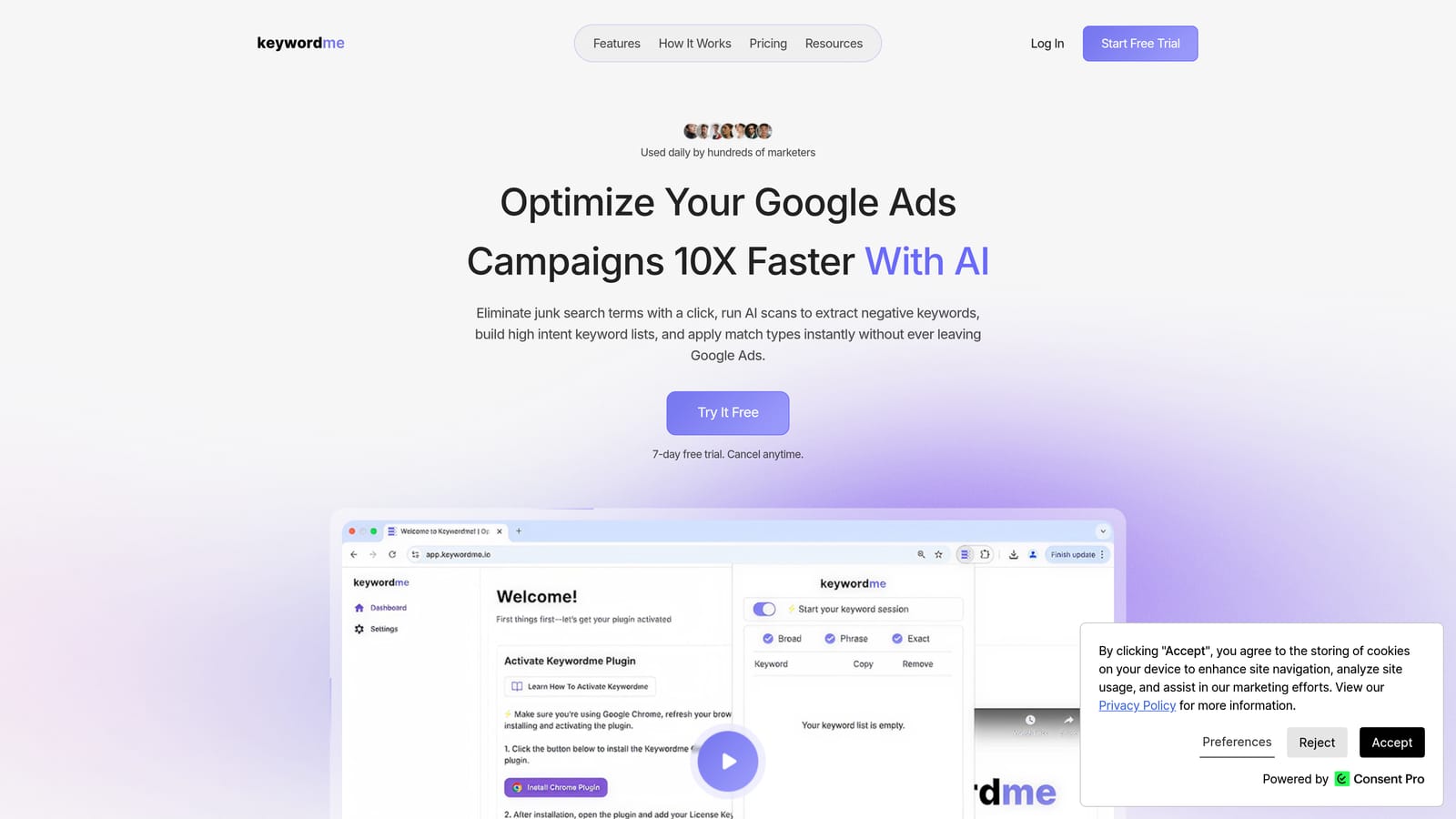
What sets it apart on this list is where it works. You triage search terms in the native Google Ads interface, with no exports and no spreadsheets. Keywordme says this makes optimization up to 10x faster; that figure is the company's own claim, and your results will depend on your accounts and how you work.
- Add negative keywords from the Search Terms Report in one click, so junk queries stop eating budget.
- Add good search terms as keywords with your chosen match type applied, which skips the manual copy-and-paste step.
- Cluster keywords so you can see themes in your queries and build tighter lists.
- Edit in bulk when a report has dozens of terms to handle.
- Share work across accounts and team members, which suits agencies with several people in the same clients.
Setup is light: it's a browser extension that works with Google Ads through Chrome, so whoever reviews search terms day to day (a freelancer, an in-house marketer, an account manager) can use it right away. You still decide which terms to add or exclude; nothing here runs on autopilot.
The limits are real. Keywordme is focused on search term and keyword work in Google Ads. It has no bid automation, no reporting, and no competitor research, and it's Chrome-only. If you need those jobs, you'll pair it with other tools below.
Pricing is $12/month per user, with a 7-day free trial. Cost scales with the number of seats.
Best for: Marketers and agencies who clean search terms and build keyword lists every week.
2. Google Ads Editor
Google Ads Editor is Google's free desktop app for managing campaigns in bulk. You download your account data, make changes offline, and post them when you're ready. It's built for people who outgrew clicking through the web interface one campaign at a time.
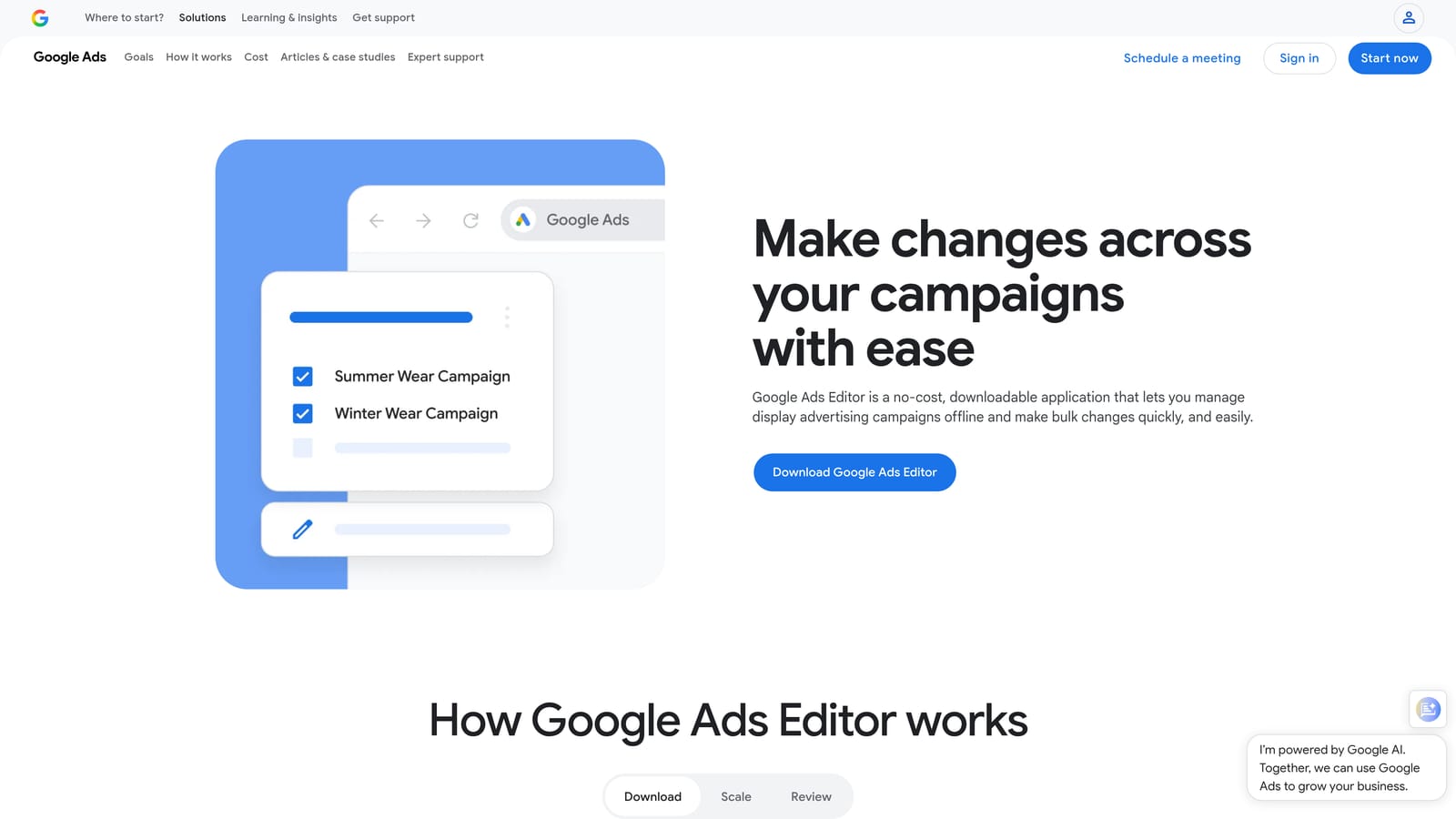
Its edge over everything else here is scale and safety. Restructuring ad groups, rewriting hundreds of ads, or rolling out a new campaign layout across accounts is far easier in a spreadsheet-like grid, and you can review every pending change before it goes live.
- Bulk edit across campaigns and accounts, so a change that would take hours in the browser takes minutes.
- Work offline and draft changes without touching live campaigns.
- Review changes before posting, which catches mistakes before they cost money.
- Copy and paste across campaigns and accounts to reuse structures you already trust.
It connects to Google Ads only, and whoever manages the account runs it. Setup is a download and a sign-in, but the learning curve is real for newcomers because the layout is dense.
The main gap: it offers no guided search term analysis. It can apply negatives you've already decided on, but it won't help you find or judge them. That's why many people pair it with a search term tool rather than treating it as a replacement.
It's free.
Best for: Account managers making big structural changes across many campaigns.
3. Google Keyword Planner
Limitations first: Google Keyword Planner only knows Google, shows no competitor data, and may display search volume as broad ranges rather than exact numbers, depending on your account. Treat the volumes as directional, as of 2026.

Within those limits, it's the default starting point for keyword research because the data comes straight from Google, and it costs nothing. It lives inside Google Ads, so it suits anyone planning a campaign before spending a dollar.
- Discover keyword ideas from a seed term or a website, so your first list isn't just what you can think of.
- See search volume data to gauge which topics have demand.
- Use forecasts to estimate how a keyword set might perform at a given budget.
- Check bid range estimates to sanity-check whether a market fits your budget.
There's nothing to install and it integrates with Google Ads natively. A marketer or account manager can use it in minutes, though the ideas it returns still need filtering for relevance and intent.
Keyword Planner tells you what could work before launch. It doesn't tell you what's actually working; for that you review the Search Terms Report once data comes in.
It's free with a Google Ads account.
Best for: Planning keyword sets before launching a new campaign.
4. Semrush
Semrush is an all-in-one marketing suite, and its PPC features are among the stronger parts. It's the broadest tool on this list, which is both its appeal and its drawback.
What it does that the others don't is pair competitor paid search intelligence with SEO data. If you want to know which keywords a rival bids on and also where they rank organically, you can see both in one place.
- Advertising research on competitors, so you can see what others in your market are running.
- Keyword gap analysis to find terms rivals target that you don't.
- Keyword research for building and expanding lists beyond Google's own planner.
- PPC keyword and ad copy insights to inform your own messaging tests.
It integrates with Google Ads, Google Analytics, and Looker Studio. Setup is modest, but the interface is large and it takes time to learn which parts you need. Usually an SEO lead or a marketer with research duties owns it.
It isn't ideal for a solo marketer who only needs Google Ads optimization; you'd pay for a lot you won't touch. Competitive data in tools like this is also modeled, not exact.
Pricing is subscription tiers; see the website for current plans, as they change.
Best for: Marketers who need competitor and SEO research alongside paid search.
5. SpyFu
SpyFu is a competitor research tool built around history. Instead of a snapshot of what a rival runs today, you see which PPC and SEO keywords and ad variations they've tested over time.
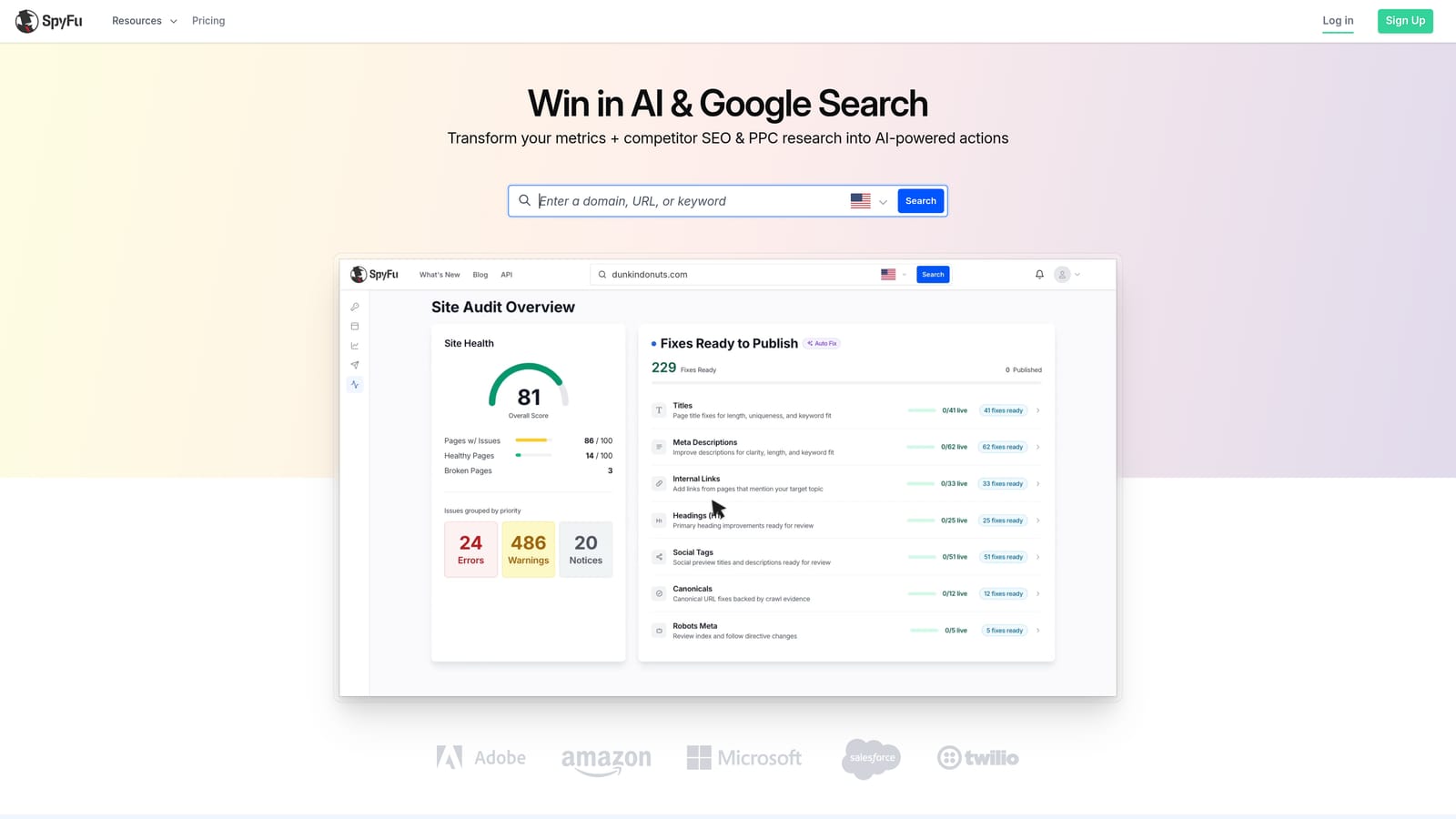
That history is the differentiator. If a competitor has run the same ad copy for years, it's probably working; if they cycled through a dozen versions, you can see what they dropped. It's useful for pitches and prospecting as much as for your own campaigns.
- Review competitor keyword history to spot terms they keep paying for.
- Browse ad variation history to see which messaging survived testing.
- Run PPC keyword research from a competitor's domain rather than from scratch.
- Compare domains side by side to find overlap and gaps.
Integrations aren't a selling point; check the website for current options. Setup is simply signing up and entering domains, and an agency strategist or marketer typically runs it.
Know the limits: the figures are estimates, and SpyFu does not manage campaigns. It informs decisions; it doesn't make changes in your account.
Pricing is by subscription plan; see the website for current tiers.
Best for: Agencies and marketers benchmarking rivals or prospecting.
6. Optmyzr
Optmyzr is a PPC management platform aimed at teams running many accounts. It combines optimization tools, rule-based automation, and reporting, and it supports both Google and Microsoft Ads.
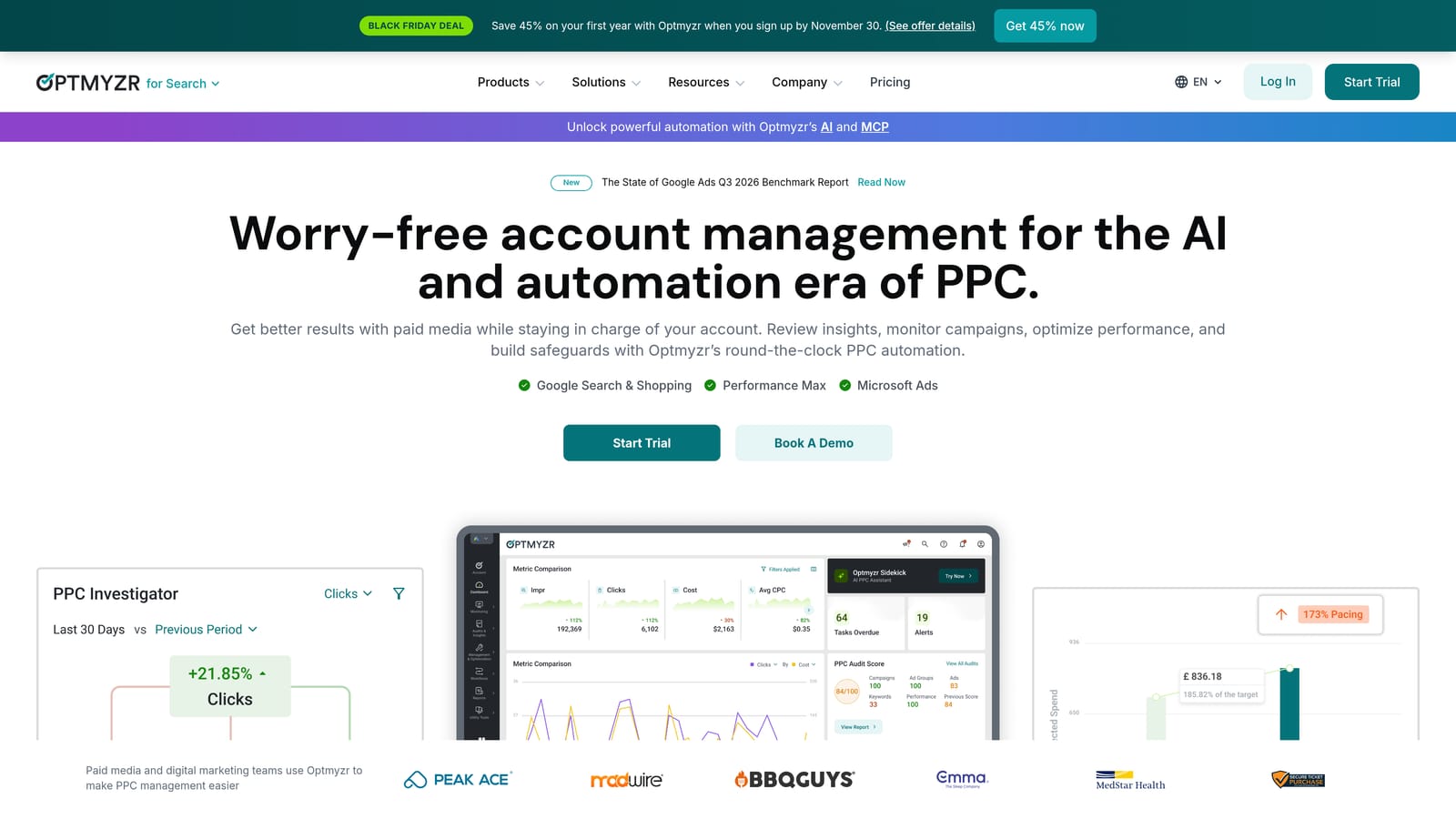
It stands out for multi-account optimization. Where lightweight tools handle one task, Optmyzr is designed to run recurring checks and routine adjustments across a whole book of clients.
- Set rule-based automation so repetitive checks happen on your conditions instead of by hand.
- Run account audits and get optimization suggestions that point to where to look.
- Build reporting so client updates don't start from a blank page.
- Manage Google and Microsoft Ads in one platform.
It integrates with Google Ads and Microsoft Advertising. Expect more setup than a browser extension: you'll connect accounts, configure rules, and learn the platform. A PPC specialist or account lead usually owns it.
It costs more and takes more effort than lightweight tools, and its suggestions need human review before you act on them. For a single small account, it's likely more than you need.
Pricing is tiered; see the website for current plans.
Best for: Agencies managing many paid search accounts.
7. Looker Studio
Looker Studio is Google's free dashboard and reporting tool, with a native Google Ads connector. If clients or stakeholders want a live view of performance, this is the usual starting point.
Its strength is flexible, free reporting that blends data from several sources, so ad spend, analytics, and spreadsheet data can sit in one view.
- Connect Google Ads directly so metrics update without manual exports.
- Build custom dashboards around the metrics each client cares about.
- Blend data from sources like Google Analytics 4 and Google Sheets.
- Share reports with clients through a link instead of a PDF.
It works with Google Ads, Google Analytics 4, and Google Sheets. Setup is the real cost: dashboards take time to build, and templates only get you partway. Whoever owns reporting (often a freelancer or account manager) will spend hours up front, then save time every month.
Some connectors cost money, as of 2026, so check before you plan a dashboard around a third-party source. And a dashboard shows data; it doesn't tell you what to change.
The tool itself is free, with paid connectors possibly costing extra.
Best for: Freelancers and agencies building client reports.
8. Google Analytics 4
Google Analytics 4 (GA4) is Google's free analytics platform. It links ad clicks to what people do on your site afterward, which is the part Google Ads alone can't fully show.
That's its distinct value here: it answers what happens after the click, beyond CTR. A campaign with a strong click-through rate and no meaningful on-site engagement has a problem you'd never spot from ad metrics alone.
- Link Google Ads so campaign data and site behavior sit together.
- Track conversions and events to see which actions matter to the business.
- Build audiences from on-site behavior for use in your campaigns.
- Read path and engagement reports to see how visitors move through the site.
It integrates with Google Ads, Looker Studio, and BigQuery. Setup is where people stumble: event and conversion configuration is complicated, and a developer or technically confident marketer often has to help.
The main risk is bad tracking. Misconfigured events or duplicated conversions can lead you to optimize toward the wrong numbers, so audit your setup before trusting it.
It's free, with a paid tier for large enterprises.
Best for: Marketers connecting paid traffic to real on-site outcomes.
9. Microsoft Advertising Editor
Microsoft Advertising Editor is Microsoft's free bulk management app for Microsoft Advertising campaigns, and it can import Google Ads campaigns.
That import is the reason it's on this list. If your Google Ads account is in good shape, you can bring that structure over and get a Bing presence running far faster than rebuilding from scratch.
- Edit campaigns in bulk, as you would in Google Ads Editor.
- Work offline and post changes when ready.
- Import Google Ads campaigns to reuse a setup that already works.
- Manage multiple accounts from one place.
It works with Microsoft Advertising and imports from Google Ads. Setup is a download and account connection, and the person who manages your paid search runs it.
It's only useful if you run, or plan to run, Microsoft Ads, which has a smaller audience than Google. Review imported campaigns before launch, since settings and targeting don't always map one to one.
It's free.
Best for: Marketers adding Bing as a second search channel.
Matching the Tool to the Job
These tools aren't substitutes, so pick by the job in front of you:
- Search term cleanup: Keywordme, since it works inside the Search Terms Report.
- Planning: Google Keyword Planner for first-party keyword ideas and forecasts.
- Competitor research: Semrush if you want SEO alongside paid; SpyFu for ad and keyword history.
- Bulk management: Google Ads Editor for structure; Optmyzr for multi-account automation.
- Reporting: Looker Studio, backed by Google Analytics 4 for on-site outcomes.
- Multi-channel: Microsoft Advertising Editor to bring a Google setup to Bing.
Most marketers end up combining two or three of these rather than buying a full suite. A common mistake is paying for a big platform when the real waste sits in search terms nobody has reviewed. Fix that first, then add tools where a gap shows up.
Optimize Google Ads Campaigns 10X Faster. Without Leaving Your Account. Keywordme lets you remove junk search terms, build high-intent keyword lists, and apply match types instantly, right inside Google Ads. No spreadsheets, no switching tabs, just quick, seamless optimization. Start your free 7-day trial (then just $12/month) and take your Google Ads game to the next level.
