
9 Best PPC Tools for B2B Marketers in 2026
This guide ranks nine PPC tools for B2B marketers, freelancers, and agency owners running Google Ads and LinkedIn campaigns. Each tool is judged on B2B fit, search term and keyword management, reporting and attribution, pricing transparency, and suitability for solo marketers versus agencies, with clear notes on what each tool does not do.


B2B PPC rarely gives you much room: small search volumes, expensive clicks, long sales cycles, and a steady stream of irrelevant queries. This list is for B2B marketers, freelancers, and agency owners running Google Ads (and often LinkedIn) who want a practical shortlist. We chose tools on five criteria: B2B fit, depth in search term and keyword management, reporting and attribution, pricing transparency, and suitability for solo marketers versus agencies. Each tool does one job, and we say plainly what it does not do.
Quick Comparison of the Tools
- Keywordme: marketers and agencies cleaning up Google Ads search terms; $12/month per user; works inside the native Google Ads Search Terms Report.
- Google Ads Editor: large account builds and structural changes; free; offline bulk restructuring across many accounts before posting.
- Google Keyword Planner: initial keyword lists and budgets; free with a Google Ads account; first-party Google data on demand and bid ranges.
- HubSpot Marketing Hub: B2B teams wanting pipeline reporting from ads; tiered pricing, see website; ties ad clicks to CRM deals.
- LinkedIn Campaign Manager: account-based and decision-maker targeting; budget set by advertiser; professional demographic targeting no search platform offers natively.
- Semrush: competitor research and comparison keywords; subscription tiers, see website; competitor paid keyword and ad copy intelligence.
- Optmyzr: agencies managing many accounts; spend-based pricing, see website; rule-based automation and scalable client reporting.
- Google Analytics 4 with Looker Studio: teams needing free conversion tracking and dashboards; free; custom cross-channel reporting at no cost.
- Microsoft Advertising: expanding B2B search reach beyond Google; budget set by advertiser; search campaigns with company, industry, and job function targeting.
1. Keywordme
Keywordme is a Chrome extension that adds one-click actions to the Search Terms Report inside Google Ads. It's our own product, so weigh this section with that in mind. It's built for people who spend real time reviewing search terms, the actual queries people typed, as opposed to the keywords you bid on. In B2B, that review matters because a handful of clicks on "free," "jobs," or "template" queries can eat a meaningful share of a small budget.
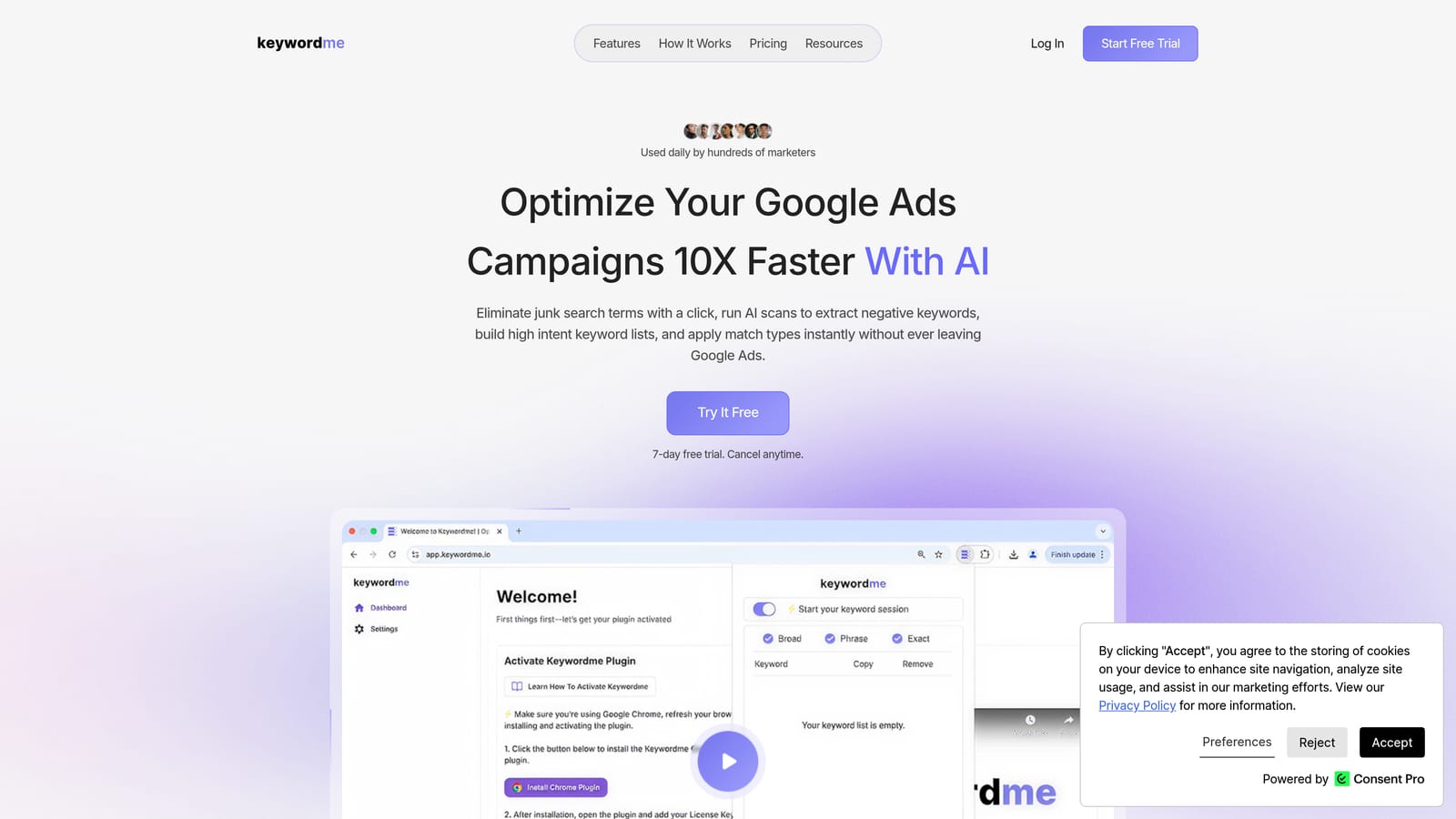
What sets it apart on this list is where it lives. You stay in the native Google Ads interface, so search term cleanup doesn't mean exporting a CSV, sorting in a spreadsheet, and uploading changes back. You see the term, click, and move on.
- One-click negative keywords from the Search Terms Report, so junk queries stop triggering your ads.
- Add keywords with match types applied instantly, which turns a good search term into a positive keyword without manual formatting.
- Keyword clustering to group related terms when you're building new ad groups or lists.
- Bulk editing for working through many terms at once.
- Multi-account and team support, so agencies can work across client accounts.
Setup is a Chrome extension install, and the person doing the weekly search term review is the one who uses it. It connects to Google Ads through Chrome, and that's the whole integration story.
The limits are clear. It's Google Ads only, and it isn't a reporting, attribution, or bid management platform. It won't tell you which leads became pipeline. It speeds up the cleanup and keyword-building work, and you still decide what counts as junk for your business.
Pricing: $12/month per user, with a 7-day free trial. Cost scales with the number of users, not ad spend.
Best for: Marketers and agencies who want faster search term cleanup in Google Ads.
2. Google Ads Editor
Google Ads Editor is Google's free desktop app for bulk editing and managing multiple accounts. It suits people who build or restructure large accounts, such as an agency launching dozens of campaigns segmented by product line, region, or persona.

Its distinguishing strength is working offline. You download accounts, make sweeping changes, and review everything before posting. Nothing else on this list lets you restructure many accounts in one session and inspect the changes before they go live.
- Bulk edits across campaigns, ad groups, keywords, and ads in a single pass.
- Multi-account management from one app, which saves switching between logins.
- Offline drafting, so you can build structures without being tied to the browser interface.
- Copy and paste between accounts, useful for reusing a proven structure for a new client.
- Review changes before posting, which catches errors before they cost money.
It integrates with Google Ads only, and the person running it is usually the account builder or senior specialist. Expect a learning curve, especially if you're used to the web interface.
The real limitation: it gives no performance insight or recommendations. It's a production tool, not an analysis tool. It won't tell you which search terms are wasting money or what to change. It also isn't the best fit if your main need is a fast weekly search term review.
Pricing: Free.
Best for: Large account builds and structural changes at scale.
3. Google Keyword Planner
Google Keyword Planner is the free keyword research and forecasting tool inside Google Ads. It's meant for anyone planning a new campaign or expanding an existing one, from freelancers pitching a budget to in-house marketers sizing up a new product category.

Its edge is that the data comes straight from Google: keyword demand and bid ranges from the platform you're buying on. For budget conversations, that's a credible starting point.
- Keyword ideas generated from seed terms or a website, to widen your starting list.
- Search volume ranges, to gauge relative demand.
- Bid estimates, so you can sanity-check whether a term fits your budget.
- Forecasts for clicks and cost, useful when you need to propose spend.
- Keyword grouping by theme, which speeds up ad group planning.
It requires a Google Ads account and takes little setup. Anyone on the team can use it.
The main caveat for B2B: volume is shown as ranges for niche terms and low-spend accounts. B2B keywords are often niche, so you may see broad bands instead of useful numbers. Treat volume as a rough signal, not exact B2B demand. A term with a low range can still be worth bidding on if the buyer is right. It also says nothing about lead quality or what converts.
Pricing: Free with a Google Ads account.
Best for: Planning initial keyword lists and budgets from Google data.
4. HubSpot Marketing Hub
HubSpot Marketing Hub is a marketing platform built around a CRM, and it's the answer to the question B2B teams keep asking: which clicks became deals? It's designed for teams that want ad spend connected to contacts, lifecycle stages, and pipeline rather than stopping at form fills.

That CRM link is what sets it apart here. Where most tools on this list stop at clicks or conversions, HubSpot ties ad clicks to CRM deals and pipeline, which helps you judge campaigns on quality instead of lead count. More leads doesn't mean better results if none of them close.
What you get
- CRM-connected ad attribution, linking campaigns to contacts and deals.
- Audience syncing, so CRM lists can feed ad platforms.
- Lifecycle stage reporting, showing how leads progress.
- Forms and landing pages, to capture and route leads in one place.
- Lead scoring, to separate likely buyers from tire-kickers.
Fit and limits
It integrates with Google Ads, LinkedIn Ads, Meta Ads, and HubSpot CRM. Setup takes real effort, and ownership usually sits with a marketing ops person or a marketer comfortable with CRM configuration. It isn't PPC-specific, so you won't get search term tools or bid controls. It's also a platform-level commitment, and a small team that only needs PPC reporting may find it too much.
Pricing: Tiered; see HubSpot's website for current plans. Cost depends on the tier and typically on features and contact volume.
Best for: B2B teams that want pipeline reporting from ads.
5. LinkedIn Campaign Manager
LinkedIn Campaign Manager is LinkedIn's native ad platform, built for reaching professionals by who they are rather than what they search. It suits account-based marketing (ABM), where you target a defined list of companies and the decision-makers inside them.

Its standout is professional demographic targeting that no search platform offers natively. You can aim at specific job titles and seniority levels, plus company size and industry, which is hard to replicate on Google.
- Job title and seniority targeting, to reach the people who sign off on purchases.
- Company size and industry targeting, to keep spend on your ideal customer profile.
- Lead Gen Forms, which capture leads without sending people off-platform.
- Matched Audiences, for retargeting visitors or uploading your own lists.
- Conversion tracking, to measure actions after the click.
It connects to CRM platforms and marketing automation tools, and setup is mostly about audience definition and conversion tracking. A marketer or agency specialist usually runs it.
The tradeoffs are cost and scope. Clicks generally cost more than on search platforms, and it's LinkedIn only. It's also interruption-based, so intent is lower than someone actively searching your keywords. Check LinkedIn's current minimum budgets and bids before planning spend.
Pricing: Pay per click or impression, with the budget set by the advertiser. See the website for current minimums.
Best for: Account-based and decision-maker targeting.
6. Semrush
Semrush is an SEO and PPC research suite with competitor keyword and ad data. It's for marketers who want to see what rivals are bidding on and how they word their ads, which is especially handy in B2B where a few competitors dominate the auction.
The distinctive value is competitor intelligence: paid keywords and ad copy history that your own account data can't show you. It's a good source of comparison and alternative keywords you hadn't considered.
- Competitor ad keyword research, showing which terms rivals appear to bid on.
- Ad copy history, so you can see how competitors' messaging has changed.
- Keyword databases, for broad research beyond Google's own planner.
- Keyword gap analysis, highlighting terms competitors cover that you don't.
- Position tracking, to monitor visibility over time.
It integrates with Google Analytics, Google Search Console, and Looker Studio. Setup is light, and it's typically used by whoever handles research and strategy.
The key limitation: its numbers are modeled estimates, not your own account data. Use them for direction, not as exact spend or traffic figures. It also doesn't manage or edit your campaigns, so it complements a tool that does.
Pricing: Subscription tiers; see the website for current plans. Price rises with plan level and usage limits.
Best for: Competitor research and finding comparison keywords.
7. Optmyzr
Optmyzr is a PPC management platform with optimizations, audits, and reporting. It's aimed at agencies and in-house teams juggling many accounts, where repeating the same checks by hand eats the week.

Its differentiator is rule-based automation paired with reporting that scales. You can set up logic for routine optimizations and produce client reports without rebuilding them each month.
- Rule-based optimizations that apply your own logic to routine account tasks.
- Account audits, to flag issues across campaigns quickly.
- Client reporting, so agencies can deliver consistent updates.
- Scripts and automation, for custom workflows beyond the defaults.
- A multi-account dashboard, giving a single view across clients.
It integrates with Google Ads, Microsoft Advertising, and Meta Ads. Expect onboarding time to configure rules and reports, and a PPC manager or account lead to own it day to day. Review any automation rules you set so they match your goals.
The limitation is cost structure. Pricing is based on ad spend, which can be heavy for small accounts, and B2B budgets are often modest. It's also more tool than a solo marketer with one account needs.
Pricing: Based on ad spend; see the website for current plans.
Best for: Agencies managing many accounts with reporting needs.
8. Google Analytics 4 with Looker Studio
Google Analytics 4 with Looker Studio pairs Google's analytics platform with its dashboarding tool for cross-channel conversion reporting. It's for teams that need to see what happens after the click without paying for a full attribution platform.
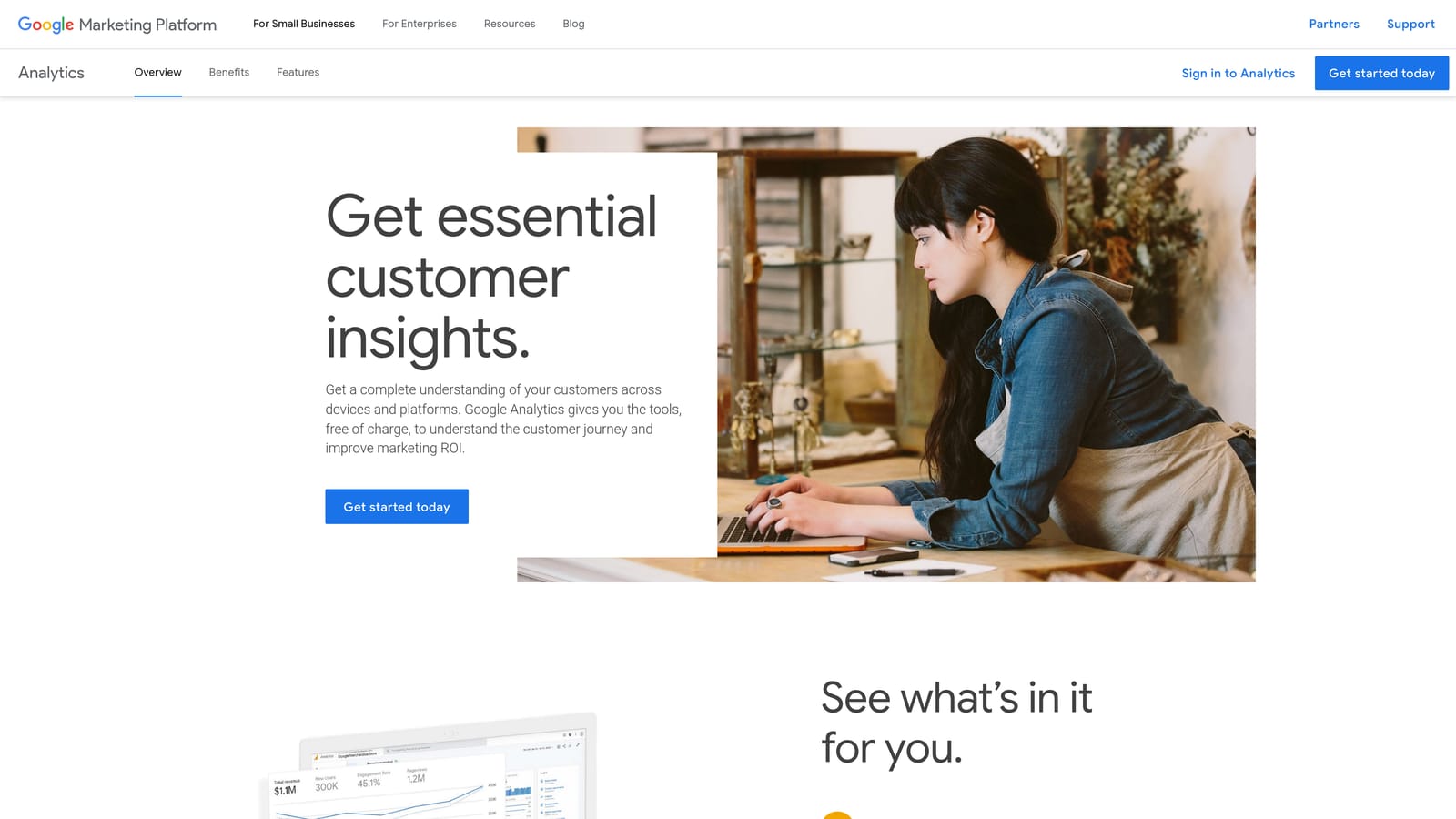
The standout is free, customizable reporting across channels. You can build a dashboard that puts Google Ads, LinkedIn, and organic side by side, tailored to the metrics your stakeholders care about.
- Key event tracking, to count the actions that matter, like demo requests.
- Campaign-level reports, showing which campaigns drive those actions.
- Custom dashboards in Looker Studio, for client-ready or executive views.
- Audience building, to create segments for remarketing.
- Data connectors, to pull in other sources.
It integrates with Google Ads, Looker Studio, and BigQuery. Setup takes effort: defining key events, linking accounts, and building dashboards is real work, usually owned by a marketer or analyst.
The big B2B gap is that it doesn't show closed-won revenue without CRM data. Out of the box you see leads and events, not which ones became customers. Importing offline conversions (matching CRM outcomes back to the original click) is the usual fix, and that needs extra configuration.
Pricing: Free.
Best for: Teams that need free conversion tracking and dashboards.
9. Microsoft Advertising
Microsoft Advertising is the second major search ad platform, and it offers targeting based on LinkedIn profile data. It suits B2B advertisers who've worked through Google and want more reach without starting from scratch.
What separates it is search campaigns you can narrow by company, industry, and job function. That gives search advertisers a layer of professional targeting that Google doesn't natively provide. Confirm current availability and options in your account, since targeting features change.
- Search campaigns, covering the Bing, Yahoo, and partner search audience.
- LinkedIn profile targeting by company, industry, and job function.
- Google Ads import, so you can bring existing campaigns over quickly.
- Audience network, for extending reach beyond search results.
- Conversion tracking, to measure results.
It integrates through Google Ads import and Microsoft Clarity. Setup is quick if you import, and the same person running Google Ads can usually handle it.
The drawback is scale: search volume is smaller than Google's, so don't expect it to replace your main channel. For niche B2B terms that can mean very little traffic, so treat it as an expansion channel and watch results closely.
Pricing: Pay per click, with the budget set by the advertiser.
Best for: Expanding B2B search reach beyond Google.
Matching the Tool to Your Situation
No single tool on this list covers everything, and most B2B setups combine two or three. A few pairings stand out:
- Cleaning up Google Ads search terms (solo marketers and agencies): Keywordme. It's the fastest route from a messy Search Terms Report to a tighter negative keyword list and better positive keywords, with Keyword Planner alongside for initial research.
- Proving which ads create pipeline: HubSpot Marketing Hub, or GA4 with Looker Studio if you want a free option and can import CRM outcomes.
- ABM and decision-maker targeting: LinkedIn Campaign Manager, with Microsoft Advertising as a search-side option for company and job function targeting.
- Multi-account management and reporting: Optmyzr for automation and client reports, plus Google Ads Editor for large structural changes.
If you only do one thing this week, start with the search terms. Wasted clicks are the cheapest leak to fix, and every other tool works better once the junk is out. Start your free 7-day trial (then just $12/month) and take your Google Ads game to the next level. Optimize Google Ads campaigns 10X faster, without leaving your account: Keywordme lets you remove junk search terms, build high-intent keyword lists, and apply match types instantly, right inside Google Ads. No spreadsheets, no switching tabs, just quick, seamless optimization.
