
9 Best PPC Tools for Agency Teams in 2026
Discover the 9 best PPC tools for agency teams in 2026, covering everything from multi-account management and workflow automation to reporting and team collaboration. This guide evaluates solutions across all agency sizes, helping teams eliminate repetitive tasks and reclaim hours for higher-value strategy and client work.


TL;DR: Managing PPC across multiple client accounts is one of the most time-consuming parts of agency life. Between search term reviews, negative keyword management, bid adjustments, and reporting, your team can burn hours on repetitive tasks that don't scale. The right PPC tools for agency teams can cut that workload dramatically, freeing up time for strategy, client communication, and actually growing the business.
We evaluated dozens of tools and narrowed it down to nine that genuinely solve agency-specific problems: multi-account management, team collaboration, workflow automation, and transparent reporting. Whether you're a two-person shop or a 50-seat agency, this list covers the full spectrum from lightweight Chrome extensions to enterprise-grade platforms.
1. Keywordme
Best for: Agencies that want fast, in-platform Google Ads optimization without leaving the native UI
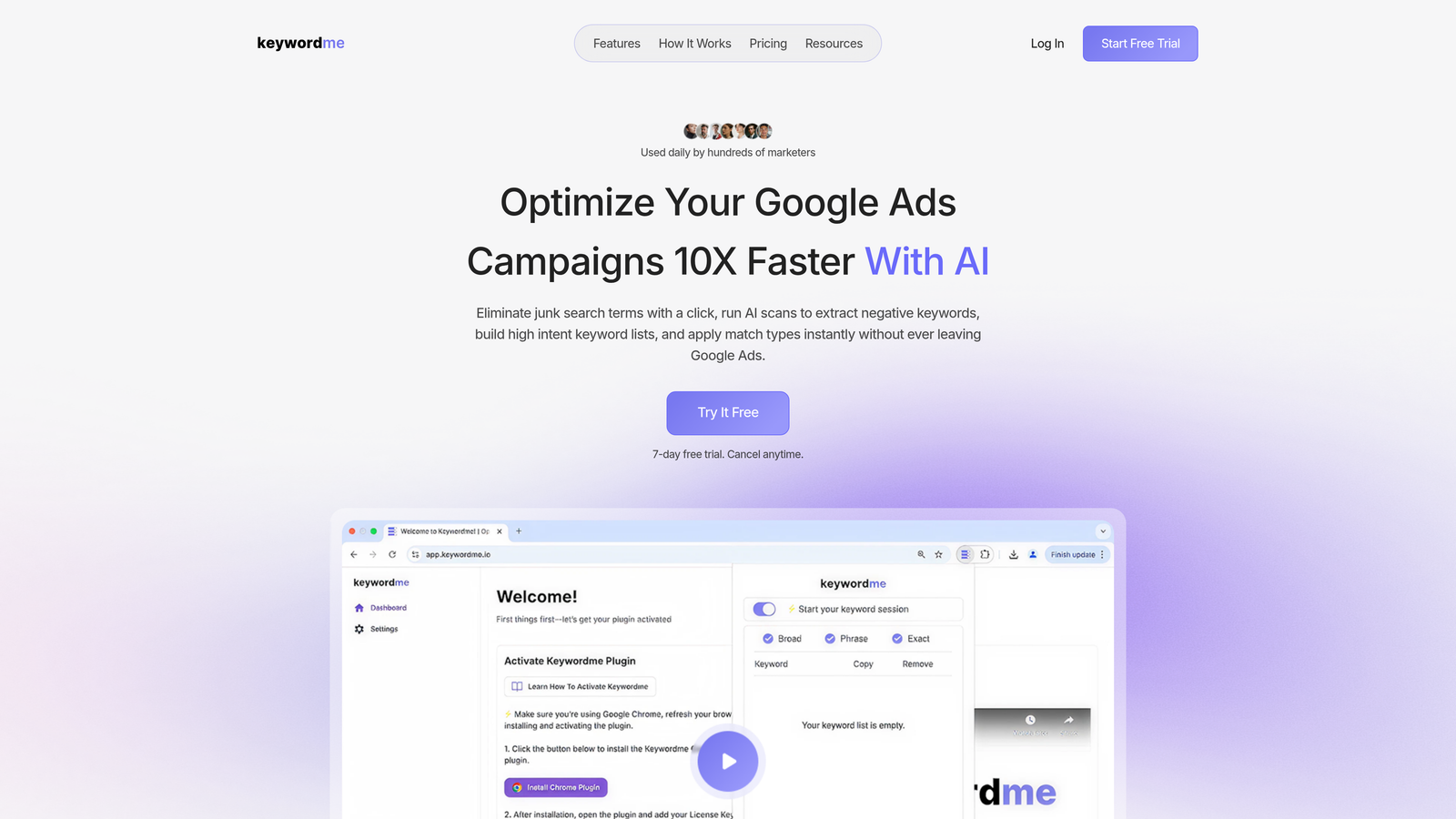
Keywordme is a Chrome extension that plugs directly into Google Ads' Search Terms Report, turning manual keyword tasks into one-click actions.
Where This Tool Shines
In most accounts I audit, the search terms report is either ignored for weeks or handled via a painful spreadsheet export process. Keywordme eliminates that entirely. You stay inside Google Ads, review search terms in context, and act on them immediately—no tab-switching, no copy-pasting, no formatting headaches.
For agencies managing multiple client accounts, this is a real time saver. The multi-account and team support means your whole team can work from the same workflow without building custom SOPs around spreadsheet gymnastics. Bulk match type application and keyword clustering make it especially useful when you're onboarding a new account and need to structure things fast.
Key Features
One-Click Junk Term Removal: Flag and remove irrelevant search terms directly inside the Google Ads interface without exporting data.
Bulk Match Type Application: Apply exact, phrase, or broad match types to multiple keywords at once, cutting down repetitive clicking.
Keyword Clustering: Group related search terms into logical keyword themes for faster campaign structuring.
Negative Keyword List Building: Build and manage negative lists on the fly without a spreadsheet in sight.
Multi-Account and Team Support: Designed for agency workflows where multiple users manage multiple accounts simultaneously.
Best For
Solo advertisers and agency teams who spend significant time inside the Google Ads Search Terms Report. Especially useful for PPC managers who want to cut optimization time without adopting a complex new platform. If your current process involves exporting CSVs and editing in Excel, this replaces that entirely.
Pricing
$12/month per user. A 7-day free trial is available, making it easy to test before committing. One of the most affordable tools on this list relative to the time it saves.
2. Optmyzr
Best for: Mid-to-large agencies that want to codify their optimization workflows and automate repetitive PPC tasks across platforms
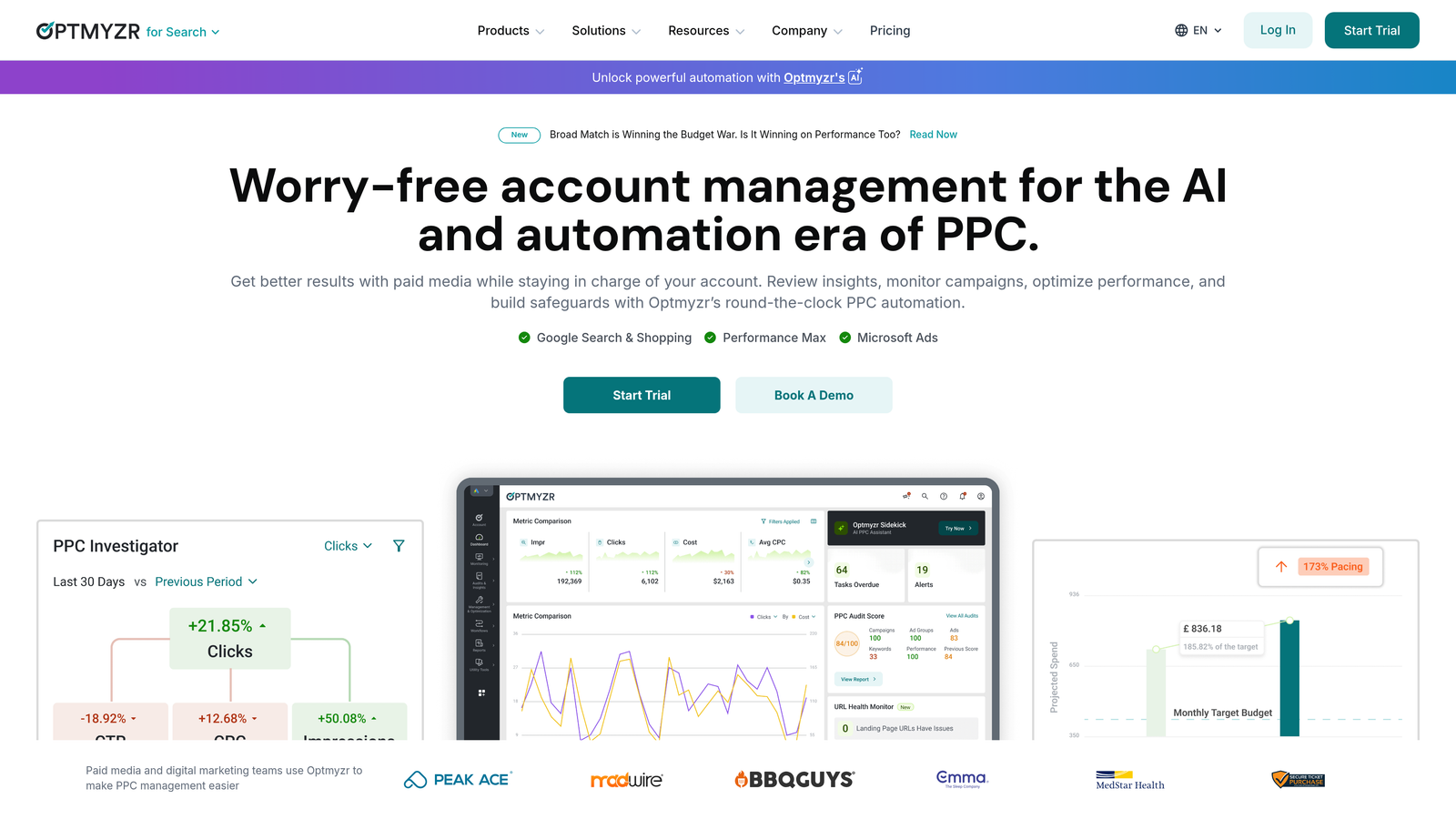
Optmyzr is a comprehensive PPC management platform built around rule-based automation, one-click optimizations, and white-label reporting across Google, Microsoft, Meta, and Amazon Ads.
Where This Tool Shines
What usually happens at growing agencies is that best practices live in someone's head—or a Google Doc nobody reads. Optmyzr's optimization playbooks solve that by letting you codify your team's approach and apply it consistently across all accounts. That's genuinely valuable when you're onboarding new account managers or scaling up.
The Rule Engine is where power users spend most of their time. You can automate bid adjustments, budget pacing, keyword management, and more based on conditions you define. It's flexible enough for complex accounts without requiring you to write raw scripts.
Key Features
Optimization Playbooks: Pre-built and custom workflows that codify agency best practices for consistent execution across accounts.
Rule Engine: Automate bid, budget, and keyword decisions based on custom performance conditions.
Multi-Platform Support: Manage Google Ads, Microsoft Ads, Meta Ads, and Amazon from one interface.
Enhanced Scripts: Advanced automation options for teams comfortable with more technical setups.
White-Label Reporting: Branded dashboards and reports ready to share with clients.
Best For
Agencies managing multiple accounts across several ad platforms who want automation without writing custom code. Best suited for teams with at least a few accounts under management where the time savings justify the price point.
Pricing
Starts around $249/month. Pricing scales with total ad spend managed, so costs can increase significantly for larger agencies. Worth evaluating carefully against your managed spend volume.
3. Adalysis
Best for: Agencies focused on systematic ad testing, quality score management, and proactive account auditing
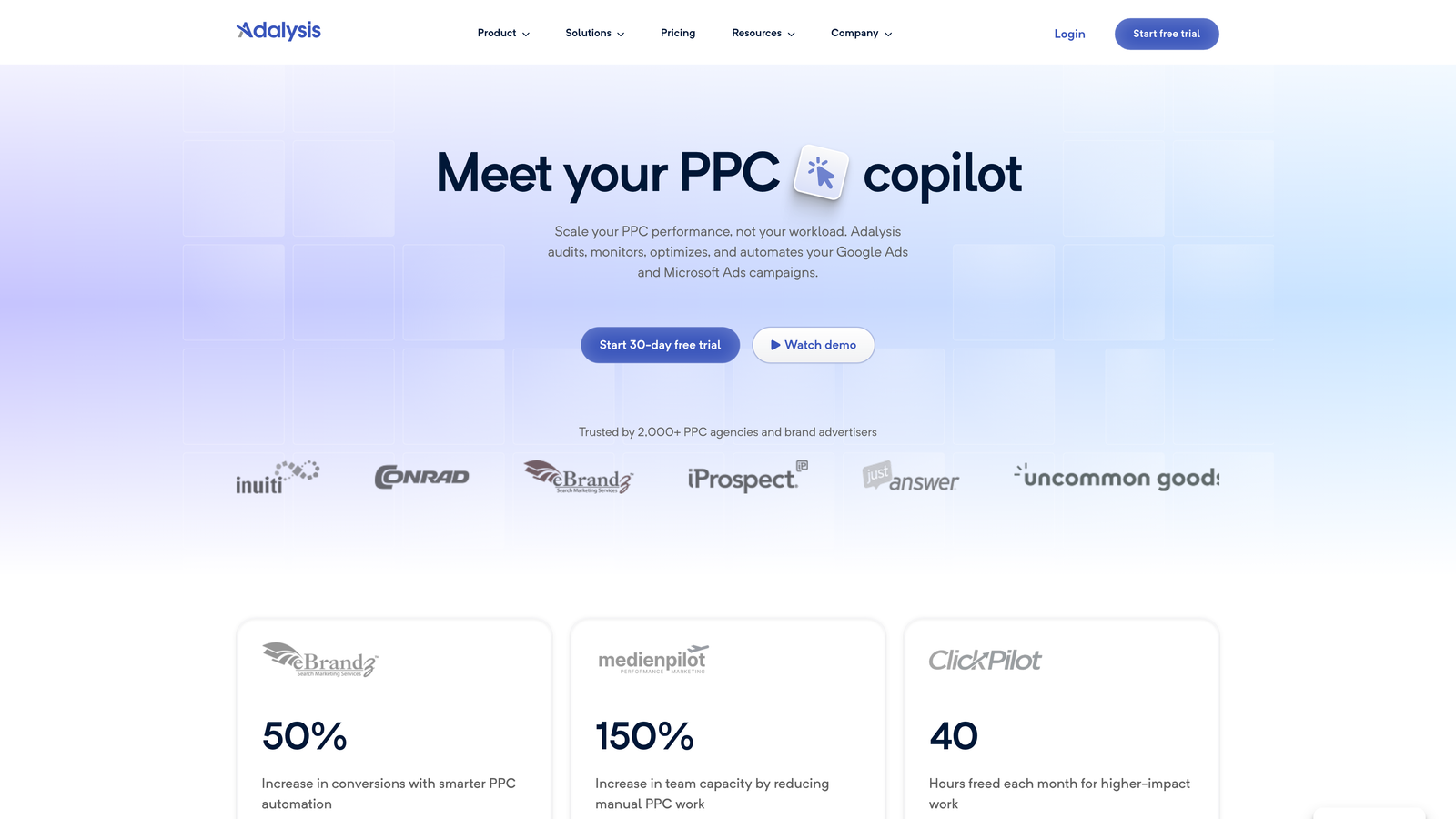
Adalysis is a Google Ads optimization tool that automates the tedious work of ad testing, quality score monitoring, and account health checks across multiple accounts.
Where This Tool Shines
The mistake most agencies make with ad testing is running tests without statistical rigor—declaring a winner too early or never acting on results at all. Adalysis handles the math automatically, flagging when a test has reached significance so you're making decisions based on real data, not gut feel.
The negative keyword conflict detection is a feature I wish more tools had. It catches situations where your negatives are accidentally blocking your own keywords, which is a surprisingly common account issue that can quietly tank performance for weeks before anyone notices.
Key Features
Automated Ad Testing: Monitors ad experiments and flags statistically significant winners and losers without manual analysis.
Quality Score Tracking: Historical quality score data at the keyword level, helping you spot trends before they become problems.
Account Audit Checklists: Structured audits with automated alerts for common account issues.
Negative Keyword Conflict Detection: Identifies negatives that are unintentionally blocking active keywords.
Multi-Account Dashboard: Agency-friendly overview across all managed accounts.
Best For
Agencies with a strong focus on creative testing and account health. Particularly useful for teams managing accounts with large numbers of ads where manual testing analysis isn't practical.
Pricing
Starts around $99/month. Scales based on ad spend managed, making it accessible for smaller agencies while still serving larger operations.
4. WordStream (by LocaliQ)
Best for: Smaller agencies or time-constrained teams that want guided, cross-channel optimization without a steep learning curve
WordStream is a cross-channel advertising platform built around a streamlined dashboard for managing Google, Meta, and Microsoft Ads, with a focus on making optimization fast and approachable.

Where This Tool Shines
The "20-Minute Work Week" workflow is WordStream's signature feature, and it's genuinely useful for teams that need to move fast across a lot of accounts. Rather than digging through data to figure out what to fix, the dashboard surfaces prioritized recommendations you can act on quickly.
The industry benchmarking data is a useful client communication tool. When a client asks why their click-through rate is lower than expected, having benchmark data by industry category makes that conversation a lot easier to navigate.
Key Features
20-Minute Work Week Dashboard: Prioritized optimization recommendations designed to be reviewed and acted on in under 20 minutes.
Cross-Channel Management: Unified view of Google, Meta, and Microsoft Ads campaigns.
Performance Benchmarking: Industry-level benchmarks for key metrics to contextualize account performance.
Landing Page Tools: Basic landing page creation and conversion tracking capabilities.
Guided Optimization Recommendations: Step-by-step suggestions for improving campaign performance.
Best For
Smaller agencies or solo practitioners managing a moderate number of accounts across multiple platforms. Less suited for teams that need deep automation or advanced scripting capabilities.
Pricing
Custom pricing. Some free tools are available for basic keyword and performance analysis. Contact for a quote based on your specific needs.
5. Opteo
Best for: Agencies that want a low-friction, always-on optimization feed for Google Ads without heavy setup
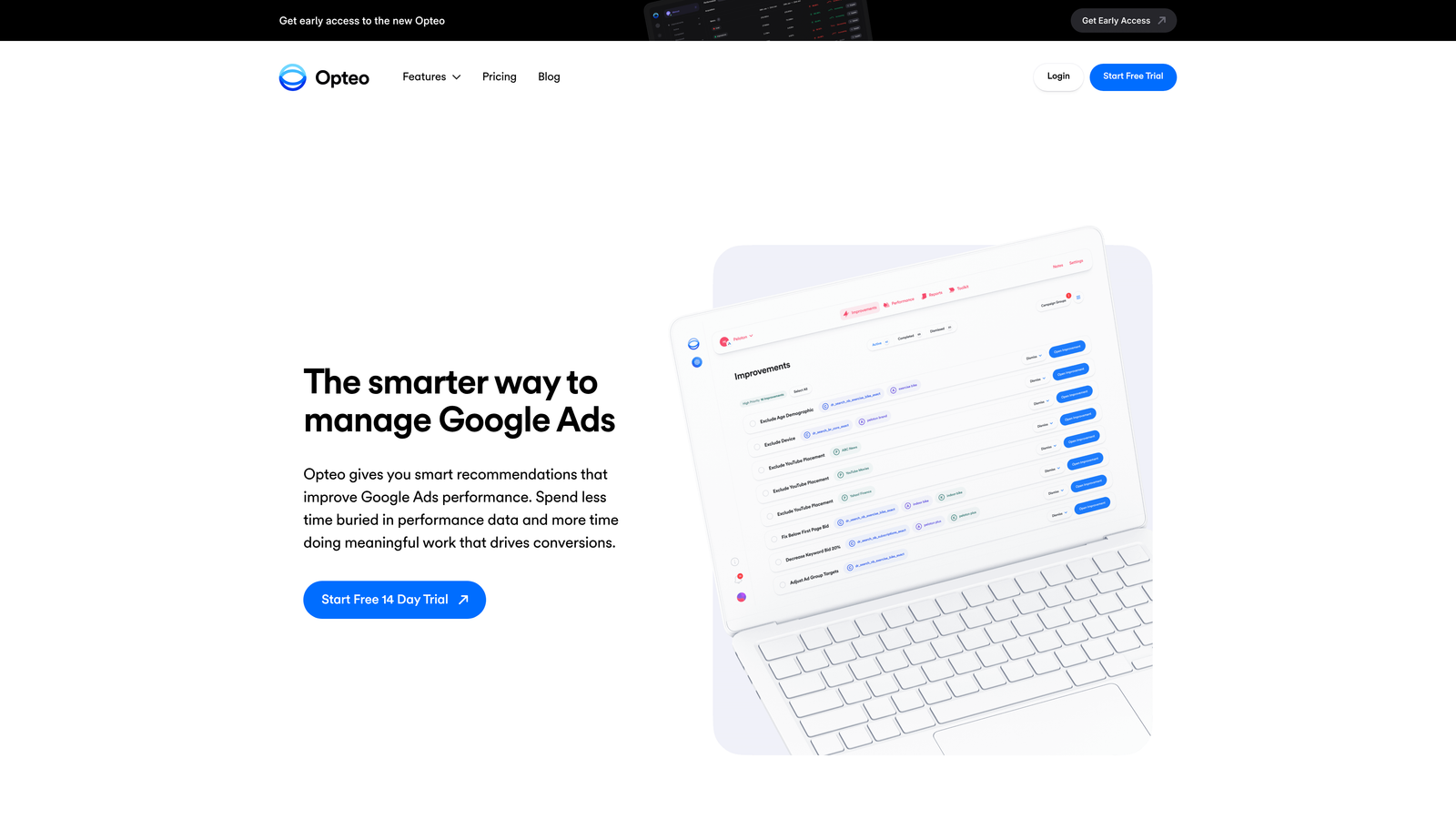
Opteo is a lightweight Google Ads optimization tool that continuously monitors your accounts and delivers a feed of improvement suggestions you can approve or dismiss with a single click.
Where This Tool Shines
Opteo's strength is its simplicity. There's no complex onboarding, no rule-building required—it connects to your Google Ads accounts and starts surfacing suggestions almost immediately. For agencies that don't have time to configure elaborate automation systems, that low barrier to entry is genuinely valuable.
The continuous monitoring means you're not relying on someone to manually check accounts for issues. Opteo flags budget problems, bid anomalies, and search term opportunities as they emerge, which is particularly useful for accounts that don't get daily attention.
Key Features
Continuous Improvement Feed: Ongoing stream of prioritized optimization suggestions with one-click approval.
Automatic Performance Monitoring: Alerts for budget pacing issues, performance drops, and unusual changes.
Budget and Bid Suggestions: Data-driven recommendations for adjusting spend allocation and bids.
Search Term Recommendations: Flags new keyword opportunities and irrelevant terms to exclude.
Multi-Account Overview: Agency dashboard for monitoring multiple client accounts in one place.
Best For
Agencies managing Google Ads accounts that need consistent monitoring without dedicating a team member to daily manual checks. Works well as a complement to more hands-on tools rather than a standalone solution for complex accounts.
Pricing
Starts at $129/month. Pricing scales with total ad spend managed across connected accounts.
6. Skai (formerly Kenshoo)
Best for: Enterprise agencies managing large budgets across paid search, social, and retail media simultaneously
Skai is an enterprise-grade marketing platform that uses AI-driven budget allocation and forecasting to optimize spend across paid search, social, and retail media channels at scale.

Where This Tool Shines
Skai operates at a level of sophistication most tools don't attempt. The cross-channel budget optimization is built for situations where you're managing significant spend across Google, Meta, Amazon, and retail media simultaneously and need algorithmic help deciding where to push budget based on forecasted returns.
The scenario planning tools are particularly useful for enterprise client conversations. Being able to model "what happens if we shift 20% of budget from search to retail media" with actual forecasted outcomes is a different category of capability than what most agency tools offer.
Key Features
AI-Powered Budget Optimization: Cross-channel budget allocation driven by machine learning and performance forecasting.
Scenario Planning: Model budget shifts and forecast outcomes before making changes.
Retail Media Management: Dedicated capabilities for Amazon, Walmart, Instacart, and other retail media networks.
Advanced Audience Integration: Sophisticated audience targeting and data connectivity options.
Enterprise Reporting: Comprehensive analytics and reporting built for large-scale operations.
Best For
Enterprise agencies or in-house teams managing substantial budgets across multiple channels including retail media. Overkill for smaller agencies, but genuinely powerful for operations where cross-channel budget optimization at scale is a real need.
Pricing
Custom enterprise pricing. Contact Skai directly for a quote. Expect pricing to reflect the enterprise positioning.
7. TrueClicks
Best for: Agencies that want always-on account auditing and wasted spend detection across their entire client portfolio
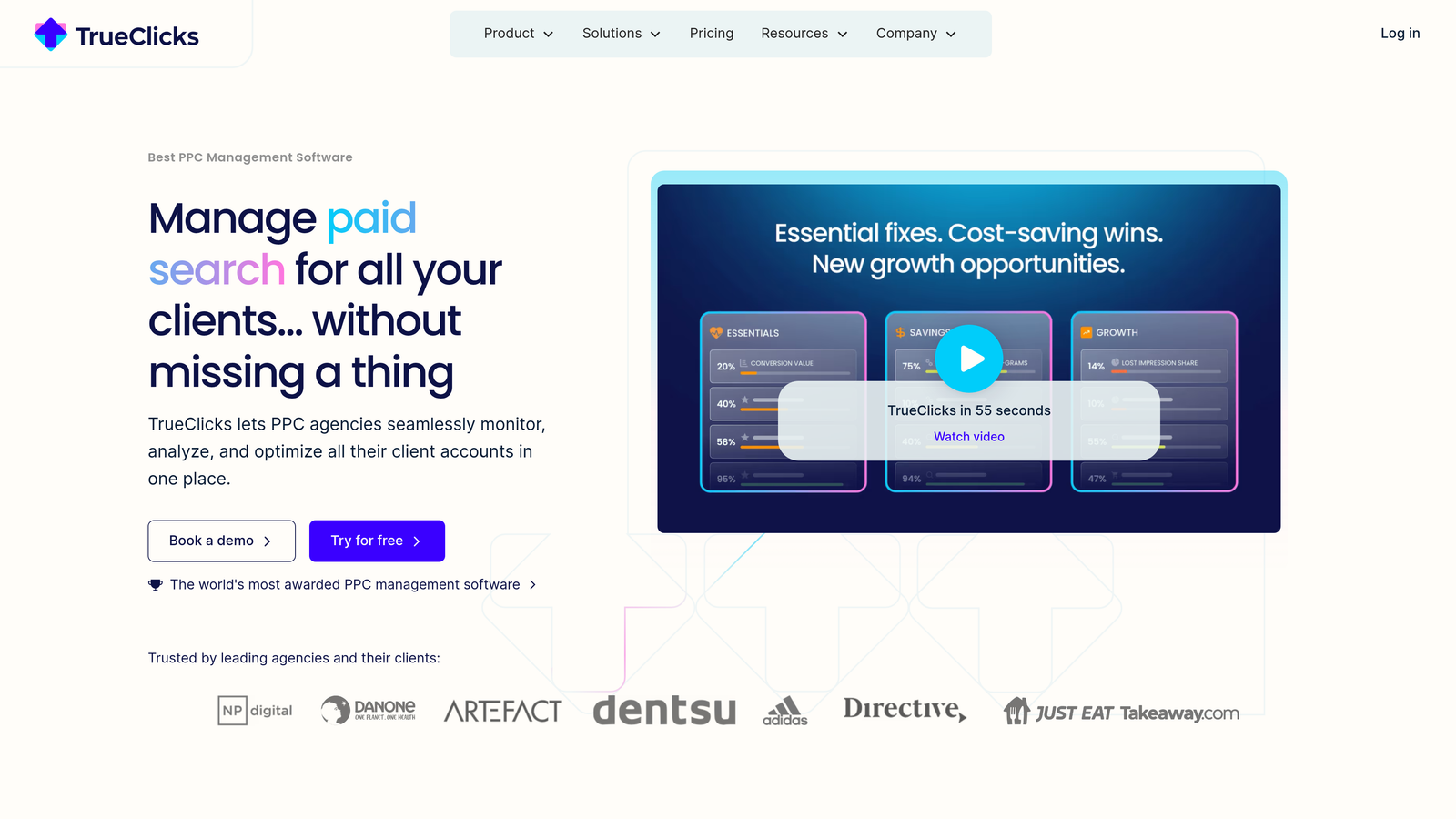
TrueClicks is an automated Google Ads auditing platform that continuously monitors account health, flags issues, and identifies wasted spend without requiring manual audit processes.
Where This Tool Shines
Most agencies run account audits reactively—when a client complains, or when performance drops noticeably. TrueClicks flips that by running continuous checks so problems get caught early. The account health scoring gives you a quick read on which accounts need attention without having to dig into each one manually.
The change history monitoring is underrated. Tracking what changed across accounts helps you connect performance shifts to specific actions, which is valuable both for troubleshooting and for demonstrating the impact of your team's work to clients.
Key Features
Continuous Automated Auditing: Always-on monitoring that flags account issues as they emerge rather than waiting for manual review.
Wasted Spend Detection: Identifies budget being spent on low-value or irrelevant activity across accounts.
Account Health Scoring: Benchmarks account health so you can prioritize where to focus attention.
Change History Monitoring: Tracks changes across accounts to connect actions to performance outcomes.
Multi-Account Dashboard: Agency-friendly overview for managing and monitoring multiple client accounts.
Best For
Agencies that manage a large number of accounts and can't afford to manually audit each one regularly. Also useful for agencies that want to proactively identify upsell opportunities by surfacing optimization gaps for clients.
Pricing
Starts around €99/month. Scales with the number of accounts connected, making it practical for agencies of various sizes.
8. Channable
Best for: E-commerce agencies managing large product catalogs across Google Shopping, Meta, and other feed-based channels
Channable is a feed management and PPC automation platform that auto-generates ads and Shopping campaigns directly from product data feeds, eliminating manual ad creation for large catalogs.
Where This Tool Shines
If you're running e-commerce accounts with hundreds or thousands of SKUs, manually managing Shopping campaigns is simply not viable. Channable solves that by pulling product data directly from your feed and using dynamic rules to create and update ads automatically. When a product goes out of stock or a price changes, the campaigns update accordingly.
The multi-channel feed management means you're not managing separate processes for Google Shopping, Meta, and Bing. One feed, one rule set, multiple channels. For agencies with several e-commerce clients, that consolidation adds up to significant time savings.
Key Features
Automated Ad Creation: Generates text ads and Shopping campaigns directly from product data feeds.
Dynamic Feed Rules: Custom rules for optimizing feed attributes, titles, descriptions, and pricing data.
Multi-Channel Management: Single platform for managing feeds across Google Shopping, Meta, Bing, and more.
Inventory-Aware Automation: Campaigns automatically adjust based on stock levels and product availability.
API and Integration Support: Connects with custom e-commerce stacks and third-party platforms.
Best For
E-commerce focused agencies managing clients with large product catalogs. Less relevant for service-based advertisers or accounts without structured product feed data.
Pricing
Starts around €59/month. Scales with SKU count and number of channels connected.
9. Reporting Ninja
Best for: Agencies that want white-label client reporting without spending hours building reports manually each month
Reporting Ninja is a multi-channel PPC reporting tool built specifically for agencies, offering white-label templates, drag-and-drop customization, and automated delivery so reports go out on schedule without manual effort.
Where This Tool Shines
Reporting is one of those agency tasks that feels productive but often isn't. You're spending Friday afternoon formatting Google Ads data into a slide deck instead of optimizing campaigns. Reporting Ninja automates the assembly and delivery, so the report shows up in your client's inbox on schedule with your branding on it.
The multi-channel data integration is solid for agencies managing clients across Google, Meta, LinkedIn, and Bing. Rather than pulling data from four separate interfaces and stitching it together, you get a unified view that's already formatted for client consumption.
Key Features
White-Label Templates: Fully branded report templates with your agency's logo, colors, and custom domains.
Multi-Channel Integration: Pulls data from Google Ads, Meta, Microsoft Ads, LinkedIn, and more into a single report.
Drag-and-Drop Builder: Customize report layouts without needing design or development skills.
Automated Scheduling: Set reports to deliver automatically on daily, weekly, or monthly schedules.
Custom KPI Widgets: Build report sections around the metrics that matter most to each client.
Best For
Agencies of any size that send regular client reports. Particularly valuable for teams managing five or more clients where manual reporting becomes a significant time drain each month.
Pricing
Starts at $20/month. Agency plans available with volume discounts for teams managing many client accounts. One of the most cost-effective tools on this list.
Which Tool Is Right for Your Agency?
The honest answer is that most agency teams run a stack of two to four tools rather than relying on one platform to do everything. Each tool on this list solves a specific problem well, and the right combination depends on your agency's size, client mix, and biggest time drains.
Solo or small team: Start with Keywordme for fast in-platform optimization and Opteo for continuous monitoring. Both are affordable, low-friction, and don't require complex setup. You'll cover the two biggest time sinks (search term management and account monitoring) without a heavy investment.
Mid-size agency managing many accounts: Optmyzr or Adalysis gives you the automation muscle to handle volume without proportionally scaling headcount. Add Reporting Ninja to eliminate manual reporting and you've got a solid core stack.
E-commerce focused agency: Channable is essential if you're managing large product catalogs. Pair it with TrueClicks for ongoing account health monitoring and you're covering the two areas where e-commerce PPC tends to break down.
Enterprise shop: Skai handles the cross-channel budget math at a level other tools don't match. The investment reflects that, so it's only worth it at scale.
The best PPC tools for agency teams aren't necessarily the most expensive ones. They're the ones that eliminate the specific bottlenecks slowing your team down. If your biggest pain point is search term management and keyword cleanup, that's where to start. Start your free 7-day trial of Keywordme and see how much time you get back just from having optimization live inside your Google Ads interface. At $12/month per user, it's the lowest-risk place to start building a faster agency workflow.
.svg)