
9 Best PPC Tools Compared (For Marketers, Freelancers & Agencies)
This in-depth PPC tools comparison evaluates 9 leading platforms—including Chrome extensions, automation suites, and keyword research tools—across workflow speed, Google Ads integration depth, pricing transparency, and fit for solo advertisers versus agencies, helping marketers in 2026 cut wasted spend and reclaim optimization time.


Most advertisers stack PPC tools by accident — one for search terms, one for reporting, one a client recommended two years ago, one that came free with something else. The result is overlap, confusion, and budget leaks that none of the tools are actually catching. This comparison cuts through that noise. We put 9 tools head-to-head across workflow speed, Google Ads integration depth, pricing transparency, and fit for solo advertisers versus agencies. Whether you're a freelancer managing a handful of accounts or a team running dozens of clients, the right tool combination looks very different — and most advertisers don't realize how much time they're leaving on the table. Here's exactly how they stack up.
1. Keywordme
Best for: In-interface Google Ads optimization without leaving the native UI
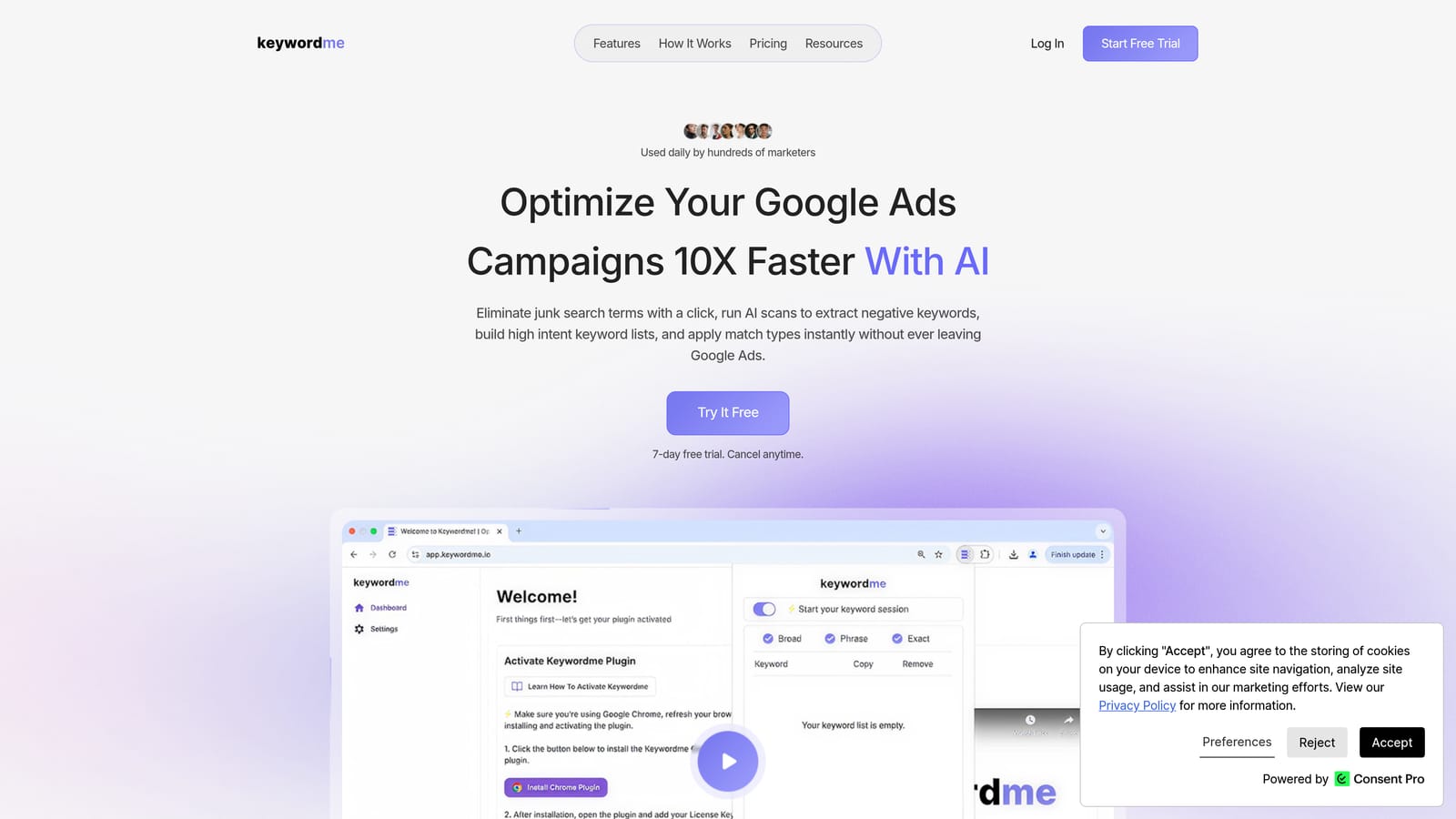
Keywordme is a Chrome extension that integrates directly into Google Ads' Search Terms Report, letting you optimize campaigns without opening a separate dashboard or touching a spreadsheet.
Where This Tool Shines
Most PPC tools pull you out of Google Ads and into their own interface. Keywordme does the opposite. It lives inside the Search Terms Report, where the actual optimization work happens, so you can add negative keywords, apply match types, cluster related terms, and build keyword lists with single clicks—right where you're already looking at the data.
This matters more than it sounds. Context-switching between Google Ads and an external dashboard introduces friction, increases the chance of errors, and slows down your workflow. For freelancers juggling multiple clients or agency teams processing large search term volumes, removing that friction adds up quickly.
Key Features
One-Click Negative Keywords: Add irrelevant search terms as negatives directly from the report without exporting to a spreadsheet first.
Instant Match Type Application: Apply broad, phrase, or exact match types to keywords without leaving the native Google Ads interface.
Keyword Clustering: Group related search terms quickly to identify patterns and build tighter ad group structures.
Bulk Editing: Make changes across multiple ad groups or campaigns in one pass, cutting repetitive manual work.
Multi-Account and Team Support: Manage multiple client accounts and collaborate with team members, making it practical for agencies.
Best For
Keywordme suits freelancers and agency teams who spend meaningful time inside the Search Terms Report and want to speed up the negative keyword and keyword management process. It's particularly useful if your current workflow involves exporting data to spreadsheets, making edits, and re-importing—a cycle Keywordme eliminates.
Pricing
Flat rate of $12/month per user. A 7-day free trial is available with no credit card required upfront.
<strong>2. Google Ads Editor</strong>
2. Google Ads Editor
Best for: Bulk offline editing and campaign restructuring at no cost
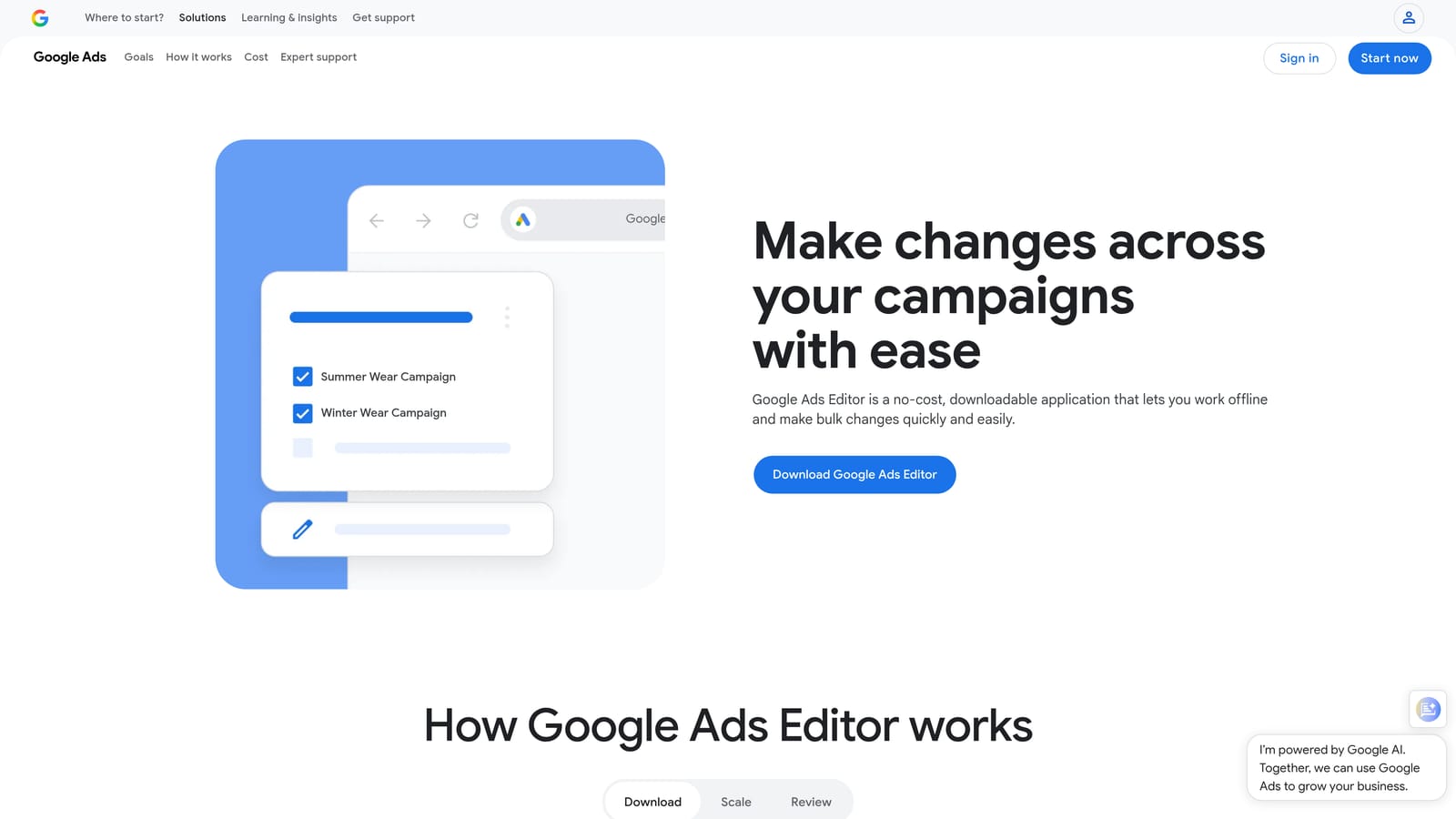
Google Ads Editor is Google's free desktop application for making large-scale changes to campaigns, ad groups, keywords, and ads without working inside the live interface.
Where This Tool Shines
When you need to restructure a large account, duplicate campaigns, or make find-and-replace edits across hundreds of keywords, Google Ads Editor is the most efficient free option available. You download your account data, work offline, and upload changes in a staged batch—which also gives you a chance to review everything before it goes live.
The trade-off is workflow. Editor requires a sync step before and after every working session, which means it's not suited for quick, real-time adjustments. It's a planning and restructuring tool, not a day-to-day optimization companion. If you're weighing Editor against dedicated PPC optimization tools, our PPC optimization tools vs Google Ads Editor guide covers the full comparison across 9 options.
Key Features
Bulk Find-and-Replace: Update ad copy, URLs, or keyword text across campaigns in seconds.
Offline Editing with Staged Uploads: Work without an internet connection and review changes before pushing them live.
Campaign Duplication: Clone entire campaigns or ad groups to replicate structures across accounts.
CSV Bulk Imports: Import keyword lists and ad copy from spreadsheets directly into the tool.
Free with Any Google Ads Account: No subscription or additional cost—just download and log in.
Best For
Any Google Ads advertiser doing large-scale restructuring, seasonal campaign builds, or bulk keyword uploads. It's the go-to free tool for heavy lifting that would be tedious inside the live interface. Less useful for ongoing search term analysis or daily optimization tasks.
Pricing
Free. Available to anyone with a Google Ads account.
3. WordStream Advisor
Best for: SMBs and agencies wanting guided optimization workflows across Google and Meta
WordStream Advisor is a guided PPC management platform owned by LocaliQ (Gannett) that structures optimization tasks into a repeatable weekly workflow.

Where This Tool Shines
WordStream's signature feature is its "20-Minute Work Week," a guided workflow that surfaces the highest-priority optimization actions for your account and walks you through completing them. For advertisers who feel overwhelmed by where to start each week, this structure can be genuinely helpful.
It also covers both Google Ads and Meta Ads in a single platform, which is useful if you manage cross-channel campaigns and want consolidated reporting. That said, the platform is built around its own interface rather than integrating into Google Ads directly, so you're working in a separate dashboard throughout.
Key Features
20-Minute Work Week: Guided weekly optimization workflow that prioritizes actions by potential impact.
Cross-Channel Reporting: Consolidated performance data across Google Ads and Meta Ads.
Keyword Research and Negative Keyword Suggestions: Built-in tools for expanding and refining keyword lists.
Ad Grader and Performance Alerts: Automated account health checks and notifications for underperforming elements.
Landing Page and Quality Score Tools: Recommendations for improving post-click experience and ad relevance.
Best For
SMBs and marketing teams that want a structured, guided approach to PPC management and are running campaigns on both Google and Meta. Less suited for experienced PPC practitioners who prefer granular control or tools that integrate directly into the Google Ads interface.
Pricing
Pricing is not publicly listed as of mid-2026. Contact WordStream directly for a quote.
4. Optmyzr
Best for: Rule-based automation and custom PPC workflows across multiple platforms
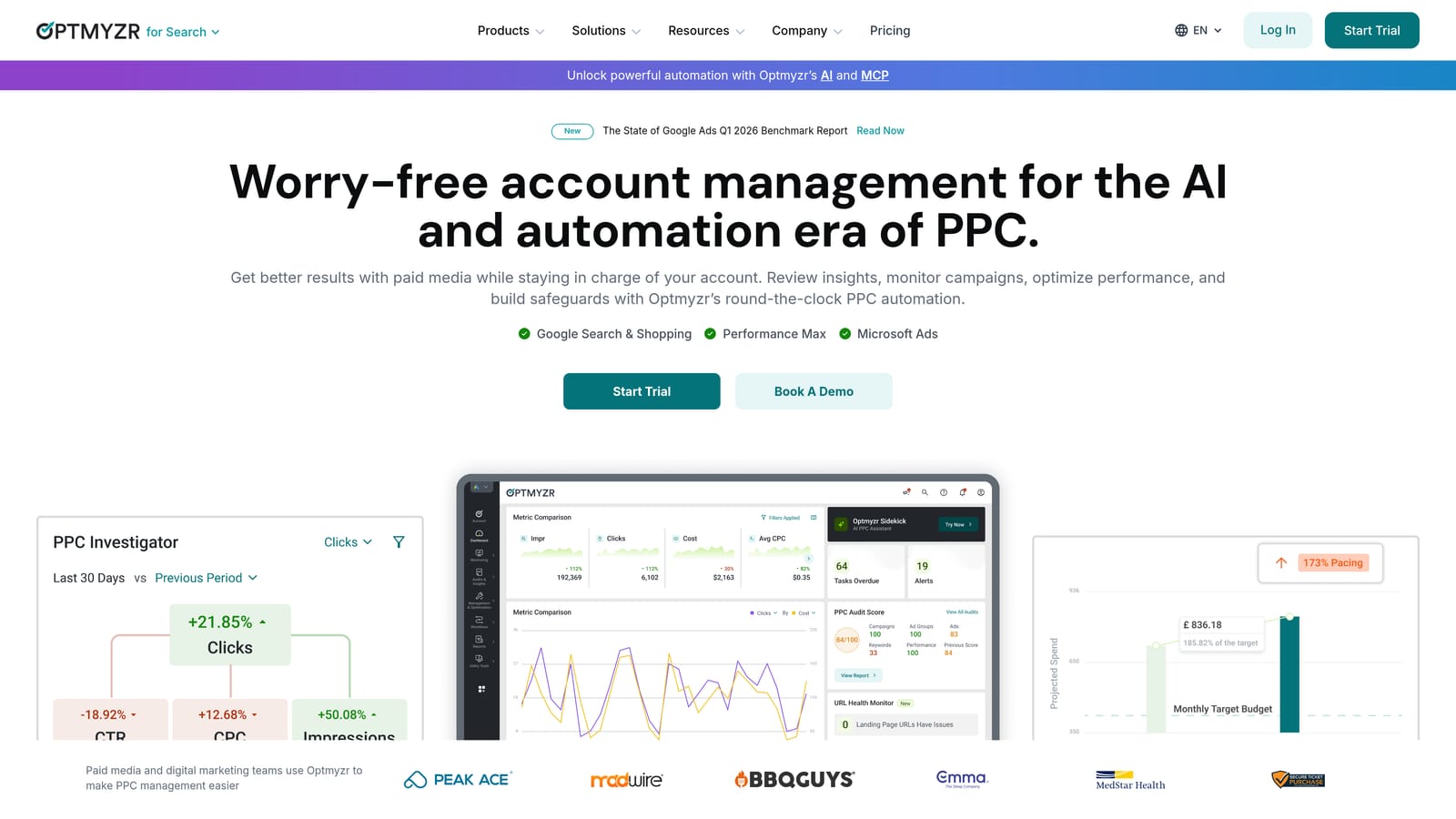
Optmyzr is a PPC automation platform built by former Google employees, offering rule-based optimizations, custom scripts, and multi-platform account management.
Where This Tool Shines
Optmyzr is built for advertisers who want to automate repetitive optimization tasks without writing code from scratch. Its rule-based engine lets you set conditions—if a keyword's CPA exceeds a threshold, pause it; if a campaign is pacing ahead of budget, reduce bids—and run those rules on a schedule. For agencies managing many accounts, this kind of systematic automation saves significant manual effort.
The reporting layer (Report Stacker) is also worth noting. It lets you build custom, client-ready reports by combining data from multiple sources, which is useful for agencies that need to present performance data in a consistent format.
Key Features
Rule-Based Automation: Set custom optimization rules that run automatically without requiring coding skills.
One-Click Optimizations: Pre-built optimization suggestions for bids, keywords, and budgets that you approve with a single click.
Shopping Campaign Bid Management: Specialized tools for managing product-level bids in Google Shopping campaigns.
Report Stacker: Customizable reporting that pulls data from multiple platforms into client-facing dashboards.
Multi-Platform Support: Works across Google Ads, Microsoft Ads, and Amazon Ads.
Best For
Mid-size to large agencies and in-house teams managing significant ad spend across multiple platforms who need systematic automation without custom development. The price point makes it less practical for solo freelancers managing smaller budgets.
Pricing
Starts at approximately $208/month. Verify current pricing at optmyzr.com/pricing before making a decision.
5. SEMrush Advertising Toolkit
Best for: Pre-campaign competitive research and keyword discovery with CPC data
SEMrush's Advertising Toolkit is the PPC-focused feature set within the broader SEMrush platform, covering competitor ad research, keyword discovery, and ad copy analysis.

Where This Tool Shines
SEMrush is strongest at the research stage of PPC work. The Advertising Research tool lets you see which keywords competitors are bidding on, what their ad copy looks like, and how their strategy has shifted over time. Combined with the Keyword Magic Tool's CPC and competition data, it's a solid foundation for building a new campaign or identifying gaps in an existing one.
Where it's weaker is in-campaign optimization. SEMrush is primarily an SEO platform, and its PPC features reflect that orientation—they're built for discovery and analysis rather than day-to-day bid management or search term review.
Key Features
Advertising Research: View competitor keywords, ad copy, and estimated traffic from paid search.
Keyword Magic Tool: Keyword discovery with CPC estimates and competition level data.
PLA Research: Analyze competitor Product Listing Ads for Google Shopping campaigns.
Ad Builder: Draft and preview ad copy within the platform.
Keyword Gap Analysis: Compare your keyword coverage against competitors to find missed opportunities.
Best For
Advertisers and agencies doing pre-launch research, competitive analysis, or keyword strategy work. Also useful for teams that already use SEMrush for SEO and want to extend it to paid search without adding another subscription.
Pricing
Pro plan starts at $139.95/month. Verify current pricing at semrush.com/prices.
6. SpyFu
Best for: Historical competitor PPC intelligence on a budget
SpyFu is a competitor intelligence tool focused on historical PPC keyword and ad data, helping advertisers understand what's been working for competing advertisers over time.

Where This Tool Shines
SpyFu's strength is depth of historical data. You can look up a competitor's domain and see which keywords they've been bidding on for years, what ad copy variations they've tested, and roughly how much they've been spending. For advertisers entering a competitive market or rebuilding a keyword strategy, this historical view can surface patterns that current-snapshot tools miss.
One important caveat: SpyFu's data is modeled and estimated, not pulled directly from Google. That means the numbers are directionally useful but shouldn't be treated as precise figures. Use it for pattern recognition and hypothesis generation, not exact benchmarking.
Key Features
Historical Competitor PPC Data: Years of keyword and ad data for any domain you search.
Ad Copy History: See the ad variations a competitor has run and which they've kept longest.
Estimated Competitor Spend: Rough monthly PPC spend estimates by domain.
Keyword Ranking History: Track how keyword rankings have changed over time for both paid and organic.
SERP Analysis: Understand the competitive landscape for specific keywords before bidding.
Best For
Freelancers and smaller agencies doing competitive research on a tighter budget. SpyFu's lower price point makes it accessible for practitioners who need competitor intelligence without committing to a full SEMrush or Ahrefs subscription.
Pricing
Basic plan starts at $39/month. Verify current pricing at spyfu.com/pricing.
7. Adalysis
Best for: Structured ad testing, RSA analysis, and automated account auditing
Adalysis is a Google Ads-focused tool built around ad testing automation, Responsive Search Ad analysis, and ongoing account health monitoring.

Where This Tool Shines
If you run structured creative testing programs, Adalysis is one of the few tools built specifically around that workflow. It automates A/B test tracking with statistical significance monitoring, so you're not manually calculating whether a performance difference is meaningful or just noise. It also analyzes RSA asset performance at the component level—showing you which headlines and descriptions are pulling their weight and which aren't.
The account auditing features run continuously in the background, flagging issues like disapproved ads, quality score drops, or campaigns with no converting keywords. For agencies managing many accounts, these automated health checks reduce the risk of problems going unnoticed.
Key Features
Automated A/B Ad Testing: Track tests with statistical significance calculations built in.
RSA Component Analysis: Evaluate performance of individual headlines and descriptions within Responsive Search Ads.
Quality Score Tracking: Monitor quality score trends over time at the keyword level.
Account Health Diagnostics: Automated audit alerts for common account issues.
Automated Ad Pausing: Pause underperforming ads automatically based on rules you set.
Best For
Advertisers and agencies with structured creative testing programs, or those who want automated account monitoring without building custom scripts. Particularly useful for teams managing Google Ads accounts where ad copy quality and testing rigor are a priority.
Pricing
Starts at approximately $99/month. Verify current pricing at adalysis.com.
8. Acquisio
Best for: AI-driven bid and budget management for high-volume agency accounts
Acquisio is a machine learning-driven bid and budget management platform designed for agencies managing large volumes of ad spend across multiple channels.
Where This Tool Shines
Acquisio's core value proposition is automated bid optimization driven by machine learning. Rather than relying on manual rules or Google's native Smart Bidding alone, it applies its own algorithms to adjust bids based on performance signals across your account. It also handles budget pacing—distributing spend across a campaign's flight dates to avoid front-loading or running out of budget early.
This tool is built for scale. If you're managing a handful of small accounts, the complexity and cost are likely overkill. But for agencies handling significant monthly ad spend across many clients and channels, the automation layer can make a meaningful difference in operational efficiency.
Key Features
Machine Learning Bid Optimization: Automated bid adjustments based on performance data across channels.
Budget Pacing: Distributes spend evenly across campaign flight dates to prevent overspend or early budget exhaustion.
Performance Forecasting: Projected outcomes based on current pacing and historical data.
Multi-Account Management: Agency-focused architecture for managing many client accounts from one place.
Best For
Larger agencies managing substantial ad spend across multiple platforms and clients. Not the right fit for solo freelancers or small teams—the enterprise pricing and complexity are designed for organizations with dedicated PPC operations.
Pricing
Enterprise and agency pricing. Contact Acquisio directly for a quote.
9. Google Keyword Planner
Best for: Free keyword research with data sourced directly from Google
Google Keyword Planner is Google's native keyword research tool built directly into Google Ads, providing keyword ideas, search volume data, competition levels, and CPC estimates straight from the source.
Where This Tool Shines
The biggest advantage Keyword Planner has over third-party keyword tools is data provenance. Search volume, competition levels, and bid estimates come directly from Google—no modeling, no estimation. That makes it the most reliable starting point for keyword research before launching a campaign.
The main limitation is precision. Search volumes are displayed as ranges (for example, 1K–10K) rather than exact numbers unless your account has active spend. For advertisers with running campaigns, the data becomes more granular. For those just starting out, the ranges are still directionally useful for prioritizing keywords.
Key Features
Keyword Ideas: Generate keyword suggestions from a seed keyword or landing page URL.
Monthly Search Volume Ranges: Volume data shown as ranges, with more precise figures available for accounts with active spend.
Competition Level Indicators: Low, medium, or high competition ratings for each keyword.
Suggested Bid Estimates: CPC range estimates to inform budget planning before launch.
Forecast Tool: Projected clicks and impressions based on your keyword list and budget inputs.
Best For
Any Google Ads advertiser doing keyword research, budget planning, or campaign scoping. It's the logical first stop before using any third-party keyword tool, and its free access makes it a no-brainer addition to any PPC workflow.
Pricing
Free. Requires an active Google Ads account to access.
Matching the Right Tool to Your Workflow
No single tool in this list does everything—and that's actually fine. The smartest approach is to stack two or three tools that cover different stages of your workflow without overlapping too much.
Here's a practical breakdown by use case:
For in-campaign optimization speed: Keywordme is the strongest option for advertisers who spend time in the Search Terms Report and want to cut the time it takes to manage negative keywords, apply match types, and build keyword lists—without leaving Google Ads.
For bulk account restructuring: Google Ads Editor is the obvious choice. It's free, powerful, and purpose-built for large-scale offline edits. Pair it with Keywordme for day-to-day optimization and you cover both ends of the workflow.
For pre-campaign research: Start with Google Keyword Planner for free, first-party volume and CPC data. Add SpyFu if you need historical competitor intelligence at an accessible price, or SEMrush's Advertising Toolkit if you want deeper competitive analysis and already use SEMrush for SEO.
For agencies managing multiple clients: Optmyzr suits teams that want rule-based automation and custom reporting. Adalysis is the better fit if structured ad testing and account health monitoring are priorities. Acquisio makes sense at enterprise scale with significant cross-channel ad spend.
For guided workflows and cross-channel reporting: WordStream Advisor works well for SMBs or marketing teams that want a structured, managed approach spanning Google and Meta.
If you're looking for a low-friction starting point, Start your free 7-day trial of Keywordme and see how much time you can recover from your current search term review process. At $12/month per user after the trial, it's one of the more accessible tools on this list—and because it works inside Google Ads rather than alongside it, there's almost no learning curve to get started.
PPC Tools Compared: At-a-Glance Summary Table
Use this table to compare all nine tools before committing to a trial. Prices are as listed at time of writing — verify at vendor sites for current rates.
| Tool | Starting Price | Primary Job | Works Inside Google Ads? | Best For |
|---|---|---|---|---|
| Keywordme | $12/mo | In-interface search term optimization, negative keywords, match types | Yes — Chrome extension | Freelancers & agencies who want faster Search Terms Report workflows |
| Google Ads Editor | Free | Bulk offline campaign editing and restructuring | Desktop app (offline sync) | Any advertiser doing large-scale account changes |
| WordStream Advisor | Contact for pricing | Guided weekly optimization workflow across Google & Meta | No — standalone dashboard | SMBs wanting structured, managed PPC guidance |
| Optmyzr | ~$208/mo | Rule-based automation, bid management, custom reporting | Integrates via Google Ads API | Mid-to-large agencies managing multiple platforms at scale |
| SEMrush Advertising Toolkit | $139.95/mo | Competitor keyword and ad copy research | No — standalone platform | Pre-campaign research; teams already using SEMrush for SEO |
| SpyFu | $39/mo | Historical competitor PPC keyword and ad data | No — standalone platform | Competitive research on a smaller budget |
| Adalysis | ~$99/mo | Ad testing automation, RSA analysis, account health monitoring | No — standalone platform | Teams with structured creative testing programs |
| Acquisio | Custom pricing | ML-driven bid & budget management across channels | Integrates via API | Large agencies managing significant cross-channel ad spend |
| Google Keyword Planner | Free | Keyword research, volume estimates, bid forecasting | Yes — built into Google Ads | Any advertiser starting keyword research from scratch |
How to Pick Without Overthinking It
Just starting out? Use Google Keyword Planner (free) for keyword research and Google Ads Editor (free) for bulk edits. Add Keywordme ($12/mo) once you have live campaigns and a Search Terms Report worth reviewing.
Running campaigns and losing budget to irrelevant searches? Keywordme solves that problem directly inside Google Ads — no new dashboard to learn.
Need to know what competitors are bidding on? SpyFu ($39/mo) is the most affordable entry point. SEMrush goes deeper but costs more.
Managing 10+ accounts? Optmyzr's automation layer pays off at that scale. Pair it with Keywordme for day-to-day Search Terms Report work.
Focused on ad copy testing? Adalysis is the only tool on this list built specifically around that workflow.
.svg)