
8 Best PPC Tools with Team Access Features
This guide reviews 8 PPC tools with team access features, comparing real multi-user roles, client segmentation, and shared workflows so agencies and teams can stop sharing logins and confusing who changed what in Google Ads.


When two or three people need to work in the same Google Ads account, things get messy fast. One person shares a login, someone else logs in from another laptop, and now nobody's sure who paused which ad group or removed which negative keyword. This list rounds up PPC tools that actually document team or collaboration features, real multi-user roles, client segmentation, or shared workflows, rather than vague claims about "working together." Each tool below is chosen for what its documentation says about access and collaboration, not for marketing copy.
Quick Comparison
- Keywordme: best for teams doing fast search term cleanup without leaving Google Ads; $12/month per user; runs directly inside the native Search Terms Report so each teammate keeps their own Google Ads login.
- Optmyzr: best for agencies wanting standardized automation across accounts; quote-based; lets teams share and enforce the same bid/budget rules across every client.
- Adalysis: best for teams that want automated account audits instead of manual reviews; pricing on request; continuous alerts flag issues before any one person has to catch them manually.
- WordStream by LocalIQ: best for small teams delegating routine tasks; quote-based; its guided 20-Minute Work Week makes tasks easy to hand to junior staff.
- Semrush Advertising Toolkit: best for teams already sharing an SEO workspace; tiered subscription; combines PPC research with the same login used for SEO work.
- AgencyAnalytics: best for agencies separating staff and client views; tiered pricing; role-based permissions control what clients see versus what staff can edit or view.
- Marin Software: best for large organizations managing many channels; quote-based enterprise pricing; unifies search, social, and retail media budgets under one permission set.
- Google Ads Editor: best for budget-conscious teams needing bulk edits; free; works directly with Google Ads' own account access levels at no extra cost.
1. Keywordme
Keywordme is a Chrome extension that adds one-click optimization actions directly inside the Google Ads Search Terms Report. It's built for advertisers and agency teams who are tired of exporting search term data to spreadsheets just to find and cut wasted spend.
What sets it apart on this list is that it doesn't ask your team to log into a separate platform at all. Instead, it layers optimization shortcuts on top of the Google Ads interface itself, so each teammate keeps their own Google Ads login and whatever access level (Admin, Standard, Read-only) has already been assigned to them at the account level.
- Removes junk search terms with a single click instead of manual review and exclusion
- Builds negative keyword lists quickly from search term data without leaving the report
- Applies match type changes instantly, cutting out repetitive manual edits
- Clusters keywords to speed up how you organize new ad groups or campaigns
- Supports bulk editing and multi-account access for agencies juggling several clients
Setup is minimal: install the extension, connect it to your Google Ads account, and it appears inside the Search Terms Report. Day to day, it's typically run by whoever handles search term review, whether that's a PPC specialist, a freelancer, or an account manager on an agency team.
The tradeoff is scope. Keywordme is focused specifically on search term and keyword optimization, not full campaign management, bid strategy automation, or cross-channel reporting. Teams needing a single dashboard for budget pacing or client reporting will need to pair it with another tool.
Pricing is a flat $12 per user per month as of 2026, with a 7-day free trial. Because it's per-seat, cost scales predictably as you add team members, without tiered account limits to negotiate.
Best for: Teams that want fast, in-interface keyword cleanup without a shared login or a heavier platform.
2. Optmyzr
Optmyzr is a PPC management platform built around automation rules, reporting, and multi-client oversight. It's aimed squarely at agencies and in-house teams managing more than a handful of accounts at once.
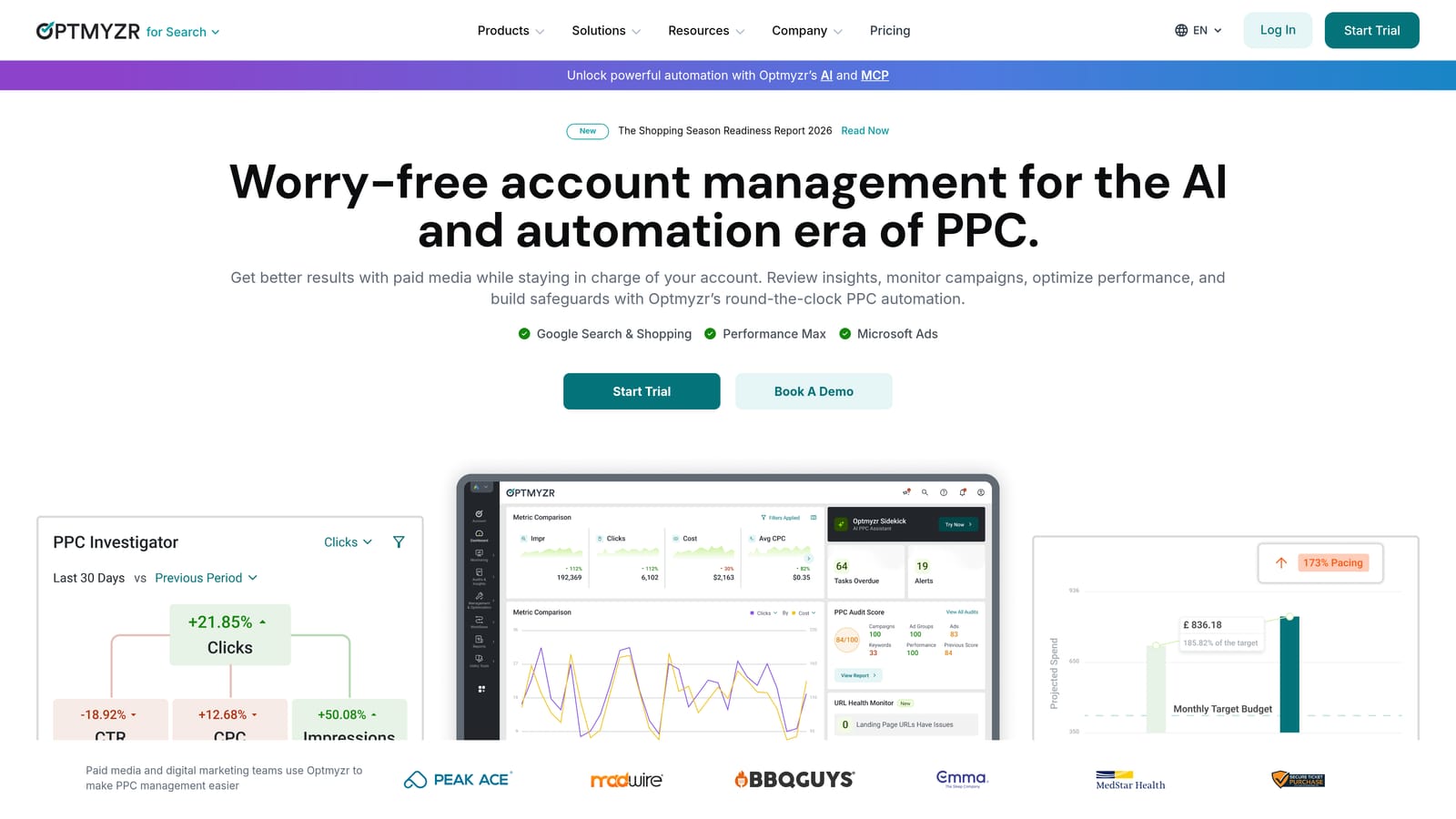
The standout feature for team use is that automation rules can be built once and applied consistently across the whole team's accounts. Instead of each account manager setting their own bid or budget logic, an agency can standardize how optimization happens, which matters when several people are touching the same client's account at different times.
- Rule-based bid and budget automation reduces manual, repetitive account work
- Account-level user permissions control who can view or edit which client accounts
- A centralized dashboard gives managers a single view across every client
- Scheduled reporting keeps stakeholders updated without manual report-building
- Search term and keyword audits surface optimization opportunities across accounts
It connects with Google Ads, Microsoft Advertising, and Amazon Ads, and it's generally run by a PPC manager or agency lead who sets up rules and dashboards, with account staff working within their permissions. Setup takes longer than a browser extension since rules and account groupings need configuration up front.
The scale that makes Optmyzr useful for agencies also makes it overkill for a single freelancer running one small account. Pricing and feature depth are built with multi-account management in mind.
Pricing is quote-based and tiered by the number of accounts managed, so check the current rate on Optmyzr's site before committing.
Best for: Agencies that want shared, standardized automation rules enforced across every team member's accounts.
3. Adalysis
Manual account reviews are slow, and they depend on whoever happens to notice a problem first. Adalysis replaces that with automated audits and alerts that flag issues like disapproved ads or missing negative keywords for the whole team.
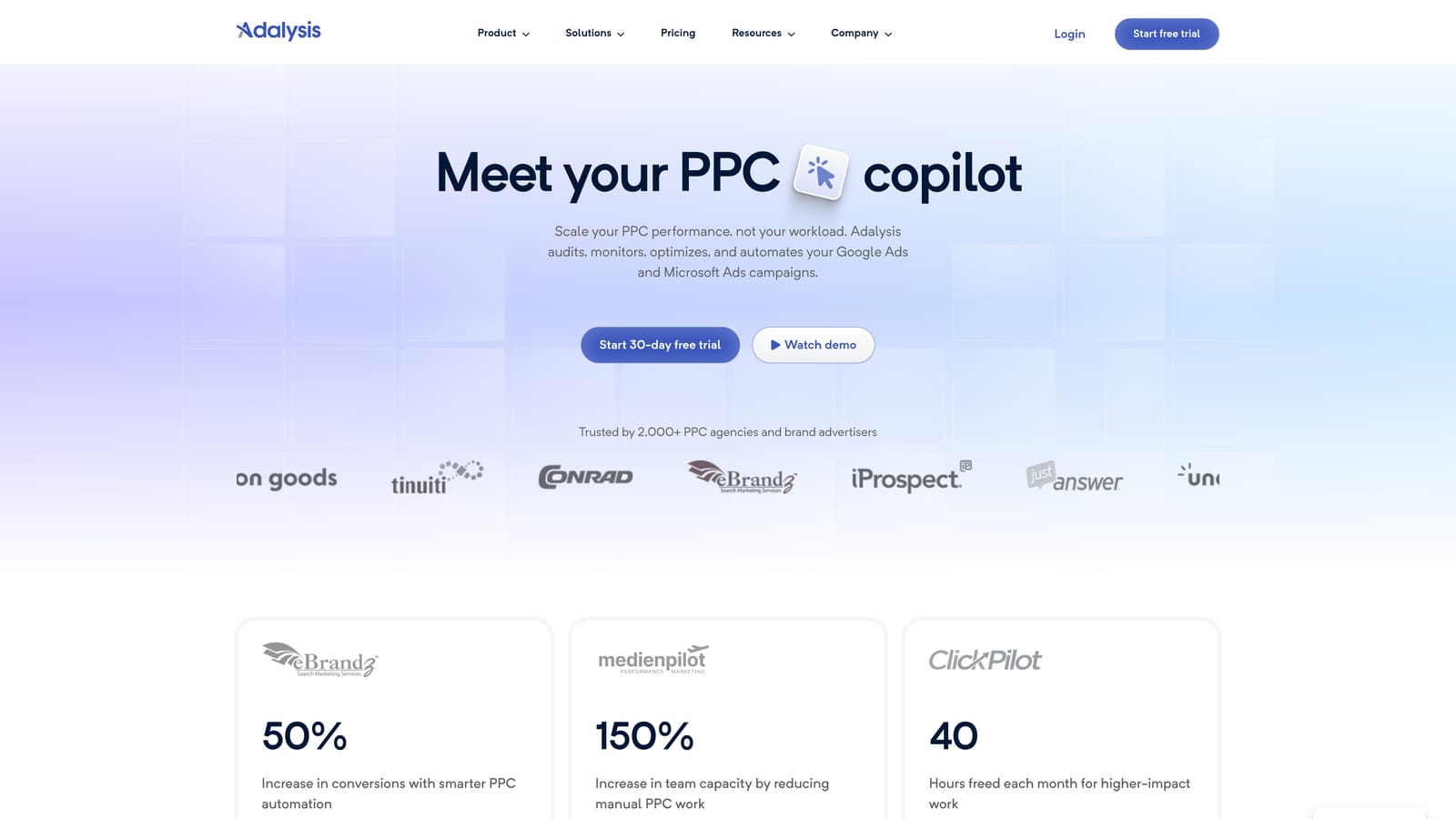
Compared with tools that only offer shared dashboards, Adalysis gives teams a genuinely shared operational layer: everyone sees the same alerts and can track the same ad copy tests, so problems don't sit unnoticed just because one person was on vacation.
- Automated audits catch account issues before they quietly burn budget
- Ad copy A/B testing tracking keeps creative experiments organized across the team
- Multi-user access lets several people work from the same alert and audit data
- Client or account grouping keeps agency portfolios organized by team or client
- Quality Score tracking flags accounts drifting toward higher costs
It integrates with Google Ads and Microsoft Advertising. Day-to-day use typically falls to a PPC analyst or account manager who reviews the alert queue and assigns fixes, though the interface leans more technical, so new hires may need onboarding before working independently.
It's not a bid automation tool and doesn't manage budgets directly, so teams still need a plan for acting on what Adalysis flags. Pricing isn't publicly listed in detail, so check Adalysis's site for current rates.
Best for: Teams that want shared, automatic account health checks instead of relying on manual review rotations.
4. WordStream by LocalIQ
WordStream by LocalIQ is built around a guided workflow called the 20-Minute Work Week, designed to walk a user through routine optimization tasks step by step rather than leaving them to figure out what to check.

That structure matters for teams because it makes delegation simple. A junior team member or a client-facing account manager without deep PPC training can follow the guided steps, while a senior strategist focuses on bigger account decisions.
- The 20-Minute Work Week guides routine optimization tasks in a repeatable sequence
- An agency dashboard gives managers visibility across every client account
- Keyword and negative keyword suggestions reduce the research burden on staff
- Performance grading reports translate account health into a shareable score
It connects with Google Ads, Microsoft Advertising, and Facebook Ads, making it useful for teams running more than search campaigns. Setup mostly involves connecting accounts and letting the platform generate its guided task list; it's typically run by account coordinators rather than senior strategists.
The guided approach that makes delegation easy also limits flexibility. Teams wanting granular, fully custom automation rules will find it less adjustable than a dedicated agency automation platform like Optmyzr.
Pricing isn't published; you'll need to contact sales for a current quote.
Best for: Smaller teams that want a guided, repeatable process for delegating weekly PPC maintenance.
5. Semrush Advertising Toolkit
Semrush's Advertising Toolkit brings PPC keyword and competitor research into the same workspace many marketing teams already use for SEO. It suits teams researching keyword opportunities and competitor ad strategy rather than teams looking to manage bids directly.
Its collaborative edge comes from shared projects and team seats that most marketing teams have already set up for organic search work. Rather than adding a separate PPC tool with its own logins, PPC and SEO staff work from the same account.
- Competitor PPC keyword research shows what rivals are bidding on and testing
- Shared projects and team seats keep research organized across departments
- Ad copy history tracking shows how competitors' messaging has changed over time
- Reporting templates speed up client or stakeholder updates
It integrates with Google Ads for reporting and Google Analytics for performance context. Setup is straightforward for teams already on Semrush; new teams will need to configure projects and add seats. It's commonly run by a marketing generalist or SEO/PPC hybrid role rather than a dedicated PPC specialist.
The clear limitation is that it's not a bid or campaign management tool at all. It complements a PPC execution tool like Keywordme or Optmyzr rather than replacing one.
Pricing runs on subscription tiers with additional user seats priced separately; check Semrush's site for current plans.
Best for: Teams that want shared PPC and SEO research under one login instead of separate tools.
6. AgencyAnalytics
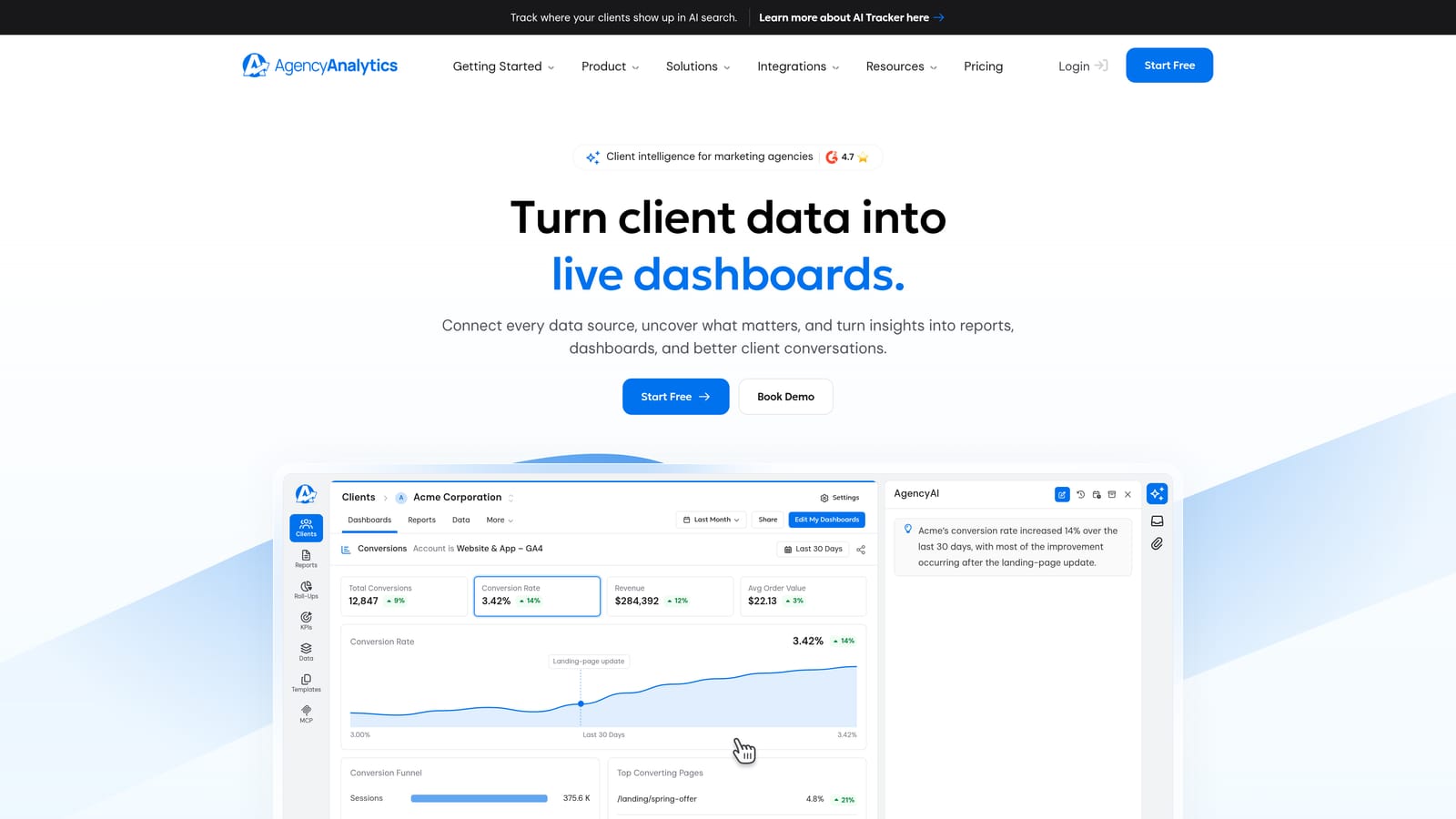
AgencyAnalytics is a white-label reporting and dashboard platform, not a campaign editing tool. It exists to solve a specific team problem: controlling exactly what staff see internally versus what clients see externally.
Where it fits in a team workflow
Role-based staff permissions mean an account manager can have full visibility while a junior team member sees only assigned clients. Client-facing dashboards are separate again, showing performance data without exposing internal notes, staff comments, or other clients' accounts.
- White-label dashboards present performance data under your agency's own branding
- Role-based staff permissions limit what each team member can access
- Automated PPC reporting cuts the manual work of building client updates
- A multi-account overview lets managers check status across every client at a glance
Setup and limitations
It integrates with Google Ads, Microsoft Advertising, Google Analytics, and Facebook Ads, and is typically set up by an account manager or operations lead who configures dashboards per client. The catch is that it's purely a reporting and visibility layer; it doesn't let anyone make keyword, bid, or budget changes directly, so it always sits alongside an execution tool.
Pricing is tiered, usually billed per campaign or account, so costs grow with your client roster. Check AgencyAnalytics' site for current rates.
Best for: Agencies that need clear separation between what clients and internal staff can see across accounts.
7. Marin Software
Marin Software is an enterprise cross-channel advertising platform built for large organizations managing many accounts, budgets, and channels at once.
Its team permissions are more granular than anything else on this list, which makes sense given the scale it's built for. Rather than assigning one blanket role, large organizations can set precise permissions per channel, account, or budget line, and those permissions apply across search, social, and retail media under one system instead of separate logins per channel.
- Granular user roles and permissions control exactly who can touch what
- Cross-channel campaign management brings search, social, and retail media under one workflow
- Budget pacing tools help large teams track spend against enterprise-level targets
- Enterprise reporting consolidates performance data across departments
It connects with Google Ads, Microsoft Advertising, and various social and retail media platforms. Implementation typically involves an enterprise onboarding process, and it's usually managed by a dedicated operations or platforms team rather than an individual PPC specialist.
That same enterprise depth is a limitation for anyone smaller. The pricing and setup complexity make it impractical for freelancers, solo advertisers, or small agencies managing a handful of accounts.
Pricing is quote-based through enterprise contracts; contact Marin's sales team for details.
Best for: Large organizations managing many accounts and channels under one coordinated team structure.
8. Google Ads Editor
Google Ads Editor is Google's own free desktop application for making bulk changes offline and uploading them across one or more accounts. It's worth including here because it works directly with Google Ads' native account access levels, Admin, Standard, Read-only, and Email-only, rather than adding a separate permission system on top.
That's the real distinction for teams: there's no extra software cost and no separate login to manage. Whatever access level a person has been given inside Google Ads itself is exactly what applies when they open Ads Editor, which keeps permissions consistent no matter which tool a teammate happens to use that day.
- Bulk offline editing lets you make large changes without them going live one by one
- Multi-account management lets you work across several accounts from one window
- Change preview shows exactly what will update before anything uploads
- It's completely free, with no seat or subscription cost
Setup is just downloading the application and signing in with an existing Google Ads login, so there's effectively no learning curve for account access. It's commonly used by anyone on a PPC team who needs to make large-scale changes quickly, from freelancers to agency account managers.
The real limitation is collaboration itself. There are no built-in comments, change alerts, or activity logs, so if two teammates are both editing offline at the same time, overlapping changes aren't flagged until someone uploads and checks the account's change history manually.
It's free to use, full stop, with no pricing tiers.
Best for: Budget-conscious teams that need reliable bulk editing across accounts, not built-in collaboration features.
Matching the Tool to Your Team
If your team's main headache is search terms piling up unreviewed, Keywordme is the fastest fix: it works inside the account each person already has access to, at a flat $12 per user per month, so nobody needs a new login or a spreadsheet to hand off. If you're running an agency with several client accounts and want automation rules or permission structures enforced consistently, Optmyzr and Marin Software sit at opposite ends of that scale, Optmyzr for mid-size agencies, Marin for large enterprise operations. And if the real problem is what clients versus staff can see rather than who can edit what, AgencyAnalytics and WordStream both lean toward reporting and delegation rather than deep account control.
For teams with no budget to spend at all, Google Ads Editor remains a solid baseline since it rides on Google Ads' own account permissions for free, even though it won't flag overlapping edits between teammates.
Optimize Google Ads campaigns 10x faster without leaving your account. Keywordme lets you remove junk search terms, build high-intent keyword lists, and apply match types instantly, right inside Google Ads. No spreadsheets, no switching tabs, just quick, seamless optimization. Start your free 7-day trial (then just $12/month) and take your Google Ads game to the next level.
.svg)