
9 Best PPC Tools with a Free Trial for Google Ads in 2026
A practical guide to ppc tool with free trial.


Most advertisers lose a trial to the same thing: no plan for it. This list is for freelancers, in-house marketers, and agency owners who want to test a PPC tool on a live Google Ads account before paying. Tools were picked for how well they fit specific jobs (search term cleanup, auditing, reporting, research, bulk edits), and for whether they offer a free trial or free plan. Trial terms change often, so confirm length and card requirements on each vendor's site; details here are current as of November 2026 only where stated.
Quick Comparison of PPC Tools You Can Try Free
- Keywordme: freelancers and agencies cleaning search terms; $12/month per user with a 7-day free trial; works inside the native Google Ads Search Terms Report.
- Optmyzr: agencies with many accounts and real spend; see website for pricing; the largest library of prebuilt optimization tools here.
- Adalysis: teams that want ad testing and account health checks; see website for pricing; automated ad test analysis with alerts.
- Semrush: marketers who need SEO and paid competitor research together; see website for pricing; competitive intelligence across organic and paid search.
- SpyFu: budget-minded advertisers scouting competitors; see website for pricing; historical view of competitor paid keywords and ads.
- WordStream: small business owners running their own ads; see website for pricing; beginner-friendly account grading and guidance.
- Swydo: agencies sending recurring client reports; see website for pricing; client-ready white-label automated reporting.
- Google Ads Editor: advertisers making large structural edits; free; official bulk editing with no trial clock.
- Opteo: in-house marketers wanting a ranked to-do list; see website for pricing; prioritized suggestions you review before acting.
1. Keywordme
Keywordme is our own product, so weigh this entry with that in mind. It's a Chrome extension that adds controls directly into the Search Terms Report in Google Ads. A search term is the actual query someone typed; a keyword is what you bid on. Keywordme sits on the gap between the two, letting you act on terms where you already see them.
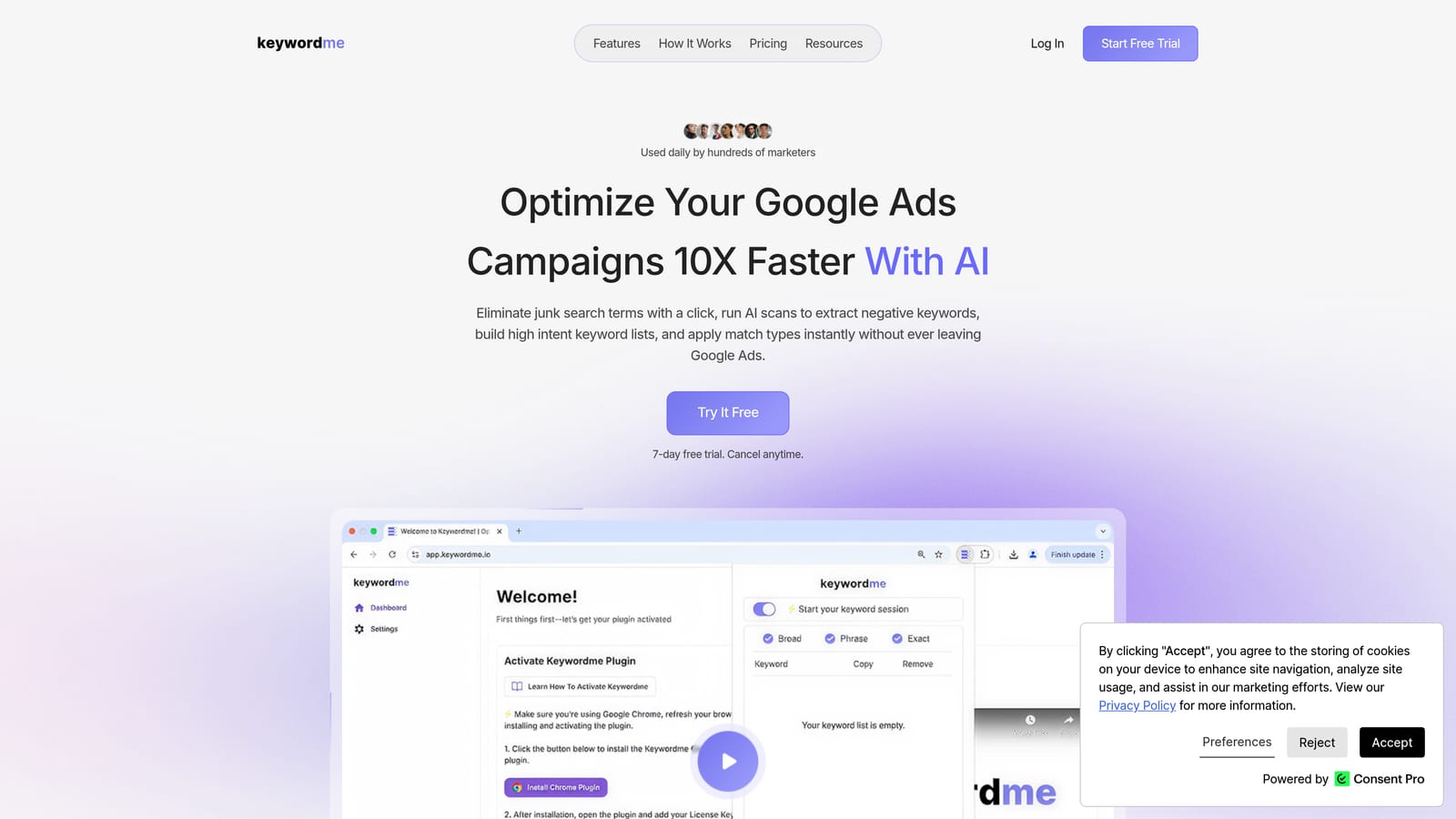
The standout is the location. You don't export to a spreadsheet or log in to a separate dashboard. You review terms in the Google Ads interface and click. You stay in control of every decision, because you pick which terms to remove or add.
- One-click removal of junk search terms, with negative keywords built from them, so irrelevant queries stop costing you money.
- Add high-intent search terms as keywords with the match type applied instantly, which cuts the repetitive clicking of the native flow.
- Keyword clustering to group related terms into new keyword groups.
- Bulk editing for working through many terms at once.
- Multi-account and team support, so agencies can run the same workflow across clients.
Setup is light: install the extension and open Google Ads in Chrome. The person doing search term review day to day is the one who uses it, whether that's a solo freelancer or a specialist on an agency team.
Know the limits. Keywordme is focused on search term and keyword workflows. It has no cross-channel reporting, no bid automation, and it requires Chrome. If you need reporting or auditing, pair it with another tool on this list.
Pricing is a flat $12/month per user, with a 7-day free trial. Cost moves with the number of users, not ad spend. Confirm current trial terms on the website.
Best for: Freelancers and agencies who spend lots of time cleaning search terms.
2. Optmyzr
Optmyzr is a PPC management platform for Google and Microsoft Ads, built around a big set of optimization tools, audits, and reporting. It is aimed at agencies and teams that manage many accounts and want repeatable processes rather than one-off fixes.
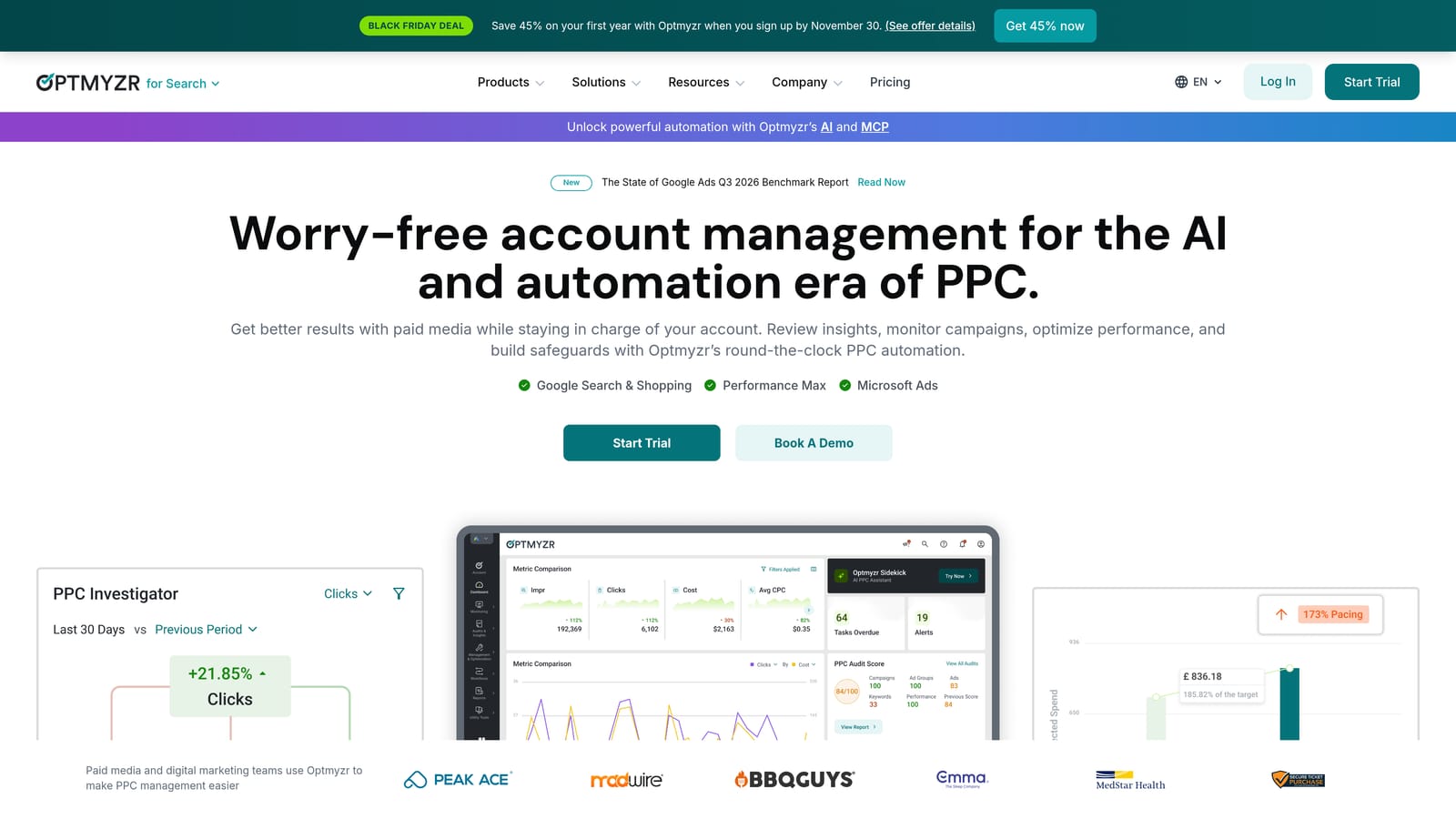
What sets it apart on this list is breadth of prebuilt tooling. Where Keywordme does one job inside the interface, Optmyzr gives you a library of tools you run across accounts.
- Rule-based optimizations that apply your logic consistently across accounts, saving manual checks.
- Account audits that surface problems you'd otherwise hunt for by hand.
- Reporting so you can show clients or stakeholders what changed.
- Bid and budget management tools for keeping spend on target.
It connects to Google Ads and Microsoft Advertising. Expect a real onboarding period: with that many tools, someone needs to own configuration and decide which to use. That makes a short trial easy to waste unless you pick two or three tools to test in advance.
It is more complex and costlier than single-purpose tools, so it's overkill for a solo advertiser with one small account. Pricing and trial terms aren't confirmed here; check the website, as plans commonly depend on spend and account count.
Best for: Agencies managing many accounts with meaningful spend.
3. Adalysis
Adalysis is an auditing and ad testing platform for Google and Microsoft Ads. Its pitch is systematic checking: it watches accounts and tells you where ad tests have a winner, or where something has broken.
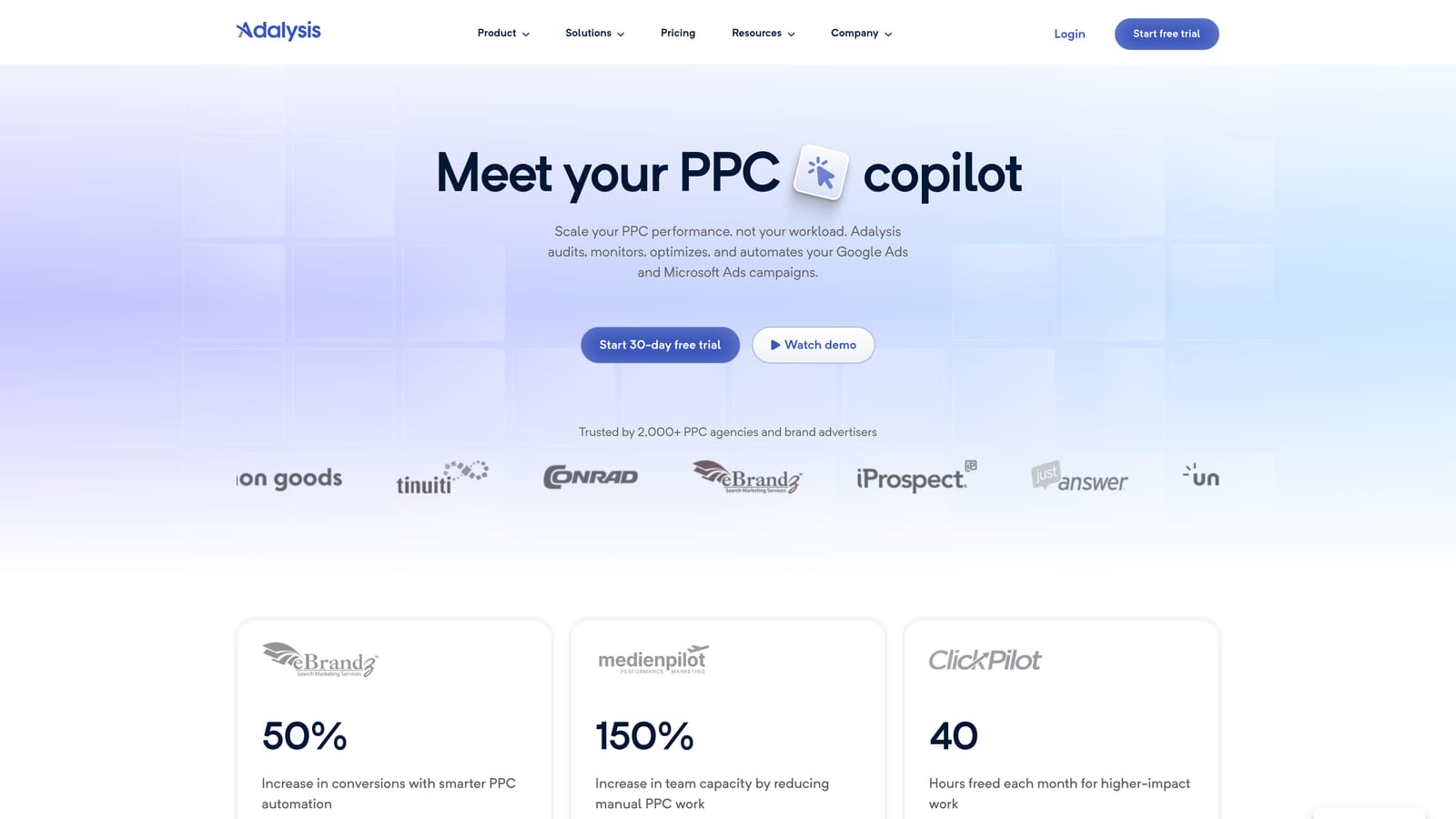
The limitation comes first because it shapes how you'd use it: Adalysis flags issues, but you still implement the fixes. That suits teams with the capacity to act on a list of findings, and frustrates those who want changes made for them.
- Automated account audits that catch problems across campaigns without manual review.
- Ad copy testing analysis that shows which variations are actually winning.
- Alerts that tell you when something in the account changes or breaks.
- Keyword and quality checks that point to weak spots worth fixing.
It integrates with Google Ads and Microsoft Advertising. Setup means connecting accounts and letting it gather data, so a trial works best if the account already has running ads with some history to analyze. A brand-new account gives it little to chew on.
Don't pick it for search term cleanup or bulk edits; that isn't its job. Pricing and trial terms aren't confirmed here, so check the website before committing.
Best for: Teams that want systematic ad copy testing and account health checks.
4. Semrush
Semrush is a broad marketing suite, and the part relevant here is its PPC competitor research and keyword tools. It tells you what competitors advertise, not how to edit your own campaigns.
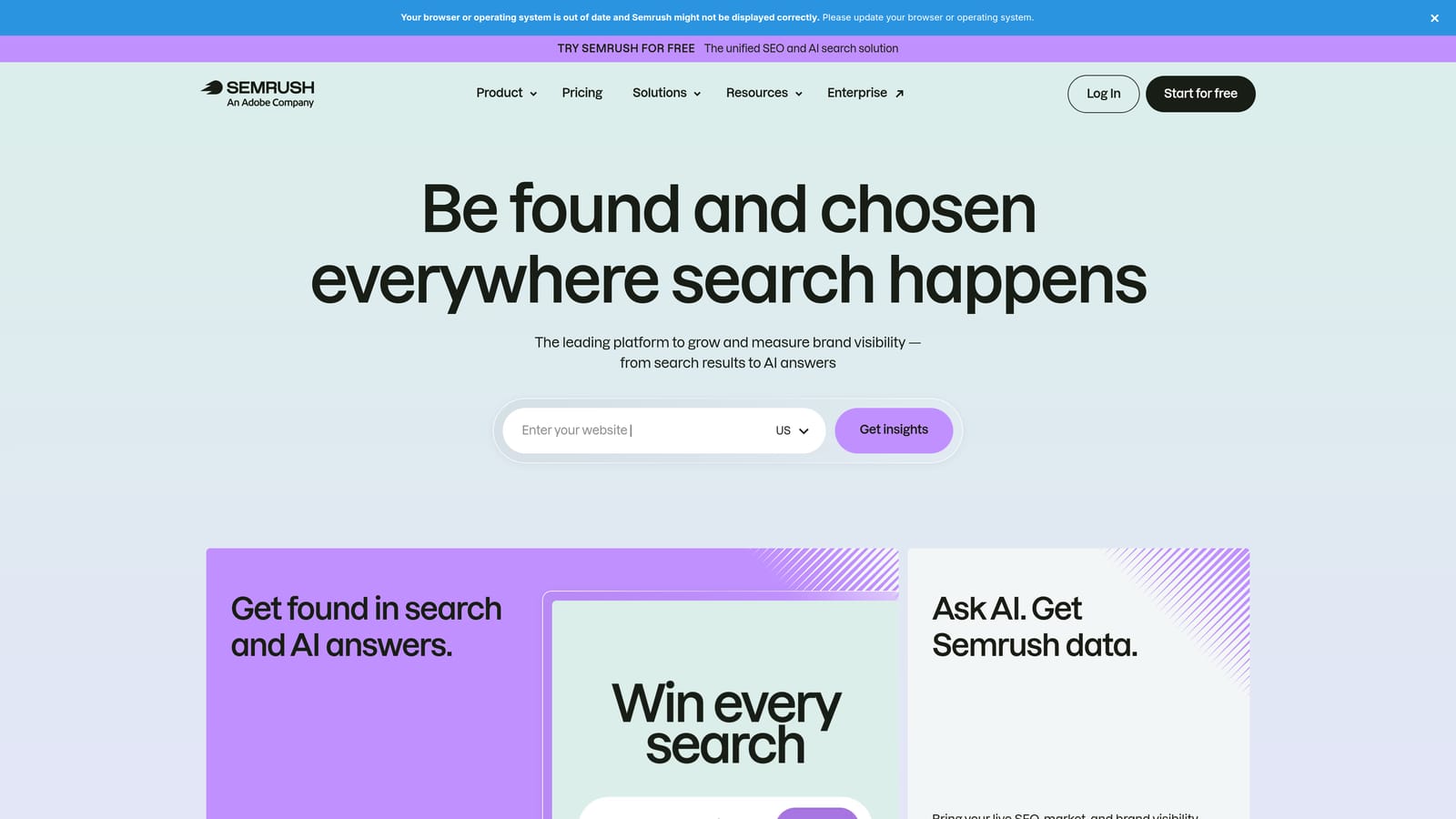
That distinction matters. Semrush and Keywordme solve different problems: one is for deciding what to target and say, the other for cleaning up what your account already matched. Treat Semrush as an input to planning.
- Competitor ad copy research so you can see how others pitch the same audience.
- Keyword research to find terms worth testing before you spend on them.
- Ad history to see how competitor messaging has shifted.
- Domain comparison to see where your paid footprint overlaps with rivals.
It connects with Google Ads and Google Analytics. Setup is quick for research, since you can start with a domain name, though the interface is large and takes time to learn.
It is not a campaign editor, and the full suite is pricey if you only need PPC. Its real strength is covering SEO and paid search together, so it earns its cost when you'd use both. Pricing and trial terms aren't confirmed here; check the website, since they change.
Best for: Marketers who need SEO and paid competitor research in one place.
5. SpyFu
SpyFu is a competitor research tool that shows the paid and organic keywords a domain appears for, along with ad history. It is narrower than Semrush, which can make it easier to get value from quickly.
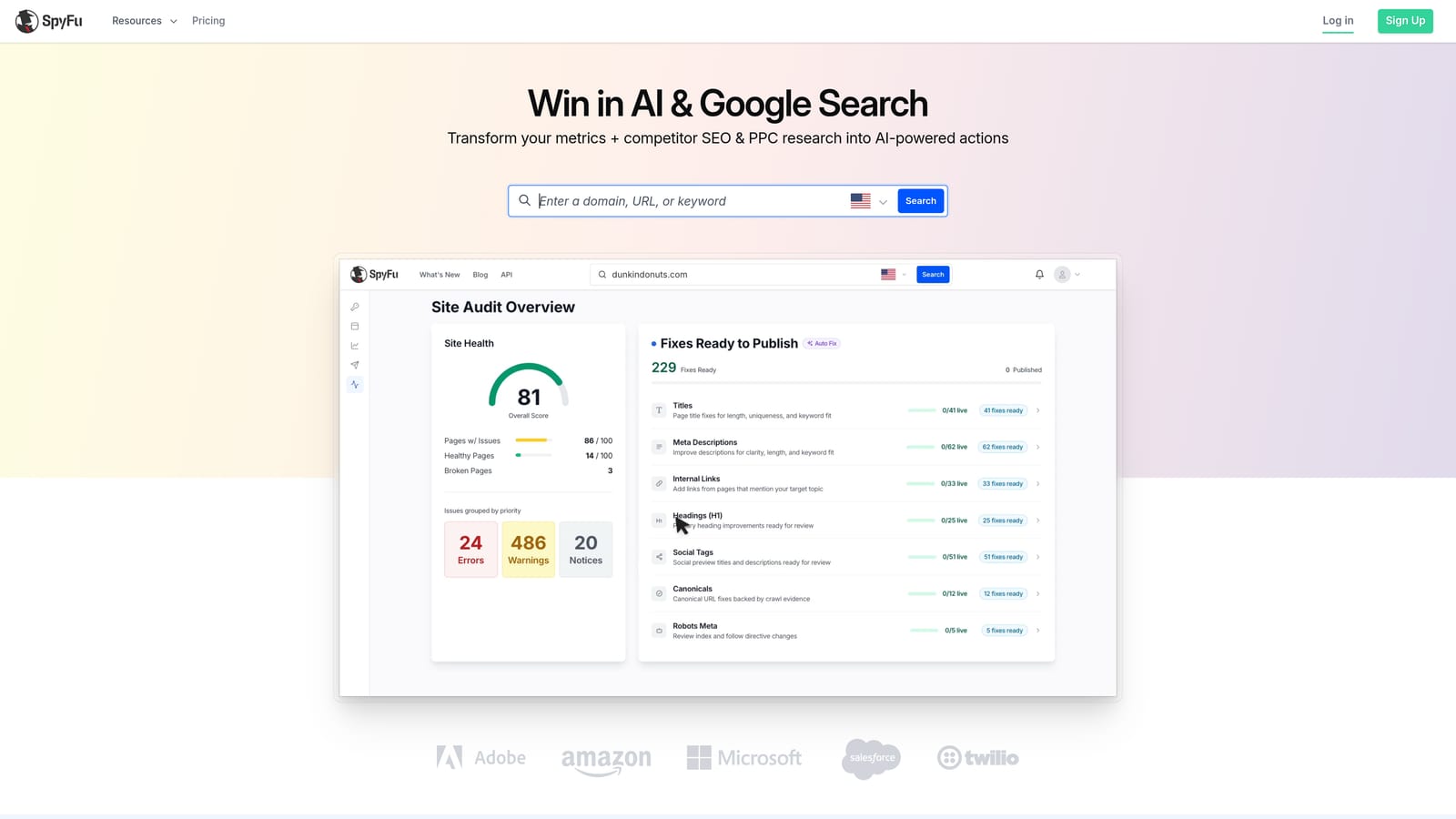
Its distinctive angle is the historical view: you can see which keywords and ads competitors have kept running, which is a decent hint at what's working for them.
- Competitor paid keyword lists to seed your own keyword research.
- Ad history showing how competitor creative evolved over time.
- Keyword research for sizing up terms before you bid.
- Domain overview for a fast read on a rival's search presence.
Integrations aren't listed in our notes, so check the website. Setup is minimal since it's a lookup tool: enter a domain and read. One person on the team can run it.
The key limits: it is research only, and the data is estimated, so treat numbers as directional rather than exact. It won't change anything in your account. Pricing and trial terms aren't confirmed here; check the website.
Best for: Advertisers scouting competitor keyword strategy on a budget.
6. WordStream
WordStream offers Google and Microsoft Ads management and tools aimed at small businesses, including a free Google Ads Grader. The grader is the easiest way to try it with no commitment, though it is a free tool and not the same thing as a trial of the full platform.
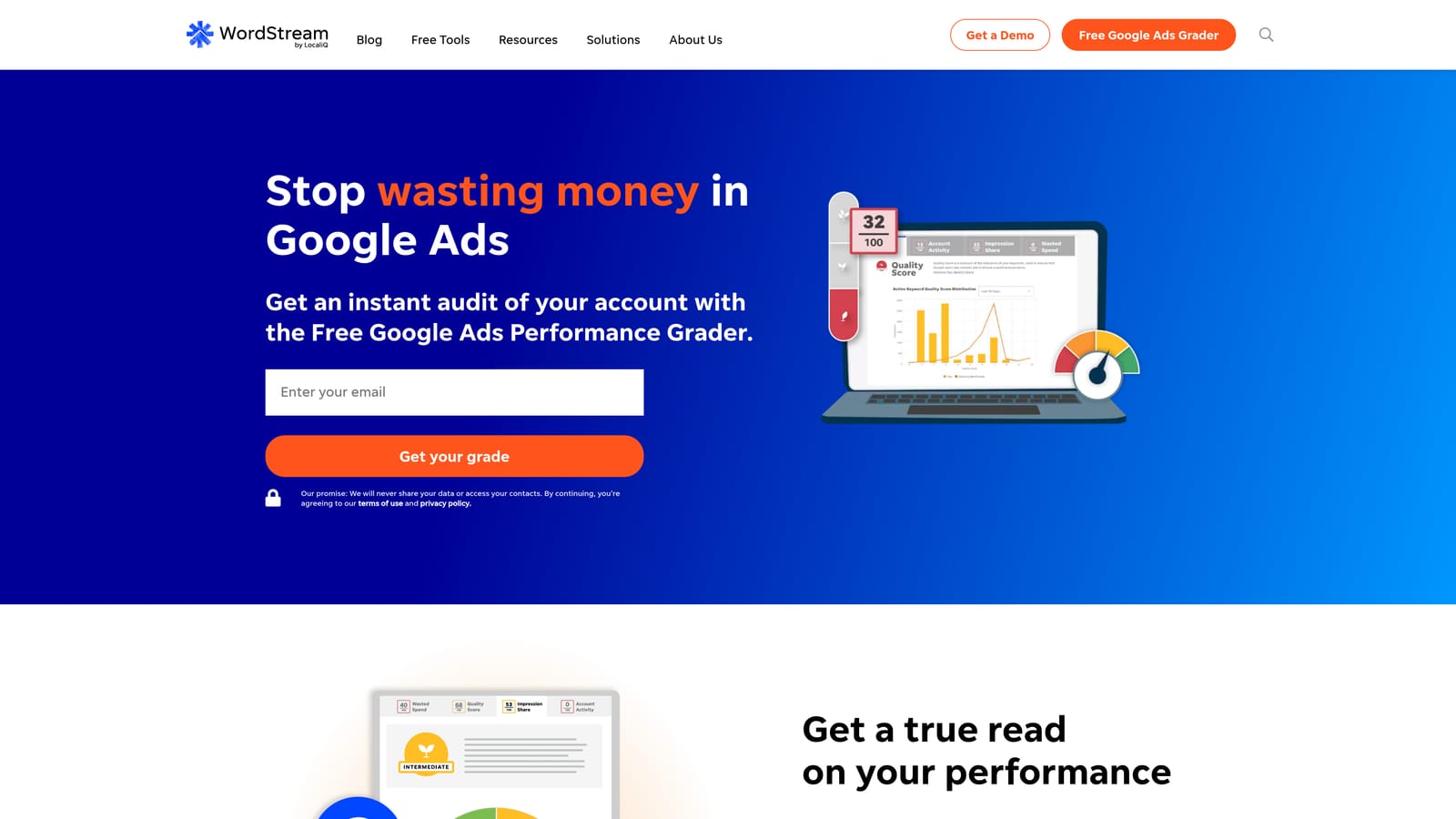
Its edge is approachability. Where Optmyzr assumes you're running an agency, WordStream assumes you're a business owner who wants to know whether the account is in decent shape.
- An account grader that gives you a quick read on how your account stacks up.
- Guided recommendations that tell newer advertisers what to look at next.
- Campaign management for making changes from one place.
- Reporting so you can track results without building your own.
It connects to Google Ads, Microsoft Advertising, and Facebook Ads, so it can cover more than one channel. Setup is simple and the business owner can run it directly.
Be careful: packaging has changed over time, so check what's currently offered. It is also not tuned for large agency workflows. Pricing and trial terms aren't confirmed here; verify on the website as of November 2026.
Best for: Small business owners running their own ads.
7. Swydo
Swydo is an automated reporting platform for agencies, centered on white-label PPC reports you can send to clients. It's a reporting tool through and through.
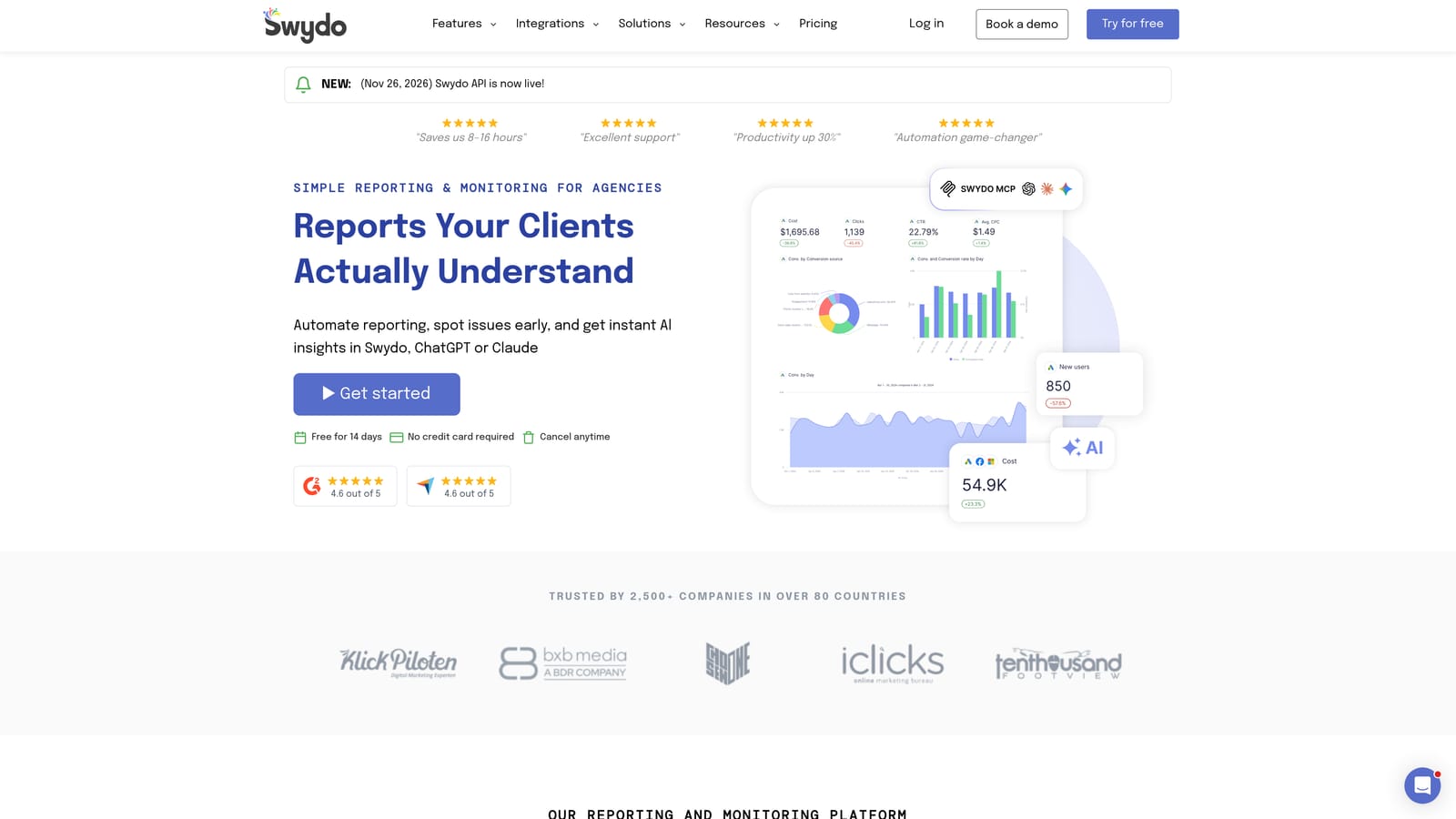
The limitation is plain: Swydo reports only, and does not change campaigns. Pair it with something like Keywordme or Optmyzr if you want to act on what the reports show.
- White-label reports carrying your agency's branding, so clients see your work.
- Dashboards for a live view of performance between report sends.
- Report templates that let you set up a format once and reuse it across clients.
- Multi-platform data connections so one report can pull from several sources.
It connects to Google Ads, Meta Ads, Google Analytics, and Microsoft Advertising. Setup is mostly connecting accounts and building a template, which is where your trial time should go: build one real client report and see how much manual work it removes.
It won't suit solo advertisers with no clients to report to. Pricing and trial terms aren't confirmed here; check the website.
Best for: Agencies sending recurring client performance reports.
8. Google Ads Editor
Google Ads Editor is Google's free desktop app for bulk editing campaigns across accounts. There is no trial clock, so it's the lowest-risk tool here, and worth installing even if you use others.
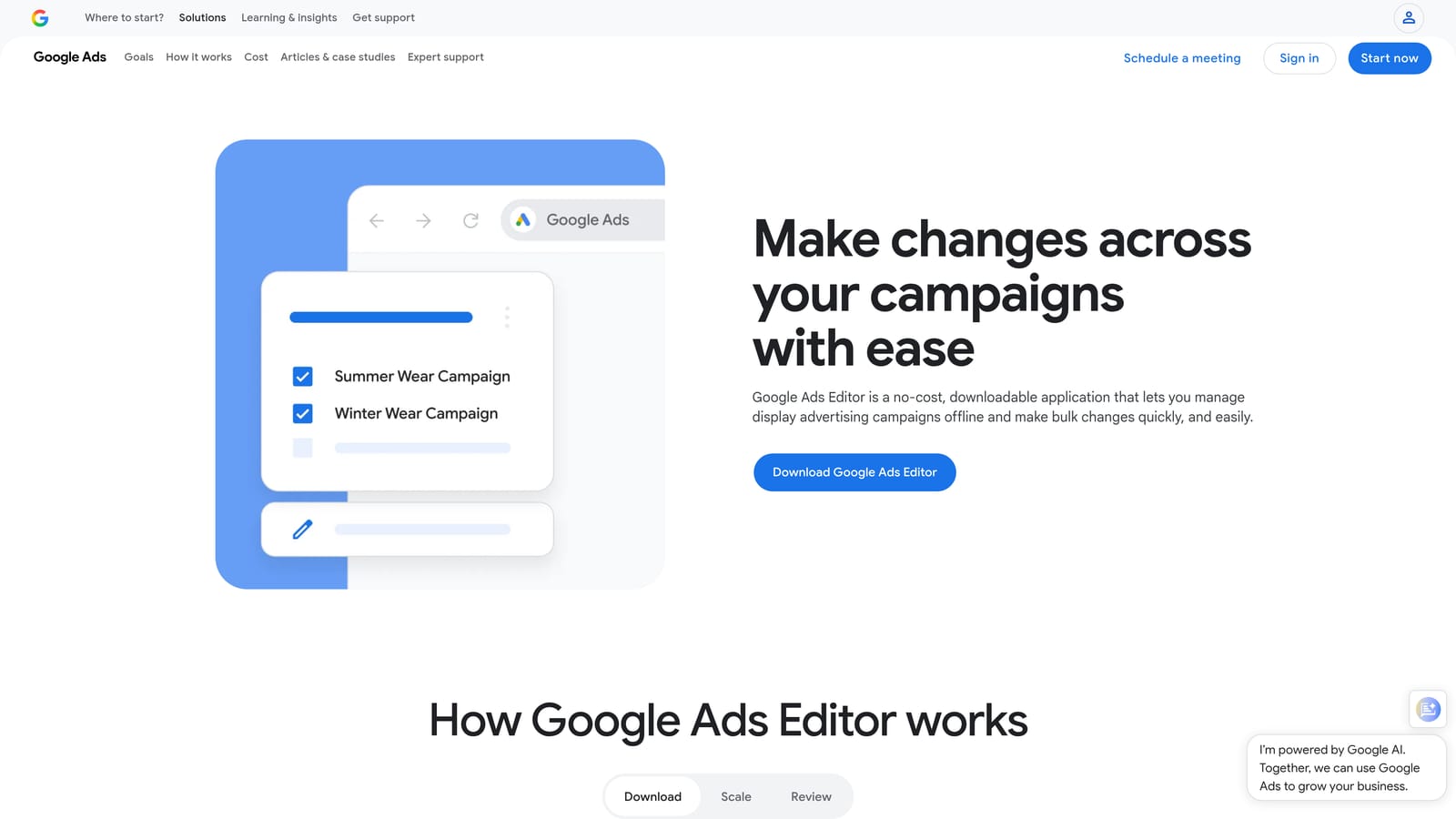
It is the official route for large structural changes, which is what sets it apart: you get bulk power without paying or waiting on a vendor.
- Bulk edits so you can change many campaigns, ad groups, or ads in one pass.
- Offline editing so you can work without being connected, then post later.
- Multi-account management to move between accounts in one app.
- Draft changes before posting, so you can review everything before it goes live.
It works with Google Ads only. Setup means downloading the app and syncing your accounts; whoever handles account structure typically runs it.
It has no search term intelligence or recommendations of its own. It will do what you tell it, but it won't tell you what to do. For search term review you'd still use the Search Terms Report, or a tool built around it. Cost is free.
Best for: Advertisers making large structural edits across campaigns.
9. Opteo
Opteo is a Google Ads improvement tool that suggests optimizations for you to review. Verify availability and trial terms on the website before you rely on it, since we couldn't confirm them for this list.
Its angle is prioritization: rather than a wall of data, you get suggestions ranked by importance. You decide which to act on, which keeps a person in the loop.
- Prioritized suggestions so you know what to fix first.
- Account monitoring to catch changes between your own reviews.
- Reporting to summarize performance and the work done.
It connects to Google Ads and is focused there, so it won't help if you also run Microsoft Advertising. Setup is a quick account connection, and an in-house marketer can run it alone.
The suggestions need human review, as with any recommendation engine; a suggestion isn't automatically right for your goals. Pricing and trial terms aren't confirmed here, so check the website.
Best for: In-house marketers who want a ranked to-do list for their account.
Which Tool to Trial First, and How to Use the Clock
Match the tool to the job, not to a "best overall" ranking. For search term cleanup, start with Keywordme. For agency reporting, Swydo. For competitor research, Semrush if you want SEO and paid together, SpyFu if you want a narrower, cheaper look. For bulk editing, Google Ads Editor, which is free. For account audits and ad testing, Adalysis, or Optmyzr if you want a wider toolset for many accounts.
A free trial doesn't always mean full features, and not every tool here manages campaigns. Research tools and workflow tools do different jobs, so don't compare them head to head.
Before you start any trial, write down one task and run it on a live account: clean a week of search terms, build one client report, audit one account. Otherwise the clock runs out before you learn anything. Check each vendor's current trial length and card requirements first, as they change.
If search term cleanup is your bottleneck, Optimize Google Ads Campaigns 10X Faster. Without Leaving Your Account. Keywordme lets you remove junk search terms, build high-intent keyword lists, and apply match types instantly, right inside Google Ads. No spreadsheets, no switching tabs, just quick, seamless optimization. Start your free 7-day trial (then just $12/month) and take your Google Ads game to the next level.
