
8 Best PPC Tools by Subscription Plan and Price in 2026
A practical guide to ppc tool subscription plans.


Choosing a PPC tool usually comes down to one question: how does it charge, and does that model get cheaper or pricier as your work grows? This list is for freelancers, in-house marketers, and agencies who manage Google Ads and want to see what each subscription costs and what it covers. Tools were picked for relevance to Google Ads work, publicly described plan structures, and fit for different team sizes. Pricing details are flagged as of November 2026, and plans change often, so confirm everything on the vendor's site before you buy.
Quick Comparison of PPC Tool Plans
- Keywordme: freelancers and agencies cleaning search terms fast; $12/month per user with a 7-day free trial; works inside the native Google Ads Search Terms Report with no spreadsheets.
- Optmyzr: agencies wanting automation and reporting together; tiered, see website; customizable rule-based automation across accounts.
- Adalysis: teams that want ongoing audits; tiered, see website; automated ad test analysis and structured audits.
- WordStream: small business owners without a PPC specialist; quote-based; a guided task list built for non-specialists.
- Semrush: marketers who need PPC and SEO research in one subscription; monthly tiers, see website; competitor ad intelligence combined with SEO data.
- SpyFu: freelancers researching competitors on a modest budget; tiered monthly plans, see website; long-running historical competitor ad and keyword data.
- Google Ads Editor: anyone who needs bulk edits without a subscription; free; first-party bulk editing across accounts.
- Swydo: agencies that need polished client reporting; tiered, see website; white-label automated client reports.
1. Keywordme
Keywordme is our own product, so weigh this section with that in mind. It's a Chrome extension that adds one-click actions to the Search Terms Report inside Google Ads. A search term is the actual query someone typed; a keyword is what you bid on. Keywordme sits in the gap between the two, letting you act on search terms right where you read them.
Its main advantage over everything else here is that you never leave the native interface. There is no export, no spreadsheet, and no separate dashboard to log into. If search term review is your most repeated task, that saves a lot of tab switching.
- Add negative keywords straight from the Search Terms Report, so junk queries stop costing you money.
- Add search terms as keywords and apply match types in the interface, without retyping anything.
- Keyword clustering groups related terms so you can build tighter lists faster.
- Bulk editing lets you act on many terms at once instead of one by one.
- Multi-account and team support keeps agency workflows in one place.
Setup is installing the extension and using Google Ads as usual. Whoever reviews search terms day to day, whether that's you or a specialist on your team, runs it. It works with Google Ads only.
The limits are real. Keywordme focuses on the search term and keyword workflow. It doesn't do bid automation, reporting, or other ad platforms, and it runs only in Chrome. If you need audits or client reports, you'll pair it with something else.
Pricing is flat: $12 per month per user, with a 7-day free trial. Cost scales with seats, not ad spend or account count, so a freelancer with ten clients pays the same as one with two. Confirm current terms on the vendor's site.
Best for: Freelancers and agencies cleaning search terms fast on a flat per-seat price.
2. Optmyzr
Optmyzr is a PPC management suite built around rule-based optimizations, automation, and reporting. It's designed for agencies and in-house teams who run many accounts and want repeatable processes instead of manual checks.

What sets it apart on this list is the rule engine. You define conditions and actions, then apply them across accounts, which turns your own best practices into something the platform can repeat. Most other tools here either diagnose or report; this one is built to act on your logic.
- One-click optimizations apply suggested changes without manual editing in each account.
- The rule engine automates recurring checks and adjustments you would otherwise do by hand.
- Report templates cut the time spent assembling client updates.
- Support for Google Ads and Microsoft Advertising covers the two main search platforms in one login.
Expect a setup period. Connecting accounts is easy, but getting value from rules means deciding what you want automated, so it suits someone comfortable owning that logic. Automation also needs human review; treat it as a tool you supervise, not a replacement for judgment.
The main limitation is pricing structure. Plans are tiered, and as far as we can tell cost is tied to managed spend, which tends to suit agencies more than tiny accounts. Verify this, along with current plans, starting price, and trial terms, on the Optmyzr site, since the starting price isn't something we can confirm here.
Best for: Agencies wanting automation and reporting in one platform.
3. Adalysis
Adalysis is a PPC auditing and testing platform. It watches your accounts, flags problems, and analyzes ad tests so you know which copy variations are winning with statistical backing instead of a gut call.
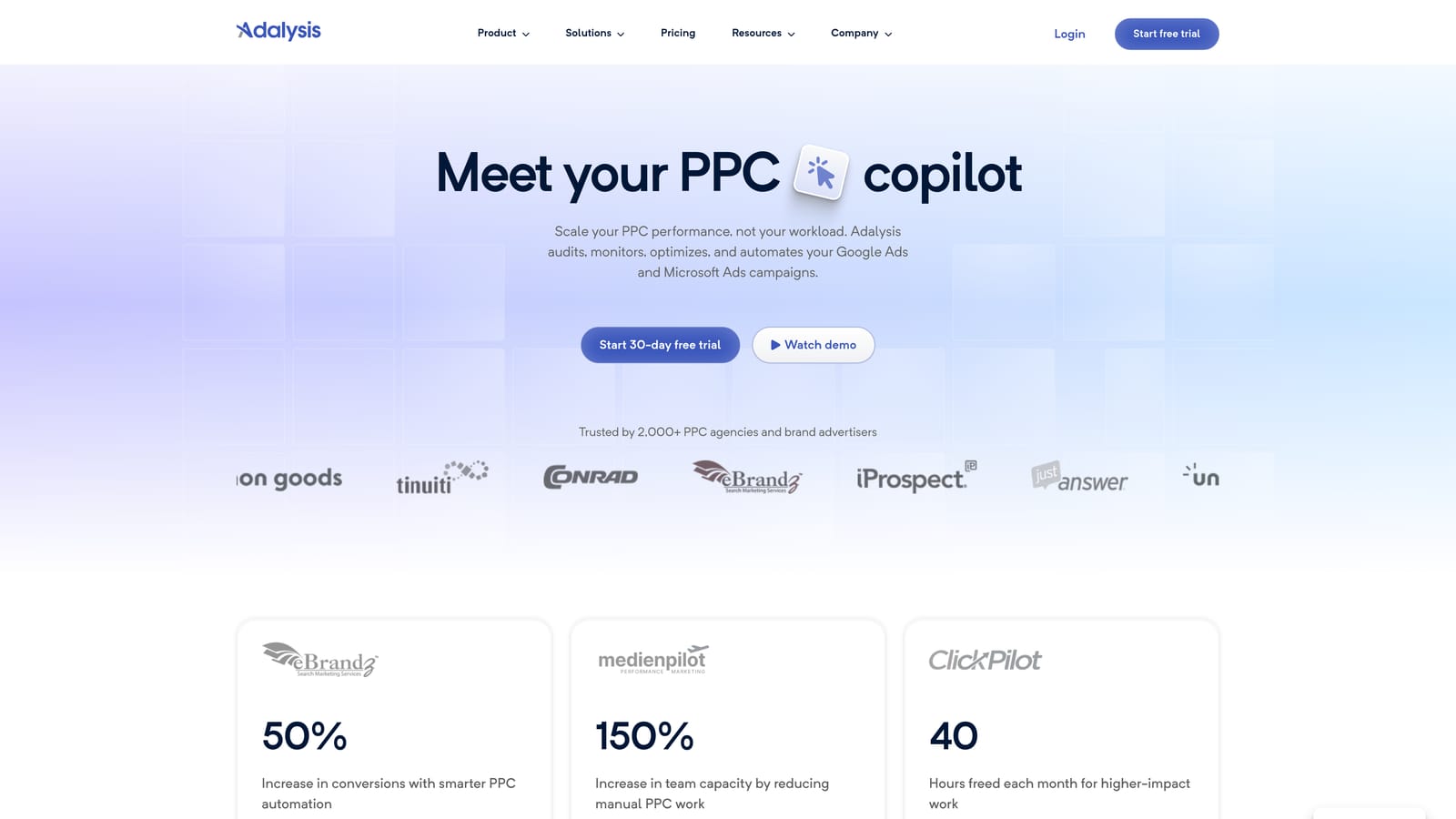
The standout here is automated ad test analysis plus structured audits. If you run lots of responsive search ads and want a clear read on what's working, this is the most focused option on the list for that job.
What You Get
- Account audits surface structural issues you might miss when scanning manually.
- Ad copy test analysis tells you which variations deserve to keep running.
- Alerts flag sudden changes so problems don't sit unnoticed.
- Quality checks catch common setup mistakes across campaigns.
Limits and Pricing
Adalysis is diagnostic-heavy. It tells you what to look at, but the changes themselves are still largely manual, so you need someone with time to act on the findings. That makes it a poor fit if you want hands-off automation, and a less obvious fit for a solo advertiser with one small account.
It integrates with Google Ads and Microsoft Advertising. Plans are tiered; the starting price and trial terms should be verified on the vendor's site as of November 2026, and check what drives the price (such as account count or spend) before comparing it with seat-based tools.
Best for: Teams that want ongoing audits and ad testing insight.
4. WordStream
WordStream, from LocaliQ, is a small-business ad management platform. Its core idea is a prioritized list of things to fix, written for owners who don't have a PPC specialist on staff.
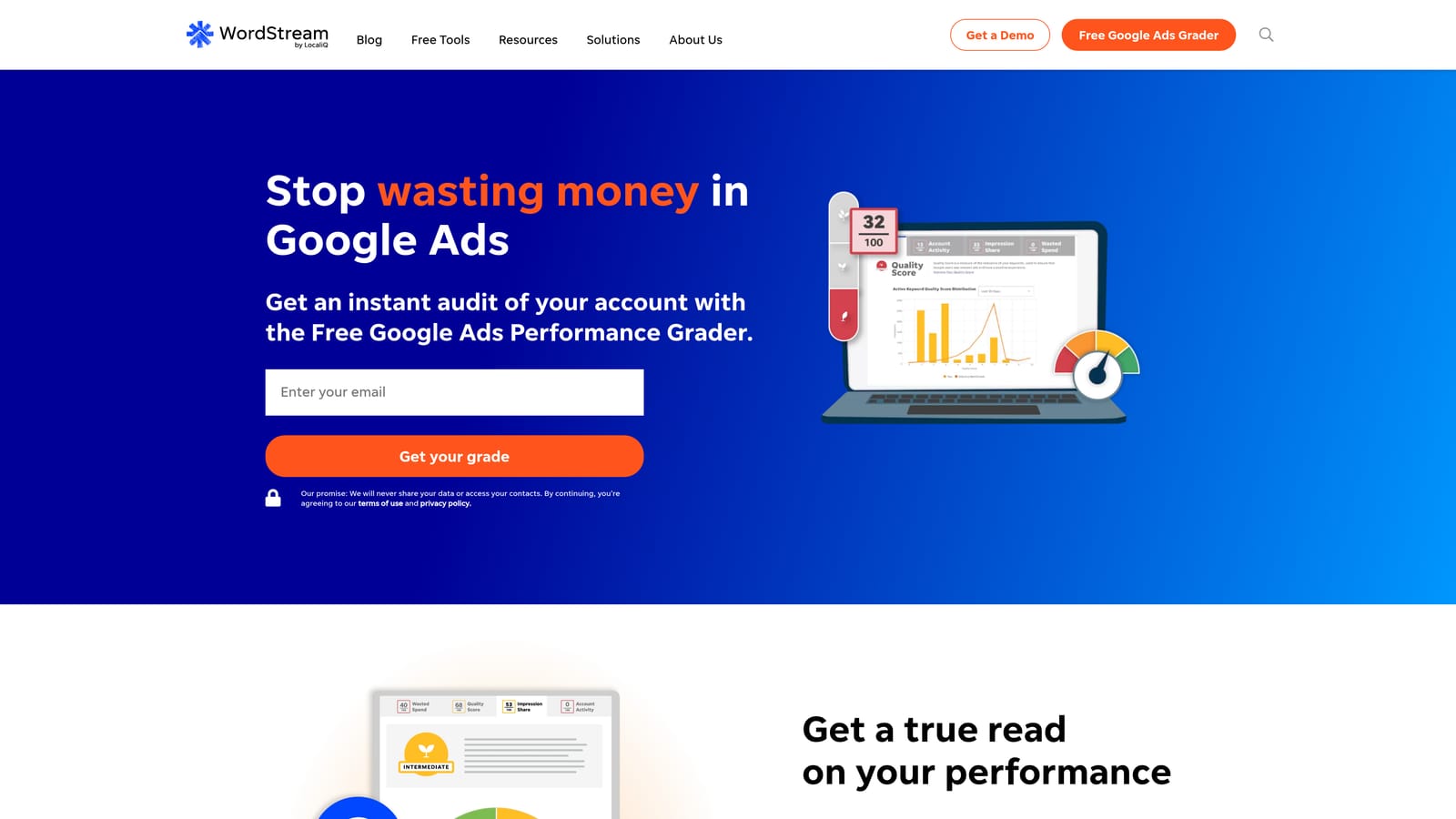
That guided approach is what separates it from the rest. Most tools here assume you know what a good account looks like; WordStream tells you what to do next, and it spans more than one ad platform.
- Prioritized optimization tasks tell you what to work on first instead of leaving you to hunt.
- Multi-platform ad management covers Google Ads, Microsoft Advertising, and Meta Ads in one place.
- The performance grader gives a quick snapshot of how an account is doing.
- Recommendations translate account data into plain next steps.
Setup is aimed at owners, and the day-to-day user is often the business owner or a generalist marketer. The trade-off is control. Advanced practitioners may find the guidance too prescriptive, and recommendations should still be reviewed against your own goals rather than accepted blindly.
Pricing is quote-based, so you can't see a number up front. That makes comparison harder, and you should check contract terms, including length and cancellation, before signing. Confirm current details with the vendor.
Best for: Small business owners running ads without a specialist.
5. Semrush
Semrush is an all-in-one marketing suite, and its advertising toolkit covers PPC keyword research and competitor ad intelligence. It's the broadest product on this list, which is both its strength and its pricing complication.
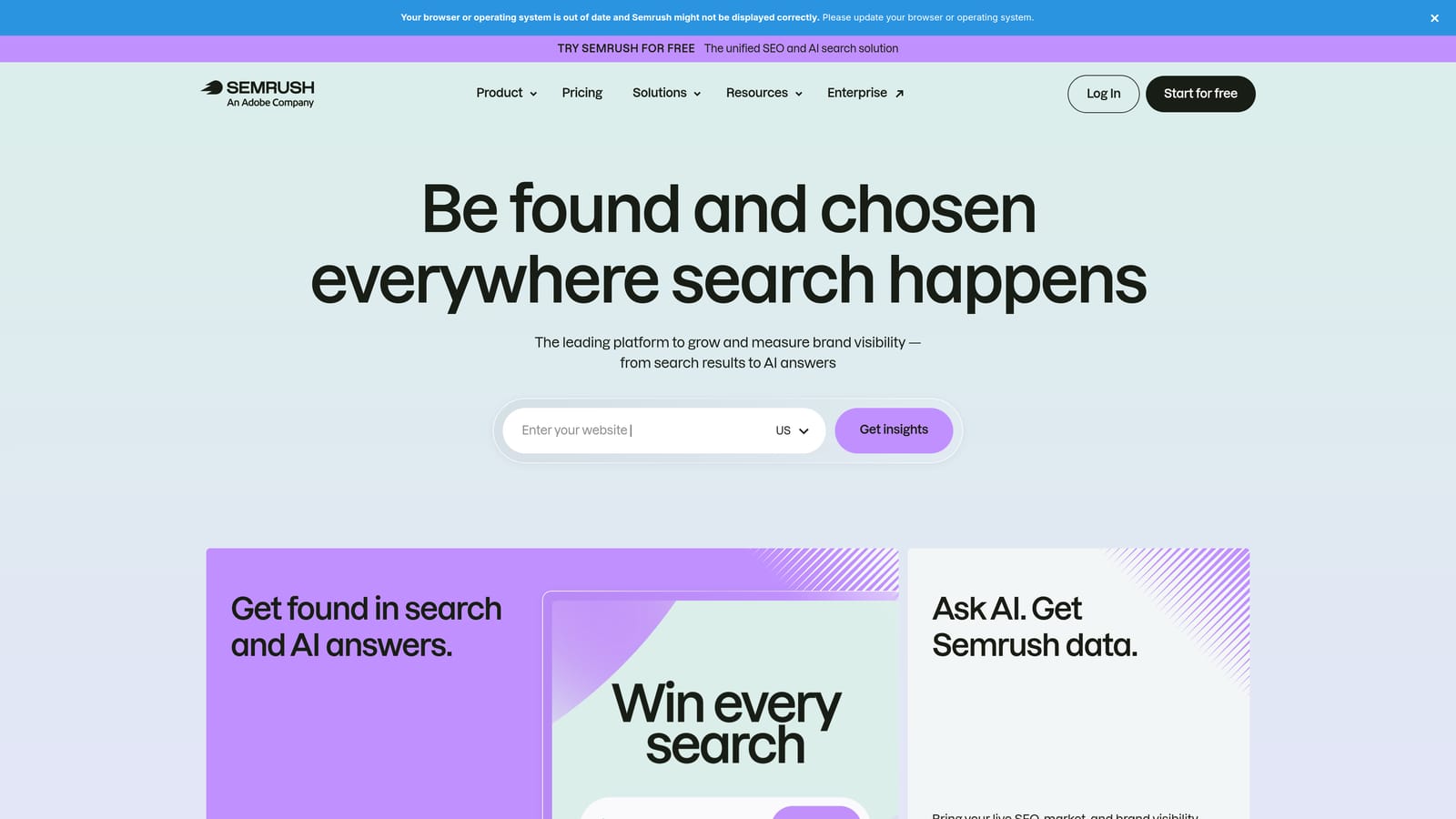
Its edge is combining paid research with SEO data in one subscription. You can see which keywords a competitor bids on and how they perform organically, without paying for two tools.
- PPC keyword research helps you find terms worth bidding on before you spend.
- Competitor ad research shows how rivals position their ads.
- The advertising toolkit groups paid research tasks together.
- SEO data in the same suite lets you compare paid and organic coverage.
It connects with Google Ads, Google Analytics, and Google Search Console. Setup is light, and it's typically used by whoever plans strategy rather than whoever manages the account daily.
Be clear about what it isn't. Semrush is a research tool and does not edit your campaigns. A common misconception is that an all-in-one suite replaces a dedicated optimization tool; for working through search terms or bulk changes, it doesn't. Pricing is in monthly tiers with add-ons, and add-ons can raise the total noticeably, so verify the current plans and what each tier includes as of November 2026.
Best for: Marketers who need PPC and SEO research in one subscription.
6. SpyFu
SpyFu is a competitor research tool focused on keyword and ad history. You enter a competitor's domain and see which keywords they've bought and how their ads have changed over time.
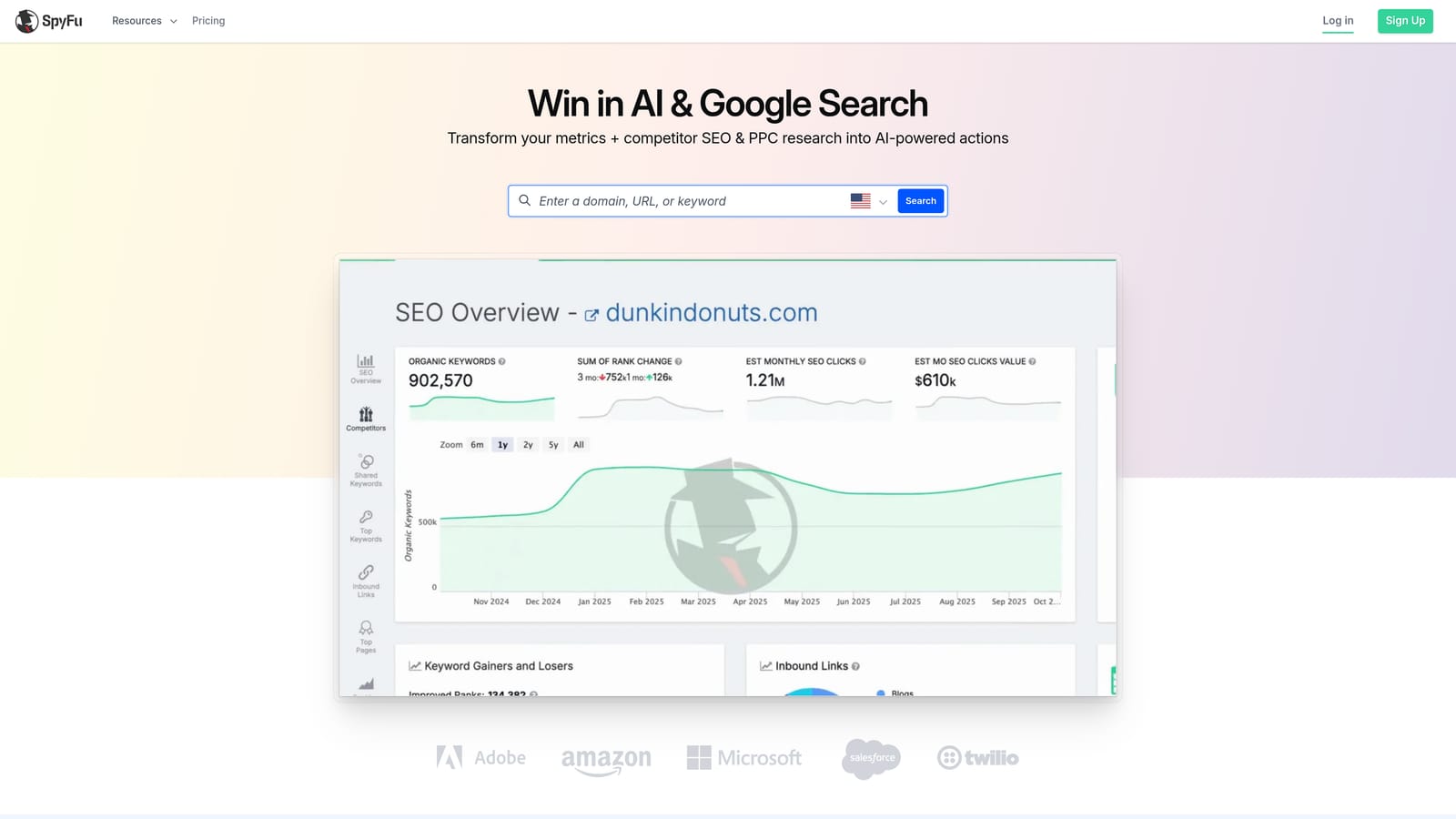
The historical depth is the draw. Seeing what a competitor has run for a long stretch tells you what they kept paying for, which is a useful signal about what likely converts for them.
- Competitor PPC keyword research reveals terms rivals are bidding on.
- Ad history shows how competitor messaging evolved over time.
- Keyword overlap highlights where you and a competitor compete directly.
- SEO research adds an organic angle without a separate subscription.
Setup is minimal since it's a research tool: search a domain and start reading. Integration details aren't something we can confirm here, so check the vendor's site. It's usually run by one person doing research, not a whole team.
The limits: it's research only, so it can't change your campaigns, and data coverage is reportedly strongest in the US, which is worth verifying if you advertise elsewhere. Plans are tiered monthly; confirm the starting price and what each tier gates as of November 2026. For solo marketers, it's often a lower-cost route into competitor data than a full suite.
Best for: Freelancers researching competitors on a modest budget.
7. Google Ads Editor
Google Ads Editor is Google's free desktop application for bulk editing and offline campaign work. It's the only first-party tool on this list, and the price is nothing.

That makes it the baseline every paid tool should be measured against. If your need is making many edits across campaigns or accounts, you may not need to pay for anything.
- Bulk edits change many campaigns, ad groups, or keywords at once.
- Offline drafting lets you build and review changes before posting them.
- Multi-account management lets you work across accounts in one window.
- Import and export of changes helps you move work in and out through files.
You download and install it, sign in, and sync your accounts. Whoever manages the account day to day uses it, and there's a real learning curve if you're new to it.
What it lacks: audits, recommendations, and automation. It does exactly what you tell it and nothing else. It's also a separate application, so reviewing search terms and acting on them involves more steps than doing it inside the Search Terms Report. Cost is free, with no tiers.
Best for: Anyone who needs bulk edits without paying for a subscription.
8. Swydo
Swydo is a PPC reporting platform that builds automated, white-label reports for clients. It's made for agencies and freelancers who spend too many hours assembling monthly performance decks.
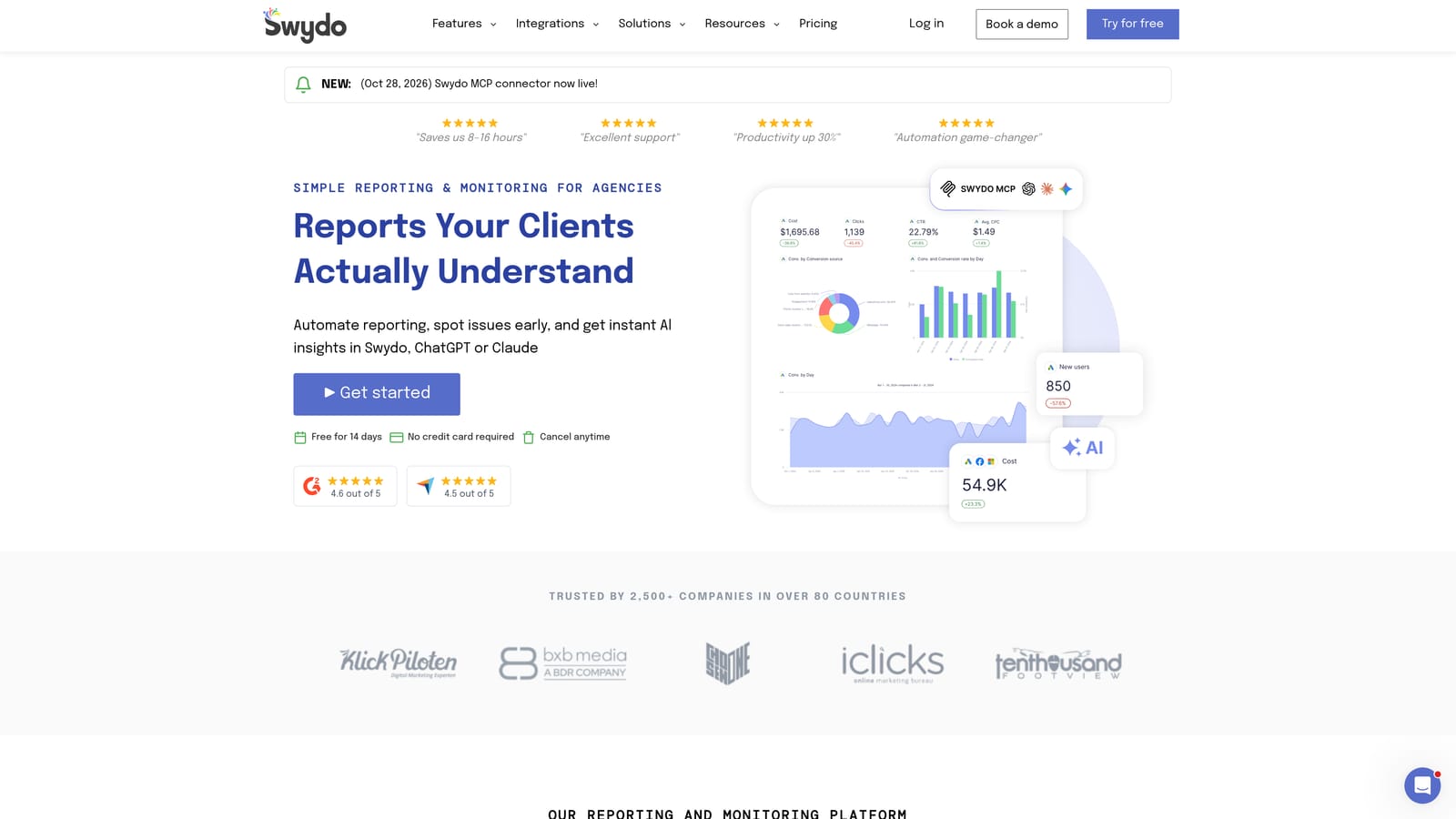
Its distinguishing feature on this list is white-label reporting: reports carry your branding, not the tool's, and pull data automatically from the platforms you advertise on.
- Automated client reports cut manual copy-and-paste each month.
- White-label options let you present reports under your own brand.
- Multi-platform data sources combine Google Ads, Microsoft Advertising, Meta Ads, and Google Analytics.
- Report templates standardize how you present results across clients.
Setup means connecting each client's data sources and building or choosing templates, usually handled by an account manager. Once configured, reports run with little effort.
It does reporting only. There are no optimization actions, so it won't help you clean search terms or adjust campaigns. Plans are tiered, and the pricing unit matters here: check whether it's priced by accounts, data sources, or something else, because that determines how cost grows as your client list does. Confirm the starting price on the vendor's site as of November 2026.
Best for: Agencies that need polished client reporting.
Matching a Plan to Your Situation
Most of these tools do different jobs, so the cheapest plan isn't automatically the best value. Think about the pricing unit too: flat per user stays predictable as you add accounts, while spend-based or per-account pricing can climb with your client list.
- Solo advertiser on a budget: start with Google Ads Editor for free bulk edits, then add Keywordme at $12 per month per user if search term review eats your week.
- Agency managing many accounts: Keywordme for fast search term work, Optmyzr for automation, and Swydo for client reports. Check each one's pricing unit against your account count.
- Small business without a specialist: WordStream's guided task list is built for you; get a quote and read the contract terms.
- Competitor research: SpyFu for a lighter budget, Semrush if you also want SEO data.
Before buying anything, confirm current pricing, plan limits, and trial terms on each vendor's site, since they change.
If search term cleanup is the bottleneck, try Keywordme. Optimize Google Ads Campaigns 10X Faster. Without Leaving Your Account. Keywordme lets you remove junk search terms, build high-intent keyword lists, and apply match types instantly, right inside Google Ads. No spreadsheets, no switching tabs, just quick, seamless optimization. Start your free 7-day trial (then just $12/month) and take your Google Ads game to the next level.
