
9 Best PPC Tools by Monthly Pricing for Google Ads Advertisers in 2026
A practical guide to ppc tool monthly pricing.


Pricing pages for PPC software love to hide behind demo calls, ad-spend percentages, and per-account tiers. This list is for freelancers, in-house marketers, and small agency owners who run Google Ads and want to know what they will pay each month. Tools were chosen for how clearly they publish pricing, how well they fit small teams, and what the entry price actually buys. Only Keywordme and the two free options have prices stated here, because other vendors change theirs often.
Quick Comparison of Monthly Pricing and Fit
- Keywordme: best for freelancers and agencies cleaning up search terms; $12/month per user; works inside the native Google Ads Search Terms Report, with no exports.
- Optmyzr: best for agencies managing many accounts; tiered, see website; the broadest set of prebuilt optimization tools here.
- Adalysis: best for advertisers who want systematic testing and audits; tiered, see website; the deepest ad copy test analysis.
- WordStream: best for small business owners who want guidance; quote-based; a prioritized task list written for non-experts.
- SEMrush: best for marketers who need PPC research alongside SEO; monthly plans, see website; competitor paid-search data inside a full marketing suite.
- SpyFu: best for budget-minded competitor research; monthly and annual tiers, see website; historical competitor keyword and ad copy data.
- Google Ads Editor: best for anyone who needs free bulk changes; free; official bulk editing and multi-account management from Google.
- Swydo: best for agencies sending recurring client reports; tiered, see website; white-label reporting built for agencies.
- Google Ads Scripts with Looker Studio: best for technical advertisers; free; zero license cost with complete customization.
1. Keywordme
Keywordme is a Chrome extension that adds one-click actions to the Search Terms Report inside Google Ads. It is built for freelancers and agency teams who spend a big chunk of their week sorting search terms (the actual queries people typed) into keep and block piles. Instead of exporting to a spreadsheet, you work in the same screen you already use.
Its real edge on this list is where it lives. Every other optimization tool here asks you to log into a separate dashboard, export data, or learn a new interface. Keywordme sits in the native report, so the gap between spotting a junk query and blocking it is a click.
- Add negative keywords straight from search terms, so wasted queries stop at the source.
- Add keywords with the match type you choose, without leaving the Google Ads interface.
- Keyword clustering groups related terms so you can build tighter keyword lists faster.
- Bulk editing lets you act on many terms at once instead of one by one.
- Multi-account and team support keeps agency work across clients in one setup.
Setup is installing the extension and opening Google Ads in Chrome. Whoever does the search term reviews runs it day to day, which is usually the same person who already does them.
The limits are real. Keywordme is focused on search terms and keywords. It does not do bid automation, reporting, or anything outside Google Ads, and it only works in Chrome. You still decide what to add or block, so it speeds up your judgment rather than replacing it. If you need audits, dashboards, or Microsoft Advertising support, you will pair it with something else.
Pricing is a flat $12/month per user, with a 7-day free trial. Cost scales with the number of users, not ad spend or account count.
Best for: Freelancers and agencies that want the cheapest, fastest search term cleanup.
2. Optmyzr
Optmyzr is a PPC optimization and reporting platform aimed at agencies and in-house teams running many accounts. It combines a rule engine, one-click optimizations, and reporting in one place.

Its standout is breadth. Among the tools here, it has the largest set of prebuilt optimization checks, so a team can work through a lot of accounts without building every routine from scratch.
- One-click optimizations turn flagged issues into changes you approve.
- A rule engine lets you automate recurring checks and actions on your own criteria.
- Reporting covers client updates without a separate tool.
- Budget and bid management tools help you keep spend pacing under control.
- Multi-platform support covers Google Ads, Microsoft Advertising, and Meta Ads.
Expect a real onboarding period. You connect accounts, learn the tool set, and decide which automations to trust. Someone on the team usually owns it as a core part of their process.
The trade-off is cost and complexity. For a single small account, it is a lot of platform to pay for and learn, and a lighter tool will cover the need. Pricing is tiered, and what you pay depends on your plan and the scale of what you manage. Check the pricing page for current figures, since tiers and what each includes can change.
Best for: Agencies managing many accounts that want automation at scale.
3. Adalysis
Audits are the reason to look at Adalysis. It is an automated PPC audit and testing tool for Google Ads and Microsoft Advertising, designed for advertisers who want a systematic read on account health instead of occasional manual checks.
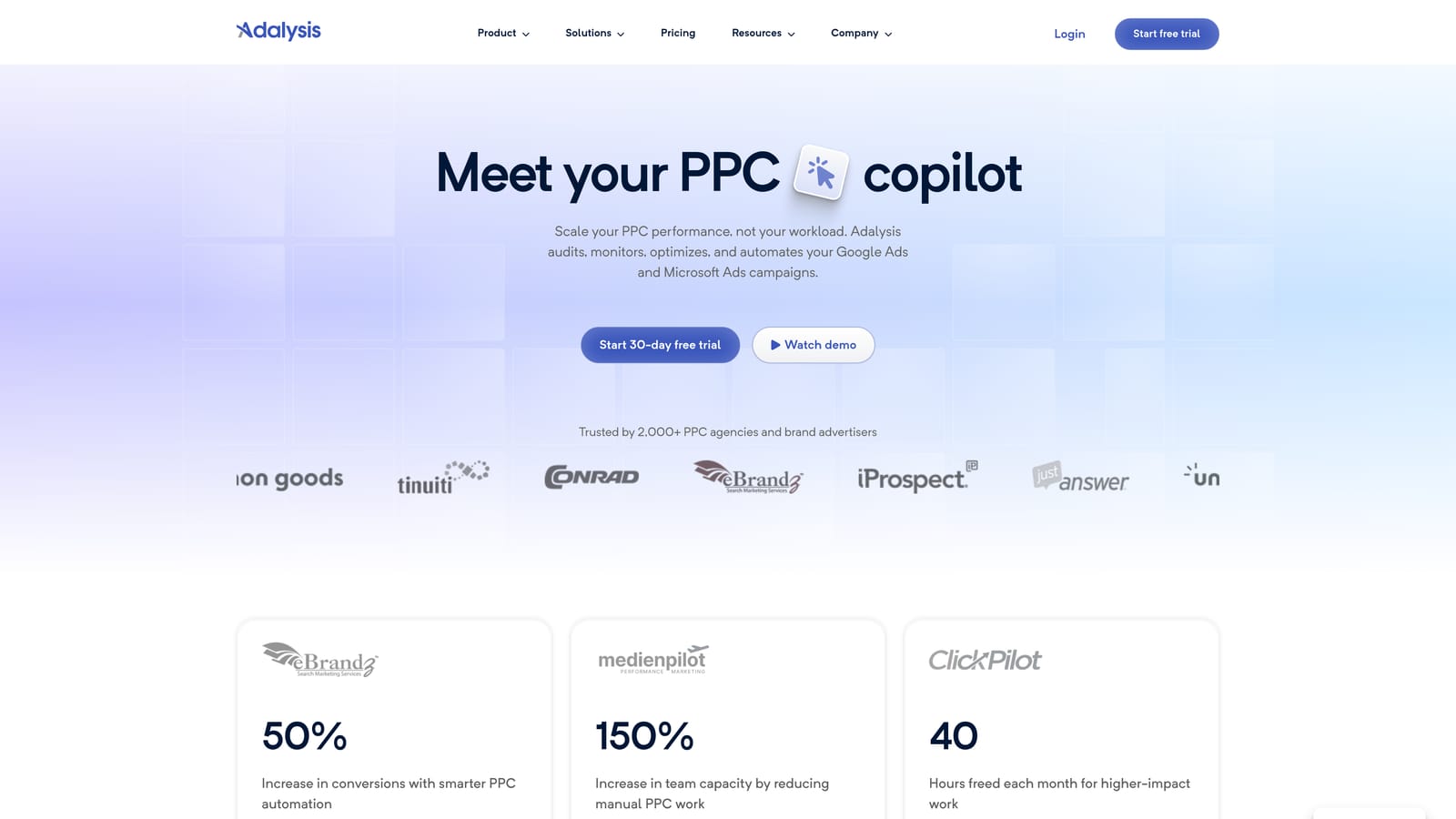
Where it beats the others here is ad copy testing and diagnostics. It analyzes ad tests and surfaces problems so you are not eyeballing results in the native interface.
- Automated account audits flag issues across campaigns on a schedule.
- Ad test analysis shows which creative is actually winning.
- Alerts tell you when something changes so you can react quickly.
- Quality Score diagnostics point to what is dragging scores down.
- Reporting packages findings for stakeholders or clients.
It connects to Google Ads and Microsoft Advertising. Setup is account linking, then time spent working through what the audits find. Whoever manages the account strategy is the natural owner.
It is audit-oriented. It is not built for fast, in-interface search term actions, so negative keyword cleanup still happens elsewhere. It also does not cover Meta. Pricing is tiered; confirm current plans and what each tier includes on the vendor site.
Best for: Advertisers who want systematic ad testing and account audits.
4. WordStream
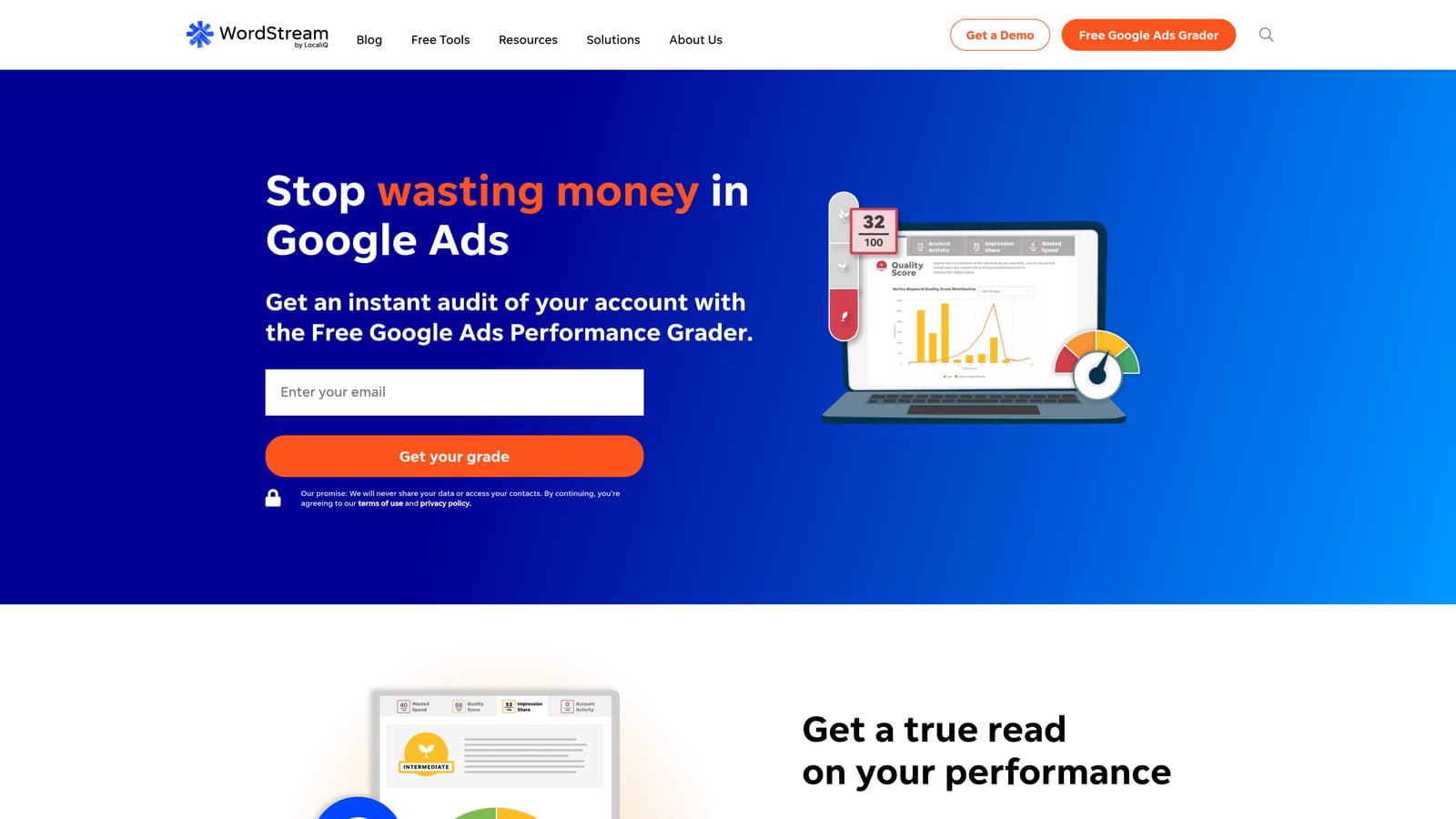
WordStream is an advertising platform for small businesses that gives guided recommendations across paid search and social. It assumes the person using it is not a full-time PPC specialist.
What it does differently
The distinctive piece is the guided task list. Instead of handing you data and leaving interpretation to you, it prioritizes what to fix next, which suits owners who wear many hats.
- Prioritized recommendations tell you what to work on first.
- Campaign management tools let you act without bouncing between interfaces.
- Performance grading gives a quick read on how an account is doing.
- Reporting summarizes results for owners and stakeholders.
Where it falls short
Pricing is not transparent. It is quote-based, so you cannot work out a monthly figure without talking to the vendor, which defeats the point if you are comparing costs. Experienced practitioners may also find the guided approach limiting, since they want direct control. It works with Google Ads, Microsoft Advertising, and Meta Ads. Setup is mostly connecting accounts and following the task list, and the business owner or a generalist marketer typically runs it.
Best for: Small business owners who want guidance rather than manual control.
5. SEMrush
SEMrush is a broad marketing suite, and PPC research is one part of it. You use it to see what competitors bid on, how their ads read, and where keyword gaps exist.
It is worth being clear about what it is not. It does not edit your Google Ads account. Marketers sometimes assume a research suite will optimize campaigns; it will not. It informs the decisions you make elsewhere.
- PPC keyword research helps you find terms worth bidding on before you spend.
- Competitor ad research shows how rivals position their offers.
- Keyword gap analysis reveals terms competitors target that you do not.
- The wider SEO toolkit covers organic work from the same login.
It integrates with Google Ads, Google Analytics, and Looker Studio. Setup is light for research use, though the product is large and takes time to learn. For a PPC-only user, much of it goes unused, and that is the main reason to look elsewhere. Pricing is by monthly plan; confirm current prices and what each plan includes on the vendor site, as limits on reports and projects vary by tier.
Best for: Marketers who need PPC research alongside SEO.
6. SpyFu
SpyFu is a competitor research tool. Enter a domain and see the paid keywords it has bought and the ads it has run.
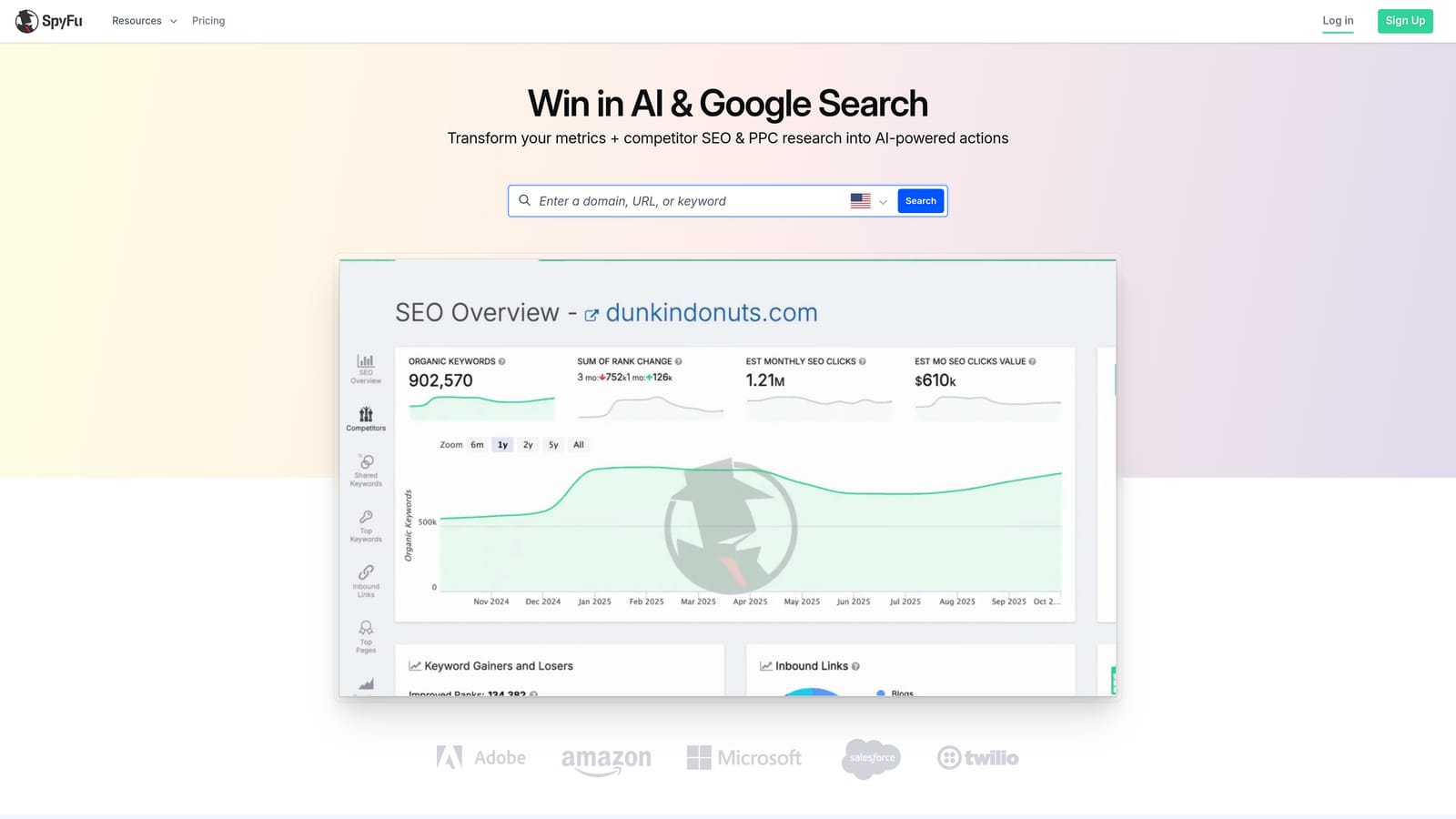
Its distinctive angle is history. You can look back at how a competitor's paid keywords and ad copy have changed over time, which helps you spot what they keep running versus what they dropped.
- Competitor PPC keyword data shows what rivals are bidding on.
- Ad copy history reveals which messages persist, a hint at what works for them.
- Keyword research helps you build lists from competitor data.
- Exports let you take data into your own workflow.
Integrations are mostly exports and reports, so verify what you need before buying. It is research only. There is no account management, so everything you learn has to be applied manually in Google Ads. Think of it as intelligence, not optimization. Pricing comes in monthly and annual tiers; check the vendor site for current figures and limits.
Best for: Budget-minded advertisers researching competitors.
7. Google Ads Editor
Google Ads Editor is Google's free desktop app for making bulk changes and managing multiple accounts. It is the baseline every paid tool on this list gets measured against.

What makes it stand out is that it is official and costs nothing. You can download campaigns, edit offline, and post changes when ready.
- Bulk edits change many keywords, ads, or settings in one pass.
- Offline editing lets you work on your own time and upload later.
- Copying across campaigns and accounts saves rebuilding structures.
- Change review lets you check everything before posting live.
It works only with Google Ads. Setup is a download and sign-in, and a hands-on practitioner runs it. The limitation is that nothing is suggested to you. There are no recommendations and no automation, so finding junk search terms and deciding what to do about them stays manual. It is a strong editing tool, not an optimization engine. It is free.
Best for: Anyone who needs free bulk changes before paying for software.
8. Swydo
Swydo handles reporting. It is a PPC reporting and dashboard tool built for agencies that send regular updates to clients.
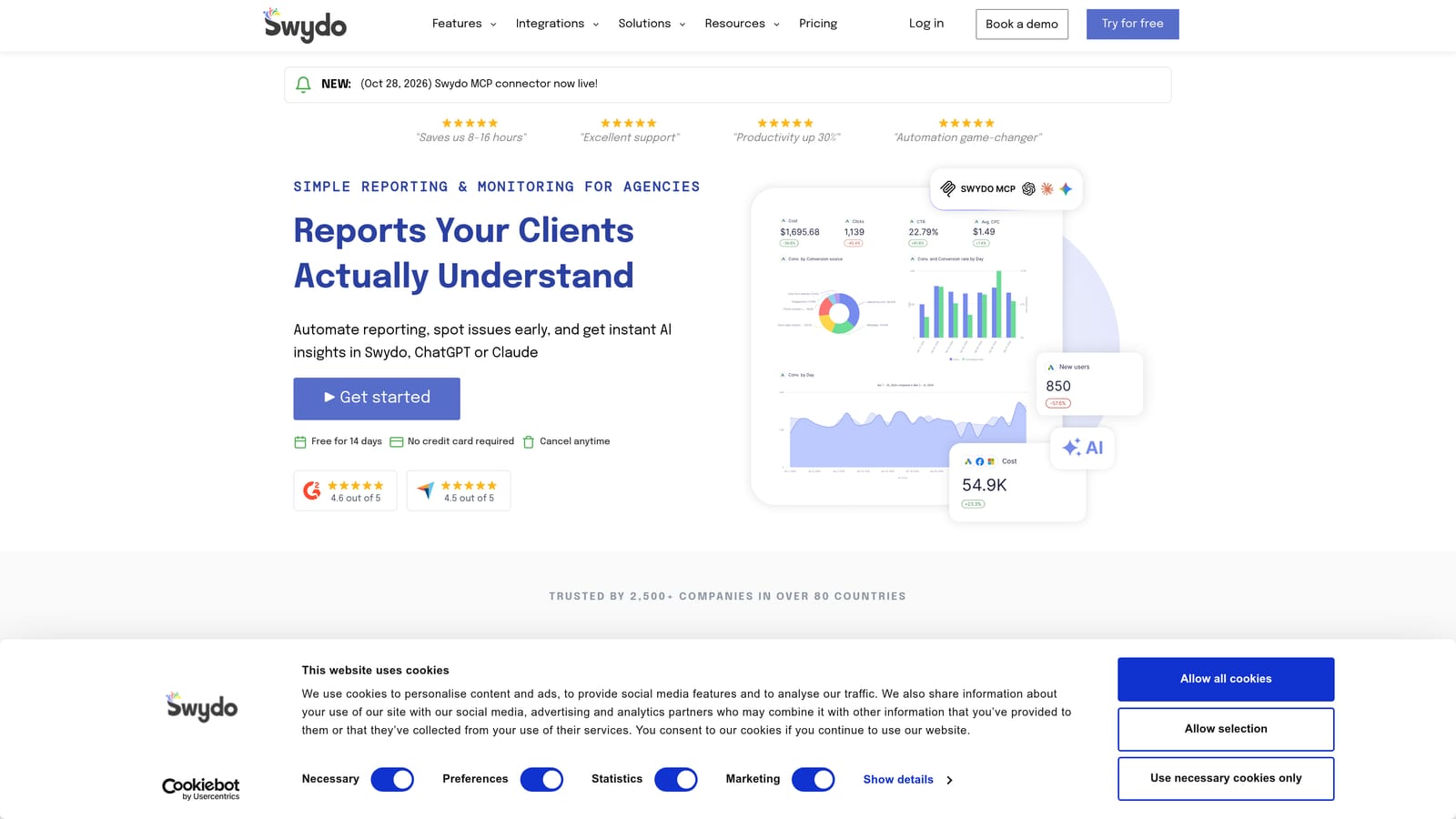
Its edge is white-label output. Reports and dashboards can carry your agency's branding, and templates keep every client's update consistent.
- Automated client reports go out on a schedule instead of being built by hand.
- White-label dashboards present results under your agency's brand.
- Multi-platform data puts several channels in one view.
- Report templates cut setup time for each new client.
It connects to Google Ads, Microsoft Advertising, Meta Ads, and Google Analytics. Setup means linking each client's accounts and choosing a template, and an account manager usually owns it. It reports only. It does not change campaigns, so it will not reduce wasted spend by itself. Pricing is tiered, so check the vendor site for current plans and what moves the price.
Best for: Agencies that need polished recurring client reports.
9. Google Ads Scripts with Looker Studio
This pairing is a DIY stack. Google Ads scripts let you write custom JavaScript that automates tasks in your account, and Looker Studio builds dashboards from your Google Ads data.

Its standout is cost and flexibility: no license fee, and you can build nearly anything the platform allows.
- Custom JavaScript automation handles checks and actions tailored to your account.
- Scheduled scripts run on a timetable so routine tasks happen without you.
- Free dashboards through the Google Ads connector replace paid reporting for simple needs.
- Full customization means the setup fits your process rather than a vendor's.
It works with Google Ads, Google Sheets, and Looker Studio. The catch is skill and upkeep. You need to write and debug code, maintain it when things change, and you have no vendor support to call. For non-technical users, the hours spent can exceed what a paid tool would cost. It is free.
Best for: Technical advertisers who would rather spend time than money.
Matching a Tool to Your Situation and Budget
Three picks cover most buyers. For a freelancer on a budget, Keywordme at $12/month per user is the lowest-cost paid option here and goes straight at search term cleanup. For an agency that needs automation and reporting, pair Optmyzr with Swydo, or add Adalysis if ad testing is a priority. For competitor research, SpyFu is the leaner option and SEMrush makes sense if you also do SEO. Technical advertisers can build their own with scripts and Looker Studio.
Whatever you choose, confirm current prices and trial terms on each vendor's site, since tiers shift often and "starting at" figures do not always cover the features you saw in a demo. Google Ads Editor is free, so use it as your baseline: if a paid tool does not save you more time than Editor does, skip it.
Optimize Google Ads Campaigns 10X Faster. Without Leaving Your Account. Keywordme lets you remove junk search terms, build high-intent keyword lists, and apply match types instantly, right inside Google Ads. No spreadsheets, no switching tabs, just quick, seamless optimization. Start your free 7-day trial (then just $12/month) and take your Google Ads game to the next level.
.svg)