
9 Best PPC Time Saving Tools for Google Ads Managers in 2026
This guide ranks nine PPC time saving tools that help freelancers, in-house marketers, and agency owners cut the repetitive parts of Google Ads management, including search term reviews, bulk edits, reporting, and ad copy. Each pick is judged on how much recurring manual work it removes, how well it fits a solo or agency workflow, and how clear its pricing and limits are.


If you run Google Ads by hand, you already know where the hours go: combing through search terms, rebuilding reports, pushing the same edit across ten campaigns, and writing yet another set of headlines. The tools below are for freelancers, in-house marketers, and agency owners who want less of that busywork without bolting on a bloated platform. They were chosen for how much recurring manual work they remove, how well they fit a solo or agency workflow, and how clear their pricing and limits are.
Quick Comparison of the Tools
- Keywordme: best for advertisers who review search terms weekly; $12/month per user; works inside the native Search Terms Report, so no export or re-upload.
- Google Ads Editor: best for large structural or copy changes across campaigns; free; offline bulk editing with a draft-and-review step before posting.
- Google Ads Scripts and Automated Rules: best for technically comfortable advertisers; free; fully custom automation and alerts with no software cost.
- Looker Studio: best for freelancers and small agencies reporting on a few accounts; free tier; live dashboards that replace manual report building.
- Optmyzr: best for agencies managing many accounts; pricing on its website; prebuilt optimization checks and multi-account monitoring in one platform.
- Adalysis: best for teams running frequent ad copy tests; pricing on its website; flags when an ad variation has enough data to call.
- Swydo: best for agencies sending branded recurring reports; pricing on its website; white-label client reports sent on a schedule.
- Zapier: best for marketers routing leads and alerts; free tier available; automates the admin around ads rather than the ads themselves.
- ChatGPT or Claude: best for faster ad copy drafts and data summaries; free tiers available; flexible drafting and analysis for tasks no PPC tool covers.
1. Keywordme
Keywordme is a Chrome extension that adds one-click actions directly inside the Google Ads Search Terms Report. It is our own product, so here is the honest version: it does one job, search term and keyword management, and it tries to do that job faster than anything else on this list.
The distinction that matters here is between search terms (what people actually typed) and keywords (what you bid on). Reviewing the first to improve the second is the most repetitive task in most accounts. Keywordme lets you do it in the interface you already use, so there is no spreadsheet export, no re-upload, and no second dashboard. The company says it helps users optimize up to 10x faster; that is Keywordme's own claim, and your results will depend on how much search term review you do today.
- Add a search term as a keyword or as a negative keyword in one click from the Search Terms Report, instead of copying it into a separate workflow.
- Apply match types instantly, so you are not retyping brackets and quotes.
- Keyword clustering groups related terms, which helps when you are building tighter ad groups from a messy report.
- Bulk editing lets you act on many terms at once.
- Multi-account and team support suits agencies where several people touch several client accounts.
Setup is light: install the extension and use it in Google Ads via Chrome. The person who runs it day to day is whoever reviews search terms, usually the account manager or freelancer.
Limits: it does not do reporting, bidding, or ad copy, and it requires Chrome. It also speeds up your decisions rather than making them. You still need to judge whether a term deserves a negative, and checking conversion data before blocking anything is still your job.
Pricing is $12/month per user with a 7-day free trial. Cost moves with the number of users. Verify current terms on the official site.
Best for: Advertisers who review search terms every week and want faster cleanup.
2. Google Ads Editor
Google Ads Editor is Google's free desktop application for making bulk changes to campaigns offline and then posting them in one go. It is built for people who need to change a lot of things at once.

Its edge over everything else here is scale at zero cost. Renaming dozens of campaigns, updating headlines across many ad groups, or building out a new structure is far quicker in a spreadsheet-like grid than clicking through the web interface.
- Bulk edits across campaigns let you change many items in a single pass.
- Multi-account management means one window can cover several client accounts.
- Copy and paste between accounts lets you reuse a structure that already works.
- CSV import and export helps when you prepare changes in a sheet first.
- Drafts and review let you check everything before you post, which cuts the risk of a bad bulk edit going live.
Setup means installing the app and downloading account data. It has a learning curve, and for the first week it can feel slower than the web interface. The person who runs it is typically the one building or restructuring campaigns.
It is not suited to quick search term review. Looking at what people searched and acting on it is faster in the Search Terms Report itself, which is where a tool like Keywordme fits. Editor is also a manual tool: it does not watch your account or alert you to anything.
Pricing: free.
Best for: Managers making large structural or copy changes across campaigns.
3. Google Ads Scripts and Automated Rules
Google Ads Scripts and automated rules are the built-in automation options inside Google Ads. They handle scheduled changes, alerts, and custom account checks without any extra software spend.

Automated rules
Rules are the simple end. They run actions on a schedule, such as pausing something at a set time or sending an alert when a condition is met. They need no code and suit straightforward, predictable tasks.
Scripts
Scripts are JavaScript that runs against your account, which makes them far more flexible. Their strength is that you can build exactly the check you want, with no vendor deciding what is worth monitoring.
- Scheduled pauses and changes remove routine switch-on and switch-off chores.
- Custom logic lets you encode your own rules for what counts as a problem.
- Email alerts tell you when something looks off, so you do not have to check daily.
- Custom reports to Sheets pull account data into a spreadsheet automatically.
- Anomaly checks flag unusual swings in spend or performance.
It connects Google Ads, Google Sheets, and Gmail. Setup effort depends on your skill: rules take minutes, scripts take real time unless you already write code, and someone has to maintain them when things change.
The main risk is that scripts can change live campaigns, so a coding error can cost real money. Test carefully, start with read-only alerts, and review what any automated change does before you rely on it.
Pricing: free.
Best for: Technically comfortable advertisers who want custom monitoring and alerts.
4. Looker Studio
Looker Studio is Google's free dashboard and reporting tool, with a native Google Ads connector. If monthly reporting means exporting numbers and pasting them into slides, this is the first thing to try.

Its distinctive strength is free, live dashboards. Build the report once and it keeps refreshing, so the monthly rebuild disappears. You still need to write the commentary, but the data assembly is done.
- The Google Ads connector pulls account data in without exports.
- Auto-refreshing dashboards stay current, so clients can check numbers any time.
- Clonable templates let you reuse one layout across accounts.
- Shareable links replace emailing files back and forth.
- Scheduled email delivery sends reports out on a cadence.
It also connects to Google Analytics, Google Sheets, and BigQuery. The catch is setup time. Getting a dashboard to look right and show the metrics your client cares about takes a few hours up front, and some non-Google connectors cost extra. Whoever owns reporting, often the freelancer or an account manager, will be the one maintaining it.
It is less convenient if you need heavily branded, white-labeled output for many clients, which is where Swydo comes in. It also reports on performance; it does not change anything in your account.
Pricing: a free tier, plus a paid Pro option. See the website for current details.
Best for: Freelancers and small agencies reporting on a few accounts.
5. Optmyzr
Optmyzr is a PPC management platform with optimization tools, audits, and reporting across many accounts. It is aimed at agencies and teams that want guided help rather than building every check themselves.

Where it stands apart is prebuilt optimization checks combined with multi-account monitoring. Instead of writing your own scripts, you get ready-made suggestions and a view across your whole book of clients.
- One-click optimization suggestions turn findings into actions you can apply after review.
- Rule-based automation handles recurring changes on your terms.
- Account audits surface problems you might otherwise miss.
- Reporting covers client updates without a separate tool.
- A multi-account dashboard shows where attention is needed first.
It integrates with Google Ads, Microsoft Advertising, and Meta Ads. Expect some onboarding time to connect accounts and decide which checks matter for each client. Day to day, it is usually run by a PPC lead or account managers.
The honest limitation is size. It is more platform than a solo advertiser with a couple of accounts needs, and a common mistake is buying an enterprise-grade tool before the workload justifies it. As with any suggestion engine, review recommendations before applying them.
Pricing is tiered by ad spend. See the website for current plans.
Best for: Agencies managing many accounts who want guided optimizations.
6. Adalysis
Adalysis is an account auditing and ad testing tool that flags issues across Google Ads accounts. Its focus is narrower than a full management suite.
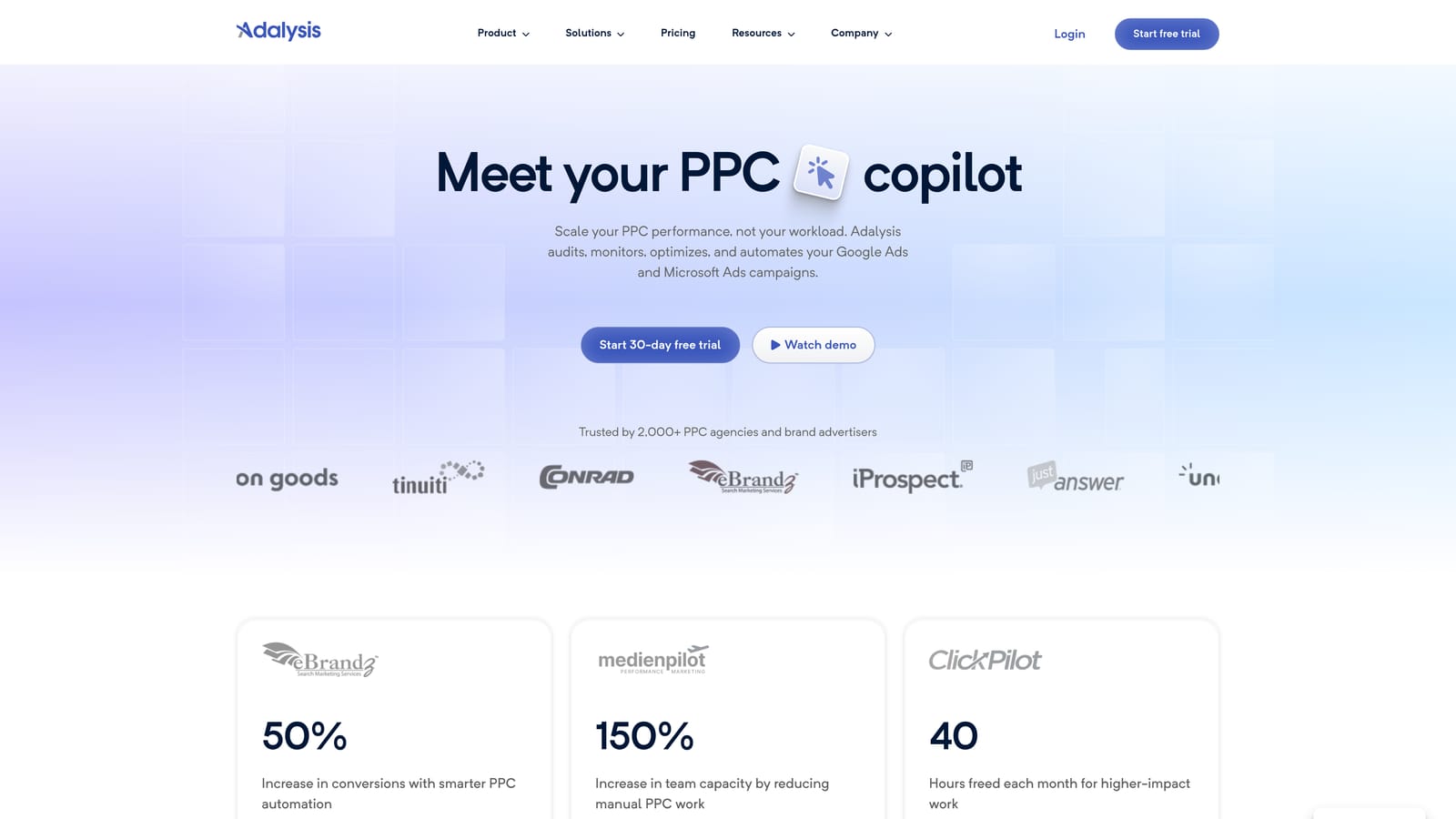
The standout is automated ad copy test analysis. Rather than eyeballing click-through rates and guessing when a variation has won, it tells you when there is enough data to make the call. For teams running lots of tests, that removes a recurring spreadsheet exercise.
- Automated ad test analysis shows which variations have enough data to judge.
- Account audits catch structural and settings problems.
- Disapproval alerts tell you quickly when ads stop running.
- Search term insights point toward terms worth reviewing.
- Reporting covers regular client or internal updates.
It works with Google Ads and Microsoft Advertising. Setup means connecting accounts and letting it gather data, and it is typically run by whoever manages ad testing.
It recommends, but you apply the changes, so it saves analysis time rather than implementation time. It also targets agency-scale use, so a freelancer with a handful of small accounts may find it more than they need. If your search term work is the bottleneck, its insights are no substitute for acting on terms directly in the report.
Pricing: tiered plans. See the website for current details.
Best for: Teams running frequent ad copy tests across many accounts.
7. Swydo
Swydo is an automated PPC and marketing reporting platform built for agencies. It does one thing: get reports to clients without you assembling them by hand.
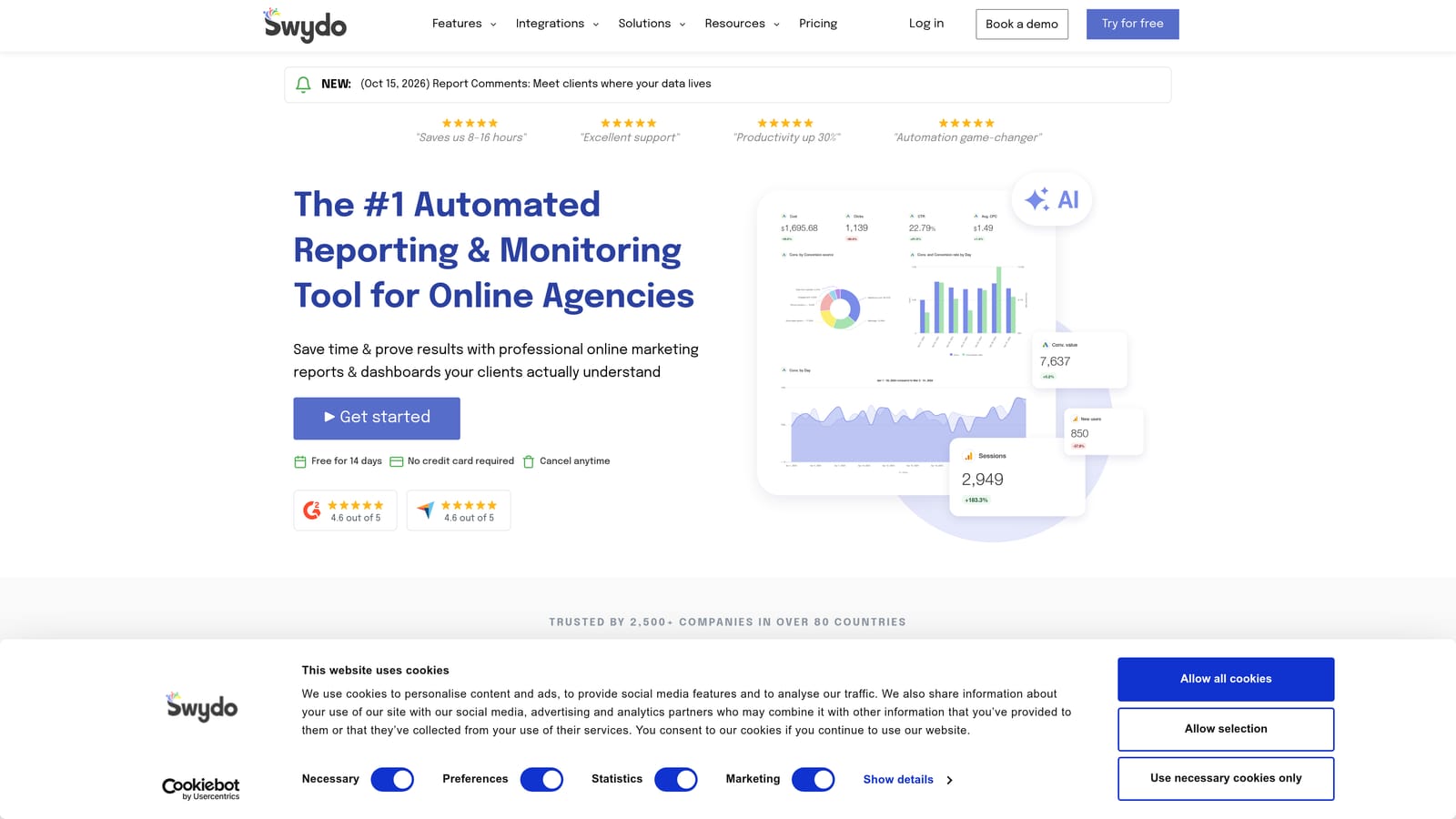
Its strongest point is white-label client reports that send on a schedule. Your branding, your template, delivered automatically. For an agency sending the same style of report to many clients, that is a real chunk of reclaimed time.
- Report templates give every client a consistent format from day one.
- White-labeling puts your agency's brand on the output.
- Scheduled delivery sends reports without a manual step each month.
- Multi-platform data brings several ad channels into one report.
- Client dashboards give clients a place to check numbers themselves.
It connects to Google Ads, Meta Ads, Google Analytics, and Microsoft Advertising. Setup is mostly connecting data sources and choosing templates, and it is usually owned by an account manager or operations person.
It is reporting only: nothing in your account gets optimized. It also overlaps with free Looker Studio, so the question is whether branding, templates, and scheduling are worth paying for. If you report on only a few accounts and are happy with a self-built dashboard, you may not need it.
Best for: Agencies that send branded recurring reports to clients.
8. Zapier
Zapier is a no-code automation platform that connects ad platforms and lead data to other business apps. It is the odd one out on this list because it does not touch campaign performance at all.
What it automates is the admin around ads. When a lead comes in from a Google Ads lead form, Zapier can send it to your CRM, post it in Slack, and log it in a sheet, with no one copying and pasting.
- No-code workflows let you build automations without a developer.
- Google Ads lead form triggers start a workflow the moment a lead arrives.
- CRM and Slack connections get leads and alerts to the right people fast.
- Multi-step automations chain several actions from one trigger.
- Thousands of app integrations mean it likely connects to what you already use, including HubSpot and Google Sheets.
Setup is usually quick for simple workflows, and anyone comfortable with logic flows can run it. Complex multi-step builds take more patience, and someone should own them so they do not quietly break.
It does not optimize campaigns, so it will not help with search term cleanup or bids. Pricing is task-based, which means it can climb as your lead volume grows.
Pricing: a free tier and paid plans. See the website for current details; cost moves with the number of tasks.
Best for: Marketers who want leads and alerts routed automatically.
9. ChatGPT or Claude
ChatGPT and Claude are general AI assistants. For PPC, they are most useful for drafting ad copy and for summarizing or grouping data you export from your account.
Their distinctive value is flexibility. No PPC tool is built for every odd task, but an assistant can draft twenty headline variations, explain a spreadsheet formula, or summarize a report in plain language.
- Responsive search ad drafts give you a starting set of headlines and descriptions to edit.
- Theme grouping of exported search terms helps you spot patterns in a long list.
- Report summaries turn a table of numbers into a first-draft narrative.
- Spreadsheet formula help saves time when you wrangle exports.
Integrations are limited: you typically upload files, and connector availability varies by plan. That also means setup is nearly nil, and anyone on the team can use it.
The limitations are important. Output needs human review, since assistants can produce claims you cannot make or copy that breaks ad policies or character limits. They are also not connected to your account by default, so nothing they suggest is applied automatically. Treat them as a drafting partner, not an analyst.
Pricing: free tiers and paid plans for both. See the websites for current details.
Best for: Marketers who need faster ad copy drafts and data summaries.
Match the Tool to the Task That Eats Your Week
You do not need all nine. Pick by the work that drains the most hours.
- Daily search term cleanup: Keywordme, because it keeps the work inside the Search Terms Report.
- Bulk changes and free automation: Google Ads Editor for structural edits, and scripts or automated rules for monitoring and alerts.
- Reporting: Looker Studio if you want free and self-built, Swydo if you need white-label delivery.
- Auditing many accounts: Optmyzr or Adalysis, depending on whether you want broad optimization or ad testing.
- Admin and copy: Zapier for lead routing, and an AI assistant for drafts and summaries.
Whatever you choose, keep a person in the loop on anything that changes spend, and do not buy an agency platform for two accounts. Start with the single task that eats the most hours each week, fix that, then reassess.
Optimize Google Ads Campaigns 10X Faster. Without Leaving Your Account. Keywordme lets you remove junk search terms, build high-intent keyword lists, and apply match types instantly, right inside Google Ads. No spreadsheets, no switching tabs, just quick, seamless optimization. Start your free 7-day trial (then just $12/month) and take your Google Ads game to the next level.
.svg)