
9 Best PPC Team Tools to Manage Google Ads Faster in 2026
Managing Google Ads as a team demands more than solo-campaign tactics, and the right PPC team tools make all the difference. This guide reviews nine top options — from lightweight Chrome extensions to full agency platforms — chosen for their ability to reduce workflow friction, support collaboration, and help teams of every size move faster across multiple accounts.


Managing Google Ads as a team is a different beast than running solo campaigns. You've got multiple accounts, overlapping workflows, someone editing keywords while someone else is pulling reports—and without the right tools, things fall apart fast.
The good news: the PPC tool landscape has matured a lot, and there are genuinely solid options for teams of every size. This list covers the best PPC team tools available right now, from in-interface Chrome extensions to full-blown agency platforms. We've focused on tools that actually reduce friction, support collaboration, and help teams move faster without creating new headaches. Whether you're a two-person in-house team or a 20-person agency managing dozens of client accounts, there's something here for you.
1. Keywordme
Best for: PPC teams who want to optimize Google Ads campaigns directly inside the native interface
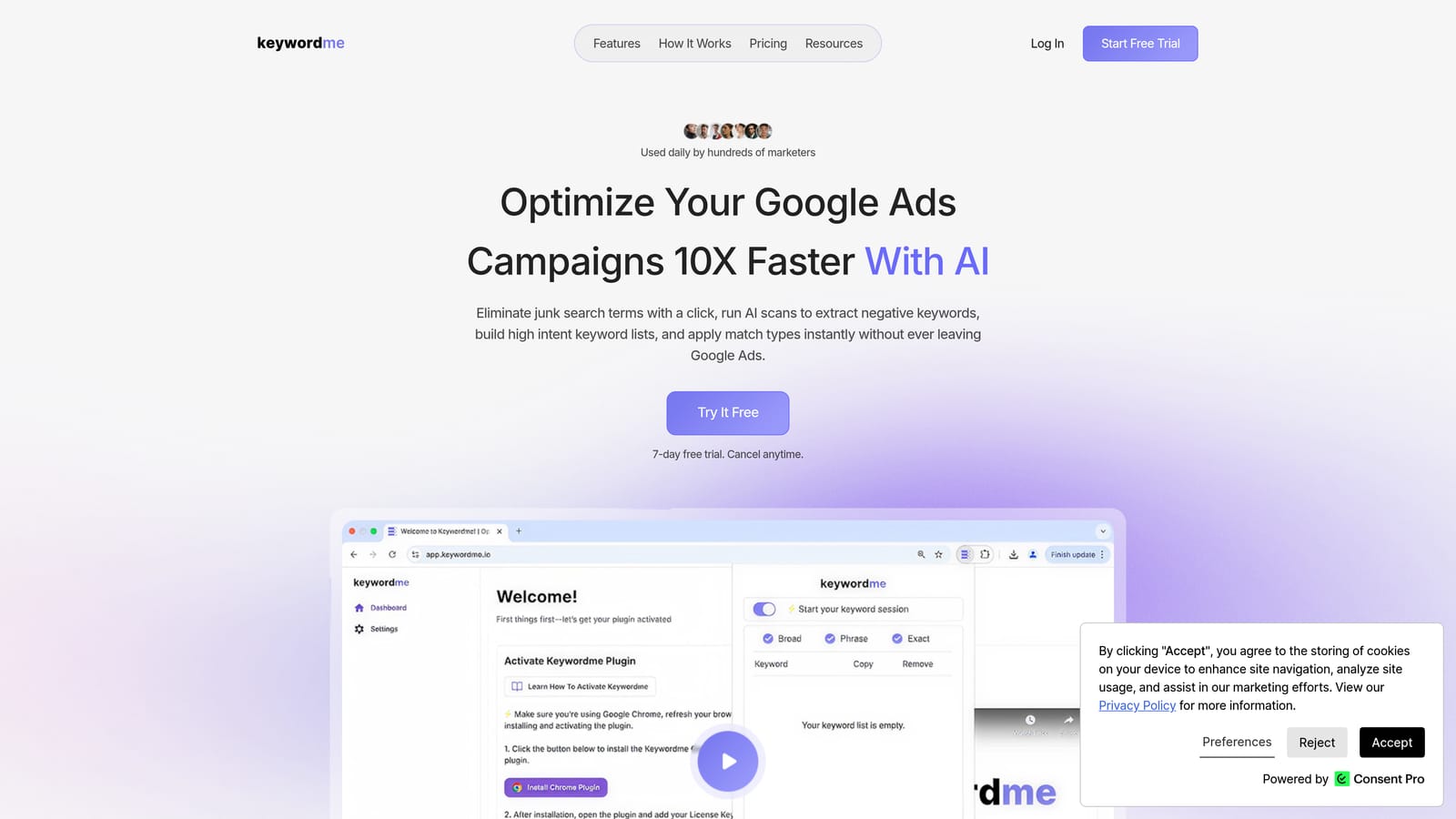
Keywordme is a Chrome extension that plugs directly into Google Ads' Search Terms Report, letting teams handle keyword optimization without ever leaving the platform.
Where This Tool Shines
Most PPC optimization workflows involve exporting data to spreadsheets, making changes offline, then re-importing—a process that's slow, error-prone, and frustrating when you're working across multiple accounts. Keywordme cuts that loop entirely. You stay inside Google Ads and take action in clicks rather than steps.
For teams, the multi-account and team support features mean everyone works from the same interface without stepping on each other. The company claims up to 10x faster optimization compared to traditional workflows—that's a first-party marketing claim, not an independently verified figure, but the workflow logic behind it is sound. Fewer context switches means faster execution.
Key Features
One-click search term removal: Remove irrelevant search terms from your report instantly without downloading or editing a spreadsheet.
Instant negative keyword addition: Add negatives with match type selection applied on the spot, directly from the Search Terms Report.
Keyword clustering and bulk editing: Group and organize keywords at scale without leaving the Google Ads interface.
Match type application: Apply or change match types quickly across keywords without navigating multiple menus.
Multi-account and team support: Manage multiple client accounts and collaborate with team members from a single tool.
Best For
Keywordme works well for solo advertisers who want to move faster, but it's especially useful for agency teams managing multiple client accounts. If your team spends meaningful time each week reviewing search terms and maintaining negative keyword lists, the in-interface workflow is a genuine time saver.
Pricing
$12/month per user. A 7-day free trial is available, so you can test it across a real account before committing.
2. Google Ads Editor
Best for: Bulk campaign edits, large-scale restructures, and offline change management
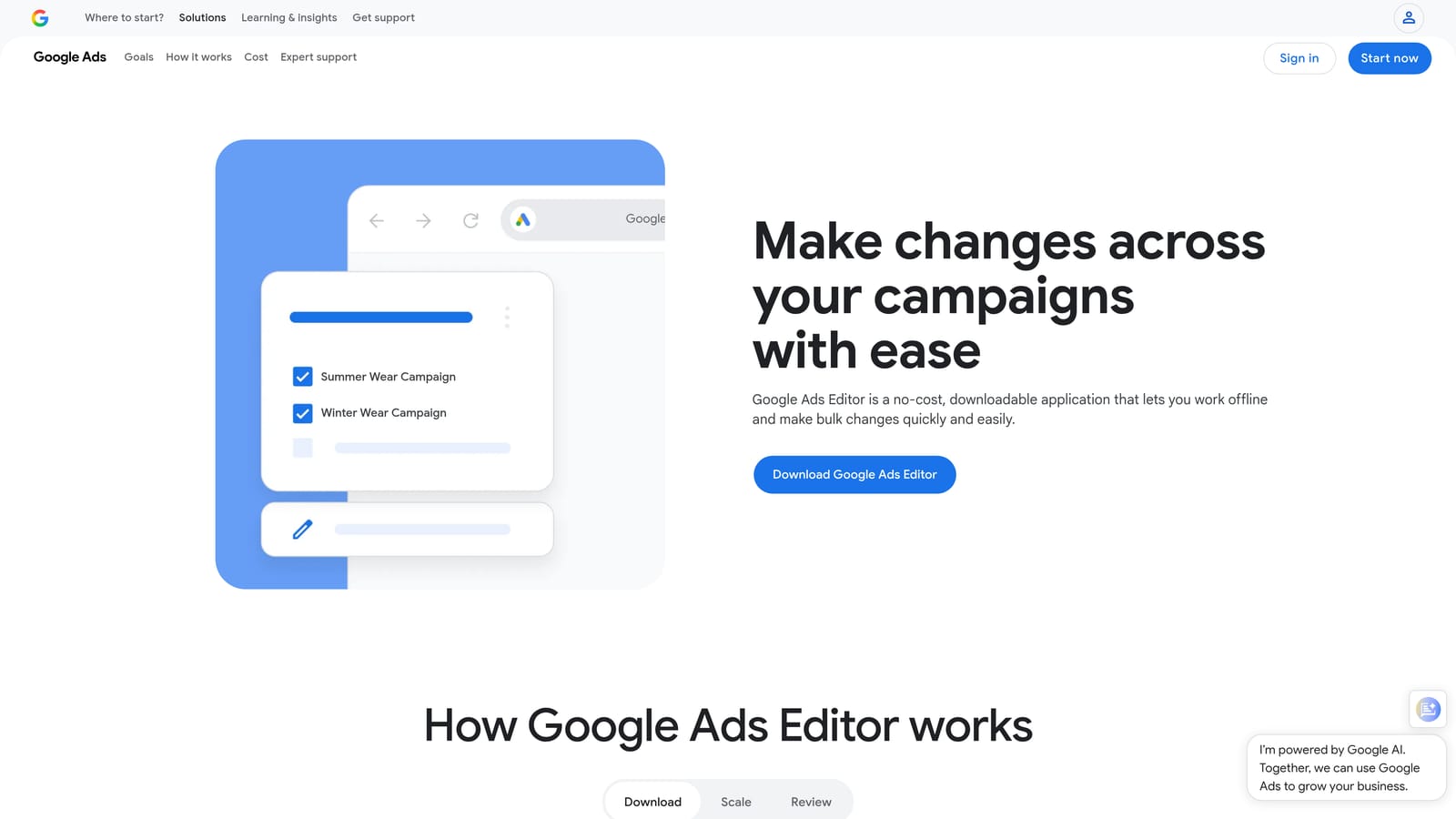
Google Ads Editor is Google's free desktop application for making bulk changes to campaigns offline before pushing them live.
Where This Tool Shines
When you need to make sweeping changes across an account—updating hundreds of ad headlines, restructuring ad groups, or doing a mass keyword upload—Ads Editor is the right tool. It lets you work offline, review everything in a draft state, and push changes only when you're confident they're correct.
For teams, the ability to download an account, make changes locally, and share the file before publishing is genuinely useful for quality control. It's not the most modern interface, but it's reliable and handles large-scale edits that would be painful to do in the browser.
Key Features
Bulk offline editing: Make changes across campaigns, ad groups, keywords, and ads without an active internet connection.
Multi-account management: Switch between multiple accounts within one desktop application.
Find-and-replace: Update ads, keywords, and URLs at scale with text find-and-replace functionality.
Draft and review mode: Stage all changes before going live, reducing the risk of publishing errors.
Free to use: No cost—available to any Google Ads user.
Best For
Teams doing large account restructures, agencies onboarding new client accounts, or anyone who needs to make hundreds of changes at once. Less useful for day-to-day optimization tasks where speed and in-interface action matter more.
Pricing
Free. Download directly from Google.
3. Optmyzr
Best for: Mid-to-large agencies that need rule-based automation and custom PPC reporting at scale
Optmyzr is a PPC management platform offering automation rules, one-click optimizations, and custom reporting built specifically for agencies managing multiple accounts.

Where This Tool Shines
Where Optmyzr earns its place in an agency stack is automation depth. You can build rule-based workflows that trigger bid adjustments, budget changes, or keyword actions based on live performance data—without writing scripts from scratch. That's meaningful when you're managing dozens of accounts and can't manually review every one every day.
The reporting layer is also strong. Teams can build custom dashboards and schedule delivery so clients and internal stakeholders get the data they need without someone manually pulling it each week.
Key Features
Automated optimization rules: Set conditions based on performance data to trigger bid, budget, or keyword changes automatically.
One-click recommendations: Review and apply suggested changes for bids, budgets, and keywords with minimal manual effort.
Custom dashboards and scheduled reports: Build PPC reporting views and automate delivery to clients or internal teams.
Script management: Create, test, and manage Google Ads scripts without needing deep coding knowledge.
Multi-account support with team permissions: Assign access levels across team members and client accounts.
Best For
Agencies managing significant ad spend across multiple clients who need automation and reporting to run without constant manual input. Less necessary for small teams or solo advertisers managing a handful of accounts.
Pricing
Tiered pricing based on monthly ad spend managed. Check optmyzr.com for current rates.
4. Looker Studio
Best for: Building free, shareable, real-time PPC dashboards connected directly to Google Ads data
Looker Studio is Google's free data visualization tool that connects directly to Google Ads, Google Analytics, and dozens of other data sources to build live dashboards.
Where This Tool Shines
If your team is still sending static PDF reports to clients or leadership, Looker Studio is the most practical upgrade you can make at no cost. You build a dashboard once, connect it to live data, and share a link—your clients see current performance whenever they check it, without anyone on your team manually updating a slide deck.
The drag-and-drop builder is approachable for non-technical users, and the Google Ads connector works natively without third-party setup. For teams that need clean client-facing reporting without paying for a dedicated reporting platform, it's hard to beat.
Key Features
Live Google Ads data connection: Pull campaign performance data directly without manual exports or CSV uploads.
Drag-and-drop dashboard builder: Create custom layouts without coding or design experience.
Shareable links and scheduled email delivery: Share dashboards via link or set up automated email delivery on a schedule.
Customizable PPC templates: Start from existing templates and adapt them to your reporting needs.
Free with a Google account: No subscription required.
Best For
In-house teams reporting to leadership and agencies that need client-facing dashboards without the cost of a dedicated reporting platform. Works well as a starting point before teams need the white-labeling features of paid alternatives.
Pricing
Free with any Google account.
5. SEMrush
Best for: Competitive PPC research, keyword gap analysis, and ad copy intelligence
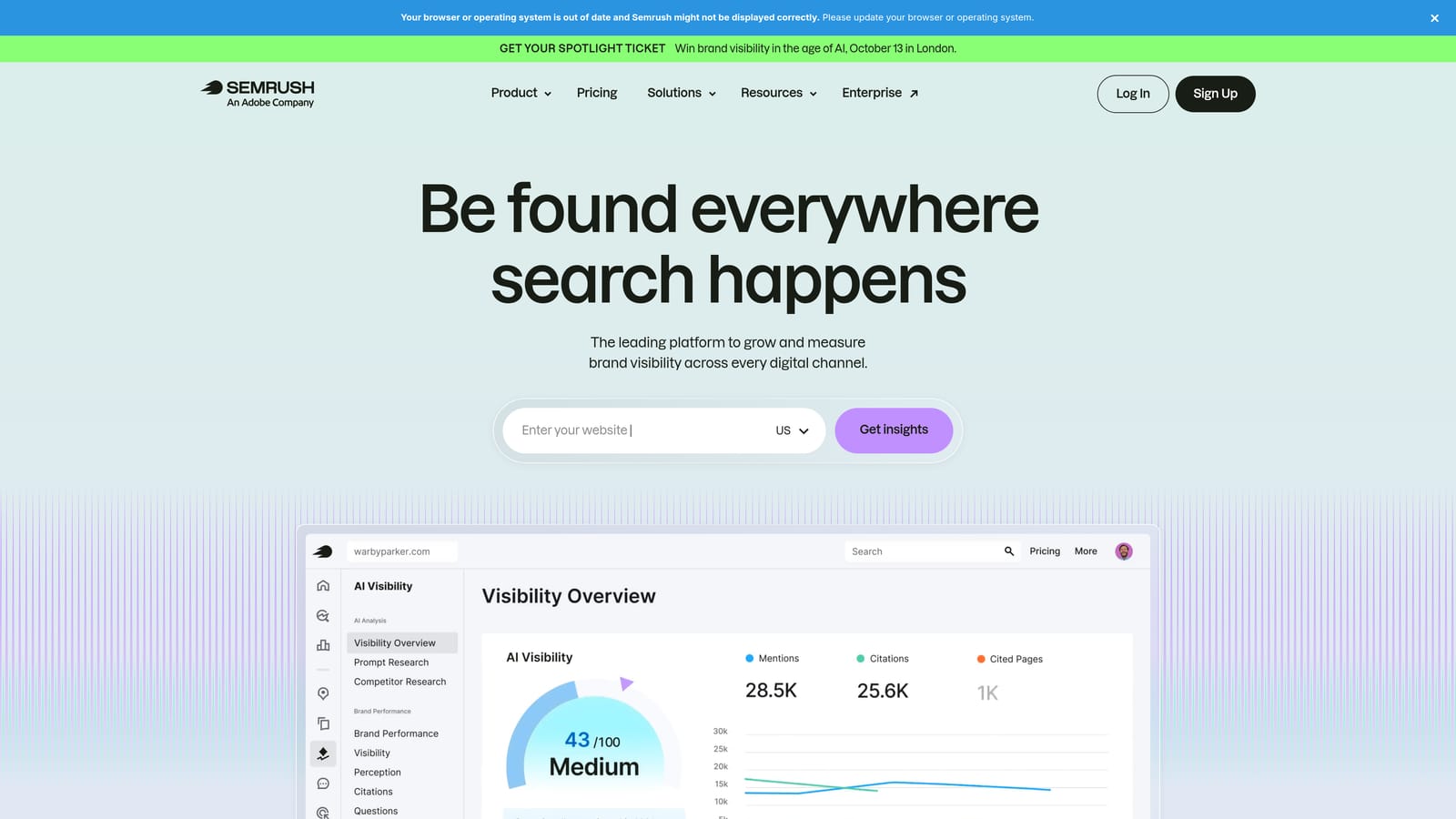
SEMrush is an all-in-one SEO and PPC research platform with competitive intelligence features including competitor ad copy analysis, keyword gap tools, and CPC data by geography.
Where This Tool Shines
SEMrush earns its spot in a PPC team stack through its competitive intelligence layer. You can see what keywords competitors are bidding on, review their ad copy, and identify gaps in your own keyword coverage—all from a single interface. That's useful when building out new campaigns or auditing an existing account's keyword strategy.
The keyword gap tool is particularly practical for teams taking over an account from a previous agency. It quickly surfaces terms competitors are targeting that the account isn't, giving you a clear starting point for expansion.
Key Features
Competitor ad copy and keyword research: See which keywords competitors are bidding on and what ad copy they're running.
Keyword gap analysis: Identify keyword opportunities your account is missing compared to competitors.
CPC data by keyword and geography: Review estimated cost-per-click data to inform budgeting and bidding decisions.
PPC keyword list building and export: Build keyword lists within the platform and export them for use in Google Ads.
Multi-user access on higher-tier plans: Share access with team members across paid plan tiers.
Best For
Teams doing competitive research, agencies onboarding new clients in competitive verticals, and anyone who needs solid keyword intelligence beyond what Google's own tools provide.
Pricing
Subscription-based with multiple tiers. Check semrush.com for current pricing.
6. Slack
Best for: Real-time team communication, performance alert routing, and client coordination
Slack is a team messaging platform that PPC teams use to coordinate campaign work, share performance alerts, and manage client communication—with integrations that connect to Google Ads alert systems.

Where This Tool Shines
PPC teams live in multiple platforms simultaneously—Google Ads, reporting tools, project management software—and Slack acts as the communication layer that ties them together. When a campaign hits a budget threshold or a conversion rate drops, you can route those alerts directly into a Slack channel so the right person sees them immediately rather than discovering the issue during a weekly review.
The channel structure also helps teams stay organized by client or campaign type, keeping client-specific conversations separate from internal discussions and reducing the noise that comes with managing multiple accounts.
Key Features
Organized channels: Separate conversations by client, campaign, or topic to keep communication structured.
Google Ads alert integrations: Connect performance alerts via Zapier or other connectors so your team gets notified when metrics shift.
File sharing and thread-based discussions: Share reports, screenshots, and documents with context kept in threaded replies.
Searchable message history: Find past decisions, approvals, and shared files without digging through email chains.
Best For
Any PPC team that needs a central communication hub. Especially useful for agencies coordinating across multiple clients and team members who aren't always in the same location.
Pricing
Free tier available. Paid plans start at a monthly per-user rate and unlock full message history and more integrations. Check slack.com for current pricing.
7. Asana
Best for: Campaign launch planning, task assignment, and managing recurring PPC workflows across team members
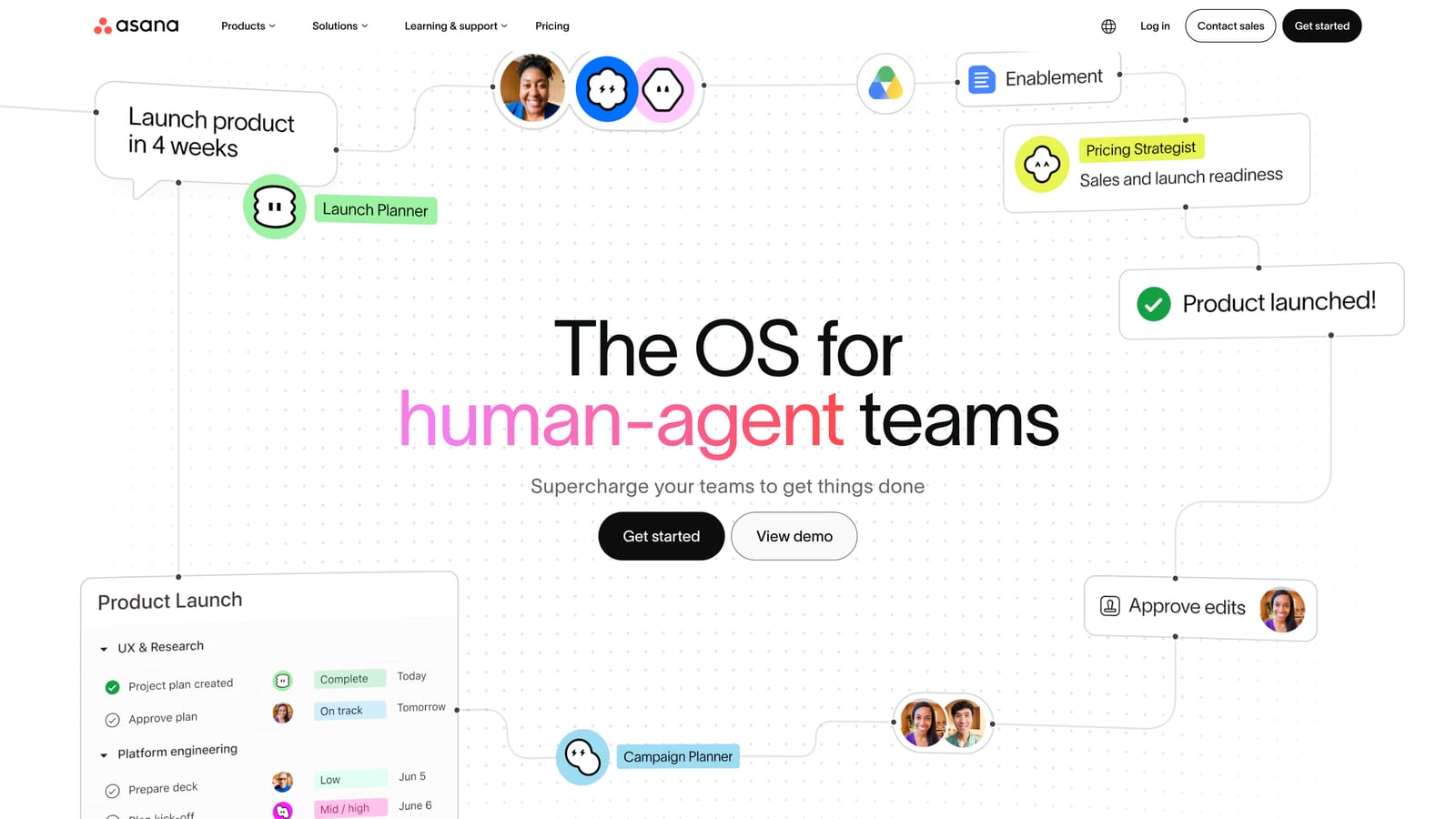
Asana is a project management tool used by PPC and marketing teams to plan campaign launches, assign tasks, track deadlines, and manage workloads across multiple accounts.
Where This Tool Shines
PPC work has more moving parts than it looks like from the outside: keyword research, ad copy approval, landing page QA, bid strategy setup, reporting. Without a structured system, tasks get missed and deadlines slip. Asana gives teams a shared view of what's in progress, what's overdue, and who owns what—without relying on memory or long email threads.
The timeline view is particularly useful for campaign launches with hard go-live dates. You can map dependencies, assign tasks to specific team members, and see at a glance whether the work is on track.
Key Features
Task assignment with due dates and priority levels: Assign work clearly so nothing falls through the cracks across multiple accounts.
Timeline and Gantt-style views: Plan campaign launches and visualize dependencies across the team's workload.
Workload management: See how work is distributed across team members and rebalance when someone is overloaded.
Templates for recurring workflows: Build reusable templates for common PPC tasks like monthly reporting or new campaign setup.
Integrations with Google Workspace and Slack: Connect Asana to the tools your team already uses.
Best For
Agencies and in-house teams that manage multiple campaigns simultaneously and need a structured way to track work. Also useful for freelancers managing several clients who need to stay organized without relying on memory.
Pricing
Free tier available for small teams. Paid plans unlock advanced features including timeline views and workload management. Check asana.com for current pricing.
8. AgencyAnalytics
Best for: Marketing agencies that need white-label client reporting with automated delivery
AgencyAnalytics is a reporting platform built specifically for marketing agencies, offering white-label dashboards, automated report delivery, and multi-channel data connections including Google Ads.
Where This Tool Shines
Looker Studio is a solid free option for reporting, but it doesn't offer white-labeling or the client-facing portal experience that agencies often need. AgencyAnalytics fills that gap. You can brand dashboards with your agency's logo, set up automated monthly report delivery, and give clients their own login to check performance without contacting you for updates.
The multi-channel connections are also useful for agencies running campaigns across Google Ads, paid social, and SEO simultaneously. Clients get a single view of their marketing performance rather than separate reports for each channel.
Key Features
White-label branded dashboards: Present reports under your agency's brand rather than a third-party platform's.
Automated report scheduling and delivery: Set reports to send automatically on a weekly or monthly cadence.
Multi-channel data connections: Connect Google Ads, Google Analytics, and other platforms in one dashboard.
Client-facing portals with custom access levels: Give clients their own login with visibility limited to their own data.
Best For
Agencies managing multiple clients who need professional, branded reporting without building custom dashboards from scratch. Less necessary for in-house teams or solo freelancers with a single client.
Pricing
Tiered pricing based on number of client campaigns managed. Check agencyanalytics.com for current rates.
9. Microsoft Advertising
Best for: Teams looking to extend Google Ads campaigns to Bing and partner networks with minimal additional setup
Microsoft Advertising is Microsoft's paid search platform that lets teams import Google Ads campaigns directly and run them across Bing, Yahoo, and partner search networks.
Where This Tool Shines
The biggest friction point with expanding to Microsoft Advertising has historically been the setup time—rebuilding campaigns you've already built in Google Ads. The direct import feature removes most of that friction. You can pull your Google Ads campaigns into Microsoft Advertising and have them running on Bing's network without starting from scratch.
For teams whose clients are asking about search network diversification, this is the most practical path. The interface will feel familiar to anyone already working in Google Ads, so the learning curve is minimal.
Key Features
Direct Google Ads import: Import campaigns, ad groups, keywords, and ads from Google Ads without manual recreation.
Familiar interface: Navigation and campaign structure closely mirrors Google Ads, reducing onboarding time.
Access to Bing, Yahoo, and partner networks: Extend reach beyond Google's ecosystem to additional search audiences.
LinkedIn profile targeting: Layer audience targeting using LinkedIn demographic data, which isn't available in Google Ads.
Shared billing options: Manage billing across multiple accounts or clients within the platform.
Best For
Teams managing clients who want search network diversification or who serve B2B audiences that index well on Bing. Also worth considering for advertisers in verticals where Bing's audience tends to skew—older demographics, desktop-heavy users, and certain professional categories.
Pricing
Pay-per-click model. No platform fee—you pay only for the clicks your ads receive.
Which Tool Is Right for Your Team?
The best PPC team stack isn't the one with the most tools. It's the one that removes friction and keeps everyone moving in the same direction. Here's how to think about building yours based on your situation.
Solo freelancers should start with Keywordme and Looker Studio. You get fast in-interface optimization plus clean reporting without paying for platforms built for larger teams.
Small agency teams (2–10 people) will get the most from pairing Keywordme with Asana for task management and AgencyAnalytics for client reporting. Add Slack if your team is remote or distributed across time zones.
Larger agencies managing dozens of accounts should look at adding Optmyzr for automation at scale alongside the core stack. The rule-based automation becomes genuinely valuable when manual review of every account every day isn't feasible.
For competitive research, SEMrush is worth the investment regardless of team size—especially when onboarding clients in competitive verticals or building out keyword strategy from scratch.
For teams extending to Microsoft Advertising, the Google Ads import feature makes it easy to expand campaigns without doubling your workload. It's a low-friction add-on rather than a major new platform to manage.
If you're looking for a place to start, Keywordme addresses one of the most common daily bottlenecks for PPC teams: the time spent manually reviewing search terms, adding negatives, and managing keyword lists across multiple accounts. Start your free 7-day trial and see how much faster your Search Terms Report workflow gets when you're not bouncing between spreadsheets and the native interface. After the trial, it's $12/month per user—a straightforward addition to any team's stack.
.svg)