
9 Best PPC Software Tools for Google Ads Optimization and What They Cost in 2026
This guide compares nine PPC software tools for Google Ads by how they charge, not just what they do. It breaks down PPC software subscription pricing models, from flat per-user fees to ad-spend tiers, explains what each entry price really covers, and shows which tool suits freelancers, in-house marketers, or agency owners.


Software that touches Google Ads comes with a lot of pricing models, and the sticker price rarely tells you what you'll pay once you add accounts, seats, or ad spend. This list is for freelancers, in-house marketers, and agency owners who want to compare PPC software by how it charges as well as what it does. The tools were chosen for Google Ads work and compared on pricing model, what the entry price really covers, and who each one suits. Prices change often, so where a number isn't stated here, check the vendor's page. Any price below is as of November 2026.
Quick Comparison of PPC Software Pricing Models
- Keywordme: freelancers and agencies cleaning search terms faster; $12/month per user with a 7-day free trial; works natively inside the Google Ads Search Terms Report with no exports.
- Optmyzr: agencies managing many accounts; tiered by ad spend, see website; broad optimization toolkit plus client reporting in one platform.
- Adalysis: teams wanting ongoing audits; tiered, see website; automated ad test analysis that prioritizes fixes.
- WordStream: small business owners new to PPC; quote-based; guided recommendations written for non-specialists.
- Semrush: marketers combining SEO and PPC research; monthly tiers, see website; paid and organic competitor data in one suite.
- SpyFu: competitive keyword research on a budget; tiered monthly plans, see website; historical competitor PPC keyword and ad copy data.
- Google Ads Editor: advertisers making large structural edits; free; the official free bulk-editing tool.
- Google Ads Scripts: technical advertisers wanting a no-license baseline; free; custom automation logic with no license fee.
- Swydo: agencies sending recurring client reports; tiered, see website; client-ready white-label reporting.
1. Keywordme
Keywordme is our own product, so weigh this section with that in mind. It's a Chrome extension that adds one-click actions inside the Google Ads Search Terms Report, built for advertisers who spend a lot of time sorting what people actually typed (search terms) into what you want to bid on (keywords) and what you want to block (negative keywords).
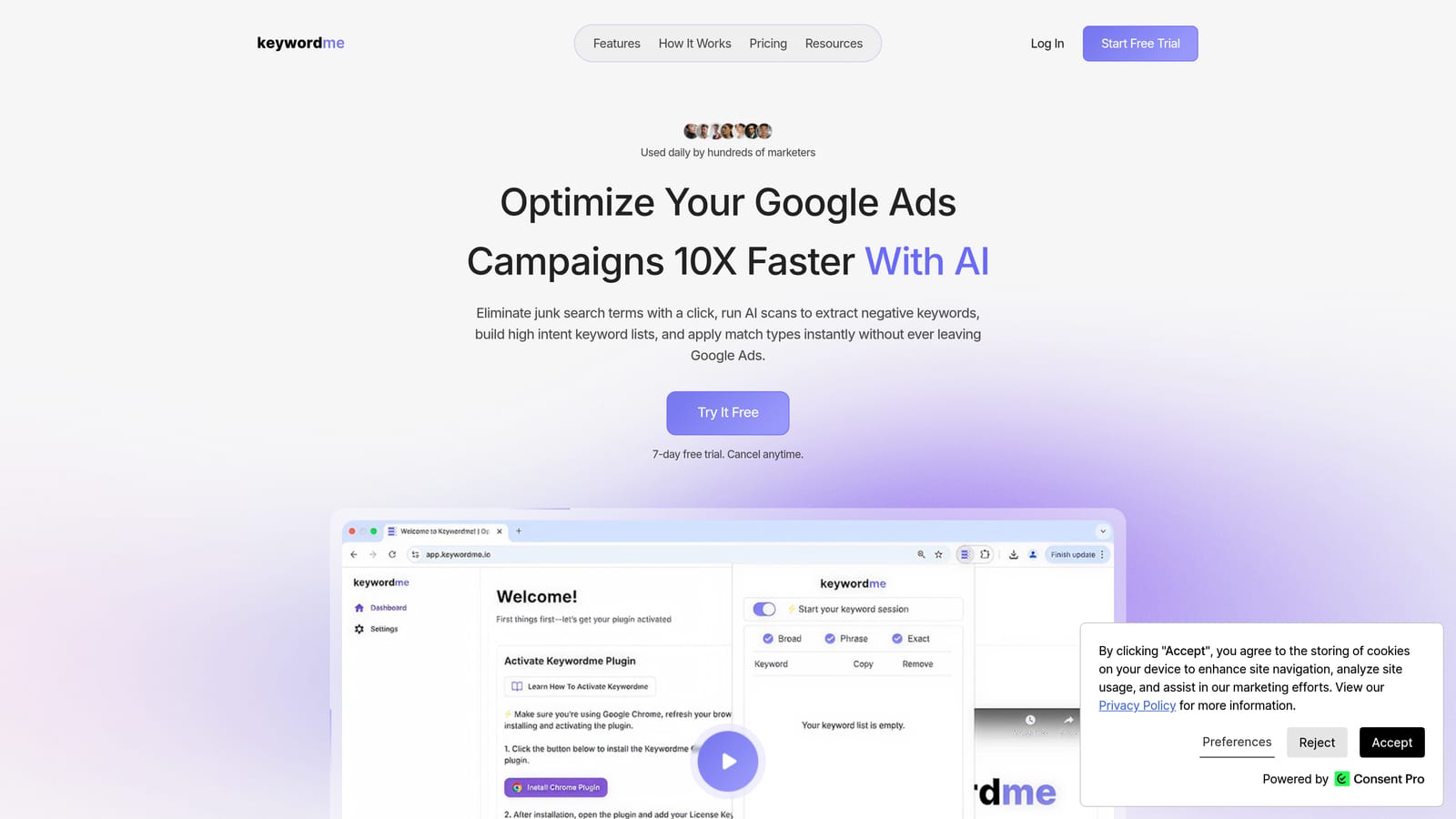
Its distinctive strength is that it works where you already are. There are no exports, no spreadsheet round trips, and no separate dashboard to log into. You review the Search Terms Report, click to exclude a junk term, or click to add a good one with the match type you choose.
- One-click negative keywords from search terms, so cleanup of wasted queries takes clicks rather than copy and paste.
- Add keywords with match types directly in the interface, which turns a converting search term into a positive keyword without leaving the report.
- Keyword clustering to group related terms and build tighter keyword lists.
- Bulk editing for applying the same action across many terms at once.
- Multi-account and team support, which matters if several people or clients are involved.
Setup is light: you install the extension in Chrome and use it with your Google Ads account. The person running it day to day is whoever reviews search terms, usually a freelancer, account manager, or in-house marketer.
The limitation is scope. Keywordme focuses on search term and keyword work. It isn't a bid manager, an automation engine, or a reporting suite, and it won't make changes on its own; you review and click. It also depends on Chrome. If you need client dashboards or rule-based automation, you'll pair it with something else.
Pricing: flat rate of $12/month per user, with a 7-day free trial. Cost scales with seats only, not with accounts or ad spend.
Best for: Freelancers and agencies cleaning search terms faster.
2. Optmyzr
Optmyzr is a PPC management suite that bundles optimization tools, automation, and reporting. It's designed for agencies and in-house teams who want one platform covering many tasks across many accounts, rather than a set of single-purpose tools.
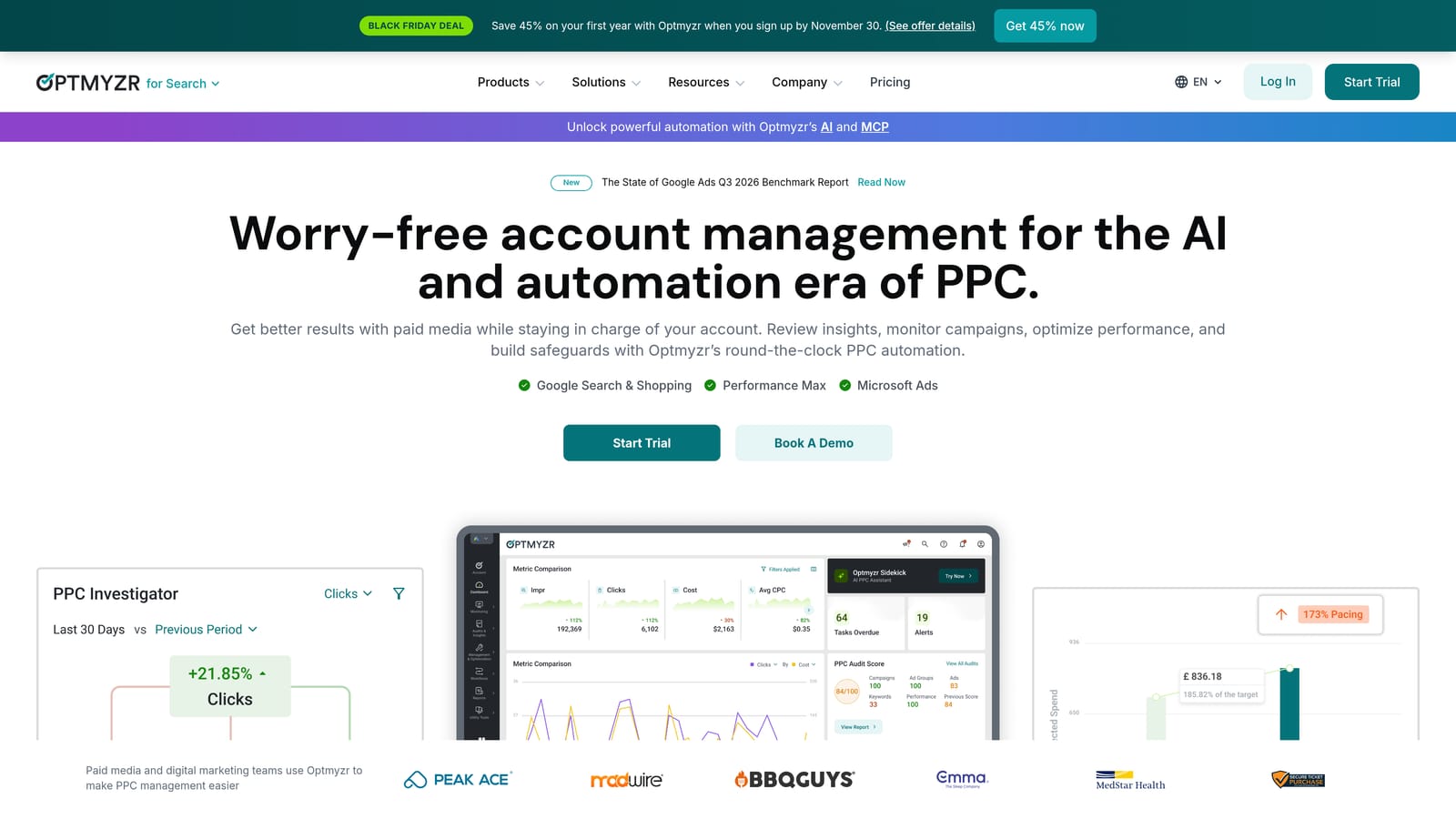
What sets it apart on this list is breadth. You get optimization suggestions, a rule engine, budget and bid tools, and client reporting in the same place, and it connects to Google Ads, Microsoft Ads, and Meta Ads.
What you get
- One-click optimizations that let you apply suggested changes without building them by hand.
- A rule engine for setting your own conditions and automating routine checks.
- Reporting so you can show results to clients from the same system.
- Budget and bid tools for managing spend pacing and bidding alongside other work.
Cost and fit
Pricing is tiered and tied to ad spend, so your bill moves with how much you manage. Exact tiers aren't stated here, so check the vendor's pricing page. The practical risk is that a growing agency's cost climbs as client budgets grow, so model it against your actual spend before committing.
The trade-off is cost and setup. It asks for more onboarding time and a bigger budget than lightweight tools, and a freelancer with a few small accounts may use only a fraction of it. Someone on the team needs to own configuration and rules, or the platform becomes shelfware.
Best for: Agencies managing many accounts that need a full suite.
3. Adalysis
Adalysis is an audit and testing platform for PPC accounts. It watches your accounts, flags problems, and analyzes ad tests so you know which fixes matter first.
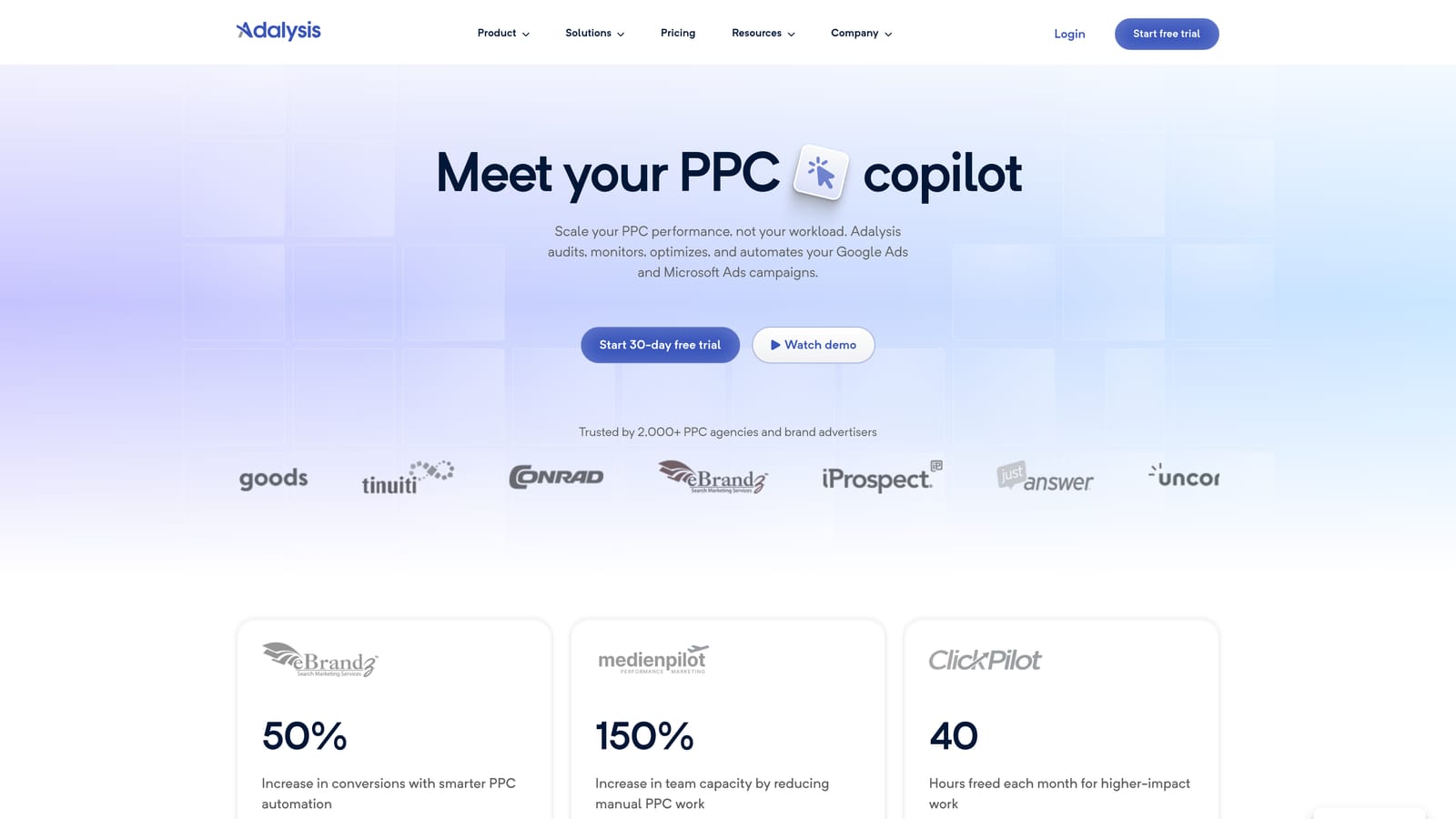
Its standout is automated ad test analysis that prioritizes fixes. Instead of manually comparing ad variations, you get a ranked view of what's worth acting on. It connects to Google Ads and Microsoft Ads.
- Account audits that surface issues across campaigns without a manual checklist.
- Ad testing analysis that shows which ad variations are winning.
- Alerts that flag problems between your regular reviews.
- Reporting to share findings with teammates or clients.
Day to day, an account manager or analyst checks the audit and alerts, then does the work. That's the main limitation: Adalysis diagnoses, but the fixes are made in Google Ads itself. It won't clean search terms for you, so teams often pair it with a tool that handles the edit step.
It's less useful if you only run a couple of small accounts and review them weekly by hand. The value is in ongoing monitoring across many campaigns.
Pricing: tiered. See the vendor's website for current plans, and check which factors (such as account count or spend) move the price for your setup.
Best for: Teams that want ongoing account audits.
4. WordStream
WordStream is a small-business PPC platform, now under LocaliQ. It's designed for owners and generalist marketers who aren't PPC specialists and want guidance on what to do next.
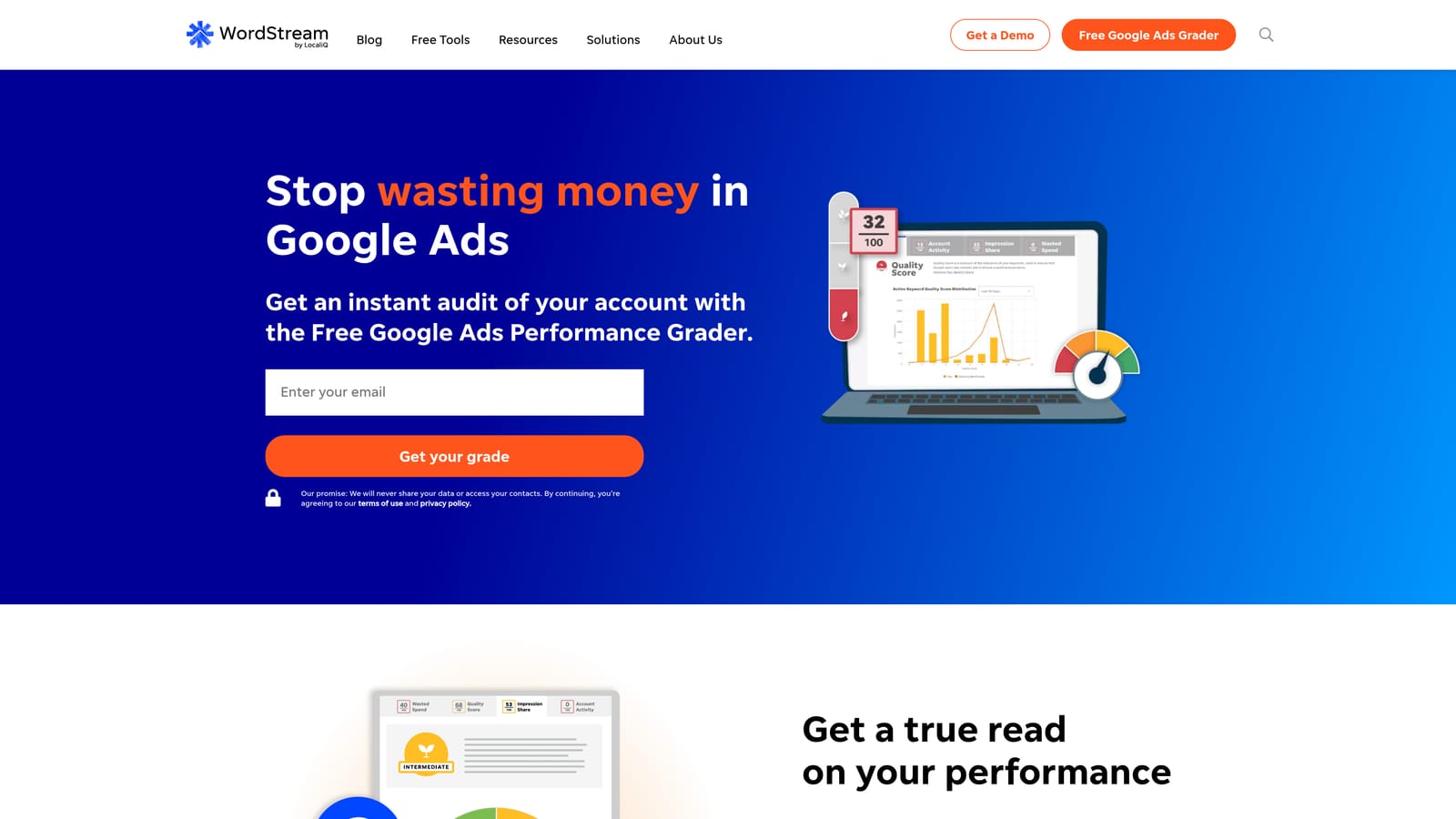
Its distinct strength is guided recommendations written for non-specialists. Where other tools on this list assume you know what a negative keyword or a match type is, WordStream is built to walk you through it. It covers Google Ads, Microsoft Ads, and Meta Ads.
- An account grader that gives a quick read on how an account is performing.
- Optimization recommendations that tell you what to change and why.
- Multi-platform management so you can handle several ad channels in one place.
Setup is aimed at the business owner or a single marketing generalist. You connect your accounts and work through the suggestions.
The limitation is control. Agencies and experienced advertisers tend to find it less granular than they'd like, and guided workflows can feel restrictive when you want to do something specific. It also isn't the tool to pick for managing dozens of client accounts.
Pricing: quote-based. Because the model has shifted since the LocaliQ change, verify current terms directly with the vendor, and ask whether the price depends on ad spend or on managed services.
Best for: Small business owners new to PPC.
5. Semrush
Semrush is an SEO and marketing suite that includes PPC research tools. It isn't a Google Ads optimizer. It's a research and competitive intelligence platform that happens to cover paid search.
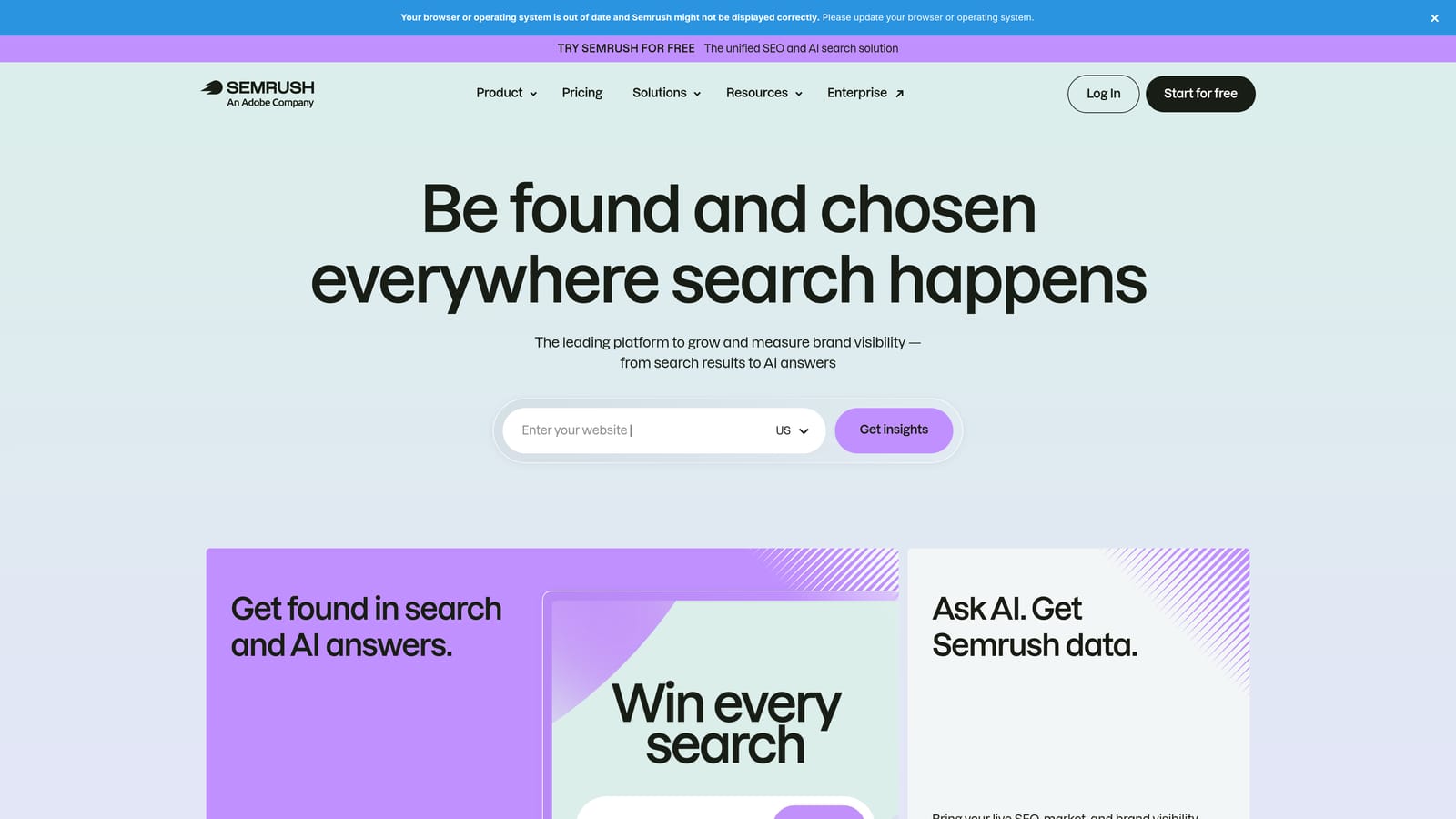
Its distinctive angle is paid and organic competitor data in one suite. You can see which keywords a competitor bids on and where they rank organically, then plan around both. It integrates with Google Ads, Google Analytics, and Google Search Console.
- A PPC keyword tool for building and organizing paid keyword ideas.
- Advertising research to see how competitors approach paid search.
- Keyword research that serves both organic and paid planning.
- Competitor analysis that compares domains across channels.
Whoever runs SEO usually owns this tool, with the PPC person borrowing it. Setup is quick since it's mostly research.
The limitation is that it doesn't make changes inside your account, and the cost is mainly justified if you also use it for SEO. If you only want PPC help, you'd be paying for a lot you won't touch.
Pricing: monthly subscription tiers. Check the vendor's pricing page for current plans, and look at which limits (projects, tracked keywords, user seats) push you up a tier.
Best for: Marketers combining SEO and PPC research.
6. SpyFu
SpyFu is a competitor keyword and ad research tool. You enter a domain and see the paid keywords and ads it has run, which makes it a quick way to find ideas and benchmark rivals.
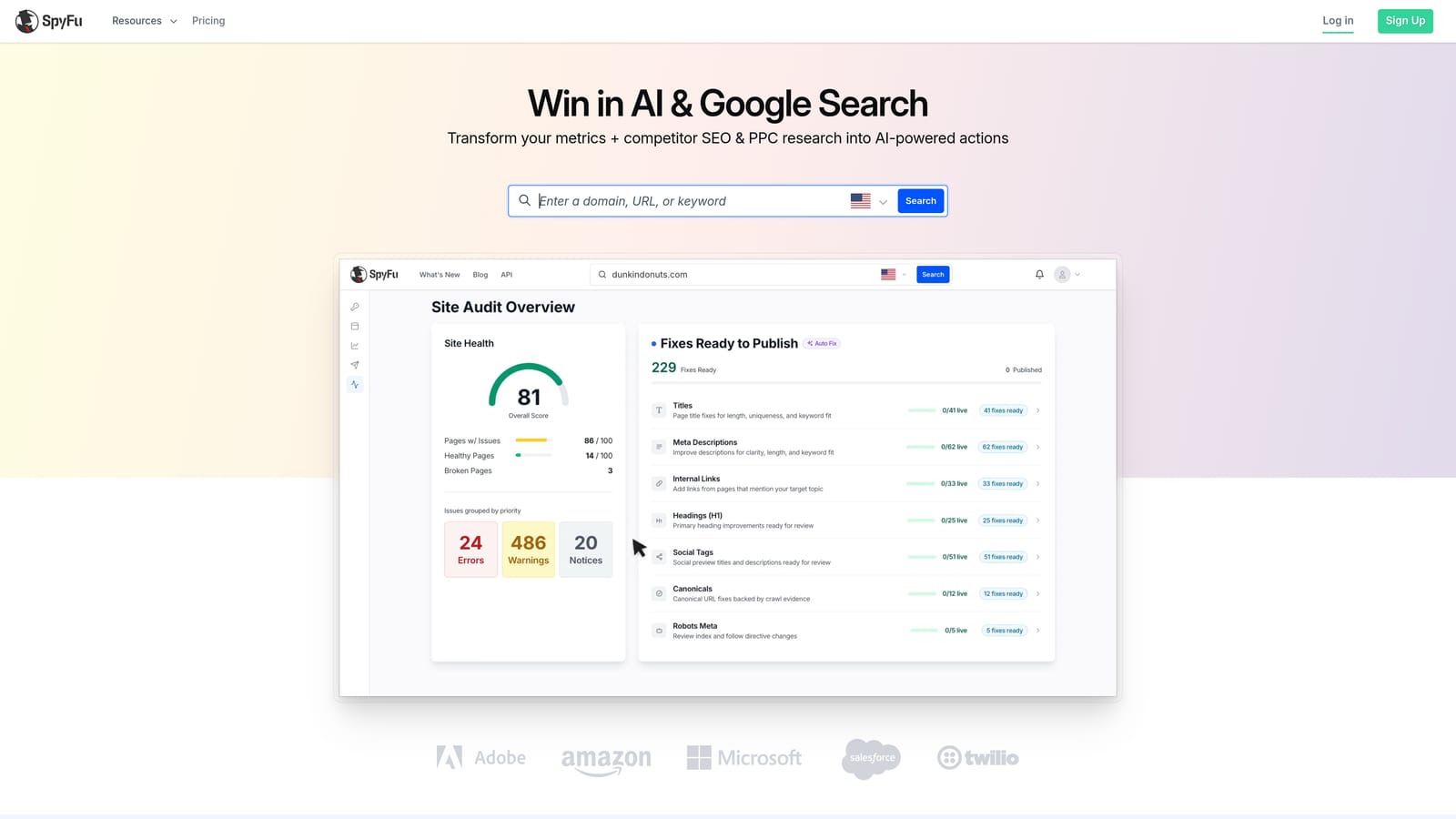
Its standout is historical data: competitor PPC keywords and ad copy over time, not just a current snapshot. That helps you see what competitors have kept running versus what they dropped.
- Competitor PPC keywords that show what rivals bid on.
- Ad history so you can study copy that has lasted.
- Keyword research for building your own lists.
- Rank tracking to follow organic positions alongside paid research.
It uses Google Ads data for research only; there's no in-account editing. One marketer can run it without any technical setup.
The limitations are plain. It's research only, and the data is estimated, so treat competitor numbers as directional rather than exact. It won't tell you anything about your own search terms or fix anything in your campaigns.
Pricing: tiered monthly plans. See the vendor's website for current prices and check what each tier limits, such as results or exports.
Best for: Competitive keyword research on a budget.
7. Google Ads Editor
Google Ads Editor is Google's free desktop app for bulk campaign editing. You download your account, make changes offline, and post them back.
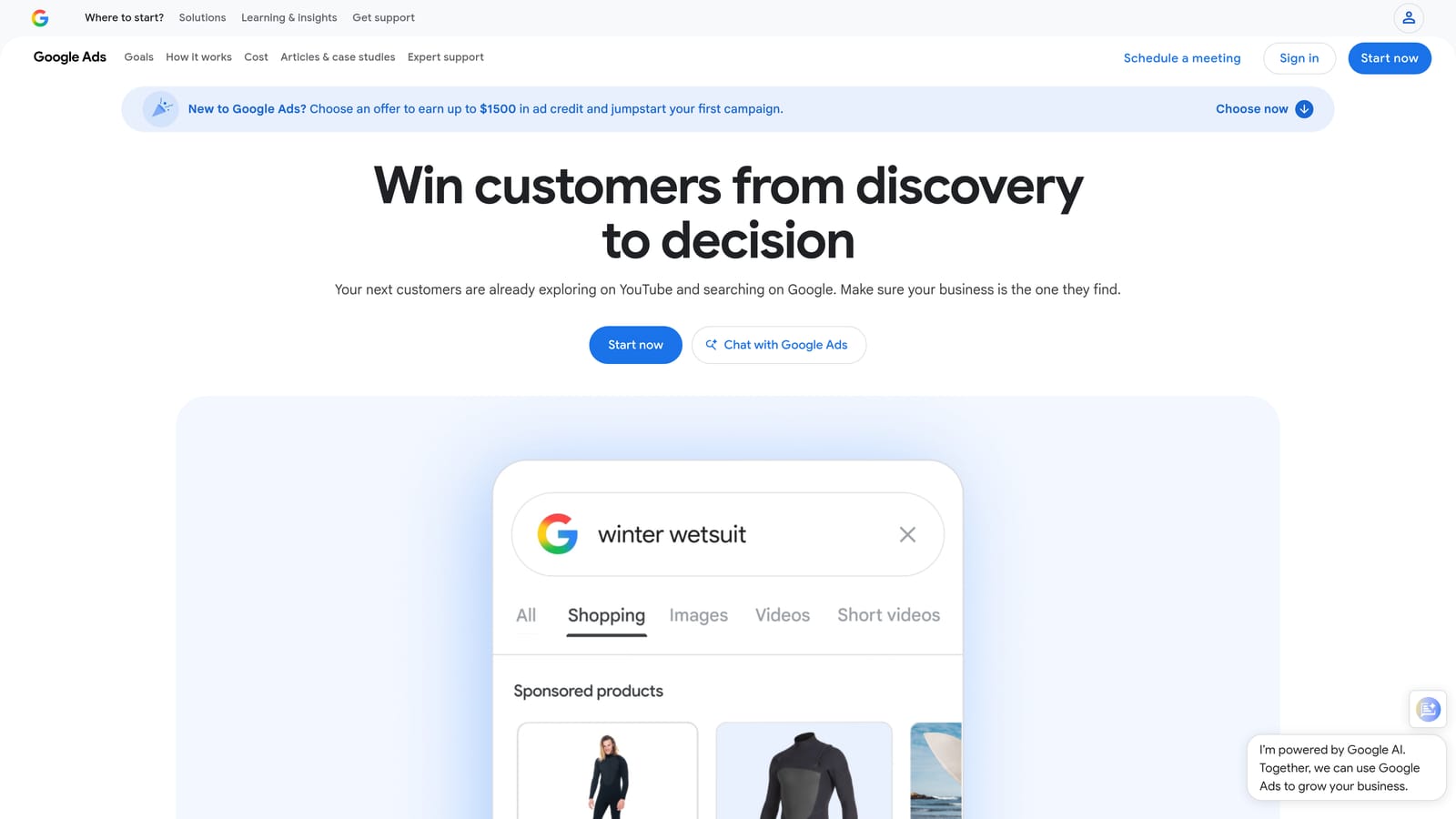
It's the official free option for large structural edits. If you're restructuring campaigns, rewriting many ads, or copying setups between accounts, it handles volume without a license fee.
- Bulk edits so one change can apply across many campaigns, ad groups, or ads.
- Offline editing, letting you work on a plane or without a live connection.
- Copy across accounts to reuse structures and save rebuild time.
- Change review before posting, so you can check everything before it goes live.
Setup is a desktop install, and whoever manages the account day to day uses it. It only works with Google Ads.
The limitation is that it offers no recommendations and no search term analysis. It's a power editor, not an advisor. You decide what to change, and you'll need another way to find junk search terms or good ones to add.
Pricing: free.
Best for: Advertisers making large structural edits.
8. Google Ads Scripts
Google Ads Scripts lets you automate tasks with JavaScript that runs inside your account. It's native to Google Ads and costs nothing to use.
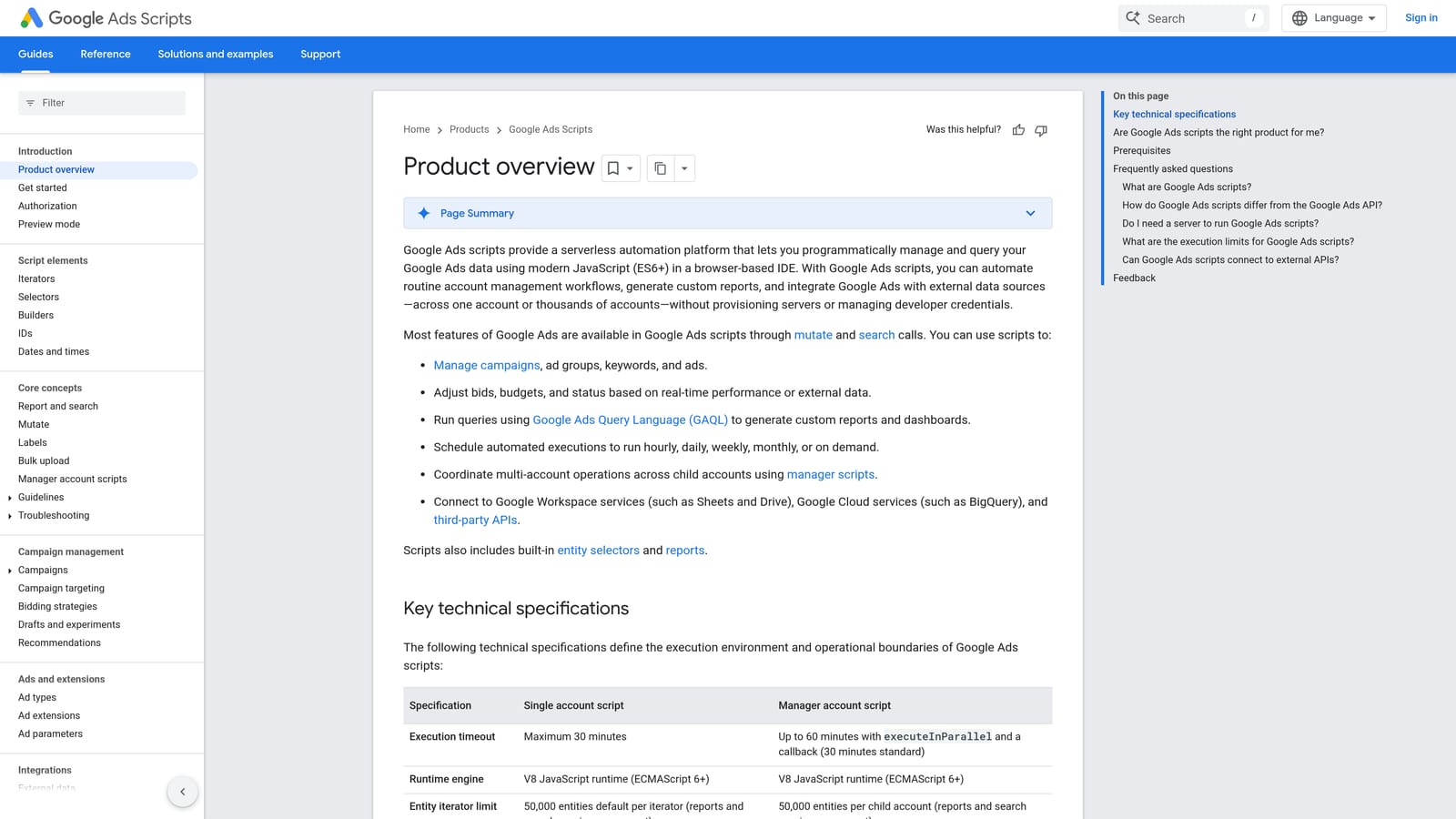
The distinction here is custom logic with no license fee. If you can describe a rule precisely, such as alerting you to a spend spike or exporting a custom report, you can build it yourself.
- JavaScript automation so you can encode exactly the checks you want.
- Scheduled runs that execute tasks without you opening the account.
- Alerts that notify you when something looks off.
- Custom reports, including output to Google Sheets.
It connects to Google Ads and Google Sheets. Setup effort is the real cost: someone needs JavaScript skills, and scripts need upkeep when accounts or requirements change. A script that breaks quietly can be worse than no script.
It doesn't suit non-technical marketers or anyone who wants a point-and-click interface. The price is zero, but the time cost is real.
Pricing: free.
Best for: Technical advertisers wanting a no-license baseline.
9. Swydo
Swydo is an automated PPC reporting platform built for agencies. It pulls data from several sources and turns it into recurring client reports.
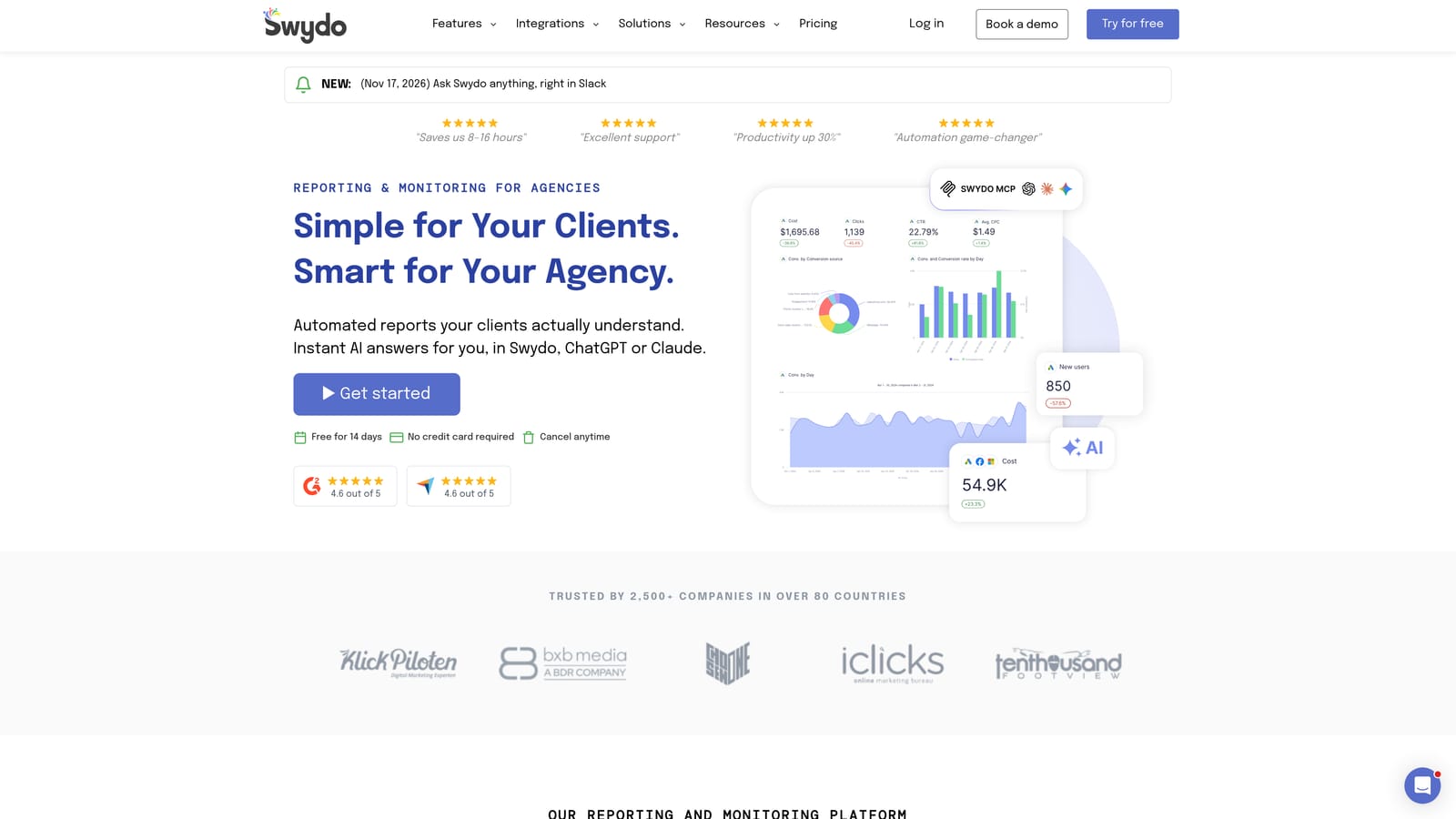
Its edge is client-ready, white-label reporting. You can send branded reports and dashboards without rebuilding them each month.
- Automated reports that go out on a schedule instead of being assembled by hand.
- Dashboards for a live view of performance.
- White-label reports carrying your agency's branding.
- Multi-source data from Google Ads, Meta Ads, and Google Analytics in one report.
Setup means connecting each client's data sources and building or choosing templates. An account manager or ops lead usually owns it.
The limitation is that it reports only. It doesn't optimize campaigns, clean search terms, or suggest changes, so it complements other tools rather than replacing them. A solo advertiser with no client reporting need won't get much from it.
Pricing: tiered. See the vendor's website for current plans, and check whether price tracks the number of clients, data sources, or reports.
Best for: Agencies sending recurring client reports.
Matching the Tool to Your Situation and Checking Total Cost
Here's how the picks break down by use case:
- Solo advertiser: Keywordme for search term cleanup, paired with Google Ads Editor for bulk edits. Both are cheap or free.
- Agency: Optmyzr if you need a full suite, or Keywordme for the daily search term workflow with Swydo handling reports.
- Small business owner: WordStream, since its guidance is built for non-specialists.
- Research-heavy team: Semrush if SEO matters too, SpyFu if you want competitor data on a tighter budget.
- Reporting: Swydo for white-label client reports.
Before you buy, check what scales. Per-user pricing grows with headcount, per-account pricing grows with your client list, and percent-of-spend pricing grows with budgets you don't control. A low sticker price can turn expensive on the wrong axis, so price each tool against your real seats, accounts, and spend, and confirm on the vendor's page since tiers change often.
Optimize Google Ads Campaigns 10X Faster. Without Leaving Your Account. Keywordme lets you remove junk search terms, build high-intent keyword lists, and apply match types instantly, right inside Google Ads. No spreadsheets, no switching tabs, just quick, seamless optimization. Start your free 7-day trial (then just $12/month) and take your Google Ads game to the next level.
