
9 Best PPC Software Tools Compared by Monthly Pricing
This guide compares nine PPC software tools by what you actually pay each month, whether the vendor charges per seat, by ad spend, by account count, or through a service fee. Use the PPC software monthly pricing breakdown to match a tool to your role as a freelancer, in-house marketer, or agency owner running Google Ads.


If you're shopping for PPC software, the sticker price is only half the story. What you pay each month depends on whether the vendor charges per seat, by ad spend managed, by number of accounts, or through a bundled service fee. This list is for freelancers, in-house marketers, and agency owners running Google Ads and paid search. Tools were picked for relevance to that work, for pricing that is public or clearly described, and for fit across those three buyer types. Prices change often, so confirm everything on the vendor's site before you commit.
Quick Comparison of Monthly Pricing and Fit
- Keywordme: solo advertisers and agency teams cleaning up search terms; $12/month per user; works inside the Google Ads interface itself.
- Optmyzr: agencies wanting deep automation; tiered, see website; a customizable rule engine across several ad platforms.
- Adalysis: agencies monitoring many accounts; tiered, see website; automated multi-account audits and ad-test analysis.
- WordStream by LocaliQ: small business owners wanting guidance; quote-based; a grader and guided workflow built for non-specialists.
- Google Ads Editor: advertisers making big manual structural changes; free; first-party offline bulk editing.
- SEMrush: marketers needing combined SEO and PPC research; tiered monthly plans, see website; SEO and PPC data in one suite.
- SpyFu: budget-conscious keyword and competitor research; monthly tiers, see website; historical view of competitors' paid keywords and ad copy.
- Swydo: agencies sending recurring client reports; tiered, see website; white-label reporting across platforms.
- Opteo: in-house marketers wanting a prompted routine; tiered, see website; a prioritized to-do-list style improvement queue.
1. Keywordme
Keywordme is a Chrome extension that adds one-click actions to the Search Terms Report inside Google Ads. It's built for people who spend a lot of time sorting through search terms (the actual queries people typed) and deciding which to add as keywords (what you bid on) and which to block as negative keywords (terms you tell Google not to match). Because it sits on top of the native interface, you skip the export-to-spreadsheet step and the separate dashboard.
That in-interface approach is its main edge on this list. Most other tools here ask you to log into something else; Keywordme works where you already are.
- Add negative keywords straight from the Search Terms Report with one click, so cleaning junk queries takes seconds instead of a spreadsheet pass.
- Add search terms as keywords and apply match types in the interface, which speeds up building out high-intent lists.
- Keyword clustering groups related terms so you can handle them together.
- Bulk editing lets you apply changes across many terms at once.
- Multi-account and team support suits agencies handling several clients.
Setup is light: install the extension in Chrome and use it in Google Ads. Whoever already does the search term review runs it day to day, whether that's a freelancer or a team member.
The limitation is scope. Keywordme covers the Google Ads search term and keyword workflow only. It doesn't do bid management, reporting, audits, or other ad platforms, so you'll need other tools if you want those. It also doesn't make decisions for you; you review the terms and choose what to add or exclude, and results depend on how you use it.
Pricing: a flat $12/month per user, with a 7-day free trial. Cost scales with the number of users, not with ad spend or accounts, which makes it easy to forecast.
Best for: Solo advertisers and agency teams cleaning up search terms on a flat budget.
2. Optmyzr
Optmyzr is a PPC management platform with optimization tools, a rule engine, reporting, and account audits. It's designed for agencies and experienced advertisers who want to automate repeatable work across Google Ads, Microsoft Advertising, and Meta Ads.

Its standout feature compared with the rest of this list is the customizable rule engine. You can define your own conditions and actions instead of only following preset suggestions, which matters once you manage enough accounts that manual checks stop scaling.
- One-click optimizations let you apply recommended changes without building each edit by hand.
- The rule engine automates recurring checks and adjustments to your own logic.
- Reporting packages performance data for clients or stakeholders.
- Account audits flag issues worth fixing across campaigns.
Expect a real onboarding period. The breadth that makes it powerful also gives it a steeper learning curve than a single-purpose tool, and someone on the team should own the rules and keep them tidy.
Pricing is tiered, and cost rises with the ad spend you manage, so it behaves very differently from a flat per-seat tool. I haven't listed a figure here; check the Optmyzr site for current plans and any changes before budgeting. If you only need search term cleanup, you'd be paying for much more than you use.
Best for: Agencies wanting deep automation and reporting.
3. Adalysis
Adalysis is an auditing and testing platform for Google Ads and Microsoft Advertising. It scans accounts for problems and analyzes ad tests, so you get a list of what needs attention without clicking through every campaign.
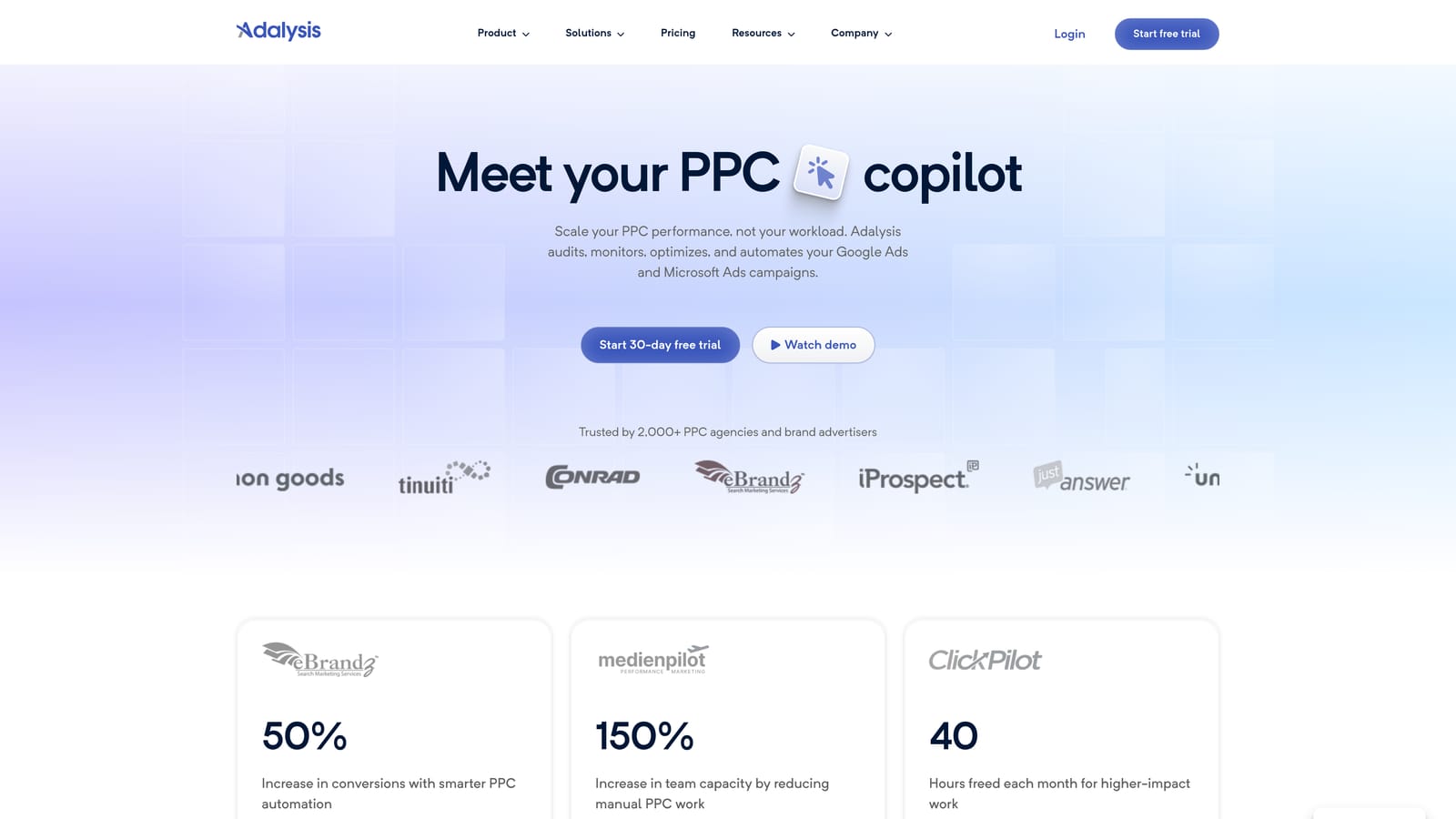
What it does distinctively well is monitoring at scale. Automated audits across many accounts, plus ad-test analysis that tells you which variations are actually winning, make it useful for teams that can't eyeball every account weekly.
- Automated audits surface issues in each account so you know where to look first.
- Ad test analysis helps you judge which ad variations to keep and which to retire.
- Alerts notify you when something changes or breaks, reducing surprises.
- Reporting summarizes account health and results.
It's analysis-led. Adalysis tells you what to fix, but you implement the changes yourself, in the ad platform or with another tool. That's fine for agencies with a process in place, and frustrating if you wanted something that does the work for you.
It's also a poor fit if you run a single small account and just want faster search term handling, since you'd be paying for monitoring depth you don't need. Setup means connecting your Google Ads and Microsoft Advertising accounts, and a PPC manager or account lead typically owns the alerts.
Pricing is tiered. I haven't stated a figure; verify current plans and what moves the price (typically the number of accounts and spend managed) on the Adalysis site.
Best for: Agencies monitoring many accounts.
4. WordStream by LocaliQ
WordStream by LocaliQ is an advertising platform and services offering aimed at small businesses. It's made for owners and generalist marketers who want help running paid campaigns without becoming PPC specialists.
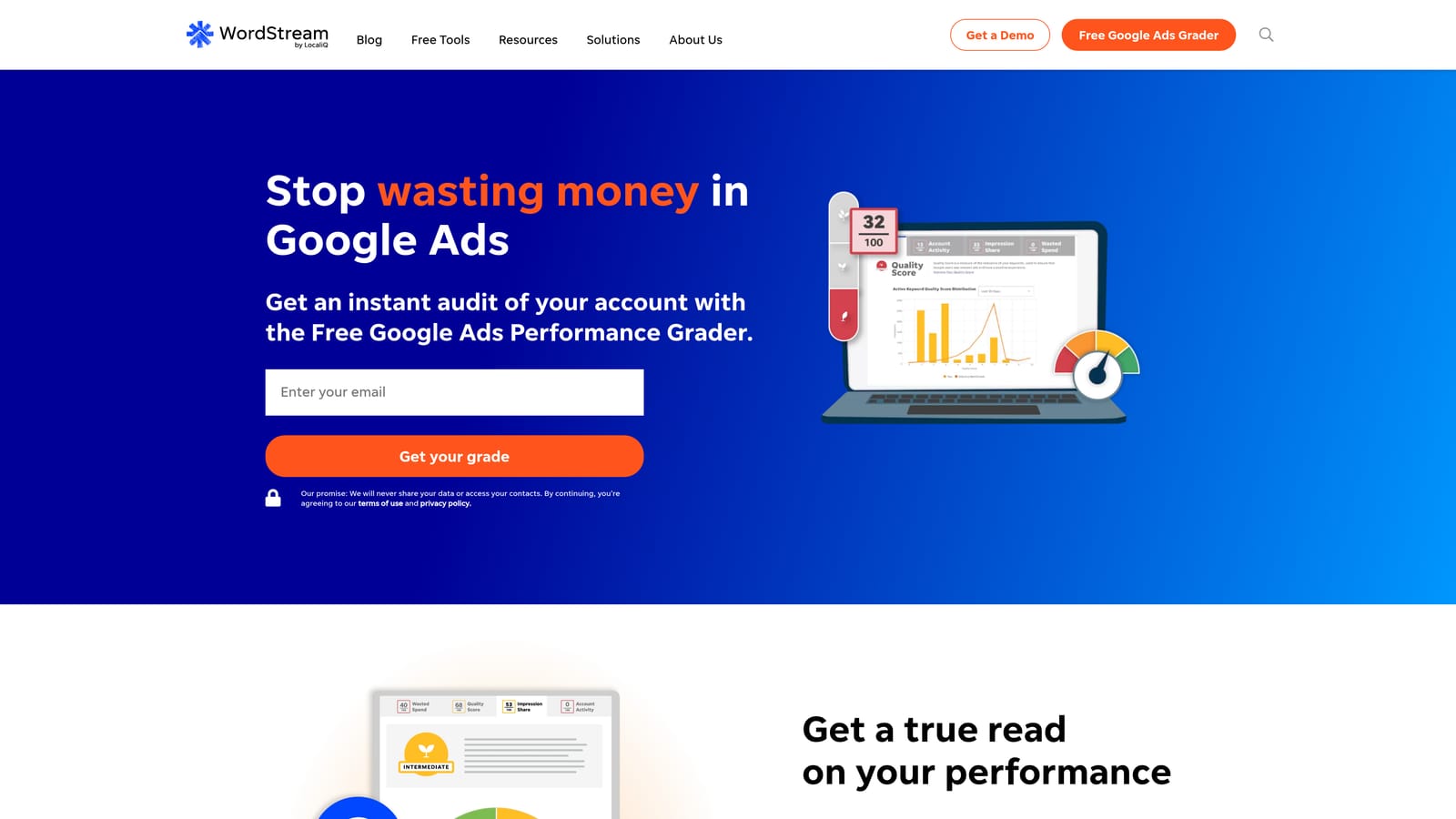
The distinctive piece is guidance. A performance grader and a guided workflow walk non-specialists through what to improve, which is a different philosophy from the power-user tools above.
- The performance grader gives you a quick read on how an account is doing.
- Guided recommendations tell you what to change next, in plain terms.
- Multi-channel campaign management covers Google Ads, Microsoft Advertising, and Meta Ads from one place.
The trade-off is control. Experienced advertisers who want granular settings may find it limiting, and because pricing is sales-led, the monthly cost may bundle platform fees and other charges. That makes it harder to compare against a flat per-seat tool; ask exactly what's included, whether media management or ad spend fees apply, and what the contract terms are.
Setup is handled through the vendor's onboarding, and a business owner or office marketer usually runs it. It's a poor match for agencies that need white-label workflows or fine-grained account control.
Pricing: quote-based. Verify the current model on the WordStream site and with a sales rep.
Best for: Small business owners wanting guidance.
5. Google Ads Editor
Google Ads Editor is Google's free desktop app for editing accounts in bulk. You download accounts, make changes offline, review them, and then post them back. It's built for anyone making large structural edits.

Being first-party and free is what separates it from everything else here. There's no subscription to weigh against a budget.
- Bulk edits let you change many campaigns, ad groups, keywords, or ads in one pass.
- Offline editing means you can plan and prepare changes without being in the browser interface.
- Multi-account management lets you move between accounts in one app.
- Change review before posting lets you check everything before it goes live.
It has no automation, audits, or insights. Nothing tells you what to change; it just helps you execute edits you've already decided on. For search term review specifically, you'd still need to find the terms in the Google Ads interface and then act, so it complements an optimization tool rather than replacing one.
Setup is a desktop install and a sync of the accounts you want. It's best run by someone comfortable with account structure, since bulk mistakes scale as quickly as bulk fixes.
Pricing: free.
Best for: Advertisers making large manual structural changes at no cost.
6. SEMrush
SEMrush is a marketing suite with keyword research, competitor analysis, site audits, and PPC research tools. It's for marketers who need SEO and paid search data in the same place.
The standout is breadth of research data. You can look at keywords, competitor ads, and site health without switching vendors.
- Keyword research helps you find terms to target and gauge their potential.
- Competitor ad research shows what rivals are advertising on.
- Site audit checks the technical health of your pages, useful for landing page issues.
- Reporting packages the data for stakeholders.
It connects with Google Ads, Google Analytics, and Search Console, but it isn't a campaign optimization tool. It won't clean your search terms or manage bids inside your account. If PPC is all you do, you may pay for a lot of SEO features you never open.
Setup is quick for research use, and typically a marketer or SEO lead owns the subscription. Pricing is in tiered monthly plans; I haven't stated figures here, so verify current plans and any limits on projects, users, or reports on the SEMrush site.
Best for: Marketers who need combined SEO and PPC research.
7. SpyFu
SpyFu is a competitor keyword and ad research tool. You enter a domain and see which keywords it has bought and what ads it has run.
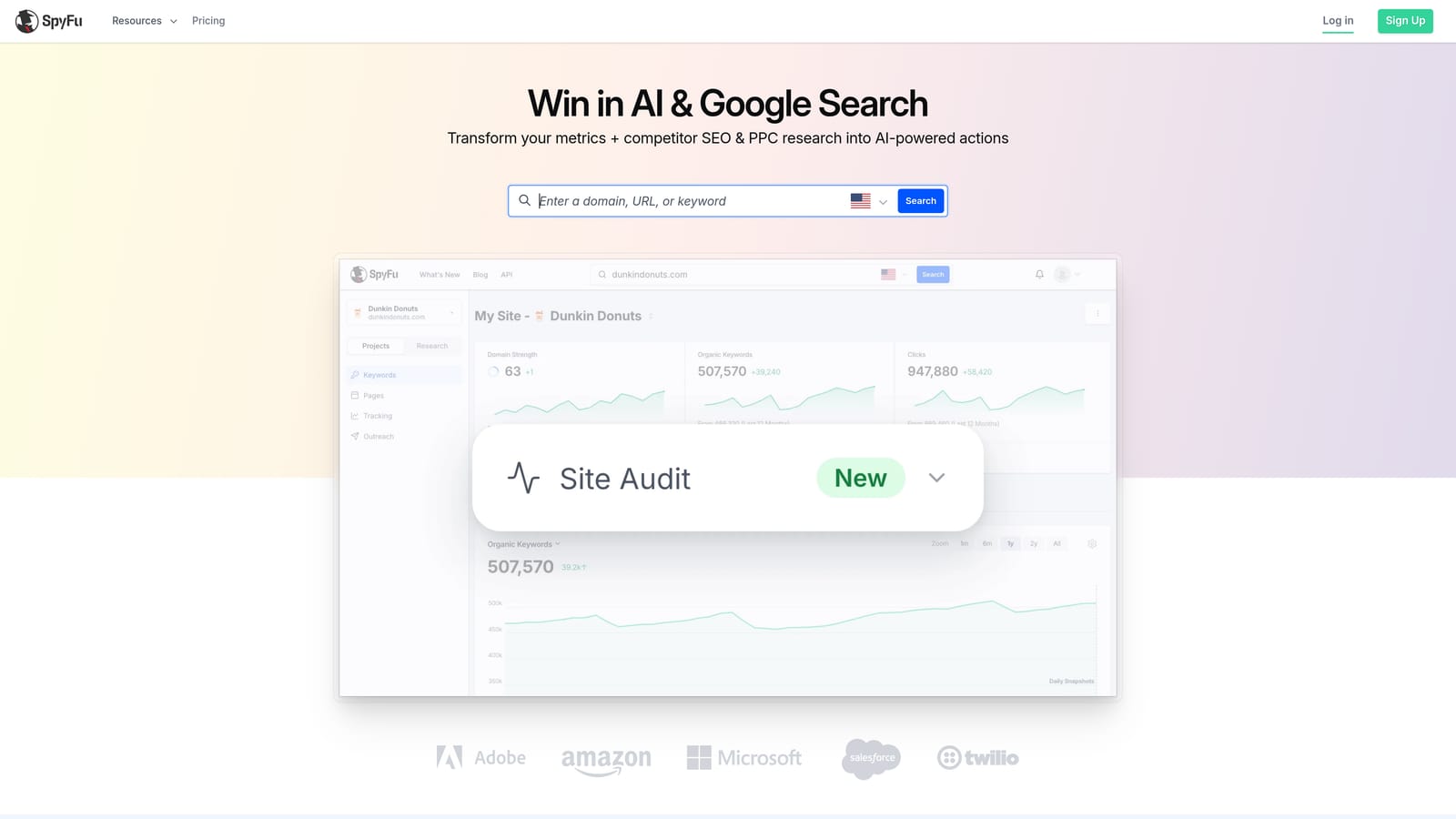
The historical view sets it apart. Seeing how competitors' paid keywords and ad copy have changed over time helps you spot what's lasted and what they've dropped.
- Competitor PPC keywords show which terms rivals bid on, giving you ideas for your starting keyword list.
- Ad history lets you review past ad copy for messaging angles.
- Keyword research supports building out new campaigns.
It's research only, and the data is estimated, so treat it as direction rather than fact. Use your own account data to validate anything you borrow. It integrates mainly through exports and reports instead of connecting deeply to your ad accounts.
Setup is minimal, and one person, often the strategist or campaign builder, can run it. Pricing is in monthly tiers; I haven't listed figures, so check the SpyFu site for current plans and any limits on results or exports.
It suits you if you're launching a campaign and want competitor ideas cheaply. It doesn't suit you if you want something that changes your account.
Best for: Building initial keyword lists and competitor analysis on a budget.
8. Swydo
Swydo is a reporting platform for agencies. It pulls data from multiple marketing channels into client dashboards and automated reports.
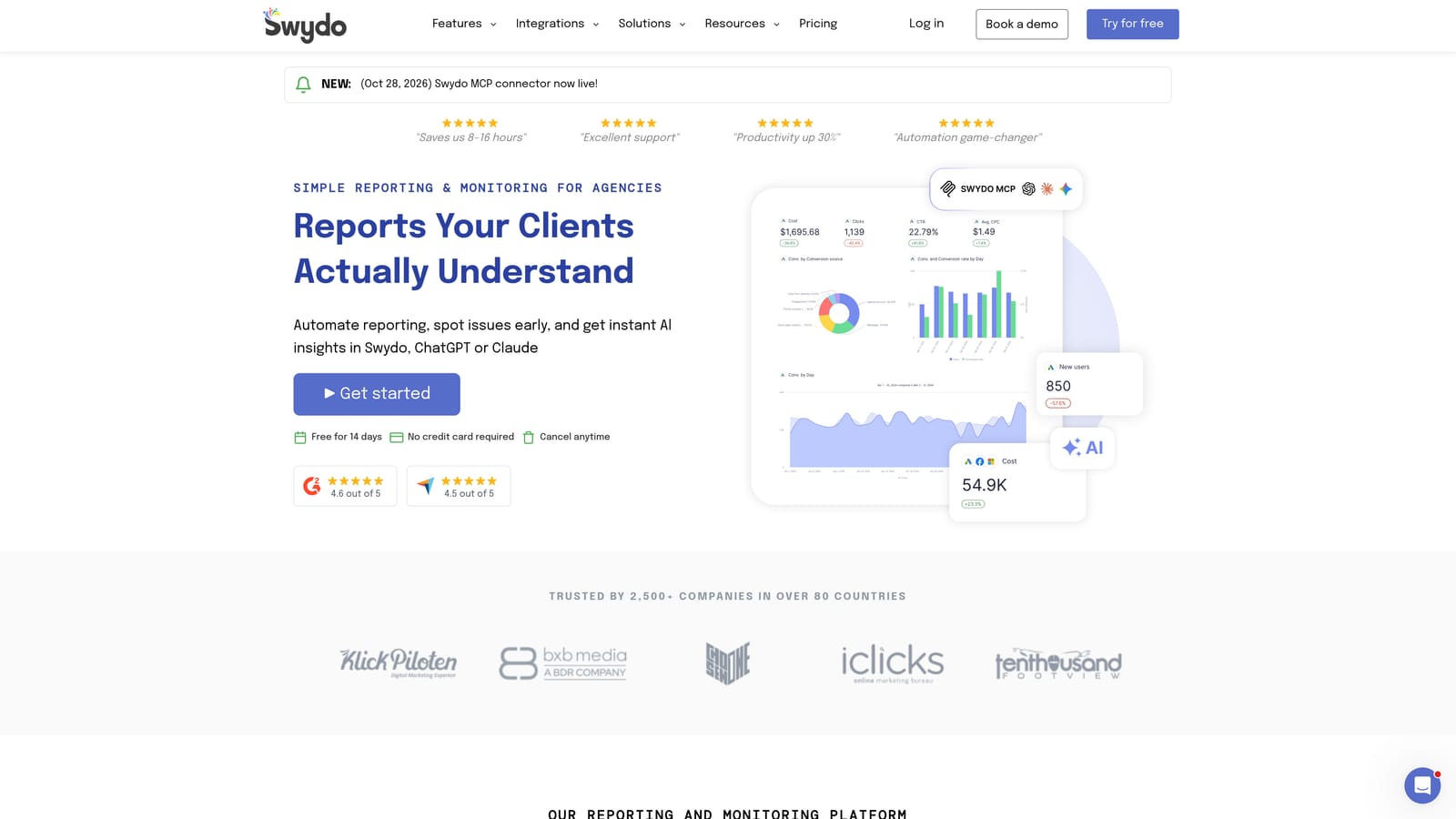
Its standout is cross-platform, white-label reporting, so clients see your branding and one report covering Google Ads, Meta Ads, LinkedIn Ads, and Google Analytics.
- Client dashboards give each client a live view of results.
- Automated reports go out on a schedule, saving the monthly copy-and-paste routine.
- Multi-platform data sources combine channels in a single report.
It's reporting only. Swydo won't optimize campaigns, clean search terms, or suggest changes, so it fits alongside an optimization tool rather than in place of one. Freelancers with one or two clients may find it more than they need.
Setup means connecting data sources per client and building report templates; an account manager usually owns it. Pricing is tiered by data sources and accounts, so your cost grows as your client roster does. I haven't stated figures; verify current tiers on the Swydo site.
Best for: Agencies sending recurring client reports.
9. Opteo
Opteo is a Google Ads improvement tool that turns account analysis into a list of suggestions. It's designed for in-house marketers who want a regular routine of things to review.
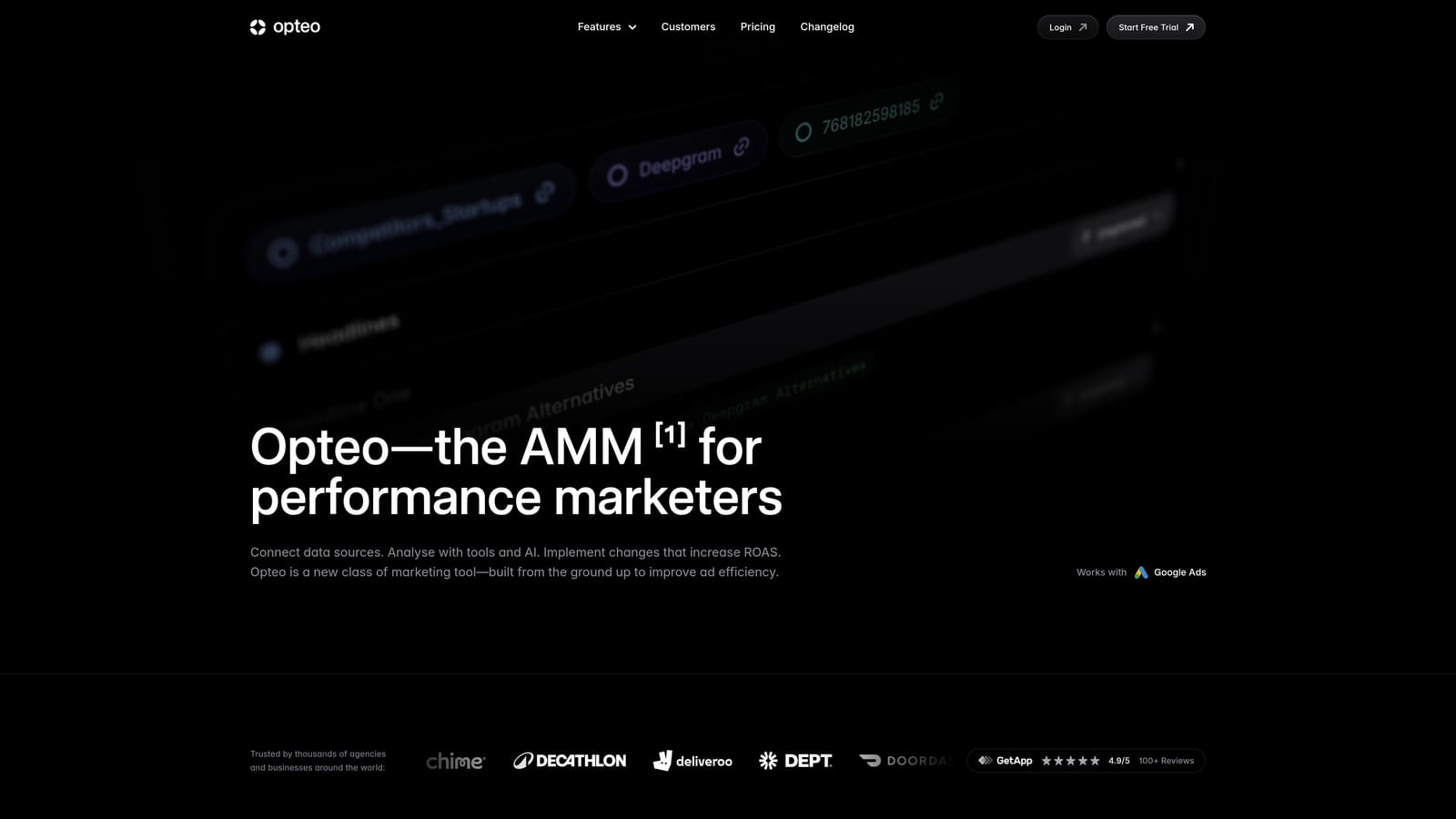
The distinctive part is the prioritized, to-do-list style queue. Instead of auditing an account yourself, you work through suggestions in order of importance.
- Prioritized suggestions tell you what to look at first.
- Account monitoring keeps watching for issues between your reviews.
- Reporting summarizes performance and the work done.
It connects to Google Ads and Microsoft Advertising. Suggestions need human review, since they're prompts and not guaranteed improvements; apply judgment before acting. Also confirm current plans and availability directly with the vendor, as I couldn't verify them for this list.
Setup is a straightforward account connection, and the marketer who owns the account typically works through the queue weekly. Pricing is tiered; check the Opteo site for current plans and what drives the cost.
Best for: In-house marketers wanting a prompted optimization routine.
Matching the Tool to How You Pay and What You Do
Don't compare a $12 extension with a suite priced on ad spend as though they do the same job. Several tools here research or report; they don't optimize anything.
- Solo advertiser on a tight budget: Keywordme for search term cleanup at a flat per-user cost, with Google Ads Editor for free bulk edits.
- Agency managing many accounts: Optmyzr or Adalysis for automation and monitoring, Swydo for client reporting, and Keywordme for the search term work inside each account.
- Small business wanting guidance: WordStream by LocaliQ, after you confirm what the quote includes.
- Research and reporting needs: SEMrush or SpyFu for keyword and competitor data, Swydo for reports.
Pricing models and trials change, so confirm current plans on each vendor's site before buying.
Optimize Google Ads Campaigns 10X Faster. Without Leaving Your Account. Keywordme lets you remove junk search terms, build high-intent keyword lists, and apply match types instantly, right inside Google Ads. No spreadsheets, no switching tabs, just quick, seamless optimization. Start your free 7-day trial (then just $12/month) and take your Google Ads game to the next level.
