
9 Best PPC Software for Solo Advertisers in 2026
This guide compares nine tools that count as PPC software for solo advertisers, including Keywordme, Google Ads Editor, Optmyzr, WordStream and Adalysis. Each is judged on price, setup effort and how much it helps with daily Google Ads optimization, so a freelancer or one-person advertiser can pick software that one person can realistically use without a dedicated analyst.


Running Google Ads alone means you are the strategist, the analyst, and the person who fixes the broken ad at 9pm. This list is for freelancers and one-person advertisers who need software that earns its keep. Tools were picked on price, setup effort, how much they help with daily optimization, and whether one person can realistically use them without a dedicated analyst.
Quick Comparison of the Tools
- Keywordme: solo advertisers who spend most of their time on search term review; $12/month per user; works inside the native Google Ads Search Terms Report with no separate dashboard.
- Google Ads Editor: advertisers on a zero software budget who need big structural edits; free; first-party bulk editing with a review step before changes go live.
- Optmyzr: solos with growing spend who want automated rules and audits; pricing tiered by ad spend; a rule engine that automates recurring checks.
- WordStream by LocaliQ: small business owners who want guidance; quote-based; a beginner-oriented workflow that says what to fix next.
- Adalysis: advertisers who want regular audits and ad testing; pricing tiered by ad spend; deep automated ad copy testing and diagnostics.
- SEMrush: solo marketers handling both SEO and PPC; subscription plans; PPC research bundled with SEO and content tools.
- SpyFu: solos building a new campaign from competitor insight; subscription plans; historical view of competitor ad copy and keyword purchases.
- Google Keyword Planner: advertisers planning keyword lists on no budget; free with a Google Ads account; first-party Google keyword data at no cost.
- Swydo: freelancers who send regular client reports; pricing based on data sources; automated client-ready reporting.
1. Keywordme
Keywordme is our own product, so weigh this section with that in mind. It's a Chrome extension that adds one-click actions to the Search Terms Report inside Google Ads. For anyone new to the distinction: search terms are what people actually typed, while keywords are what you bid on. Negative keywords are the terms you tell Google not to show your ads for. Keywordme sits at the point where you turn the first into the second.
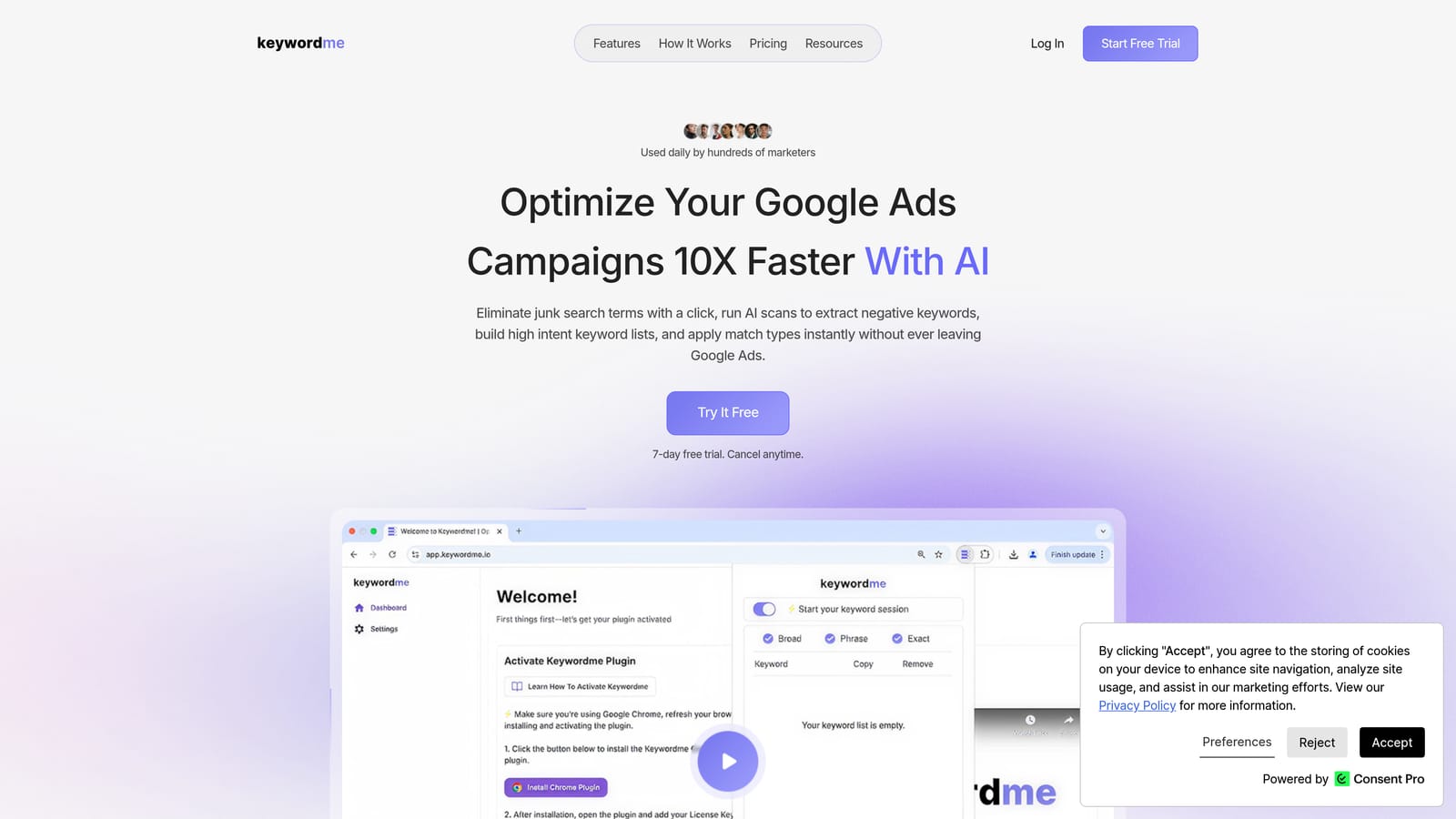
Its distinctive strength is location. There's no separate dashboard, no export, and no spreadsheet. You review search terms in the native report and act on them right there. Nothing happens automatically: every change is a click from you, which keeps you in control of what gets added or excluded.
- One-click removal of junk search terms and addition of negative keywords, so weekly cleanup stops being a copy-paste chore.
- Add high-intent search terms as keywords with your chosen match type applied, without retyping anything.
- Keyword clustering and bulk editing, which help you group related terms and make changes in batches.
- Multi-account and team support, useful if your solo practice grows into a few clients or a helper.
Setup is light: install the extension, open Google Ads in Chrome, and work from the Search Terms Report. The person running it day to day is you, and it integrates only with Google Ads.
The limits are real. It focuses on search term and keyword workflows, so it isn't a reporting, bidding, or multi-platform suite. It requires Chrome. If your biggest problem is budget pacing, audits, or client reports, you'll need another tool alongside it.
Pricing is $12/month per user, with a 7-day free trial. Cost scales with the number of users, not ad spend.
Best for: Solo advertisers who spend most of their optimization time on search term review.
2. Google Ads Editor
Google Ads Editor is Google's free desktop application for managing accounts in bulk. You download your account, make edits offline, review them, and then post the changes. It's built for people who need to touch hundreds of ads or keywords at once.

What sets it apart on this list is that it's free and first-party, with a review step before anything goes live. That safety net matters when one wrong find-and-replace could pause half your account.
- Bulk edits across campaigns and ad groups, so changing a final URL or bid across many items takes minutes.
- Offline editing with review before posting, which lets you check your work before it affects live traffic.
- Copy and paste across campaigns and accounts, handy for cloning a structure that already works.
- Multi-account management from a single app, useful if you handle a few clients.
It works with Google Ads only. Setup means installing the app and syncing accounts, and you run it yourself.
The trade-offs: there's a steeper learning curve than browser-based tools, and it has no search term triage workflow. You can add negatives in it, but reviewing what people searched for is not its job. Pricing is free.
Best for: Advertisers on a zero software budget who need to make large structural edits.
3. Optmyzr
Optmyzr is a PPC optimization platform covering Google Ads and Microsoft Ads. It combines account audits, optimization suggestions, and rule-based automation, and it has a clear lean toward agencies and larger accounts.

Its standout is the rule engine. If you find yourself running the same checks every week, such as flagging ad groups with no conversions or catching budget overspend, you can turn those checks into recurring rules instead of doing them by hand.
- Account audits and optimization suggestions that point out where to look first.
- Rule-based automation that takes repeat checks off your plate.
- Bid and budget management tools for accounts where spend needs active steering.
- Reporting, so you can share results without building them in another tool.
It connects to Google Ads and Microsoft Ads. Expect more setup time than a browser extension, since rules and audits need configuring to fit your account, and you'll be the one maintaining them.
The honest limitation: depth and pricing are aimed at bigger accounts and agencies, so a solo with a small budget may pay for features they never touch. Pricing is tiered by ad spend; as of this writing, check the official site for current plans.
Best for: Solo advertisers with growing spend who want automated rules and audits.
4. WordStream by LocaliQ
WordStream by LocaliQ targets small business owners who run their own ads. It's best known for its performance grader and a guided workflow that tells you what to fix next, which is useful when you don't have an analyst to prioritize for you.
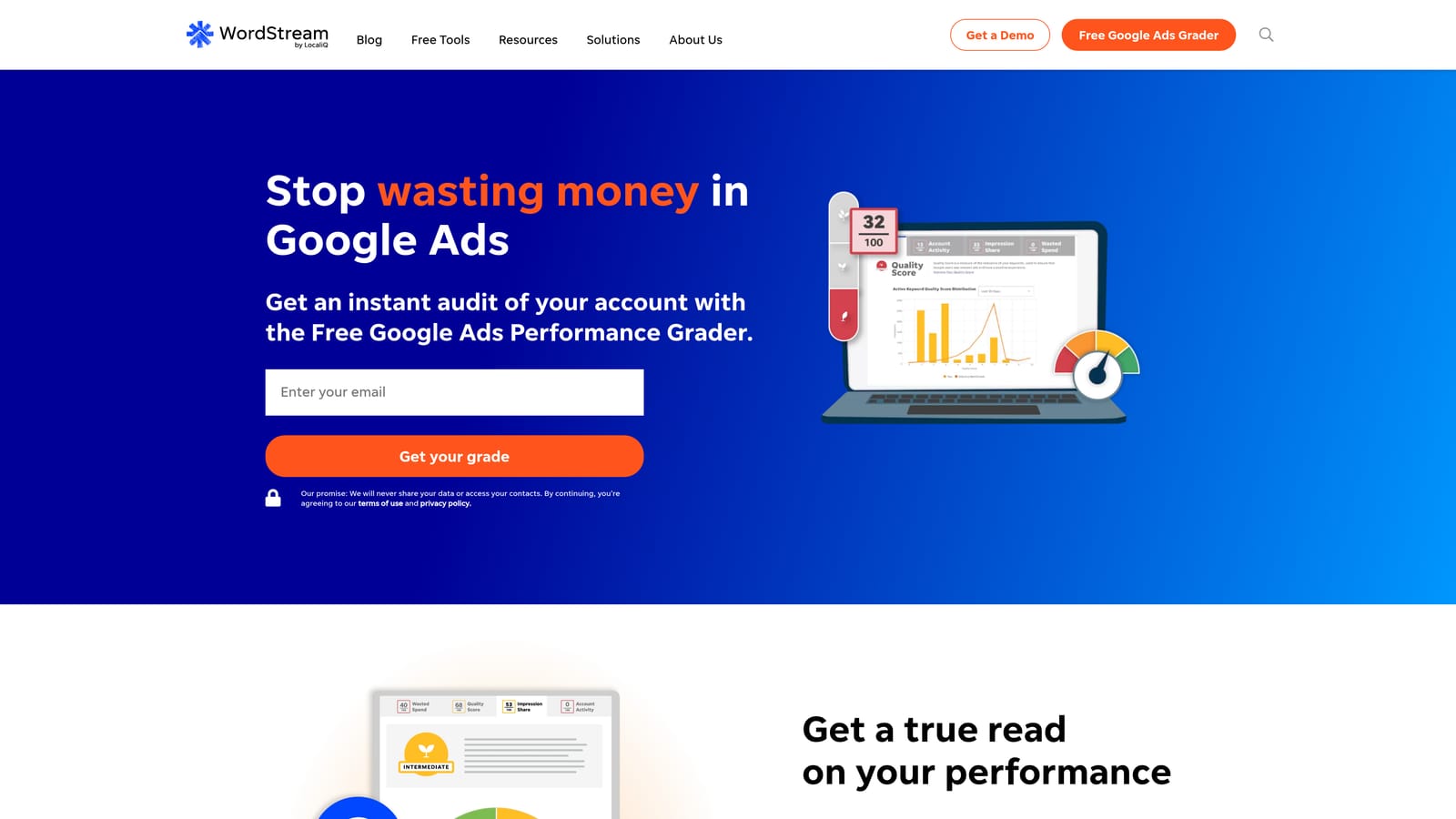
The distinctive part is the hand-holding. Where other tools hand you data, this one leans toward recommendations framed for beginners.
- A performance grader that gives you a quick read on how an account is doing.
- Guided optimization recommendations that turn findings into a to-do list.
- Campaign management aimed at small businesses, so the interface avoids agency-level complexity.
- Reporting for tracking progress over time.
It supports Google Ads, Microsoft Ads, and Meta Ads, which suits owners who advertise on more than one platform.
The caveat is a big one: the current offering leans toward managed services and quote-based pricing. Before you commit, verify what the software plan actually includes and whether it's sold separately from the managed option. Pricing is quote-based, so there's no public starting price to anchor on.
Best for: Small business owners running their own ads who want guidance.
5. Adalysis
Adalysis is an automated auditing and ad testing platform for search accounts. It scans for problems and opportunities so you don't have to dig through every campaign to find them.
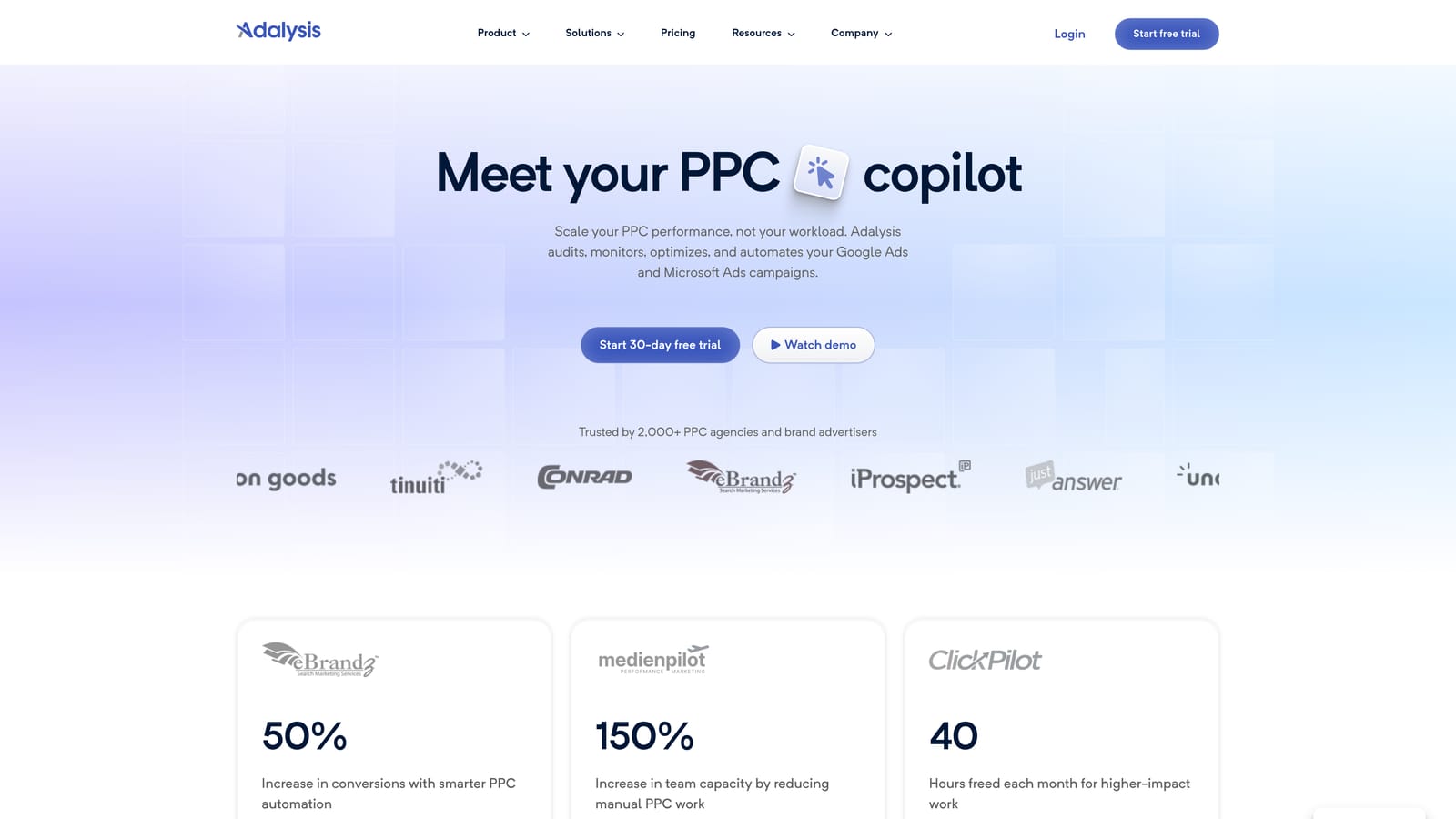
Where it stands out is ad copy testing. It analyzes which ads are winning and losing, which beats eyeballing click-through rates across dozens of ad groups.
- Automated account audits that flag issues across campaigns on a regular basis.
- Ad testing and ad copy analysis, showing which variations are worth keeping.
- Alerts for account issues, so a disapproved ad or sudden change doesn't sit unnoticed.
- Quality Score and keyword analysis to spot weak areas in your keyword set.
It works with Google Ads and Microsoft Ads. Setup means connecting your accounts and letting it scan; day to day, you read findings and decide what to act on.
It's diagnostic-heavy. It tells you what's wrong, but it isn't designed for fast one-click edits, so you'll still make changes elsewhere. Pricing scales with ad spend and is tiered; as of this writing, check the official site for current rates.
Best for: Advertisers who want regular audits and structured ad testing.
6. SEMrush
SEMrush is a broad marketing suite, and its PPC tools are one part of it. They cover keyword research, competitor ad analysis, and ad planning.
The standout is the bundle. If you also handle SEO and content, one subscription gives you research across all of it, which can be cheaper than separate tools.
- A PPC keyword tool for finding and organizing terms before you launch.
- Competitor ad copy and keyword research to see how rivals position themselves.
- Advertising research for sizing up a market.
- Broader SEO and content tools, which matter if you wear both hats.
It connects with Google Ads, Google Analytics, and Google Search Console. The learning curve comes from the sheer size of the suite, not from any one feature.
The limit is scope: it's a research and planning tool, and it doesn't manage live campaign optimization. The suite also costs more than single-purpose tools, so a pure-PPC solo may be overpaying. Pricing is by subscription plan; as of this writing, check the official site.
Best for: Solo marketers who handle both SEO and PPC.
7. SpyFu
SpyFu is a competitor research tool. Enter a rival's domain and it shows the keywords and ad copy they've bought and ranked for over time.
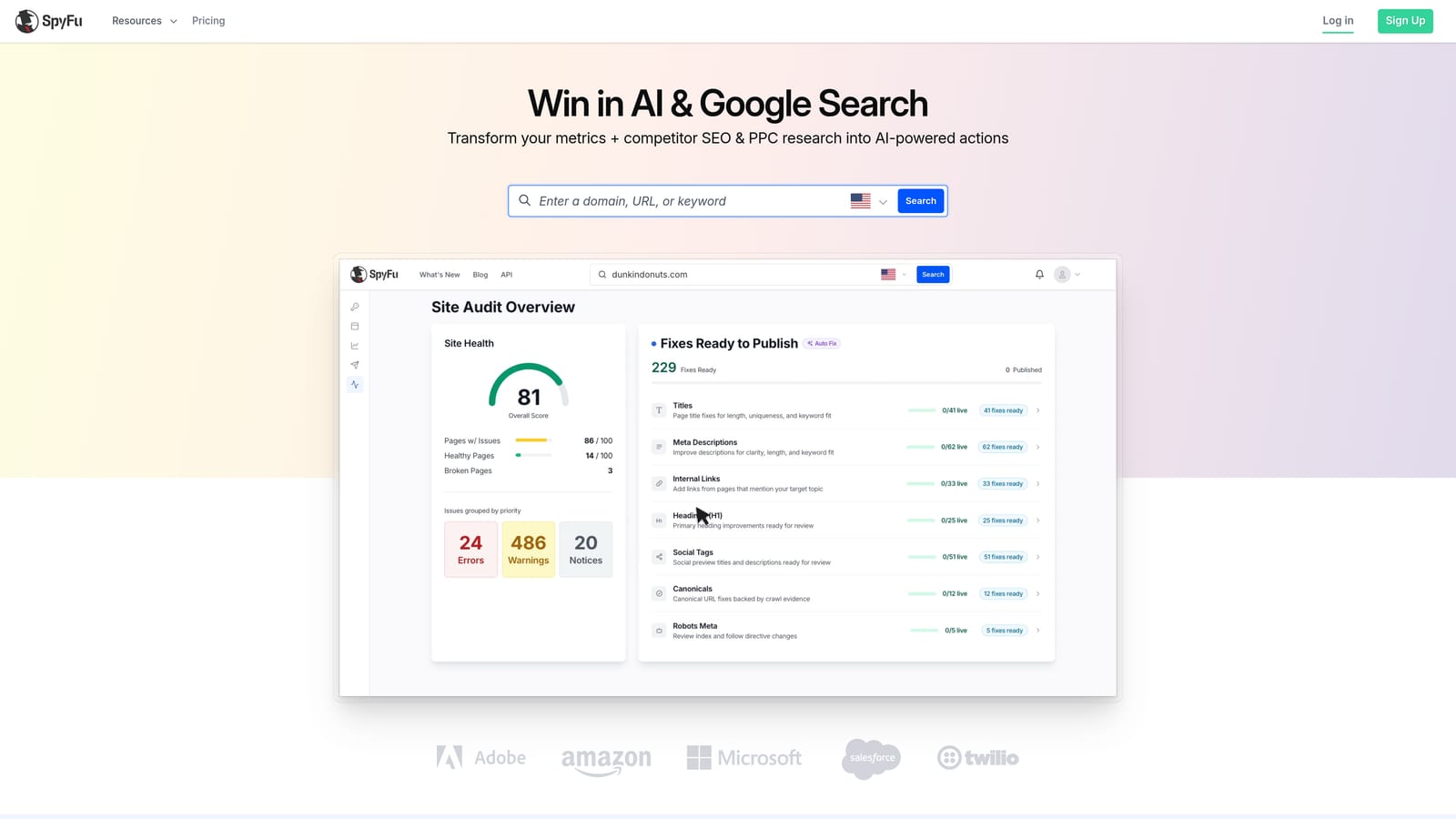
The historical angle is what sets it apart. Seeing which ad copy a competitor kept running for months tells you more than a single snapshot of what they're running today.
- Competitor PPC keyword research, so you can see which terms rivals bid on.
- Historical ad copy, which hints at what's been working for them.
- Keyword suggestions to widen your own list.
- Domain comparison for seeing overlap and gaps between you and a competitor.
Integration is limited to CSV exports, and you run it as a research step before building or revisiting a campaign.
It's research only, with no campaign editing, and its data is strongest for the US market, so check coverage if you advertise elsewhere. Competitor data is also inference, not a view of their actual results. Pricing is by subscription plan; as of this writing, check the official site.
Best for: Solo advertisers building a new campaign from competitor insight.
8. Google Keyword Planner
Google Keyword Planner is the free keyword research and forecasting tool inside Google Ads. You use it to find keyword ideas, check demand, and estimate what a plan might cost.

Its edge is the source: first-party Google keyword data at no cost. For a solo with no tool budget, it's the default starting point for a keyword list.
- Keyword idea discovery from a seed term or a website.
- Search volume ranges and trends, so you can see what's seasonal.
- Forecasts and bid estimates for rough budgeting before you spend.
- Grouping keyword ideas into plans to organize them for later.
It lives in your Google Ads account, so there's nothing to install and no integration to set up.
The limits: accounts with little spend may see volume ranges instead of precise numbers, and it doesn't manage or optimize campaigns at all. It helps you plan, not run. Pricing is free with a Google Ads account.
Best for: Advertisers planning new keyword lists on no budget.
9. Swydo
Swydo is an automated PPC reporting tool. It pulls data from your ad platforms into dashboards and scheduled reports.
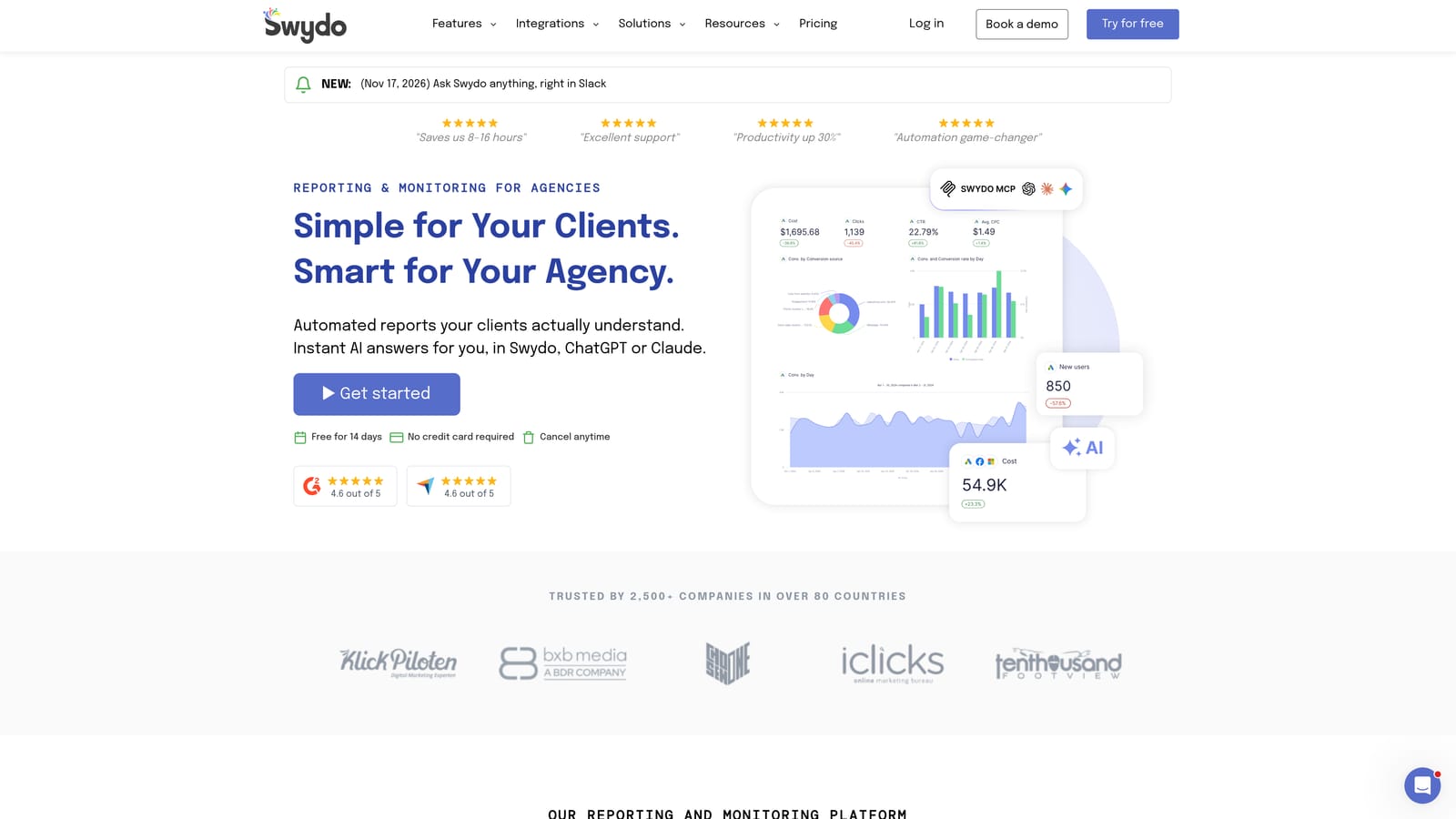
Its value is time. If you build client reports by hand each month, it replaces that with templates that update themselves and arrive on a schedule.
- Automated report templates, so you stop rebuilding the same document.
- Dashboards for a live view of performance.
- Scheduled report delivery, so clients get updates without you hitting send.
- Connections to multiple data sources, so one report can cover several channels.
It integrates with Google Ads, Microsoft Ads, Meta Ads, and Google Analytics. Setup is connecting accounts and choosing a template, and you own the report design.
It's reporting only. It takes no optimization actions in your ad account, so it saves admin time but doesn't improve campaigns by itself. Pricing is based on data sources; as of this writing, check the official site.
Best for: Freelancers who send regular performance reports to clients.
Matching a Tool to Your Biggest Time Sink
No single tool here covers everything, and the common solo mistake is buying a big suite when the real drain is something narrow, like weekly search term review. Match the tool to the job:
- Search term cleanup: Keywordme, for removing junk terms and adding good ones without leaving the report.
- Bulk edits on no budget: Google Ads Editor.
- Audits and ad testing: Adalysis, or Optmyzr if you also want rule-based automation.
- Competitor research: SpyFu for history, SEMrush if SEO is part of your work, and Keyword Planner for free keyword data.
- Client reporting: Swydo.
Pick the one task that eats the most of your week and start there. Add a second tool only when a new bottleneck shows up.
If that task is search term review, Start your free 7-day trial (then just $12/month) of Keywordme. Optimize Google Ads campaigns 10X faster without leaving your account: remove junk search terms, build high-intent keyword lists, and apply match types instantly, right inside Google Ads. No spreadsheets, no switching tabs, just quick, seamless optimization.
