
9 Best PPC Software for Agencies (With Pricing Breakdown) in 2026
This guide breaks down ppc software for agencies pricing across 9 tools built for multi-client workflows, covering features like automated reporting, negative keyword management, and campaign optimization. Each tool is evaluated on multi-account support, time-saving capabilities, and transparent pricing models—from free options to enterprise tiers—helping agencies of every size find the right fit for scaling Google Ads management efficiently.


TL;DR: If you're running Google Ads for multiple clients, the right PPC software can mean the difference between grinding through manual tasks and actually scaling your agency. This list breaks down 9 tools built for agency workflows, covering what each one does, who it's best for, and exactly what you'll pay. Tools are evaluated on multi-account support, transparent pricing, time-saving features, and real-world Google Ads compatibility.
The biggest time sinks in agency PPC work are almost always the same: reviewing search terms, managing negative keywords, and putting together client reports. The tools below target those exact pain points. Whether you need in-interface campaign optimization, competitive research, or automated white-label reporting, there's something here for every agency size and budget.
Pricing models vary widely across this list: flat-rate per user, per-client, tiered features, and even free. Understanding which model fits your agency structure matters just as much as the features themselves.
1. Keywordme
Best for: Agencies that want fast search term optimization without leaving Google Ads
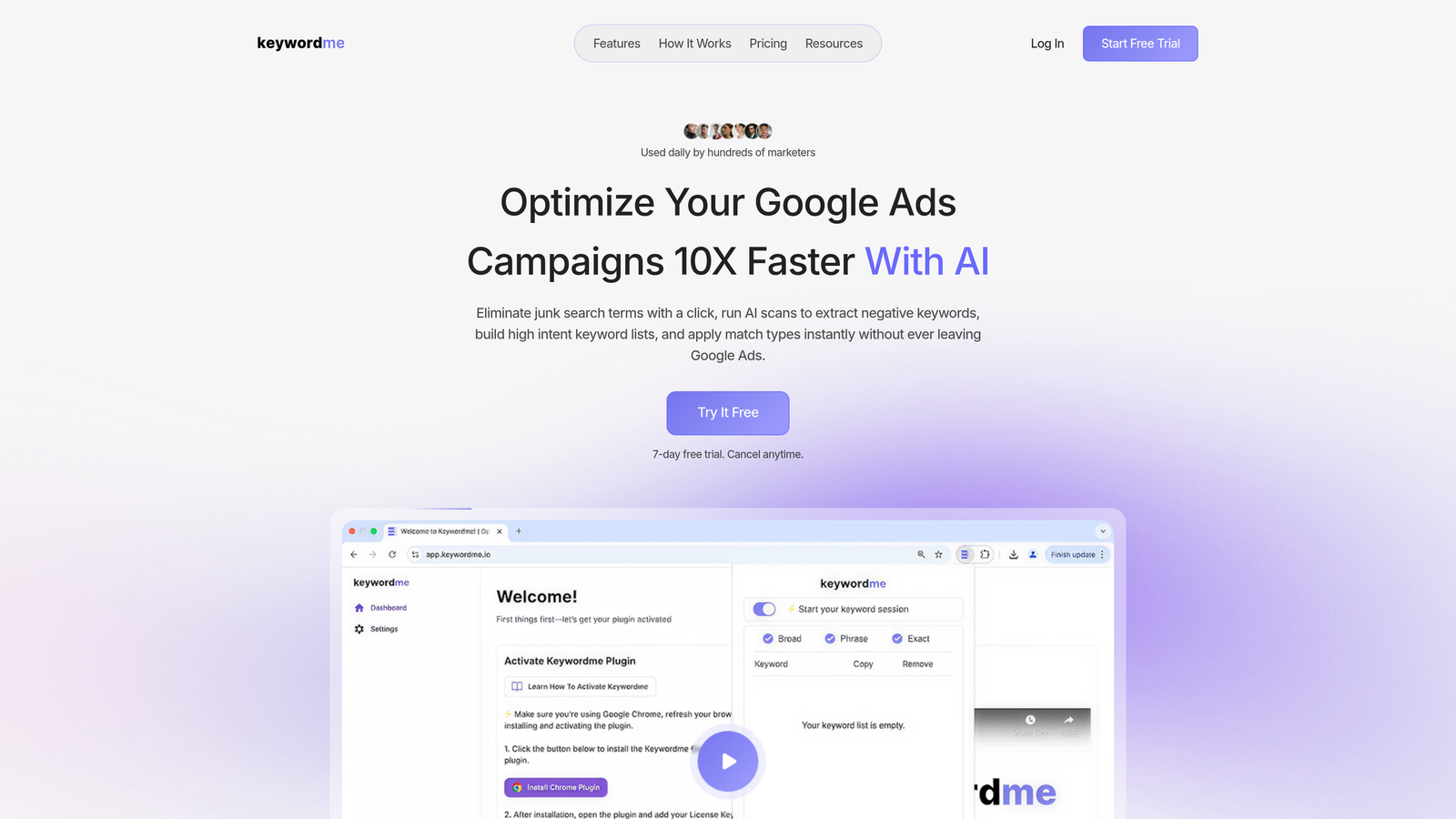
Keywordme is a Chrome extension that plugs directly into Google Ads' Search Terms Report, letting you remove junk terms, add negatives, apply match types, and cluster keywords without opening a single spreadsheet.
Where This Tool Shines
In most accounts I audit, the search terms report is a mess. Junk terms pile up, negatives never get added because the process is too slow, and match types get ignored because switching between tabs kills momentum. Keywordme solves this by putting every action directly inside the Google Ads UI. You're not exporting CSVs or toggling between dashboards. You're clicking once and moving on.
For agency teams, the multi-account and team support is what makes this genuinely scalable. Everyone works in the same workflow, and the flat $12/month per user pricing means you can budget for the whole team without any percentage-of-spend surprises as client budgets grow.
Key Features
One-Click Negative Keyword Addition: Add negatives directly from the Search Terms Report without leaving the Google Ads interface.
Junk Term Filtering: Quickly identify and remove irrelevant search terms at speed, reducing wasted spend across accounts.
Match Type Application: Apply or change match types on keywords without switching tabs or exporting data.
Keyword Clustering: Group related search terms into tightly themed ad groups to improve Quality Score and relevance.
Multi-Account and Team Support: Designed for agency workflows where multiple users manage multiple client accounts simultaneously.
Best For
Solo advertisers and agency teams who spend significant time on search term reviews and negative keyword management. Especially useful for agencies managing several Google Ads accounts where repetitive optimization tasks eat into billable hours. The flat-rate pricing also makes it a natural fit for growing teams trying to control tool costs.
Pricing
$12/month per user. 7-day free trial available. No percentage-of-spend fees and no tiered feature locks. Pricing confirmed at keywordme.io.
2. WordStream
Best for: Agencies wanting a guided, cross-channel PPC management dashboard
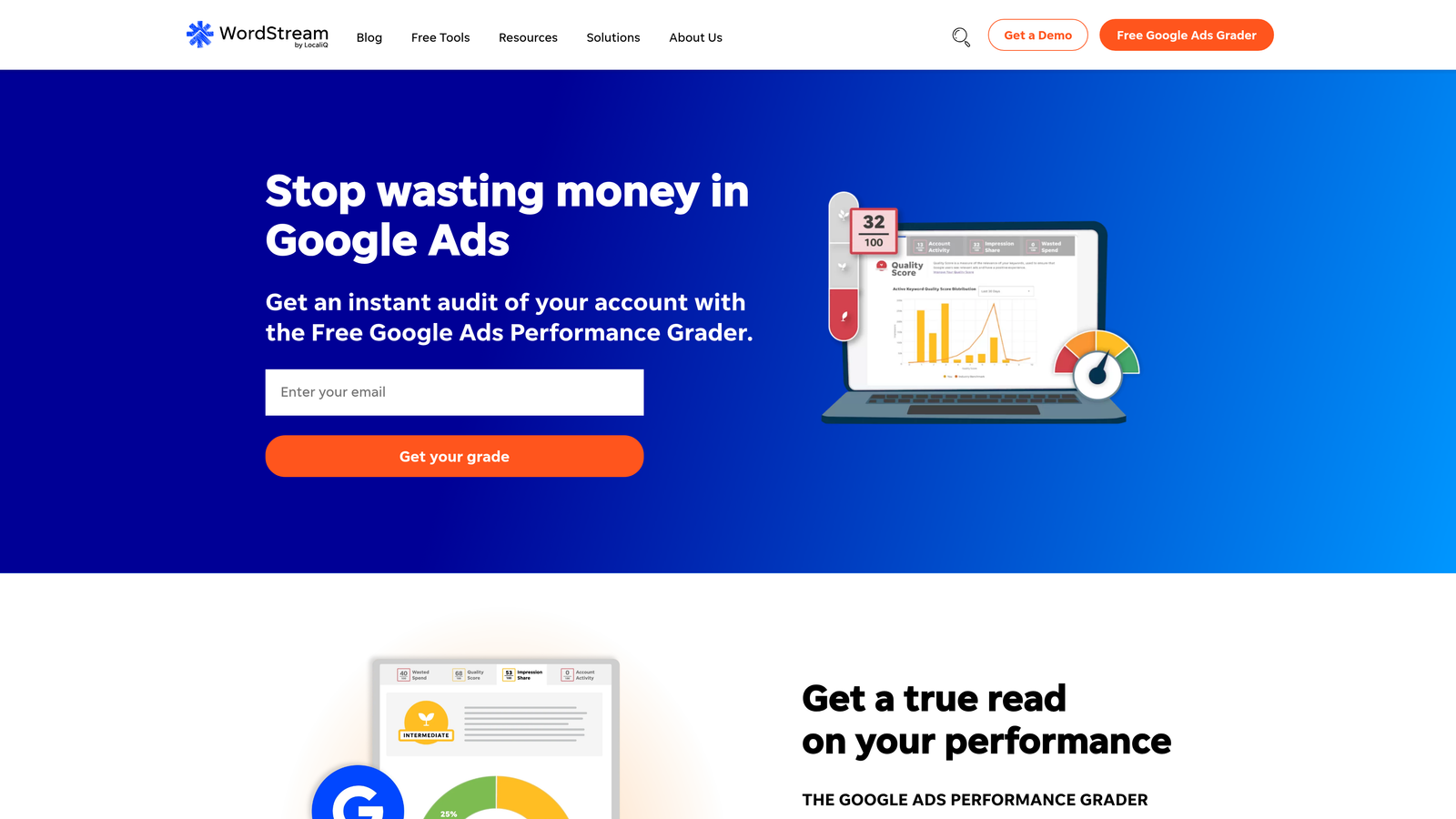
WordStream is a PPC management platform, now part of LOCALiQ, offering a unified dashboard for Google Ads, Microsoft Ads, and Facebook Ads with a workflow-driven optimization approach.
Where This Tool Shines
WordStream built its reputation on making PPC accessible. The 20-Minute Work Week feature is genuinely clever: it surfaces the highest-priority optimization tasks across your accounts so you're not hunting for what to fix. For agencies managing clients who don't need deep customization, this guided approach reduces decision fatigue.
The cross-channel coverage is a real advantage if your clients run campaigns across Google, Microsoft, and Facebook. Having performance data in one dashboard beats logging into three separate platforms. That said, since the LOCALiQ acquisition, pricing transparency has dropped significantly. Expect a sales conversation before you see any numbers.
Key Features
20-Minute Work Week: Guided optimization workflow that surfaces the most impactful tasks across all connected accounts.
Cross-Channel Dashboard: Manage Google Ads, Microsoft Ads, and Facebook Ads from a single interface.
Keyword Research and Performance Grader: Built-in tools for identifying keyword opportunities and benchmarking account health.
Client Management and Reporting: Reporting tools and alert-based recommendations to support agency client workflows.
Best For
Agencies managing clients across multiple paid channels who want a unified view and guided optimization prompts. Less ideal for teams that need granular control or transparent, predictable pricing. If WordStream's pricing model doesn't fit your budget, check out this WordStream alternative for Google Ads.
Pricing
Custom pricing, contact sales required. No public pricing page as of 2026. Verify current plans at wordstream.com.
3. Optmyzr
Best for: Agencies running complex, multi-client accounts that need rule-based automation
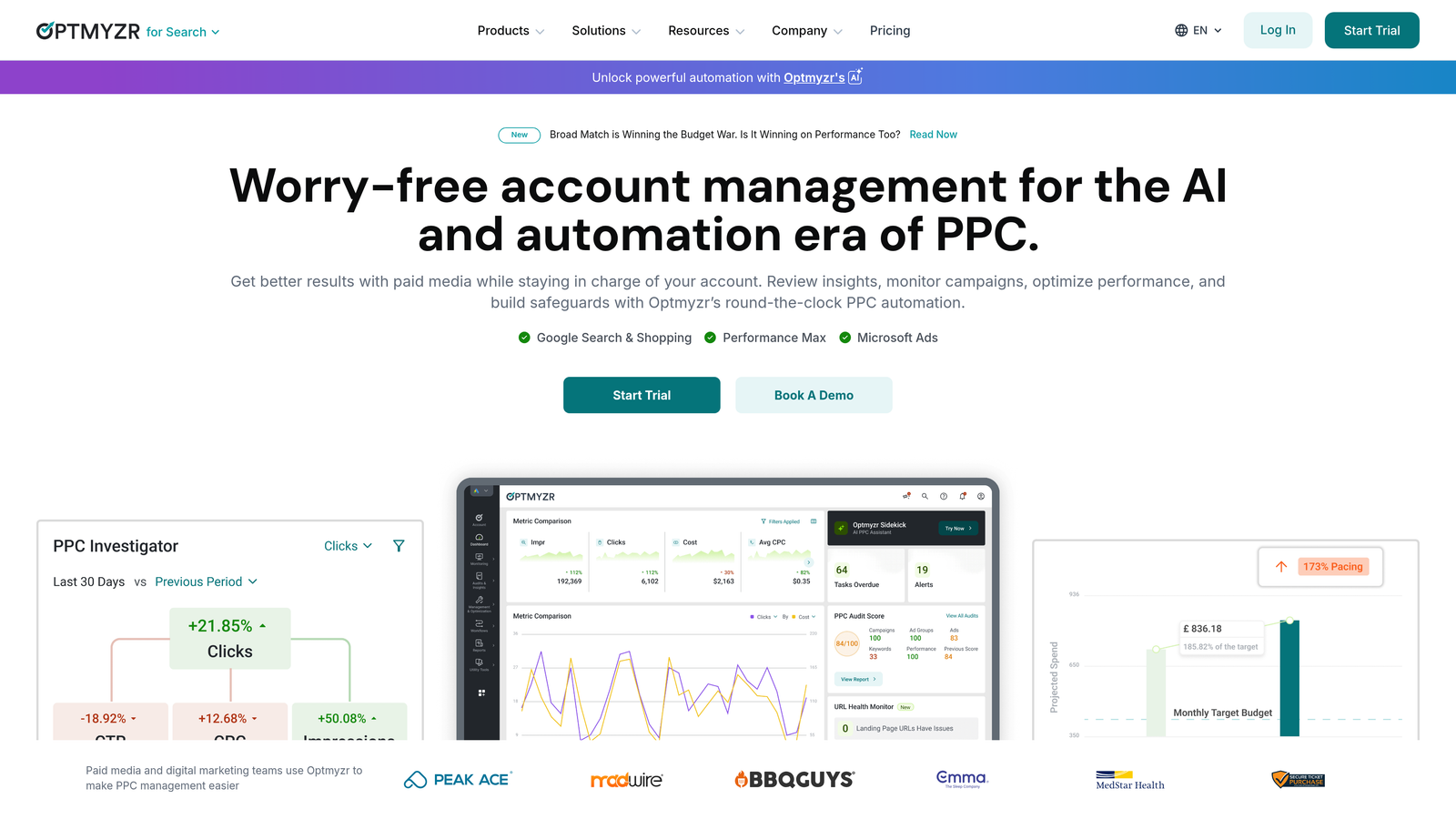
Optmyzr is a rule-based PPC automation platform designed for agencies managing high-volume Google Ads and Microsoft Ads accounts, with one-click optimizations and a full PPC scripts library.
Where This Tool Shines
What usually happens here is that agencies outgrow manual optimization but aren't ready to hire developers to write custom scripts. Optmyzr sits in that middle ground well. The rule-based automation lets you set up logic-driven bid adjustments, budget rules, and keyword management without writing a single line of code. The one-click optimization suggestions with rollback capability are particularly useful when you want to act fast but still need an undo button.
The audit trail is a feature that larger agency teams genuinely appreciate. When multiple account managers are making changes, knowing who did what and when is critical for accountability and client reporting.
Key Features
Rule-Based Automation: Build automated optimization rules without coding knowledge.
One-Click Optimizations with Rollback: Apply suggested changes instantly with the ability to reverse them if needed.
PPC Scripts Library: Pre-built scripts for advanced users who want deeper customization.
Multi-Channel Support: Works across Google Ads, Microsoft Ads, and Amazon Ads.
Audit Trail: Full log of changes made across accounts, useful for team accountability and client transparency.
Best For
Mid-to-large agencies managing complex accounts with significant monthly ad spend. The automation depth is overkill for small accounts but genuinely valuable at scale. Best suited for teams that have outgrown manual optimization but want control over automation logic.
Pricing
Starting around $208/month (billed annually) for up to $500K managed spend. Verify current plans at optmyzr.com as pricing may have updated.
4. SpyFu
Best for: Competitive research and new client onboarding keyword strategy
SpyFu is a competitive intelligence tool that shows you what keywords competitors are bidding on, how long they've run specific ads, and estimated ad spend data across paid and organic search.

Where This Tool Shines
SpyFu is most useful at the start of a client engagement. When you're onboarding a new client, being able to pull up their top competitors and see exactly which keywords they've been bidding on for years is genuinely valuable intelligence. It shortcuts the research phase and helps you build an initial keyword list with competitive context baked in.
The ad copy archive is another underrated feature. Seeing what messaging competitors have tested and abandoned tells you a lot about what doesn't work in a market, which is often more useful than knowing what's currently running.
Key Features
Competitor Keyword History: See which keywords competitors have bid on historically, not just currently.
Ad Copy Archive: Browse competitor ad copy history to understand messaging evolution.
Estimated PPC Spend Data: Get rough spend estimates for competitors across paid search.
Keyword Gap Analysis: Identify keyword opportunities where competitors are active but you're not.
SERP Tracking: Monitor paid and organic rankings in one platform.
Best For
Agencies that do a lot of new client onboarding and competitive analysis. SpyFu is a research tool, not a campaign management platform. It works best as part of a stack alongside an optimization tool and a reporting tool.
Pricing
Basic starting around $39/month, Professional around $79/month. Verify current plans at spyfu.com as pricing may vary.
5. Semrush
Best for: Agencies that need integrated SEO and PPC research in one platform
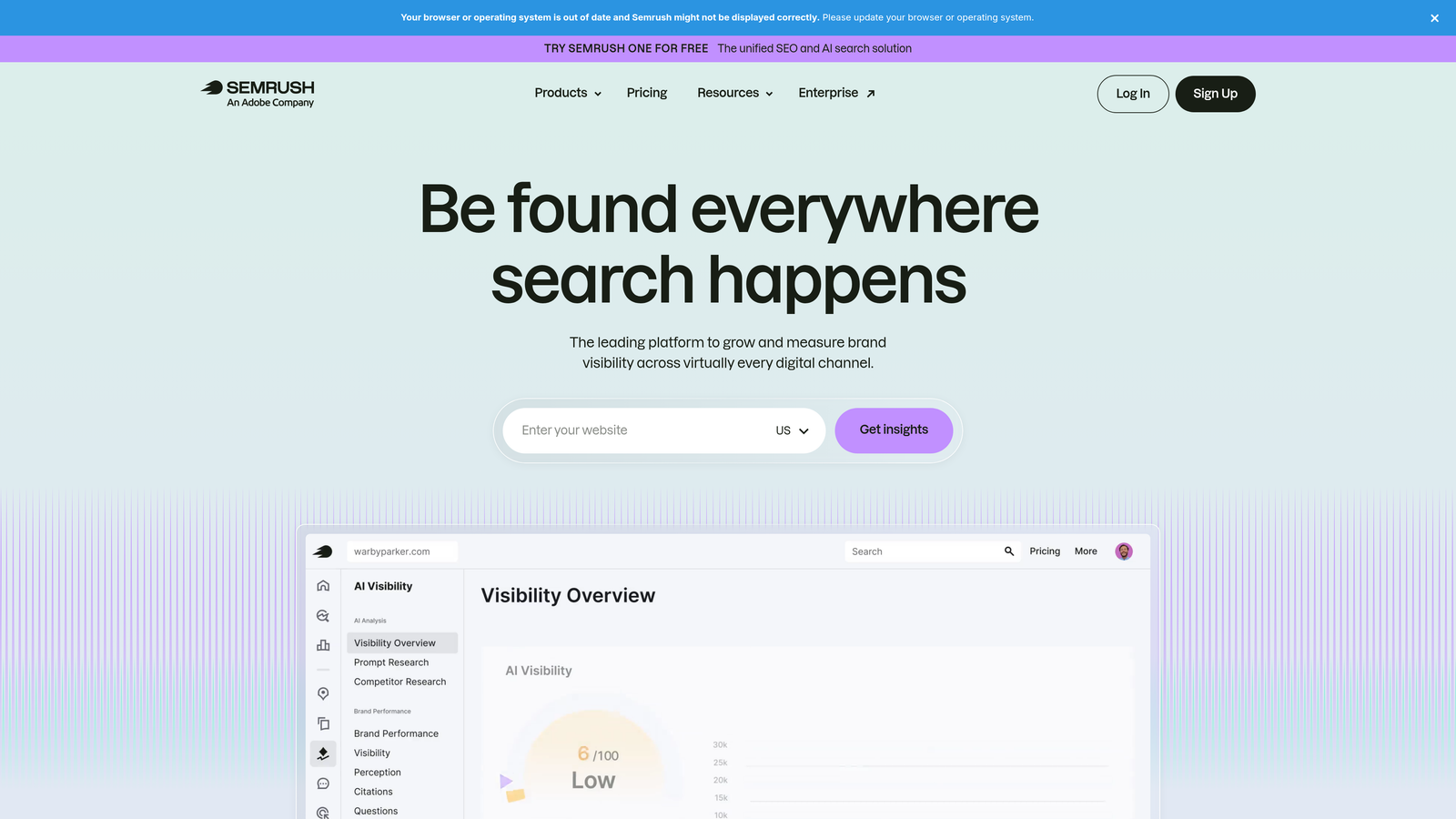
Semrush is a broad digital marketing platform with a dedicated Advertising toolkit covering keyword research, competitive ad analysis, CPC data, and PPC planning alongside its well-known SEO suite.
Where This Tool Shines
The mistake most agencies make with Semrush is treating it as just an SEO tool. The Advertising Research section is genuinely powerful for PPC strategy: you can see competitor ad copy, identify keyword gaps between your client and their competitors, and pull CPC benchmarks across different markets and devices. For agencies that pitch integrated search strategies, having SEO and PPC data in the same platform is a real workflow advantage.
The agency client management portal at higher tiers adds another layer of utility, letting you manage client access and reporting from within the platform. It's not a campaign execution tool, but for strategy and research, it covers a lot of ground.
Key Features
Advertising Research: Competitor ad keywords, estimated spend, and ad copy history.
Keyword Gap Tool: Side-by-side comparison of keyword coverage between your client and competitors.
CPC Data: Cost-per-click benchmarks across markets, devices, and match types.
Agency Client Portal: Client management and reporting features available on higher-tier plans.
Integrated SEO and PPC Workflows: Shared data across organic and paid research in one platform.
Best For
Agencies offering both SEO and PPC services who want a single research platform. Also strong for agencies that do detailed competitive analysis as part of client onboarding or strategy presentations. Less useful for hands-on campaign execution.
Pricing
Pro starting around $139.95/month, Guru around $249.95/month, Business around $499.95/month. Verify current plans at semrush.com as pricing updates frequently.
6. Adalysis
Best for: Agencies focused on proactive Google Ads account health and ad testing
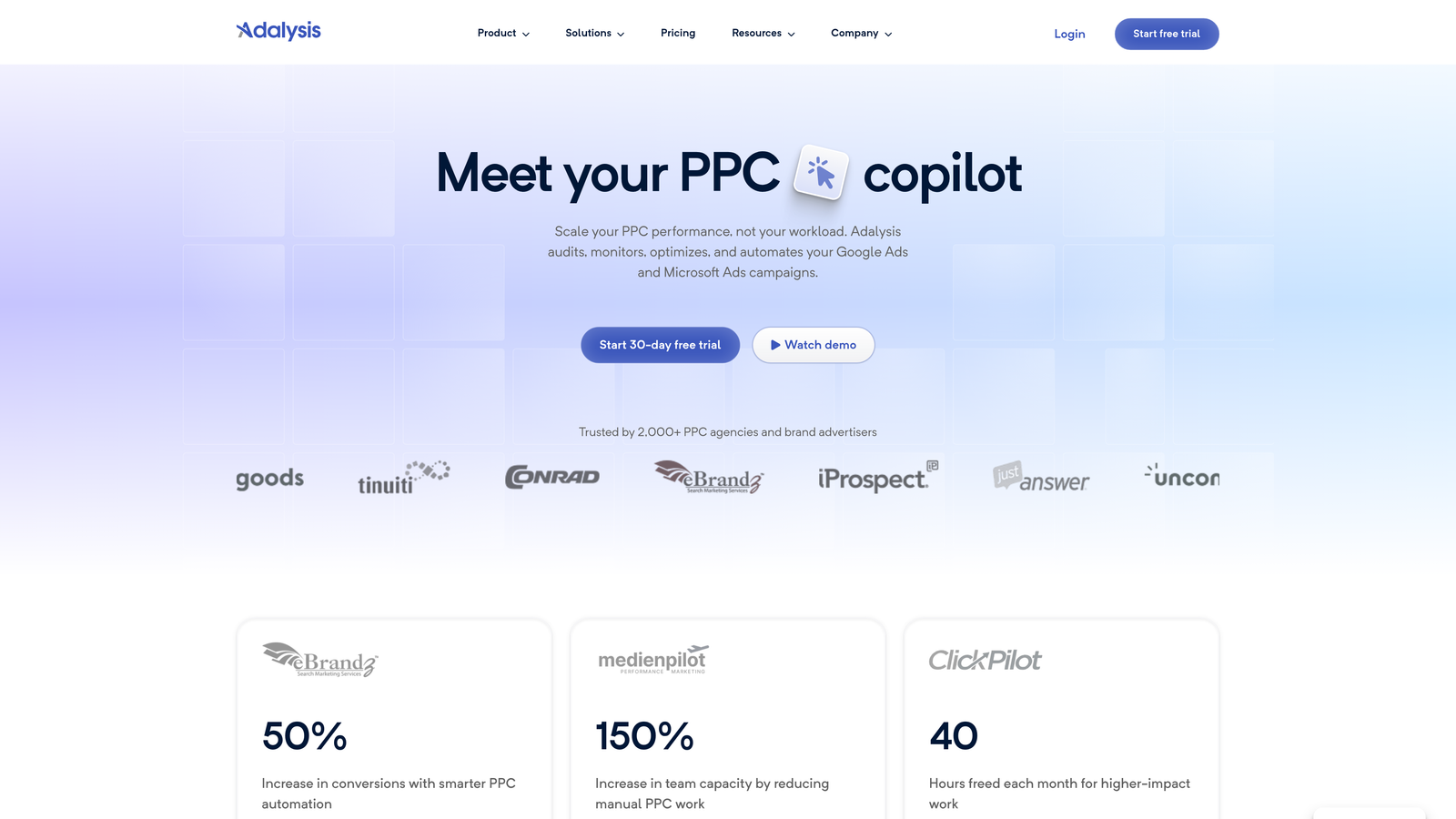
Adalysis is a Google Ads-focused auditing and diagnostic platform that surfaces account issues automatically, tracks ad test statistical significance, and sends performance alerts before problems compound.
Where This Tool Shines
In most accounts I audit, there are problems that have been sitting unnoticed for weeks: negative keyword conflicts blocking traffic, quality score drops that nobody caught, ad tests running without enough data to be statistically meaningful. Adalysis is built to catch exactly these things automatically. The alert system means you're not waiting for a client to notice a performance drop before you do.
The ad testing framework is particularly well-built. Running ad tests without tracking statistical significance is a common agency mistake. Adalysis makes it easy to know when you actually have enough data to call a winner, which leads to better decisions and better client conversations.
Key Features
Automated Account Audits: Continuous scanning for account health issues across all connected accounts.
Performance Drop Alerts: Proactive notifications when metrics fall outside expected ranges.
Ad Testing with Statistical Significance: Built-in framework for running and evaluating ad tests properly.
Negative Keyword Conflict Detection: Identifies where negatives are blocking intended traffic.
Quality Score Monitoring: Tracks Quality Score changes and surfaces diagnostic information.
Best For
Agencies that prioritize account health and proactive optimization over reactive firefighting. Especially useful for teams managing many accounts simultaneously, where manual auditing at scale isn't realistic. Strong fit for agencies with SLA commitments to clients on performance.
Pricing
Starting around $99/month. Verify current plans and spend limits at adalysis.com.
7. AgencyAnalytics
Best for: Agencies where automated white-label client reporting is a core deliverable
AgencyAnalytics is a white-label reporting platform built for agencies, pulling data from Google Ads, Facebook Ads, SEO tools, and more into automated client-facing dashboards and scheduled reports.

Where This Tool Shines
Manual client reporting is one of the biggest time drains in agency operations. AgencyAnalytics tackles this directly with automated dashboards that pull live data from over 80 integrations, including Google Ads, Facebook Ads, Google Analytics, and most major SEO platforms. The white-label branding means clients see your agency's logo, not the tool's.
The scheduled report delivery feature is where agencies typically see the most immediate time savings. Setting up a monthly PDF report that goes directly to a client's inbox removes an entire recurring task from your workflow. For agencies where reporting is a visible, billable deliverable, this justifies the cost quickly.
Key Features
White-Label Client Dashboards: Fully branded dashboards with your agency logo and colors.
80+ Integrations: Connects Google Ads, Facebook Ads, Google Analytics, and most major marketing platforms.
Scheduled Report Delivery: Automated PDF and email reports sent on your schedule.
Client Portal Access: Clients can log in to view live data without contacting you.
Goal Tracking and KPI Widgets: Custom KPI displays tailored to each client's objectives.
Best For
Agencies that send regular client reports and want to automate the process. Per-campaign pricing works well for agencies with larger clients but can add up for agencies managing many small-budget accounts. Strong fit when reporting quality is a competitive differentiator for your agency.
Pricing
Freelancer starting around $12/campaign/month, Agency around $18/campaign/month, Enterprise custom pricing. Verify current plans at agencyanalytics.com.
8. Swydo
Best for: Smaller agencies and freelancers who need automated PPC reporting without a high price tag
Swydo is a reporting automation tool aimed at smaller agencies and freelancers who need clean, scheduled PPC reports without the cost of enterprise platforms.
Where This Tool Shines
Swydo occupies a useful niche: it does automated reporting well, costs less than AgencyAnalytics, and doesn't try to be more than it is. For freelancers or small agencies with a handful of clients who need monthly Google Ads reports delivered automatically, it covers the basics cleanly. The budget monitoring and alert features add some proactive value beyond just report delivery.
The trade-off is feature depth. Swydo is less customizable and has fewer integrations than AgencyAnalytics. If your reporting needs are straightforward, that's fine. If clients expect highly customized dashboards or you need deep integration with SEO platforms, you'll likely hit its limits.
Key Features
Automated Google Ads and Facebook Ads Reporting: Scheduled reports pulling data from core paid channels.
Customizable Report Templates: Pre-built templates you can adjust to match client needs.
Budget Monitoring and Alerts: Notifications when campaigns approach or exceed budget thresholds.
Scheduled Report Delivery: Automated email delivery of reports to clients on a set schedule.
Multi-Channel Data: Combine data from multiple channels into a single client report.
Best For
Freelancers and small agencies managing up to 10-15 clients who need reliable automated reporting without a large monthly tool budget. A practical starting point before scaling up to a more feature-rich reporting platform.
Pricing
Starting around $49/month for up to 5 clients, with additional cost per client beyond that. Verify current pricing at swydo.com.
9. Google Ads Editor
Best for: Any agency doing bulk Google Ads edits or managing multiple accounts at zero cost
Google Ads Editor is Google's free desktop application for managing campaigns offline, with powerful bulk editing, find-and-replace, and copy/paste functionality across accounts.
Where This Tool Shines
Google Ads Editor is the baseline tool that every agency should already be using. The bulk editing capabilities are genuinely powerful: you can copy entire campaign structures across accounts, run find-and-replace on ad copy at scale, and make hundreds of changes offline before pushing them live for review. For agencies taking on a new client and rebuilding their account structure, it's indispensable.
The draft-and-review workflow is also underappreciated. Being able to stage all your changes, review them as a batch, and push them live in one action reduces the risk of publishing errors across client accounts. And since it's free, there's no reason not to have it in your stack.
Key Features
Bulk Offline Editing: Make large-scale changes to campaigns, ad groups, keywords, and ads without an internet connection.
Find-and-Replace: Update ad copy, URLs, and keywords across multiple campaigns simultaneously.
Copy/Paste Campaign Structures: Duplicate campaigns, ad groups, and ads across accounts quickly.
Multi-Account Management: Manage multiple Google Ads accounts from a single desktop application.
Draft and Review Before Publishing: Stage all changes and review them before pushing live.
Best For
Every Google Ads agency, full stop. Google Ads Editor is a foundation tool, not a complete solution. It has no automation, no reporting, and no competitive intelligence. Pair it with optimization and reporting tools from this list to cover those gaps.
Pricing
Free. No subscription, no usage limits, no catch. Download at ads.google.com.
Which PPC Tool Is Right for Your Agency?
Here's the honest reality: most agencies don't use just one tool. The typical agency stack looks something like this: an optimization tool for campaign management, a reporting tool for client deliverables, and a research tool for strategy and competitive analysis. The question is which combination makes sense for your size and budget.
If you're a solo freelancer or small agency: Start with Google Ads Editor (free) for bulk editing, Keywordme ($12/month per user) for search term optimization, and Swydo (from $49/month) for automated client reports. That's a complete, affordable stack under $65/month.
If you're a growing mid-size agency: Keywordme handles in-interface optimization, AgencyAnalytics covers white-label reporting, and SpyFu or Semrush fills the competitive research gap. Add Adalysis if proactive account health monitoring is a priority for your clients.
If you're managing high-spend, complex accounts: Optmyzr's rule-based automation becomes worth the investment at scale. Pair it with Semrush for research and AgencyAnalytics for reporting, and you have a full-stack setup built for volume.
Across all agency sizes, the tools that deliver the fastest ROI are the ones that attack the biggest time sinks directly: search term review, negative keyword management, and client reporting. That's where the hours go, and that's where the right tools pay for themselves quickly.
If search term optimization is eating your team's time, Start your free 7-day trial of Keywordme and see how much faster your workflow moves when every optimization action is one click inside Google Ads. No spreadsheets, no tab switching, just faster, smarter PPC management at $12/month per user after the trial.
.svg)