
9 Best PPC Search Term Filtering Tools for Google Ads in 2026
This guide compares nine options for a PPC search term filtering tool, from the free native Google Ads Search Terms Report to paid platforms built for agencies. It judges each on search term review, negative keyword workflow, manual effort saved, solo versus agency fit, and pricing clarity, so you can pick the right fit.


If you manage Google Ads, you've probably opened a search terms report and found hundreds of queries that have nothing to do with what you sell. This list is for freelancers, in-house marketers, and agency owners who want to filter, review, and negate those queries faster than the native report or a spreadsheet allows. Tools were judged on how well they handle search term review and negative keyword work, how much manual effort they remove, how they fit solo versus agency workflows, and how clear the pricing is.
Quick Comparison of the Search Term Filtering Options
- Keywordme: freelancers and agencies who want faster cleanup inside Google Ads; $12/month per user (as of writing); works directly in the native Search Terms Report with no exports or separate dashboard.
- Google Ads Search Terms Report: small accounts and anyone who needs the baseline workflow; free; the authoritative source of search term data.
- Google Ads Editor: advertisers applying large negative keyword changes; free; offline bulk editing and posting across many campaigns.
- Optmyzr: agencies wanting an all-in-one PPC suite; see website for pricing; optimization tooling well beyond search terms.
- Adalysis: agencies auditing many accounts; see website for pricing; scheduled audits and alerts across accounts.
- Google Ads Scripts: technical advertisers wanting custom automation; free; fully customizable flagging logic.
- Negator.io: advertisers wanting dedicated negative keyword suggestions; see website for pricing; a narrow focus on negative keyword automation.
- Google Sheets / Excel: analysts doing deep pattern analysis on a budget; free (Sheets) or paid (Excel); total analytical control.
1. Keywordme
Keywordme is a Chrome extension that adds one-click actions to the Search Terms Report inside Google Ads. It's built for freelancers and agency teams who spend hours each week sorting search terms (the actual queries people typed) into "keep" and "block" piles. Its main distinction on this list is where it works: right in the native report, so there's no export, no spreadsheet, and no separate dashboard to log into.
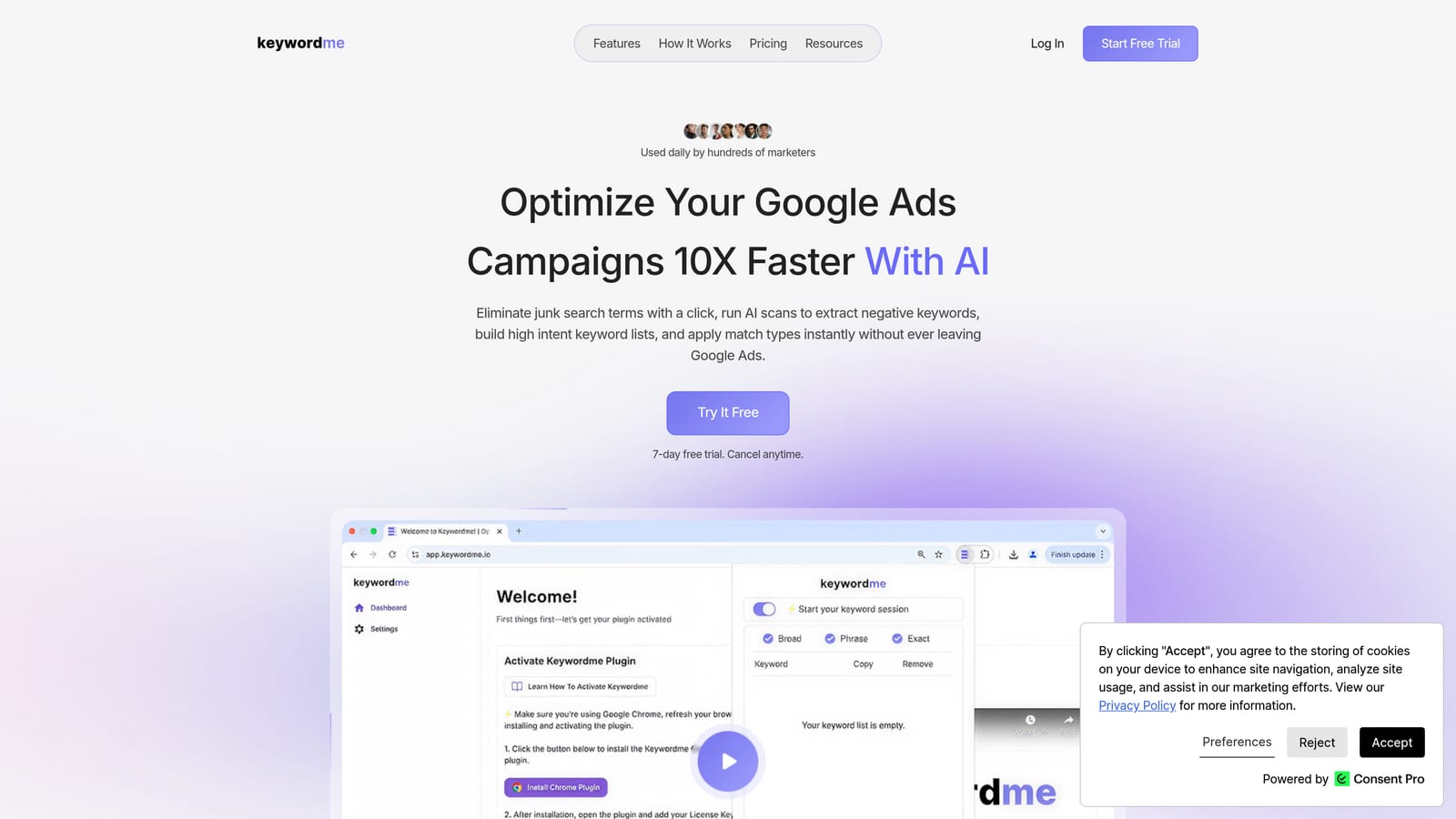
That matters because the cost of search term cleanup is mostly friction. Every tab switch and copy-paste adds up across dozens of accounts. Keywordme shortens the loop between spotting a bad query and acting on it, while you stay in the interface you already know.
- One-click negative keywords straight from the Search Terms Report, so junk queries get blocked without leaving the page.
- Add high-intent search terms as positive keywords with the match type you choose, which keeps you in control of how tightly each one matches.
- Keyword clustering, which groups related terms so you can spot patterns instead of reading line by line.
- Bulk editing for applying the same action to many terms at once.
- Multi-account and team support, so agencies can use it across client accounts and staff.
Setup is light: you install it in Chrome and use it where you already work, so there's little to configure. It runs on Google Ads only, and only in Chrome. If your team lives in Microsoft Advertising or uses another browser, it won't help there.
The limitation to understand is that Keywordme speeds up manual review rather than judging relevance for you. You still decide which queries are junk and which match type is safe. That's a feature if you don't trust automation with your budget, and a drawback if you want something that flags problems on its own. It also won't audit accounts or send alerts.
Pricing is $12/month per user, with a 7-day free trial (as of writing; confirm on the website). Cost scales with the number of users, not ad spend or account count.
Best for: Freelancers and agencies who want faster search term cleanup without leaving Google Ads.
2. Google Ads Search Terms Report
The Google Ads Search Terms Report is the built-in report showing the queries that triggered your ads, and it's where every other tool here gets its raw material. It's the baseline: free, accurate, and available in every account. Anyone running Google Ads uses it, whether or not they add anything on top.
Its strength is authority. Nothing else gives you search term data straight from the source, with cost, clicks, and conversions alongside each query. If you only manage a few small campaigns, it may be all you need.
- Filters and segments let you narrow the list by metrics, match type, or campaign so you review the costly queries first.
- Add-as-keyword and add-as-negative actions let you act on a term without leaving the report.
- Per-term performance metrics show which queries spend money without converting.
- Account-level and campaign-level views let you check one campaign or sweep everything at once.
There's no setup and no extra cost, and whoever runs the account runs the report. The weakness shows up at scale. Reviewing and negating term by term is repetitive, there's no clustering to group similar junk, and the report doesn't show every query. Google hides terms that don't meet its privacy thresholds, so some low-volume queries never appear. Check Google Ads Help for the current wording on that.
It's free with a Google Ads account, and nothing about the price changes with spend.
Best for: Small accounts and anyone who needs the baseline workflow.
3. Google Ads Editor
Google Ads Editor is Google's free desktop application for editing campaigns in bulk, offline. It suits advertisers who need to push many changes at once, such as applying a long negative keyword list across dozens of campaigns or accounts. Its standout trait here is the draft-review-post cycle: you stage changes locally, check them, and then send them live.
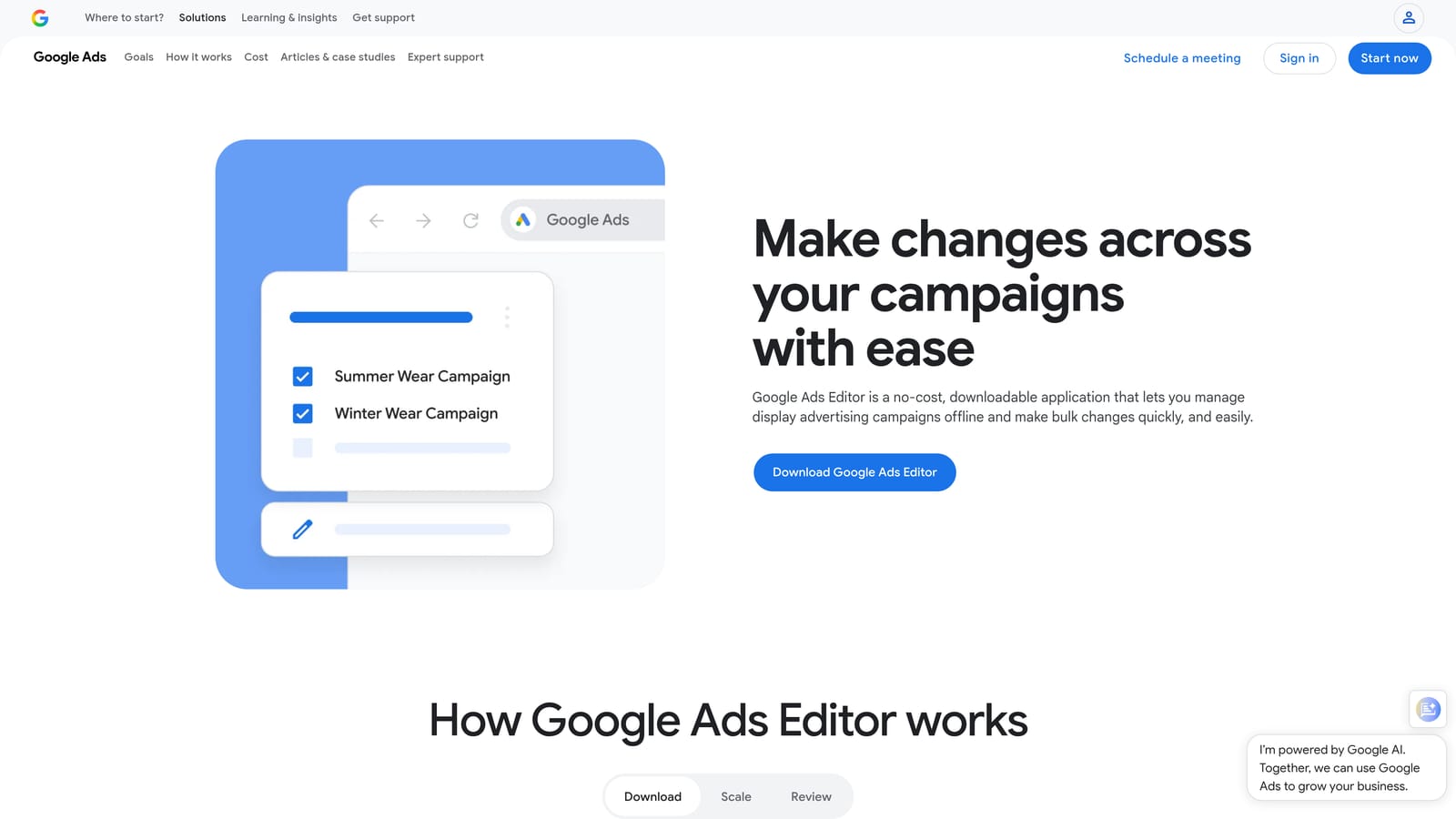
It is not a search term review tool in the fast, query-by-query sense. It's better as the place you apply decisions made elsewhere, such as in the Search Terms Report, a spreadsheet, or another tool on this list. Confirm in Google's documentation how much search term data it exposes before building a workflow around it.
- Bulk edits across campaigns and accounts, so one change doesn't mean dozens of manual clicks.
- Import and management of negative keyword lists, which helps when you maintain shared exclusions.
- Offline drafting with review before posting, so you catch mistakes before they affect live campaigns.
- Multi-account management from a single application.
Setup means downloading the app, signing in, and pulling account data down before you edit. Then you post changes back. That download-and-post cycle is the main drawback: it's slower for quick cleanup and adds a risk of working from stale data if the account changed in the meantime.
It costs nothing.
Best for: Advertisers applying large negative keyword changes in bulk.
4. Optmyzr
Optmyzr is a PPC management platform covering automation, optimization, and reporting. It's aimed at agencies and in-house teams that want one suite to handle many parts of account management, with search term and negative keyword analysis as one piece of a much larger toolkit.
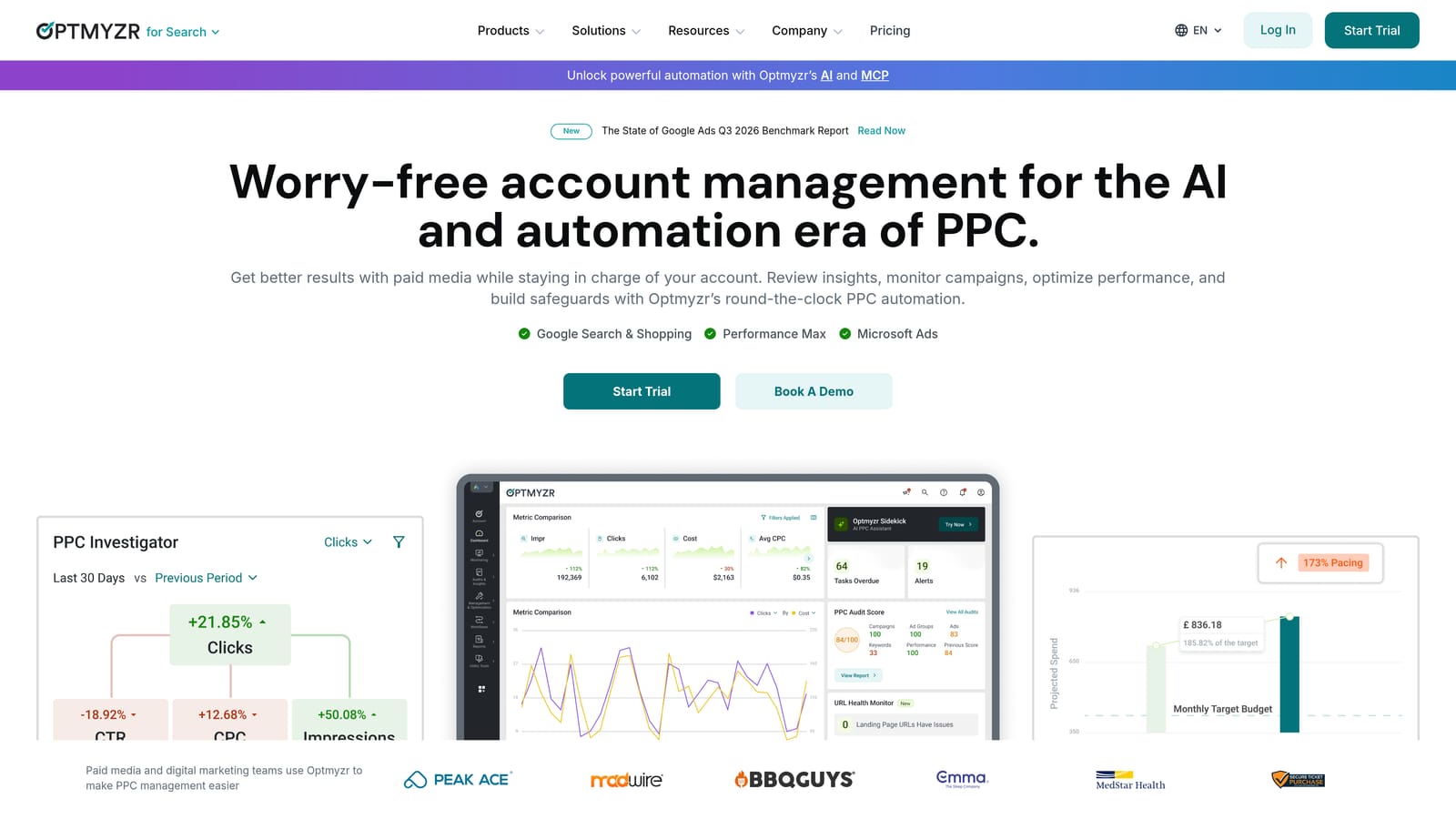
Its distinguishing trait against the rest of this list is breadth. Where most options here do one job, Optmyzr covers optimization well beyond search terms, which can justify the cost if you'd otherwise buy several tools.
- Search term and negative keyword analysis tools that surface queries worth reviewing.
- Rule-based optimization so repeatable checks can run without manual effort.
- Reporting for sharing results with clients or stakeholders.
- Cross-account management for people running several accounts.
It connects to Google Ads and Microsoft Advertising. Expect a real onboarding period, since you have to connect accounts and learn which tools matter for your workflow. It tends to be run by a PPC specialist or account lead.
The limitation is scope. If search term filtering is all you need, it's more platform than the job requires, and the learning curve reflects that. Pricing is tiered and depends on spend; check the website for current plans, since I haven't verified current figures.
Best for: Agencies wanting an all-in-one PPC management suite.
5. Adalysis
Adalysis is a PPC audit and monitoring platform for Google and Microsoft Ads. Instead of helping you work through a report line by line, it scans accounts on a schedule and tells you what needs attention. That makes it a fit for agencies with many client accounts and too little time to open each one daily.
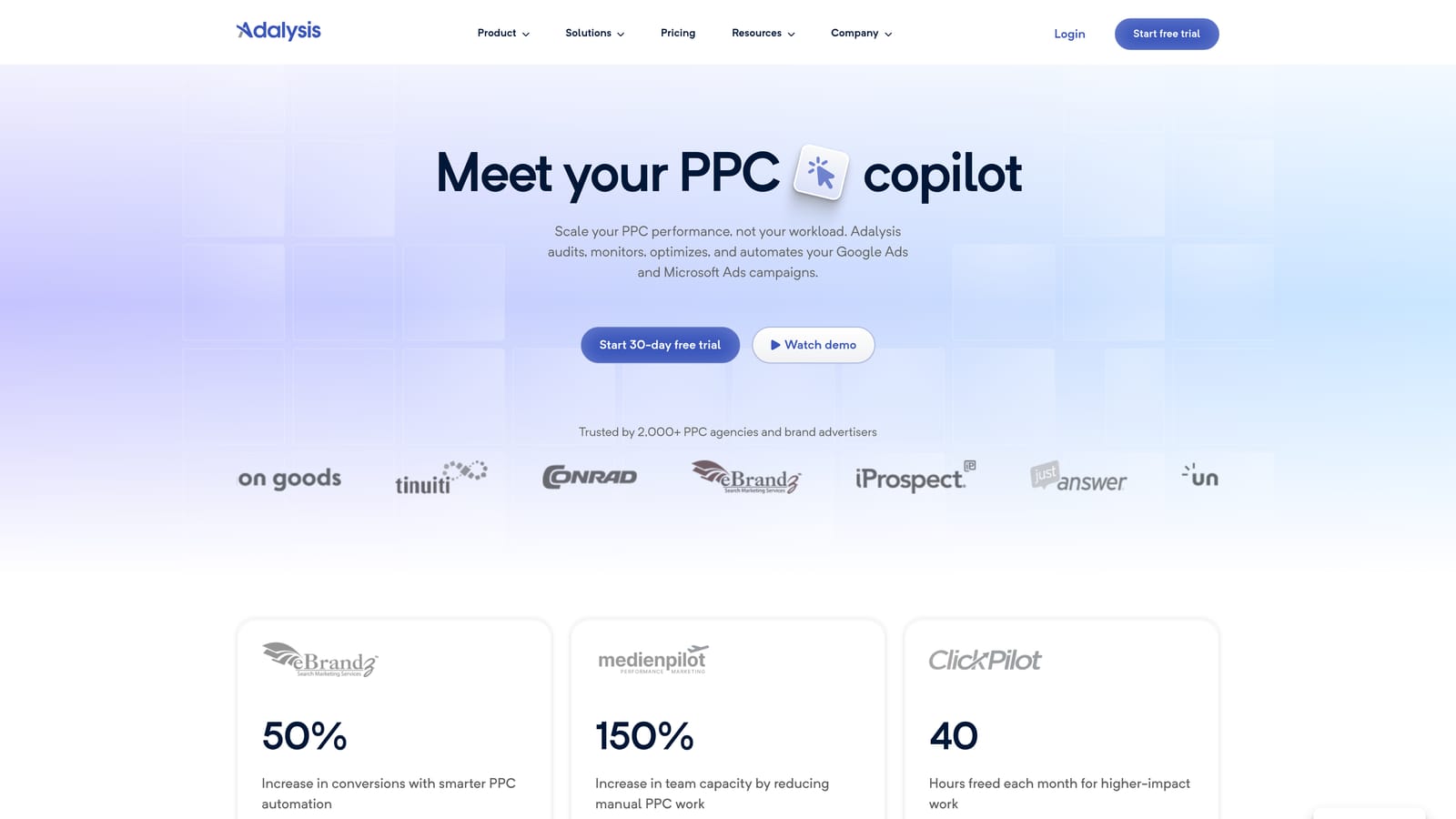
What it does that the others here don't is scheduled auditing with alerts across many accounts. You get a prompt when something looks off, rather than finding out during your next manual review.
- Automated account audits that check for common problems without you hunting for them.
- Wasted-spend and search term flags that point you to queries worth a closer look.
- Ad testing insights to help you judge which creative is performing.
- Alerts so issues reach you instead of waiting in a dashboard.
It supports Google Ads and Microsoft Advertising. Setup involves connecting accounts and tuning what gets flagged, and an account manager or team lead usually owns it.
It's monitoring-oriented, not a quick in-interface filter. If your daily pain is clearing a long search terms report in one sitting, a flag-based system will point you to problems but won't speed up the clicking. Pricing details aren't something I've verified, so check the website for current plans and what drives cost.
Best for: Agencies auditing many accounts on a schedule.
6. Google Ads Scripts
Google Ads Scripts lets you write JavaScript that runs inside Google Ads to generate custom reports and apply your own rules. It suits technical advertisers who want to define exactly what counts as a bad search term and have the account check for it on a schedule.
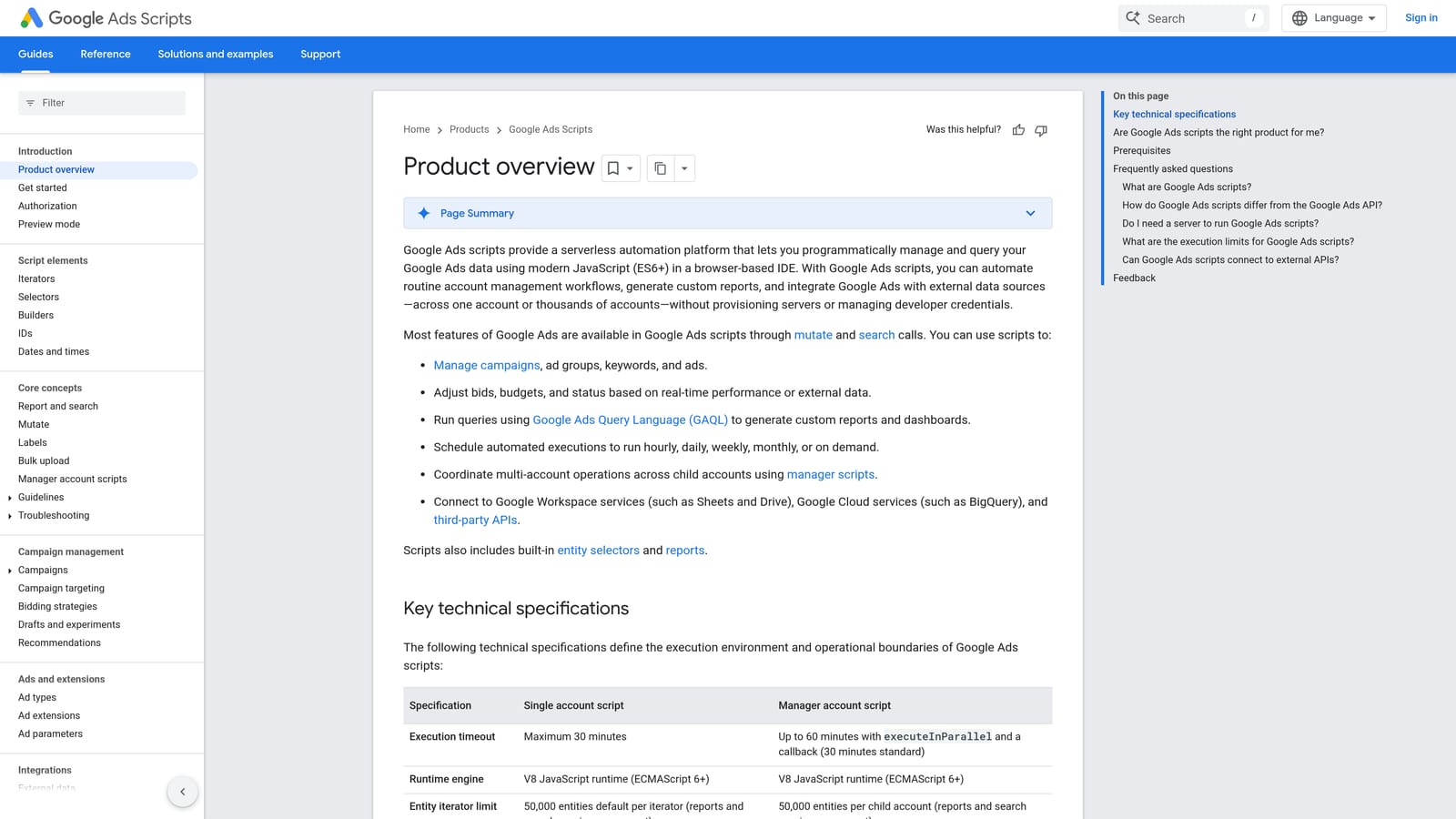
Its edge is customization. Every other tool here has fixed logic, whereas a script can flag terms using whatever thresholds you set, such as spend above a limit with zero conversions.
- Custom search term reports built around your own definition of waste.
- Scheduled runs, so the check happens regularly without you remembering.
- Threshold-based flagging that catches queries once they cross limits you chose.
- Email alerts that tell you when something needs a look.
It works with Google Ads and can output to Google Sheets. The real cost is skill and time. You need coding ability, and scripts need careful testing, because a bug in logic that touches negatives could block good traffic. Many people use scripts only to flag and report, keeping the decision to negate with a human.
It's free, with no per-seat or spend-based pricing, though your time to build and maintain scripts is the hidden cost.
Best for: Technical advertisers wanting custom automated workflows.
7. Negator.io
Negator.io is a tool focused on finding and managing negative keywords with AI assistance. It's built for advertisers who see wasted spend as mostly a negative keyword problem and want a dedicated workflow for it instead of a broad platform.
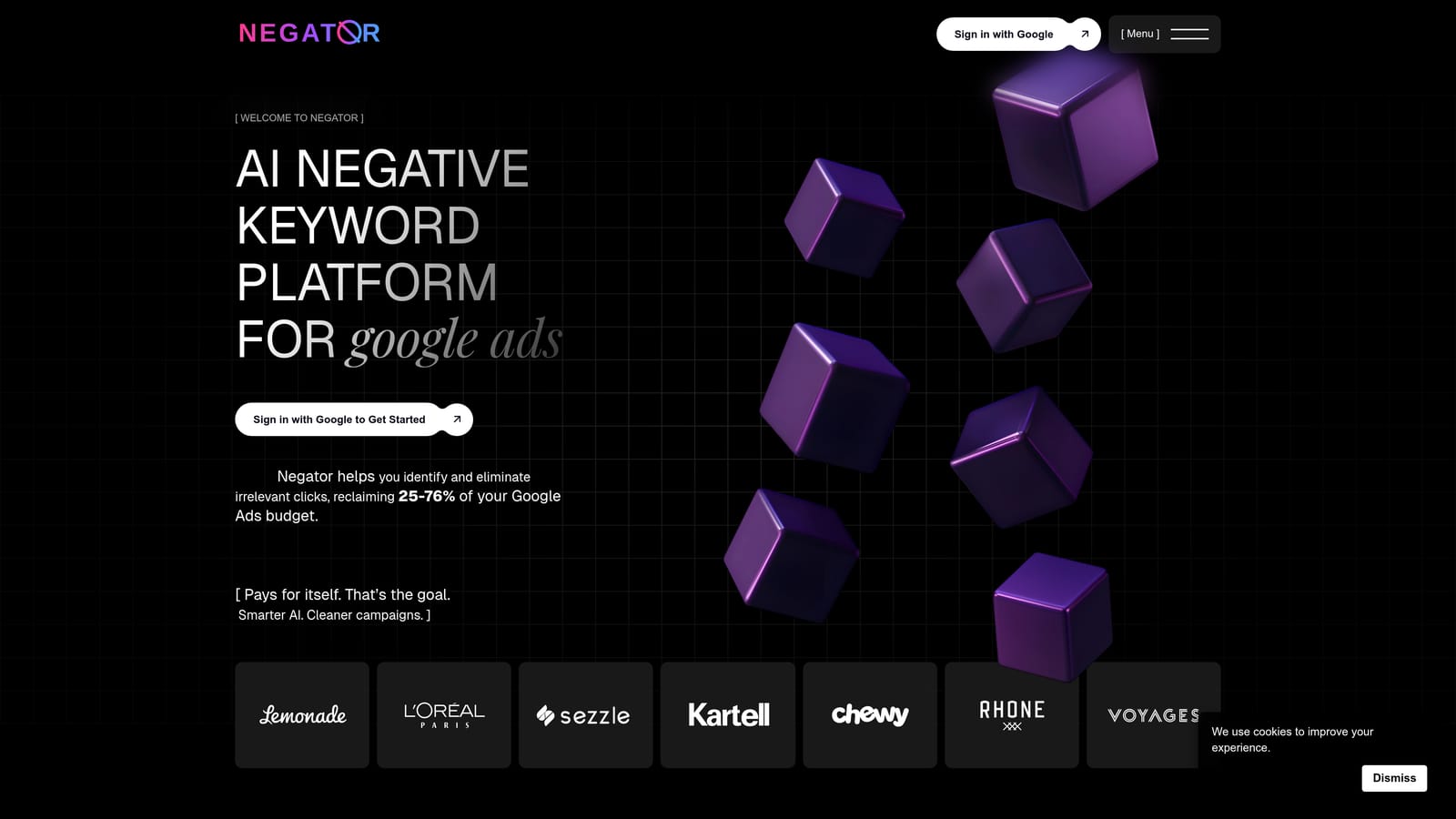
Its distinguishing quality is that narrow focus. It does one thing, negative keyword suggestions and cleanup, rather than bundling in reporting, bidding, or audits.
- Negative keyword suggestions that give you candidates instead of making you find every one yourself.
- Search term analysis that feeds those suggestions.
- A focused cleanup workflow without the clutter of a full suite.
It connects to Google Ads. Because I haven't verified its current feature set, approval controls, or setup process, confirm those on the website before committing. Specifically, check whether suggestions require your approval before anything is applied, since adding a negative with the wrong match type can block good traffic.
The limitation is scope: if you need audits, reporting, or broader optimization, you'll need something else alongside it. Pricing isn't something I can state with confidence, so see the website for current plans and what affects cost.
Best for: Advertisers who want dedicated negative keyword suggestions.
8. Google Sheets / Excel
Google Sheets (or Excel) is the old-school route: export the search terms report and analyze it yourself. Analysts with time and a taste for data use it to dig deeper than any prebuilt tool will.
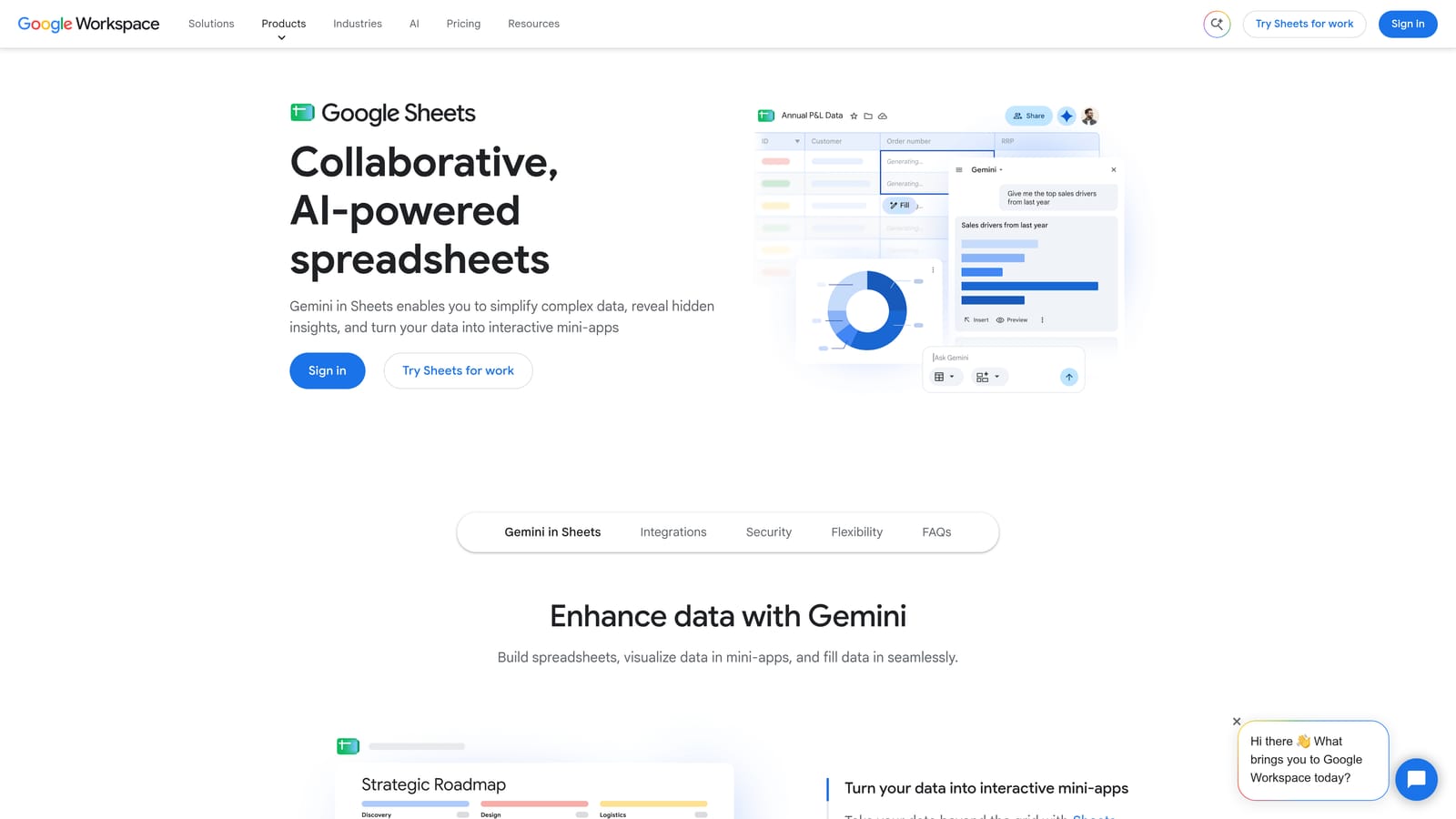
The standout here is total control. You can slice queries any way you like, at no cost, and share the analysis with colleagues or clients.
- Pivot tables to summarize spend and conversions by theme, campaign, or word.
- Formula-based filtering to isolate terms that meet your waste criteria.
- N-gram analysis, which breaks queries into one-, two-, or three-word chunks so you can spot costly words that recur across many queries.
- Shareable analysis, useful for explaining decisions to a client.
It works with Google Ads exports and can pair with Google Ads Scripts for automated data pulls. Setup is as simple as exporting a report, but the day-to-day work is yours, and it's slow. It's also error-prone: copy-paste mistakes happen, and changes have to be uploaded back into Google Ads, which adds another step and another chance for mistakes.
Google Sheets is free; Excel is paid.
Best for: Analysts doing deep n-gram or pattern analysis on a budget.
Matching the Tool to Your Workflow
Three setups stand out. If you're a solo advertiser or freelancer who wants speed inside the UI, Keywordme is the most direct fix: it removes the export-and-upload loop and lets you act on queries where you find them. For agencies managing many accounts, pair a fast in-interface tool with something like Adalysis or Optmyzr, depending on whether you want audits and alerts or a full management suite. Teams that want automation or scheduled checks should look at those two, plus Google Ads Scripts if someone can code.
On a tight budget, the free route still works: the native Search Terms Report for daily review, Google Ads Editor for bulk changes, and Sheets for pattern analysis.
Whatever you pick, review every negative before you apply it. A negative added with too broad a match type can quietly block good traffic, and automation that suggests terms doesn't know your business. Also remember that Google hides some low-volume queries, so no tool shows you everything.
Optimize Google Ads Campaigns 10X Faster. Without Leaving Your Account. Keywordme lets you remove junk search terms, build high-intent keyword lists, and apply match types instantly, right inside Google Ads. No spreadsheets, no switching tabs, just quick, seamless optimization. Start your free 7-day trial (then just $12/month) and take your Google Ads game to the next level.
