
9 Best PPC Reporting Tools for Google Ads
This guide reviews nine PPC reporting tools that help Google Ads practitioners — from solo freelancers to large agencies — move beyond manual spreadsheets and act faster on campaign data. Each tool is evaluated on its core strengths, target user, and pricing so you can find the right fit for your workflow.


PPC reporting is where campaigns either get better or stay stuck. If you're still exporting CSVs, pasting data into spreadsheets, and building client decks by hand, you're spending hours on work that should take minutes.
The right tool pulls your data automatically, surfaces what matters, and makes it easier to act on what you find. But there's an important distinction worth making upfront: reporting and optimization are two different jobs. Some tools help you understand what's happening in your account. Others help you fix it, fast. The best setups usually involve both.
This list covers nine tools that genuinely help Google Ads practitioners, whether you're a solo freelancer, an in-house marketer, or an agency managing dozens of accounts. Each tool is evaluated on what it actually does well, who it's built for, and what it costs.
1. Keywordme
Best for: Google Ads users who want to act on search term data without leaving the native interface
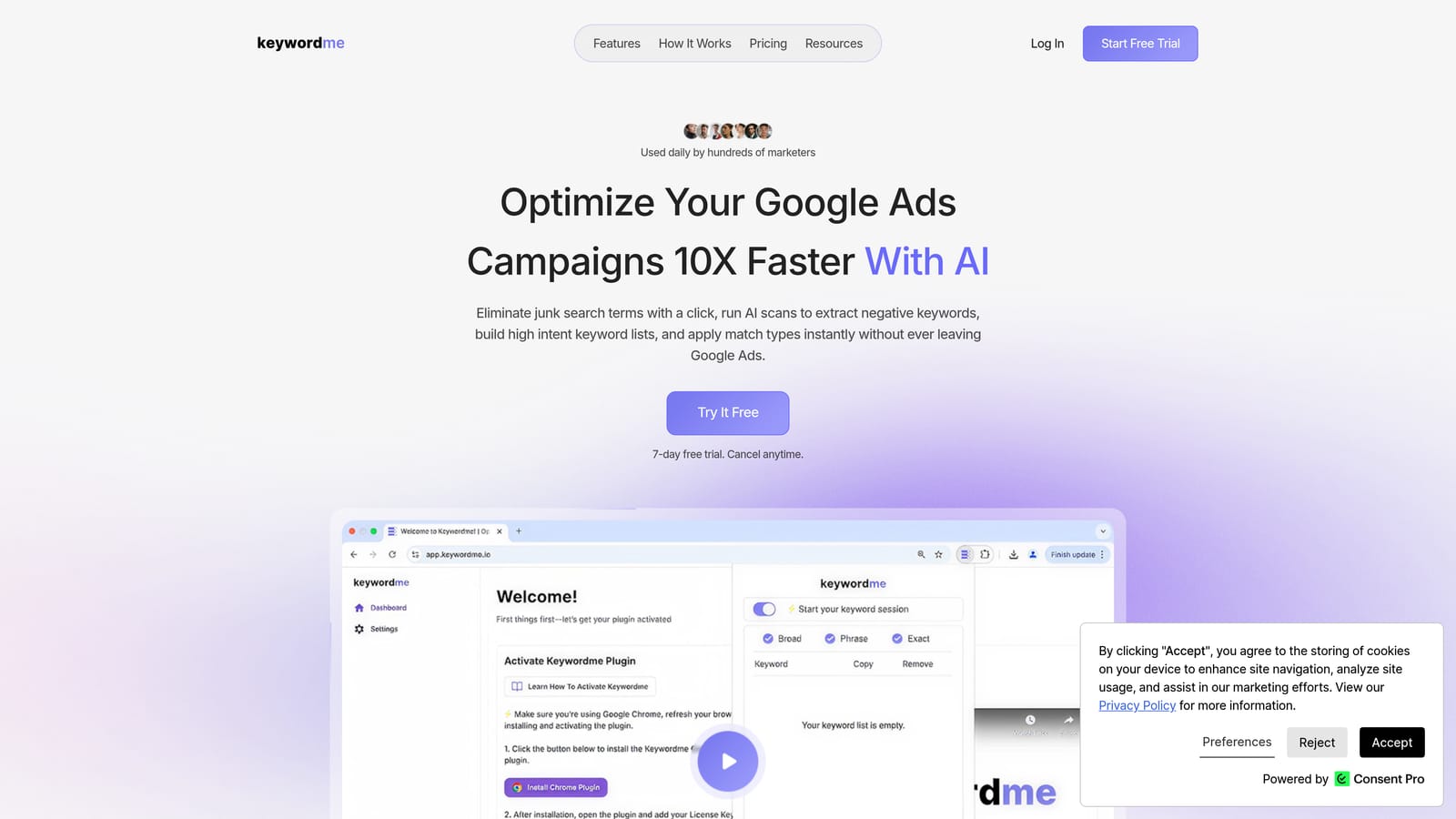
Keywordme is a Chrome extension that works directly inside Google Ads' Search Terms Report, letting you remove junk search terms, add negative keywords, apply match types, and build keyword lists with one-click actions.
Where This Tool Shines
Most reporting workflows end with a list of problems: irrelevant search terms burning budget, low-intent queries triggering the wrong ads, keyword lists that need restructuring. Keywordme is built for what comes next. Instead of exporting data to a spreadsheet and working through it manually, you handle everything right inside Google Ads.
This is especially useful for agencies and freelancers who manage multiple accounts. The time saved on routine Search Terms Report cleanup adds up quickly, and because you're working inside the native interface, there's no lag, no syncing, and no risk of applying changes to the wrong account.
Key Features
One-click search term removal: Eliminate irrelevant search terms directly within the Google Ads interface without exporting or switching tools.
Negative keyword list building: Add terms to negative keyword lists instantly, without leaving the Search Terms Report.
Bulk match type application: Apply or change match types across multiple keywords in a single action.
Keyword clustering: Organize high-intent terms into logical groups to support campaign structure decisions.
Multi-account and team support: Manage workflows across multiple Google Ads accounts with team-level access, making it practical for agency environments.
Best For
Keywordme is a strong fit for Google Ads practitioners who spend meaningful time in the Search Terms Report each week. Freelancers managing a handful of accounts, agency teams handling dozens, and in-house marketers who want to cut optimization time without adding new dashboards will all find it useful. It's an optimization tool, not a reporting dashboard, so pair it with one of the reporting tools below for a complete workflow.
Pricing
$12/month per user. A 7-day free trial is available with no commitment required.
2. Google Looker Studio
Best for: Building free, shareable Google Ads dashboards and automated client reports
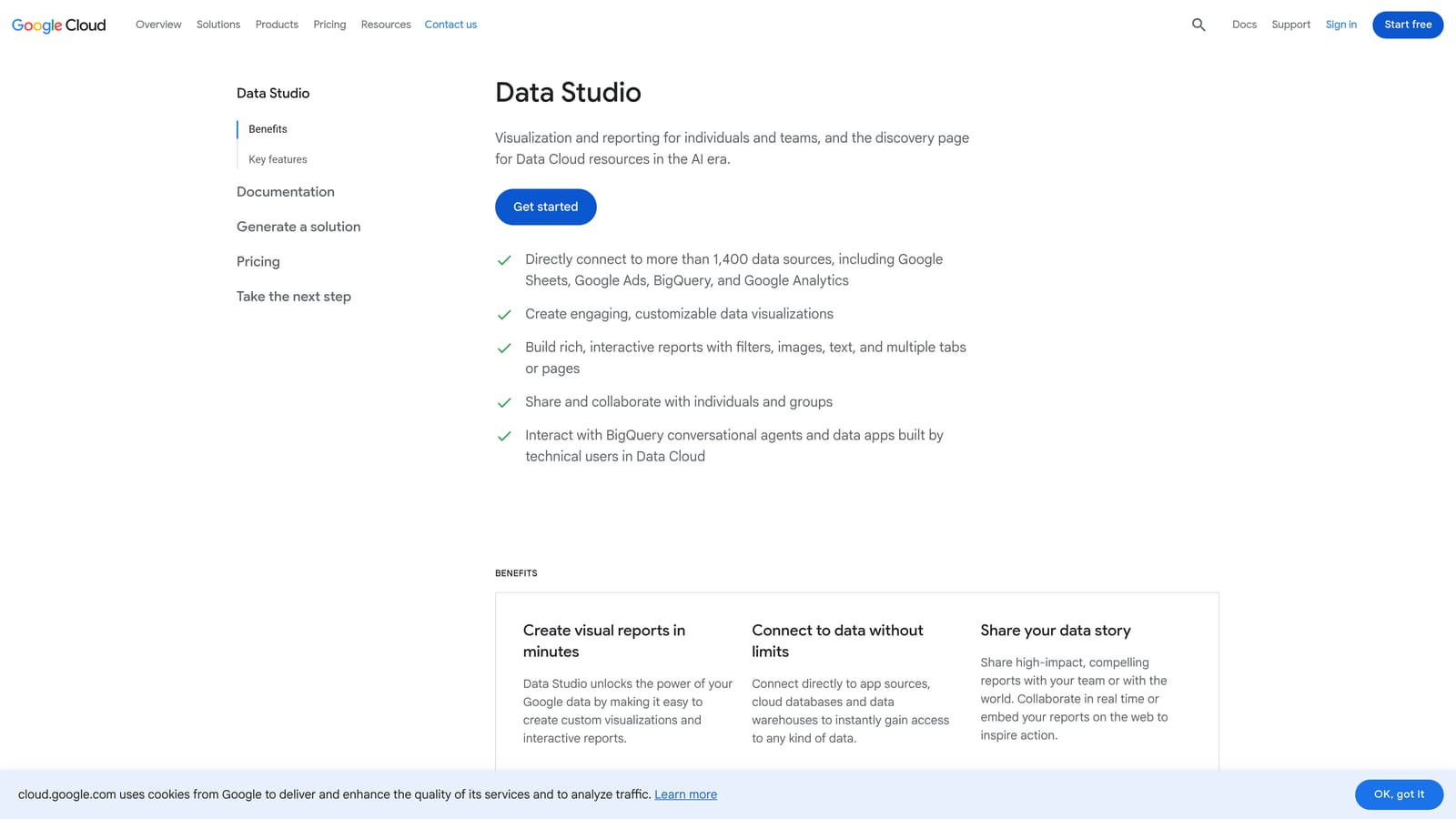
Google Looker Studio is Google's free data visualization platform with a native Google Ads connector built in, making it a natural starting point for anyone who needs to build and share PPC reports without paying for a third-party tool.
Where This Tool Shines
The native Google Ads connector means your campaign data flows directly into Looker Studio without any additional setup or cost. You can build dashboards with custom charts, tables, and date range controls, then share them via a live link so clients always see current data rather than a static export.
Scheduled email delivery is another practical feature. You can set up automated report emails on a weekly or monthly cadence, which removes a recurring manual task from your workflow. The learning curve is real, especially for custom templates, but the community connector library and a large base of publicly available templates make it easier to get started.
Key Features
Native Google Ads connector: Pull campaign, ad group, keyword, and search term data directly into dashboards at no extra cost.
Drag-and-drop dashboard builder: Create custom layouts with charts, scorecards, tables, and filters without writing code.
Scheduled email delivery: Automate report distribution to clients or stakeholders on a set schedule.
Community connectors: Extend beyond Google data with third-party connectors for Meta, LinkedIn, and other platforms.
Live shareable links: Share dashboards that update automatically, so clients can check performance any time.
Best For
Looker Studio works well for solo practitioners and small teams who want professional-looking reports without a monthly tool cost. It's also a strong choice for anyone already deep in the Google ecosystem. Agencies with more complex white-labeling needs or multi-client setups may find it limiting compared to dedicated agency reporting platforms.
Pricing
Free. No subscription required for core features and the native Google Ads connector.
3. Optmyzr
Best for: PPC managers who want reporting, automation, and optimization recommendations in one platform
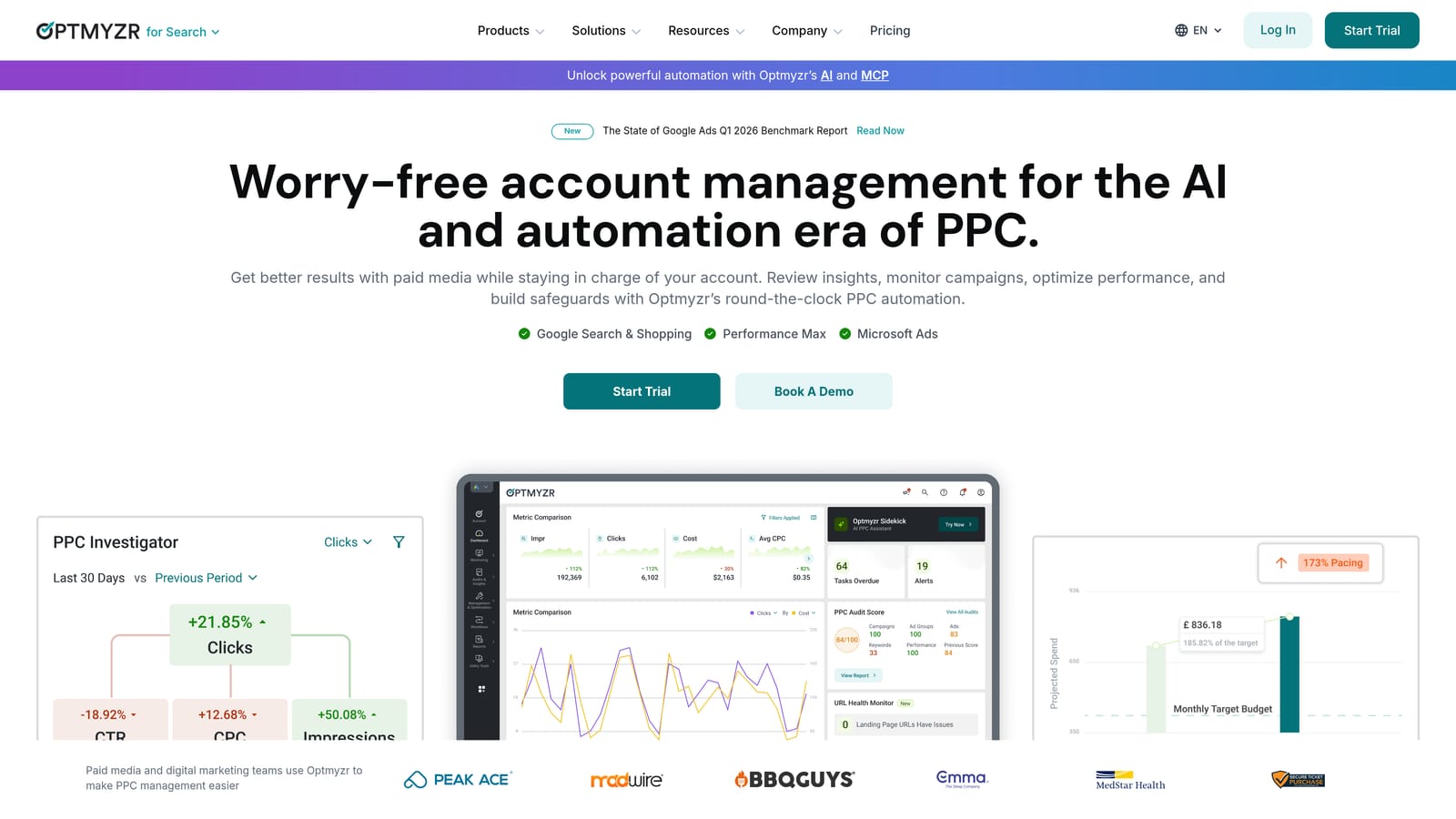
Optmyzr is a PPC management platform that goes beyond reporting by combining custom dashboards with rule-based automation and one-click optimization suggestions across Google Ads, Microsoft Ads, and Amazon Ads.
Where This Tool Shines
Where most reporting tools stop at showing you what happened, Optmyzr takes a step further by surfacing recommendations you can act on directly. Bid adjustment suggestions, budget reallocation flags, and keyword performance alerts are all built into the same interface where you build your reports.
The rule-based automation engine is genuinely useful for teams managing accounts at scale. You can set conditions that trigger bid changes, pause underperforming keywords, or adjust budgets automatically, reducing the manual work that typically follows a reporting review.
Key Features
Custom PPC report builder: Create and schedule reports with account-specific metrics and branding.
Rule-based automation: Set conditional rules for bids, budgets, and keywords that run automatically based on performance thresholds.
One-click optimization suggestions: Review and apply account-level recommendations without navigating to multiple settings pages.
Multi-platform support: Manage Google Ads, Microsoft Ads, and Amazon Ads from a single interface.
Account health monitoring: Alerts and dashboards that flag performance issues before they become expensive problems.
Best For
Optmyzr suits PPC professionals and agencies who want to combine reporting with active account management in one tool. It's more capable than a pure reporting platform, but that also means it's more complex and more expensive. Teams managing significant ad spend across multiple platforms will get the most from it.
Pricing
Paid plans with multiple tiers. Verify current pricing at optmyzr.com before making a decision, as pricing changes periodically.
4. AgencyAnalytics
Best for: Marketing agencies that need white-label client reports across multiple channels
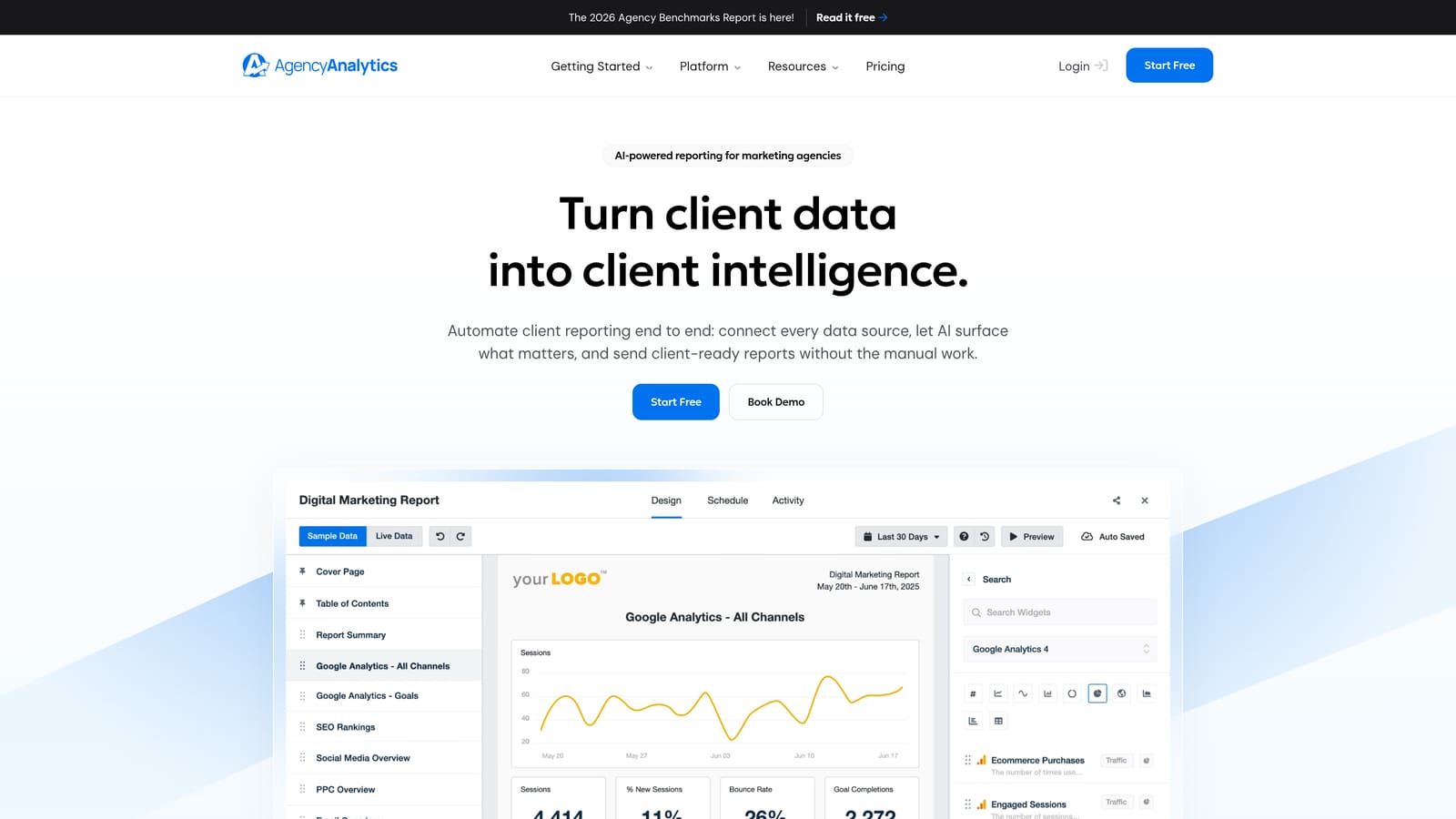
AgencyAnalytics is a multi-channel reporting platform built specifically for agencies, combining white-label dashboards, automated report delivery, and integrations across Google Ads, Meta, SEO tools, and more.
Where This Tool Shines
The white-label functionality is the headline feature here. You can brand dashboards with your agency's logo, set up client-specific logins, and deliver reports that look like they came from your own proprietary platform. For agencies that sell reporting as part of their service offering, this matters.
The range of integrations is also a practical strength. Most agency clients want to see PPC data alongside SEO rankings, social metrics, and website traffic in a single report. AgencyAnalytics connects all of those in one place, which saves time compared to building multi-source dashboards manually in Looker Studio.
Key Features
White-label dashboards: Apply custom branding and give clients their own login to view live performance data.
Automated report delivery: Schedule PDF or email reports to go out on a set cadence without manual intervention.
Cross-channel integrations: Connect Google Ads, Meta Ads, Google Analytics, and major SEO platforms in one dashboard.
Pre-built PPC templates: Start with ready-made report layouts designed for common paid search use cases.
Goal tracking and KPI widgets: Set targets and display progress against them visually for clients.
Best For
AgencyAnalytics is built for marketing agencies with multiple clients who need professional, branded reporting at scale. Freelancers managing a small number of accounts may find it more than they need, but growing agencies will appreciate how much manual reporting work it removes.
Pricing
Paid plans based on the number of campaigns managed. Verify current pricing at agencyanalytics.com before committing.
5. Supermetrics
Best for: Data-driven teams that need to pipe PPC data into custom destinations for analysis or reporting
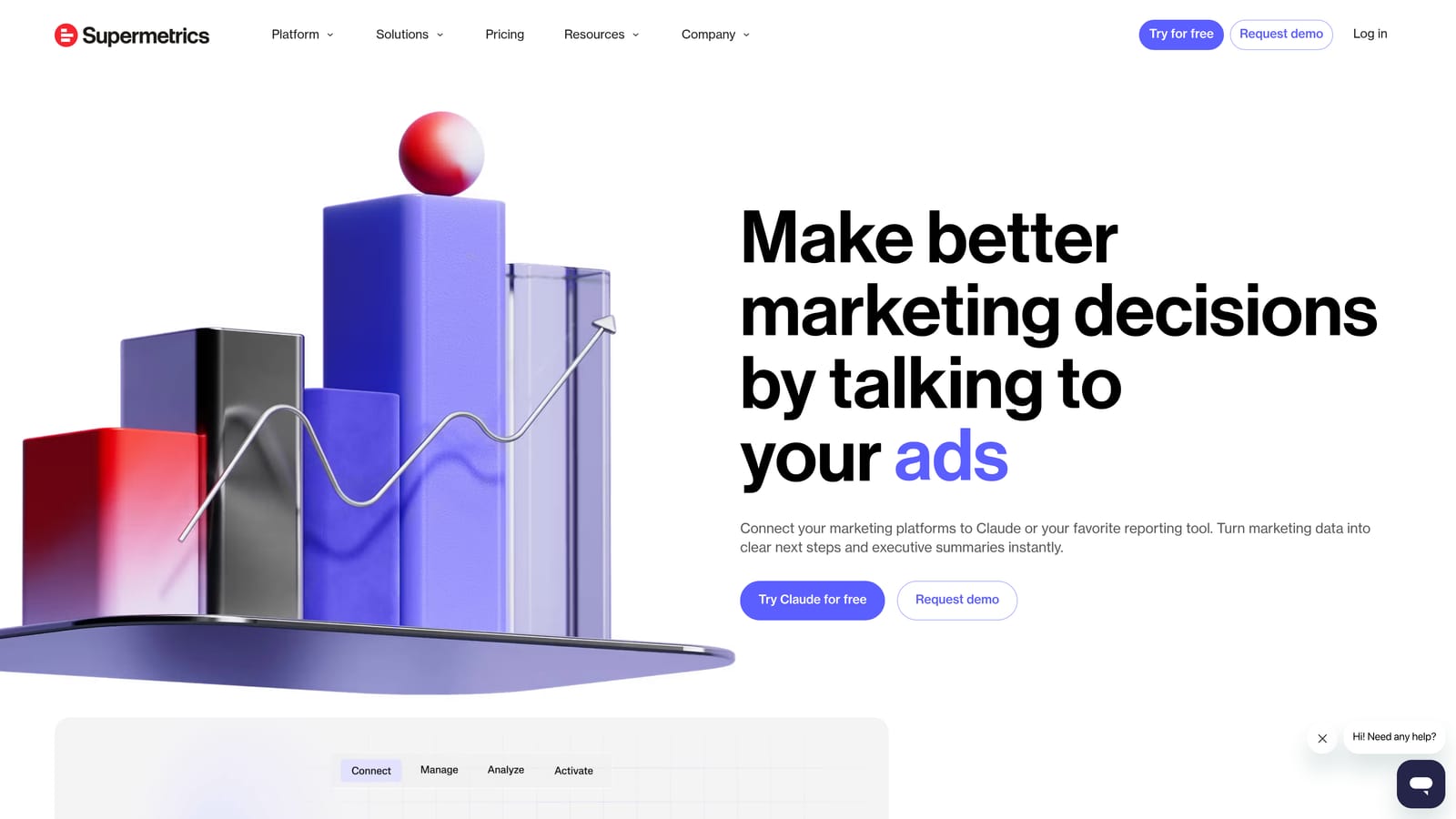
Supermetrics is a data connector and pipeline tool that moves PPC data from Google Ads, Meta, LinkedIn, and other platforms into destinations like Google Sheets, Looker Studio, BigQuery, and Excel.
Where This Tool Shines
Supermetrics doesn't build reports itself. What it does is handle the data plumbing so your reporting layer, whether that's a Looker Studio dashboard, a custom spreadsheet model, or a data warehouse, always has fresh, accurate data without manual exports.
For teams that have invested in custom reporting infrastructure or need to blend PPC data with other business data, Supermetrics is a practical solution. Scheduled data refreshes mean your dashboards stay current automatically, and the breadth of supported platforms makes it possible to centralize data from nearly any ad channel.
Key Features
Multi-platform connectors: Pull data from Google Ads, Meta, LinkedIn, Microsoft Ads, and many other sources.
Flexible destinations: Send data to Google Sheets, Looker Studio, BigQuery, Excel, or other supported endpoints.
Automated data refresh: Keep reporting destinations updated on a schedule without manual exports.
Cross-platform data blending: Combine metrics from multiple ad platforms into unified reports.
API access: Build custom data workflows for more advanced or bespoke reporting setups.
Best For
Supermetrics is best suited to analysts, data-savvy marketers, and agencies that already have a reporting layer they want to power with automated data feeds. If you're looking for an out-of-the-box dashboard, this isn't it. But if you want control over how your data flows and where it lands, it's a strong choice.
Pricing
Pricing varies by destination and number of data sources. Verify current plans at supermetrics.com.
6. Databox
Best for: Teams that want real-time KPI dashboards with mobile access and metric alerts
Databox is a KPI dashboard and goal-tracking platform that connects Google Ads alongside dozens of other marketing platforms, with a focus on real-time data visibility and proactive performance alerts.

Where This Tool Shines
Databox is particularly strong for teams that need to monitor performance continuously rather than review it periodically. Metric alerts notify you when a KPI crosses a threshold you define, so you're not waiting until the next scheduled report to catch a problem. The mobile app extends this to on-the-go monitoring, which is useful for client-facing teams and account managers who need to stay on top of performance outside of office hours.
The free tier makes it accessible for smaller operations, and the goal-tracking features add a layer of context that pure reporting dashboards often lack. Seeing how current performance tracks against a target is more useful than raw numbers alone.
Key Features
Real-time dashboards: Display live Google Ads data with continuous refresh rather than static snapshots.
Metric alerts: Get notified automatically when a KPI moves above or below a defined threshold.
Mobile app: Monitor account performance from anywhere with a dedicated iOS and Android app.
Goal tracking: Set performance targets and visualize progress against them over time.
Free tier: Access core features and a limited number of data source connections at no cost.
Best For
Databox suits marketing teams and account managers who want to stay close to performance data between formal reporting cycles. It works well as a live monitoring layer alongside a more detailed client-facing reporting tool.
Pricing
Free tier available with limited connections. Paid plans unlock more data sources and features. Verify current pricing at databox.com.
7. Swydo
Best for: PPC agencies that want clean, automated white-label reports with minimal setup time
Swydo is a reporting and monitoring tool built specifically for PPC agencies, offering automated white-label client reports and straightforward integrations for Google Ads and Meta Ads.
Where This Tool Shines
Swydo's main appeal is simplicity. It's designed to get you from account connection to branded client report as quickly as possible, without requiring technical setup or custom development. Pre-built PPC report templates cover the most common use cases, and the white-label options let you deliver reports under your agency's brand.
Compared to more feature-heavy platforms like Optmyzr or AgencyAnalytics, Swydo is narrower in scope. That's not a weakness if reporting is your primary need. Agencies that want a clean, reliable reporting workflow without paying for optimization or automation features they won't use will find it a good fit.
Key Features
Automated white-label reports: Generate branded client reports automatically on a set schedule.
Google Ads and Meta integrations: Connect the two most common paid advertising platforms without complex configuration.
Pre-built PPC templates: Start with ready-made report structures designed for paid search and paid social.
Scheduled email delivery: Send reports to clients automatically without manual intervention each month.
Simple setup: Designed for non-technical users, with minimal configuration required to get reports running.
Best For
Swydo is a practical choice for smaller PPC agencies and freelancers who need professional client reporting without the complexity or cost of an enterprise platform. If your reporting needs are primarily Google Ads and Meta, and you want something that works reliably out of the box, it's worth evaluating.
Pricing
Priced based on number of data sources or clients. Verify current plans at swydo.com.
8. NinjaCat
Best for: Large agencies and multi-location brands managing complex account hierarchies at scale
NinjaCat is an enterprise-grade reporting platform built for organizations that need to aggregate and report on data across hundreds of Google Ads accounts simultaneously.
Where This Tool Shines
NinjaCat is in a different category from most of the tools on this list. Where other platforms handle tens or low hundreds of accounts comfortably, NinjaCat is designed for the kind of scale that breaks simpler tools. Multi-location brands, franchise networks, and large agency groups with complex client hierarchies are its natural territory.
The data aggregation capabilities are the core strength. Rolling up performance across hundreds of accounts into consolidated dashboards, with the ability to drill down to individual locations or campaigns, is genuinely difficult to do well. NinjaCat handles this at a level that few competitors match. The trade-off is cost and complexity, which makes it overkill for most small to mid-sized agencies.
Key Features
Enterprise-scale account management: Aggregate and report on hundreds of Google Ads accounts within a single platform.
Advanced data aggregation: Roll up performance data across multi-location and franchise account structures.
White-label dashboards and reports: Deliver branded reporting to clients and stakeholders at scale.
Multi-platform support: Connect Google Ads, Microsoft Ads, Meta, and additional channels.
Enterprise access controls: Manage team permissions and client access at a granular level across large account portfolios.
Best For
NinjaCat is built for large agencies managing significant account volumes and enterprise marketing teams overseeing multi-location or franchise operations. If you're managing fewer than 50 accounts, you'll likely find a better cost-to-value ratio with one of the other tools on this list.
Pricing
Custom enterprise pricing. Contact NinjaCat directly at ninjacat.io for a quote.
9. Google Ads Built-In Reports
Best for: Any Google Ads user who needs accurate, real-time account data at no additional cost
Google Ads' native reporting tools include the Search Terms Report, a flexible custom report builder, Auction Insights, and a full suite of predefined performance views, all available inside every Google Ads account at no extra cost.
Where This Tool Shines
The most underrated thing about Google Ads' built-in reports is that the data is always current. There's no connector lag, no sync delay, and no risk of discrepancies introduced by a third-party data pipeline. When you're diagnosing a sudden performance drop or reviewing search term data before making optimization decisions, working directly in the native interface is often faster than waiting for an external tool to refresh.
The Search Terms Report in particular is the foundation of good Google Ads management. It shows you the actual queries that triggered your ads, which is where decisions about negative keywords, match types, and keyword expansion should start. The custom report builder adds flexibility for practitioners who want to slice data by specific dimensions or time periods.
Key Features
Search Terms Report: View the actual search queries that triggered your ads, segmented by campaign and ad group.
Custom report builder: Combine any available dimensions and metrics into a report tailored to your analysis needs.
Auction Insights: Benchmark your impression share, overlap rate, and position data against competitors in the same auctions.
Predefined performance reports: Access standard views for campaigns, ad groups, keywords, and ads without any setup.
No connector lag: Data is always current because you're working directly inside the platform where it lives.
Best For
Google Ads' built-in reports are the right starting point for any practitioner, regardless of what other tools they use. They're free, accurate, and immediately actionable. The main limitations are the lack of white-label options, limited cross-channel visibility, and no automated delivery to clients, which is where the other tools on this list fill the gap.
Pricing
Free. Included with any active Google Ads account.
PPC Reporting Tools: Quick Comparison Table
Use this table to compare all nine tools on the dimensions that matter most before committing to a trial. Prices shown are at time of writing — check vendor sites for current rates.
| Tool | Starting Price | Primary Function | White-Label Reports? | Best For |
|---|---|---|---|---|
| Keywordme | $12/mo | In-platform search term optimization (negatives, match types, clustering) | N/A — optimization tool | Acting on what reports surface, without leaving Google Ads |
| Google Looker Studio | Free | Custom PPC dashboards and automated report delivery | Partial (custom branding possible) | Solo practitioners and small teams wanting free, professional dashboards |
| Optmyzr | Paid (multiple tiers) | Reporting + rule-based automation + optimization suggestions | Yes | Agencies wanting reporting and active optimization in one platform |
| AgencyAnalytics | Paid (per campaign) | White-label multi-channel client reporting | Yes — core feature | Agencies needing branded, automated reports across Google Ads + SEO + Social |
| Supermetrics | Varies by destination | Data pipeline connector (Sheets, Looker Studio, BigQuery) | No — data layer only | Analysts and data teams powering custom reporting infrastructure |
| Databox | Free tier available | Real-time KPI dashboards with metric alerts and mobile access | Limited | Teams needing live monitoring between formal reporting cycles |
| Swydo | Paid (per data source) | Automated white-label PPC reports | Yes | Smaller PPC agencies wanting clean, simple reporting without complexity |
| NinjaCat | Custom / enterprise | Enterprise-scale reporting across hundreds of accounts | Yes | Large agencies and multi-location brands managing complex account hierarchies |
| Google Ads Built-In Reports | Free | Native Search Terms Report, custom report builder, Auction Insights | No | Any Google Ads user — the essential starting point before adding any paid tool |
Key Distinctions to Keep in Mind
- Reporting vs. optimization: Most tools on this list surface data. Keywordme is the exception — it’s built to act on it, directly inside Google Ads. Use both for a complete workflow.
- White-label needs: If you deliver client reports under your own brand, AgencyAnalytics, Optmyzr, Swydo, and NinjaCat all support this. Looker Studio allows custom branding with more manual setup.
- Data freshness: Google Ads’ native reports are always real-time. Third-party tools introduce varying degrees of connector lag — usually a few hours, but worth checking if you’re making real-time decisions.
- Budget: Start free (Looker Studio + Google Ads native reports) and add paid tools only when the workflow pain justifies the cost.
Choosing the Right Tool for Your Workflow
The honest answer is that most practitioners need two things: a reporting tool to understand what's happening, and an optimization tool to act on it. Very few tools do both equally well, and trying to force one tool to do everything often means doing both jobs poorly.
Here's a quick guide based on what you're trying to solve:
If you need free client-ready dashboards: Start with Google Looker Studio. Pair it with Supermetrics if you need automated data feeds from multiple platforms.
If you're an agency that needs white-label reports at scale: AgencyAnalytics handles most agency reporting needs at a reasonable cost. NinjaCat is worth evaluating if you're managing hundreds of accounts.
If you want reporting and optimization automation in one platform: Optmyzr is the strongest option in this category, though it comes at a higher price point.
If you want real-time monitoring with mobile access: Databox adds a useful live-monitoring layer that scheduled reports can't replicate.
If you want simpler PPC agency reporting without the complexity: Swydo delivers clean, automated reports with minimal setup.
If you want to cut optimization time inside Google Ads itself: Keywordme sits at the action end of the workflow. Once your reports tell you what's wrong, Keywordme lets you fix it without leaving the native interface, removing junk search terms, building negative keyword lists, and applying match types in a fraction of the time it takes manually.
The best setup for most practitioners is a reporting tool that surfaces the problems combined with Keywordme to handle the fixes. It's a practical division of labor that keeps your workflow efficient without adding unnecessary complexity.
If you want to see how much time you can save on the optimization side, Start your free 7-day trial and try it directly inside your Google Ads account. After that, it's just $12/month per user.
.svg)