
8 Best PPC Optimization Tools That Work Without Dashboards in 2026
Discover the best PPC optimization tools that work without dashboards in 2026, designed for marketers who want to streamline campaign management directly within Google Ads or through lightweight browser extensions. These tools eliminate the need for bloated analytics platforms by enabling you to optimize search terms, manage negative keywords, adjust bids, and reduce wasted spend right where you're already working—saving time and simplifying workflows for solo marketers and agencies alike.


You don't need another dashboard to optimize your PPC campaigns. The best tools in 2026 work directly inside Google Ads, through browser extensions, or via lightweight interfaces that skip the bloated analytics platforms entirely. This list covers tools that let you optimize search terms, manage negatives, adjust bids, and clean up wasted spend—all without jumping between tabs or learning yet another platform. Whether you're a solo marketer or running campaigns for multiple clients, these dashboard-free options help you work faster right where you already are.
1. Keywordme
Best for: In-interface PPC optimization without leaving Google Ads
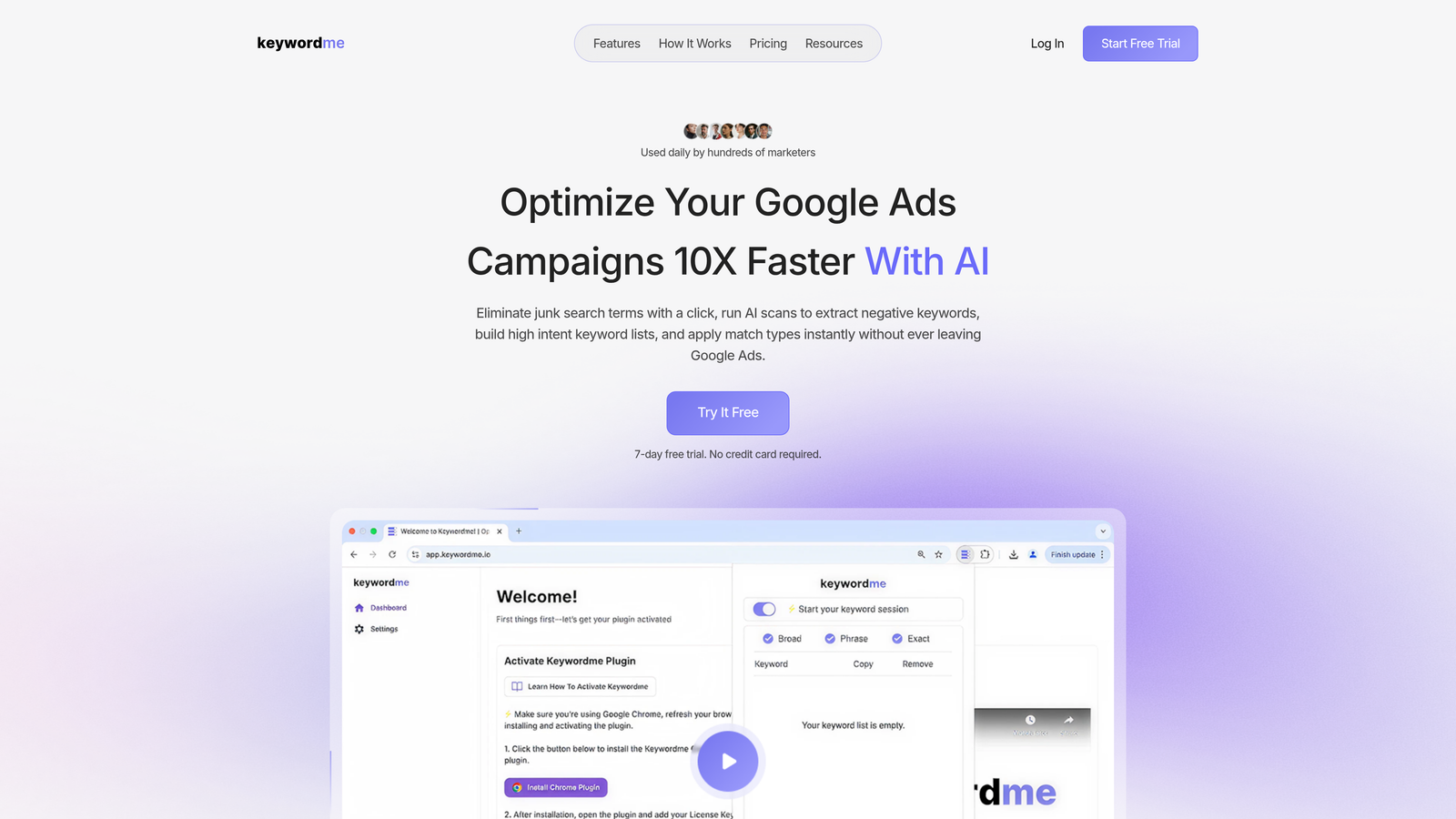
Keywordme is a Chrome extension that integrates directly into Google Ads' Search Terms Report, turning manual optimization tasks into one-click actions.
Where This Tool Shines
The biggest time-suck in most PPC accounts is combing through search terms, copying junk queries into spreadsheets, then manually adding them as negatives. Keywordme eliminates that entire workflow by letting you remove wasted spend with a single click—right inside the native Google Ads interface.
What makes this especially powerful is that it doesn't try to replicate Google Ads or force you into a new platform. You're already working in the Search Terms Report. Keywordme just makes that workflow 10x faster by adding smart optimization buttons exactly where you need them.
Key Features
One-Click Junk Removal: Instantly exclude irrelevant search terms without copying and pasting.
In-Interface Negative Management: Build negative keyword lists directly in the Search Terms Report.
Keyword Clustering: Automatically group related search terms for faster bulk actions.
Match Type Application: Apply exact, phrase, or broad match modifiers without leaving the interface.
Multi-Account Support: Manage multiple client accounts with team-level access controls.
Best For
Solo advertisers and agency teams who want to optimize Google Ads campaigns faster without switching between spreadsheets, dashboards, or third-party tools. Especially valuable if you manage multiple accounts and need to streamline repetitive tasks like negative keyword cleanup.
Pricing
$12/month per user with a 7-day free trial. Flat-rate pricing makes it predictable for agencies adding team members.
2. Google Ads Editor
Best for: Bulk offline campaign management and cross-account edits
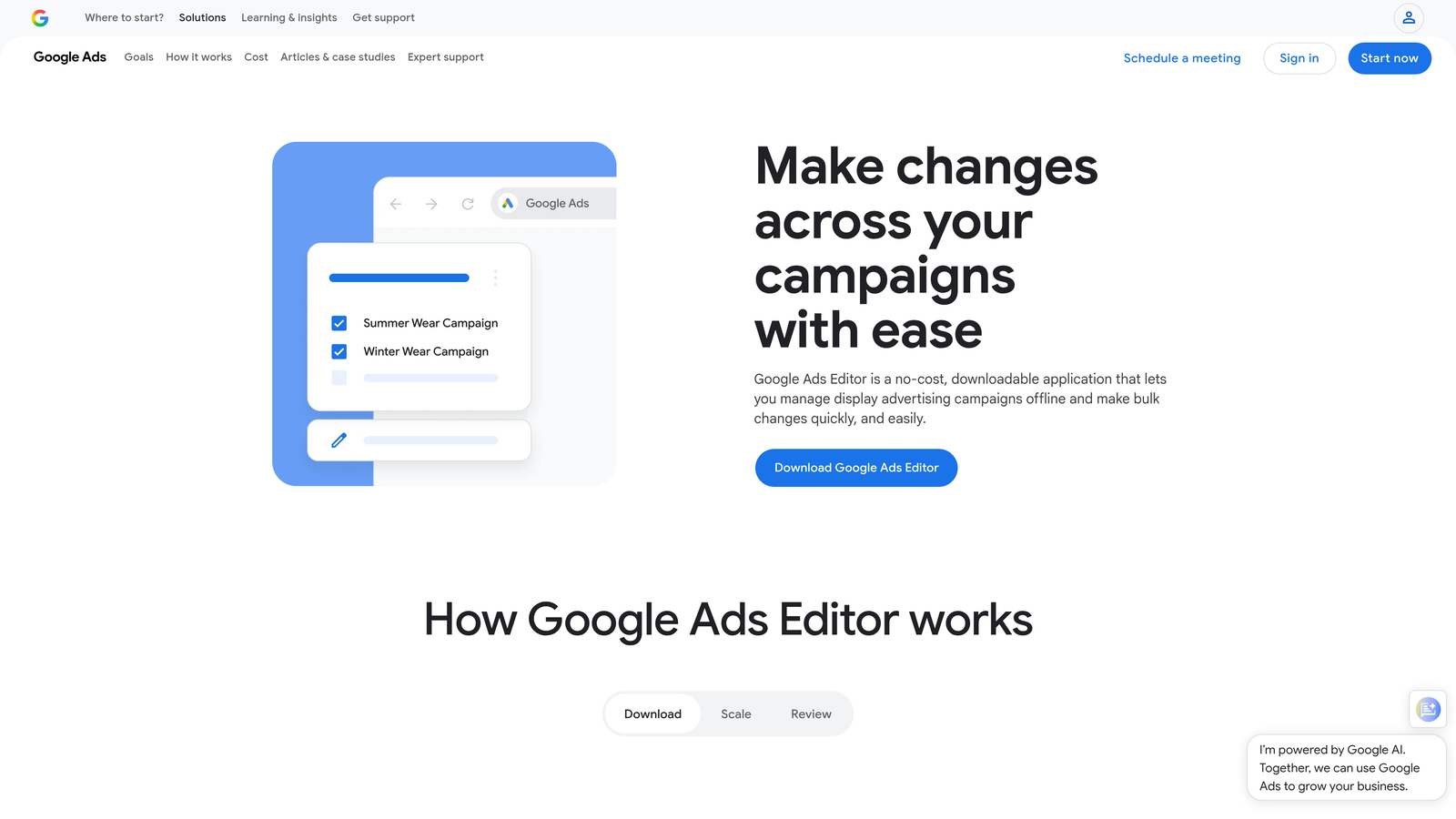
Google Ads Editor is a free desktop application that lets you download campaigns, make bulk changes offline, and sync them back to Google Ads.
Where This Tool Shines
When you need to restructure campaigns, copy settings across accounts, or make hundreds of edits at once, Google Ads Editor is the fastest way to do it. The offline editing capability means you can work on campaigns without worrying about accidentally publishing changes before they're ready.
The find-and-replace functionality alone saves hours when you need to update URLs, ad copy, or tracking parameters across multiple campaigns. You can also review all changes in a draft state before pushing them live—something the web interface makes clunky.
Key Features
Bulk Editing: Make changes across thousands of keywords, ads, and campaigns simultaneously.
Offline Work Mode: Download accounts and edit without an internet connection, then sync later.
Cross-Account Copying: Duplicate campaigns between accounts with a few clicks.
Find and Replace: Update tracking URLs, ad copy, or settings across all elements at once.
Draft Review: See all pending changes before posting to avoid costly mistakes.
Best For
Agencies managing multiple client accounts who need to duplicate campaign structures, update tracking parameters, or make large-scale changes that would take hours in the web interface.
Pricing
Completely free—built and maintained by Google.
3. Google Ads Scripts
Best for: Automated rules and custom workflows without third-party tools
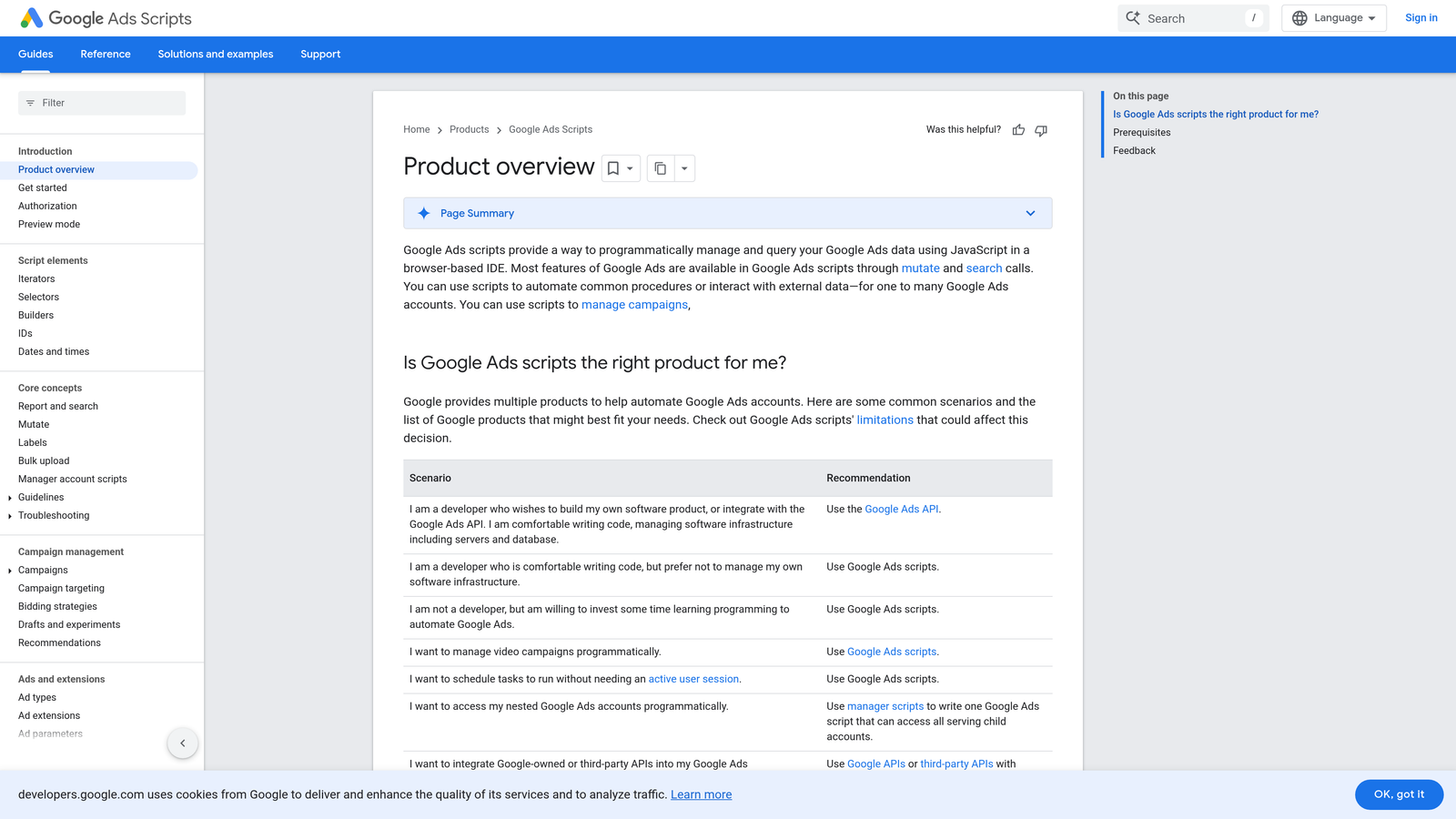
Google Ads Scripts is a JavaScript-based automation platform that runs directly inside Google Ads, letting you build custom optimization rules.
Where This Tool Shines
Scripts let you automate tasks that would otherwise require constant monitoring—like pausing keywords that hit a cost threshold, sending budget alerts, or generating custom reports. The best part is they run on Google's servers, so you don't need to keep your computer on or maintain any external infrastructure.
The community script library is surprisingly robust. You can find pre-built scripts for common tasks like bid adjustments based on weather, dayparting optimizations, or automated quality score monitoring. If you can describe the logic, you can probably script it.
Key Features
Automated Bid Adjustments: Set rules to increase or decrease bids based on performance metrics.
Custom Alerts: Get email notifications when budgets, CPAs, or other metrics hit thresholds.
Scheduled Reporting: Generate and email custom reports on a set schedule.
MCC Scripts: Run automation across multiple accounts from a manager account.
Community Library: Access hundreds of pre-built scripts shared by other advertisers.
Best For
Advertisers comfortable with basic JavaScript or willing to copy-paste community scripts. Ideal for automating repetitive checks and adjustments that don't require a full third-party platform.
Pricing
Free—runs natively inside Google Ads with no additional cost.
4. Opteo
Best for: Push-style optimization recommendations with one-click implementation
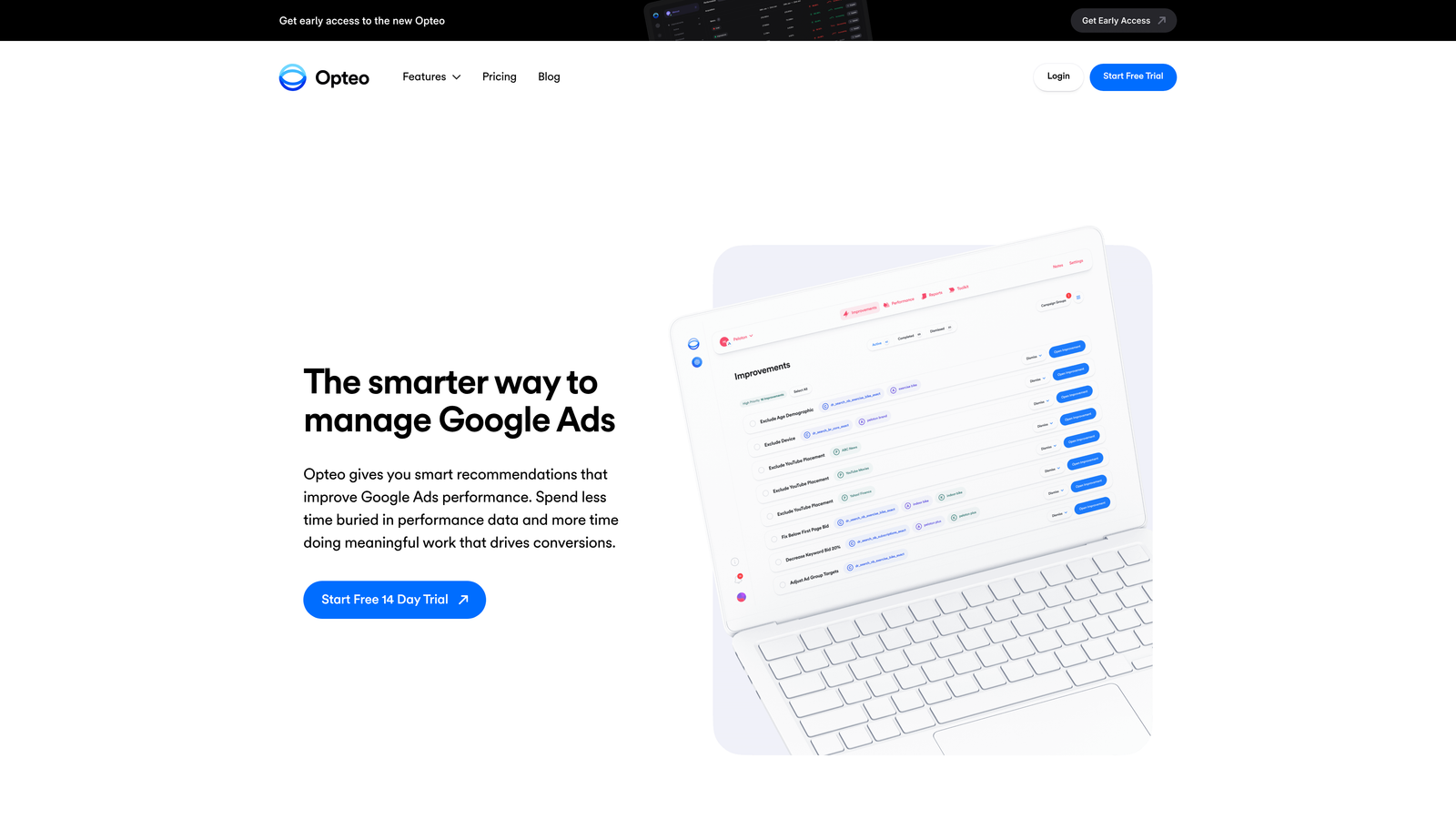
Opteo is a lightweight optimization tool that surfaces actionable improvements and lets you implement them with a single click.
Where This Tool Shines
Opteo flips the traditional dashboard model on its head. Instead of logging in to analyze data, it pushes specific, actionable recommendations to you—like "pause this keyword that's wasting budget" or "add this negative keyword based on recent search terms." You review the suggestion and click to implement or dismiss.
The Slack integration is especially useful for agencies. You can set up alerts that notify your team when accounts need attention, without requiring everyone to log into yet another platform daily.
Key Features
Push Recommendations: Get specific improvement suggestions rather than raw data to analyze.
One-Click Changes: Implement optimizations directly from the recommendation interface.
Performance Monitoring: Track key metrics without dashboard overload.
Slack Alerts: Receive notifications in your team's existing workflow.
Ad Copy Testing: Get recommendations for new ad variations to test.
Best For
Busy marketers who want optimization guidance without spending hours analyzing reports. Works well for teams that prefer task-based workflows over exploratory data analysis.
Pricing
Starts at $99/month, with pricing tiers based on ad spend volume.
5. Adalysis
Best for: Alert-based monitoring and automated ad testing analysis
Adalysis is an alert-focused PPC tool that specializes in ad testing, quality score monitoring, and identifying optimization opportunities through notifications.
Where This Tool Shines
Most ad testing analysis is tedious and time-consuming. Adalysis automates the statistical significance calculations and tells you which ads are actually winning—not just which ones have higher CTR after 50 clicks. The priority task queue organizes recommendations by potential impact, so you're always working on what matters most.
The negative keyword conflict detection is particularly valuable. It catches situations where you've accidentally added a negative that blocks one of your own keywords—a surprisingly common mistake that can kill campaign performance.
Key Features
Automated Ad Testing: Statistical analysis of ad performance with clear winner identification.
Quality Score Alerts: Get notified when Quality Scores drop so you can investigate quickly.
Negative Conflict Detection: Identifies negatives that might be blocking your own keywords.
Landing Page Analysis: Flags pages with issues that could hurt conversion rates.
Priority Task Queue: Organizes recommendations by potential impact on performance.
Best For
Advertisers running extensive ad testing programs who want automated analysis rather than manual spreadsheet work. Also valuable for accounts with large negative keyword lists that need conflict monitoring.
Pricing
Starts at $99/month with tiered pricing based on account size and features.
6. Karooya
Best for: Negative keyword discovery and wasted spend identification
Karooya is a specialized tool focused entirely on finding negative keyword opportunities and eliminating wasted spend from irrelevant searches.

Where This Tool Shines
Karooya does one thing exceptionally well: it analyzes your search term reports and surfaces negative keyword opportunities you're probably missing. The tool groups related junk queries together, making it easy to add broad negatives that block entire categories of irrelevant traffic.
The conflicting keyword detection is especially helpful for larger accounts. It identifies situations where you're bidding on a keyword in one campaign while blocking it as a negative in another—usually unintentional and always wasteful.
Key Features
Negative Suggestions: Automated recommendations based on search term patterns.
Wasted Spend Reports: Identifies exactly how much you're losing to irrelevant clicks.
Conflict Detection: Finds keywords blocked by your own negative lists.
Simple Reporting: Clean, report-based interface without dashboard complexity.
Google Ads Integration: Connects directly to your accounts for automatic analysis.
Best For
Advertisers with significant wasted spend from broad match or phrase match keywords who need help identifying negative keyword patterns. Also useful for agencies auditing new client accounts.
Pricing
Free tier available for basic analysis. Paid plans start at $59/month for full features and larger accounts.
7. PPC Samurai
Best for: Rule-based automation and hands-off optimization
PPC Samurai is an automation platform that lets you build custom rules for bid adjustments, budget pacing, and performance monitoring across multiple platforms.
Where This Tool Shines
PPC Samurai excels at "set it and forget it" automation. You define the rules once—like "pause keywords with CPA above $50 after 20 conversions" or "increase bids 15% for keywords with ROAS above 500%"—and the platform handles execution automatically.
The anomaly detection alerts are particularly useful for catching sudden changes before they blow your budget. If your CPC spikes 30% overnight or conversions drop significantly, you get notified immediately rather than discovering it days later.
Key Features
Custom Automation Rules: Build complex if-then logic for campaign management.
Budget Pacing: Automatically adjust daily budgets to hit monthly spend targets.
Performance Bid Adjustments: Increase or decrease bids based on conversion metrics.
Anomaly Alerts: Get notified when key metrics deviate from normal patterns.
Multi-Platform Support: Manage Google Ads, Microsoft Ads, and Facebook Ads from one place.
Best For
Advertisers managing large budgets who want automated optimization without constant manual intervention. Works well for teams that have clear performance thresholds and want rule-based management.
Pricing
Custom pricing based on monthly ad spend—contact for quote.
8. N-Gram Analysis Tools (Free Scripts)
Best for: DIY search term analysis without subscription costs
N-Gram Analysis Tools are free scripts and spreadsheet templates that help you identify patterns in search term data to find wasted spend and negative keyword opportunities.
Where This Tool Shines
N-gram analysis breaks down your search terms into individual words and phrases, then shows you which ones appear most frequently in wasted spend. For example, you might discover that any search containing "free" or "DIY" converts poorly—patterns that aren't obvious when reviewing search terms one by one.
The beauty of this approach is that it's completely free and infinitely customizable. You can export search term data, run it through a script or spreadsheet template, and get insights that would cost hundreds per month from a paid tool.
Key Features
Pattern Identification: Find common words and phrases in low-performing search terms.
Wasted Spend Analysis: Quantify exactly how much each pattern is costing you.
Spreadsheet-Based: Works with standard Google Ads exports—no platform required.
No Subscription: One-time setup with free tools and scripts.
Fully Customizable: Modify scripts to match your specific analysis needs.
Best For
Budget-conscious advertisers willing to invest time in setup for long-term savings. Also great for learning how search term patterns work before investing in paid tools.
Pricing
Completely free—uses Google Sheets, Excel, or free Google Ads Scripts.
Making the Right Choice
The "best" tool depends entirely on where you're already working and what's actually slowing you down.
If you spend most of your time in the Google Ads Search Terms Report cleaning up wasted spend, Keywordme eliminates the copy-paste-spreadsheet workflow entirely. You're already in that report—the extension just makes you faster there.
For bulk campaign restructuring or cross-account work, Google Ads Editor remains unbeatable. It's free, it's fast, and once you learn the keyboard shortcuts, you can make changes that would take hours in the web interface.
Automation enthusiasts should start with Google Ads Scripts before paying for a platform. The community library has solutions for most common tasks, and you can always upgrade to Opteo or PPC Samurai if you need more sophisticated logic or a cleaner interface.
Budget-focused advertisers can get surprisingly far with free tools. Google Ads Editor plus a few well-chosen Scripts can handle 80% of what paid platforms do—you're just trading money for setup time.
The common thread across all these tools is that they skip the dashboard bloat. They integrate into your existing workflow, automate specific pain points, or give you actionable recommendations instead of raw data dumps. Start with the tool that addresses your biggest time-suck, test it for a week, and see if it actually makes you faster. If it doesn't, move on. The goal isn't to collect tools—it's to spend less time managing campaigns and more time improving them.
Start your free 7-day trial of Keywordme and optimize Google Ads campaigns 10x faster without leaving your account. Remove junk search terms, build high-intent keyword lists, and apply match types instantly—right inside Google Ads. No spreadsheets, no switching tabs, just quick, seamless optimization for just $12/month after your trial.
.svg)