
PPC Optimization Tools vs Google Ads Editor: 9 Best Options for Faster Campaign Management
This guide compares PPC optimization tools vs Google Ads Editor across 9 options, clarifying that while Editor excels at bulk offline editing, dedicated PPC platforms deliver deeper capabilities like negative keyword management, match type optimization, and wasted spend reduction for advertisers managing campaigns at scale in 2026.


TL;DR: Google Ads Editor is a free offline bulk editing tool from Google. PPC optimization tools are purpose-built platforms and extensions that go further, handling keyword analysis, negative keyword management, match type optimization, and workflow automation that Editor simply wasn't designed for. This article breaks down 9 tools across both categories so you can figure out what actually belongs in your stack.
If you've ever wondered whether Google Ads Editor is "enough" or whether you need a dedicated PPC optimization tool, you're not alone. The honest answer: it depends on what you're trying to do. Editor is great for bulk edits and offline work. But if you're trying to eliminate wasted spend, build negative keyword lists fast, or optimize search terms at scale, you'll likely need something more targeted. Here's what's worth using in 2026.
The Core Difference: Structural Editing vs. Intelligent Optimization
Before we get into the tools, it's worth clarifying what we're actually comparing. Google Ads Editor is a bulk editing tool. It moves things around, copies campaigns, uploads keywords. It has no intelligence layer. It won't tell you which search terms are burning budget or suggest a negative keyword in sight.
PPC optimization tools, on the other hand, are built to surface waste, automate decisions, and speed up the workflows that actually move performance metrics. Think of Editor as a power drill and optimization tools as the blueprint that tells you where to drill. Most advertisers need both. The question is which optimization tools fit your specific workflow.
1. Keywordme
Best for: In-interface search term optimization without leaving Google Ads
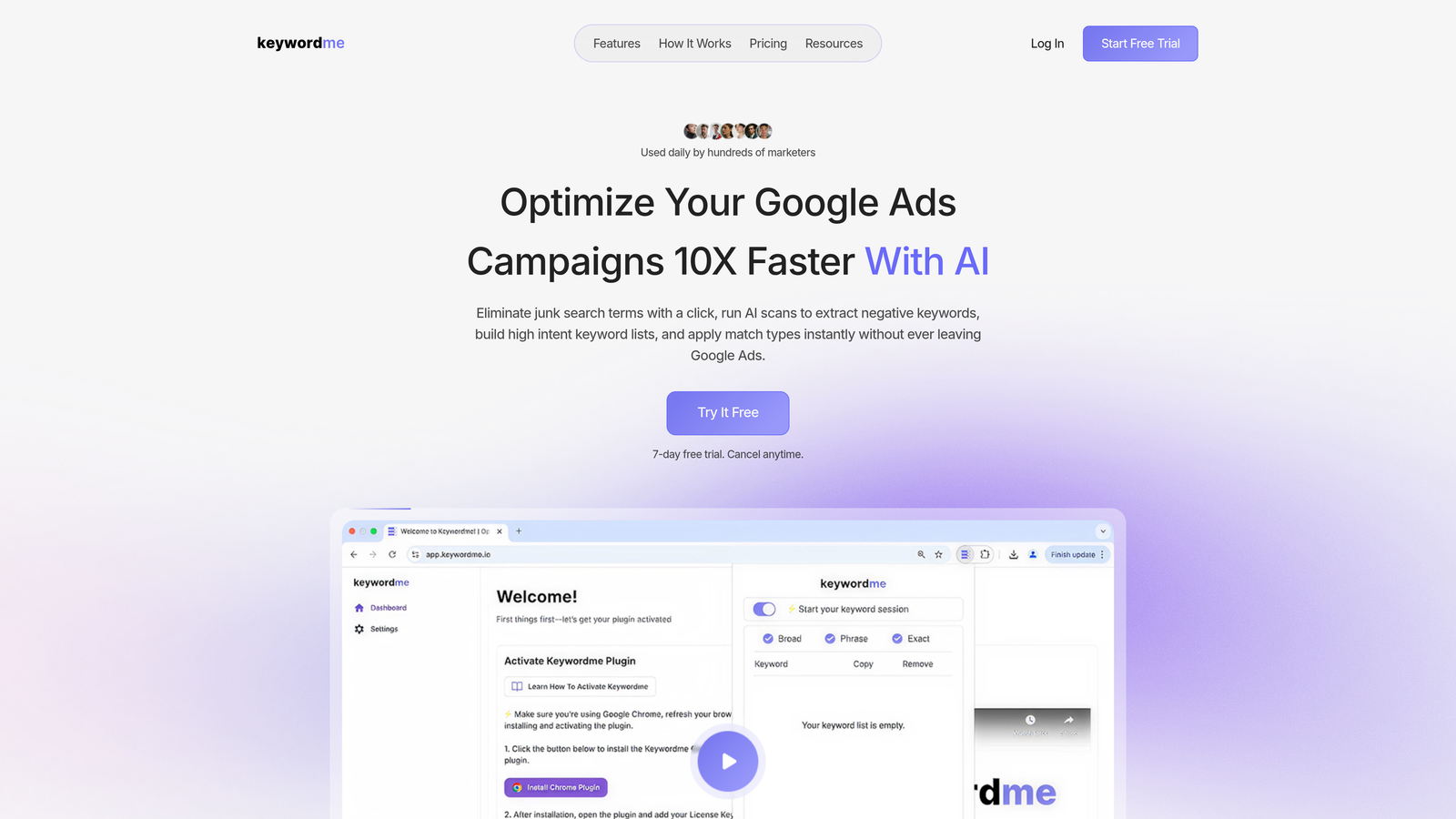
Keywordme is a Chrome extension that plugs directly into the Google Ads Search Terms Report, letting you add negatives, apply match types, cluster keywords, and build keyword lists without ever switching tabs or opening a spreadsheet.
Where This Tool Shines
In most accounts I audit, the Search Terms Report is where the real money is either being made or wasted. Keywordme makes working that report genuinely fast. You're not exporting CSVs, pasting into Excel, and re-uploading. You're clicking directly in the native UI and the changes happen immediately.
What usually happens without a tool like this is that search term reviews become a weekly chore that gets skipped when things get busy. Keywordme removes enough friction that it actually gets done. That's the real value: not just speed, but consistency.
Key Features
One-click negative keyword addition: Flag and add negative keywords directly from the Search Terms Report without leaving Google Ads.
Instant match type application: Apply broad, phrase, or exact match to any search term in-interface without manual editing.
Keyword clustering and bulk editing: Group and manage related search terms without spreadsheets or external dashboards.
Multi-account and team support: Agencies can manage multiple client accounts with team-level access controls.
No external dashboard required: Everything runs inside the native Google Ads interface via the Chrome extension.
Best For
Solo advertisers who want to tighten up search term hygiene fast, and agencies managing multiple accounts who need a repeatable workflow for negative keyword management. If your main pain point is wasted spend from irrelevant search terms, this is the most direct fix available.
Pricing
Flat-rate $12/month per user with a 7-day free trial. No tiered plans based on ad spend, which makes it predictable for agencies billing across multiple clients.
2. Google Ads Editor
Best for: Bulk offline campaign editing and structural account changes
Google Ads Editor is a free desktop application from Google built for bulk offline editing across Search, Display, Shopping, and Video campaigns.

Where This Tool Shines
Editor is genuinely excellent at what it does. If you're restructuring campaigns, copying ad groups across accounts, or uploading thousands of keywords at once, nothing else matches it for raw structural editing power. The offline workflow is also useful when you want to stage a large batch of changes before pushing them live.
The mistake most agencies make is treating Editor as their only optimization tool. It's not. There's no keyword recommendation engine, no search term analysis, no negative keyword suggestions. It's a vehicle, not a navigator.
Key Features
Bulk offline editing: Stage and review large batches of changes before pushing to live campaigns.
Copy/paste campaigns and ad groups: Duplicate entire campaign structures across accounts in seconds.
Find-and-replace for ad copy and keywords: Make text changes at scale without editing individual elements.
CSV import/export: Upload large keyword lists or export campaign data for external review.
Free with any Google Ads account: No subscription required, available on Windows and Mac.
Best For
Any Google Ads user handling structural account changes, large keyword uploads, or campaign duplication. It should be in every advertiser's toolkit, but it works best alongside an optimization layer, not as a standalone solution.
Pricing
Free. No subscription, no ad spend threshold.
3. Optmyzr
Best for: Rule-based PPC automation and one-click optimization recommendations
Optmyzr is a SaaS PPC management platform that automates optimization tasks across Google Ads and Microsoft Ads using rule-based workflows and one-click recommendations.

Where This Tool Shines
Optmyzr is built for teams that want automation without writing code. The one-click optimization features surface actionable recommendations for bids, budgets, and keywords, and you can approve or reject them in bulk. For agencies managing many accounts, this kind of workflow multiplies what a small team can handle.
The rule-based engine is genuinely flexible. You can build custom optimization rules that match your account logic without touching a script. That's a meaningful advantage over tools that force you into their opinionated defaults.
Key Features
One-click optimizations: Approve bid, budget, and keyword recommendations with a single click.
Rule-based automation: Build custom optimization workflows without writing JavaScript.
Multi-account management dashboard: Manage and monitor multiple client accounts from a single view.
Performance reporting and anomaly alerts: Get notified when account performance deviates from expected ranges.
Shopping campaign optimization: Dedicated tools for managing and optimizing Google Shopping campaigns.
Best For
Mid-size to large agencies that need scalable automation across multiple accounts without a full engineering team. Also strong for in-house teams running complex multi-campaign setups.
Pricing
Tiered pricing based on ad spend managed. Check optmyzr.com for current plans.
4. WordStream Advisor
Best for: Guided PPC optimization with a structured weekly workflow
WordStream Advisor is a guided PPC optimization platform designed to surface high-priority tasks and recommendations for Google Ads and Microsoft Ads campaigns.

Where This Tool Shines
WordStream's "20-Minute Work Week" workflow is its signature feature. The platform tells you exactly what to do each week, prioritized by impact. For SMB advertisers or those newer to PPC management, this guided approach removes the guesswork about where to focus first.
It's less suited for experienced PPC managers who already know their workflow and want more control. But for business owners managing their own campaigns without a dedicated PPC background, the structured recommendations are genuinely useful.
Key Features
Guided weekly optimization workflow: Prioritized task list that surfaces the most impactful actions each week.
Keyword and negative keyword recommendations: Automated suggestions based on account performance data.
Account health scoring: Performance grading that benchmarks your account against industry averages.
Google Ads and Microsoft Ads support: Manage both platforms from a single interface.
Reporting and benchmarking tools: Compare performance against industry benchmarks for context.
Best For
SMBs and business owners managing their own PPC without deep technical expertise. Also useful for junior account managers who benefit from a structured optimization checklist.
Pricing
Subscription-based. Check wordstream.com for current pricing details.
5. SEMrush PPC Toolkit
Best for: Competitive keyword research and PPC strategy planning
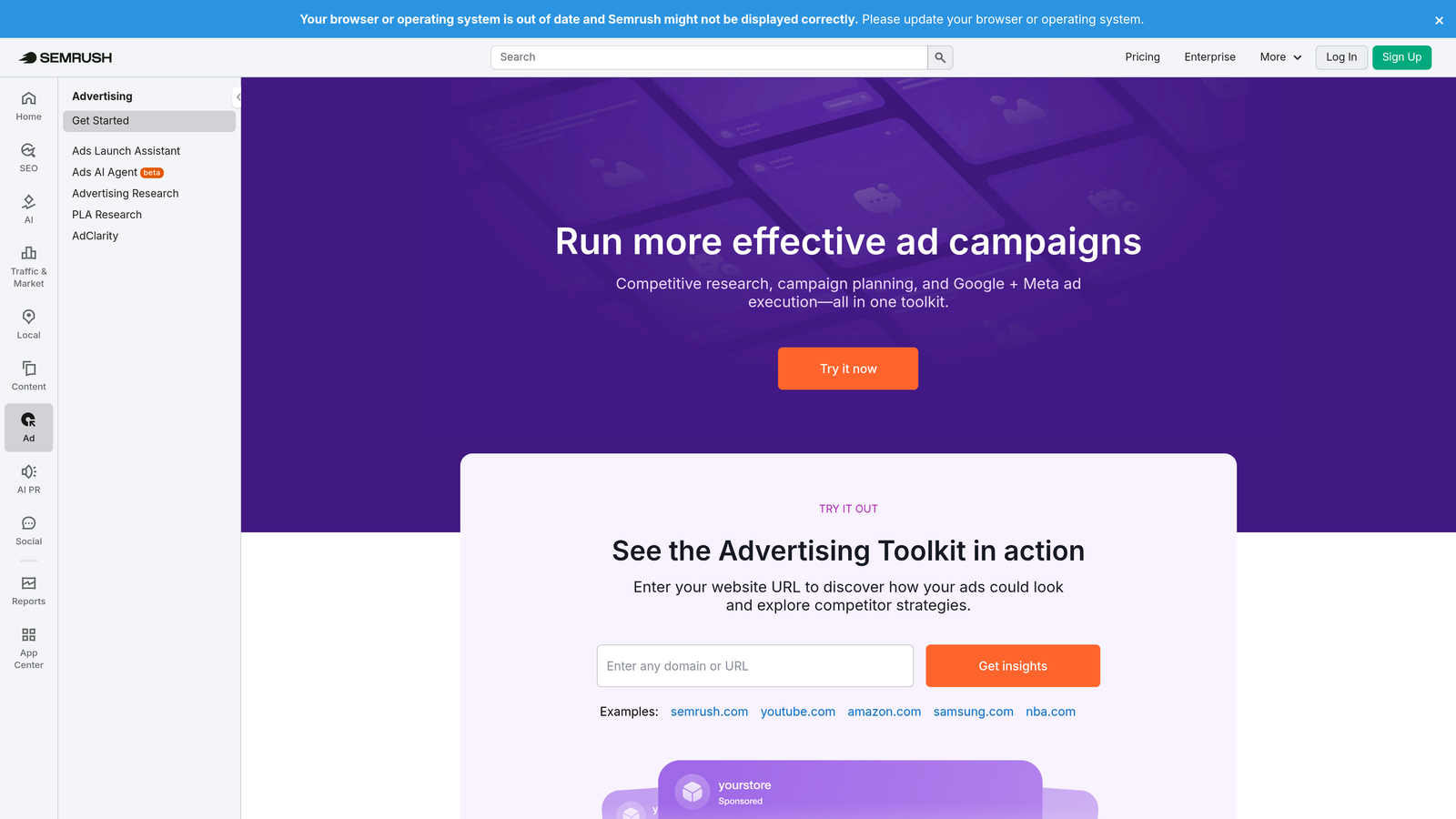
SEMrush's PPC Toolkit is part of the broader SEMrush suite, providing competitive keyword research, CPC data, and ad copy analysis to inform campaign strategy before you spend a dollar.
Where This Tool Shines
SEMrush is where you go to understand the competitive landscape before building campaigns. You can see which keywords competitors are bidding on, pull CPC estimates, analyze their ad copy, and identify gaps in your current keyword coverage. That pre-campaign intelligence is hard to replicate with any in-account tool.
It's worth being clear: this is a research tool, not a campaign management tool. You won't use SEMrush to push changes to your Google Ads account. But the data it surfaces informs smarter keyword decisions from the start.
Key Features
Competitor ad copy and keyword research: See what keywords competitors are actively bidding on and what ad copy they're running.
CPC and keyword volume data: Estimate costs and search volume before committing budget to new keyword sets.
Keyword gap analysis: Identify keywords competitors rank for that you're currently missing.
Ad history and spend estimation: Track competitor ad activity over time to spot patterns and seasonal shifts.
Cross-channel integration: Combine PPC data with SEO insights for a unified view of search visibility.
Best For
PPC strategists building new campaigns or expanding into new verticals. Also strong for agencies doing competitive analysis as part of client onboarding.
Pricing
Included with SEMrush subscriptions. Check semrush.com for current plan tiers and pricing.
6. SpyFu
Best for: Competitor PPC intelligence and keyword discovery
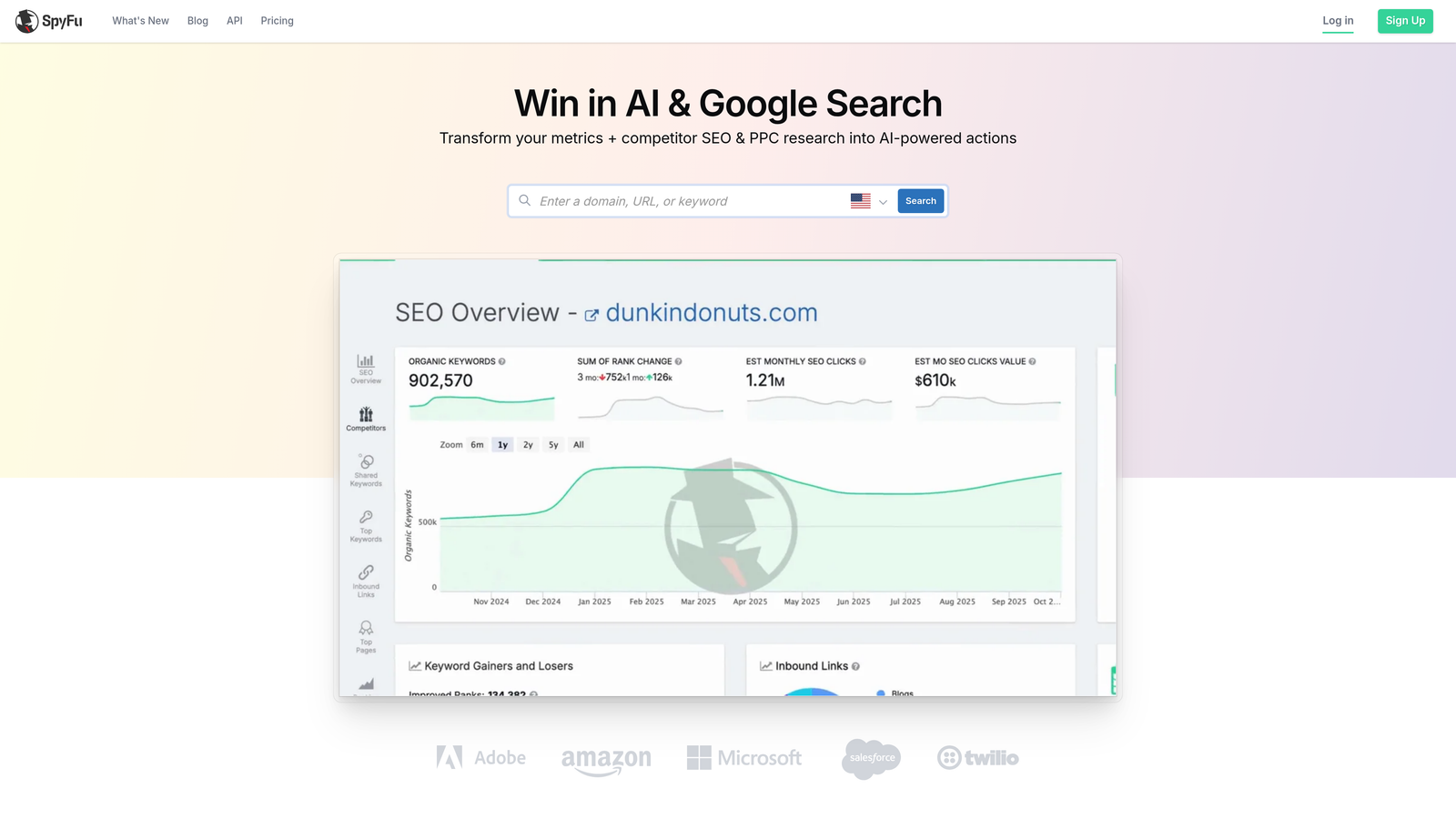
SpyFu is a competitive intelligence tool that reveals the keywords competitors are buying, their ad history, and estimated PPC spend over time.
Where This Tool Shines
SpyFu goes deep on competitor history in a way that few tools match. You can pull up any domain and see years of ad copy, the keywords they've consistently bought, and estimated spend trends. For identifying your competitors' most profitable keywords, it's one of the fastest ways to build a high-intent starting list.
The keyword grouping and list-building features are also genuinely useful for new campaign setup. Rather than starting from scratch, you're building on intelligence about what's already working in your space.
Key Features
Competitor keyword purchase history: See every keyword a competitor has bought, including how long they've been bidding on it.
Ad copy archive: Review historical ad copy to identify messaging patterns and test angles.
Most profitable keyword identification: Surface the keywords competitors have consistently maintained, signaling profitability.
Estimated competitor ad spend: Get a rough benchmark of competitor monthly PPC investment.
Keyword list building: Export competitor keyword sets to inform your own campaign structure.
Best For
Advertisers entering a new market or competitive vertical who want to shortcut keyword discovery using competitor data. Also useful for agencies benchmarking client performance against direct competitors.
Pricing
Subscription-based. Check spyfu.com for current plans.
7. Adalysis
Best for: Automated ad testing and quality score monitoring
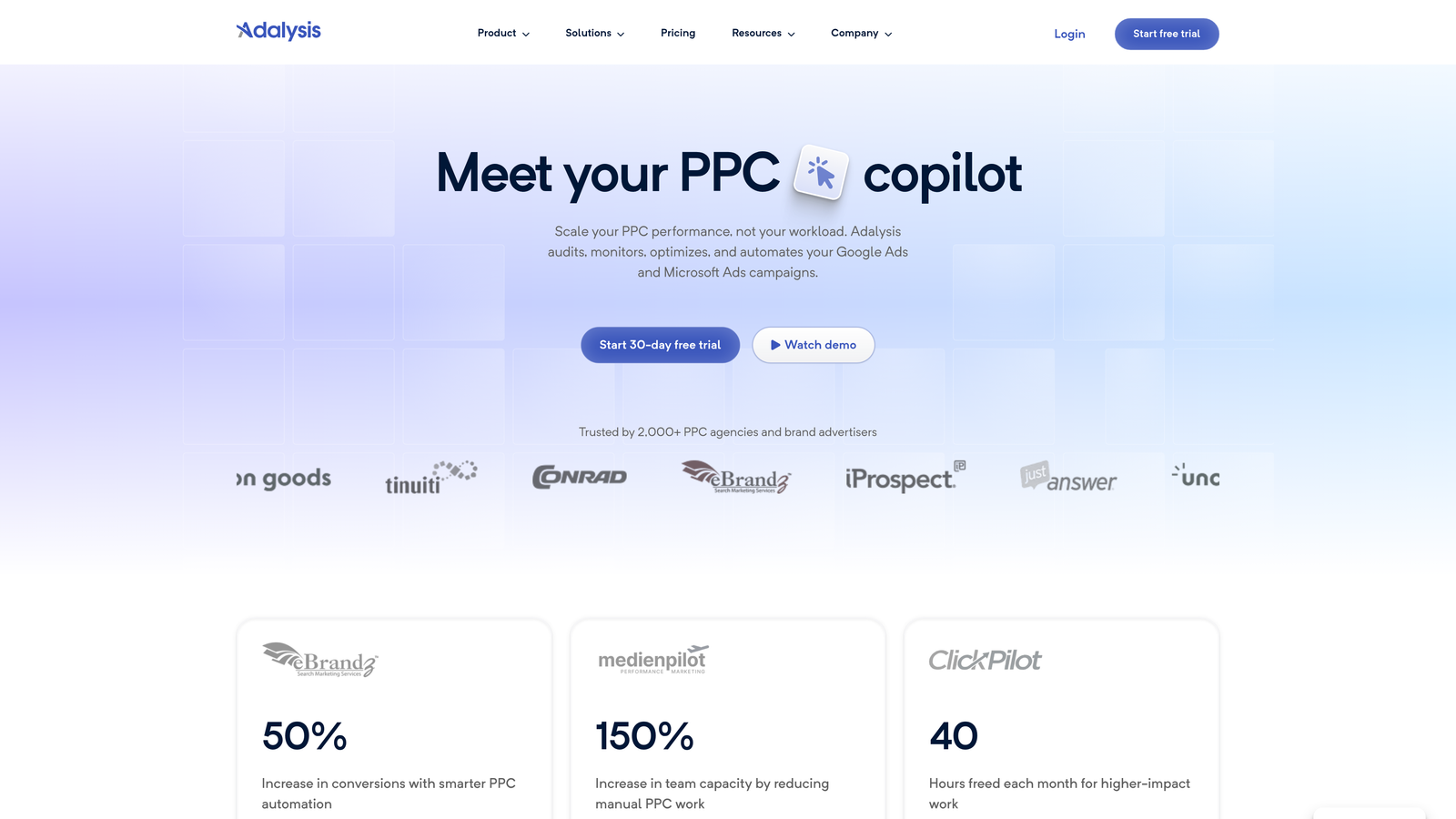
Adalysis is a PPC management tool focused on automated ad testing, quality score tracking, and account-level auditing for Google Ads.
Where This Tool Shines
Ad testing is one of those things most PPC managers know they should do systematically but rarely do. Adalysis automates the statistical significance tracking so you're not manually checking which variant is winning. When a test reaches significance, you get an alert. That alone saves meaningful time in accounts running multiple ad experiments simultaneously.
The quality score monitoring is also underrated. Watching quality score trends at scale helps you catch underperforming keywords before they drag down account efficiency. Most tools don't surface this clearly.
Key Features
Automated A/B ad testing: Run controlled ad experiments with automatic statistical significance tracking.
Quality score monitoring: Track quality score trends over time at the keyword and account level.
Account audit tools: Surface underperforming elements across the account with actionable recommendations.
Responsive search ad analysis: Evaluate RSA asset performance and get recommendations for improvement.
Automated performance alerts: Get notified when key metrics shift outside expected ranges.
Best For
PPC teams running systematic creative testing programs and agencies that need structured quality score oversight across multiple client accounts.
Pricing
Tiered by monthly ad spend. Check adalysis.com for current pricing.
8. Acquisio
Best for: AI-powered bid management and budget pacing at scale
Acquisio is an AI-powered bid management and budget pacing platform designed for agencies and high-volume advertisers running campaigns across multiple channels.
Where This Tool Shines
Acquisio's machine learning bid optimization is built for accounts where manual bid management simply can't keep up with the volume of signals. The platform adjusts bids in real time based on performance data, which is particularly valuable for campaigns with high conversion volume and significant budget at stake.
The budget pacing feature is one of its strongest selling points for agencies. Preventing overspend or underspend across dozens of client accounts simultaneously is a real operational problem, and Acquisio handles it automatically.
Key Features
Machine learning bid optimization: Real-time bid adjustments driven by performance signals across campaigns.
Budget pacing: Automated controls to prevent overspend or underspend throughout the campaign period.
Multi-channel campaign management: Manage Google, Microsoft, and Facebook campaigns from a unified platform.
White-label reporting: Agency-branded reporting for client-facing dashboards and presentations.
Automated anomaly detection: Performance alerts when campaigns deviate from expected patterns.
Best For
Agencies managing large-scale, multi-channel campaigns where manual bid management is no longer feasible. Best suited for high ad spend environments where AI optimization has enough data to work effectively.
Pricing
Enterprise pricing. Check acquisio.com for current plans.
9. Google Ads Scripts
Best for: Custom automation for technical advertisers who want full control
Google Ads Scripts is a free, built-in JavaScript automation layer inside Google Ads that lets technical users create custom rules, automate repetitive tasks, and build custom reporting.
Where This Tool Shines
Scripts are the most flexible automation option available in Google Ads, and they're free. If you can write or adapt JavaScript, you can automate almost anything: bid rules, budget alerts, keyword management, anomaly detection, and custom Sheets-based reporting. The community script libraries from Optmyzr, Brainlabs, and others mean you don't always need to write from scratch.
The honest caveat: Scripts have a real technical barrier. If you don't have a developer or a PPC manager comfortable with code, the learning curve is steep. For those who can use them, though, Scripts offer a level of customization that no third-party tool can fully replicate.
Key Features
Custom JavaScript automation: Write rules for bids, budgets, keywords, and alerts tailored to your exact account logic.
Scheduled execution: Scripts run automatically on your defined schedule without manual triggers.
Community script libraries: Access pre-built scripts from Optmyzr, Brainlabs, and the broader PPC community.
Google Sheets integration: Build custom reporting dashboards that pull live data from your Google Ads account.
Free with any Google Ads account: No third-party subscription required.
Best For
Technical PPC managers and developers who want maximum customization without paying for a SaaS platform. Also useful as a complement to tools like Optmyzr, which can generate Scripts for non-technical users.
Pricing
Free. Requires JavaScript knowledge to implement effectively.
Which Tool Belongs in Your Stack?
The right answer depends on what problem you're actually trying to solve. Here's how to think about it by use case.
Solo advertiser on a budget: Start with Keywordme for search term optimization and Google Ads Editor for bulk structural changes. That combination covers the two highest-leverage workflows without a significant monthly cost.
Agency managing 10+ accounts: Keywordme handles in-interface search term work efficiently across accounts. Pair it with Optmyzr for rule-based automation and reporting, or Acquisio if you're at enterprise scale with AI bid management needs.
Competitive research focus: SpyFu is the fastest way to understand what competitors are buying and why. SEMrush gives you broader keyword and CPC intelligence with better cross-channel integration if you're running both PPC and SEO.
Systematic ad testing: Adalysis is the most purpose-built tool for running controlled experiments with statistical rigor. It fills a gap that most general PPC platforms handle poorly.
Technical automation: Google Ads Scripts give you the most flexibility at zero cost, provided you have the technical chops to implement them. Optmyzr is a strong middle ground if you want script-like automation without writing code.
The bottom line: Google Ads Editor is a foundational tool, not a complete solution. Most advertisers doing serious optimization work will need at least one additional layer, whether that's a Chrome extension like Keywordme for in-interface speed, a SaaS platform for automation, or a research tool for competitive intelligence.
If search term optimization and negative keyword management are your biggest time sinks (and in most accounts, they are), Start your free 7-day trial of Keywordme and see how much faster your weekly review gets when you're working directly inside Google Ads instead of juggling spreadsheets.
.svg)