
9 Best PPC Optimization Tools Reviewed for Google Ads in 2026
This PPC optimization tools review sorts nine Google Ads tools by the job they do, from search term cleanup and bulk editing to automation, auditing, reporting, research, and landing pages. Each tool is judged on workflow fit, pricing transparency, and who it suits, helping advertisers and agencies cut wasted spend without spending hours on manual exports.


You manage Google Ads for yourself, clients, or a stack of accounts, and you want to cut wasted spend without losing your afternoons to exports and pivot tables. This review sorts tools by the job they do, from search term cleanup to automation, auditing, reporting, research, and landing pages. Each one is judged on workflow fit, pricing transparency, and who it actually suits. All details are as of November 2026; confirm pricing and features on each vendor's site before you buy.
Quick Comparison of the Tools
- Keywordme: solo advertisers and agencies who review search terms often; $12/month per user; runs inside the native Google Ads Search Terms Report as a Chrome extension.
- Google Ads Editor: anyone doing large account builds or restructures; free; Google's official offline bulk-editing app.
- Optmyzr: agencies managing many accounts with larger budgets; pricing on request via the website; the deepest library of PPC-specific optimization workflows here.
- Adalysis: teams that want continuous account health monitoring; pricing on the website; automated audits and alerts that catch problems early.
- Google Ads Scripts: technical advertisers who want custom automation; free; fully custom JavaScript automation inside Google Ads.
- Swydo: agencies and freelancers delivering client reports; pricing on the website; branded, automated white-label reporting.
- Looker Studio: budget-conscious teams building custom dashboards; free; blends ad data with other sources at no cost.
- Semrush: research-led planning and competitor analysis; subscription, see website; competitive intelligence on rivals' ads and keywords.
- Unbounce: advertisers whose clicks are good but conversions lag; tiered subscription, see website; landing page A/B testing for the post-click stage.
1. Keywordme
Keywordme is a Chrome extension that adds one-click actions directly inside the Google Ads Search Terms Report. It's our own product, so here's the plain version: it does one job, search term and keyword management, and tries to make that job quick.
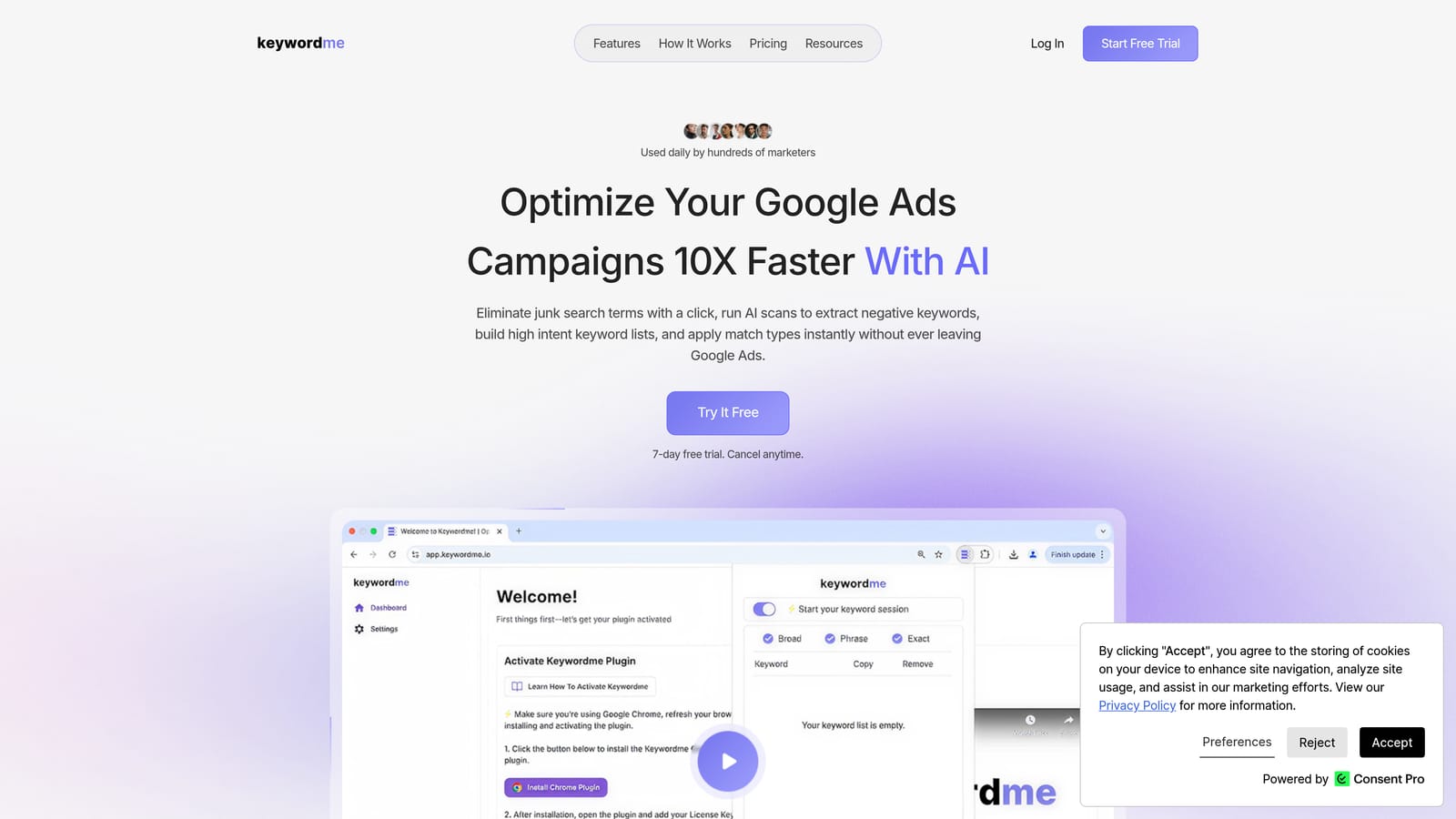
A quick refresher on terms. A search term is what a person actually typed into Google. A keyword is what you bid on. Negative keywords block searches you don't want; positive keywords are the ones you want to trigger ads. A classic mistake is adding junk search terms as broad match positives, or skipping regular search term reviews altogether. Keywordme targets that review loop.
What sets it apart from everything else on this list is where it works. You stay in the native Google Ads interface, so cleanup needs no exports and no spreadsheets. Keywordme markets itself as helping you optimize up to 10x faster; that's the vendor's own claim, not an independent benchmark, and your results will depend on your account and habits.
- One-click add of a search term as a negative keyword, so junk gets blocked as you scroll.
- Add high-intent search terms as keywords, so winners move into your keyword lists quickly.
- Apply match types instantly instead of typing brackets and quotes by hand.
- Keyword clustering and bulk editing for grouping related terms and handling many at once.
- Multi-account and team support, useful when several people work across client accounts.
Setup is light: it connects to Google Ads through the Chrome extension, and whoever reviews search terms runs it day to day. You still make every decision; it speeds up the clicking, not the judgment.
The limits are real. It's focused on search terms and keywords, so there's no bid automation, reporting, or creative tooling, and it requires Chrome. If you want an auditing layer or dashboards, you'll pair it with something else below.
Pricing is a flat $12/month per user, with a 7-day free trial (check the website for current terms). Cost scales with the number of users, not ad spend.
Best for: Solo advertisers and agencies who review search terms often.
2. Google Ads Editor
Google Ads Editor is Google's free desktop application for managing accounts in bulk and offline. It's built for the person who needs to change hundreds or thousands of things at once.

Its edge over the rest of the list is that it's the official, free tool for large structural changes. Building out a new account, duplicating campaigns across clients, or restructuring ad groups is far faster here than in the browser interface.
- Bulk editing lets you change bids, keywords, ads, and settings across many items in one pass.
- Offline drafting and review means you can build changes, check them, and post them only when you're ready.
- Copy and paste across campaigns and accounts saves rebuilding structures you've already made.
- Import and export via spreadsheets suits teams that plan account builds in sheets.
- Multi-account management lets you work across several accounts in one place.
It connects to Google Ads and nothing else, and setup is a download plus signing in. Whoever owns account structure usually runs it.
The trade-off is that it isn't designed for quick, ongoing search term triage. You'd have to download data, review, and post changes, which is a heavier loop than clicking inside the report. There's also a learning curve, and bulk power cuts both ways: a bad paste across many campaigns is still a bad paste.
Pricing: free.
Best for: Large account builds and restructures.
3. Optmyzr
Optmyzr is a PPC management platform with optimization tools, audits, and reporting for Google Ads and other ad platforms. It's aimed at agencies and in-house teams who want a toolbox rather than a single feature.

What it does well
Its distinguishing strength is a deep library of PPC-specific optimization workflows. Where Keywordme speeds up one manual task, Optmyzr covers a wide range of recurring account jobs and lets you systematize them across many accounts.
Features
- Rule-based optimizations that apply your logic consistently instead of relying on memory.
- Account audits that surface issues worth fixing.
- Bulk management tools for making changes at scale.
- Reporting so you can show clients what changed.
- Automation workflows that cut repeat work across accounts.
Setup, limits, and cost
It integrates with Google Ads, Microsoft Ads, and Meta Ads. Expect more setup than a lightweight extension: you'll configure rules, connect accounts, and decide who owns the workflows. That's a feature for a large agency and overkill for a solo advertiser with one account.
It's costlier and heavier than lighter tools. Pricing is tiered and spend-based, so it moves with the ad spend you manage; check the website for current numbers, since we can't quote them reliably.
Best for: Agencies managing many accounts with larger budgets.
4. Adalysis
Adalysis is a PPC auditing and monitoring platform that flags issues and opportunities across ad accounts. Think of it as a second pair of eyes that never takes a day off.
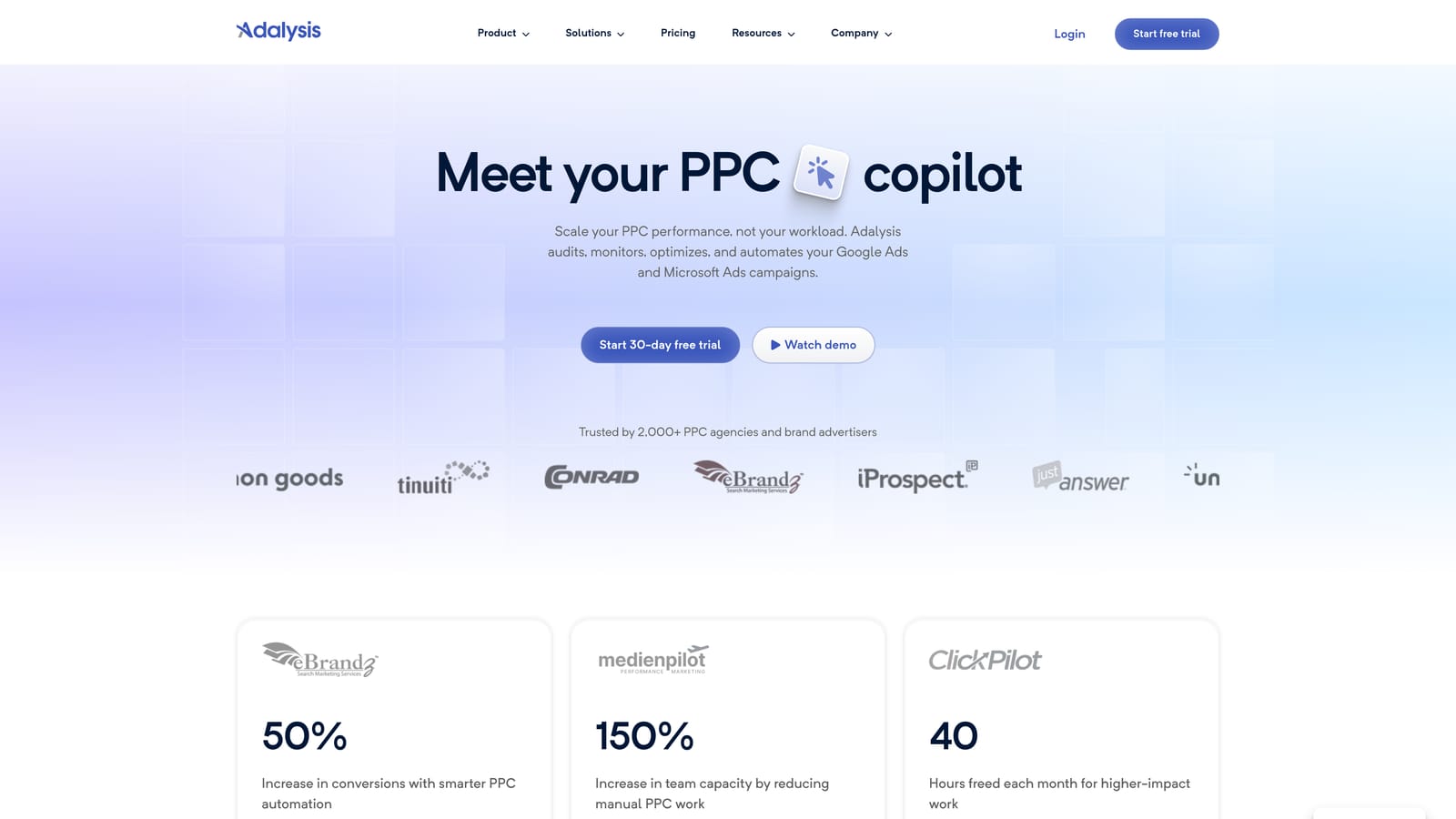
Its standout trait is automated alerts and audits that catch account problems early, such as things that quietly broke or drifted. That's different from tools built to execute edits quickly; this one tells you where to look.
- Automated account audits point to problems without you combing through every campaign.
- Alerts notify you when something needs attention, so issues don't sit for weeks.
- Ad testing analysis helps you judge which ad variations are actually winning.
- Bid and budget reports show where spend and bidding need a closer look.
- Multi-account dashboards give agencies a single view across clients.
It integrates with Google Ads and Microsoft Ads. Setup means connecting accounts and tuning alerts so you aren't buried in noise. A PPC manager or account lead typically owns it and works through the flagged items.
The limitation is in the design: it flags problems more than it speeds up hands-on edits. You'll still fix things elsewhere, in the Google Ads interface, in Editor, or with a tool like Keywordme for search terms. If you manage one small account and check it daily, the monitoring layer may be more than you need.
Pricing isn't something we can state confidently; see the website for current plans.
Best for: Teams that want continuous account health monitoring.
5. Google Ads Scripts
Limitation first: Google Ads Scripts needs coding skill and ongoing maintenance, and a script with an error can affect a live account. If that doesn't scare you off, it's the most flexible option on this list.
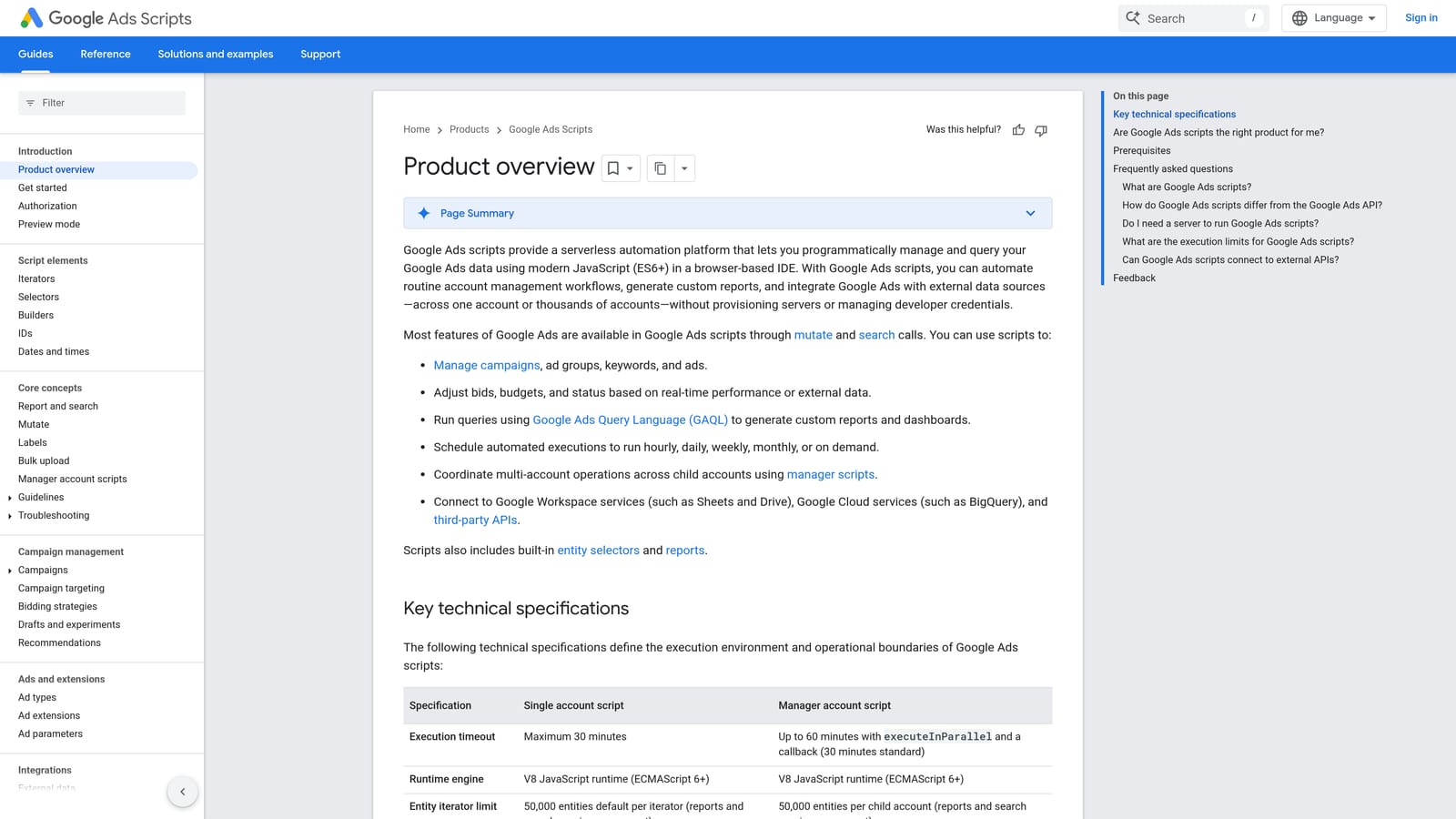
It's a free JavaScript automation framework built into Google Ads. Nothing else here offers fully custom automation at no cost: if you can describe a rule, a technical advertiser can often script it.
- Custom automation lets you build exactly the checks or changes your accounts need.
- Scheduled runs mean tasks happen on a timetable without you logging in.
- Custom reports and alerts can pull data into Google Sheets or flag anomalies.
- Preview mode lets you see what a script would do before it changes anything.
- Open-source script libraries give you a starting point instead of a blank file.
It works with Google Ads and Google Sheets. Setup effort depends on the script: borrowing a library script is quick, writing your own is a project. Someone comfortable with JavaScript needs to own it, including fixing it when Google Ads changes or a script breaks.
It doesn't suit marketers who want point-and-click workflows or don't have a developer around. Use preview mode and test carefully before letting anything run on a live account.
Pricing: free.
Best for: Technical advertisers wanting custom automation.
6. Swydo
Swydo is a reporting platform that builds automated, white-label PPC reports for clients. It doesn't touch your campaigns; it tells the story of them.
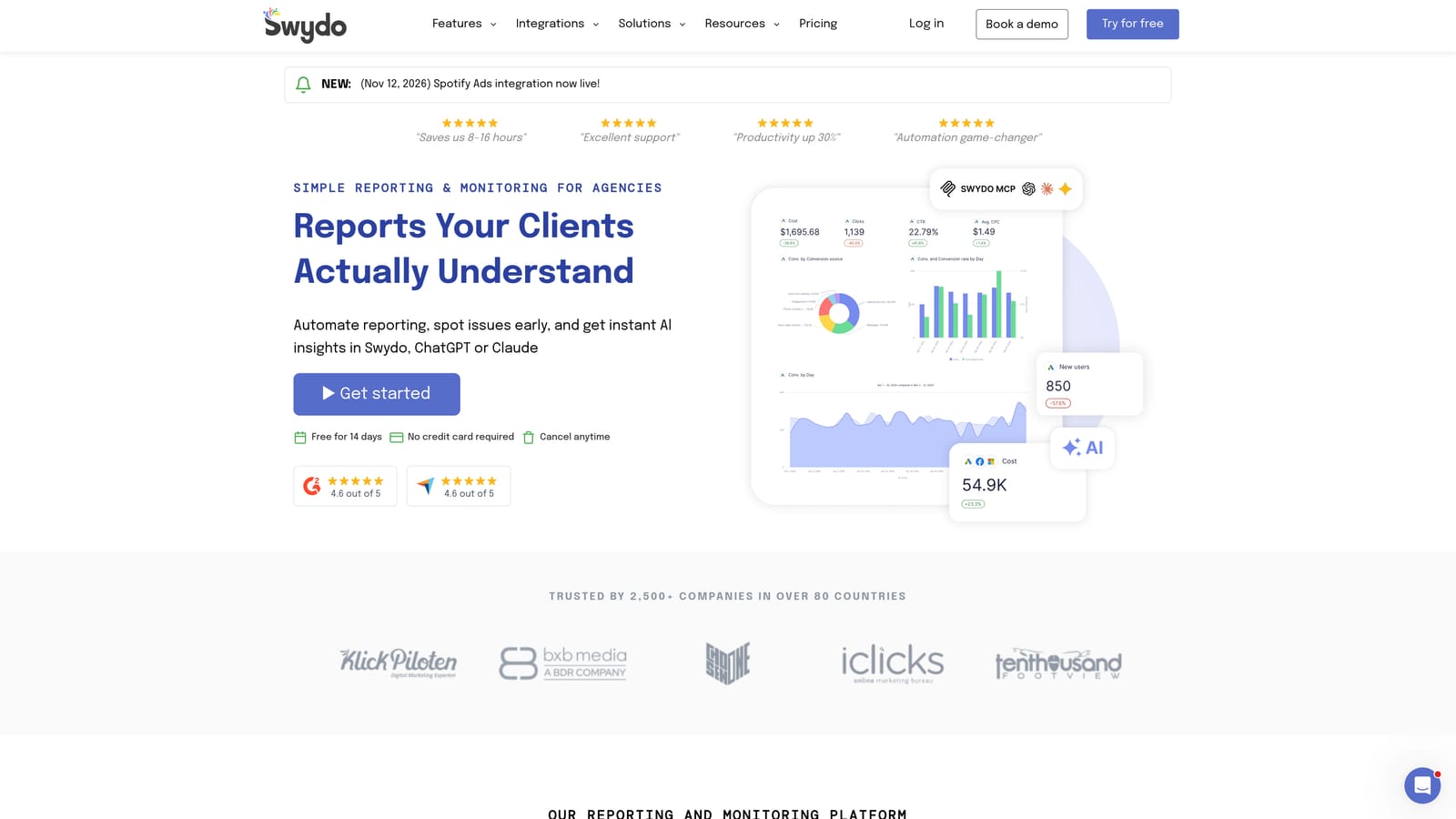
What it does that the others don't is branded client reporting automation. If you spend the first week of every month assembling decks and screenshots, this is the kind of tool that gives that time back.
- White-label reports carry your agency's branding rather than the vendor's.
- Automated report delivery sends reports on a schedule so you don't chase deadlines.
- Multi-channel data sources let you combine search, social, and analytics in one report.
- Dashboards give clients a live view between reports.
- Report templates speed up onboarding new clients.
It integrates with Google Ads, Meta Ads, Google Analytics, and Microsoft Ads. Setup is mostly connecting data sources and building or adapting templates. An account manager or ops person usually owns it.
The limitation is in the category: it's reporting only and does not optimize campaigns. It also overlaps with Looker Studio, which is free; you're paying for polish, white-labeling, and convenience rather than raw capability.
Pricing isn't something we can quote reliably; see the website for current plans.
Best for: Agencies and freelancers delivering client reports.
7. Looker Studio
Looker Studio is Google's free data visualization and dashboard tool, with a Google Ads connector. If reporting budget is zero, start here.
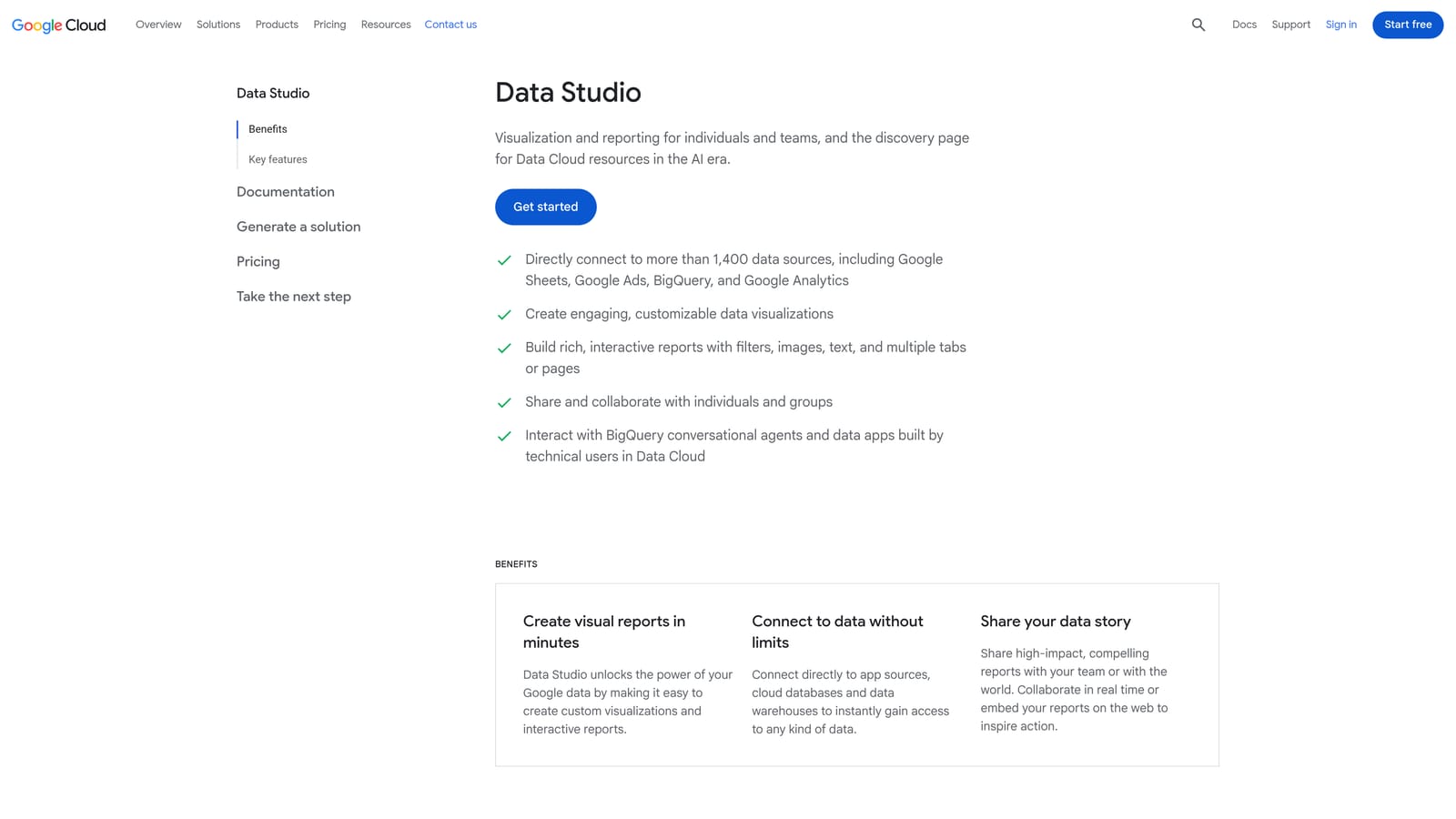
Its edge is flexibility at no cost: you can blend ad data with other sources and build dashboards shaped to your questions rather than a vendor's template.
- A native Google Ads connector pulls campaign data in without manual exports.
- Custom dashboards let you show the metrics that matter to each client or stakeholder.
- Data blending combines ads data with other sources, such as analytics or CRM exports.
- Shareable reports go out by link so stakeholders can view them without logins to Google Ads.
- A template gallery gives you a head start.
It works with Google Ads, Google Analytics 4, BigQuery, and Google Sheets. Setup is more hands-on than a dedicated reporting product: you design the dashboards, and someone has to maintain them when metrics or clients change.
It's visualization only, with no optimization actions. It won't tell you which search term to block. Note also that some partner connectors are paid, so costs can creep in if you pull non-Google data.
Pricing: free (some partner connectors are paid).
Best for: Budget-conscious teams building custom dashboards.
8. Semrush
Semrush is a marketing suite that includes PPC keyword and competitor ad research. It sits earlier in the process than most tools here, helping you decide what to bid on rather than cleaning what you already bid on.
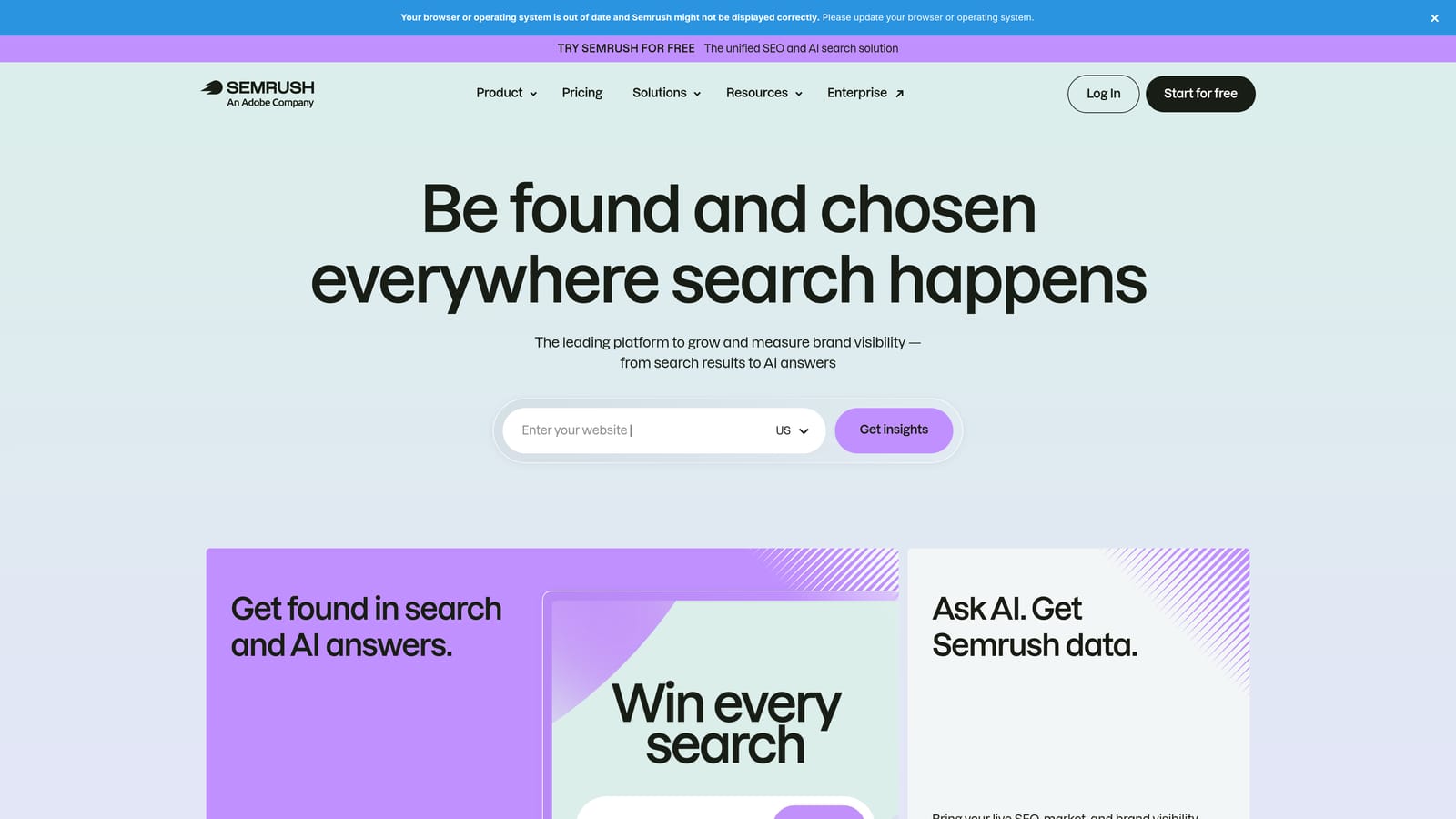
Its distinct value is competitive intelligence: seeing which keywords and ads your rivals are running gives you angles you won't find in your own account data.
- Competitor ad research shows what rivals are advertising and how they word it.
- PPC keyword research helps you find terms worth testing before you spend on them.
- Keyword gap analysis highlights terms competitors target that you don't.
- Ad copy insights give you reference points for your own messaging.
- The wider SEO toolkit is useful if organic search is also on your plate.
It integrates with Google Ads, Google Analytics, and Google Search Console. Setup is light since much of it is research you run on demand, and a strategist or marketer typically uses it during planning.
It isn't an in-account optimizer, so it won't edit campaigns or clean search terms. It can also be pricey if you only need PPC, since you're paying for a broad suite. Plans are subscription-based; check the website for current pricing.
Best for: Research-led planning and competitor analysis.
9. Unbounce
Unbounce is a landing page builder with A/B testing, aimed at improving what happens after the click. It belongs on a PPC list because the best search term management in the world can't fix a page that doesn't convert.
It stands out for landing page testing: you can run variations against each other and see which one turns paid traffic into leads or sales, without waiting on a developer.
- A drag-and-drop landing page builder lets marketers launch pages without code.
- A/B testing shows which version of a page converts better.
- Popups and sticky bars add extra conversion prompts to pages.
- AI-assisted tools help with drafting and iterating page content.
- Templates give you a faster starting point for new campaigns.
It integrates with HubSpot, Zapier, Google Analytics, and Mailchimp. Setup involves building pages, connecting your form destinations, and pointing ad traffic at them. A marketer or designer usually runs it.
It does not manage keywords, bids, or search terms, so it won't reduce wasted clicks; it improves what you do with the clicks you pay for. Testing also needs enough traffic to produce a trustworthy result. Pricing is a tiered subscription; see the website for current plans.
Best for: Advertisers whose clicks are good but conversions lag.
Which Tool Fits Which Job
Few advertisers need all nine, and no single tool covers everything. Pick by the problem in front of you:
- Solo advertiser cleaning search terms: Keywordme, for fast in-interface review at a flat per-user price.
- Agency at scale: Optmyzr for workflows across many accounts, with Adalysis if monitoring is the gap.
- Reporting-heavy teams: Swydo for branded delivery, or Looker Studio if budget is tight.
- Technical teams: Google Ads Scripts for custom automation, plus Google Ads Editor for big structural changes.
- Post-click conversion problems: Unbounce, once your traffic quality is under control.
These tools stack by job. A common combination is a search term tool for weekly cleanup, a monitoring or reporting layer on top, and research or landing page tools when the strategy calls for them. Learn the basics in Google's own Help documentation on the search terms report and negative keywords first, then add tools where your time actually leaks.
Optimize Google Ads Campaigns 10X Faster. Without Leaving Your Account. Keywordme lets you remove junk search terms, build high-intent keyword lists, and apply match types instantly, right inside Google Ads. No spreadsheets, no switching tabs, just quick, seamless optimization. Start your free 7-day trial (then just $12/month) and take your Google Ads game to the next level.
