
8 Best PPC Optimization Tools for SaaS Companies in 2026
This guide reviews 8 of the best PPC optimization tools for SaaS companies, comparing pricing and strengths so PPC managers can clean up search terms, automate bids, and track competitors without adding unnecessary tools to their stack.


SaaS PPC managers deal with a specific kind of mess: CAC targets that don't leave room for wasted spend, trial-to-paid funnels that make attribution tricky, and Search Terms Reports that fill up with irrelevant queries within days of launching a campaign. The tools below were chosen for how well they handle the actual weekly work: cleaning up search terms, building keyword lists, automating bids and rules, and keeping an eye on what competitors are bidding on. Some live inside Google Ads itself, others sit alongside it for research or reporting. Knowing which is which matters before you add another login to your stack.
Quick comparison
- Keywordme: best for SaaS marketers and agencies who want fast search term cleanup inside Google Ads; starting at $12/month per user; the only tool here that works entirely inside the native Search Terms Report.
- Optmyzr: best for agencies managing several accounts with custom automation rules; pricing quote-based; its rule engine lets teams codify their own bid and budget logic across accounts.
- Adalysis: best for teams systematically testing ad copy for trial or demo conversions; pricing quote-based; built-in statistical A/B testing most tools on this list lack.
- WordStream (LocalIQ): best for time-strapped marketers who want a guided weekly routine; pricing quote-based; free Performance Grader gives an instant account snapshot with no signup.
- Google Ads Editor: best for large-scale manual campaign restructuring at zero cost; free; the only tool built and maintained directly by Google.
- SEMrush PPC Toolkit: best for teams wanting competitor ad research bundled with SEO tools; pricing tiered; combines paid keyword intelligence with a full marketing suite.
- SpyFu: best for benchmarking against named competitors before building a keyword list; pricing tiered; deepest historical archive of competitor ad copy changes.
- Ahrefs: best for pre-launch keyword research; pricing tiered; long-tail keyword discovery strong enough to seed a list before spending a dollar on ads.
1. Keywordme
Keywordme is a Chrome extension that adds one-click optimization actions directly inside the Google Ads Search Terms Report. Instead of exporting data to a spreadsheet or logging into a separate dashboard, you act on search terms right where Google Ads already shows them to you. It's built for SaaS marketers and agency teams who spend real hours each week sorting through search query data looking for junk clicks and hidden keyword opportunities.
What sets it apart on this list is that it doesn't ask you to change your workflow. Every other optimization tool here either lives outside Google Ads or requires you to import and export data. Keywordme skips that step entirely, which matters when your Search Terms Report is refreshing daily and junk terms are eating into a tight CAC budget.
- Removes junk or irrelevant search terms from the report with a single click, instead of manually flagging and excluding them one by one
- Adds high-intent search terms as new keywords with match types applied instantly, so you don't need a second step to activate what you find
- Builds negative keyword lists in-line without leaving the Google Ads interface
- Clusters related keywords and supports bulk editing, useful when a SaaS account has dozens of ad groups covering different features or use cases
- Supports multi-account and team access, which matters for agencies juggling several client accounts under one login
Setup is minimal: install the Chrome extension, connect it to your Google Ads account, and it appears inside the Search Terms Report you already use. There's no separate dashboard to learn, which keeps day-to-day use in the hands of whoever already manages the account, no dedicated analyst required.
It's worth being clear about scope. Keywordme is focused on search term and keyword-list optimization. It isn't a full-suite platform for bid strategy automation, ad copy testing, or cross-channel reporting, so if you need those, you'll pair it with another tool from this list rather than replace them with it.
Pricing is a flat $12 per month per user, with a 7-day free trial. There's no tiered pricing based on ad spend or account volume, which makes budgeting for it straightforward compared with tools that scale cost with account size.
Best for: SaaS marketers and agencies who want to clean up search terms and build keyword lists fast without leaving Google Ads.
2. Optmyzr
Optmyzr is a PPC management platform built around rule-based automation for teams running multiple accounts across Search, Shopping, and Performance Max. It's designed for agencies and in-house teams that need to apply consistent optimization logic across a portfolio of accounts rather than manage one campaign at a time.

The standout here is the custom rule engine. You can define your own conditions for bid changes, budget shifts, or pausing underperforming keywords, then let Optmyzr apply those rules automatically across accounts. For a SaaS company running Search Ads against several feature-based landing pages, or an agency managing a dozen client accounts, that kind of automation saves real hours compared to checking each account manually.
- Custom rule engine for automating bid, budget, and pause decisions based on conditions you set
- Account audits that flag structural issues and rank them by priority so you know what to fix first
- Cross-account reporting dashboards that roll up performance without exporting each account separately
- Native support for Performance Max and Shopping campaigns alongside standard Search
It integrates with Google Ads, Microsoft Advertising, and Google Analytics. Setup takes longer than a single-purpose tool since you're configuring rules and connecting reporting across accounts, and it's typically run by whoever owns PPC strategy on the team rather than a junior account manager, at least during initial setup.
That complexity is also its main drawback for smaller operations. A solo SaaS marketer running one account doesn't need a multi-account rule engine, and the learning curve plus pricing that scales with account volume can be overkill if you're not managing a portfolio.
Pricing is quote-based and scales with the number and size of accounts managed, so check current tiers directly on the Optmyzr website before committing.
Best for: agencies or in-house teams managing several accounts who want custom automation rules.
3. Adalysis
Ad copy testing is where a lot of SaaS accounts leave conversions on the table, and Adalysis is built specifically for that gap. It continuously audits accounts for structural issues and runs statistically rigorous A/B tests on ad copy, which matters for SaaS teams trying to improve trial or demo conversion rates rather than just click-through rates.
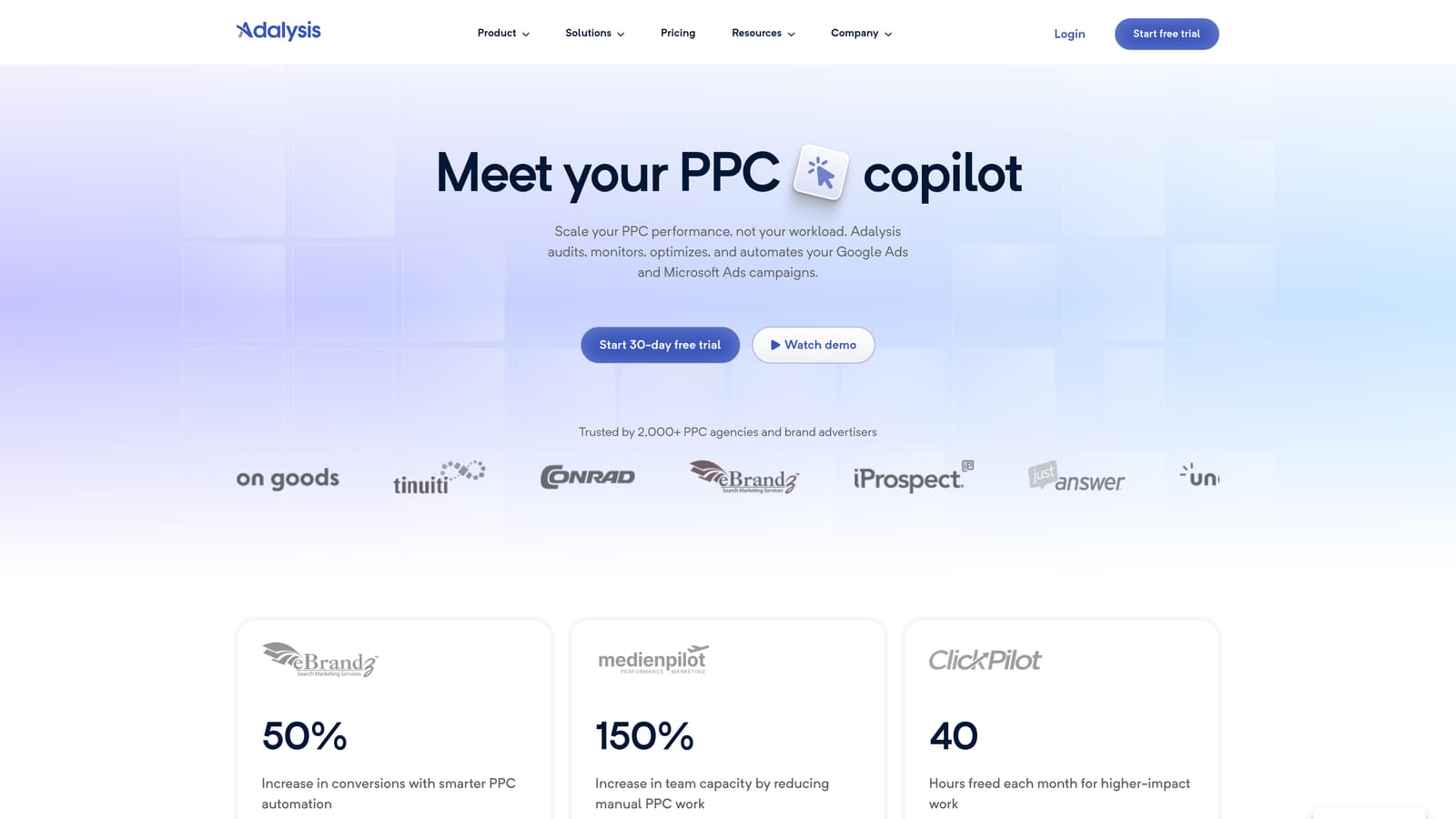
Its core strength, and what separates it from most tools on this list, is native statistical significance testing for ad variations. Instead of eyeballing which headline is "winning," Adalysis tells you when a result is actually reliable versus still noise.
Where it fits in a SaaS workflow
SaaS accounts often run several ad variations per ad group testing different value propositions, free trial messaging, or pricing angles. Adalysis tracks those tests over time and flags when one variation has pulled ahead with enough data to trust the result, which keeps teams from cutting tests short or running them indefinitely.
- Automated account audits that catch missing ad extensions, thin ad groups, and policy issues before they hurt performance
- Ad copy A/B testing with statistical significance tracking built in, not bolted on
- Quality Score and search term monitoring that flags changes worth investigating
- Alerts for account changes and anomalies, useful for catching a budget or bid issue before it burns spend for days
It connects to Google Ads and Microsoft Advertising, and is typically run by whoever owns ad copy and testing strategy, since interpreting significance results requires some familiarity with how the tests are structured.
The clear limitation: Adalysis doesn't do upstream keyword research. It audits and tests what's already running, but SaaS teams still need a separate tool, like Ahrefs or SEMrush, to find new keyword ideas before building out campaigns.
Pricing is subscription-based; check current tiers on the Adalysis website, as they vary by account size and feature access.
Best for: teams that want to systematically test and improve ad copy for trial or demo conversions.
4. WordStream (LocalIQ)
WordStream, now operating under the LocalIQ brand, is built for marketers who want quick, guided wins without a steep learning curve. Its signature approach is a checklist-style optimization routine, historically branded the "20-Minute Work Week," that walks you through the highest-impact changes to make in a short, regular session.

What makes it worth a look before you commit to anything is its free Google Ads Performance Grader. You can plug in an account and get a health score and set of recommendations without signing up for a paid plan, which is a useful gut check before investing in any tool on this list.
- Guided optimization checklist that prioritizes changes so you're not guessing what to fix first each week
- Free Performance Grader that scores account health and flags issues on demand
- Keyword research and negative keyword suggestions to help build out lists faster
- Cross-platform reporting that covers both Google Ads and Meta Ads in one view
It integrates with Google Ads, Meta Ads, and Microsoft Advertising. Setup is on the lighter side compared with Optmyzr or Adalysis, and it's designed to be run by a generalist marketer rather than a dedicated PPC specialist, which fits a lot of small SaaS marketing teams where one person handles everything.
The trade-off is that WordStream's workflows were built with SMB and local-business advertisers in mind, things like store visits and local service leads. SaaS-specific reporting, like trial-to-paid funnel tracking or MRR attribution, isn't a native focus, so you may need a supplementary analytics tool alongside it.
Pricing is subscription-based; verify current tiers on the WordStream website, as packaging has shifted since the LocalIQ rebrand.
Best for: time-strapped marketers who want a guided, low-effort weekly optimization routine.
5. Google Ads Editor
Google Ads Editor is Google's own free desktop application for making bulk changes to campaigns, ad groups, keywords, and negative keyword lists offline before uploading them to your live account. It has none of the automation or AI-driven recommendations found elsewhere on this list, and that's by design: it's a bulk-editing tool, not an optimization engine.

The advantage is that it's free, official, and doesn't send your account data through any third-party service. For a SaaS company restructuring an entire account, splitting ad groups by feature, rebuilding a negative keyword list, or applying a new naming convention across dozens of campaigns, doing that work offline in bulk is far faster than clicking through the Google Ads web interface one change at a time.
- Bulk edit campaigns, keywords, and negative keyword lists offline before pushing changes live
- Copy, paste, and find-and-replace across multiple campaigns at once
- Edit multiple accounts in a single session, useful for agencies as well as multi-brand SaaS portfolios
- Free to download directly from Google, with no subscription or per-seat cost
Setup is just downloading the application and signing in with your Google Ads credentials. Because it requires no subscription and offers no automated suggestions, it's typically run by whoever is comfortable doing manual account structure work, often the same person managing daily optimization tasks.
Its limitation is exactly its design: no automation, no AI-assisted recommendations, and no reporting dashboard. It won't tell you which search terms are wasting spend or suggest new keywords. You bring the changes, and it applies them in bulk.
Pricing: free, with no paid tier.
Best for: large-scale manual restructuring of campaigns and keyword lists at zero cost.
6. SEMrush PPC Toolkit
The PPC-related features inside SEMrush sit within a much broader marketing suite, but for SaaS teams scoping a new campaign, the combination of competitor ad intelligence and keyword research in one place is genuinely useful. It shows which keywords competitors are likely bidding on, estimated ad copy, and how paid and organic visibility overlap for a given domain.
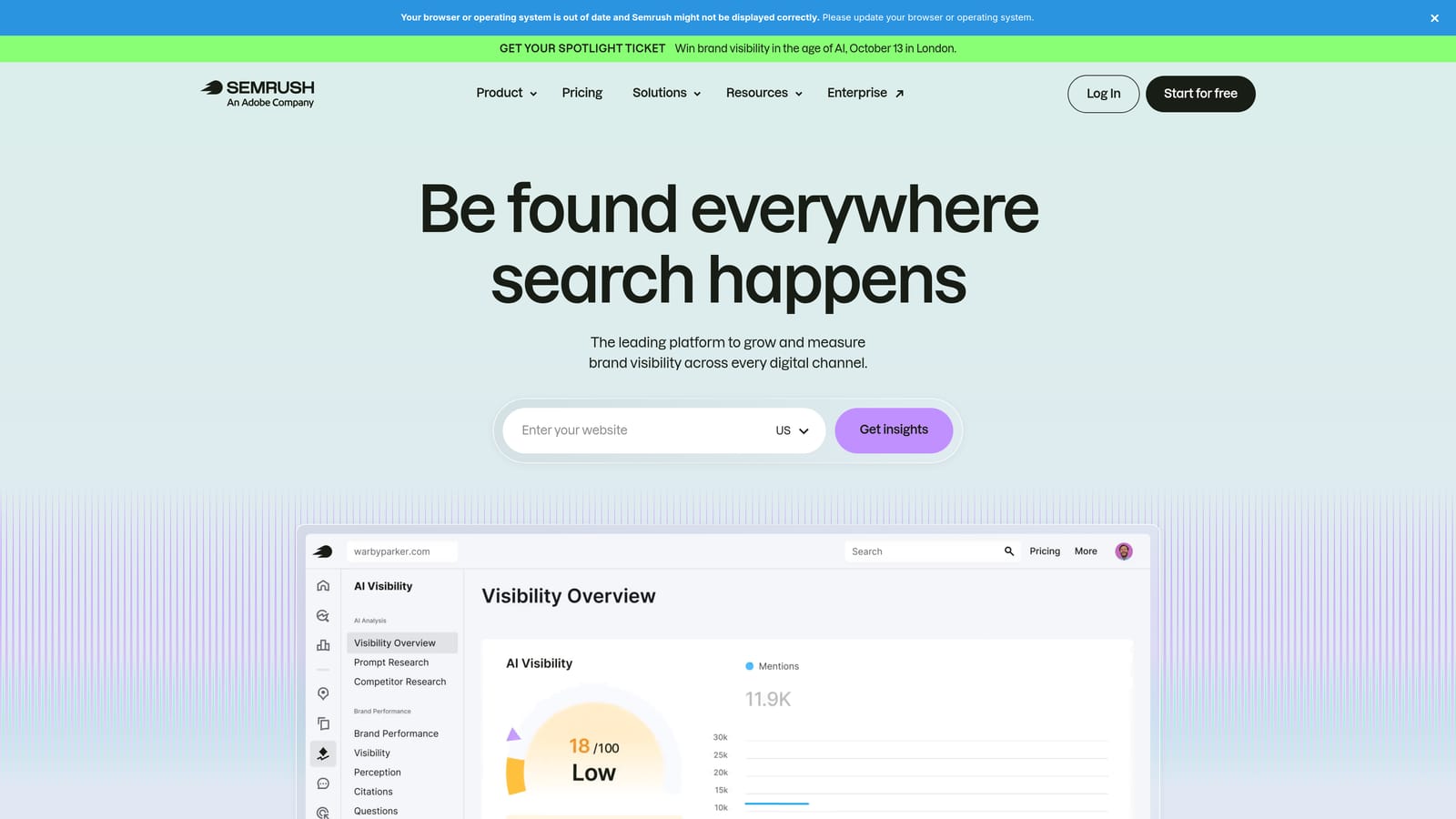
Its Advertising Research module gives a window into a competitor's estimated paid keyword list and sample ad copy, which is a different job than any in-platform optimization tool on this list can do, since none of those show you what other advertisers are running.
- Advertising Research shows competitors' estimated paid keywords and sample ad copy
- Keyword Magic Tool builds out keyword lists with volume and intent signals attached
- Position Tracking monitors organic and paid visibility for target keywords over time
- PLA research supports Shopping campaign keyword and product listing research
It connects with Google Ads, Google Analytics, and Google Search Console for reporting purposes. Because it's a broad suite, setup and day-to-day ownership often falls to whoever handles both SEO and paid search, or a marketing generalist at smaller SaaS companies.
The real limitation is cost efficiency: SEMrush is priced and packaged as a full SEO and content marketing suite. If your team only wants the PPC research features, you're paying for a lot of tooling, like site audits and content research, that a pure-play PPC team won't use.
Pricing runs on tiered subscription plans; check current pricing on the SEMrush website since tiers and included features change periodically.
Best for: teams that want competitor ad research bundled with SEO and content tools.
7. SpyFu
SpyFu is built around one core question: what is this specific competitor doing with their paid search account, and how has that changed over time? It shows a domain's historical paid keywords, ad copy variations, and estimated spend, which is useful when a SaaS company is entering a category with established competitors already running Search Ads.
Its archive of historical ad copy and keyword changes goes back further than most comparable tools, so you can see not just what a competitor is running today but how their messaging and keyword targeting have evolved over months or years.
- Historical view of a domain's paid keywords and ad copy changes over time
- Kombat tool compares keyword overlap across up to three domains at once, useful for spotting gaps
- Estimated monthly ad spend and click volume by competitor domain
- PPC keyword list export you can bring directly into campaign planning
Integration with Google Ads happens through manual keyword export rather than a live connection. It's typically used by whoever owns competitive strategy or campaign planning, often before a new campaign launches rather than as an ongoing daily tool.
The figures are estimates modeled from available data, not verified numbers pulled directly from competitor accounts. Treat spend and click estimates as directional signals for prioritizing where to compete, not exact benchmarks to build a budget around.
Pricing is subscription-based; check current tiers on the SpyFu website, as they vary by data access and export limits.
Best for: SaaS teams that want to benchmark against specific named competitors before building a keyword list.
8. Ahrefs
Ahrefs is an SEO-first research platform, but its Keywords Explorer includes paid search data that's genuinely useful before you ever open a Search Terms Report. For SaaS teams planning a new campaign or expanding into a new feature category, it's often the first stop for figuring out what to bid on in the first place.
Its long-tail keyword discovery is a strong differentiator here. Rather than just returning a handful of obvious head terms, it surfaces related and long-tail variations grouped by parent topic, which helps SaaS teams build out keyword lists that reflect how prospects actually search, not just the generic category term everyone else is already bidding on.
- Keywords Explorer with search volume, keyword difficulty, and CPC estimates for planning budgets
- Related and long-tail keyword suggestions organized by parent topic
- Competitor keyword gap analysis to find terms competitors rank or advertise on that you don't yet target
- SERP-level insight showing who's already ranking or advertising on a given term
There's no native Google Ads integration; keyword lists need to be exported and imported manually into your account. It's commonly run by whoever handles keyword strategy, sometimes an SEO specialist doubling up on PPC research, rather than a dedicated PPC manager.
The limitation is clear from its positioning: Ahrefs is built primarily for SEO. It has no bid management, ad testing, or in-platform optimization features, so once your campaign is live, you'll be back in Google Ads or a tool like Keywordme to manage it day to day.
Pricing is tiered by subscription; check current pricing on the Ahrefs website, as plans and included seats change over time.
Best for: pre-launch keyword research before building out SaaS campaign structures.
Matching the tool to your team's situation
If you're a solo SaaS marketer or a small in-house team, the fastest win is cleaning up the Search Terms Report you're already staring at every week. Keywordme handles that directly inside Google Ads, without asking you to learn a new dashboard, and pairs well with Google Ads Editor for the occasional large-scale restructure.
Agencies managing multiple accounts get more value from tools built for scale: Optmyzr's rule engine for automation across accounts, and Adalysis if ad copy testing for client conversion rates is part of the service you sell. Layer Keywordme on top for the search term cleanup work that happens in every account regardless of size.
Teams scoping a new campaign or entering a competitive category should start upstream with Ahrefs, SEMrush, or SpyFu to understand keyword volume, competitor positioning, and where the gaps are before spending a dollar on clicks. Once the campaign is live, that's when in-platform tools like Keywordme take over the ongoing cleanup work.
For most SaaS PPC managers, the search term cleanup step is the one eating the most time each week and the easiest to fix immediately. Start your free 7-day trial of Keywordme, then $12 a month, and see how much faster your Search Terms Report gets to work through when you're not leaving Google Ads to do it.
.svg)