
9 Best PPC Optimization Tools for Agencies
Managing PPC across multiple clients demands more than spreadsheets — the right PPC optimization tools for agencies can streamline multi-account workflows, sharpen keyword strategy, and make proving ROI far less painful. This guide evaluates 9 top tools suited for agency use in 2026, from solo freelancers to full-service shops.


Agency PPC management is a different beast from running a single account. You're juggling multiple clients, tight reporting deadlines, and constant pressure to prove ROI—all while keeping wasted spend in check. The right tools can mean the difference between scaling profitably and drowning in spreadsheets.
This list covers the best PPC optimization tools built or well-suited for agency workflows in 2026. We evaluated each one on how well it handles multi-account management, search term and keyword optimization, reporting, and day-to-day efficiency. Whether you're a solo freelancer managing a handful of clients or running a full-service agency, there's something here for every setup.
A quick note: Keywordme is listed first because it's the tool this article is published by—but we've been straight about what it does and doesn't do, and the rest of the list stands on its own merits.
1. Keywordme
Best for: In-interface search term and keyword optimization inside Google Ads
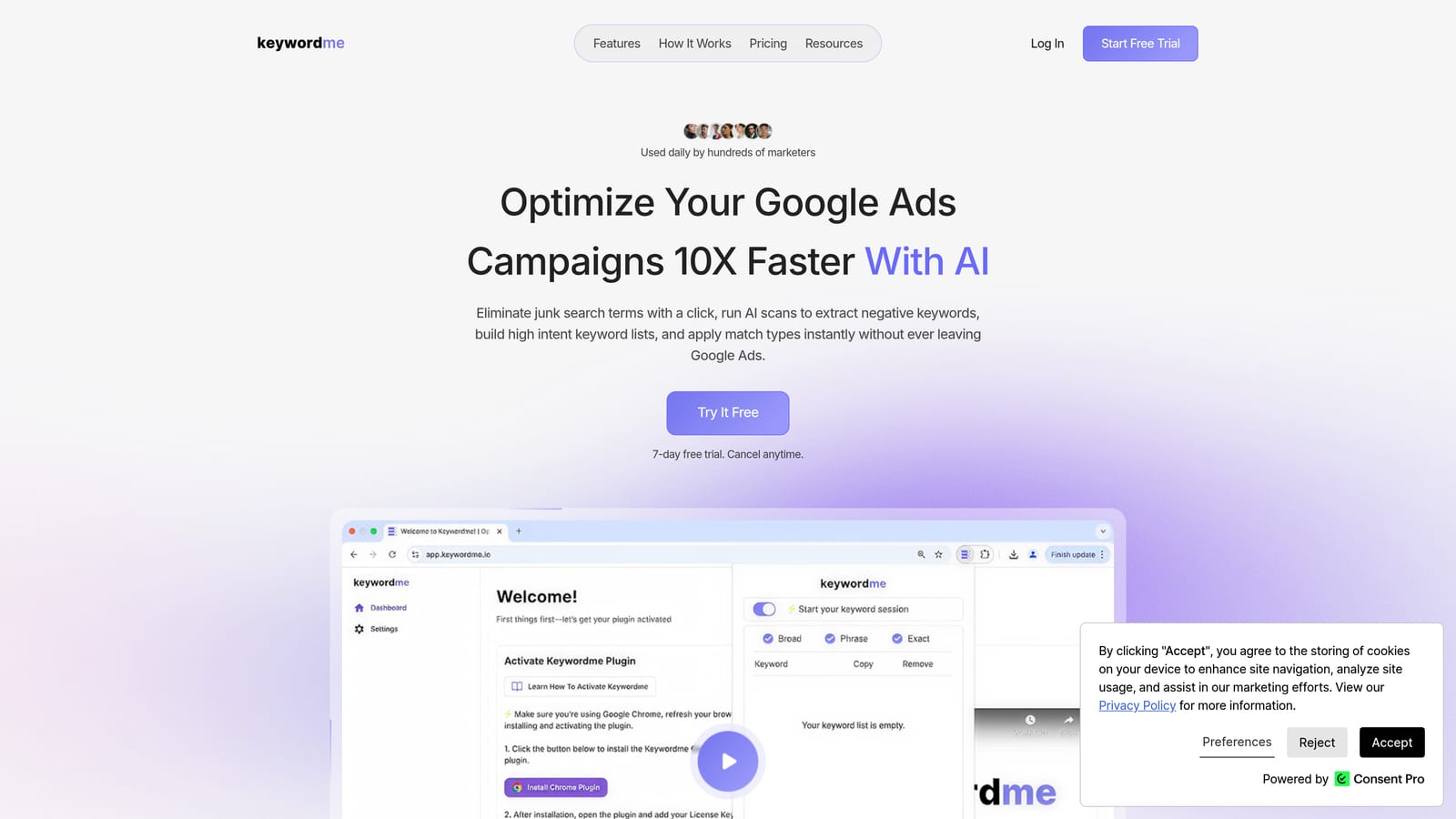
Keywordme is a Chrome extension that plugs directly into Google Ads' Search Terms Report, letting you add negative keywords, promote high-intent search terms to keywords, apply match types, and cluster keywords—without leaving the Google Ads interface.
Where This Tool Shines
Most PPC optimization workflows involve the same painful cycle: export search terms to a spreadsheet, filter for junk, copy negatives into a list, re-upload, repeat. Keywordme cuts that cycle entirely. You work directly inside Google Ads, clicking to remove irrelevant search terms or promote high-intent ones to keywords—right from the Search Terms Report where you're already looking at the data.
For agencies, the multi-account and team support is a practical addition. Multiple team members can work across client accounts using the same tool without needing to coordinate spreadsheets or share login credentials for a third-party platform. It's built for the way agency teams actually operate.
Key Features
One-click negative keyword addition: Remove irrelevant search terms and add them as negative keywords directly from the Search Terms Report without exporting anything.
Bulk keyword promotion: Promote multiple high-intent search terms to keywords at once, with match type selection included in the same step.
Keyword clustering: Organize newly promoted keywords into logical groups without leaving the Google Ads interface.
Multi-account and team support: Manage multiple client accounts and collaborate with team members from a single Keywordme account.
Fully in-interface: No exports, no third-party dashboards, no tab-switching—everything happens inside the native Google Ads UI.
Best For
Keywordme is a strong fit for agency PPC managers and freelancers who spend meaningful time each week reviewing search terms and managing negative keyword lists. It's especially useful if your current workflow involves spreadsheets for keyword work and you want to cut that step out entirely. It's Google Ads-specific, so if you're managing Microsoft Ads or other platforms, you'll need separate tools for those accounts.
Pricing
$12/month per user, with a 7-day free trial available. Flat-rate pricing makes it easy to budget for agency teams without per-account or ad-spend-based fees.
2. Google Ads Editor
Best for: Bulk campaign edits and offline management across multiple Google Ads accounts
Google Ads Editor is Google's free desktop application for managing and bulk-editing campaigns offline, then syncing changes back to the live account.

Where This Tool Shines
When you need to make large-scale changes across a client's account—restructuring campaigns, updating ad copy across dozens of ad groups, or applying a new keyword list—the Google Ads Editor is hard to beat. The offline editing model means you can work through a big batch of changes without worrying about accidental live edits, then review everything before syncing.
The find-and-replace function is genuinely useful for agencies handling account migrations or seasonal updates. You can swap out location references, update promotional messaging across hundreds of ads, or copy entire campaign structures from one account to another. For the price (free), it's an essential part of any agency's toolkit.
Key Features
Bulk edits: Make changes to keywords, ads, bids, and campaign settings across an entire account in one pass.
Offline editing with sync: Work without an internet connection and push changes live when you're ready.
Multi-account management: Access multiple client accounts through Google Ads Manager (MCC) within the same application.
Find-and-replace: Update text across multiple ads or keywords simultaneously—useful for seasonal or promotional changes.
CSV import/export: Move large keyword or ad lists in and out of accounts using spreadsheets for complex changes.
Best For
Any agency managing Google Ads should have Google Ads Editor installed. It's particularly valuable for account migrations, large restructures, and bulk keyword work. It's not an optimization suggestion tool—it won't tell you what to change—but it's the fastest way to make changes once you know what needs doing.
Pricing
Free. No account tiers or usage limits.
3. Optmyzr
Best for: Automated optimization suggestions and rule-based PPC management at scale
Optmyzr is a PPC management platform that surfaces data-driven optimization suggestions and automates routine tasks across Google Ads, Microsoft Ads, and other channels.

Where This Tool Shines
Optmyzr is built around the idea that most PPC optimization tasks follow patterns—and those patterns can be automated. Rather than manually reviewing every account for bid adjustments, budget pacing issues, or Quality Score drops, Optmyzr surfaces those issues and often lets you act on them with a single click. For agencies managing many accounts, that kind of prioritization saves real time.
The rule-based automation layer is where experienced PPC managers tend to get the most value. You can set conditions—"if CPA exceeds X for Y days, pause the keyword"—without writing scripts from scratch. Combined with the agency-level reporting dashboards, it handles a lot of the routine monitoring work that otherwise falls on account managers.
Key Features
One-click optimization recommendations: Account-specific suggestions based on performance data, ready to apply or dismiss.
Rule-based automations and PPC scripts: Build custom automation rules without needing to write JavaScript from scratch.
Bid management and budget pacing: Monitor and adjust bids and budgets across accounts with automated controls.
Agency reporting and client dashboards: Build and share client-facing reports at the MCC level.
Quality Score monitoring: Track Quality Score changes at the keyword and campaign level with alerts for significant drops.
Best For
Agencies that want to reduce manual optimization time across a portfolio of accounts. Optmyzr is a good fit if your team is spending too much time on repetitive tasks like bid adjustments and budget checks, and you want a structured way to automate those without building everything from scratch in Google Ads scripts.
Pricing
Tiered pricing based on total ad spend managed. Visit optmyzr.com for current rates, as pricing varies by plan level.
4. SEMrush (Advertising Toolkit)
Best for: Competitive intelligence and keyword research for new client onboarding
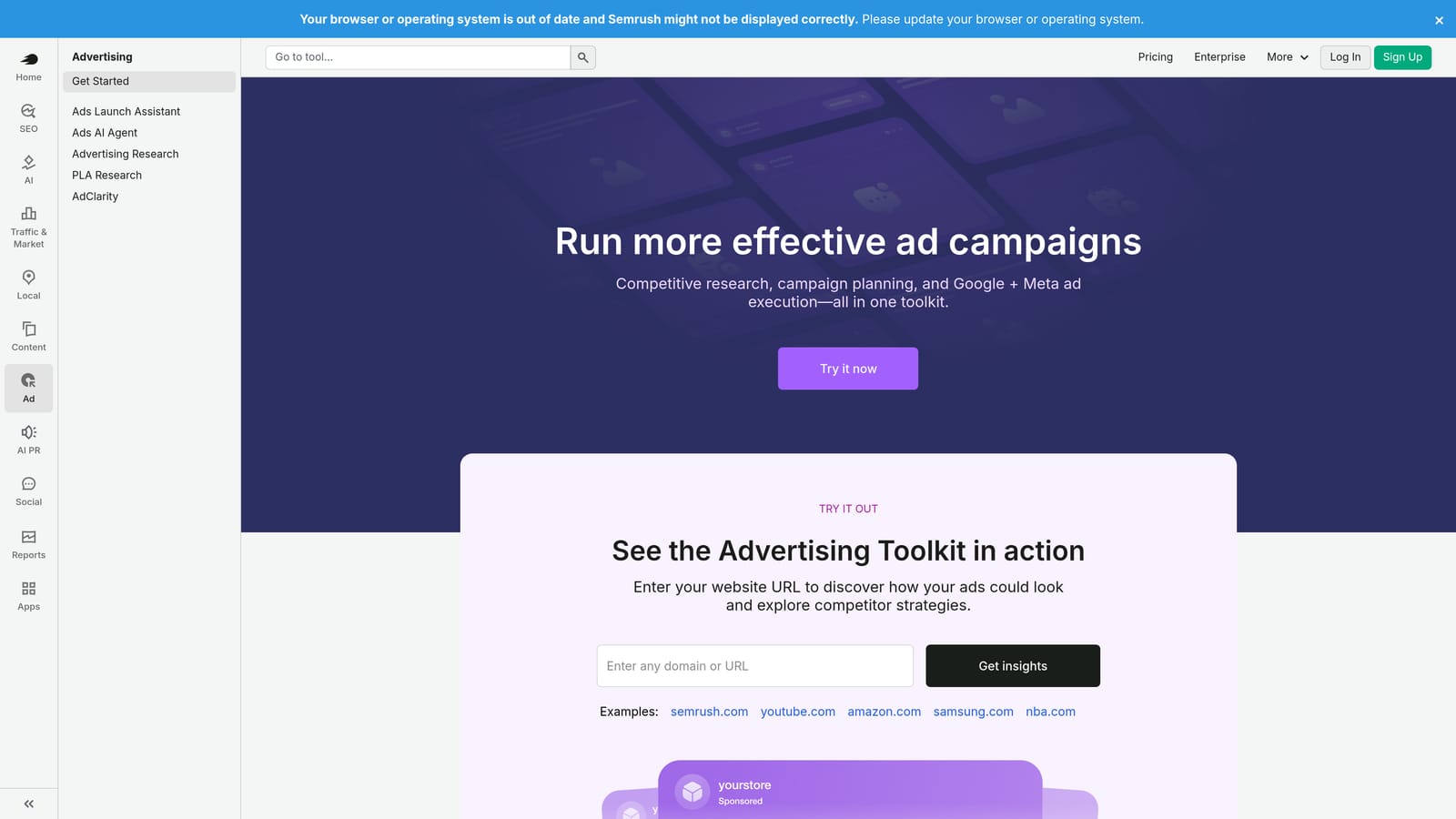
SEMrush's Advertising Toolkit gives agencies competitive intelligence on rival ad campaigns, keyword gap analysis, and historical CPC data across markets.
Where This Tool Shines
When you take on a new client, one of the first things you need to understand is who they're competing against in paid search and what those competitors are bidding on. SEMrush makes that research fast. You can pull up a competitor's ad history, see which keywords they've been running, and identify gaps between what the client is bidding on versus what competitors are targeting.
The historical CPC data is useful for setting realistic client expectations around budget and bid levels before a campaign even launches. It won't replace in-account optimization tools, but as a research and strategy layer—especially at the start of an engagement—it covers a lot of ground quickly.
Key Features
Competitor ad copy and keyword research: See what ads competitors are running and which keywords they're targeting in paid search.
Keyword gap analysis: Identify keywords competitors are bidding on that your client is not.
Historical CPC data: Review cost-per-click estimates by keyword and country to inform budget planning.
Ad copy insights: Analyze competitor ad messaging to inform your own copy strategy.
Cross-channel visibility: View competitive data across both search and display placements.
Best For
Agencies that do competitive research as part of client onboarding or strategy work. SEMrush is most useful when you're building a keyword strategy from scratch or trying to understand a competitive landscape quickly. It's less useful as a day-to-day optimization tool inside an active account.
Pricing
Advertising Toolkit features are included from the Pro plan upward. Visit semrush.com for current pricing, as plans and features change periodically.
5. SpyFu
Best for: Deep competitor PPC research with extensive historical data
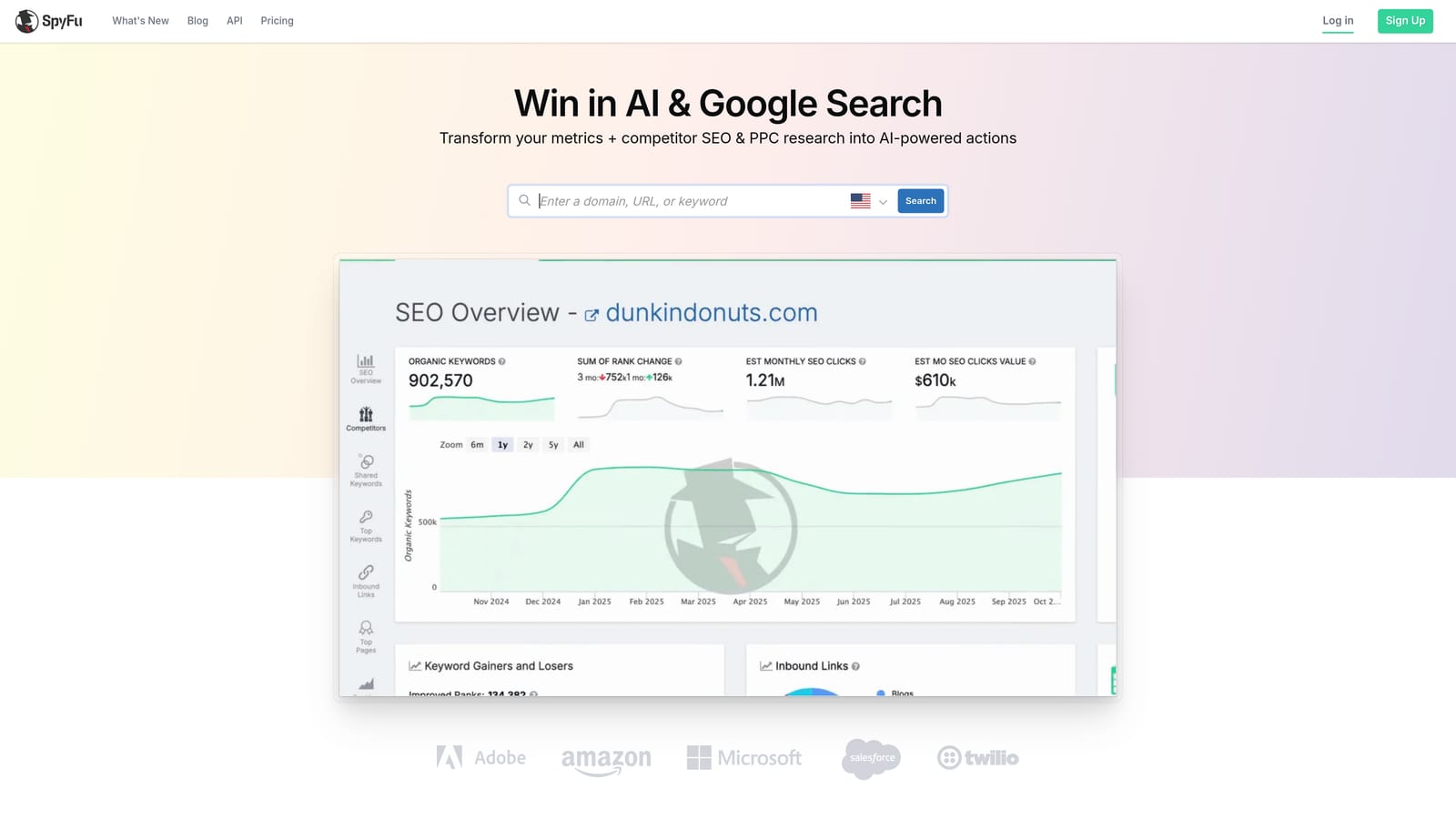
SpyFu is a competitor intelligence tool focused on PPC and SEO, with deep historical data on competitor keywords, estimated ad spend, and ad copy archives.
Where This Tool Shines
SpyFu's main differentiator is the depth of its historical data. You can look at how a competitor's PPC strategy has evolved over years—which keywords they've added or dropped, how their ad copy has shifted, and how their estimated spend has changed over time. That kind of longitudinal view is harder to get from tools that only show current snapshots.
For agencies pitching new clients or doing due diligence on a competitive landscape, SpyFu can surface patterns that aren't obvious from a single point-in-time analysis. It's particularly useful when you want to understand whether a competitor's current strategy is a long-term investment or a recent change.
Key Features
Competitor keyword and ad spend estimates: See which keywords competitors are bidding on and get estimated monthly spend figures.
Historical ad copy archives: Access years of competitor ad copy to identify messaging patterns and seasonal strategies.
Keyword ranking history: Track how competitor keyword positions have changed over time in both paid and organic search.
SERP analysis and keyword difficulty: Evaluate keyword competitiveness before adding terms to a campaign.
Exportable keyword lists: Download competitor keyword data to build or expand your own campaign keyword lists.
Best For
Agencies doing in-depth competitor research, particularly when historical context matters. SpyFu is a solid alternative or complement to SEMrush for pure PPC competitive intelligence, especially if historical ad copy depth is a priority for your research workflow.
Pricing
Flat-rate plans with no per-query limits. Visit spyfu.com for current pricing details.
6. Adalysis
Best for: Structured ad testing and automated account health monitoring
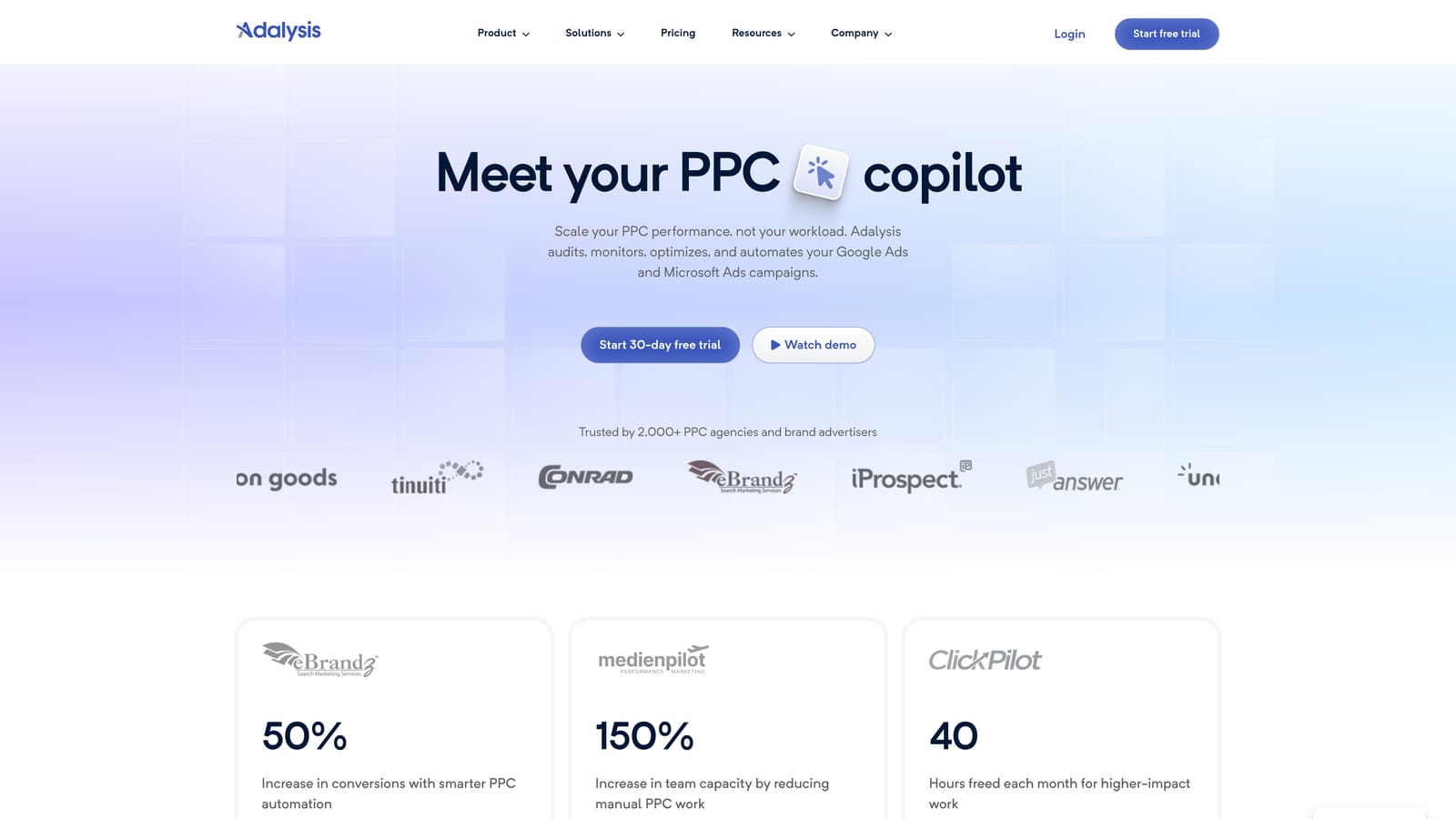
Adalysis is a PPC testing and monitoring platform built around structured ad testing, Quality Score tracking, and automated account health alerts.
Where This Tool Shines
Running proper A/B tests on ad copy is something most agencies intend to do but rarely execute consistently. Adalysis builds the testing framework around you—it tracks statistical significance, flags when a test has enough data to call a winner, and helps you document results over time. That structure makes it easier to run testing programs across multiple client accounts without losing track of what's in-test and what's been concluded.
The account health alerts are also worth noting. Rather than manually checking every account for issues, Adalysis monitors for significant changes in key metrics and surfaces them proactively. For agencies where one account manager is responsible for several clients, that kind of passive monitoring reduces the risk of missing a problem before it becomes expensive.
Key Features
Automated A/B ad testing: Manage structured ad tests with statistical significance tracking built in.
Performance alerts: Get notified when key metrics shift significantly, without manually reviewing every account.
Account audit tools: Surface optimization opportunities across the account structure, ad copy, and keyword setup.
Multi-account management: Manage testing and monitoring across multiple client accounts from a single interface.
Best For
Agencies that run structured creative testing programs or want better visibility into account health across multiple clients. Adalysis is particularly well-suited for teams where ad copy testing is a core part of the optimization process, rather than an occasional activity.
Pricing
Tiered by number of accounts and ad spend managed. Visit adalysis.com for current pricing.
7. Google Looker Studio
Best for: Custom client-facing PPC dashboards and automated reporting
Google Looker Studio is Google's free data visualization tool, widely used by agencies to build custom PPC dashboards and automated client reports connected directly to Google Ads data.
Where This Tool Shines
Client reporting is one of the more time-consuming recurring tasks in agency work. Looker Studio lets you build a report once—connected directly to a client's Google Ads account—and then share a live link or schedule automated email delivery. The client always sees current data without you having to export anything or update a slide deck manually.
The native Google Ads connector means no third-party integration is required for basic PPC reporting. You can blend Google Ads data with Google Analytics 4 data in the same report, which is useful for showing clients the full picture from click to conversion. The learning curve is real—building a clean, professional dashboard takes some setup time—but once it's done, the ongoing maintenance is minimal.
Key Features
Native Google Ads connector: Pull Google Ads data directly without needing a third-party integration or paid connector.
Fully customizable dashboards: Build report layouts that match your agency's branding and client-specific KPIs.
Shareable links and scheduled email delivery: Give clients live report access or automate weekly and monthly email reports.
Blended data sources: Combine Google Ads, GA4, Google Search Console, and other sources in a single report view.
Free with a Google account: No cost for the core product, though some third-party connectors carry their own fees.
Best For
Agencies that want to professionalize client reporting without paying for a dedicated reporting platform. Looker Studio is a strong choice if your clients are primarily on Google Ads and Google Analytics, and you're comfortable investing some time upfront to build the report templates.
Pricing
Free. Some third-party data connectors available in the connector marketplace may have their own costs.
8. Supermetrics
Best for: Multi-channel data pipelines for agencies reporting across Google Ads, Meta, and more
Supermetrics is a data pipeline tool that pulls PPC performance data from Google Ads, Meta Ads, LinkedIn, and other platforms into reporting destinations like Google Sheets, Looker Studio, or BI tools.
Where This Tool Shines
Looker Studio's native connectors work well for Google properties, but agencies managing multi-channel campaigns—Google Ads alongside Meta Ads, LinkedIn Ads, or Microsoft Ads—quickly run into data source limitations. Supermetrics solves that by acting as a unified pipeline, pulling data from all those platforms into a single destination on a scheduled refresh.
The flexibility of destinations is a practical advantage. Some clients want a Google Sheets report they can manipulate themselves. Others want a Looker Studio dashboard. A few larger clients might need data in BigQuery or Power BI for their own analytics teams. Supermetrics handles all of those use cases without requiring you to rebuild your reporting setup for each client.
Key Features
Multi-platform connectors: Pull data from Google Ads, Meta Ads, LinkedIn Ads, Microsoft Ads, and many other sources.
Flexible destinations: Send data to Google Sheets, Looker Studio, BigQuery, Power BI, Excel, and more.
Automated data refresh: Schedule regular data pulls so reports stay current without manual updates.
Pre-built report templates: Start with templates for common PPC metrics rather than building from scratch.
Team and multi-account access: Manage data connections across multiple client accounts with team-level permissions.
Best For
Agencies managing multi-channel campaigns who need unified reporting across platforms. Supermetrics is particularly valuable when clients are running Google Ads alongside paid social, and you need all that data in one place without manually pulling exports from each platform.
Pricing
Tiered by number of data sources and reporting destination. Visit supermetrics.com for current pricing, as plans vary significantly depending on the combination of sources and destinations you need.
9. Unbounce
Best for: Post-click conversion rate optimization with no-code landing pages
Unbounce is a no-code landing page builder with A/B testing and AI-assisted copy features, designed for marketers who need to optimize post-click conversion rates alongside their PPC campaigns.
Where This Tool Shines
Most PPC optimization tools focus on what happens before the click—keywords, bids, ad copy, match types. Unbounce covers what happens after. If you're driving well-targeted traffic to a poorly converting landing page, all the keyword optimization in the world won't fix the ROI problem. For agencies that own the full conversion funnel for clients, having a dedicated landing page tool matters.
The Smart Traffic feature, as documented by Unbounce, uses AI to automatically route visitors to the landing page variant most likely to convert for them, rather than splitting traffic evenly between variants. The drag-and-drop builder means you can build and iterate on landing pages without waiting on a developer, which keeps testing cycles short. The dynamic text replacement feature is particularly useful for PPC: it lets you match the headline on a landing page to the search term that triggered the ad, which can improve relevance and Quality Score.
Key Features
Drag-and-drop landing page builder: Build and edit landing pages without writing code or waiting on development resources.
A/B testing with traffic splitting: Run controlled tests between page variants with adjustable traffic allocation.
Smart Traffic: Per Unbounce's documentation, this feature routes visitors to the highest-converting variant based on visitor attributes.
Dynamic text replacement: Automatically match landing page copy to the keyword or search term that triggered the ad click.
Google Ads and CRM integrations: Connect landing pages to Google Ads for conversion tracking and to CRMs for lead management.
Best For
Agencies that manage the full client funnel, including landing pages and conversion rate optimization, not just the ad account. If your clients are sending PPC traffic to their main website and you have no control over the page experience, Unbounce gives you a way to build and test dedicated landing pages without depending on the client's development team.
Pricing
Tiered plans based on features and traffic volume. Visit unbounce.com for current pricing.
Which Tool Is Right for Your Agency?
The honest answer is that no single tool covers everything. Agency PPC work spans keyword research, in-account optimization, ad testing, reporting, and post-click conversion—and the best stack depends on where your biggest bottleneck is right now.
Here's a quick way to think about it by use case:
Search term and keyword optimization: Keywordme is built specifically for this workflow inside Google Ads, with no export-import cycle required.
Bulk campaign edits: Google Ads Editor is the go-to for large-scale changes and is free—there's no reason not to have it installed.
Automation and optimization suggestions: Optmyzr is worth evaluating if your team is spending significant time on repetitive optimization tasks across multiple accounts.
Competitor research: SEMrush and SpyFu overlap here, but SpyFu has deeper historical ad data while SEMrush offers a broader platform if you also need SEO tools.
Ad testing and account health monitoring: Adalysis is the most structured option for agencies running ongoing creative testing programs.
Client reporting: Start with Looker Studio if your clients are primarily on Google properties. Add Supermetrics when you need multi-channel data pipelines.
Landing page optimization: Unbounce makes sense for agencies that own the full funnel and need to move fast on conversion rate testing without developer dependencies.
The practical approach is to start with the tool that solves your most pressing problem, get comfortable with it, and layer in others as your workflow matures. Trying to implement five new tools at once rarely ends well.
If search term management and negative keyword work is eating up your team's time—which it does for most agencies—that's a good place to start. Start your free 7-day trial of Keywordme and see how much faster that part of your workflow can move when you're working directly inside Google Ads instead of bouncing between spreadsheets and the interface.
.svg)