
9 Best PPC Optimization Tools Compared for Google Ads in 2026
This PPC optimization tools comparison breaks down nine Google Ads tools by the job each one does, from search term cleanup and bid automation to audits, reporting, and competitor research. For each tool you get pricing, who it suits, and where it falls short, so you can pay only for the job you actually have.


Most PPC tools get lumped together as "optimization software," but they do very different jobs: cleaning up search terms inside the account, automating bids and budgets, auditing ads, reporting to clients, or spying on competitors. If you're a marketer, freelancer, or agency owner, the goal is to pay for the job you actually have.
The tools below were picked on four things: how well they fit real optimization tasks, how open their pricing is, who they genuinely suit, and where they fall short. Pricing and features change, so treat everything here as accurate as of November 2026 and confirm on each vendor's site before you buy.
Quick Comparison of the PPC Optimization Tools
- Keywordme: best for hands-on Google Ads managers; $12/month per user with a 7-day free trial; works inside the native Search Terms Report with no exports.
- Optmyzr: best for agencies wanting automation at scale; tiered pricing (see website); a customizable Rule Engine across many accounts.
- Adalysis: best for teams wanting ongoing audits; tiered pricing (see website); systematic ad testing analysis and audit flags.
- Google Ads Editor: best for large structural edits on no budget; free; review-before-post bulk editing from Google itself.
- WordStream (LocaliQ): best for small business owners running their own ads; quote-based; guided, prioritized recommendations for non-specialists.
- SEMrush: best for research-led campaign planning; tiered subscriptions (see website); competitor PPC and SEO data in one suite.
- SpyFu: best for freelancers researching competitors on a budget; tiered pricing (see website); historical view of competitor keywords and ads.
- Google Ads Scripts and Looker Studio: best for technical teams; free; fully custom automation and dashboards with no software fees.
- Swydo: best for agencies needing client reports; tiered pricing (see website); white-label reporting built for agencies.
1. Keywordme
Keywordme is a Chrome extension that adds one-click actions to the Search Terms Report inside Google Ads. It's our own product, so weigh this section with that in mind. It's built for people who work in the account every week and are tired of exporting search terms to a spreadsheet, sorting them, and re-uploading the results.
A quick definition helps here. A search term is what someone actually typed into Google. A keyword is what you bid on. A negative keyword blocks searches you don't want to show for. Wasted spend often comes from search terms that matched loosely, and cleaning those up is the job Keywordme is designed for.
What it does distinctively well is stay inside the native Google Ads interface. There are no exports and no separate dashboard to log into. Keywordme's own claim is that it helps users optimize up to 10x faster; that's the company's figure, not an independent result, and your speed-up will depend on how you work today.
- Add negative keywords straight from the Search Terms Report with one click, so junk queries stop costing you.
- Add search terms as keywords and apply match types without leaving Google Ads.
- Cluster keywords to group related terms and build tighter lists faster.
- Bulk edit across many terms at once instead of handling them one by one.
- Multi-account and team support, so agencies can use it across client accounts and users.
Setup is a browser extension install, and the person doing search term reviews is usually the one who runs it. It integrates with Google Ads only.
The limits are real. Keywordme focuses on search terms and keywords. It does not do automated bidding, reporting, or management of other ad platforms, and it requires Chrome. If your problem is budget pacing or client dashboards, you'll need another tool alongside it.
Pricing is $12/month per user with a 7-day free trial (as of November 2026; verify on the site). The cost moves with the number of users.
Best for: Hands-on Google Ads managers who want faster search term cleanup.
2. Optmyzr
Optmyzr is a rule-based PPC optimization suite for Google and Microsoft Ads, aimed at agencies and in-house teams that manage many accounts and want repeatable processes instead of manual checks.

Its standout is customizable automation. Rather than a fixed set of recommendations, you build rules that fit how your team works, then apply them across accounts. That's a different philosophy from the in-account clicking of a tool like Keywordme.
- A Rule Engine lets you set up custom automations, such as alerts or actions that trigger on conditions you define.
- One-click optimizations turn suggested changes into quick actions you can review and apply.
- Budget pacing tools help you keep spend on track across a month.
- Account audits and reporting give you a snapshot of account health and something to share with clients.
Integrations include Google Ads and Microsoft Ads, and it may connect to Looker Studio (confirm on the site). Expect real setup effort: the value comes from configuring rules well, and someone on the team needs to own that.
It's broad and complex for solo advertisers, who may pay for far more than they use. Cost also scales with ad spend, so large budgets get expensive.
Pricing is tiered and based on ad spend; the starting price isn't listed here, so check the website for current tiers.
Best for: Agencies wanting rule-based automation at scale.
3. Adalysis
Start with what Adalysis doesn't do: it isn't mainly a "fix it for me" tool. It's an automated auditing and ad testing platform for Google and Microsoft Ads that tells you what's wrong or worth testing, and that diagnostic focus is both its strength and its limit.
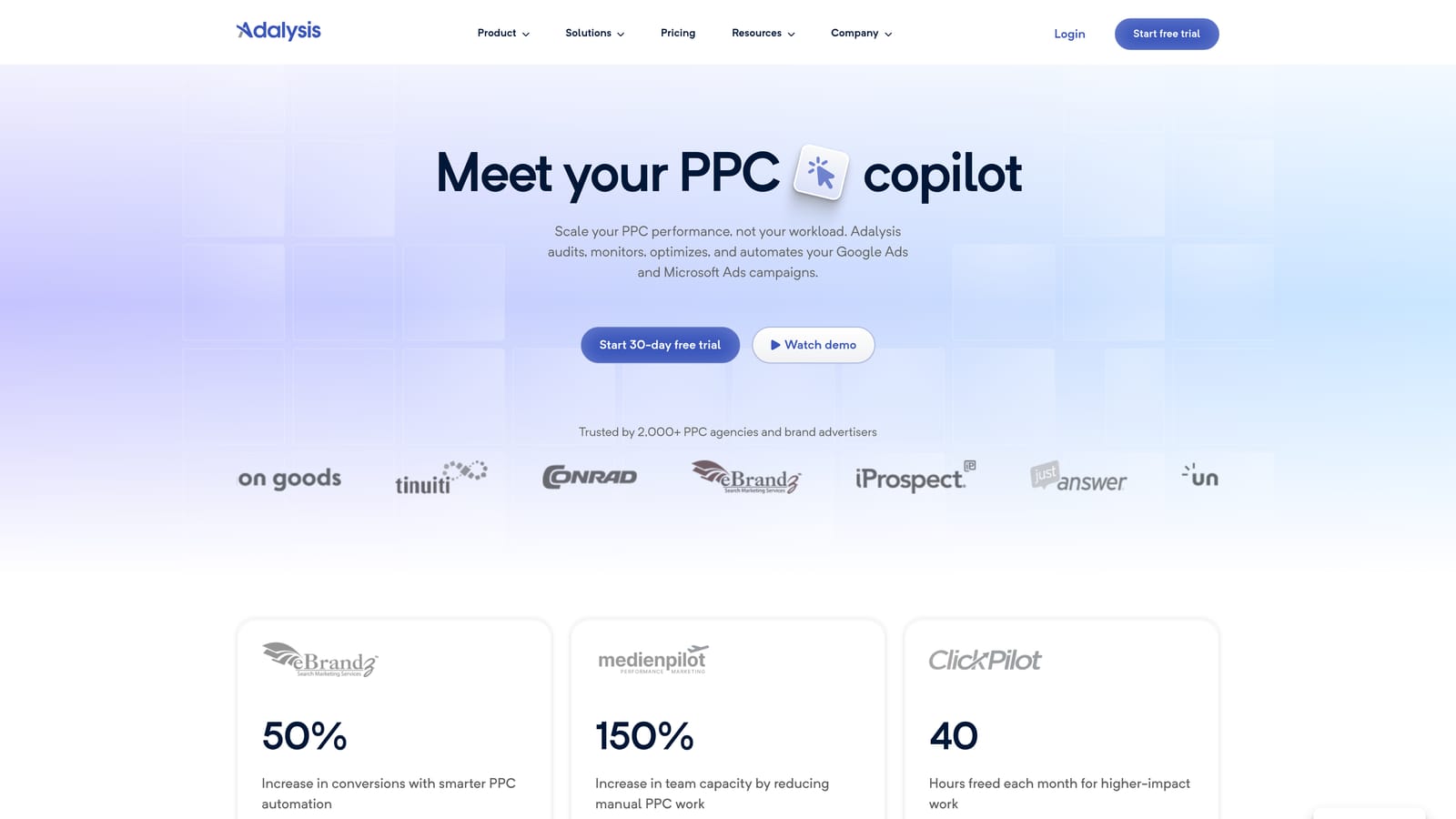
Where it beats most of this list is systematic ad testing analysis. If you run many ad variations across many ad groups, it helps you see which tests have enough signal to act on and which ads are lagging.
- Automated account audits flag issues without you combing through every campaign.
- Ad copy testing insights show which variations are winning and which need attention.
- Alerts and scheduled reports keep you informed between logins.
- Quality and disapproval monitoring catches ads that stop serving or accounts that slip.
It connects to Google Ads and Microsoft Ads. Setup means linking accounts and tuning the alerts so you aren't flooded. An account manager or PPC lead typically runs it day to day.
The catch is that fixes often happen elsewhere. You'll see a flag, then go make the change in Google Ads, Editor, or another tool. If you want one-click remediation on search terms, pair it with something built for that.
Pricing is tiered; check the website for current plans, as it wasn't verified here.
Best for: Teams that want ongoing audits and ad testing guidance.
4. Google Ads Editor
Google Ads Editor is Google's free desktop application for managing campaigns in bulk. You download your account data, make edits (even offline), and then post the changes when you're ready.

Its edge over everything else here is price paired with trust: it's first-party, free, and built around a review-before-post step. You see exactly what will change before it goes live, which matters when you're restructuring dozens of campaigns.
- Bulk edits across campaigns, ad groups, keywords, and ads save hours versus the web interface.
- Offline editing lets you prepare changes without a connection and post later.
- Copy and paste across accounts speeds up rolling out a structure to multiple clients.
- Change review before posting lets you catch mistakes before they cost money.
It works with Google Ads only. You install it on your computer, and whoever builds or restructures campaigns uses it.
What it lacks: no automation, no insights, no recommendations. It does exactly what you tell it, and there's a learning curve if you're used to the web interface. It's also not as quick for everyday search term review as a tool that lives in the Search Terms Report.
It's free, with no tiers.
Best for: Anyone making large structural edits on a zero budget.
5. WordStream (LocaliQ)
WordStream, which is associated with LocaliQ (confirm current branding on the site), is an advertising platform aimed at small businesses that want help knowing what to do next in their ads.
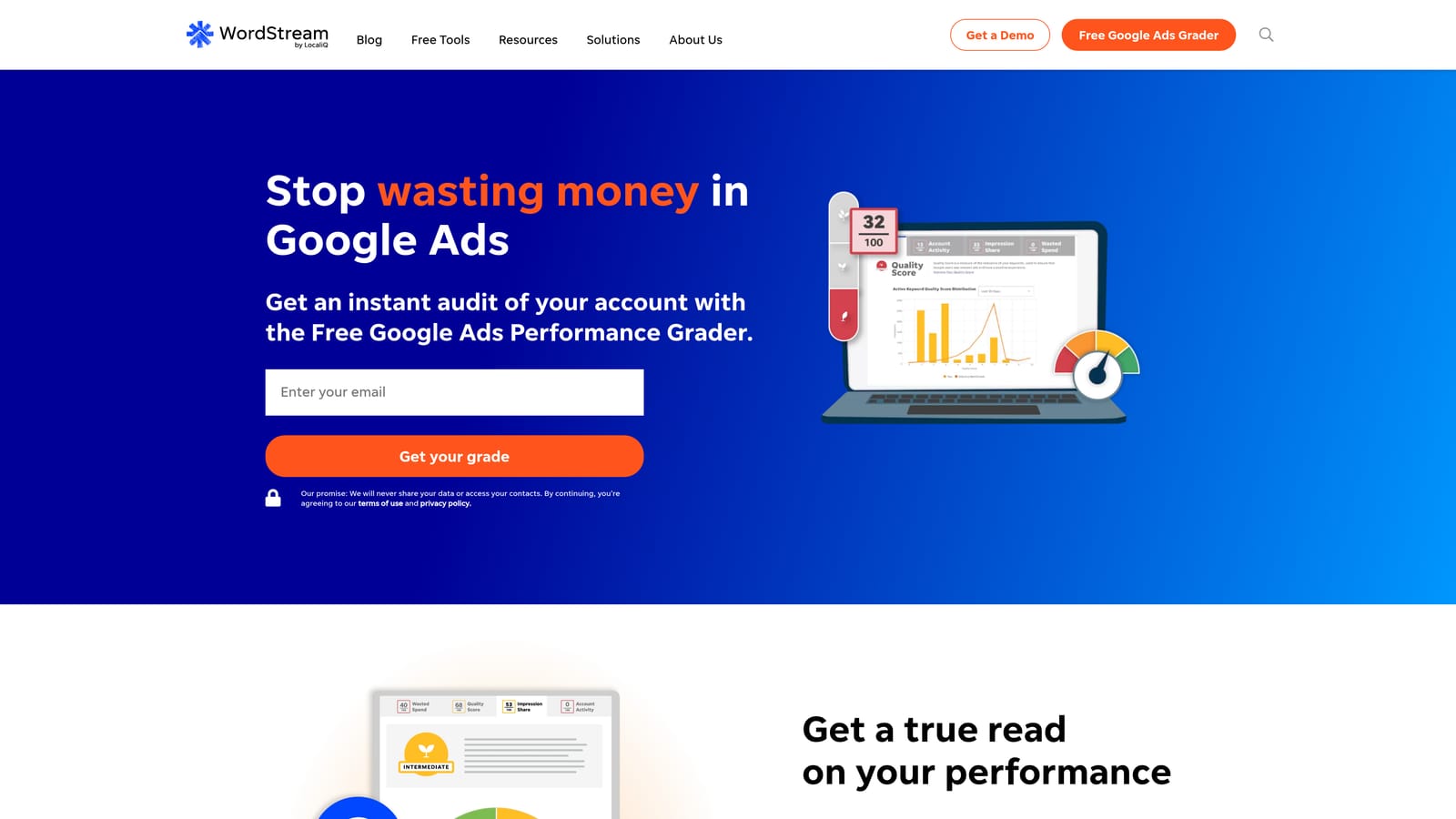
Its distinctive trait is guidance. Instead of handing you rules to build or audits to interpret, it prioritizes recommendations for people who aren't PPC specialists. That makes it the most hand-holding option here.
- The 20-Minute Work Week workflow gives you a short, structured routine for regular account maintenance.
- Performance grading gives a quick read on how your account is doing.
- Campaign management across ad platforms covers Google, Microsoft, and Meta in one place.
- Optimization recommendations point to the changes most worth making.
It integrates with Google Ads, Microsoft Ads, and Meta Ads. Setup is relatively light, and the business owner or a generalist marketer usually runs it.
The trade-offs: pricing is quote-based, so you can't compare costs up front, and agencies may find it offers less control than they want. Specialists who already know what to change may find the recommendations too basic.
Pricing is quote-based; verify current terms with the vendor.
Best for: Small business owners running their own ads.
6. SEMrush
SEMrush is a broad marketing suite, and PPC research is one slice of it. It's about planning and competitive intelligence, not changing anything inside your ad account.
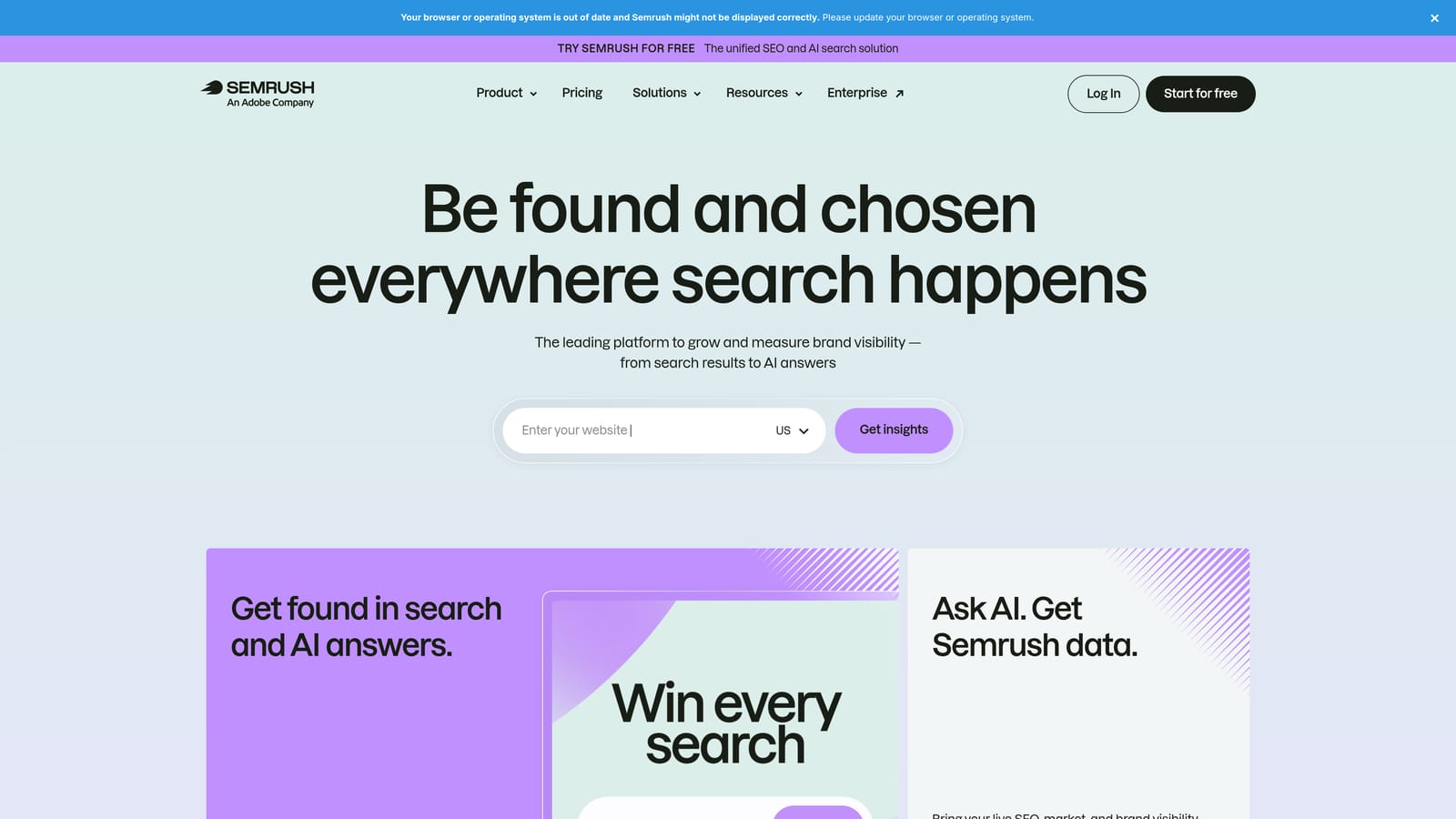
The difference from the rest of this list is that you get competitor PPC data and SEO data side by side. If you're deciding which terms to chase based on what rivals bid on and rank for organically, that combined view is useful.
- PPC keyword research helps you find terms and estimate their competitiveness before you build campaigns.
- Competitor ad and keyword data shows what other advertisers in your space are running.
- Keyword gap analysis highlights terms competitors target that you don't.
- Ad copy research gives you examples of messaging in your market.
Possible integrations include Google Analytics and Looker Studio (verify on the site). Setup is simple since it's mostly a research interface, but learning the whole suite takes time.
It doesn't optimize accounts directly, and you may be paying for modules you never open. If you only need ad-account cleanup, it's the wrong purchase. The data is also modeled, not pulled from your own account.
Pricing is tiered subscriptions; check the website for current plans.
Best for: Marketers planning campaigns around competitor and keyword research.
7. SpyFu
SpyFu is a competitor research tool focused on keywords and ad history. It's narrower than SEMrush and often appeals to people who want the competitive angle without a full suite.
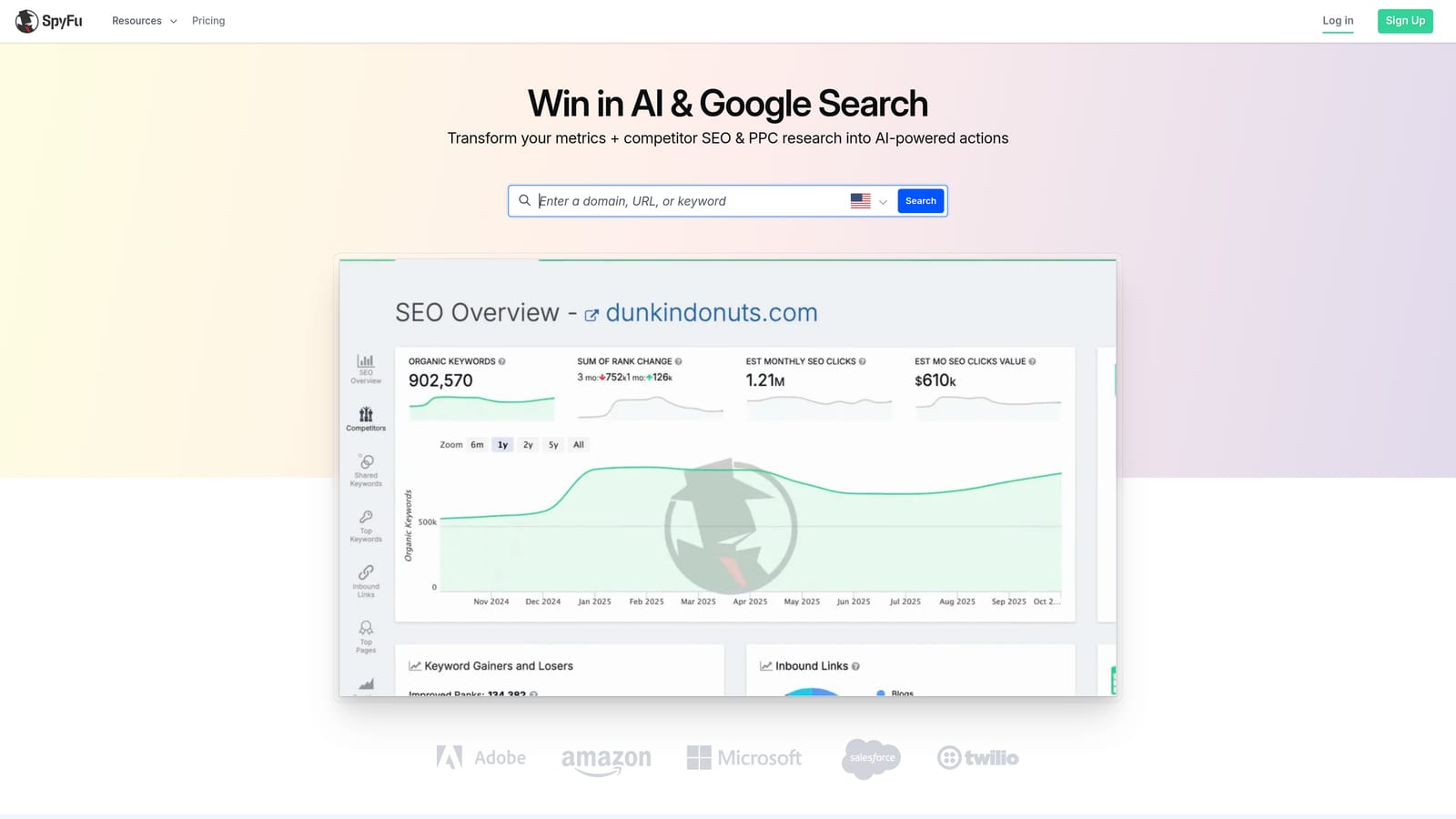
The feature that stands out is history. You can look back at which keywords and ads a competitor has used over time, which helps you spot what they've kept running (a hint that it may be working) versus what they dropped.
- Competitor keyword lists show terms rivals are bidding on, giving you a starting point for your own lists.
- Ad history lets you review past ad copy and see how messaging has changed.
- Keyword research supports building out new campaign ideas.
- Domain comparisons show where your keyword footprint overlaps with or differs from a competitor's.
Integrations aren't confirmed here, so check the site. It's easy to start with since it's browser-based research, and freelancers or a marketer on a small team usually run it.
Keep in mind the numbers are third-party estimates, not your account data, and it can't change anything in your campaigns. Treat it as inspiration and context, not a performance source.
Pricing is tiered; verify current plans on the website.
Best for: Freelancers and small teams researching competitors on a budget.
8. Google Ads Scripts and Looker Studio
Google offers Google Ads Scripts as a free way to automate account tasks with JavaScript, and it pairs naturally with Looker Studio for dashboards and shareable reports.
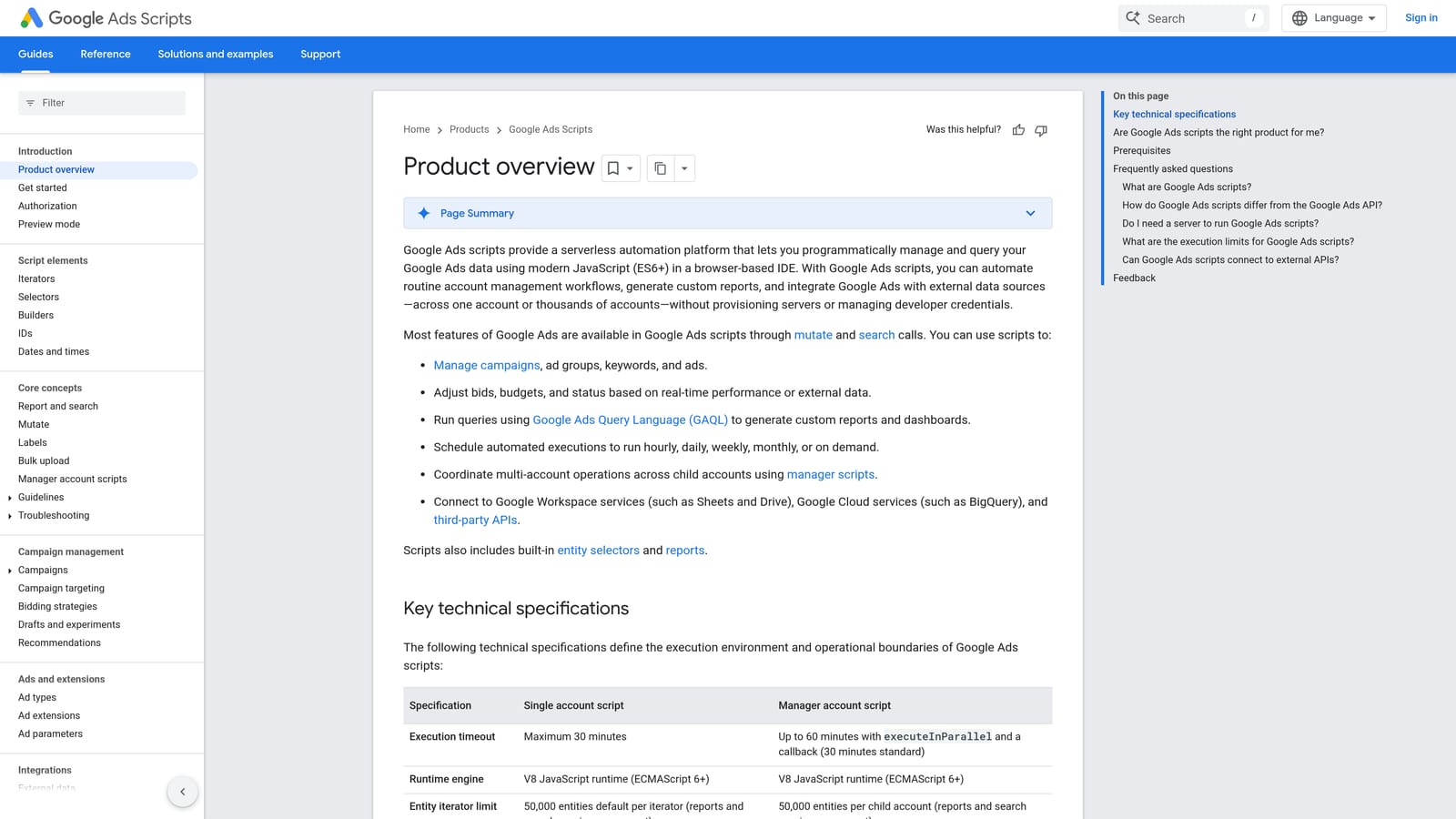
No other option here matches how custom it can get, and there are no software fees. If you can describe a workflow, a script can probably do it, from alerts when spend spikes to scheduled tasks that write data to Google Sheets.
- Custom JavaScript automations let you build checks and actions specific to your accounts.
- Alerts and scheduled tasks run on a timetable so problems surface without manual checking.
- Looker Studio dashboards turn account data into visual reports.
- Shareable reports let clients or teammates view results without account access.
It integrates with Google Ads, Looker Studio, and Google Sheets. Setup effort is the real cost: someone has to write, test, and maintain the code, and scripts can break when things change.
Who should skip it
If nobody on your team codes, or you don't want to own maintenance, this will cost you more in time than a paid tool costs in dollars. It's also not a point-and-click experience.
The tools are free.
Best for: Technical teams wanting custom workflows at no cost.
9. Swydo
Swydo is a reporting and monitoring platform built for agencies that need to show clients what their PPC and marketing spend is doing.
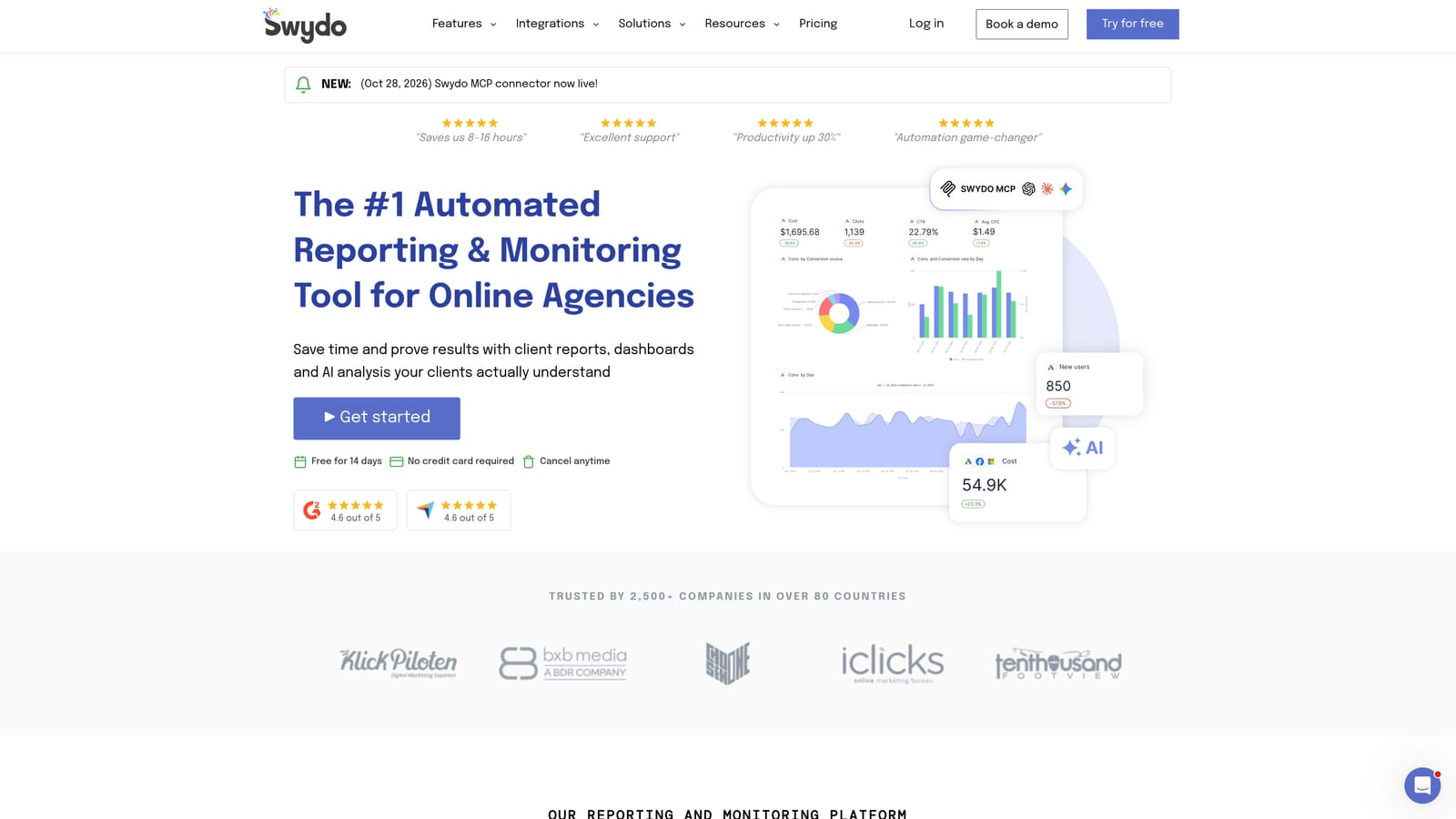
Its strength is presentation: client-ready, white-label reports that carry your branding rather than the tool's. If reporting eats your week, that's the problem it targets.
- Report templates cut the time it takes to build recurring client reports.
- White-label reports let you deliver under your agency's brand.
- Goal and KPI tracking keeps progress against targets visible.
- Multi-source data connections pull PPC and other marketing data into one report.
It connects to Google Ads, Microsoft Ads, Meta Ads, and Google Analytics. Setup involves connecting each client's accounts and choosing templates, and an account manager or reporting lead typically owns it.
It is reporting only. It won't clean search terms, change bids, or optimize anything, so it's a companion to other tools, not a replacement.
Pricing is tiered; confirm current plans on the website.
Best for: Agencies needing polished client reports.
Which Tool Fits Which Situation
If your wasted spend is coming from search terms, start with a tool that fixes that and nothing more. For a solo advertiser doing manual search term cleanup, Keywordme is the direct fit. For an agency that needs automation and reporting at scale, Optmyzr for rules and Swydo for client reports cover the two big jobs.
A small business that wants guidance will likely do better with WordStream than with a rule engine. If you plan campaigns around what competitors do, SEMrush or SpyFu handle research. On a tight budget or with developers on staff, Google Ads Editor, Scripts, and Looker Studio cost nothing in fees.
Most teams end up combining two tools, such as a search term tool plus a reporting or auditing one. Check current pricing on each site before buying, since plans change.
Optimize Google Ads Campaigns 10X Faster. Without Leaving Your Account. Keywordme lets you remove junk search terms, build high-intent keyword lists, and apply match types instantly, right inside Google Ads. No spreadsheets, no switching tabs, just quick, seamless optimization. Start your free 7-day trial (then just $12/month) and take your Google Ads game to the next level.
