
9 Best PPC Optimization Tools: Pricing Comparison for 2026
This guide delivers a straightforward PPC optimization tool pricing comparison across nine widely used platforms, breaking down real costs, feature tiers, and ideal use cases so freelancers, solo advertisers, and agencies can confidently choose the right tool for their budget and workflow.


If you've ever tried to compare PPC optimization tool pricing, you know the frustration: vague "contact us" pages, feature tiers that don't quite line up, and no clear way to tell what you actually get for your money. This guide cuts through that.
We've rounded up nine widely used PPC optimization tools, covering what each one does, who it's built for, and what it costs. Whether you're a solo freelancer watching every dollar or an agency managing dozens of client accounts, there's a meaningful difference between a $12/month Chrome extension and an enterprise platform charging a percentage of ad spend. Tools were selected based on Google Ads optimization relevance, pricing transparency, and fit across solo, freelancer, and agency use cases.
1. Keywordme
Best for: Freelancers and agencies who want fast, in-interface Google Ads optimization without extra tools.
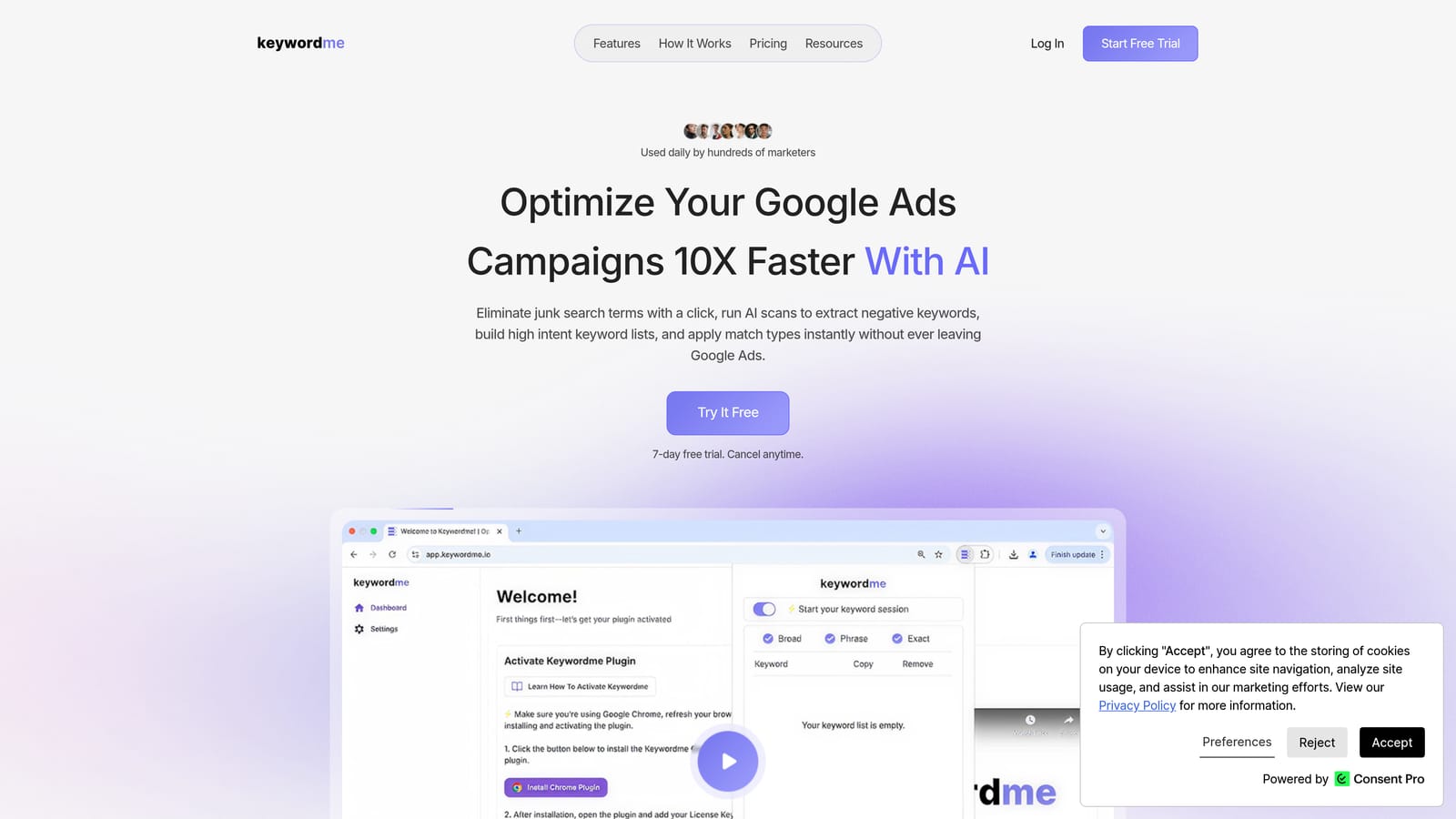
Keywordme is a Chrome extension that lets Google Ads users optimize campaigns directly inside the Search Terms Report, without ever opening a spreadsheet or switching to an external dashboard.
Where This Tool Shines
Most PPC optimization tools pull you out of Google Ads and into a separate interface. Keywordme takes the opposite approach: it lives inside the native Google Ads UI, so you're working where you already are. That alone removes a meaningful amount of friction from daily campaign management.
The practical benefit is speed. Adding a negative keyword, applying a match type, or clustering search terms into new keyword groups takes a few clicks rather than a multi-step export-edit-upload process. For freelancers juggling multiple clients or agency teams working through large search term volumes, that efficiency compounds quickly.
Key Features
One-Click Negative Keyword Addition: Flag and add negative keywords directly from the Search Terms Report without leaving Google Ads.
Match Type Application: Apply broad, phrase, or exact match types to keywords instantly, without switching dashboards or editing spreadsheets.
Keyword Clustering and Bulk Editing: Group related search terms into keyword clusters and make bulk edits in a single workflow.
Multi-Account and Team Support: Manage multiple accounts and collaborate with team members, making it practical for agency use.
No External Dashboard Required: Everything runs inside the native Google Ads interface, so there's no separate login or platform to learn.
Best For
Solo Google Ads managers, freelancers, and agency teams who want to reduce wasted spend and clean up search term reports faster. It's particularly useful for anyone who finds the manual export-edit-upload workflow slow and error-prone. Less suited for advertisers who also need deep competitive intelligence or cross-channel reporting.
Pricing
$12/month per user. A 7-day free trial is available. Flat rate with no spend-based tiers, so your cost stays predictable regardless of how much ad budget you're managing.
2. WordStream Advisor
Best for: Small to mid-size businesses wanting guided, cross-channel PPC recommendations in one place.
WordStream Advisor (now part of LocaliQ) is a guided PPC management platform that surfaces weekly optimization recommendations across Google, Microsoft, and Facebook Ads.

Where This Tool Shines
WordStream's signature feature is its "20-Minute Work Week" workflow, which consolidates the most pressing optimization tasks into a structured, guided session. For business owners or marketers who aren't PPC specialists, that structure can make campaign management feel more manageable.
Cross-channel coverage is another strength. If you're running ads across Google, Microsoft, and Facebook simultaneously, having a single platform surface recommendations across all three reduces the context-switching involved in managing each channel separately.
Key Features
20-Minute Work Week Workflow: A guided optimization session that prioritizes the highest-impact tasks for the week.
Cross-Channel Coverage: Manages and surfaces recommendations for Google Ads, Microsoft Ads, and Facebook Ads from one interface.
Keyword and Negative Keyword Suggestions: Recommends new keywords to add and irrelevant terms to exclude.
Performance Reporting and Alerts: Monitors account performance and flags significant changes.
Managed Services Option: For businesses that want hands-on help rather than a self-serve tool.
Best For
Small business owners and marketers who want structured guidance rather than a blank optimization canvas. Also a reasonable fit for multi-channel advertisers who want consolidated recommendations. Less suited for advanced PPC practitioners who prefer granular control over automation rules.
Pricing
Pricing is not publicly listed. WordStream typically requires a demo or custom quote, and pricing has historically been tiered by ad spend managed. Contact WordStream directly for current figures.
3. Optmyzr
Best for: Agencies and enterprise advertisers managing high-volume Google and Microsoft Ads accounts.
Optmyzr is a comprehensive PPC automation and optimization platform built for teams that need rule-based automation, bid management, and multi-account reporting at scale.

Where This Tool Shines
Optmyzr's rule-based automation engine is one of its most distinguishing features. You can build custom optimization rules that run on a schedule, reducing the manual work involved in routine tasks like bid adjustments, budget pacing, and keyword management. For agencies handling large account portfolios, this kind of automation is where the platform earns its price tag.
The PPC scripts library is another standout. It gives technically inclined users pre-built scripts they can deploy or customize, without needing to write code from scratch. Combined with one-click optimization suggestions, Optmyzr covers a wide range of automation needs in one place.
Key Features
Rule-Based Automation: Build and schedule custom optimization rules across campaigns, ad groups, and keywords.
One-Click Optimizations: Review and apply recommended changes with a single click, with full visibility before applying.
PPC Scripts Library: Access pre-built scripts for advanced automation without writing code from scratch.
Bid Management and Budget Pacing: Automate bid adjustments and monitor budget allocation across accounts.
Multi-Account Reporting: Generate consolidated reports across multiple client accounts for agency use.
Best For
Agencies and in-house teams managing large ad spend volumes who need automation, scripting, and reporting in one platform. The complexity and price point make it less practical for solo freelancers or small advertisers with simpler account structures.
Pricing
Tiered by ad spend managed. Plans publicly start around $208/month. Verify current pricing at optmyzr.com, as tiers and rates change periodically.
4. SEMrush Advertising Toolkit
Best for: Advertisers who need competitive intelligence and keyword research alongside PPC planning.
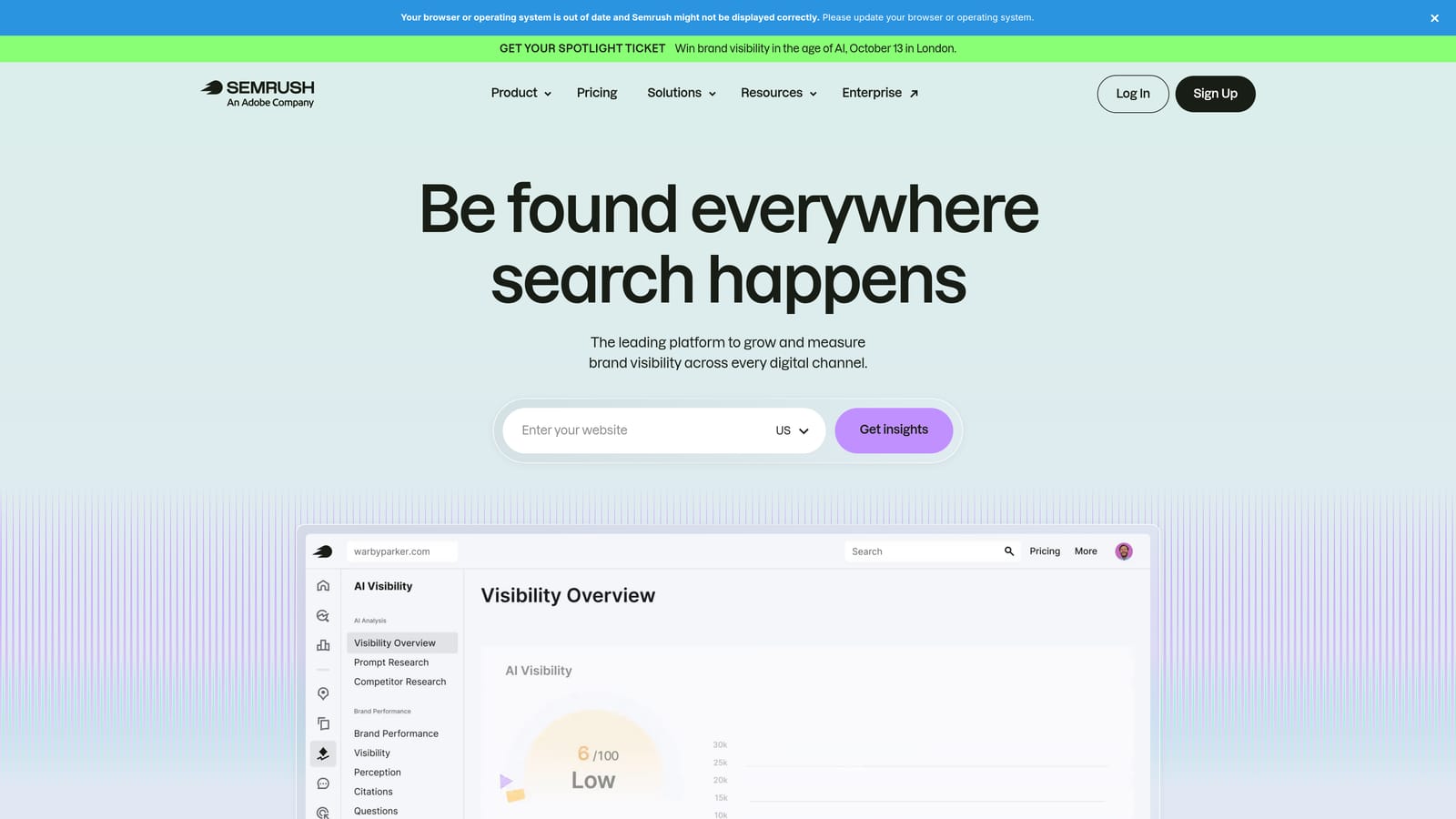
SEMrush's Advertising Toolkit is the PPC-focused module within SEMrush's broader marketing platform, offering competitor ad research, keyword gap analysis, and CPC data alongside organic SEO tools.
Where This Tool Shines
SEMrush is primarily a research and intelligence tool, not a campaign management platform. Its value for PPC practitioners comes from visibility into what competitors are bidding on, what ad copy they're testing, and how keyword costs have trended over time. That kind of competitive context is hard to get from inside Google Ads alone.
If you're planning a new campaign or trying to understand why a competitor is outperforming you on certain search terms, the keyword gap and ad history features can surface insights that inform your keyword strategy before you spend a dollar.
Key Features
Competitor Ad Copy and Keyword History: See the keywords competitors are bidding on and the ad copy they've used, including historical data.
Keyword Gap Analysis: Compare your keyword coverage against competitors to find opportunities you're missing.
CPC and Traffic Trend Data: Track cost-per-click trends and estimated traffic volumes by keyword over time.
Display Advertising Research: Research competitor display ad creatives and placements.
Integrated SEO and Content Tools: Access organic SEO, content marketing, and site audit tools within the same platform subscription.
Best For
Marketing teams and agencies that need both PPC intelligence and organic SEO tools under one subscription. Less suited for advertisers who only need campaign execution and optimization features, since SEMrush doesn't manage or directly optimize live campaigns.
Pricing
Part of SEMrush platform plans: Pro (around $140/month), Guru (around $250/month), Business (around $500/month). Verify current pricing at semrush.com.
5. SpyFu
Best for: Advertisers building keyword lists and researching competitor PPC strategies on a tighter budget.
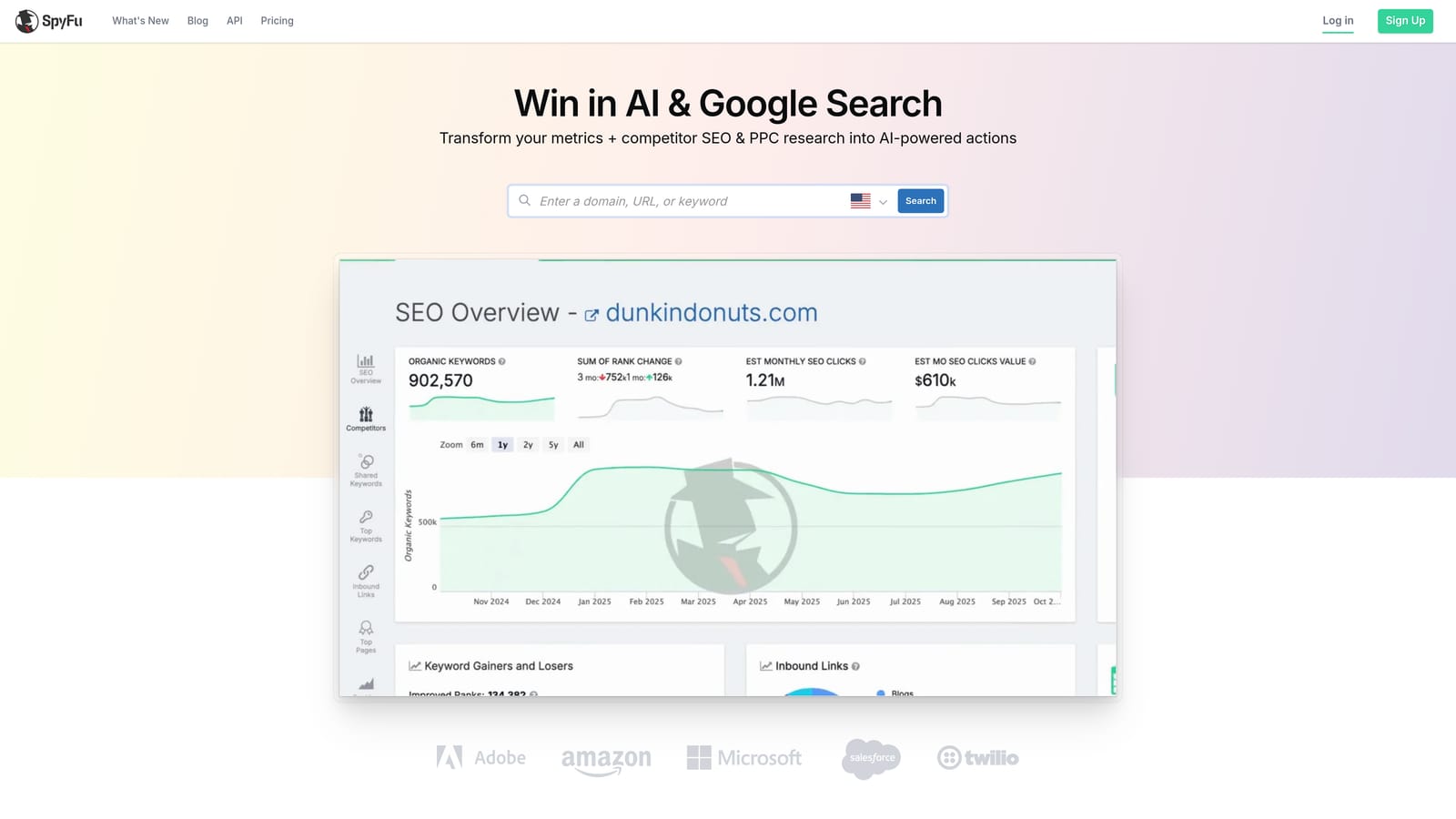
SpyFu is a competitor intelligence tool that surfaces historical PPC keyword data, ad copy, and spend estimates to help advertisers understand the competitive landscape before building their own campaigns.
Where This Tool Shines
SpyFu's historical data depth is its defining strength. You can look up a competitor's domain and see years of keyword history, which ads they've run, and estimates of how much they've spent. That historical view is useful for understanding which keywords a competitor has committed to over time versus which ones they've tested and abandoned.
At its price point, SpyFu offers a lot of competitive data relative to cost. It's not a campaign management tool, but for keyword research and competitive analysis, it's one of the more accessible options available.
Key Features
Competitor Keyword and Ad History: Access years of historical data on competitor keywords, ad copy, and estimated spend.
Keyword Overlap and Gap Analysis: Identify keywords where you and a competitor overlap, and gaps where they're present but you're not.
Ad Copy Testing History: See which ad variations a competitor has tested and which appear to have run longest.
SERP and PPC Spend Estimates: Review estimated rankings and ad spend data by domain or keyword.
Keyword List Export: Export keyword lists for direct use in Google Ads campaign builds.
Best For
Freelancers and smaller agencies doing keyword research and competitive analysis on a budget. Useful at the strategy and planning stage of campaign setup. Not a tool for ongoing campaign optimization or execution.
Pricing
Basic (around $39/month), Professional (around $79/month). Verify current pricing at spyfu.com.
6. Google Ads Editor
Best for: Any Google Ads user who needs bulk editing and offline campaign management at no cost.
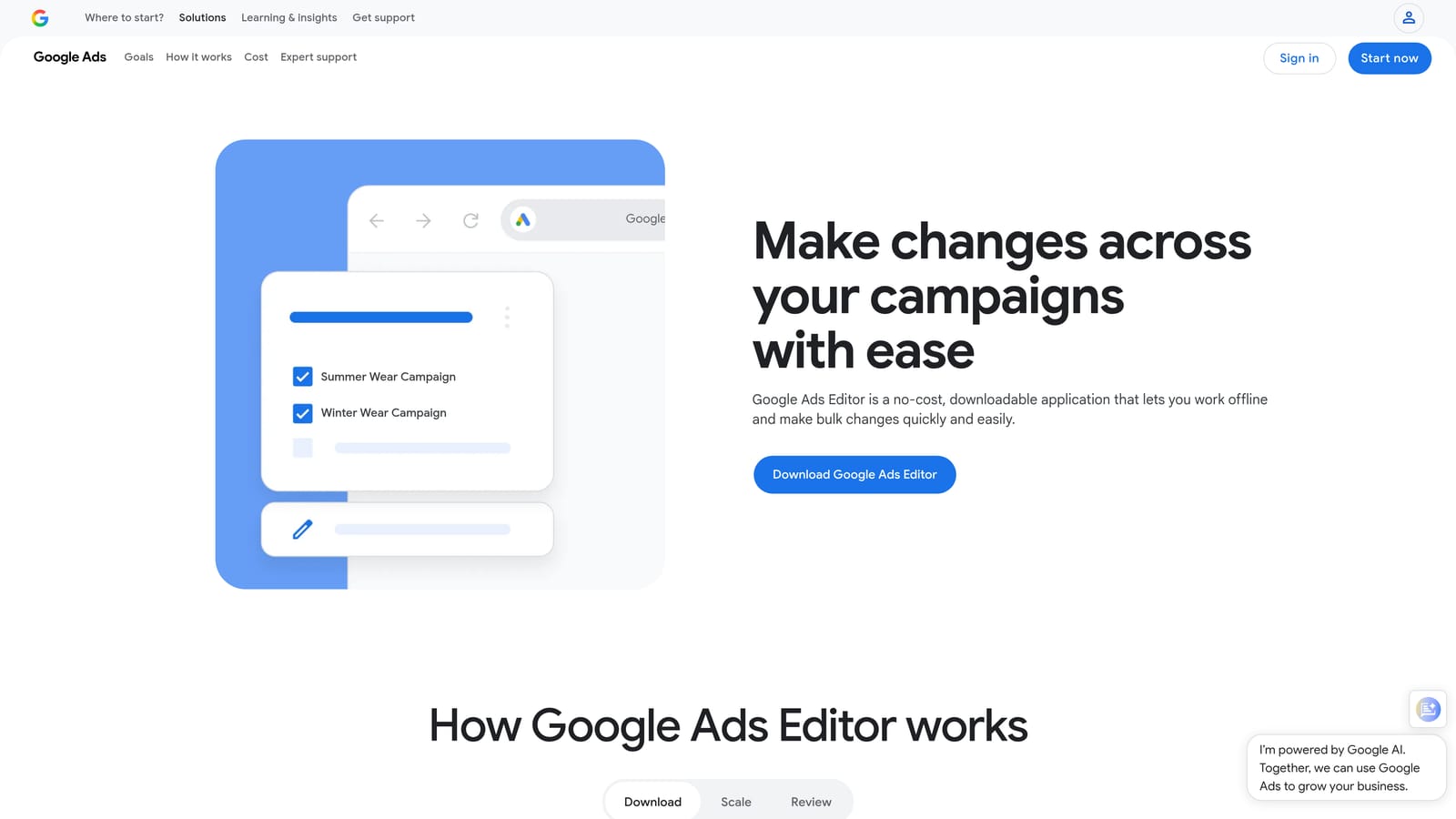
Google Ads Editor is Google's free desktop application for bulk editing and offline management of Google Ads campaigns, with no subscription required.
Where This Tool Shines
For bulk edits, Google Ads Editor is hard to beat at any price, because the price is zero. If you need to update hundreds of keywords, swap out ad copy across multiple ad groups, or copy a campaign structure from one account to another, the Editor handles those tasks efficiently. The offline editing capability is also genuinely useful: make changes, review them, and push them live when you're ready.
The trade-off is that Google Ads Editor is a manual tool. There's no automation layer, no AI-driven recommendations, and no reporting beyond what's already available in Google Ads. You bring the strategy; the Editor executes your instructions at scale.
Key Features
Bulk Campaign Edits: Make changes across keywords, ads, and bids in large batches rather than one at a time.
Offline Editing with Sync: Edit campaigns without an internet connection and push changes live when ready.
Copy and Paste Campaigns: Duplicate campaigns or ad groups across accounts quickly.
Find and Replace: Make large-scale text changes across ad copy or keyword lists using find-and-replace logic.
Free with Any Google Ads Account: No subscription, no spend minimum, no additional cost.
Best For
Any Google Ads advertiser who needs to make large-scale edits efficiently, especially those managing accounts with many campaigns or ad groups. A solid starting point for anyone not yet ready to invest in paid optimization tools.
Pricing
Free. No subscription or ad spend minimum required.
7. Adalysis
Best for: Data-driven Google Ads teams who want automated account audits and structured ad testing workflows.
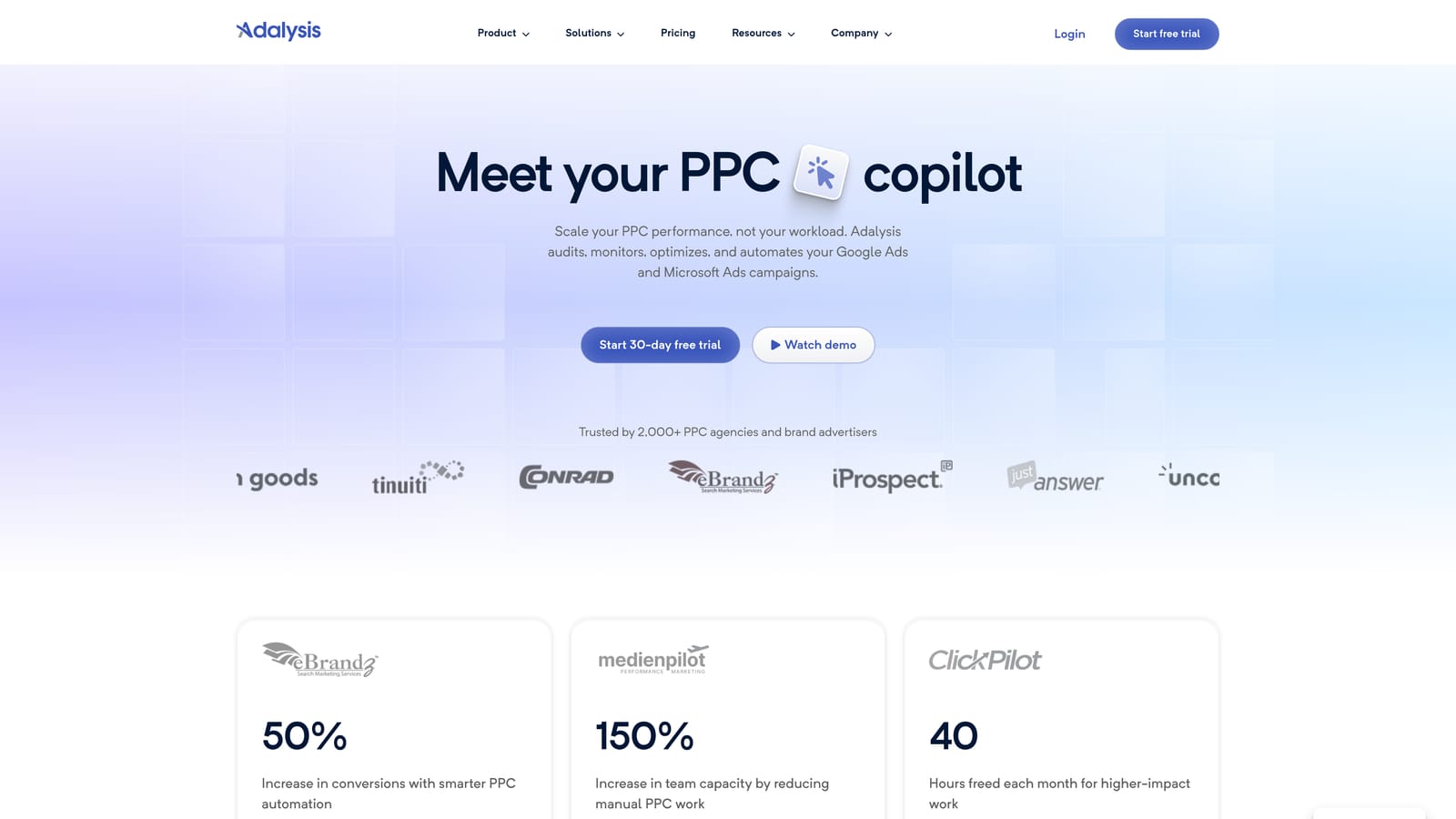
Adalysis is a PPC management and auditing platform that automates account health checks, ad testing, and Quality Score monitoring for teams that want systematic, data-backed optimization.
Where This Tool Shines
Adalysis is built around the idea that most PPC accounts have issues that go undetected simply because there's too much to manually review. Its automated audit system surfaces prioritized alerts across an account, so you're not starting from a blank canvas when you sit down to optimize. That structure is particularly useful for agencies managing multiple accounts, where it's easy for problems to go unnoticed.
The ad testing workflows are another strong point. Adalysis tracks statistical significance for ad experiments, which removes the guesswork from deciding when a test has run long enough to draw conclusions. For teams that run ongoing creative tests, that rigor is valuable.
Key Features
Automated Account Audits: Continuously scan accounts for issues and surface prioritized, actionable alerts.
A/B Ad Testing Workflows: Run structured ad experiments with statistical significance tracking to make confident creative decisions.
Quality Score Monitoring: Track Quality Score trends across keywords and identify where scores are declining.
Search Term and Negative Keyword Recommendations: Surface irrelevant search terms and recommend negative keywords to add.
Pause/Enable Rules and Bid Automation: Set rules to automatically pause underperforming elements or adjust bids based on performance thresholds.
Best For
In-house PPC teams and agencies that prioritize structured testing and proactive account monitoring. A good fit for advertisers who want a systematic approach to optimization rather than ad hoc manual reviews.
Pricing
Plans start around $99/month. Verify current pricing and plan details at adalysis.com.
8. Tenscores
Best for: Google Ads managers focused specifically on diagnosing and improving Quality Score.
Tenscores is a focused Google Ads tool dedicated to tracking, diagnosing, and improving Quality Score across an account's keyword set.
Where This Tool Shines
Most PPC tools treat Quality Score as one metric among many. Tenscores treats it as the whole focus. If low Quality Scores are driving up your CPCs or limiting your ad rank, having a tool that tracks score history, groups keywords by the specific component dragging them down (ad relevance, expected CTR, or landing page experience), and surfaces actionable recommendations is more useful than a general-purpose dashboard that mentions Quality Score in passing.
The historical tracking is particularly practical. Quality Score changes over time, and being able to see trends rather than just a current snapshot helps you understand whether your optimizations are moving the needle.
Key Features
Quality Score Tracking and Historical Trends: Monitor Quality Score changes over time rather than just viewing a current snapshot.
Keyword Grouping by Score Component: Segment keywords by their weakest Quality Score component: ad relevance, expected CTR, or landing page experience.
Improvement Recommendations: Receive targeted recommendations for improving low-scoring keywords based on their specific weaknesses.
Account-Level Health Overview: Get a high-level view of Quality Score distribution across the entire account.
Alerts for Score Drops: Receive notifications when Quality Scores decline so you can investigate before costs increase.
Best For
Google Ads managers and agencies where Quality Score is a known problem or a key performance lever. Most useful as a complement to a broader optimization workflow rather than a standalone tool for all PPC tasks.
Pricing
Subscription-based with accessible entry-level pricing. Verify current plan tiers at tenscores.com.
9. PPC Samurai
Best for: Boutique and mid-size PPC agencies that need white-label reporting and campaign build automation.
PPC Samurai is an agency-focused PPC platform combining white-label client reporting, campaign build automation, and optimization workflows designed for teams managing multiple client accounts.
Where This Tool Shines
PPC Samurai is built with agency operations in mind. The white-label reporting capability lets agencies present campaign performance data under their own branding, which matters for client-facing work. The campaign build automation tools are designed to speed up the time-consuming process of structuring new campaigns, which is one of the more labor-intensive parts of agency PPC work.
For boutique agencies that don't have the headcount for manual campaign builds across every new client, the automation layer can meaningfully reduce setup time. The multi-account management features make it practical for teams handling a growing client roster.
Key Features
White-Label Client Dashboards: Deliver branded reporting to clients without exposing the underlying platform.
Automated Campaign Build Tools: Accelerate the process of structuring new campaigns with automation-assisted builds.
Negative Keyword Management: Manage negative keyword lists across multiple client accounts from one interface.
Search Term Analysis and Optimization Workflows: Review search term performance and apply optimizations across accounts.
Multi-Account Management: Manage and monitor multiple client accounts from a centralized agency dashboard.
Best For
Boutique and mid-size PPC agencies that need client-facing reporting, campaign build efficiency, and multi-account management in one platform. Less relevant for solo advertisers or in-house teams without client reporting requirements.
Pricing
Subscription-based. Verify current plan pricing at ppcsamurai.com.
Choosing the Right Tool for Your Situation
The right PPC optimization tool comes down to two questions: where is your time being wasted, and how much are you willing to spend to get it back?
If your biggest pain point is cleaning up search term reports and building negative keyword lists without leaving Google Ads, Keywordme at $12/month per user is a low-friction, low-cost starting point. There's no new interface to learn and no spend-based pricing that scales against you as your clients grow.
For agencies that need full automation suites, scripting, and consolidated reporting across high-spend accounts, Optmyzr or Adalysis are worth the higher investment. Both are built for teams that need systematic, repeatable optimization workflows rather than one-off manual fixes.
If competitive intelligence is a priority alongside campaign management, SEMrush gives you keyword gap analysis and competitor ad history as part of a broader marketing platform. SpyFu covers similar ground at a lower price point, making it a practical option for freelancers doing keyword research on a budget.
And if your budget is zero, Google Ads Editor is still a legitimate tool. It won't automate anything or surface recommendations, but it handles bulk edits efficiently and costs nothing.
One practical note on pricing: several tools on this list don't publish their rates publicly, and the ones that do update them periodically. Before committing to any paid plan, verify current pricing directly on each tool's website. Most offer a free trial, and it's worth using one before signing up.
If you want to start with the lowest-friction option available, Start your free 7-day trial of Keywordme and see how much faster your search term optimization goes when you're working directly inside Google Ads instead of around it. After the trial, it's $12/month per user, flat rate, no surprises.
.svg)