
9 Best PPC Optimization Software Tools Reviewed for Google Ads in 2026
These PPC optimization software reviews cover nine Google Ads tools, each sorted by the bottleneck it fixes, such as search term cleanup, bulk editing, automation, auditing, research, or reporting. The article describes limits as plainly as strengths and lists pricing as of November 2026, so freelancers, in-house advertisers, and agencies can shortlist the right tool for their workflow.


Whether you run Google Ads for your own business, a handful of freelance clients, or an agency book, "optimization" covers very different jobs. This list sorts nine tools by the bottleneck each one fixes: search term cleanup, bulk editing, automation, auditing, research, or reporting. We picked tools that Google Ads practitioners actually shortlist, and we describe limits as plainly as strengths. Prices change, so treat anything below as accurate as of November 2026 and confirm on the vendor's site.
Quick Comparison of the Tools
- Keywordme: freelancers and agency teams who clean up search terms daily; $12/month per user; works inside the native Search Terms Report with no spreadsheet or separate dashboard.
- Optmyzr: agencies managing many accounts; tiered pricing based on ad spend, see website; a large library of prebuilt optimizations plus a flexible rule engine.
- Adalysis: teams wanting ongoing account health checks; tiered pricing, see website; automated ad test analysis with a deep set of audit checks.
- Google Ads Editor: advertisers making large structural edits; free; first-party bulk editing with offline drafts.
- Google Ads Scripts and Recommendations: technical advertisers or tight budgets; free; automation and guidance built into the platform.
- WordStream by LocaliQ: small businesses with limited PPC expertise; quote-based; a guided task workflow for non-specialists.
- Semrush: marketers researching competitors; tiered subscriptions, see website; competitor PPC intelligence alongside SEO data.
- Looker Studio: freelancers and agencies building custom reports on a budget; free; fully customizable dashboards with a native Google Ads connector.
- Swydo: agencies wanting branded recurring reports; tiered pricing, see website; fast white-label reports from many ad platforms.
1. Keywordme
Keywordme is our own product, so weigh this section with that in mind. It's a Chrome extension that adds one-click actions to the Search Terms Report inside Google Ads. A search term is what someone actually typed; a keyword is what you bid on. Keywordme sits at the gap between the two, letting you act on what people searched without leaving the report.

The standout is where it lives. Most tools ask you to export data, work in a separate dashboard, or build a spreadsheet. Keywordme works in the native interface you already have open, which suits people who review search terms several times a week.
- One-click negative keyword and junk search term removal, so wasted queries get blocked in seconds rather than after a spreadsheet round trip.
- Add keywords straight from the Search Terms Report with the match type you choose, so strong queries become keywords without retyping.
- Keyword clustering to group related terms and build tighter keyword lists faster.
- Bulk editing for applying changes across many terms at once.
- Multi-account and team support, which helps agencies share a workflow across clients.
Setup is light: install the extension and use it in Google Ads. It requires Chrome, and each person on your team needs a seat. You still decide what is junk and what is high intent, so negatives deserve a quick human check. A broad negative can block good traffic.
Where it falls short: it's focused on the search term and keyword workflow. It does not do automated bidding, reporting, or ad testing, so it won't replace an automation platform or a dashboard tool.
Pricing: $12/month per user, with a 7-day free trial (as of November 2026; verify on the website). The price scales with seats, not ad spend.
Best for: Freelancers and agency teams who clean up search terms daily.
2. Optmyzr
Optmyzr is a PPC management platform built around rule-based automation and optimization tools, aimed mainly at agencies. Its edge over the rest of this list is breadth: a large library of prebuilt optimizations and a flexible rule engine that lets you define your own recurring checks.

- A rule engine that runs recurring optimizations, so routine tasks stop eating your week.
- Budget and bid management tools for pacing spend and adjusting bids across accounts.
- Account audits that flag issues worth investigating.
- Reporting for sharing results with clients or stakeholders.
- Cross-account management, useful when you oversee many clients from one place.
It connects to Google Ads, Microsoft Ads, and Meta Ads. Expect real setup time: deciding which rules to run and tuning them is work, and someone on the team should own that. This is a tool for a person who enjoys building systems.
Where it falls short: the learning curve is steeper and the cost higher than lighter tools, and it's overkill for a single small account. Automated rules also need monitoring so they don't act on bad assumptions.
Pricing: tiered and based on ad spend. The starting price isn't listed here, so check the website for current plans.
Best for: Agencies managing many accounts that want rule-based automation.
3. Adalysis
Adalysis leads with auditing and monitoring. It watches your account, runs a deep set of checks, and analyzes ad split tests automatically, which is the part many teams skip because it's tedious by hand.
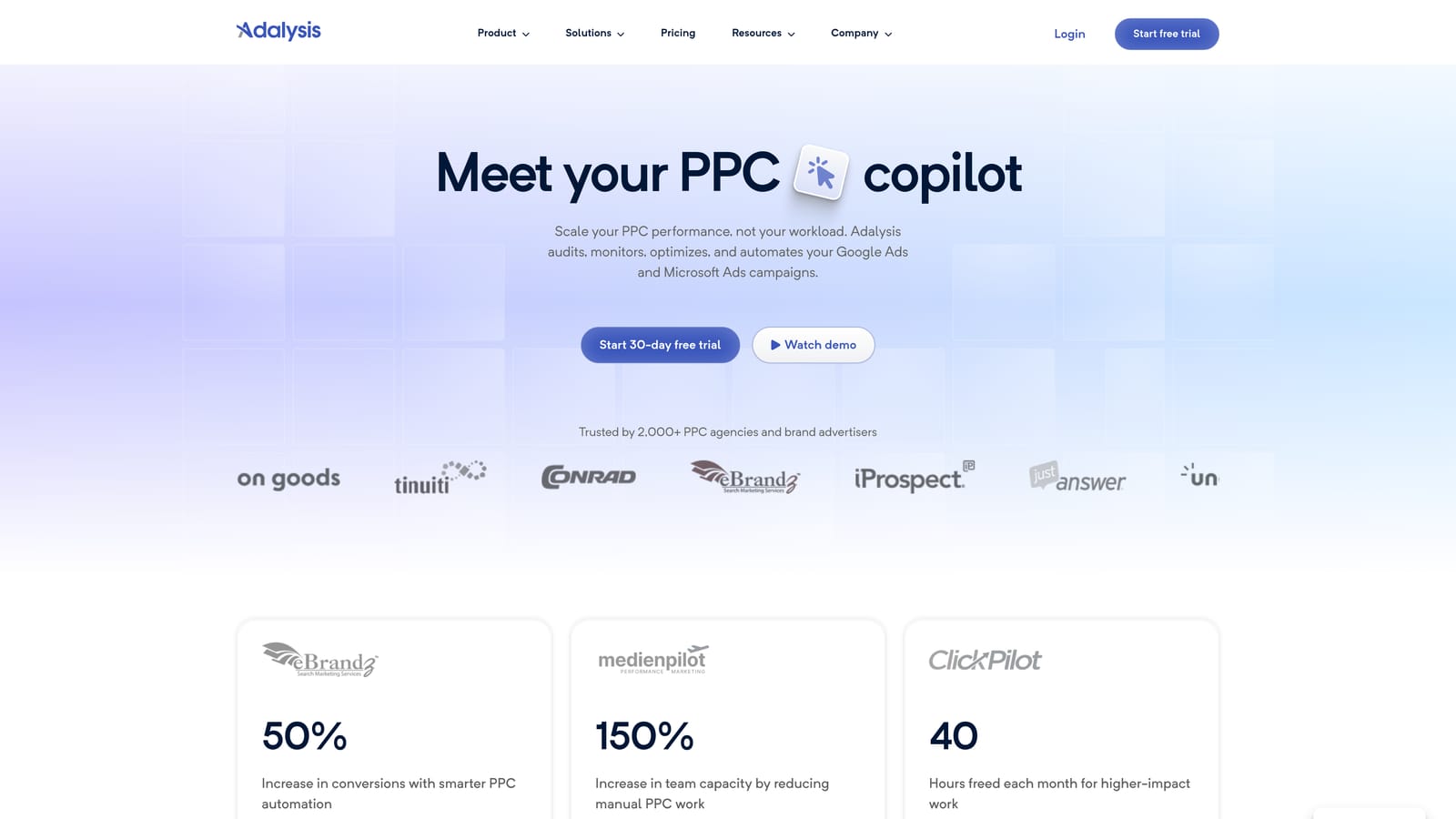
If your main question is "what's quietly going wrong in this account?", this is the closest fit on the list. It works with Google Ads and Microsoft Ads.
- Automated ad split-test analysis that tells you which variations are winning, so you aren't eyeballing click-through rates.
- Account audit checks that surface problems across campaigns.
- Alerts and monitoring so changes in performance don't go unnoticed for weeks.
- Reporting to share findings.
- Google and Microsoft Ads support in one place.
Setup mostly means connecting accounts, then someone has to read the findings and act. That's the catch.
Where it falls short: it's auditing-first, so many fixes still require manual changes in the ad platform. It's less useful if you want a tool that does the work for you, and it doesn't cover search term triage or competitor research.
Pricing: tiered. Check the website for the current starting price and what drives it.
Best for: Teams that want ongoing account health checks and ad testing insight.
4. Google Ads Editor
Google Ads Editor is Google's free desktop app for editing accounts in bulk. You download account data, make changes offline, review them, and post them back. It's the tool for work that would be painful in the web interface.

- Bulk editing across campaigns, so renaming, restructuring, and updating at scale takes minutes.
- Offline editing, so you can draft changes before they touch the live account.
- Copy and paste between accounts, handy for reusing structures across clients.
- Change review before posting, which gives you a checkpoint against mistakes.
- Multi-account management from one app.
It's free and first-party, so there's no integration to configure beyond signing in with your Google Ads access. A practitioner runs it directly; there's no team platform behind it.
Where it falls short: it offers no recommendations or rules, and it isn't built for quick search term triage. It does what you tell it and nothing more, so it won't tell you what to change.
Pricing: free.
Best for: Advertisers making large structural edits across campaigns.
5. Google Ads Scripts and Recommendations
Google Ads Scripts and Recommendations are two free, native features that live inside Google Ads. Recommendations are Google's suggested changes, summarized by Optimization Score. Scripts let you automate tasks with JavaScript.
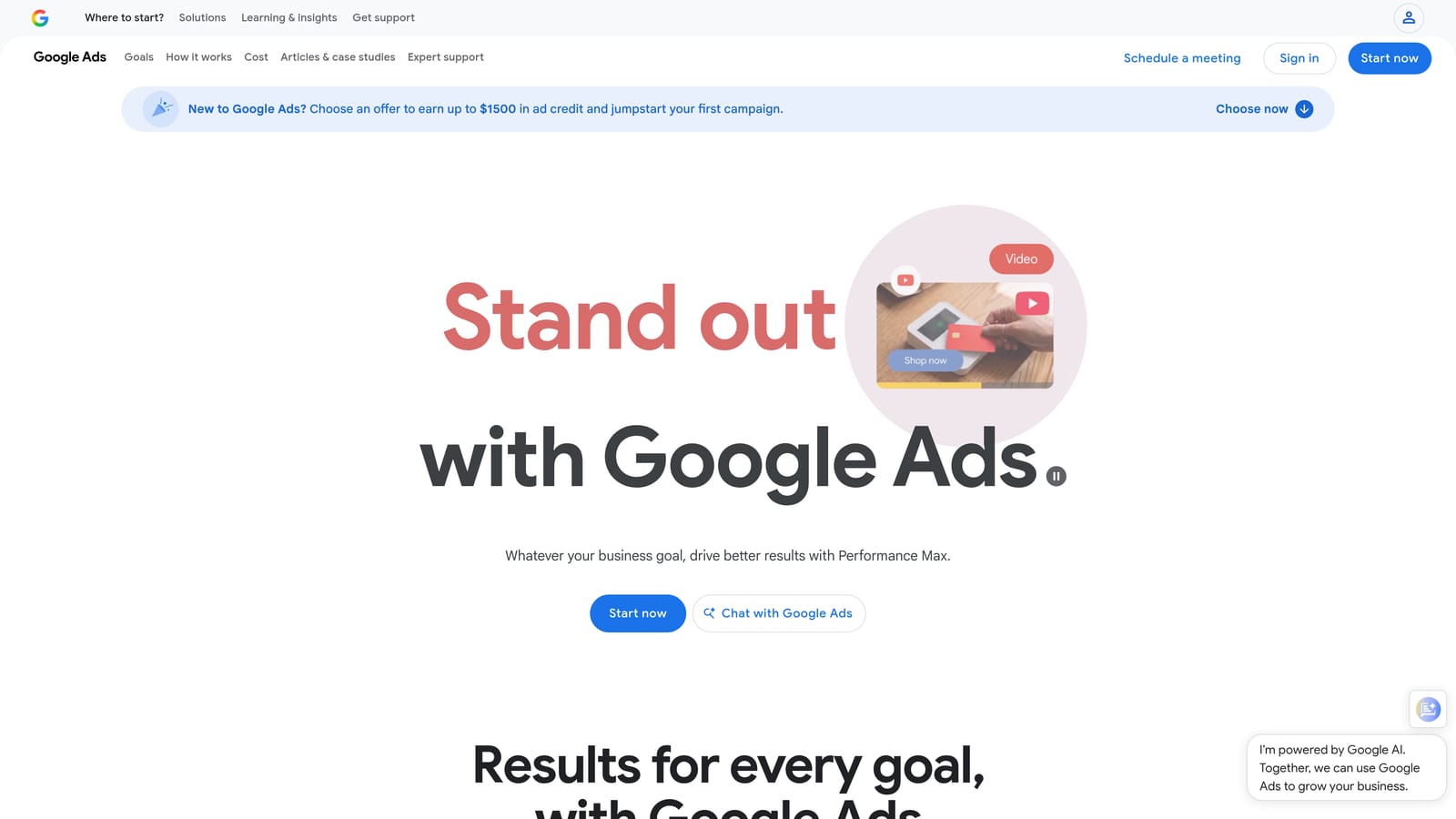
The appeal is that both come with the platform and need no third-party access to your data.
- The Recommendations page and Optimization Score show what Google suggests, giving you a quick list of ideas to evaluate.
- JavaScript-based Scripts let you automate custom tasks no off-the-shelf tool handles.
- Scheduled script runs, so automations happen on a timetable.
- Custom reports and alerts, such as flagging overspend or broken ads.
Review Recommendations before applying them. Optimization Score measures how closely an account follows Google's suggestions, which isn't the same as business performance, and blindly applying suggestions is a common mistake.
Where it falls short: Recommendations reflect Google's priorities, and Scripts require coding skills, plus someone to maintain them when things break.
Pricing: free.
Best for: Technical advertisers or budget-limited accounts.
6. WordStream by LocaliQ
WordStream by LocaliQ is a PPC platform for small businesses. Instead of handing you a dense dashboard, it gives you a guided task list, which is the difference that matters if you're not a PPC specialist.
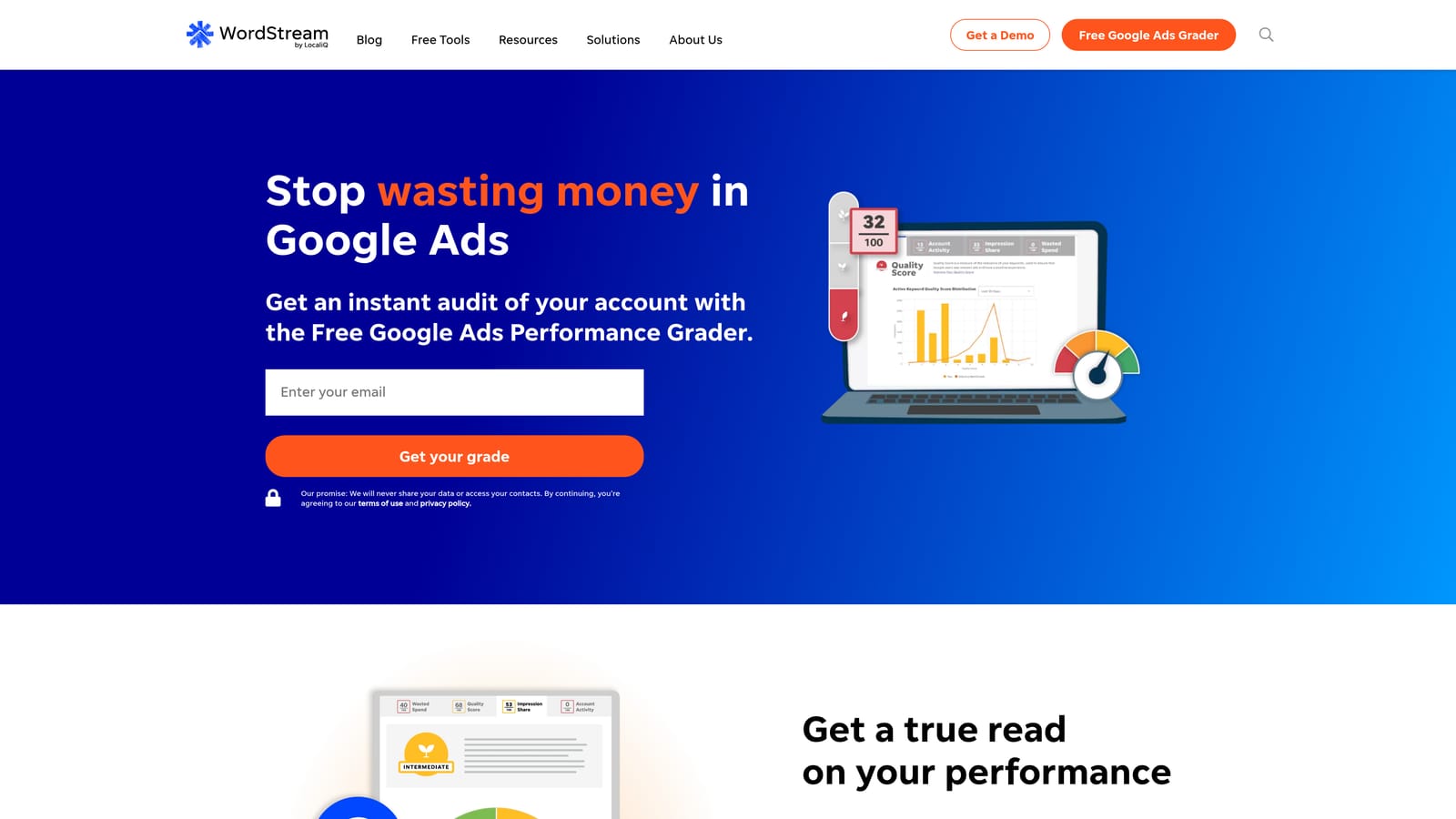
- A guided optimization task list that tells you what to do next in plain terms.
- An account grader that gives a quick read on account health.
- Multi-platform campaign management across Google, Microsoft, and Meta.
- Performance reports so owners can see results without building dashboards.
Setup is aimed at owners and generalist marketers, so little technical skill is needed. Because the vendor has been through branding changes, confirm the current offering and what's included before you commit.
Where it falls short: pricing is quote-based, and control is less granular than agencies usually want. Specialists managing many accounts will likely find it too guided.
Pricing: quote-based, so you'll need to ask the vendor; verify the current offering.
Best for: Small businesses managing PPC with limited expertise.
7. Semrush
Semrush is a broad marketing suite, and for PPC it's a research tool. You use it to see what competitors bid on and how their ads read, not to change your own account.
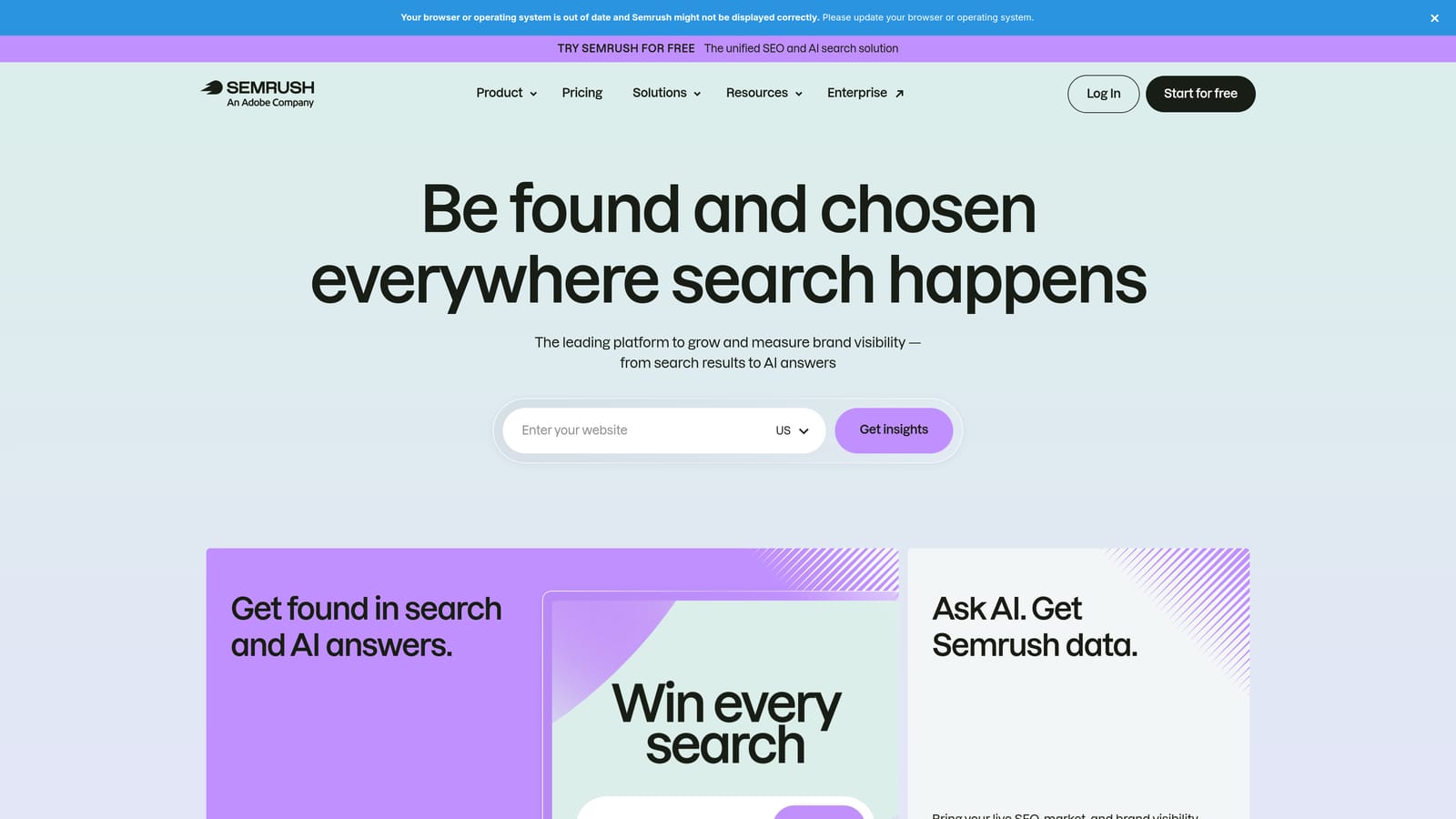
What sets it apart here is the pairing of competitor PPC intelligence with SEO data, useful when deciding which terms deserve paid budget and which you might win organically.
- Competitor ad and keyword research shows what rivals target.
- Keyword research tools help you find new terms to test.
- Ad copy analysis lets you study competitors' messaging.
- Position tracking monitors where you appear over time.
- SEO data sits alongside PPC, so one subscription informs both channels.
It connects with Google Looker Studio and Google Analytics. It's often owned by a marketer or SEO lead rather than the person running the account day to day.
Where it falls short: it doesn't edit or optimize your Google Ads account. Competitor data is also an estimate, so treat it as direction, not truth.
Pricing: tiered subscriptions; check the website for current plans and what each includes.
Best for: Marketers researching competitors and keyword opportunities.
8. Looker Studio
Looker Studio is Google's free dashboarding tool. It has a native Google Ads connector, so you can turn account data into shareable reports without paying for a reporting platform.
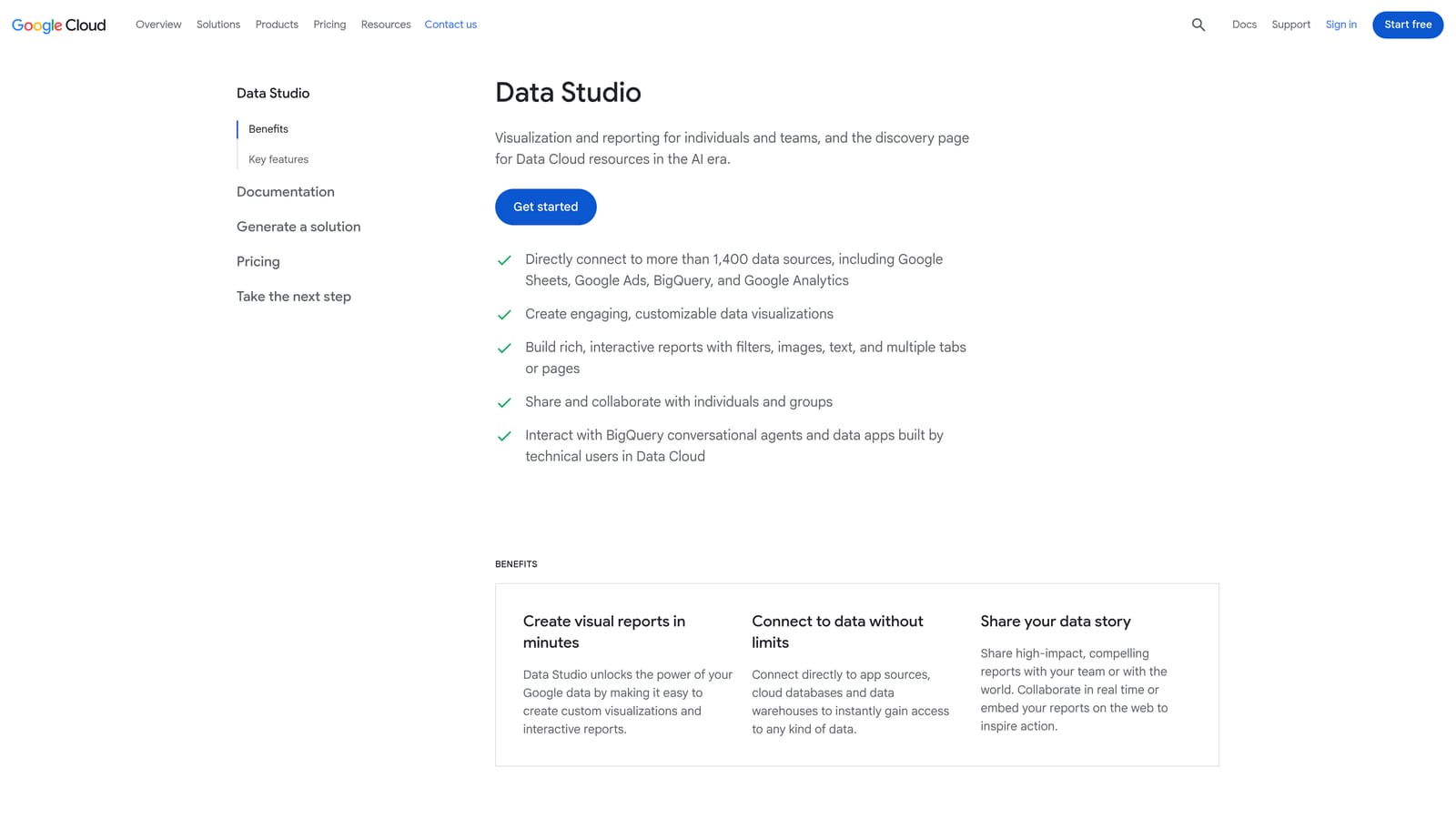
The standout is flexibility at zero cost. You decide every chart, filter, and layout.
- A native Google Ads connector pulls campaign data straight in.
- Custom dashboards let you show clients exactly the metrics they care about.
- Shareable reports go out by link, no exports needed.
- Blended data sources combine Google Ads with other data, such as Analytics or Sheets.
It also connects to Google Analytics, Google Sheets, and BigQuery. Building a good dashboard takes time up front, and whoever builds it usually has to maintain it.
Where it falls short: it only visualizes data and doesn't optimize campaigns. Third-party connectors for other ad platforms can cost extra, and a pretty dashboard won't tell you what to do about the numbers.
Pricing: free, though some third-party connectors cost extra.
Best for: Freelancers and agencies building custom reports on a budget.
9. Swydo
Swydo automates recurring PPC and marketing reports for agencies. Where Looker Studio gives you a blank canvas, Swydo gives you templates and gets reports out faster.
- Report templates that cut the time spent building each client's report from scratch.
- White-label reports that carry your agency's branding, not the vendor's.
- Multi-platform data sources, so Google, Meta, and Microsoft data land in one report.
- Scheduled report delivery, so clients get updates without you sending them manually.
It integrates with Google Ads, Meta Ads, Microsoft Ads, and Google Analytics. Setup is mostly connecting client accounts and choosing templates, and it's usually run by an account manager.
Where it falls short: it's reporting only, with no optimization actions. A solo advertiser with no client reporting needs gets little from it.
Best for: Agencies that want branded recurring client reports.
Which Tool Fits Which Bottleneck
Match the tool to the job, since none of these does everything:
- Search term cleanup: Keywordme, if you spend your time in the Search Terms Report.
- Rules and automation: Optmyzr for agencies at scale; Scripts if you can code and want it free.
- Auditing: Adalysis for ongoing health checks and ad test analysis.
- Reporting: Looker Studio on a budget, Swydo for branded agency reports.
- Research: Semrush for competitor and keyword opportunities.
- Free native options: Google Ads Editor for bulk edits, plus Recommendations (reviewed, not auto-applied).
- Guided help for small businesses: WordStream by LocaliQ.
The practical setup for most teams is a workflow tool paired with a reporting tool. One changes the account, the other shows what the changes did. Expecting a single product to handle both usually leaves one job done badly.
If search terms are your bottleneck, Keywordme is the quickest way to fix it. Optimize Google Ads Campaigns 10X Faster. Without Leaving Your Account. Keywordme lets you remove junk search terms, build high-intent keyword lists, and apply match types instantly, right inside Google Ads. No spreadsheets, no switching tabs, just quick, seamless optimization. Start your free 7-day trial (then just $12/month) and take your Google Ads game to the next level.
