
8 Best PPC Optimization Software Tools and Their Pricing in 2026
This guide breaks down PPC optimization software pricing for eight leading tools in 2026, covering what each platform does, who it's built for, and what it actually costs — including honest flags where vendors don't publish pricing publicly. Whether you need a tool that executes campaign changes, informs strategy, or streamlines bulk edits, this comparison helps you find the right fit for your budget.


Comparing PPC optimization software pricing is genuinely annoying. Some tools hide their costs behind a demo request. Others charge a percentage of ad spend, which feels manageable until your budgets grow. And a surprising number just don't publish pricing at all.
This list is designed to cut through that. Below, you'll find eight tools that help you optimize Google Ads campaigns, with honest notes on what each one does, who it's built for, and what it costs. Prices change frequently, so where exact figures aren't publicly confirmed, we've flagged that you should verify directly with the vendor.
One thing worth noting before you dive in: these tools don't all do the same thing. Some execute optimizations directly inside your campaigns. Others inform your strategy with research and competitive data. A couple just help you edit campaigns in bulk. Knowing which category a tool falls into matters as much as knowing its price.
1. Keywordme
Best for: Freelancers and agency teams who want to optimize Google Ads faster without leaving the native interface.
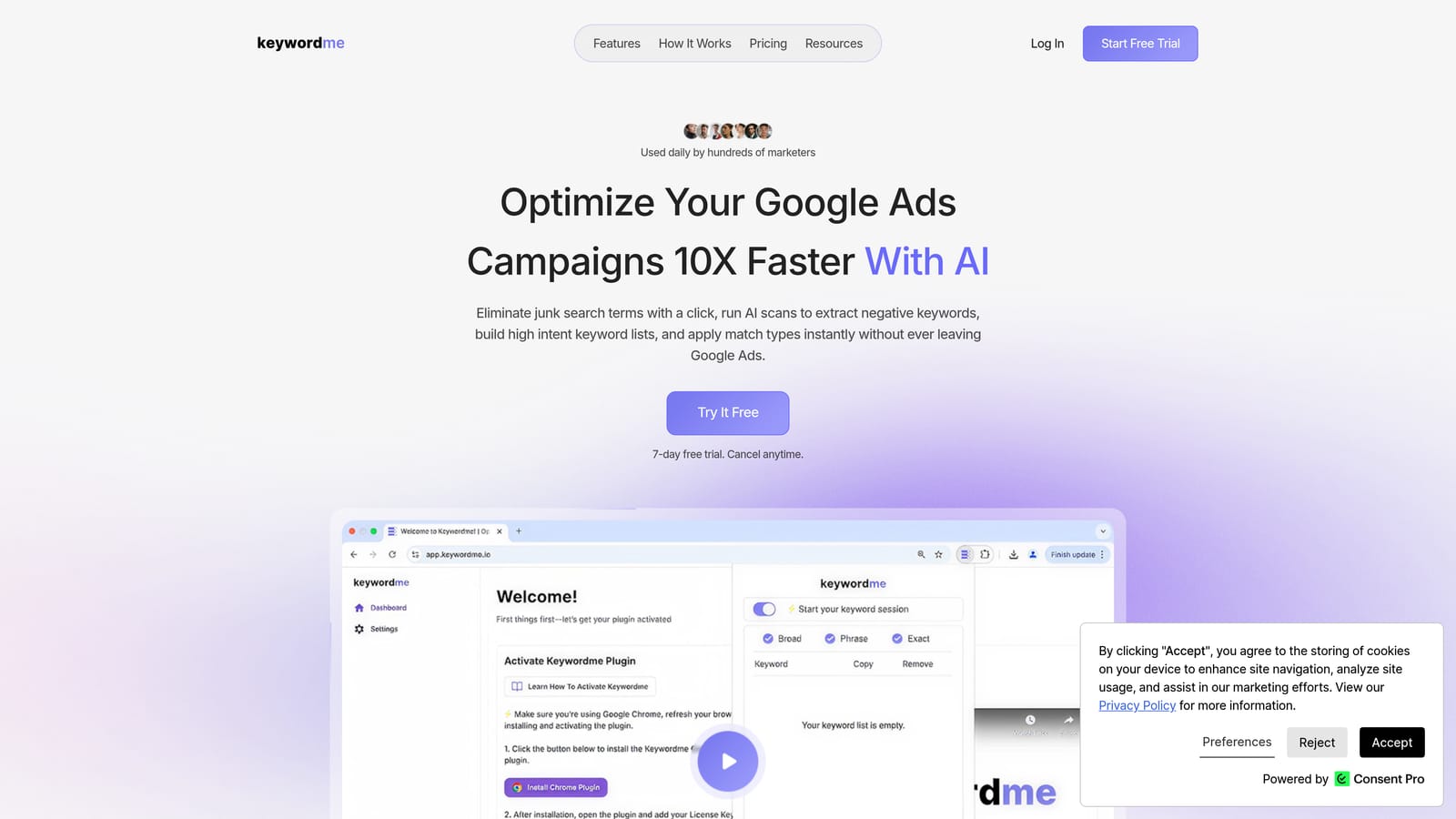
Keywordme is a Chrome extension that integrates directly into Google Ads' Search Terms Report, letting you take action on search terms and keywords without switching to a separate dashboard or exporting to a spreadsheet.
Where This Tool Shines
Most PPC optimization workflows involve a lot of tab-switching: export the search terms report, paste into a spreadsheet, identify junk, go back to Google Ads, add negatives, repeat. Keywordme collapses that into one-click actions performed right where you're already working.
It's particularly useful for the routine but time-consuming work of search term triage: removing irrelevant search terms, adding high-intent ones as positive keywords, applying match types, and organizing keywords into groups. For agencies managing multiple accounts, the multi-account and team support features make it practical at scale.
Key Features
One-click negative keyword addition: Flag irrelevant search terms and add them as negative keywords without leaving the Search Terms Report.
Match type application: Apply broad, phrase, or exact match types to keywords directly in the interface, no data export needed.
Keyword clustering: Group related search terms into keyword clusters to build more organized ad groups faster.
Bulk editing: Process multiple search terms and keywords at once rather than handling them one by one.
Multi-account and team support: Manage several Google Ads accounts and collaborate with team members, making it suitable for agency workflows.
Best For
Solo advertisers and agency teams who spend significant time in the Search Terms Report and want to reduce manual, repetitive optimization tasks. It's not a research or reporting tool, so if you need competitive intelligence or cross-channel analytics, you'll want to pair it with something else.
Pricing
$12/month per user (flat rate). A 7-day free trial is available with no commitment required.
2. WordStream Advisor
Best for: Small businesses and marketers who want guided, prioritized recommendations for Google Ads and Microsoft Advertising.
WordStream Advisor is a web-based PPC management platform owned by LocaliQ that surfaces prioritized optimization tasks through its well-known "20-Minute Work Week" workflow.

Where This Tool Shines
The core appeal of WordStream Advisor is its guided approach. Rather than presenting you with raw data and leaving you to figure out what to do next, it surfaces a prioritized list of recommended actions: keywords to add, bids to adjust, ads to improve. For advertisers who don't want to spend hours analyzing reports, that structure is genuinely useful.
It covers both Google Ads and Microsoft Advertising in one interface, which is convenient if you're running campaigns on both platforms. The account audit and ad grader features are also helpful for identifying where a campaign has obvious gaps.
Key Features
20-Minute Work Week: A guided task list that surfaces the most impactful optimizations for your account each week.
Google Ads and Microsoft Advertising support: Manage and optimize campaigns across both platforms from a single interface.
Keyword research and negative keyword tools: Find new keyword opportunities and identify irrelevant search terms to exclude.
Performance alerts and reporting dashboards: Get notified when metrics shift and review performance in built-in reports.
Ad grader and account audit: Identify account-level issues and benchmark performance against best practices.
Best For
SMBs and marketing generalists who want structured guidance rather than a blank-canvas tool. Less suited to agencies managing large volumes of accounts or advanced advertisers who prefer granular control over automation rules.
Pricing
WordStream uses custom, quote-based pricing rather than publicly listed tiers. Note that WordStream has increasingly focused on its LocaliQ managed services offering, so the availability and current pricing of the self-serve Advisor product should be verified directly at wordstream.com before making a decision.
3. Optmyzr
Best for: Agencies and advanced advertisers managing Google Ads, Microsoft Advertising, or Amazon Ads at scale.
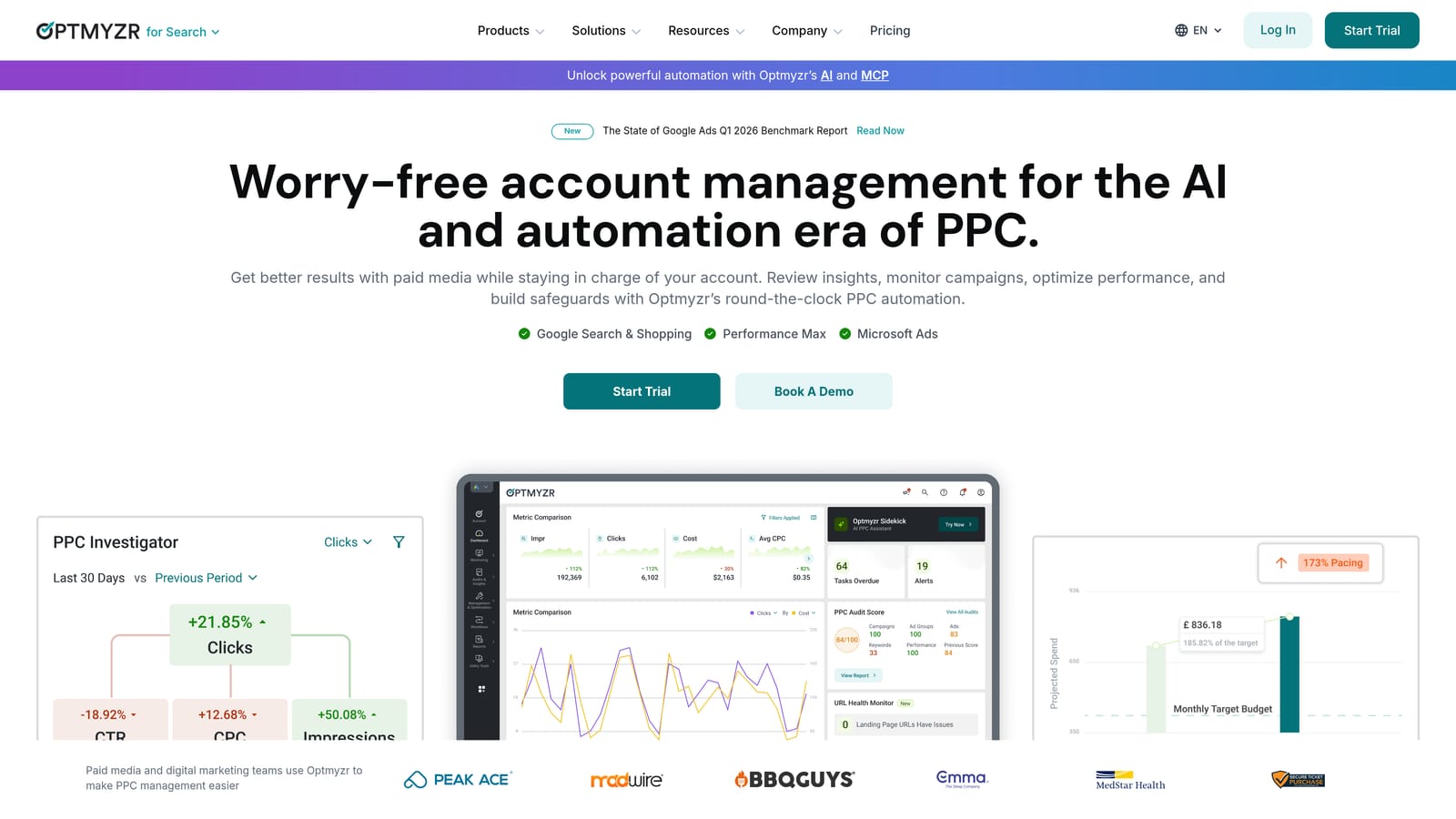
Optmyzr is a rule-based PPC automation and management platform built for teams that need to automate bid adjustments, budget management, and keyword actions across multiple accounts without writing code.
Where This Tool Shines
Optmyzr's strength is its automation depth. You can build custom rules that trigger bid changes, pause underperforming keywords, or adjust budgets based on performance thresholds—without needing to write PPC scripts from scratch. For agencies managing dozens of accounts, that kind of automation can meaningfully reduce manual workload.
The one-click optimization suggestions are useful for catching obvious wins quickly, while the custom scripting layer gives more technical users fine-grained control. Shopping campaign management and feed optimization round out a feature set that goes well beyond basic keyword tools.
Key Features
Rule-based automation engine: Set conditions that automatically trigger bid, budget, or keyword changes across campaigns.
One-click optimization suggestions: Review and apply recommended changes across multiple accounts from a single view.
Custom PPC scripts without coding: Build and deploy scripts using a guided interface rather than raw JavaScript.
Shopping campaign management: Manage product feed optimization and Shopping campaign structure alongside search campaigns.
Multi-account reporting and client dashboards: Generate client-ready reports and track performance across accounts in one place.
Best For
Agencies and in-house teams managing high-volume or multi-account Google Ads environments where manual optimization doesn't scale. The pricing and feature depth make it less practical for solo advertisers or small accounts.
Pricing
Tiered plans publicly listed starting around $208/month (billed annually) for smaller accounts, with higher tiers for larger ad spend or agency use. Verify current pricing at optmyzr.com before purchasing, as tiers and thresholds change.
4. SEMrush Advertising Toolkit
Best for: Marketers who need PPC keyword research and competitive ad intelligence alongside SEO and content tools.
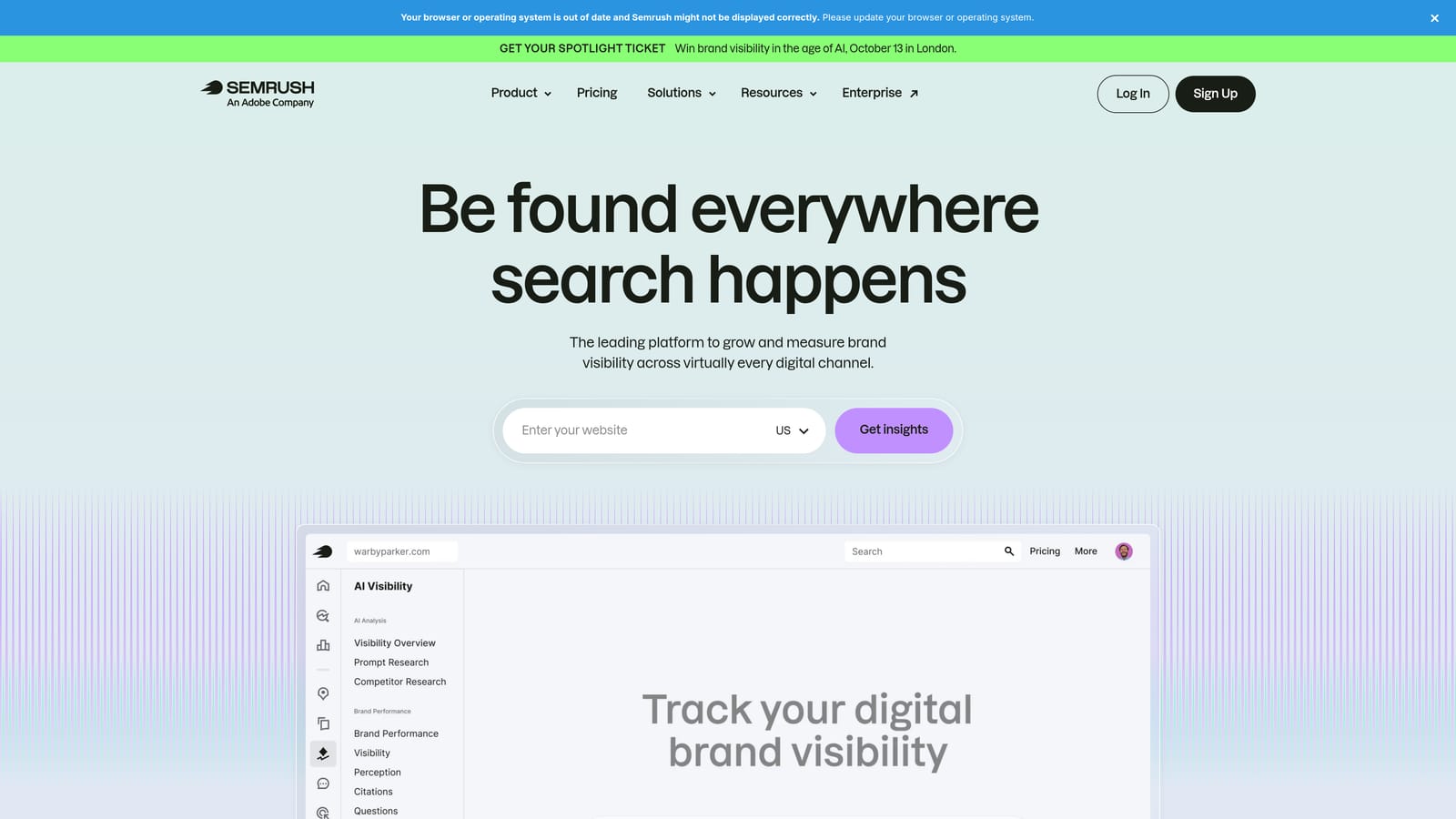
SEMrush is a broad digital marketing platform. Its Advertising Toolkit provides PPC keyword research, competitor ad analysis, and campaign auditing as part of a larger suite that also covers SEO, content, and social media.
Where This Tool Shines
SEMrush is best understood as a research and intelligence tool for paid search, not a campaign execution or optimization platform. Where it excels is in competitive analysis: you can see which keywords a competitor is bidding on, review their ad copy history, and identify gaps in your own keyword strategy before spending a dollar.
If you're already paying for SEMrush for SEO or content work, the advertising toolkit is a meaningful bonus. If you're evaluating it purely as a PPC tool, the price-to-PPC-feature ratio is worth comparing carefully against more specialized options.
Key Features
PPC keyword research with CPC and competition data: Identify keyword opportunities with estimated cost-per-click and advertiser competition levels.
Competitor ad copy and keyword history: Review what keywords and ad copy competitors have run over time.
Google Ads campaign audit tool: Surface structural issues and optimization opportunities within your campaigns.
Display advertising research: Analyze competitors' display ad placements and creatives.
Bundled with SEO, content, and social tools: Access a full digital marketing toolkit under one subscription.
Best For
Digital marketing teams or agencies that need both SEO and PPC intelligence in one platform, and who are primarily using the advertising features for research and competitive strategy rather than day-to-day campaign management.
Pricing
Pro plan starts at $139.95/month; Guru at $249.95/month; Business at $499.95/month. Verify current pricing at semrush.com, as rates change regularly.
5. SpyFu
Best for: Advertisers who want deep competitive intelligence on competitors' Google Ads keyword and ad history.
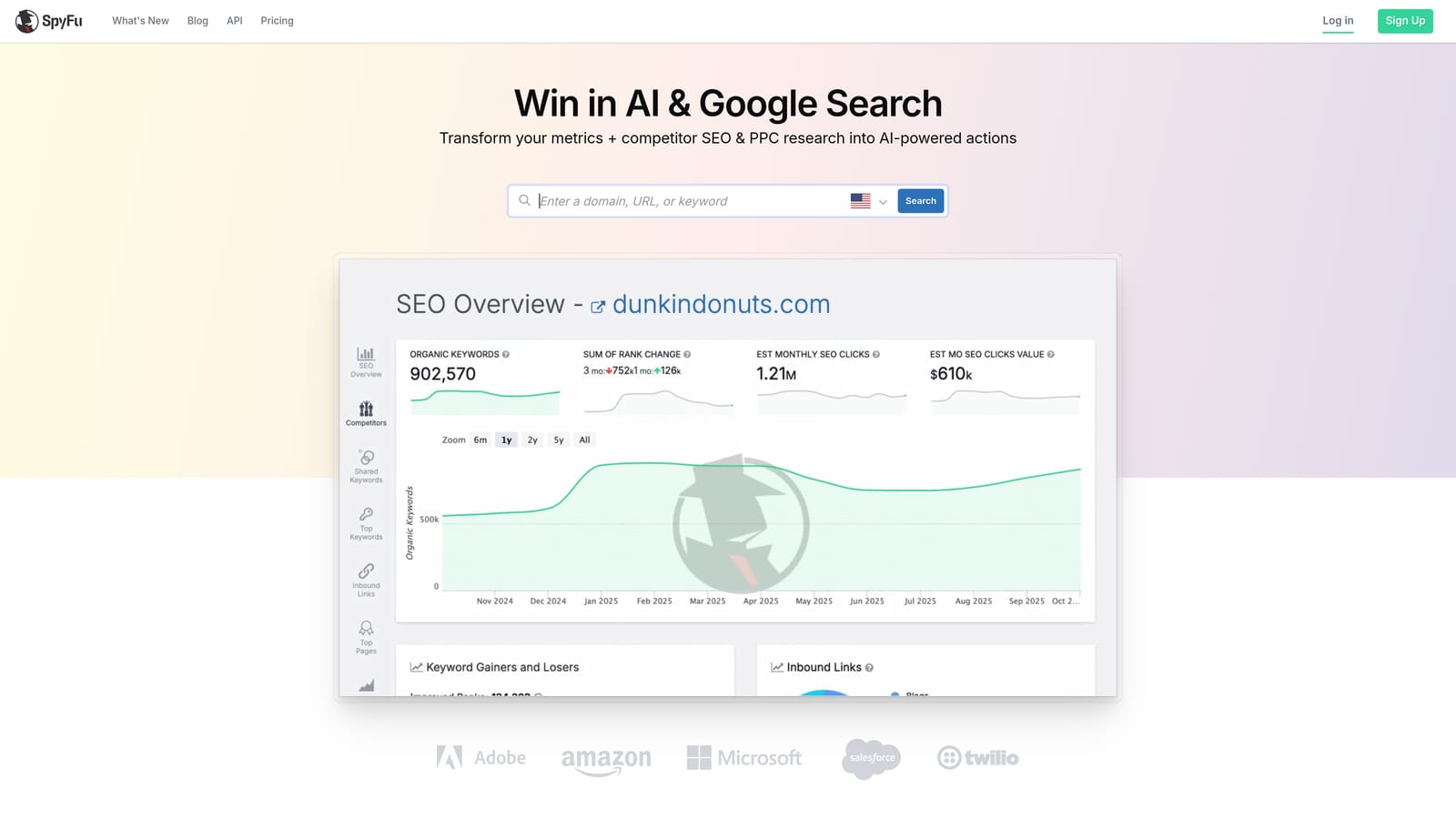
SpyFu is a competitive intelligence tool focused on Google Ads and SEO data, giving you historical visibility into what keywords competitors have bid on and what ad copy they've run.
Where This Tool Shines
SpyFu's historical data depth is its defining feature. You can look up a competitor's domain and see years of keyword and ad history, including which keywords they've consistently maintained (suggesting profitability) and which they've dropped. That kind of insight is genuinely useful when building or expanding a campaign strategy.
It's worth being clear about what SpyFu is not: it doesn't make changes to your campaigns, manage bids, or execute optimizations. It's a research tool, and it's best used at the planning and strategy stage rather than during day-to-day campaign management.
Key Features
Competitor Google Ads keyword and ad history: See which keywords a competitor has bid on and for how long, with historical ad copy.
Most profitable keywords by competitor domain: Identify keywords competitors have sustained over time, suggesting they're working.
SERP analysis and keyword grouping: Review how keywords appear in paid search results and organize them into groups.
Ad copy research across date ranges: Analyze how competitor ad messaging has evolved over time.
Keyword ranking and PPC overlap reports: Identify where your keyword strategy overlaps with or diverges from competitors.
Best For
Advertisers focused on competitive research, keyword discovery, and building initial campaign structures based on what's working in their market. Less useful as a standalone tool for ongoing campaign optimization.
Pricing
Historically, plans have started around $39/month (Basic) to $79/month (Professional), with team plans available at higher price points. Verify current pricing at spyfu.com before purchasing.
6. Adalysis
Best for: Advertisers who prioritize systematic ad copy testing and continuous account health monitoring.
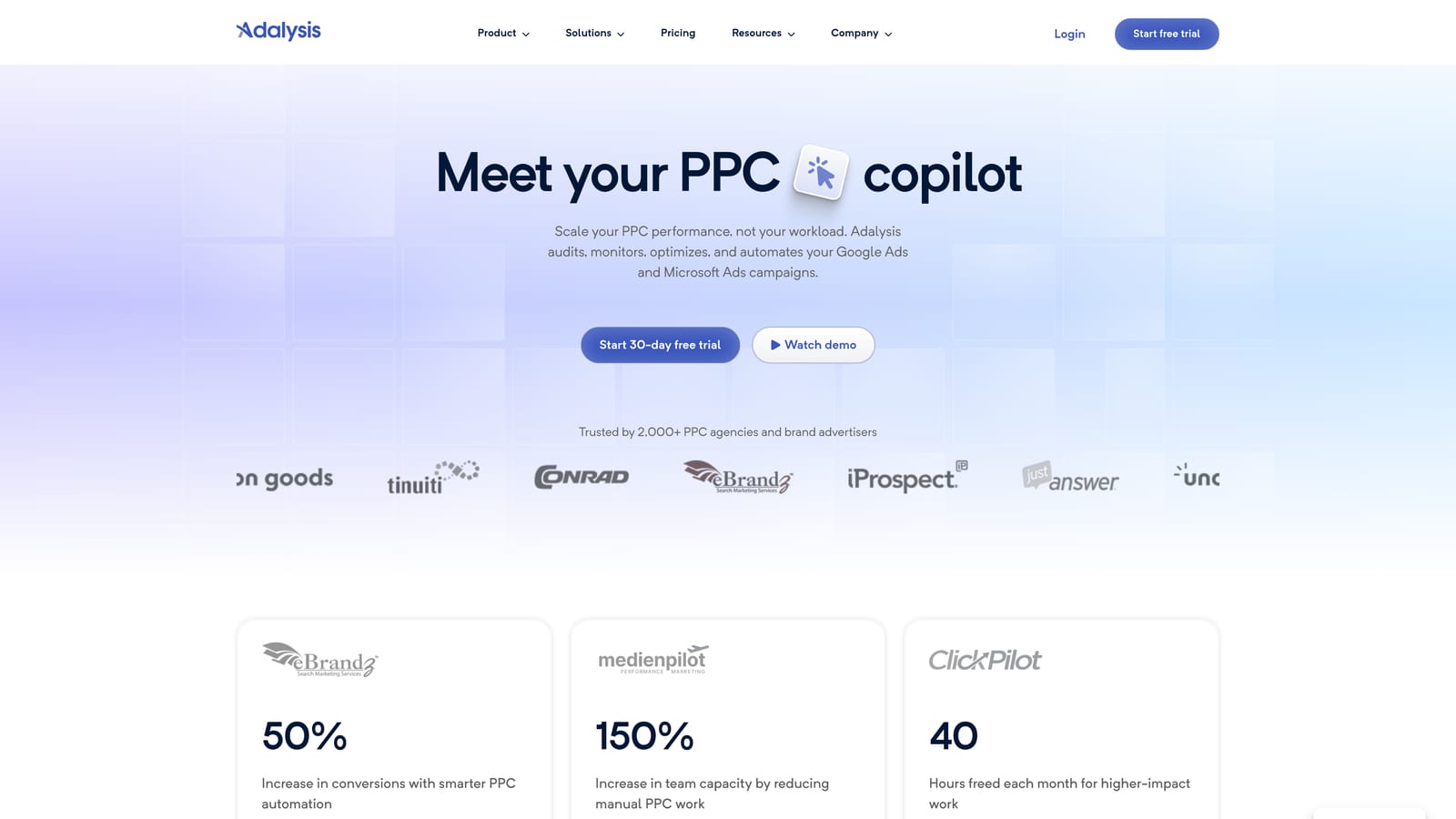
Adalysis is an automated PPC auditing and ad testing platform that monitors account health, surfaces performance anomalies, and manages A/B testing for Google Ads campaigns.
Where This Tool Shines
Adalysis is purpose-built for two things: catching problems before they cost you money, and running structured ad copy tests with statistical rigor. The automated alerts notify you when something unusual happens in your account, whether that's a sudden drop in conversion rate, a quality score change, or a negative keyword conflict causing your ads to block themselves.
The A/B testing framework is more systematic than what you get natively in Google Ads. You can track test significance, compare ad variations across ad groups, and make data-informed decisions about which copy to scale. For accounts where ad copy quality is a primary lever, that structure matters.
Key Features
Automated account health alerts: Get notified of performance anomalies, budget issues, and structural problems as they happen.
A/B ad copy testing with statistical significance tracking: Run controlled tests and determine winning ad variations with confidence.
Quality Score monitoring and diagnosis: Track quality score changes at the keyword level and identify contributing factors.
Negative keyword conflict detection: Identify cases where negative keywords are accidentally blocking your own ads from serving.
Automated performance reports: Schedule and distribute account performance summaries without manual report building.
Best For
Advertisers and agencies where ad copy testing and account health monitoring are core parts of the optimization workflow. Particularly useful for accounts with large numbers of ads and ad groups where manual monitoring isn't practical.
Pricing
Tiered by number of accounts and ad spend. Verify current pricing at adalysis.com before purchasing, as tiers vary based on account volume.
7. Google Ads Editor
Best for: Any Google Ads advertiser who needs to make bulk campaign edits without paying for third-party software.
Google Ads Editor is Google's free official desktop application for making bulk offline edits to Google Ads campaigns before uploading them to your account.
Where This Tool Shines
For bulk editing tasks, Google Ads Editor is hard to beat on value because it's free. You can make find-and-replace changes across hundreds of ads, copy entire campaign structures, manage keyword and negative keyword lists, and review everything in draft before it goes live. That draft-review workflow is particularly useful for catching errors before they affect live campaigns.
The important caveat is that Google Ads Editor is purely an editing tool. It has no automation, no AI recommendations, no reporting, and no competitive intelligence. It does one thing: lets you edit campaigns in bulk, offline, with a safety net before uploading. For advertisers on a tight budget who are comfortable with manual optimization, it's a foundational part of the toolkit.
Key Features
Bulk find-and-replace: Update ad copy, URLs, or keyword text across multiple campaigns and ad groups simultaneously.
Offline editing with draft review: Make changes locally and review them before pushing to your live account.
Copy and paste campaigns, ad groups, and keywords: Duplicate campaign structures without rebuilding them from scratch.
Keyword and negative keyword list management: Add, edit, and organize keywords and negative keyword lists in bulk.
Free with any Google Ads account: No subscription or additional cost required.
Best For
Advertisers at any level who need bulk editing capability and want a free, reliable tool from Google. Works well as a complement to other tools on this list rather than as a standalone optimization solution.
Pricing
Free. No subscription required.
8. Supermetrics
Best for: Teams that need to pull PPC data from multiple platforms into centralized reporting destinations like Google Sheets or Looker Studio.
Supermetrics is a data pipeline tool that connects advertising platforms, including Google Ads, Meta Ads, and Microsoft Ads, to reporting destinations like Google Sheets, Looker Studio, BigQuery, and Excel.
Where This Tool Shines
Supermetrics solves a specific and common problem: getting data out of multiple ad platforms and into one place where you can actually analyze it. If you're reporting on Google Ads and Meta Ads performance in the same dashboard, or pulling data into BigQuery for custom analysis, Supermetrics handles the connectors and scheduling so you don't have to do it manually.
It's critical to understand what Supermetrics does not do: it doesn't make changes to your campaigns, apply negative keywords, adjust bids, or optimize anything. It moves and structures data. If you're looking for a tool that takes optimization actions, Supermetrics isn't it. But if reporting and data infrastructure are a bottleneck, it's a practical solution.
Key Features
Connectors for Google Ads, Meta, Microsoft Ads, and more: Pull data from a wide range of advertising and analytics platforms into a single pipeline.
Multiple data destinations: Send data to Google Sheets, Looker Studio, BigQuery, Excel, and other destinations depending on your plan.
Automated scheduled data refreshes: Set data to update automatically on a schedule rather than pulling it manually.
Cross-channel PPC reporting: Combine data from multiple ad platforms into unified reports for a single view of performance.
Custom metrics and blended data sources: Create calculated fields and blend data from different platforms in your reports.
Best For
Marketing analysts, agencies, and teams that manage reporting across multiple ad platforms and need a reliable way to centralize and automate data pulls. Not suited to advertisers looking for campaign optimization or keyword management capabilities.
Pricing
Tiered by data source connectors and reporting destination. Verify current pricing at supermetrics.com, as plans and connector costs vary significantly depending on your setup.
Which Tool Is Right for Your Situation
The right tool depends on what you're actually trying to do, not just what you're willing to spend. Here's a quick way to think through it.
If you're a solo freelancer or a budget-conscious advertiser who wants to move faster inside Google Ads without paying much, Keywordme and Google Ads Editor are the natural starting points. Editor is free and handles bulk edits well. Keywordme adds speed and precision to search term analysis and negative keyword management at $12/month flat, which is easy to budget for.
If you're an SMB that wants structured guidance rather than a blank canvas, WordStream Advisor is worth evaluating, though you'll need to contact them directly for current pricing given the shift toward managed services.
If you're an agency managing multiple accounts and need real automation depth, Optmyzr is the most capable option on this list for rule-based campaign management. The price reflects that.
If competitive research is your primary need, SpyFu offers strong value for keyword and ad history intelligence. SEMrush covers similar ground but bundles it with SEO and content tools, which makes more sense if you need those too.
If ad copy testing and account health monitoring are core to your workflow, Adalysis is purpose-built for exactly that. And if reporting across multiple platforms is your bottleneck, Supermetrics handles the data pipeline work that no other tool on this list addresses.
One pricing note worth repeating: flat-rate tools like Keywordme are significantly easier to budget for than tools with custom or spend-based pricing. When you're managing client accounts, predictable costs matter.
If search term analysis and negative keyword management are eating up too much of your week, Start your free 7-day trial of Keywordme and see how much faster that workflow gets when you're not bouncing between tabs and spreadsheets. After the trial, it's $12/month per user, no contracts, no percentage-of-spend surprises.
.svg)