
8 Best PPC Optimization Software Options with a Free Trial in 2026
This guide compares eight PPC optimization tools that offer a free trial or free plan, matched to jobs like search term cleanup, bid and budget management, ad testing, and reporting. It helps freelancers, in-house marketers, and agencies choose a PPC optimization software free trial they can properly test on a live Google Ads account before paying.


You want to test PPC optimization software on a live Google Ads account before paying, and ideally without booking a sales call. These tools were chosen because each offers a free trial or a free plan (as of October 2026, so confirm on each vendor's site), covers a real optimization job such as search term cleanup, bid and budget management, ad testing, or reporting, and fits a freelancer, in-house marketer, or agency workflow. Trials are short, so the goal is to match the tool to one job and test that job properly.
Quick Comparison of the Free-Trial PPC Tools
- Keywordme: best for freelancers and agencies who review search terms constantly; $12/month per user with a 7-day free trial; it adds one-click actions inside the native Search Terms Report.
- Optmyzr: best for agencies managing many paid search accounts; pricing on its website; the broadest set of prebuilt optimization checks and rules.
- Adalysis: best for teams that want ongoing ad testing and QA; pricing on its website; automated ad copy test analysis with issue alerts.
- Opteo: best for in-house marketers and small teams; pricing on its website; a prioritized, reviewable to-do list of account improvements.
- WordStream Advisor (LocaliQ): best for small business owners wanting a fast health check; pricing on its website; a free Google Ads Grader.
- Google Ads Editor: best for large structural edits on zero budget; free; first-party bulk editing across accounts.
- Swydo: best for agencies that need polished client reporting; pricing on its website; white-label automated reports across ad platforms.
- Google Ads Scripts and Recommendations: best for technical advertisers wanting a free baseline; free; native and scriptable for custom automation.
1. Keywordme
Keywordme is a Chrome extension that adds one-click actions to the Search Terms Report inside Google Ads. It's our own product, so weigh this section with that in mind. It's built for advertisers who spend a big chunk of their week reading search terms (the actual queries people typed) and deciding what to block or promote to keywords.
What sets it apart on this list is where it works. There's no export, no spreadsheet, and no separate dashboard. You stay in the native report and act on the rows in front of you. Keywordme says this can make optimization up to 10x faster; that's the company's own claim, so test it against your current routine during the trial.
- Add negative keywords straight from the Search Terms Report, so junk queries stop costing you money.
- Add search terms as keywords and apply a match type (broad, phrase, or exact) in the same step.
- Keyword clustering groups related terms, which helps when building tighter ad groups.
- Bulk editing lets you apply an action to many terms at once.
- Multi-account and team support keeps agency workflows manageable.
Setup is installing the extension and opening Google Ads in Chrome. One person, usually whoever runs the account, can be productive in minutes.
The limits are real. The scope is narrow: search term and keyword workflow only. It's Chrome-only, and it has no bid automation, budget management, ad testing, or reporting. You still decide every action; it speeds up your clicks rather than making decisions for you. If you want an all-purpose platform, this isn't it.
Pricing is $12/month per user, with a 7-day free trial per the company's information. Cost scales with the number of users.
Best for: Freelancers and agencies who spend lots of time on search term reviews.
2. Optmyzr
Optmyzr is a rule-based optimization and reporting platform for paid search teams. It's designed for people running many accounts who need repeatable checks rather than ad hoc poking around.

Its edge over the rest of this list is breadth. It has the largest library of prebuilt optimization checks and rules here, so an agency can apply the same standards across a whole client roster.
- One-click optimizations let you review a suggested change and apply it quickly.
- A rule engine automates recurring checks so you don't repeat them every week.
- Account audits surface structural problems across campaigns.
- Reporting covers client updates without a separate tool.
- Multi-account management keeps many clients in one place.
It connects to Google Ads and Microsoft Advertising. Expect a real setup period: you'll connect accounts, learn the rules, and decide which ones fit your clients. In an agency, a senior account manager usually owns that configuration.
The trade-off is cost and learning curve for solo advertisers with one or two accounts. You'd be paying for breadth you won't touch. A short trial may also not be enough to explore everything, so pick two or three features to test.
Pricing: see Optmyzr's website for current plans and trial terms as of October 2026. Pricing typically depends on the size of your managed ad spend or account count, so confirm before committing.
Best for: Agencies managing many paid search accounts.
3. Adalysis
Adalysis is an automated auditing and ad testing platform for paid search. It's aimed at teams who want something watching accounts continuously and flagging what's wrong.
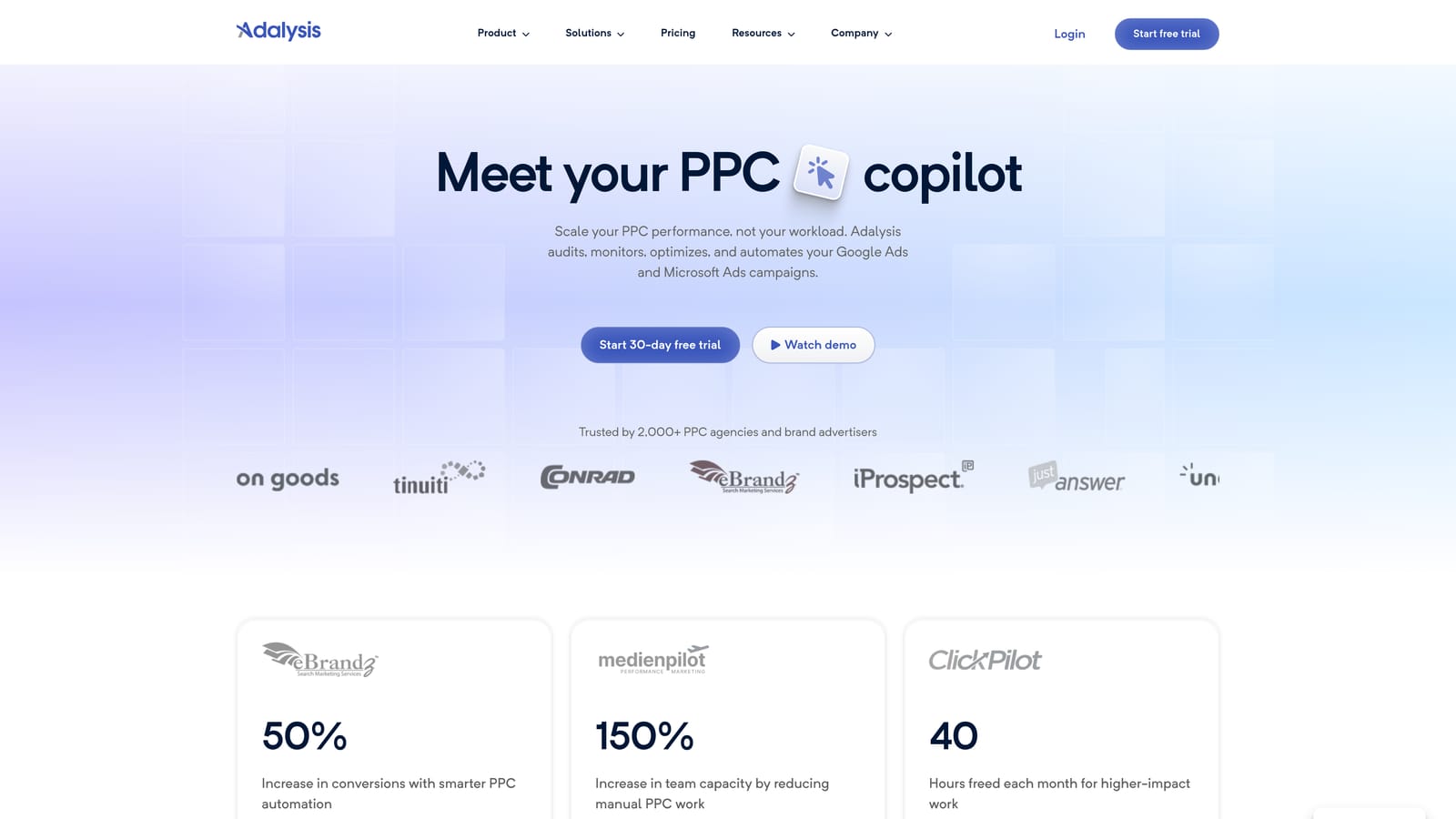
Its distinctive strength is ad copy testing. It analyzes ad tests automatically, so you don't have to calculate by hand whether one responsive search ad variation is really beating another, and it alerts you to issues as they appear.
What you get
- Account audits that find problems you'd otherwise discover too late.
- Ad copy test analysis that tells you which variations deserve to keep running.
- Alerts that flag changes and issues between your regular reviews.
- Quality checks across campaigns and ad groups.
- Reporting to share findings with clients or stakeholders.
Where it falls short
Adalysis is diagnostic. It tells you what's wrong, but you implement the fixes yourself in Google Ads. If you want one-click changes or rule-based automation, look at Optmyzr instead. The tool also pays off most with time and data, so a short trial on a low-volume account may show you little.
It works with Google Ads and Microsoft Advertising. Setup is mostly account connection, and a PPC manager or QA lead typically checks alerts day to day.
Pricing: see Adalysis's website for current plans and trial length as of October 2026. Account count and ad spend commonly influence price in this category.
Best for: Teams that want ongoing ad testing and QA alerts.
4. Opteo
Opteo turns Google Ads improvement ideas into a prioritized list you can review item by item. It's built for marketers who want guidance on what to do next, not a rules engine to configure.
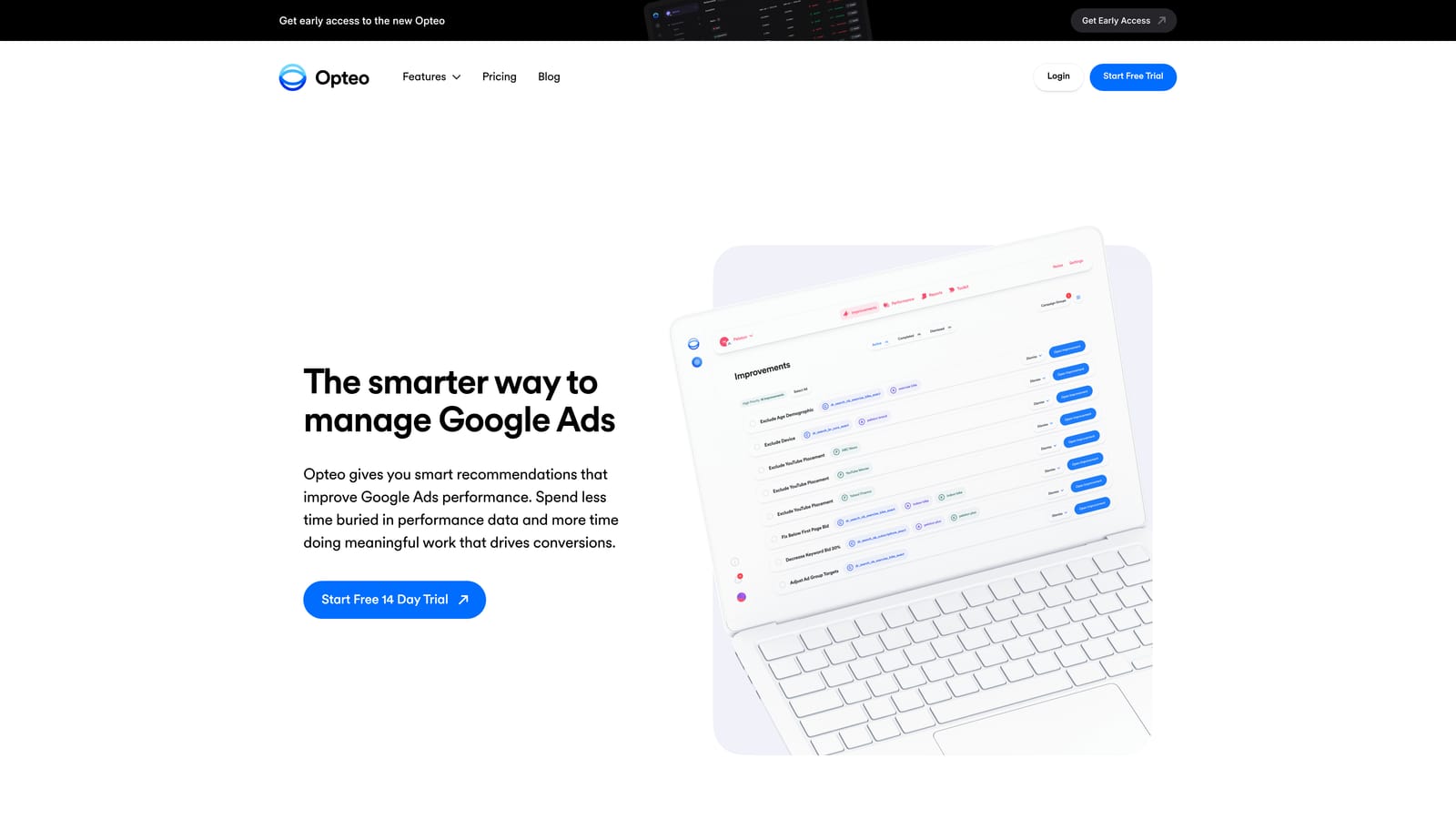
Compared with the others here, it's the most beginner-friendly. The interface is clean, and the to-do list format makes it obvious where to start, which helps if you don't have a senior PPC person on staff.
- Prioritized suggestions rank improvements so you tackle the important ones first.
- Account monitoring keeps an eye on performance between your check-ins.
- Budget and bid suggestions point to where spend could shift.
- Reporting helps you summarize results for stakeholders.
- A clean interface keeps the learning curve low.
It connects to Google Ads only, and setup is quick: authorize the account and start working through suggestions. One in-house marketer can run it alone.
Limitations: the Google Ads focus means no cross-platform coverage, and pricing may scale with ad spend, so verify that against your budget. Suggestions are still suggestions. Treat each as a hypothesis to check against your goals, not an instruction.
Pricing: see Opteo's website for current plans and trial terms as of October 2026.
Best for: In-house marketers and small teams wanting guided suggestions.
5. WordStream Advisor (LocaliQ)
WordStream Advisor, now associated with LocaliQ, is a small business ad management tool with account grading and guided suggestions. Check its current availability and packaging before you plan a trial around it, since this product line has changed hands and branding.
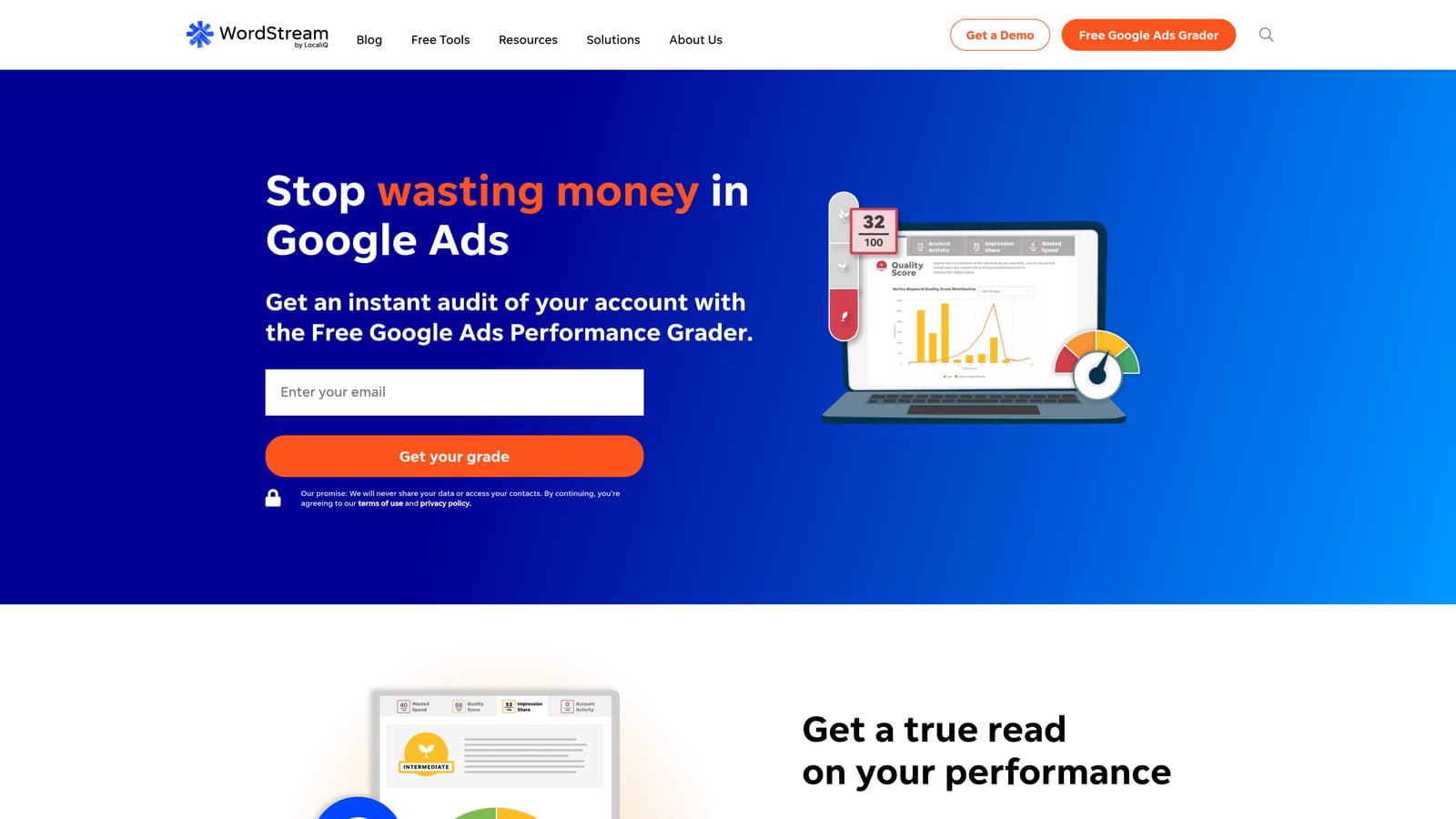
The standout is the free Google Ads Grader. You can get a quick read on account health without a long evaluation, which suits an owner who just wants to know whether the account is in decent shape.
- The Google Ads Grader scores your account and highlights weak spots.
- Optimization suggestions give you concrete next steps.
- Performance tracking shows how the account is trending.
- Budget guidance helps small advertisers decide where money goes.
It has historically supported Google Ads, Microsoft Advertising, and Meta Ads; verify the current list on the site. Setup is light and aimed at non-specialists.
It isn't built for agency workflows, so multi-client management, white-labeling, and deep customization are not its strength. Treat the grader's output as a starting point, not a verdict.
Pricing: see the WordStream website for current plans, trial terms, and what moves the price as of October 2026.
Best for: Small business owners wanting a quick account health read.
6. Google Ads Editor
Google Ads Editor is Google's free desktop application for bulk editing and offline campaign management. There's no trial clock because it's simply free.

Its strength is being first-party, free, and strong at structural work: restructuring campaigns, editing hundreds of ads, or copying settings across accounts.
- Bulk edits change many keywords, ads, or bids in one pass.
- Offline drafting lets you build changes without touching the live account.
- Multi-account management lets you work across clients in one app.
- Copy and paste across campaigns speeds up duplication and restructures.
- Change review shows what you're about to post before it goes live.
It works with Google Ads only. You download it, sign in, and sync accounts. Whoever owns the account structure runs it.
It has no recommendations engine, so it won't tell you what to change. It's a manual workflow, and it's less convenient for in-the-moment search term review than an in-interface tool.
Pricing: free.
Best for: Advertisers doing large structural edits on a zero budget.
7. Swydo
Swydo is a reporting platform for agencies, with automated, white-label client reports. It doesn't optimize campaigns; it makes the results look professional and arrive on schedule.
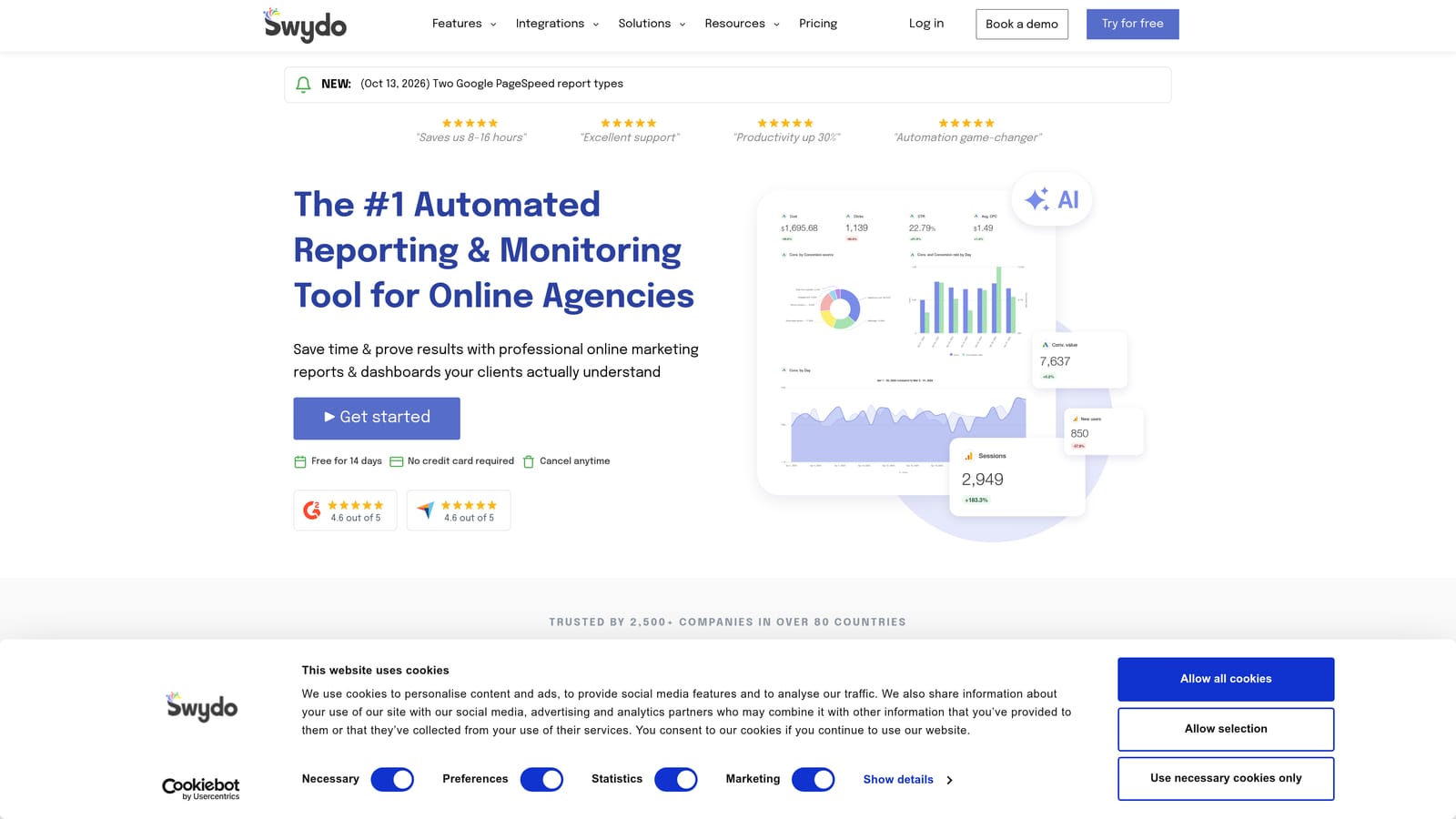
Its distinguishing feature is white-label automation across platforms. You can brand reports as your own and pull data from several ad sources into one deliverable.
- Automated reports save the monthly scramble of assembling slides by hand.
- White-label branding puts your agency's identity on client deliverables.
- Dashboards give clients a live view of performance.
- Multi-platform data sources combine Google Ads, Microsoft Advertising, Meta Ads, and Google Analytics.
- Client sharing sends reports without manual exports.
Setup means connecting data sources and building templates, which an account manager or operations lead usually does once and then reuses.
The limitation is plain: it reports but does not optimize. Freelancers with only a couple of clients may not need it. Pair it with a tool that handles the actual optimization work.
Pricing: see Swydo's website for current plans and trial terms as of October 2026. Reporting tools often price by the number of clients or data sources.
Best for: Agencies that need polished client reporting.
8. Google Ads Scripts and Recommendations
The native Google Ads options include the Recommendations page and Scripts, which are JavaScript snippets that automate checks inside your account. Both are free, and neither is an endorsement of any tool on this list.
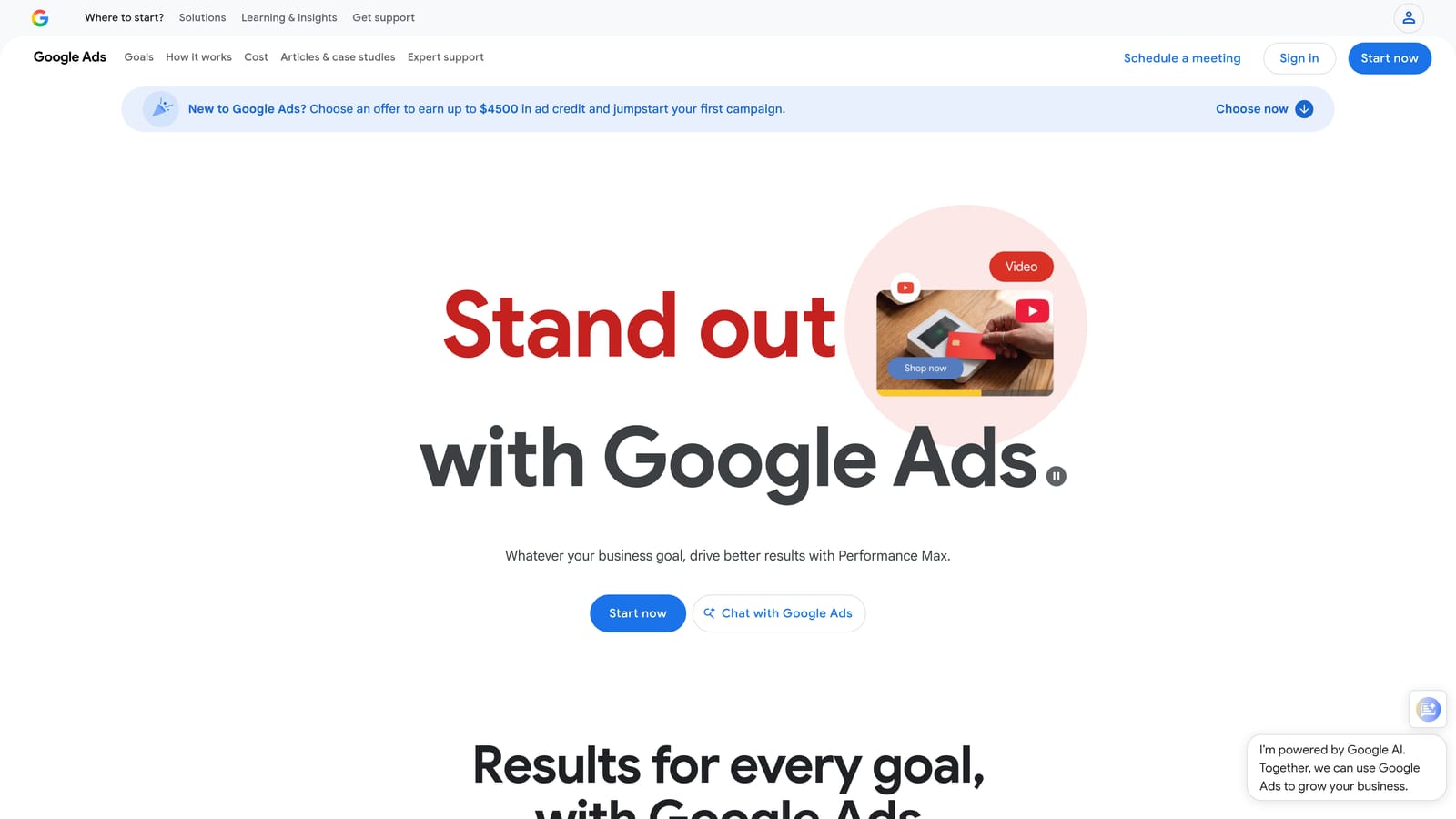
What's unique here is that it's free, native, and scriptable. If you can write or adapt JavaScript, you can build custom automation that paid tools charge for.
- The Recommendations page suggests account changes you can review and apply.
- Scripts automate checks, such as spotting broken URLs or spend anomalies.
- Script-based alerts email you when something looks off.
- Optimization score gives a rough gauge of how many suggestions are outstanding.
Setup involves pasting or writing scripts in the account, so someone technical has to own it. Without JavaScript skills, you'll be limited to copying community scripts and hoping they fit.
Don't treat Recommendations as neutral advice. They're generated by the platform that earns when you spend more, so review each one against your goals. A suggestion to broaden match types or raise budgets may not suit your account.
Pricing: free.
Best for: Technical advertisers wanting a free baseline.
Matching a Tool to One Job and Running a Trial That Counts
Match the tool to the job. For search term cleanup, start with Keywordme. For agency-wide audits and rules, try Optmyzr. For reporting, Swydo is the focused option. For a small-budget baseline, combine Google Ads Editor with native Recommendations and Scripts. Adalysis suits ongoing ad testing, while Opteo and WordStream suit teams that want guidance rather than configuration.
Then run the trial properly:
- Use a real account, since demo data hides the problems you actually have.
- Set one measurable goal, such as how long a weekly search term review takes or how many wasteful queries you block.
- Note the trial length and whether a card is required before you start, and check for auto-renewal.
Focused tools often beat all-in-one suites for a single job, so don't assume the biggest platform wins.
If search term review is where your hours go, Start your free 7-day trial (then just $12/month) and test Keywordme on a live account. Optimize Google Ads campaigns 10X faster, without leaving your account: remove junk search terms, build high-intent keyword lists, and apply match types instantly, right inside Google Ads. No spreadsheets, no switching tabs, just quick, seamless optimization.
.svg)