
9 Best PPC Optimization Software Tools for Freelancers in 2026
This guide reviews nine PPC optimization software tools chosen specifically for freelancers managing Google Ads across multiple client accounts without an agency ops team. Each pick is evaluated for pricing transparency, solo-operator usability, and measurable time savings on repetitive campaign tasks.


Freelancers running Google Ads campaigns face a real tension: clients expect polished, efficient account management, but most PPC tools are priced and designed for agencies with dedicated ops teams. You're managing five accounts between client calls, not running a 20-person PPC department.
This list focuses on tools that actually fit a freelance workflow: transparent pricing, fast learning curves, and genuine time savings on the repetitive tasks that eat your week. No enterprise suites that require a six-month onboarding process.
Here are the top PPC optimization tools worth considering in 2026, selected for pricing transparency, solo-operator usability, Google Ads compatibility, and time-saving value.
1. Keywordme
Best for: Freelancers who want to optimize Google Ads search terms without leaving the native interface
Keywordme is a Chrome extension that plugs directly into the Google Ads Search Terms Report, letting you take optimization actions without opening a separate dashboard or touching a spreadsheet.

Where This Tool Shines
Most PPC tools ask you to leave Google Ads, log into a third-party platform, make changes, and sync them back. Keywordme skips all of that. You're already in the Search Terms Report reviewing what triggered your ads—with Keywordme installed, you can remove junk search terms, add negative keywords, apply match types, and build new keyword groups right there, with a click.
For freelancers, that in-interface workflow matters. There's no context switching, no CSV exports, and no reconciling changes across platforms. It's especially useful during weekly optimization rounds when you want to move fast without making mistakes.
Key Features
One-click negative keyword addition: Add irrelevant search terms as negative keywords directly from the Search Terms Report without exporting to a spreadsheet.
Instant match type application: Apply broad, phrase, or exact match types to keywords without leaving the Google Ads interface.
Keyword clustering: Group search terms into tightly themed sets to build better-structured ad groups.
Bulk editing: Act on multiple search terms simultaneously rather than handling them one at a time.
Multi-account and team support: Manage several client accounts and collaborate with other team members, which makes it workable as your freelance business grows.
Best For
Freelancers who spend meaningful time each week reviewing search terms and managing negative keyword lists. Also useful for small agency teams who want a consistent, fast workflow across multiple client accounts without adding another full dashboard to the stack.
Pricing
$12/month per user, flat rate. A 7-day free trial is available, so you can test it against a real account before committing.
2. Google Ads Editor
Best for: Bulk campaign edits and offline changes across large keyword lists
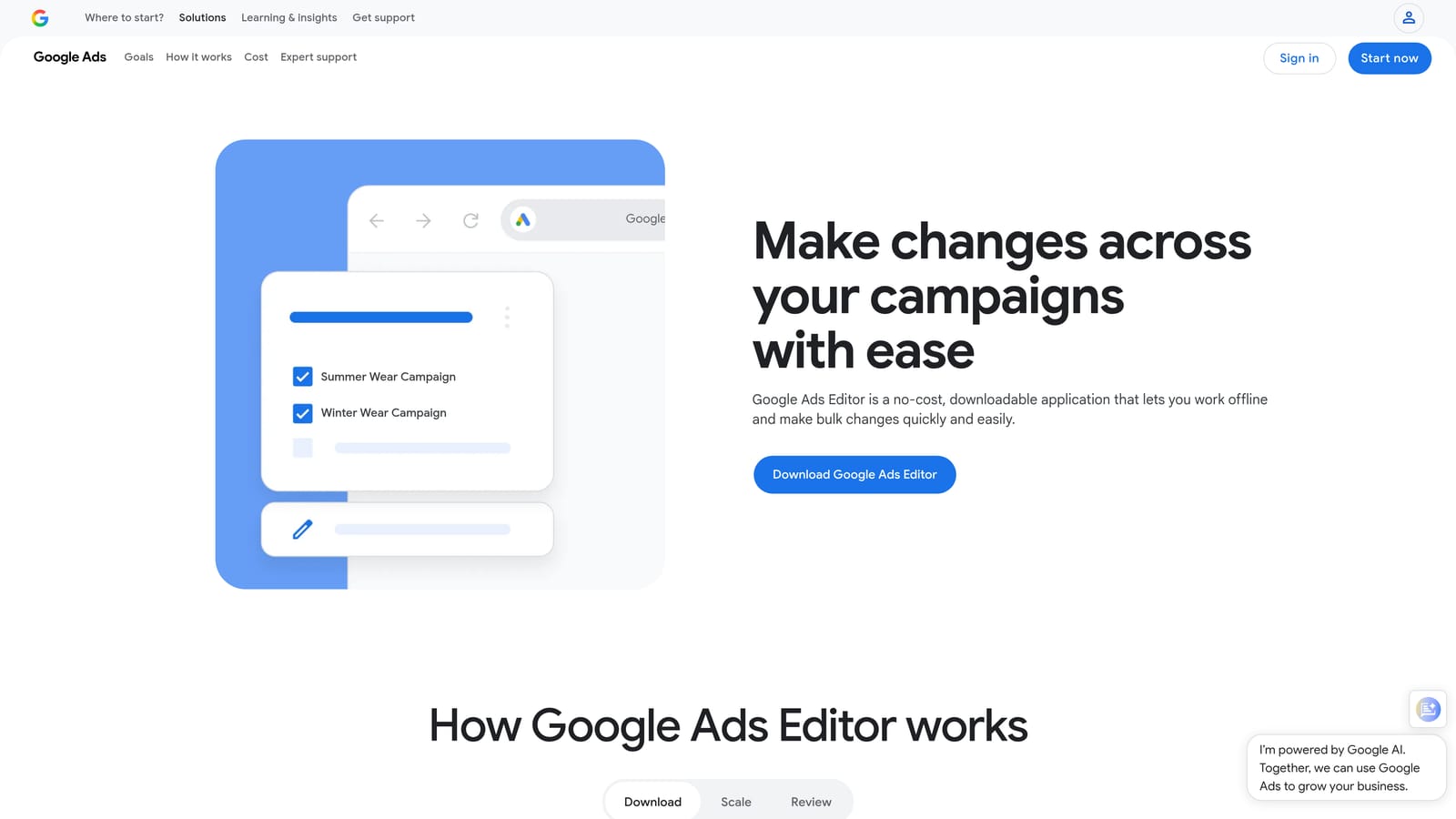
Google Ads Editor is Google's free desktop application for managing campaigns offline and uploading changes in batches.
Where This Tool Shines
When you need to restructure a campaign, rename ad groups across a large account, or make sweeping keyword changes, Google Ads Editor is hard to beat. It lets you work offline, stage all your changes locally, and review them before pushing anything live. That safety net is valuable when you're making edits at scale.
The find-and-replace function is particularly useful for freelancers inheriting messy accounts. You can locate and fix inconsistencies across hundreds of keywords in minutes rather than hours.
Key Features
Offline bulk editing: Edit keywords, ads, bids, and campaign settings without an active internet connection.
Multi-account management: Switch between client accounts within a single desktop interface.
Find-and-replace: Update text across large keyword lists or ad copy in bulk.
CSV import/export: Pull in structured edits from spreadsheets or export data for external review.
Free with any Google Ads account: No additional cost, no subscription required.
Best For
Freelancers doing structural account work: campaign builds, large-scale keyword additions, ad copy updates across multiple ad groups, or account reorganizations. Less suited to ongoing search term review and negative keyword management, where a tool like Keywordme is more efficient.
Pricing
Free. Available to any advertiser with a Google Ads account.
3. Optmyzr
Best for: Freelancers who want rule-based automation and client-ready reporting in one platform
Optmyzr is a PPC management platform built around one-click optimizations, rule-based automation, and polished reporting across Google Ads and Microsoft Ads.

Where This Tool Shines
Optmyzr analyzes your account and surfaces specific optimization recommendations you can act on with a single click. Think bid adjustments, budget pacing fixes, and keyword additions—presented as a prioritized action list rather than raw data you have to interpret yourself.
The reporting tools are genuinely useful for freelancers who bill by the hour and need to show clients what's been done. Pre-built templates and customizable dashboards reduce the time spent building reports from scratch each month.
Key Features
Rule-based automation: Set conditions for bid changes, budget adjustments, and keyword pausing without writing scripts.
One-click optimizations: Act on surfaced recommendations directly from the platform's analysis.
Report templates: Pre-built and customizable templates for client-facing performance reporting.
Quality Score Tracker: Monitor Quality Score changes over time across keywords and ad groups.
Shopping campaign optimization: Tools specifically for managing and improving Google Shopping campaigns.
Best For
Freelancers managing multiple Google Ads and Microsoft Ads accounts who want automation support and structured reporting without building everything from scratch. The learning curve is moderate, so it rewards those who invest time in the setup.
Pricing
Multiple tiers available. Verify current pricing at optmyzr.com before committing, as rates are updated periodically.
4. WordStream Advisor (LocaliQ)
Best for: Freelancers newer to PPC who want guided weekly optimization prompts
WordStream Advisor, now part of LocaliQ, is a guided PPC management tool built around a structured weekly workflow that surfaces the most impactful actions for your accounts.
Where This Tool Shines
The platform's signature feature is the 20-Minute Work Week: a weekly checklist of prioritized optimization tasks drawn from account analysis. For freelancers who are still building their PPC instincts, having the tool tell you what to focus on each week reduces the risk of spending time on low-impact changes while missing important ones.
It covers both Google Ads and Microsoft Ads, which is useful if any of your clients run campaigns on both platforms.
Key Features
20-Minute Work Week: Weekly prioritized action list based on account performance analysis.
Google Ads and Microsoft Ads coverage: Manage both platforms from a single interface.
Keyword and negative keyword tools: Suggestions for expanding keyword lists and filtering irrelevant traffic.
Performance grading: Account health scores that give clients a digestible view of campaign performance.
Guided workflow: Step-by-step prompts suited to practitioners who prefer structured guidance over open-ended dashboards.
Best For
Freelancers earlier in their PPC career who benefit from structured prompts, or those managing clients who want regular, easy-to-understand performance summaries. More experienced practitioners may find the guided approach limiting.
Pricing
Pricing is not publicly listed. Contact LocaliQ directly or visit localiq.com for current plans and quotes.
5. SEMrush PPC Toolkit
Best for: Freelancers who handle both SEO and PPC and want a single research platform
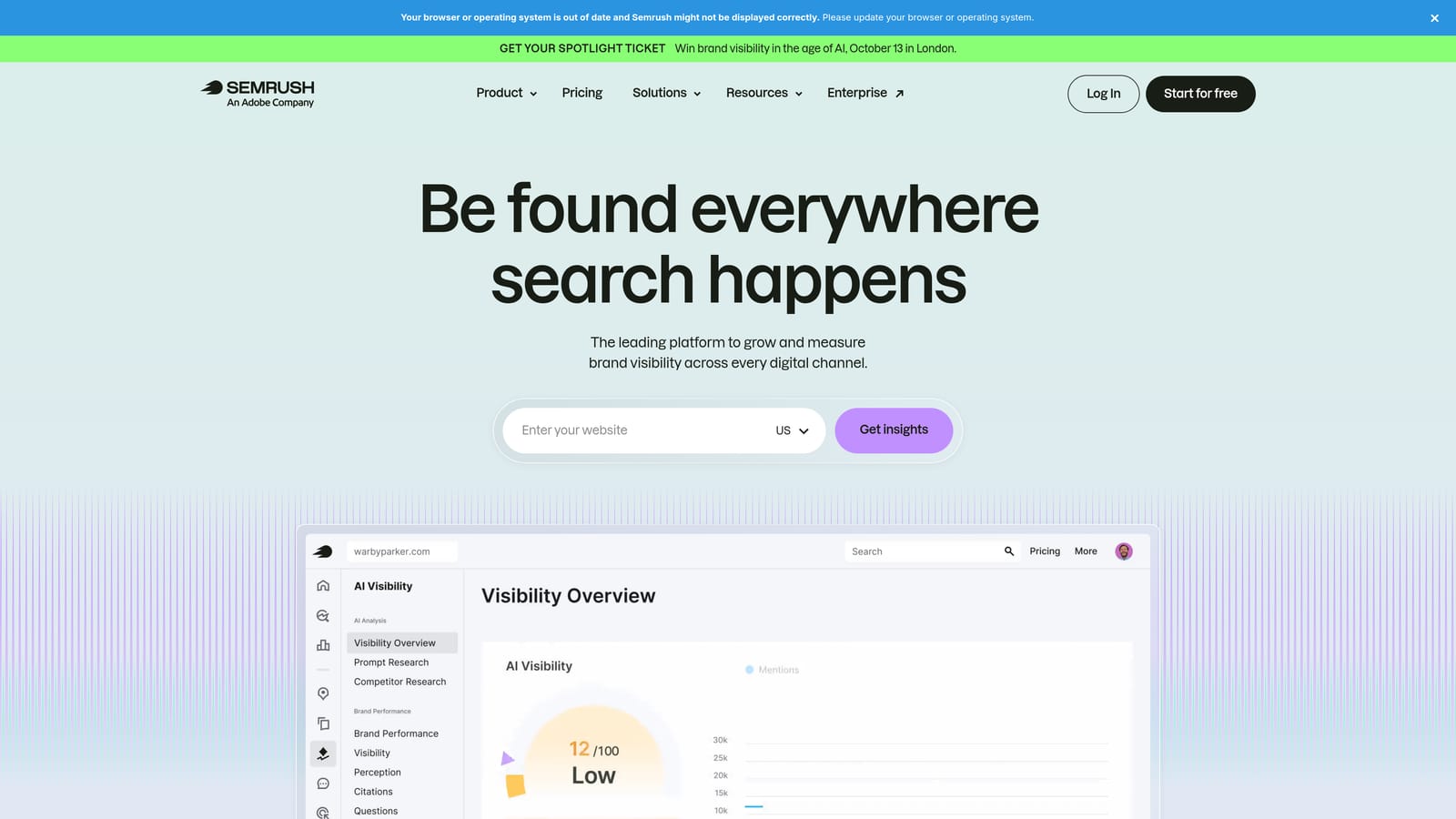
SEMrush is a broad digital marketing platform with a dedicated PPC toolkit covering keyword research, competitor ad intelligence, and ad copy analysis alongside its well-known SEO features.
Where This Tool Shines
If you're a freelancer doing both SEO and PPC for clients, SEMrush's combined value is hard to ignore. You're paying for one subscription that covers keyword research across both channels, competitor analysis, and content tools. The PPC-specific features are solid, particularly the Advertising Research tool, which shows you what keywords competitors are bidding on and what their ads look like.
For competitive markets where clients ask "what are my competitors doing?", SEMrush gives you a concrete, data-backed answer quickly.
Key Features
Keyword Magic Tool: Large-scale keyword discovery with filtering by intent, volume, and competition.
Advertising Research: View competitor paid keywords, estimated traffic, and ad copy history.
PLA Research: Intelligence on competitor Google Shopping product listing ads.
Ad Builder: Draft ad copy informed by competitor messaging and performance data.
Combined SEO and PPC value: One platform for freelancers who manage both services for clients.
Best For
Freelancers offering both SEO and PPC services who want consolidated research tools. Less compelling if you're PPC-only, where more focused tools may offer better value per dollar.
Pricing
Multiple tiers available. Verify current pricing at semrush.com, as plans and rates change.
6. SpyFu
Best for: Competitive paid search research at a lower price point than full-suite platforms
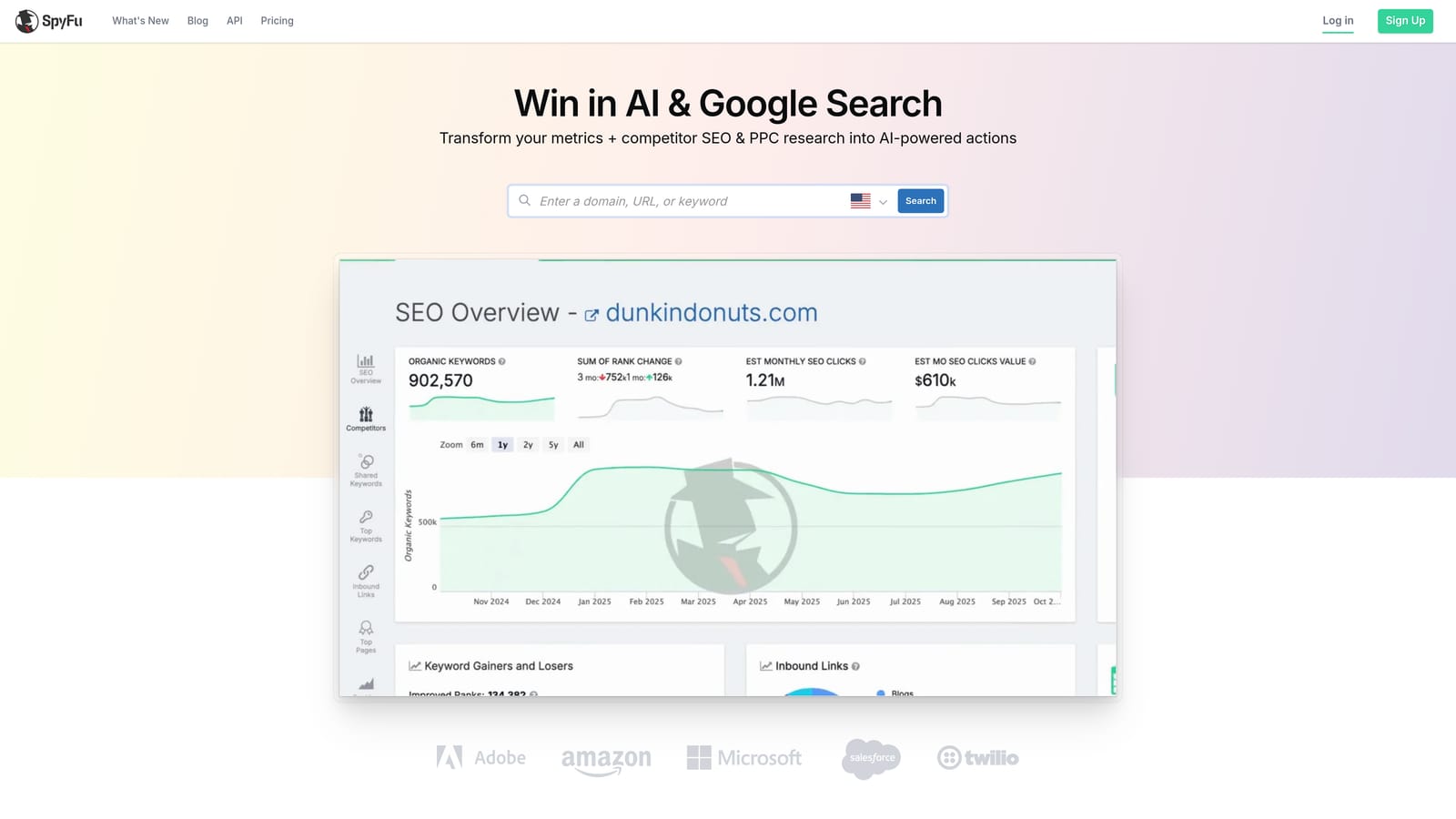
SpyFu specializes in paid search competitor intelligence, showing which keywords competitors bid on, their ad copy history, and estimated ad spend over time.
Where This Tool Shines
SpyFu is focused specifically on competitive intelligence, which makes it more affordable than broader platforms if that's your primary need. You can pull up any competitor domain and see their paid keyword history going back years, which is useful for understanding how a market has evolved and identifying gaps your clients can exploit.
For freelancers doing onboarding research for new clients or building initial keyword lists for a new vertical, SpyFu can compress hours of manual research into a much shorter session.
Key Features
Competitor paid keyword history: See which keywords competitors have bid on and for how long.
Ad copy history: Review years of competitor ad copy to spot messaging patterns and test ideas.
Google Ads and Bing Ads coverage: Competitive data across both major search platforms.
Negative keyword suggestions: Identify terms worth excluding based on competitive and intent analysis.
Lower price point: Generally more affordable than full-suite platforms for competitive research specifically.
Best For
Freelancers who regularly pitch new clients and need fast competitive landscape research, or those managing campaigns in competitive markets where understanding competitor strategy informs keyword and bidding decisions.
Pricing
Multiple tiers available. Verify current pricing at spyfu.com.
7. Adalysis
Best for: Freelancers who manage ad testing and account health monitoring across multiple accounts
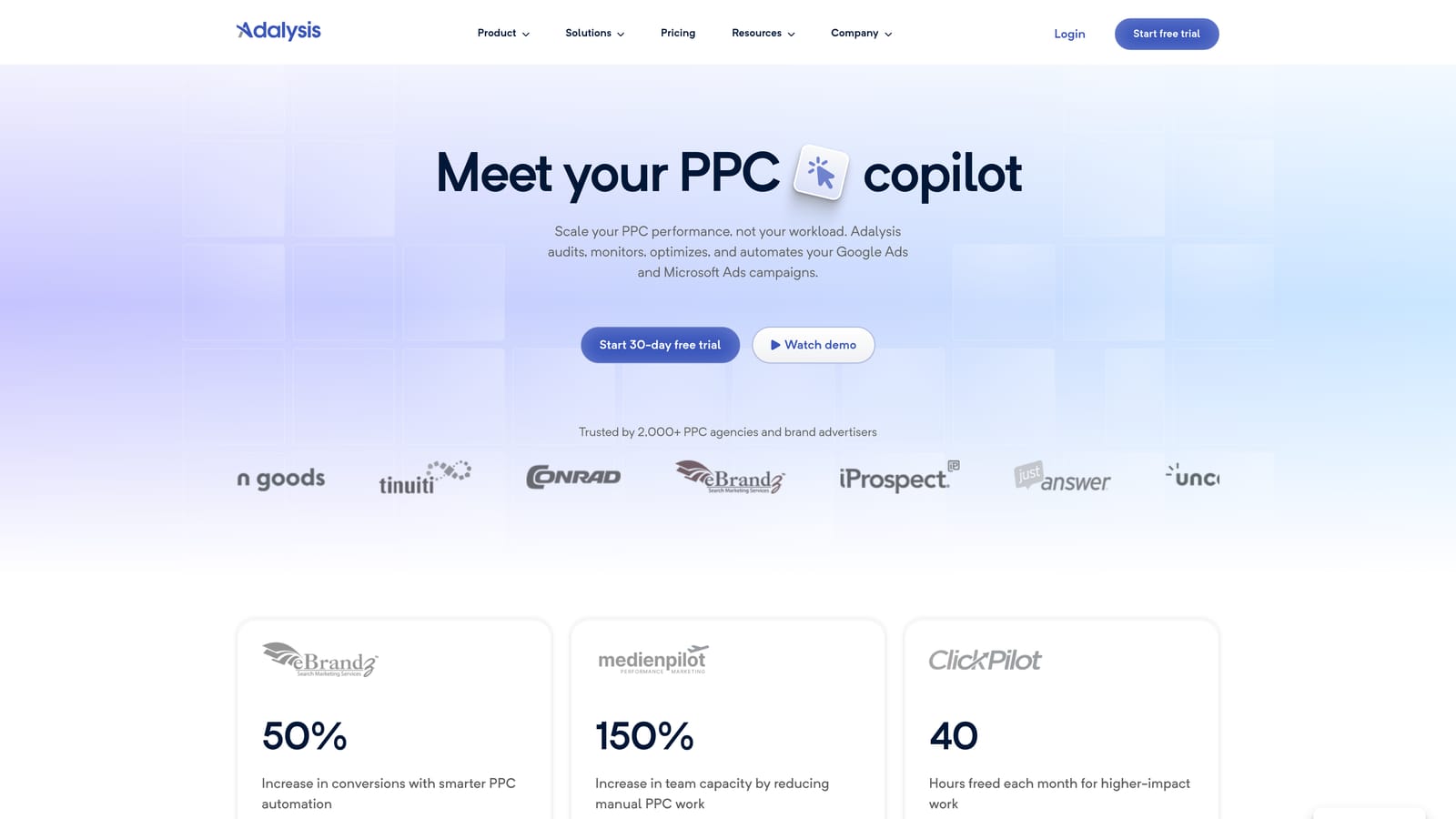
Adalysis is a PPC auditing and ad testing platform that automates A/B test analysis, tracks Quality Scores, and surfaces account health issues across Google Ads accounts.
Where This Tool Shines
Ad testing is one of those tasks that's easy to deprioritize when you're busy. Adalysis automates the analysis side: it monitors your ad variants, tracks statistical significance, and tells you when a test has a clear winner. That removes the mental overhead of remembering to check and interpret test results manually.
The account health audit feature is also worth highlighting. It flags issues like negative keyword conflicts, where a negative keyword in one campaign is inadvertently blocking a keyword you're actively bidding on in another.
Key Features
Automated A/B test analysis: Tracks ad variant performance and flags statistically significant winners and losers.
Quality Score monitoring: Tracks Quality Score changes over time and benchmarks against account averages.
Account health audit: Identifies structural issues and surfaces alerts for common account problems.
Negative keyword conflict detection: Flags cases where negative keywords are blocking intended traffic.
Ad spend-based pricing: Tiered by the volume of spend you manage, which can work in favor of smaller freelance accounts.
Best For
Freelancers who run ongoing ad testing programs and want automated analysis rather than manual spreadsheet tracking. Also useful for those managing accounts with complex negative keyword structures where conflicts are a real risk.
Pricing
Tiered by ad spend managed. Verify current rates at adalysis.com.
8. Google Keyword Planner
Best for: Free keyword research and search volume data drawn directly from Google's auction data
Google Keyword Planner is Google's free keyword research tool built into the Google Ads interface, providing search volume data, competition levels, and bid estimates.
Where This Tool Shines
No third-party tool gets its keyword data from a more authoritative source than Google Keyword Planner. The volume ranges, competition indicators, and suggested bid estimates come directly from Google's auction data, making it the most reliable starting point for keyword research before you've spent any money.
For freelancers building initial keyword lists for a new client or exploring a new vertical, it's the logical first stop. The keyword grouping feature also helps you sketch out ad group structure before you start building in the interface.
Key Features
Keyword discovery: Generate keyword ideas from seed terms, phrases, or a URL.
Search volume ranges: Monthly search volume data with seasonality trends.
Competition and bid estimates: Keyword-level competition indicators and suggested bid ranges.
Keyword grouping: Organize discovered keywords into logical groups for ad group planning.
Free access: Available to any advertiser with a Google Ads account at no additional cost.
Best For
Every freelancer running Google Ads campaigns should have this in their toolkit. It's the baseline for keyword research and campaign planning, and the zero cost makes it a no-brainer as a starting point before layering in paid research tools.
Pricing
Free. Requires a Google Ads account, which is also free to create.
9. Supermetrics
Best for: Automating recurring client reports by pulling Google Ads data into Google Sheets or Looker Studio
Supermetrics is a data connector that automatically pulls Google Ads, Meta, and other channel data into Google Sheets, Looker Studio, Excel, or BigQuery, eliminating manual report exports.
Where This Tool Shines
If you're spending a few hours each month pulling data out of Google Ads, formatting it in a spreadsheet, and dropping it into a client report, Supermetrics removes most of that work. You set up the data connection once, configure your refresh schedule, and the report updates automatically from then on.
For freelancers managing five or more clients, the cumulative time savings on reporting can be significant. It also reduces the risk of copy-paste errors in manual reports, which matters when clients are scrutinizing the numbers.
Key Features
Automated data pulls: Connects Google Ads, Meta, LinkedIn, and other platforms to your reporting destination.
Multiple destinations: Supports Google Sheets, Looker Studio, Excel, and BigQuery.
Scheduled refresh: Reports update automatically on your chosen schedule without manual intervention.
Custom metrics and blending: Combine data across channels and create custom calculated fields.
Recurring report automation: Significant time savings for freelancers who produce the same reports every month.
Best For
Freelancers who produce regular client performance reports and want to automate the data-gathering step. Less relevant if you only manage one or two accounts or if your clients don't require structured reporting.
Pricing
Tiered by the number of data source connectors. Verify current pricing at supermetrics.com.
Building the Right Freelance PPC Stack
The honest reality: no single tool covers everything a freelance PPC practitioner needs. The goal isn't to find one platform that does it all—it's to pick two or three focused tools that eliminate your biggest time drains without adding complexity or cost you can't justify.
Here's a practical starting point based on what most freelancers actually spend time on:
For daily search term optimization: Keywordme is the fastest way to clean up wasted spend without leaving your workflow. Working directly inside the Google Ads Search Terms Report means no context switching, no spreadsheets, and no reconciling changes across platforms.
For bulk campaign edits and account restructuring: Google Ads Editor handles the heavy lifting for free. Pair it with Keywordme and you have a solid in-interface-plus-bulk-editing combination.
For keyword research: Start with Google Keyword Planner (free, authoritative data) and add SpyFu or SEMrush when you need competitive intelligence. SEMrush makes more sense if you also handle SEO for clients; SpyFu is the leaner choice if paid search research is your primary need.
For client reporting: Supermetrics saves meaningful time once you're managing four or more clients with recurring reporting requirements. The setup investment pays off quickly.
For guided optimization and automation: Optmyzr suits freelancers who want rule-based automation and structured recommendations. WordStream Advisor works well if you prefer a more guided, checklist-driven approach.
If you're weighing cost more carefully, the guide to affordable PPC management software compares nine tools across pricing tiers and ROI—useful if budget is a key constraint in your stack decisions.
If the Search Terms Report is where you lose the most time each week, the most direct fix is to start there. Start your free 7-day trial of Keywordme and see how much faster your weekly optimization rounds get. Remove junk search terms, build high-intent keyword lists, and apply match types instantly, right inside Google Ads, for $12/month after the trial.
.svg)